Diamond's Shop
- By
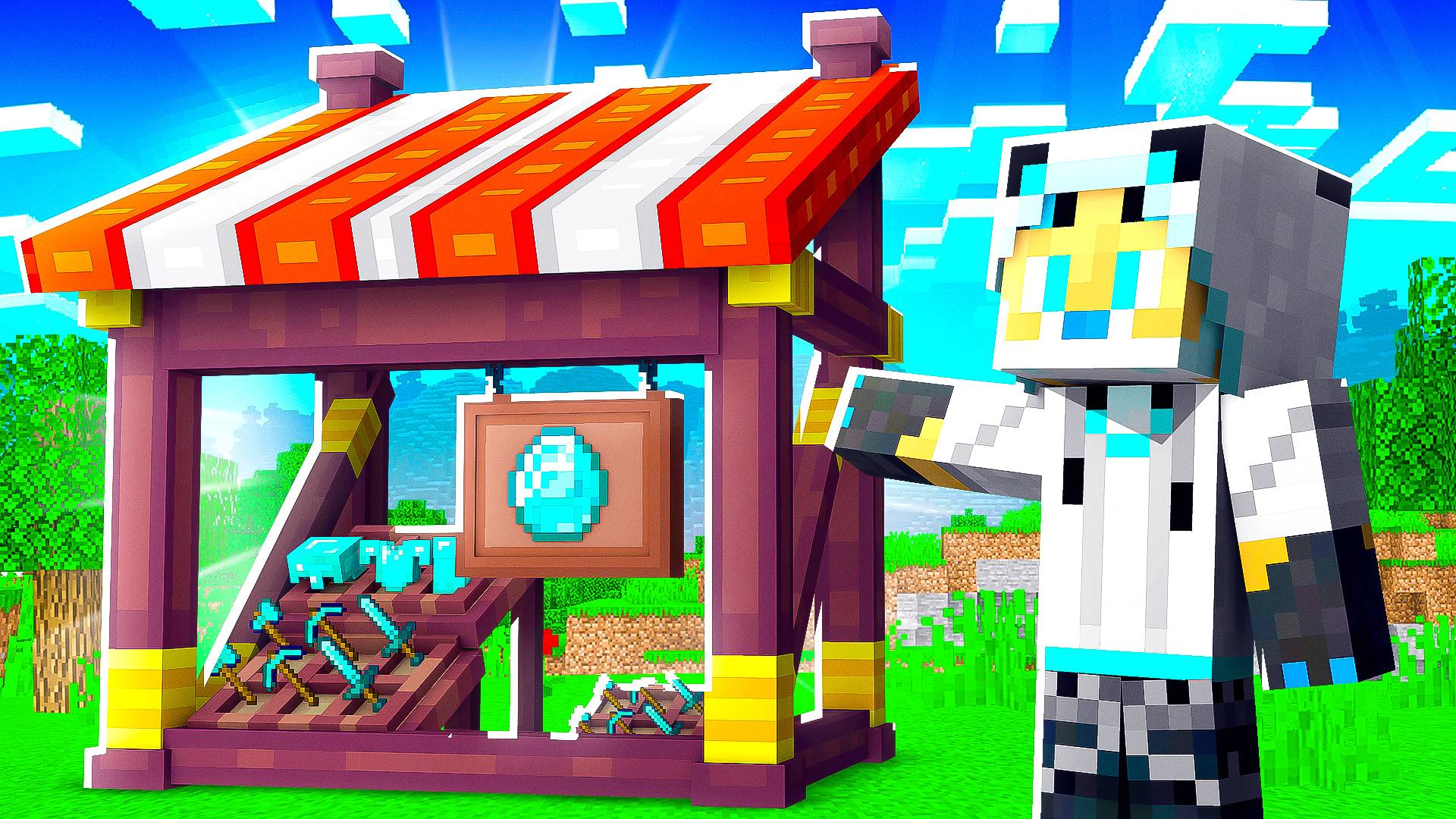
Adds a custom shop that lets you buy and sell, you can also create your own shops!
MCPEDL
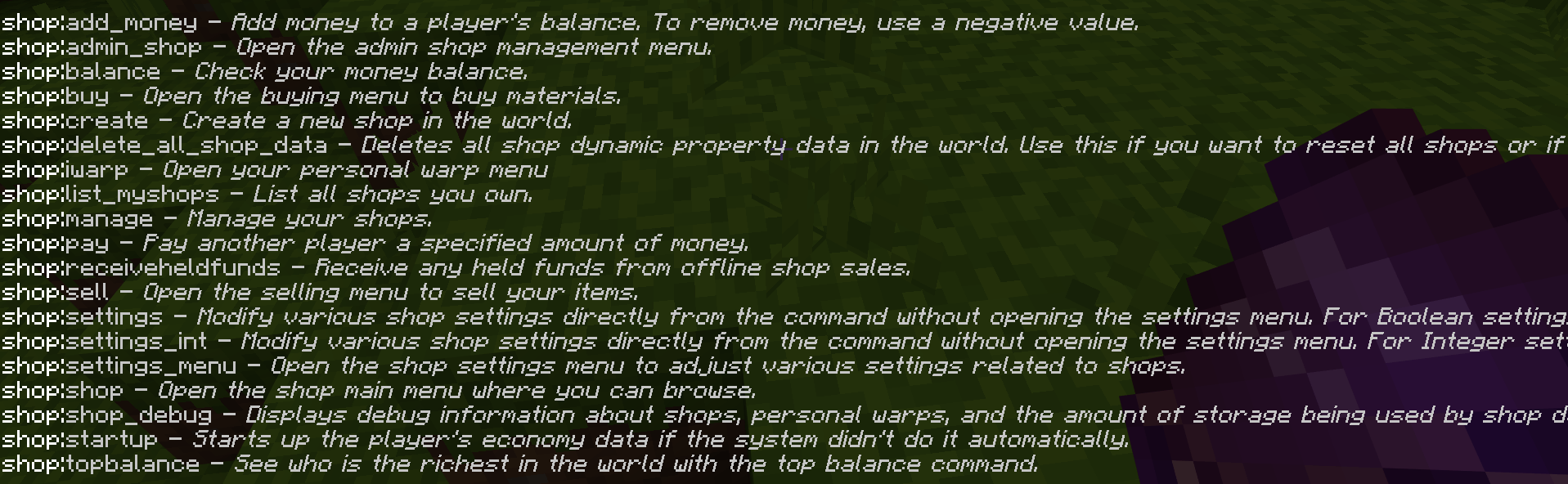
The list of commands
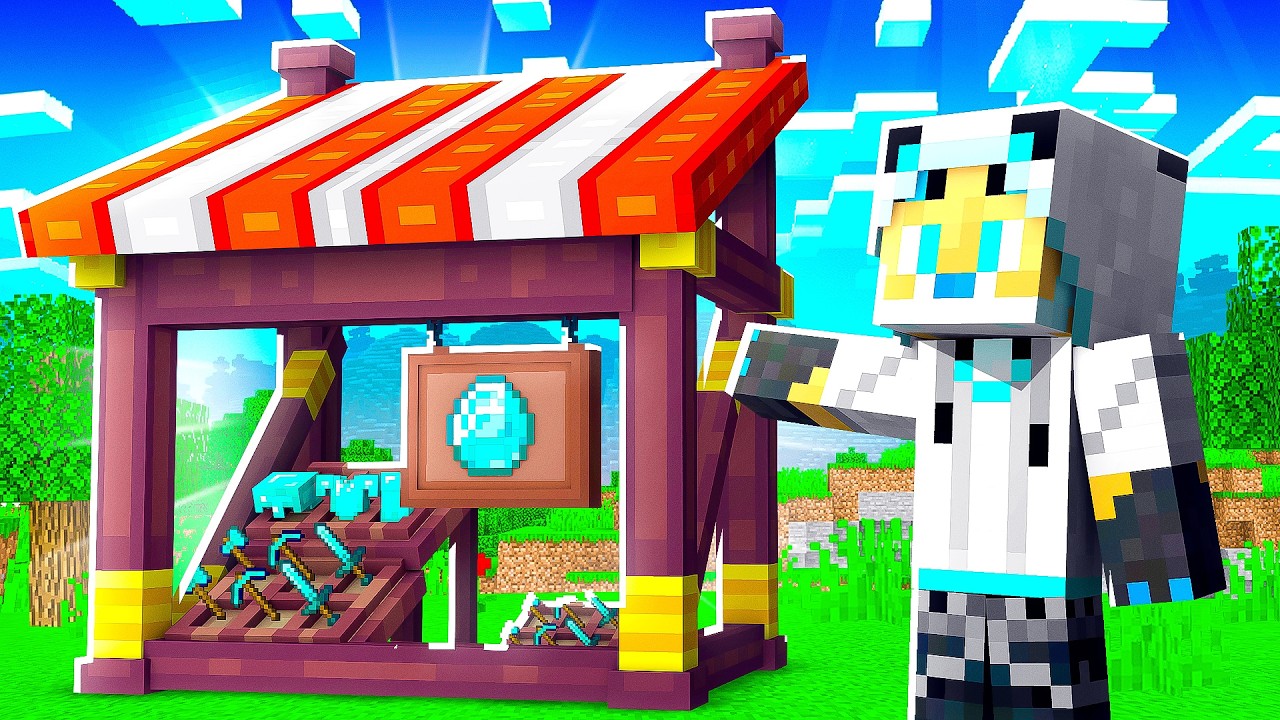
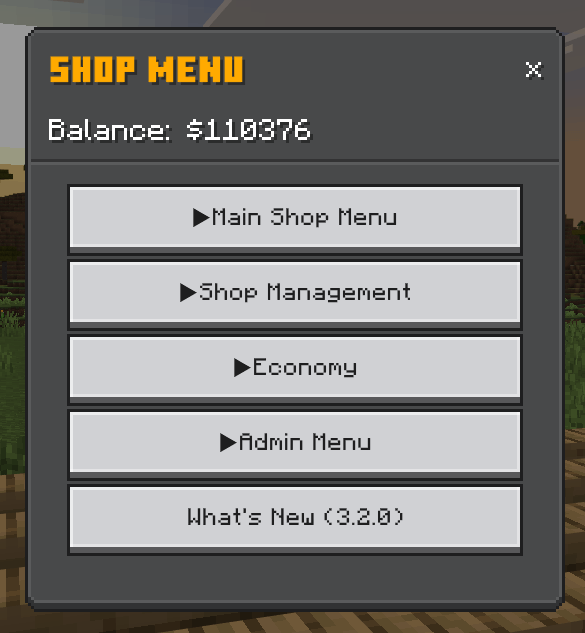
The New Menu Look & Structure
Description
Diamond's Shop V3.2.0
PLEASE MAKE SURE TO DOWNLOAD THE NEWEST VERSION FOR ALL THE LATEST FEATURES
What is it?
Diamond's Shop is an Addon that adds the ability to Sell, Buy, and Create Stores! This pack adds over 20+ custom commands and a custom item that you can use that helps you use the commands. The commands uses the identifier "/shop:", so typing that will give you a list.
With this pack you can:
- Buy
- Sell
- Create & Manage Shops
- Create & Manage Player Menus(NEW)
- Create Personal Warps
- Add money
This pack also have a settings option that lets you adjust certain features for all.
Creating A Shop
We made sure to give you, the players, a lot of customisability when creating the shop. Here is what you can do:
- The Shop's Name
- The Shop's Description
- The Shop Identifier (Separates shops from each other)
Adding Items
As long as you have it in stock, you can sell it. I tried my best to copy the item's data and have it saved to be sold the same way. Here is what it saves
- The Item's Id (Know what item it is)
- Item's Custom Name
- Item's Lore
- If Kept On Death
- Can Destroy
- Can Be Placed On
- Item's Enchantment (If Able)
- Item's Durability (If Able)
- Item's Book Data (If Able)
- Inventory Data¹ (If Able)
When you add an item, you can set how much you are selling, for how much, and how much is in stock. If you are an Admin/Operator, you can set the stock to unlimited. Items will only be grouped if EVERYTHING matches.
¹Only works with items with the storage_item component; Bundles is the only vanilla item
Money
Money is the main currency, which is defined as "$". You can make money by selling materials. You can also buy them back for double the price. Here is what you can sell/buy:
- Coal = $2 | $4
- Copper Ingot = $5 | $10
- Iron Ingot = $10 | $20
- Lapis Lazuli = $15 | $30
- Gold Ingot = $20 | $40
- Diamond = $50 | $100
- Emerald = $100 | $200
These are modifiable in the "Config.js" file, in the Config Class under the ItemControls Static. You can add, remove, and/or change them to fit your need in how you want to use it. You do need both the sell and buy price or it won't work.
Personal Warps
Personal Warps lets you create warps that is only available to you. It is simple to use, the first warp is free, but after it cost $500 to make another one.
When creating a warp, just stand where you want to create the warp, or know the coordinates, and create the warp. It needs a warp name (which can't be reused by the same player), the coordinates (x, y, z), the dimension, and if it uses the rotation. The rotation means that if you create a warp looking in a certain direction, you will teleport looking that way.
This system has been updated, with a new dynamic menu, to have the ability to create warps with 2 modes: Advance & Simple. You can also now create warps in Custom Dimensions, with some Predefined Dimensions. The Predefined Dimensions will check if that Dimension exist in the world and then checks the dimension that you are in. If you are not in a predefined dimension, then it will create a default Dimension Data and generates a Dropdown with dimensions available. The Predefined Dimensions will have a Custom Name and Description for the dropdown.
Advance Mode
Advance will teleport you to the exact coordinates that is provided.
Simple Mode
Simple will teleport you to the coordinates on the centre of the block that you are on.
Predefined Dimensions
- Vanilla Dimensions (Overworld, Nether, The End)
- Dimensional Travels Add-On (In The Marketplace)
Player Menu Shops
These unique menus are saved directly to each player, allowing you to access them easily. Simply use the shop item on the player to browse their offerings, but remember, the player must be online for you to make a purchase. Transactions are canceled if the player disconnects during the process, so always ensure smooth connection. You can buy both items and services, but please purchase from trusted players only, as the system relies on trust for service fulfillment.
Admin Features
Admins have more powers with stores. They can delete player stores, close them, rename them, change owners, and remove items. They can also edit the shop settings.
Other Things
If you are offline, other people can still buy things from your store and the money will be held. When you join, you will be notify that you have money held and to receive it, you need to do the held funds command.
If anything goes wrong, the "/delete_all_shop_data" will delete all the shope data which means that anything in the store is lost. This does a server/world announcement & notifies everyone that all the stores were deleted and who did it.
Know Issue
If an item has custom properties (dynamic properties), it will lose all the properties if you try to sell them as I am not able to save those.
If an item has NBT Data, like saved chest or shulkers, it will not save what is in the container
Diamond's Shop Team