Definitive Tree Capitator
- By
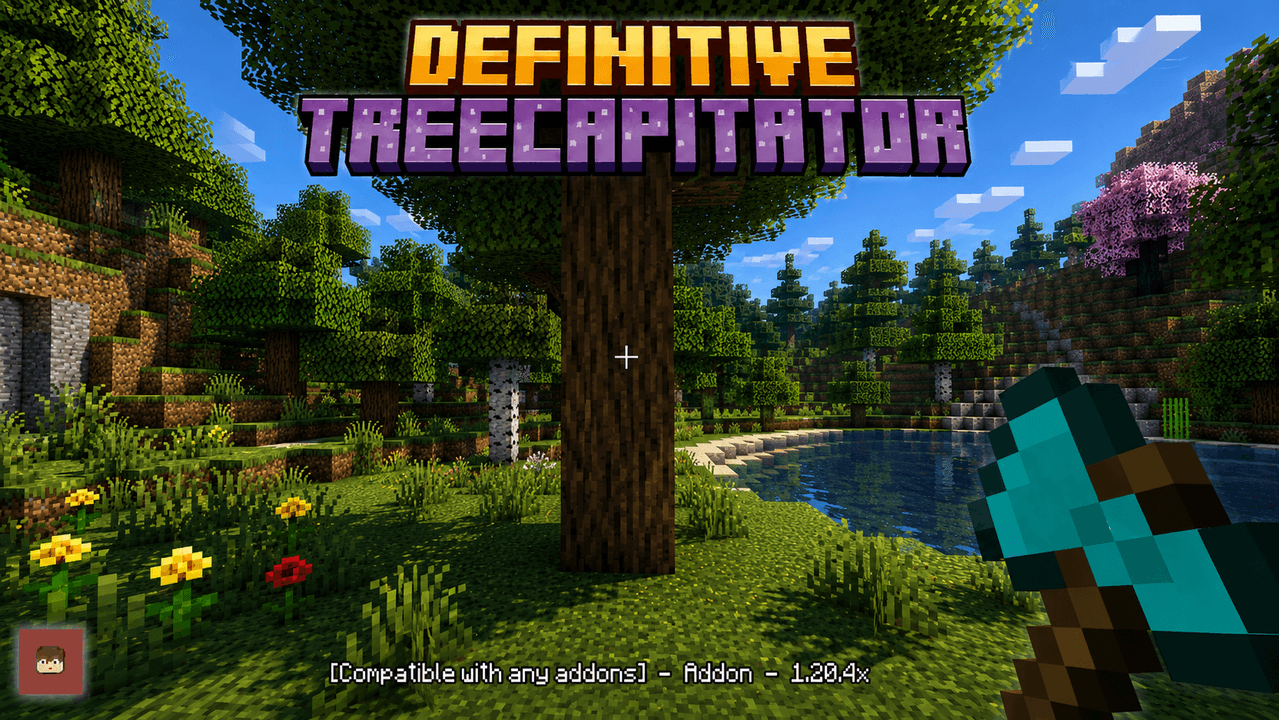
Tired of chopping trees so slowly? Well, look no further, this addon will allow you to remove an entire tree by chopping just one block, it is compatible with any addon since it does not use player.json
IMG_5817.png
Description
🌲 Definitive Tree Capitator – Minecraft Bedrock
Break one log and chop the whole tree.
Definitive Tree Capitator is made for players who want to speed up wood gathering without turning the game into a completely different experience.
You can keep it simple and use the default settings, or open the configuration book and change almost everything: how trees are detected, which trees can activate the addon, chopping speed, durability cost, replanting, leaves, custom axes, performance and more.
Main Features
- 🌲 Chop complete trees by breaking one log
- ✅ Achievements friendly
- ✅ No experimental gameplay required
- ✅ Realms & multiplayer support
- ✅ Works with other addons
- 🪓 Supports custom axes and hatchets
- 🚫 Does not use
player.json - 🌳 Multiple tree detection modes
- 🌱 Automatic replanting
- ⚡ Instant or progressive chopping
- 🪓 Configurable axe durability
- 🍄 Nether fungi support
- 🎋 Bamboo support
- 🚀 Performance modes for different devices
- 👤 Every player has their own configuration
- 🌐 Fully translated interface
- 🧩 Custom block rules
- 🛠️ Individual tool allowlist / blacklist
🆕 Latest Update – Block & Tool Rules Improvements
The newest update improves the custom compatibility system added to the configuration book.
You still have Block Rules and Tool Rules, but Tool Rules are now much easier to use and the configuration menus have been cleaned up visually.
🧱 Block Rules
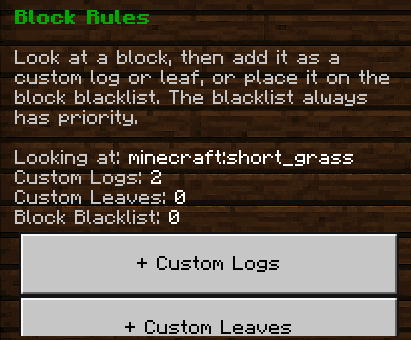
Look directly at a block and decide how Tree Capitator should treat it.
You can register the block as:
- Custom Log
- Custom Leaf
- Block Blacklist
This is useful for custom trees from other addons or for blocks that Tree Capitator cannot identify automatically.
The Block Blacklist always has priority. If a block is blacklisted, Tree Capitator ignores it even if it would normally be supported or was previously registered as a custom log/leaf.
You can view every saved entry, remove individual blocks or reset the entire section.
🪓 Tool Rules
Tool Rules have been improved in this update.
You no longer need to hold the tool in your main hand.

When you choose Tool Allowlist or Tool Blacklist, the addon now shows the compatible items currently found in your inventory. Just select the item you want to add.
- Tool Allowlist — Forces a selected item to work with Tree Capitator.
- Tool Blacklist — Prevents a selected item from activating Tree Capitator.
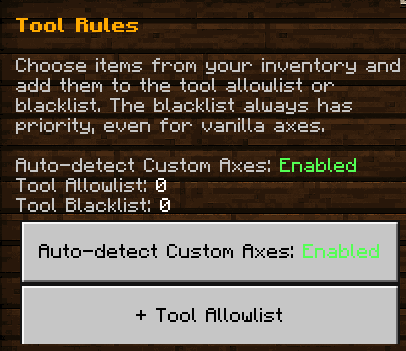
The blacklist has priority even over vanilla axes.
This makes custom tool support much easier when you have several addon tools in your inventory and do not want to swap each one into your hand just to configure it.

The existing Auto-detect Custom Axes option is still available, so automatic detection and manual Tool Rules can be used together.

Custom block and tool lists can store up to 64 entries each.
🌲 Update V4.0.1 – Tree Types
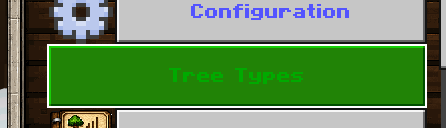
V4.0.1 added the Tree Types section.
Instead of enabling or disabling entire mechanics, each player can choose exactly which tree families are allowed to activate Tree Capitator.
Supported options:
- Oak
- Spruce
- Birch
- Jungle
- Acacia
- Dark Oak
- Mangrove
- Cherry
- Pale Oak
- Crimson Fungus
- Warped Fungus
- Bamboo
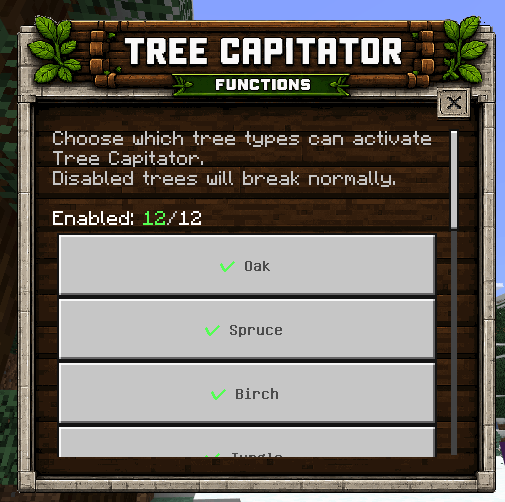
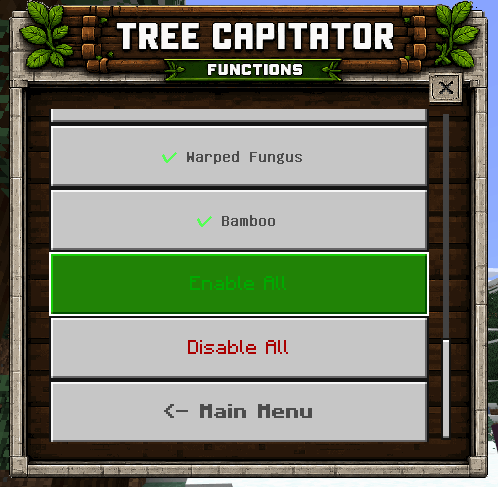
There are also Enable All and Disable All buttons if you do not want to change every tree one by one.
A disabled tree type simply breaks normally and will not trigger Tree Capitator.
This also works with Connected Blocks mode, so disabled tree types are not accidentally included while another tree is being processed.
🪓 More Than Just Instant Tree Chopping
You do not have to use Tree Capitator in only one way.
The addon can be adjusted for a normal survival world, a Realm, a big modpack/addon pack or even very large custom trees.
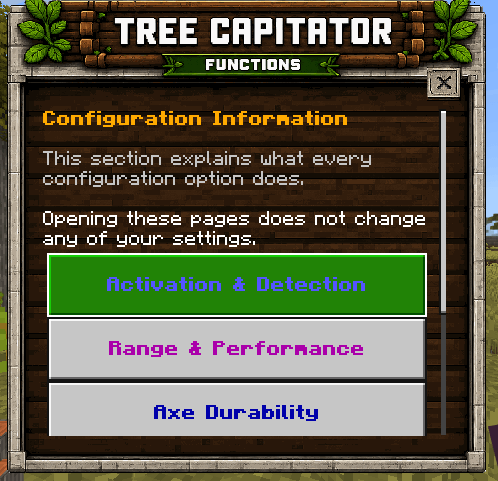
Each player can configure their own settings without changing everyone else's setup.
🌳 Tree Detection Modes
Smart Detection
Recommended for normal survival.
It uses stricter checks to identify natural trees and helps avoid accidentally destroying wooden builds.
Relaxed Detection
Allows more log variants such as stripped logs and wood blocks while still keeping basic tree validation.
Connected Blocks
Useful for large custom trees or addon trees.
It follows compatible connected logs with fewer restrictions, and now also respects your Tree Types, Custom Logs, Custom Leaves and Block Blacklist settings.
🌱 Automatic Replanting
Automatic Replanting can plant another sapling after a valid tree is chopped.
It also supports large 2×2 trees, as long as the player has the required saplings available.
🪓 Custom Axe Support
Definitive Tree Capitator can automatically recognize many axes and hatchets from other addons.
If a custom tool is not detected correctly, open Tool Rules and select it directly from your inventory.
- Keep Auto-detect Custom Axes enabled for normal automatic support.
- Select a custom tool from your inventory and add it to the Tool Allowlist to force support.
- Add any unwanted tool to the Tool Blacklist to stop it from activating Tree Capitator.
- The blacklist always has priority, including over vanilla axes.
This lets you mix automatic detection with your own manual exceptions instead of having to choose only one system.
🚀 Performance Modes
You can choose the profile that fits your device:
- Safe – Better for mobile devices, Realms and lower-end hardware.
- Balanced – Recommended for most players.
- Fast – Faster processing for stronger devices or smaller trees.
Tree processing is spread across game ticks to reduce large lag spikes when chopping bigger trees.
🎥 Video Showcase
⚙️ Configuration Options
The configuration book includes settings for:
- Activation Mode
- Tree Detection Mode
- Detection Range
- Chopping Order
- Chopping Duration
- Performance Mode
- Axe Durability Cost
- Break Leaves
- Custom Axes
- Base-Only Chopping
- Player-Placed Leaf Protection
- Nether Fungi
- Bamboo
- Automatic Replanting
- Chopping Sounds
- Chopping Particles
- Action Bar Information
- Player Statistics
- Tree Types
- Block Rules
- Tool Rules
You can leave everything at its defaults or adjust only the parts you care about.
🌐 Language Support
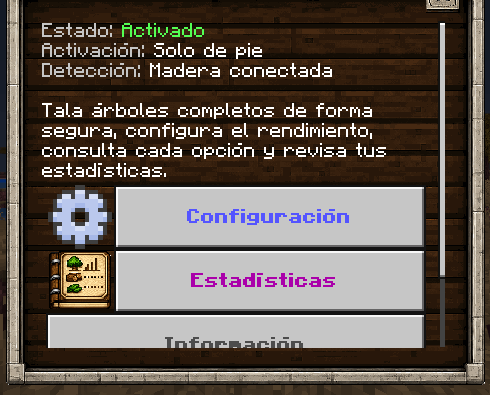
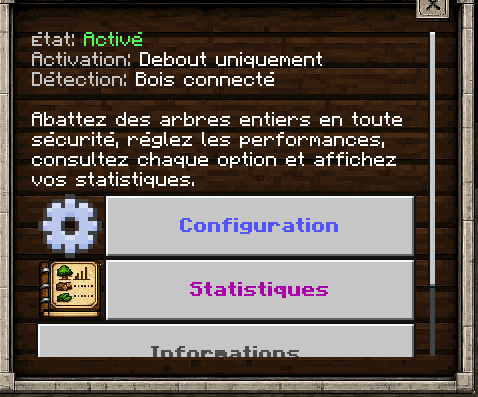
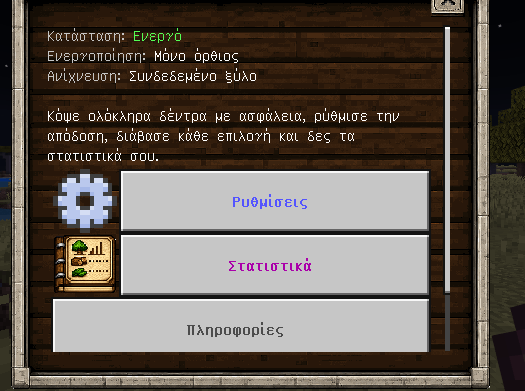
The configuration menus, descriptions and addon information are localized into the supported Minecraft languages.
The newest Block Rules and Tool Rules text is localized as well.
📊 Player Statistics
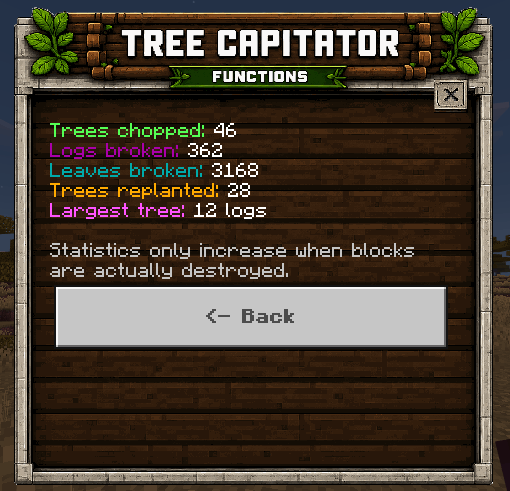
Every player has their own statistics:
- 🌲 Trees Chopped
- 🪵 Logs Destroyed
- 🍃 Leaves Destroyed
- 🌱 Trees Replanted
- 🏆 Largest Tree Chopped
🌎 Multiplayer & Realms
Definitive Tree Capitator was made with multiplayer in mind.
Configurations are stored per player. One player can use progressive chopping, another can use instant chopping, and another can disable Tree Capitator completely.
The same applies to Tree Types, Block Rules and Tool Rules. Tool Rules also read the items from each player's own inventory when adding new entries.
🎮 Compatibility
- ✅ Achievements friendly
- ✅ No experimental gameplay required
- ✅ Realms
- ✅ Multiplayer
- ✅ Other addons
- ✅ Custom axes / hatchets
- 🚫 No
player.json
📥 Installation
Install both packs:
Definitive Tree Capitator BP – Addon behavior and scripts.
Definitive Tree Capitator RP – Resources, UI and translations.
Activate both packs in your Minecraft Bedrock world.
No experimental gameplay is required.
💬 Community & Support
Found a bug, have an idea or want to see what I am working on next?
You can also request custom commissions there.
🌐 More Addons
You can find my other Minecraft Bedrock addons and new releases here:
❤️ Support the Project
If you enjoy Definitive Tree Capitator and want to support future updates:
The Definitive Tree Capitator Team


Owner