Cornbread's Texture Fixer
- By
Fixes and patches up some of the less polished areas of the game's visuals.
Description
Minecraft's textures are great, but over the years, the little bits of rough unpolished-ness start to pile up. This pack aims to make the game just generally look less broken by adding and tweaking textures to things that aren't quite as great as they could be. Especially that XP bar.
Important!
This page will no longer be updated. For versions past Beta 1, go to Planet Minecraft.
Features:
Blocks:
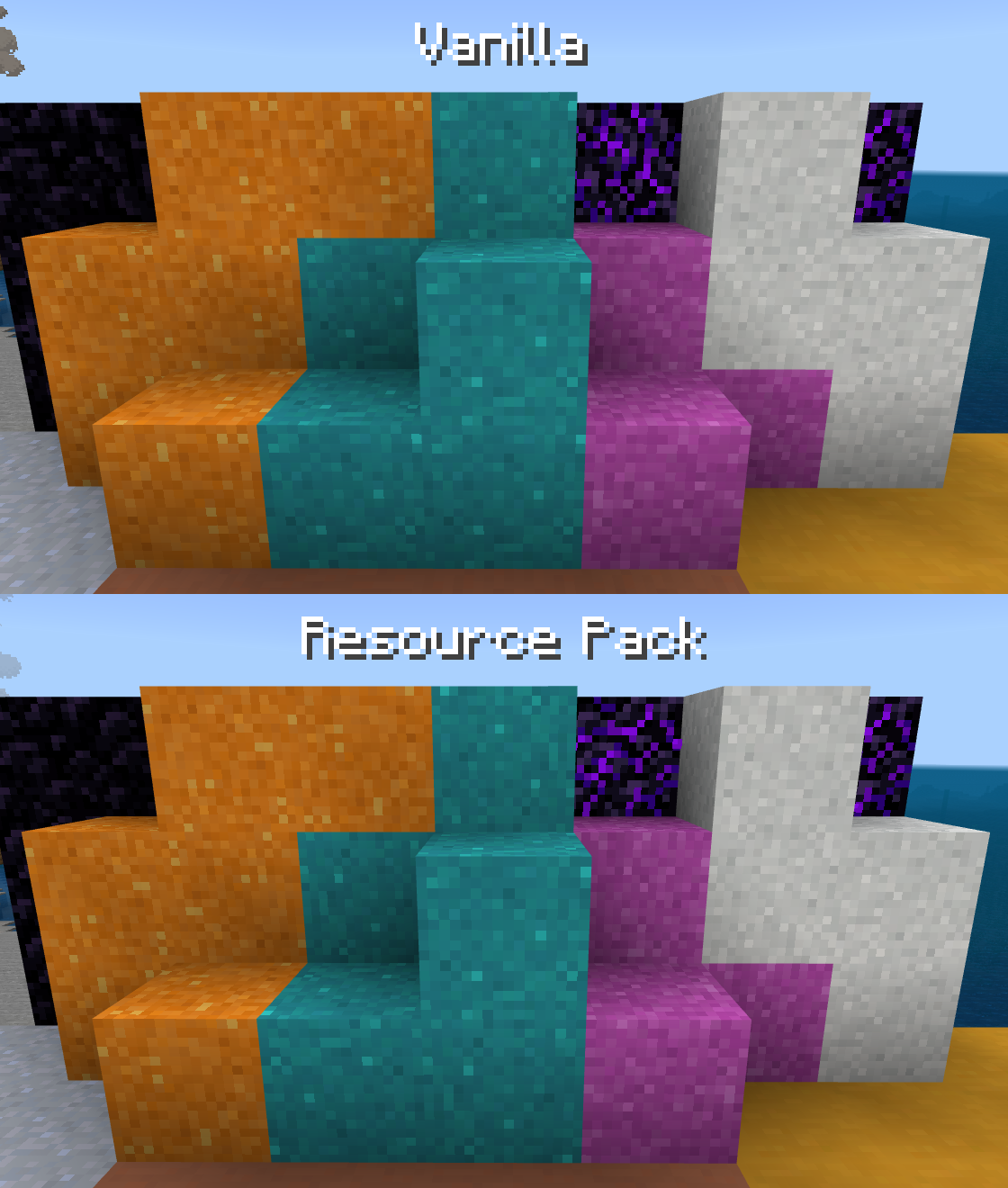
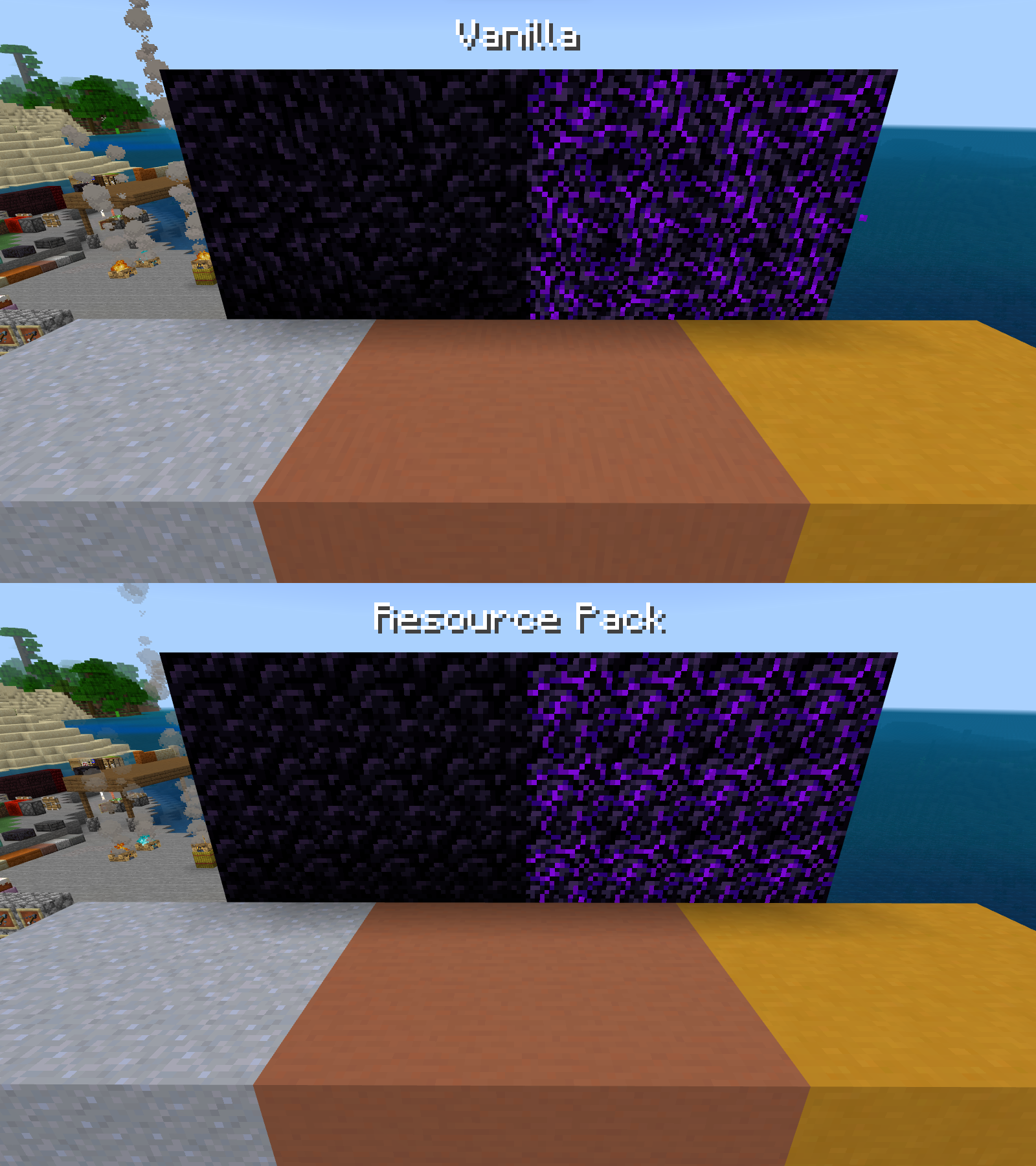
- Clay, Terracotta, Stained Terracotta, Obsidian, and Crying Obsidian do not rotate their textures.
-
-
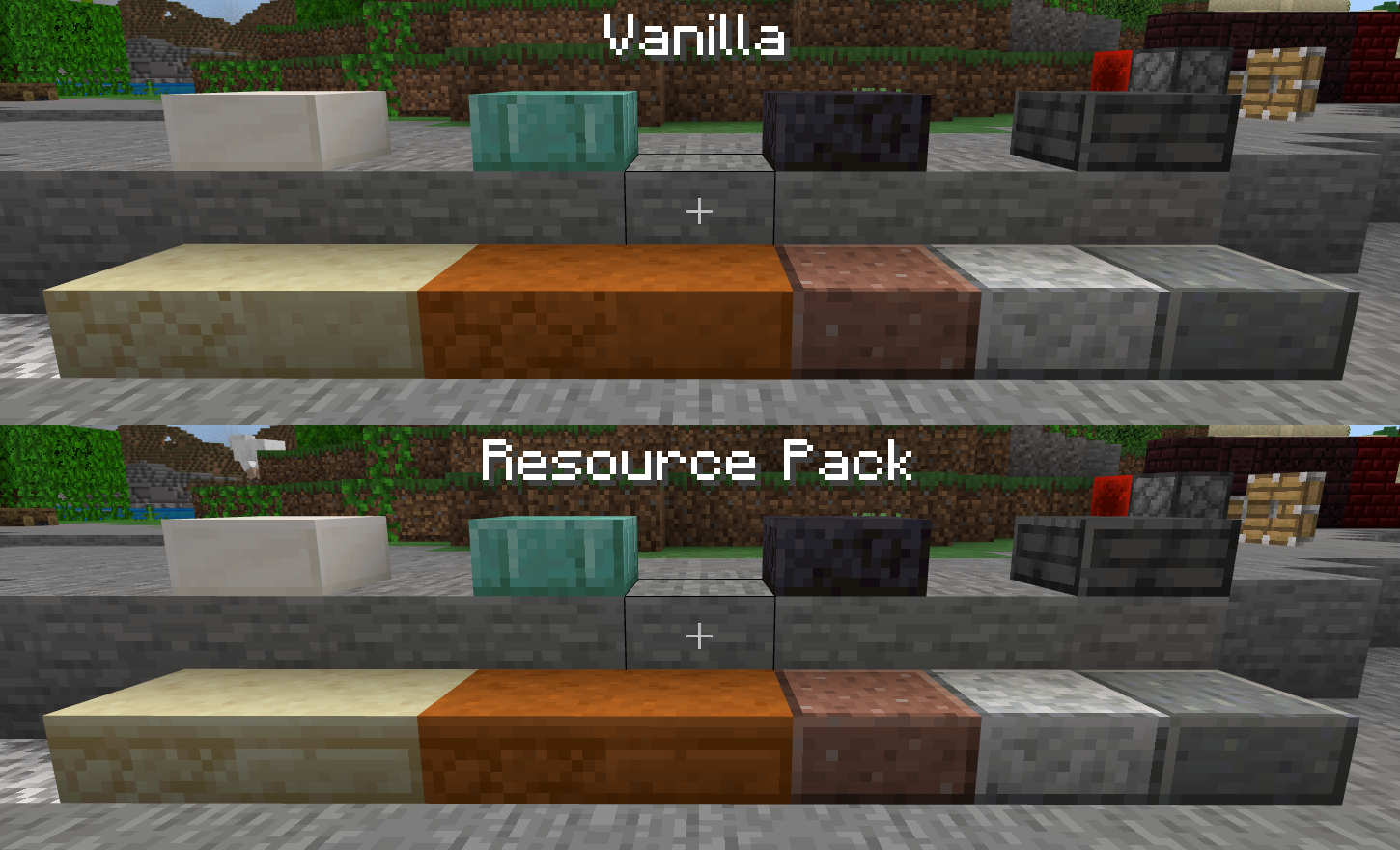
- Polished slabs have proper side textures.
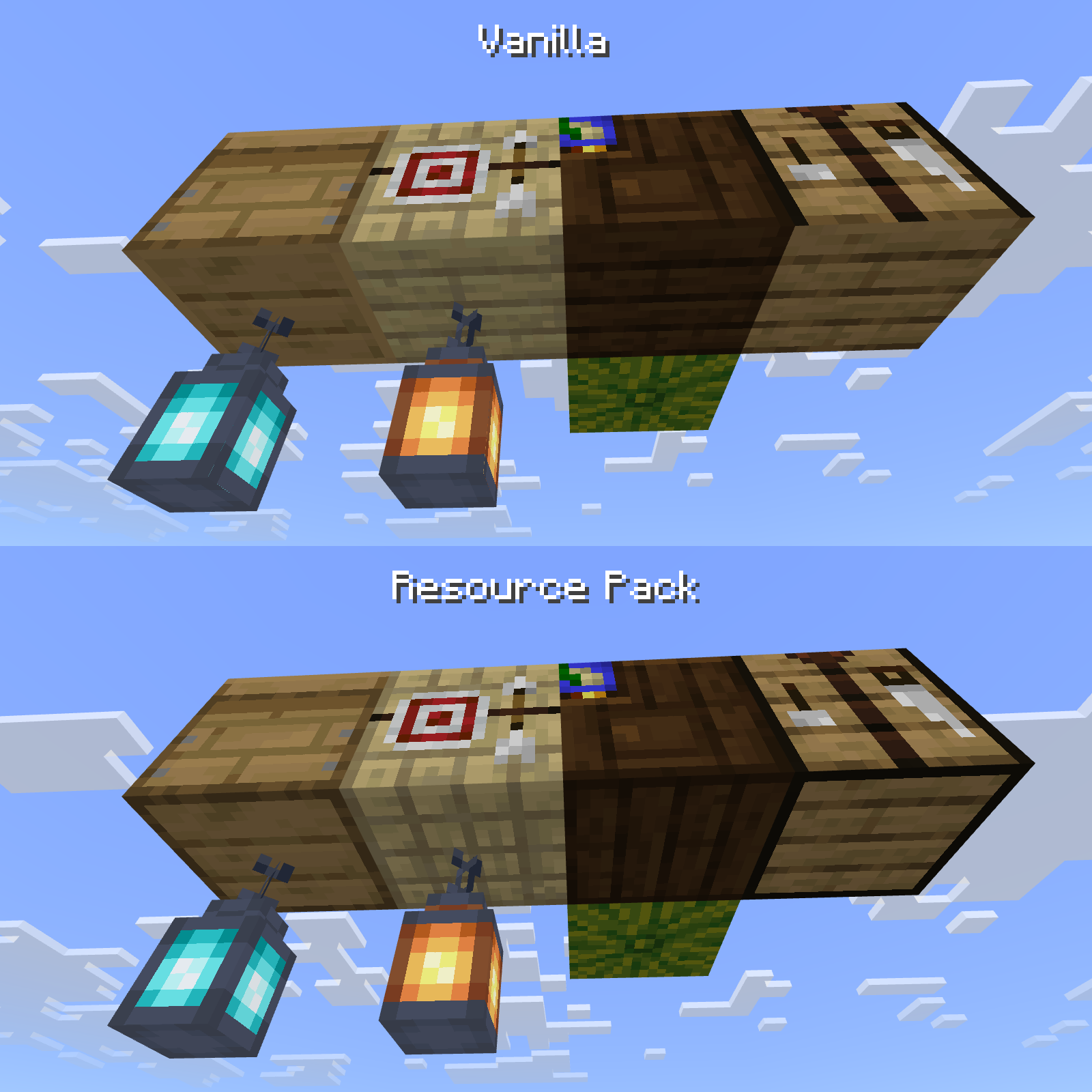
Crafting Tables, Cartography Tables, Fletching Tables, and Beehives have proper bottom textures.
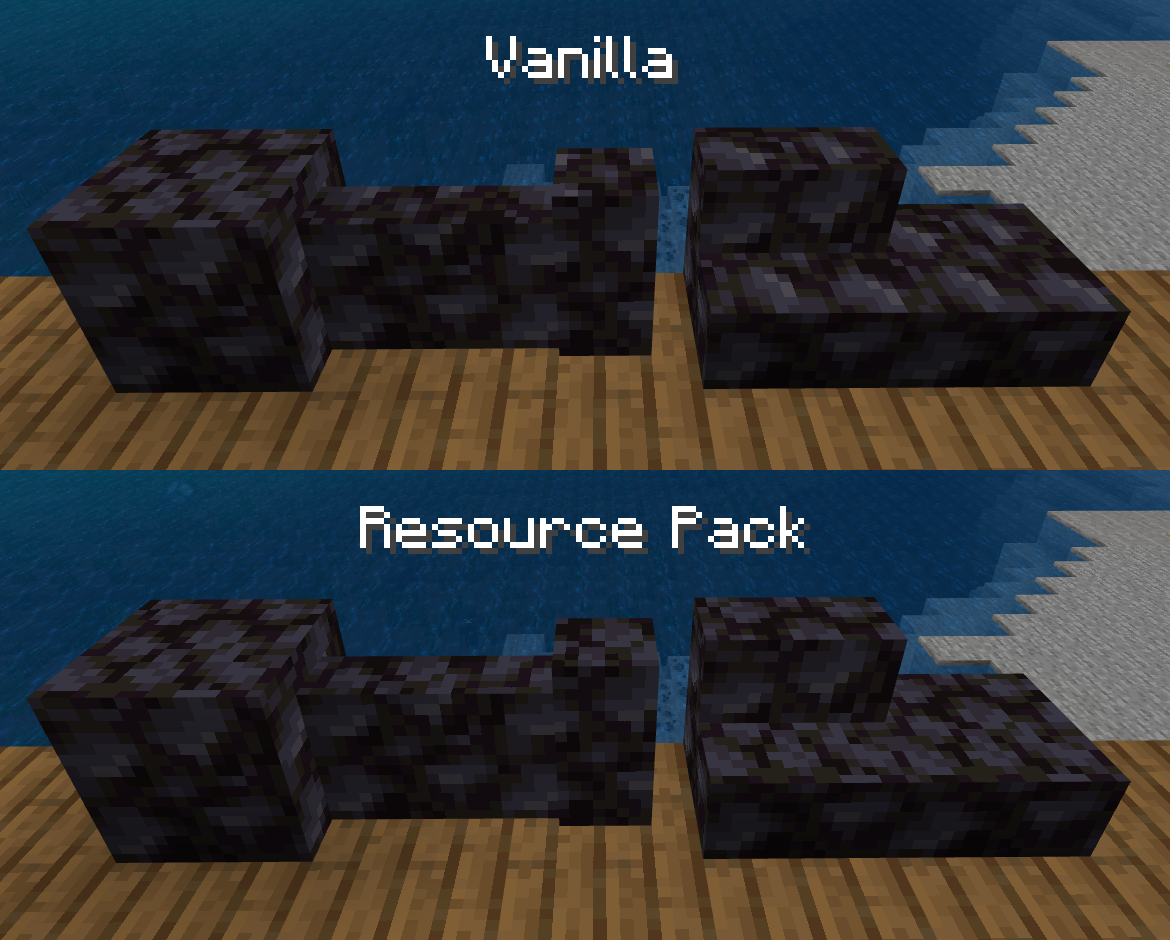
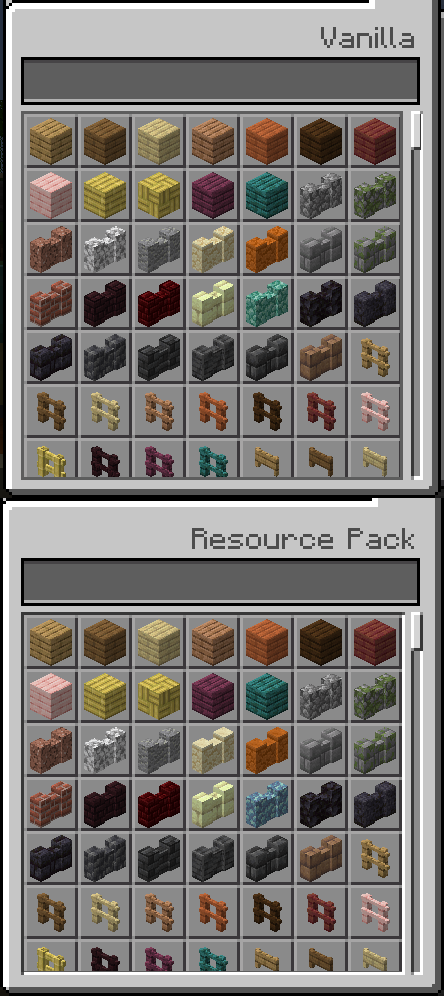
- Blackstone Walls, Stairs, and Slabs use the correct texture on the top and bottom.
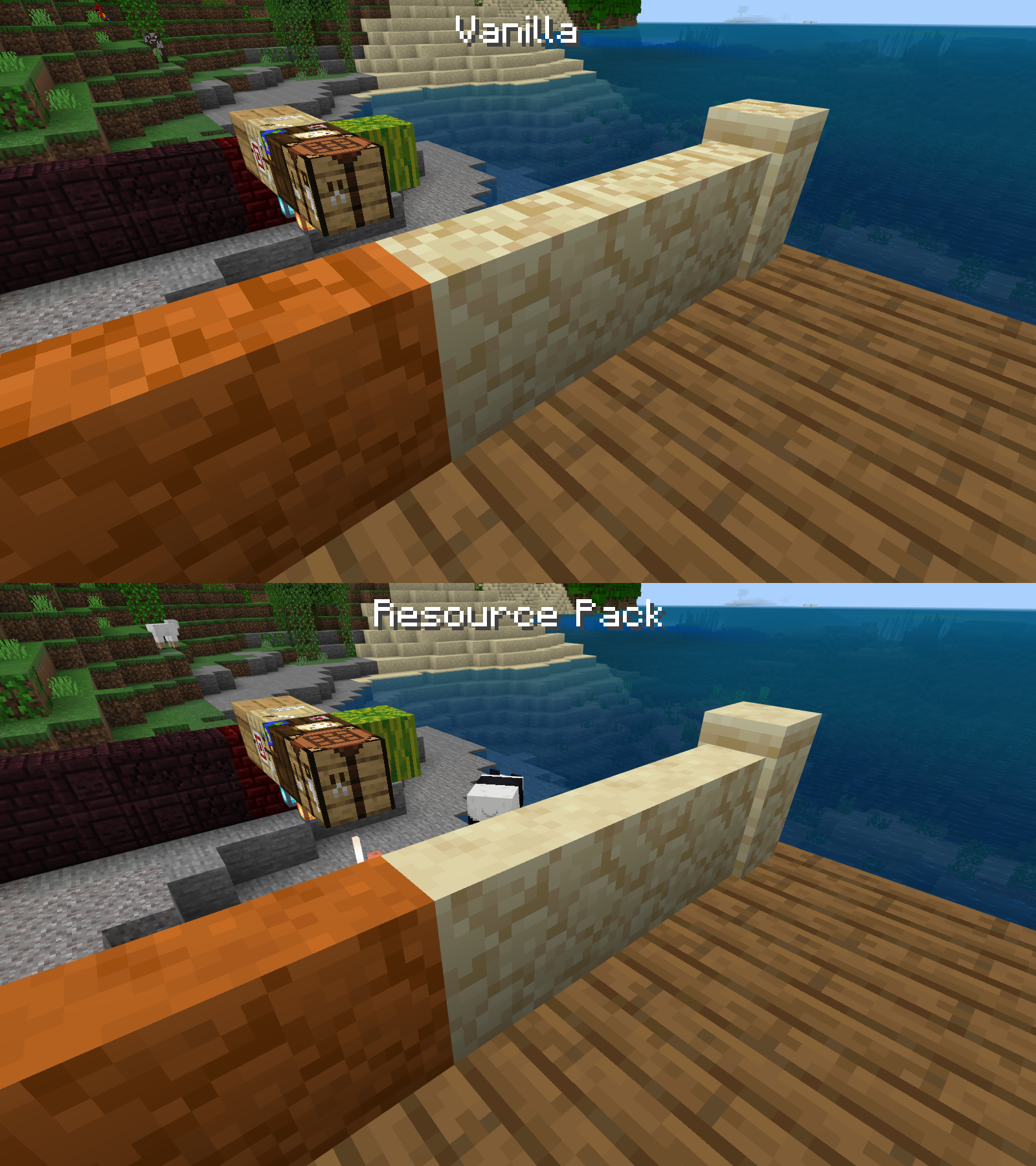
- Tops and bottoms of Sandstone Walls do not use the side texture.*
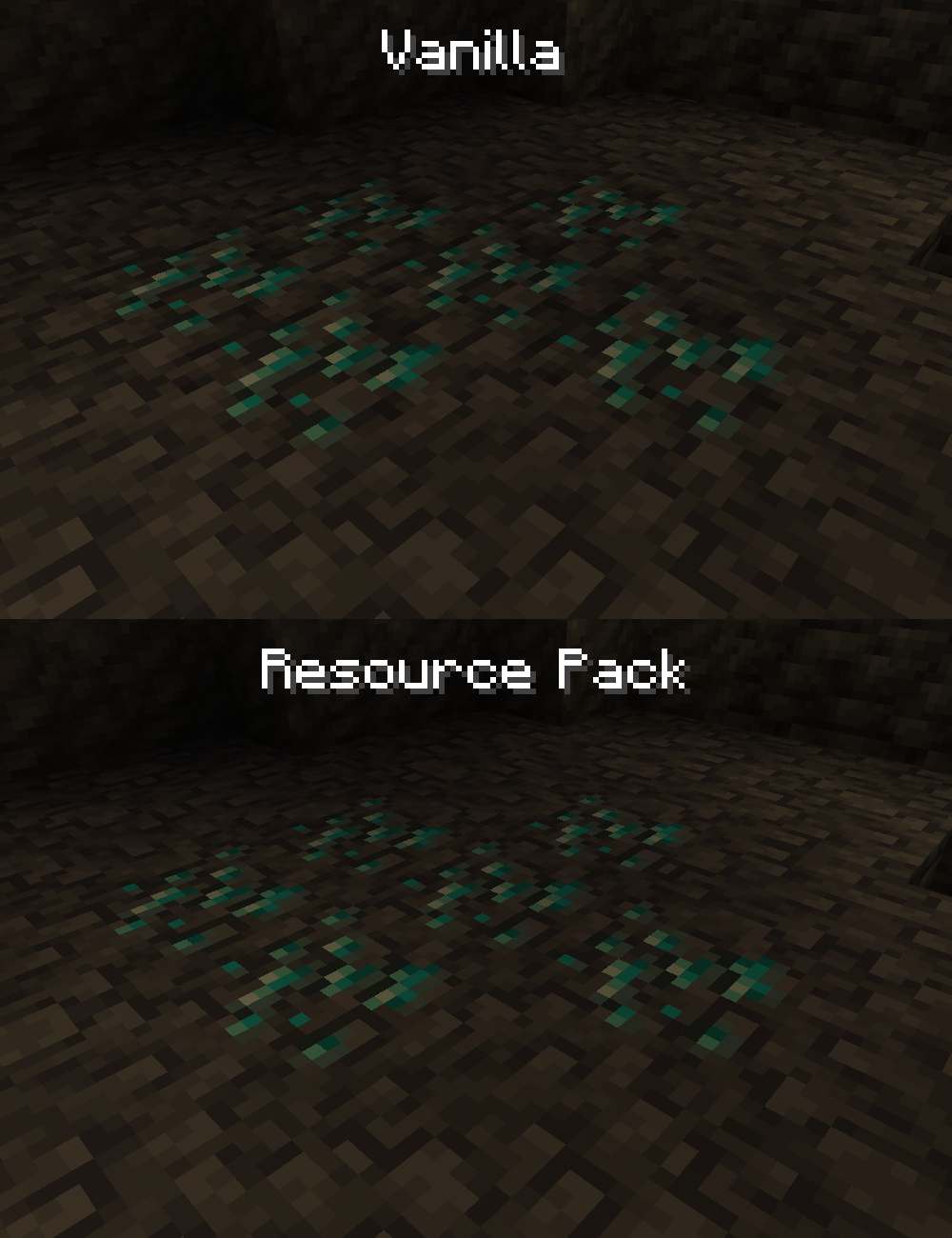
- Deepslate Ores have proper top and bottom textures.
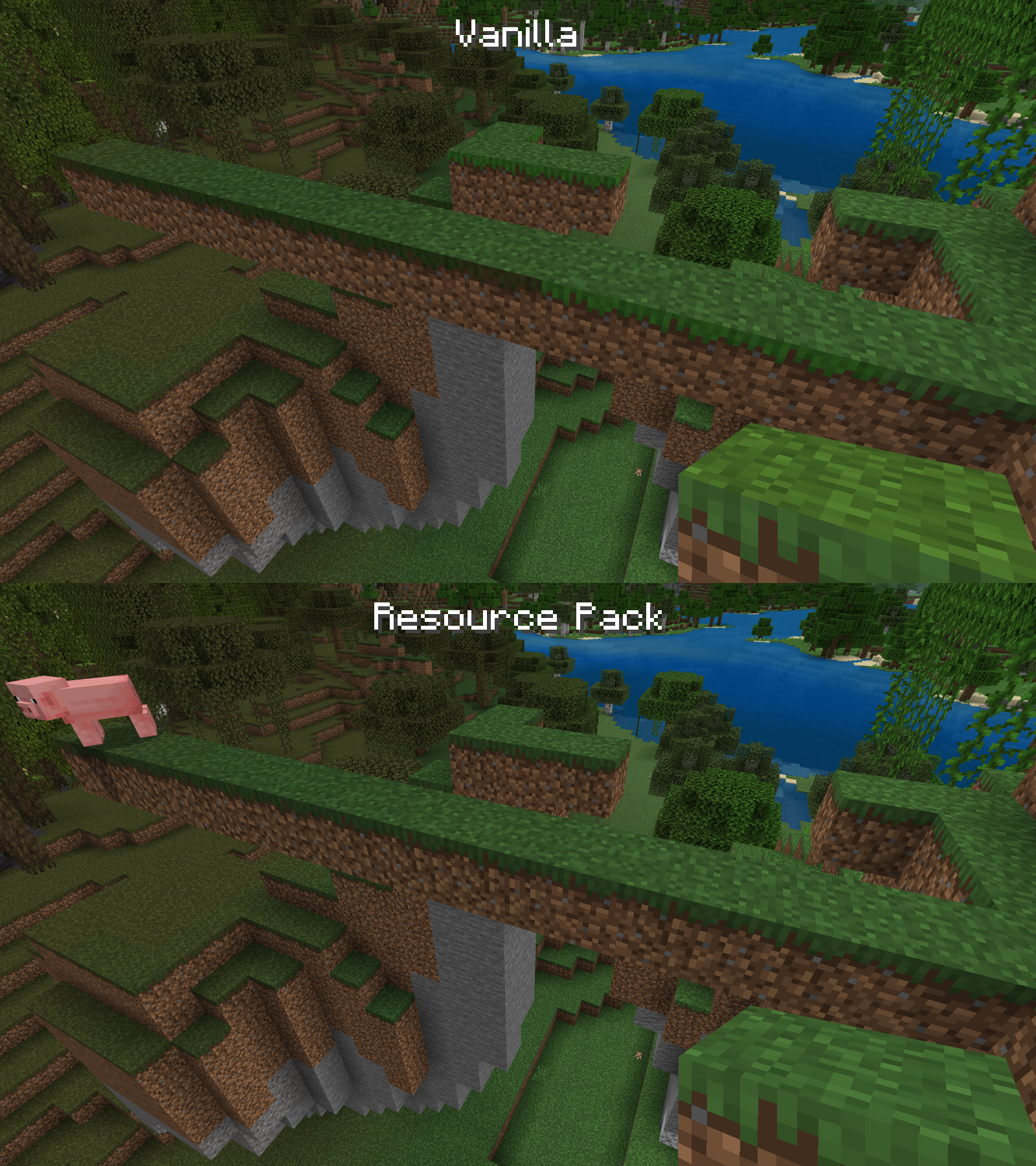
- The tops of Grass Blocks are the same color as the sides when held.
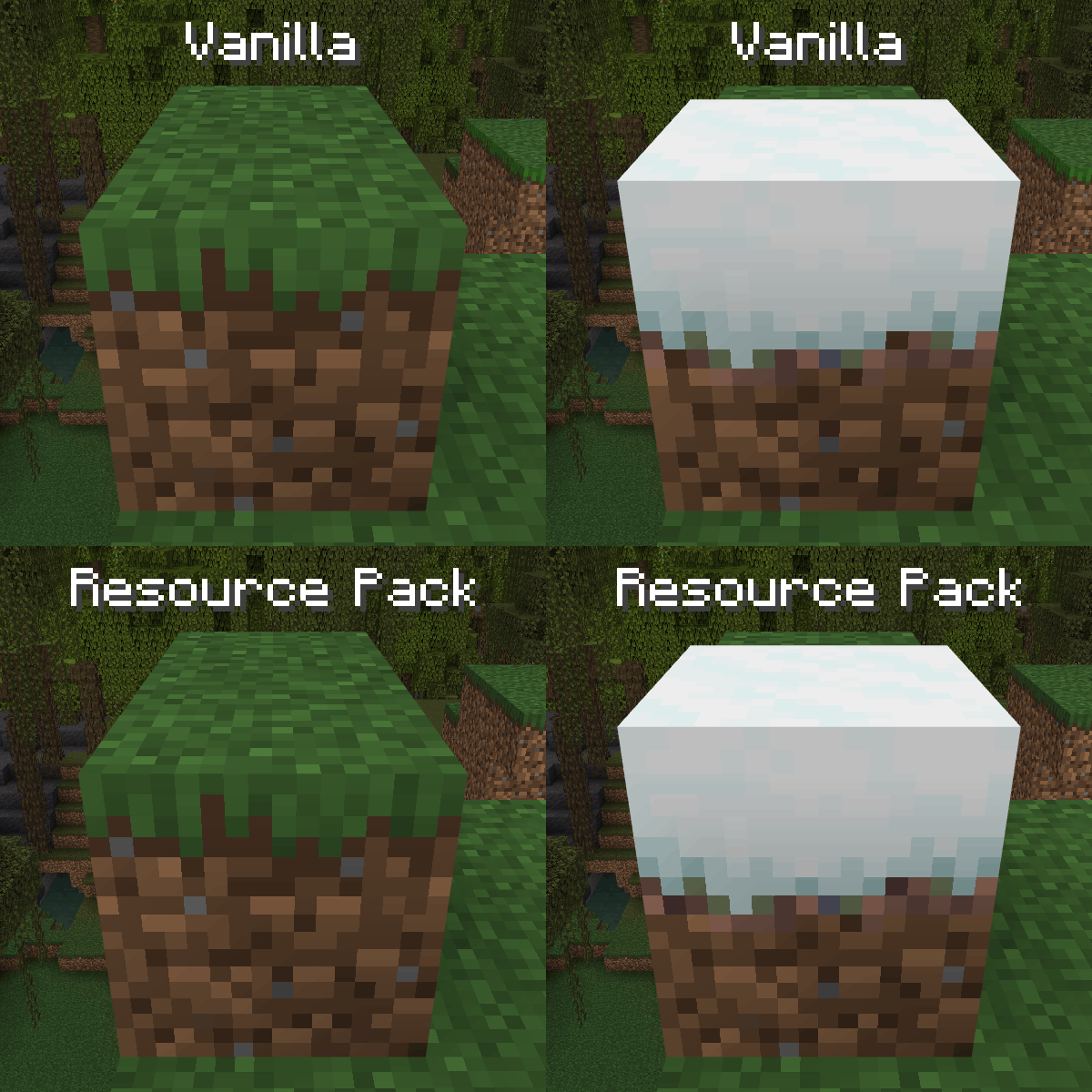
- The sides of Grass Blocks are the same color as the top, regardless of the biome, and transition smoothly between biomes.
- Grass Blocks do not have irrelevent pixels change when changing to or from Snowy Grass Blocks.
Dirt does not rotate its texture on its side, like on Java Edition, causing it to transform into Grass Blocks better.
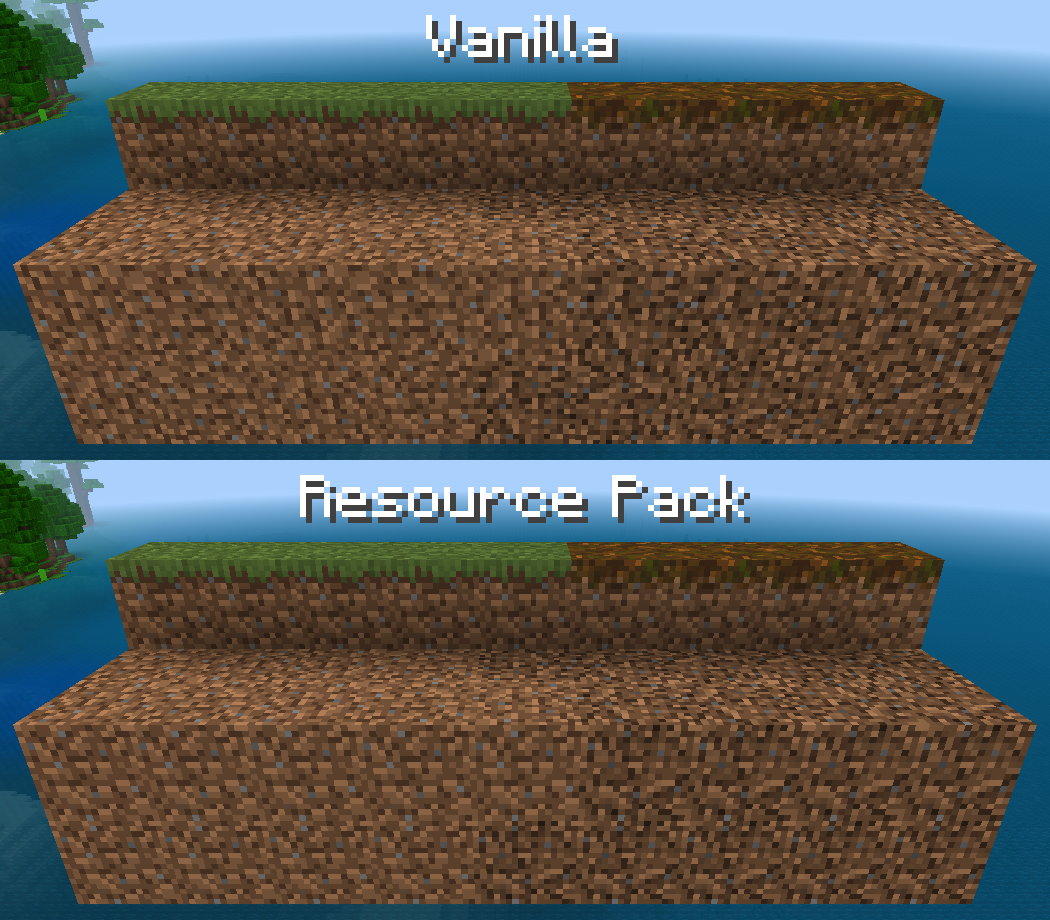
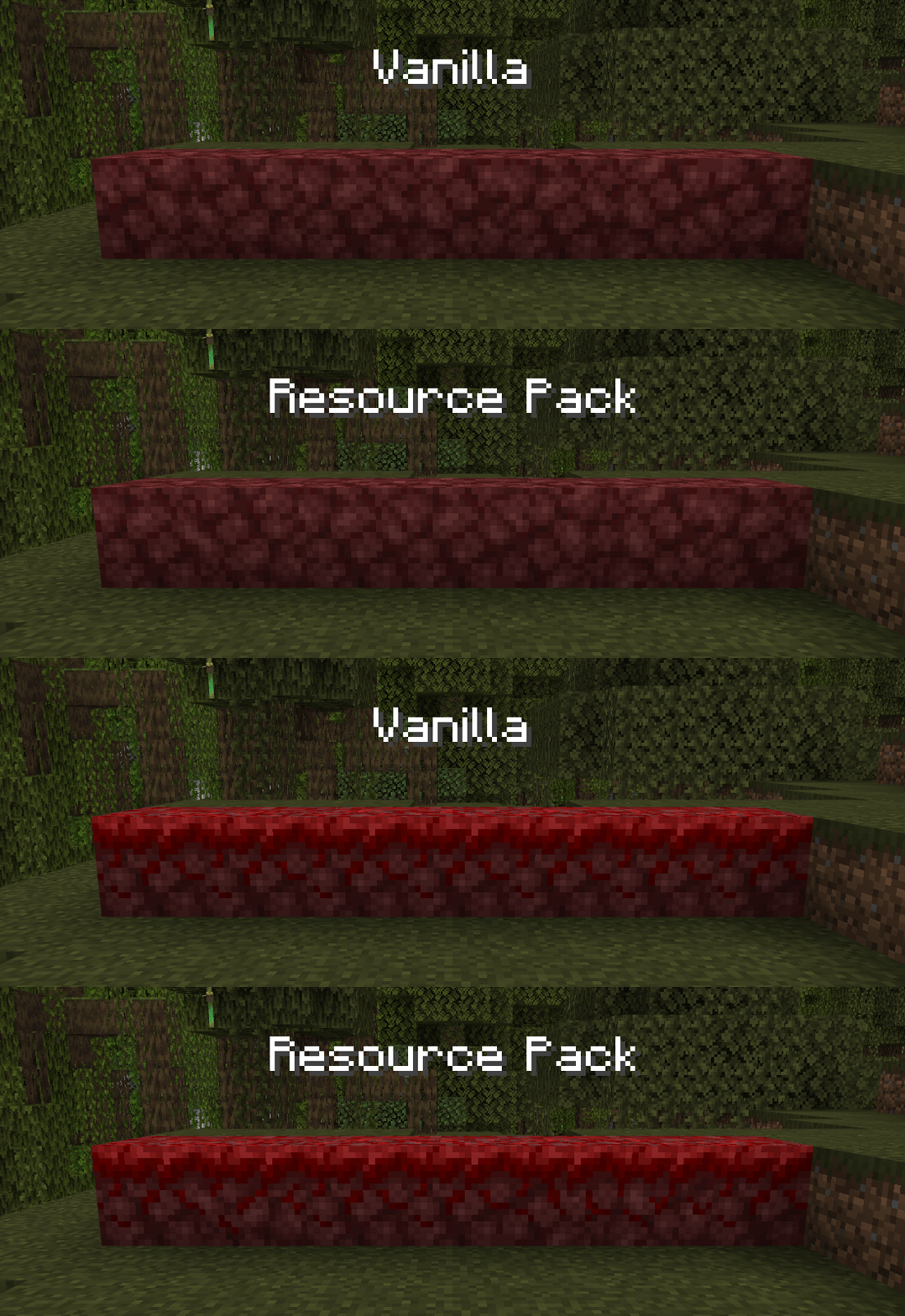
Netherrack does not rotate when changing to or from Nylium.
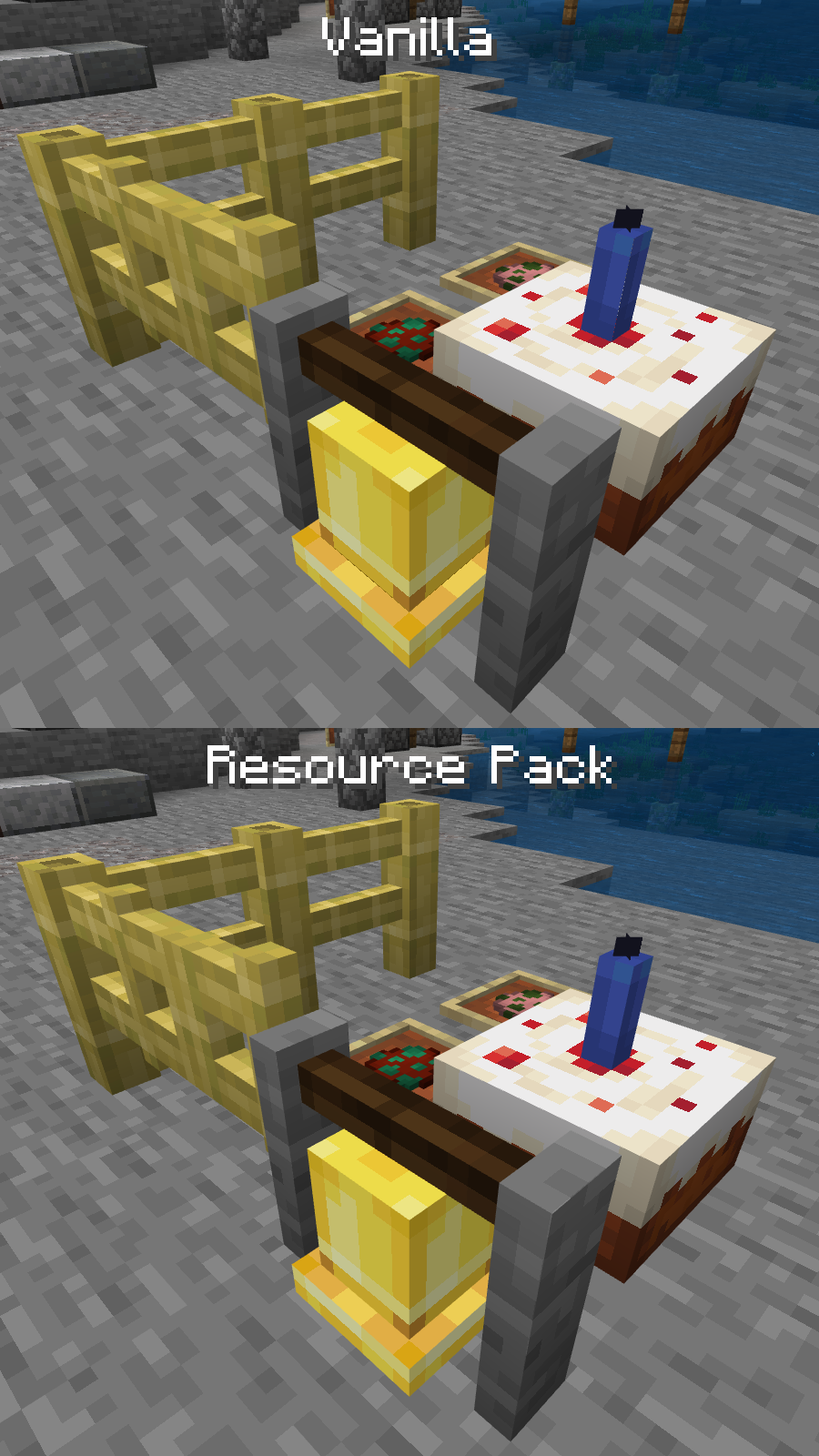
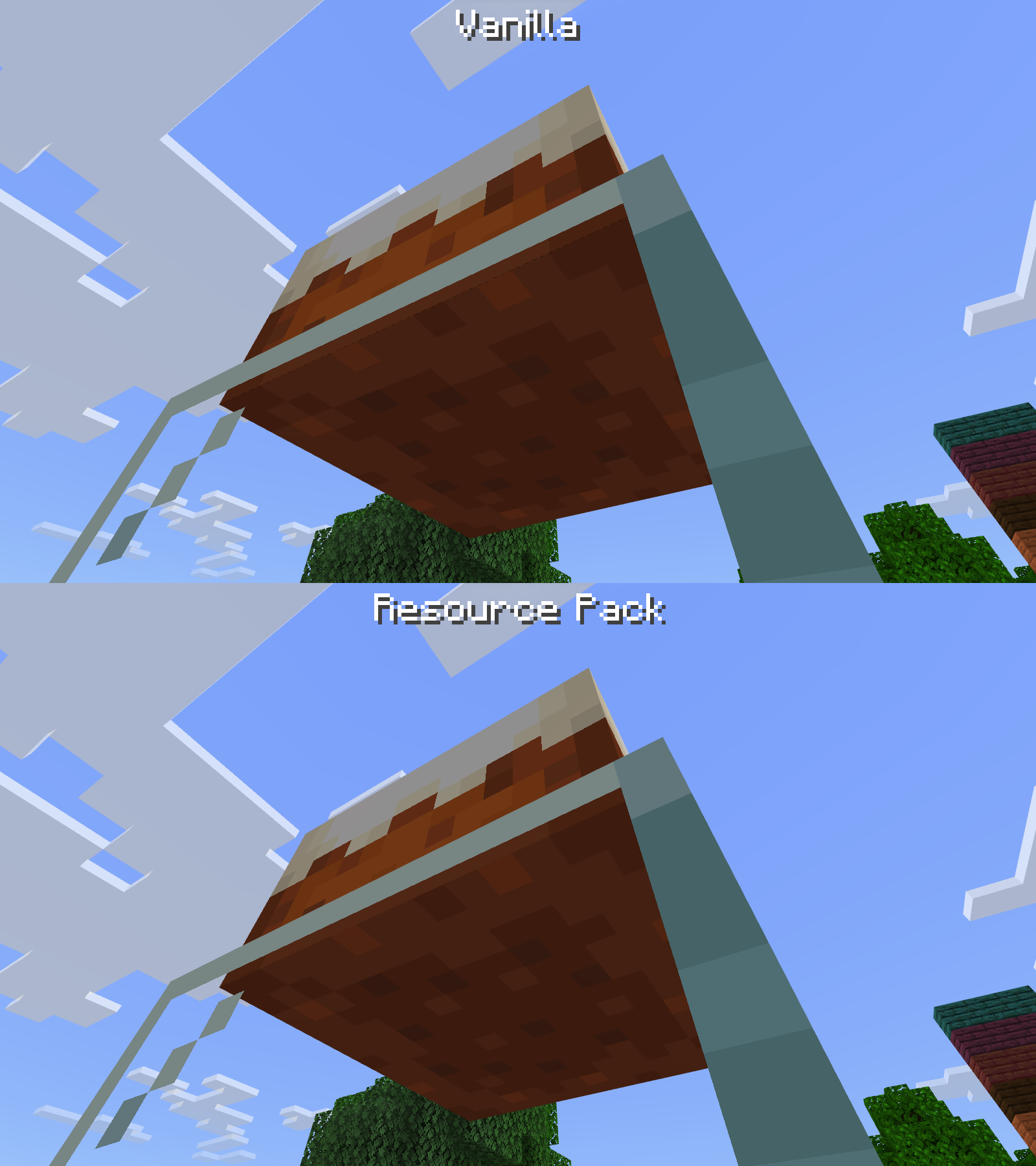
Anvils, Cakes, Campfires, Enchantment Tables, End Rods, Lightning Rods, Dirt Paths, Lanterns, and Soul Lanterns do not have visible transparent and black seams.
Bamboo Fences, Bamboo Fence Gates, Village Bells, and all Candles do not have visible seams.
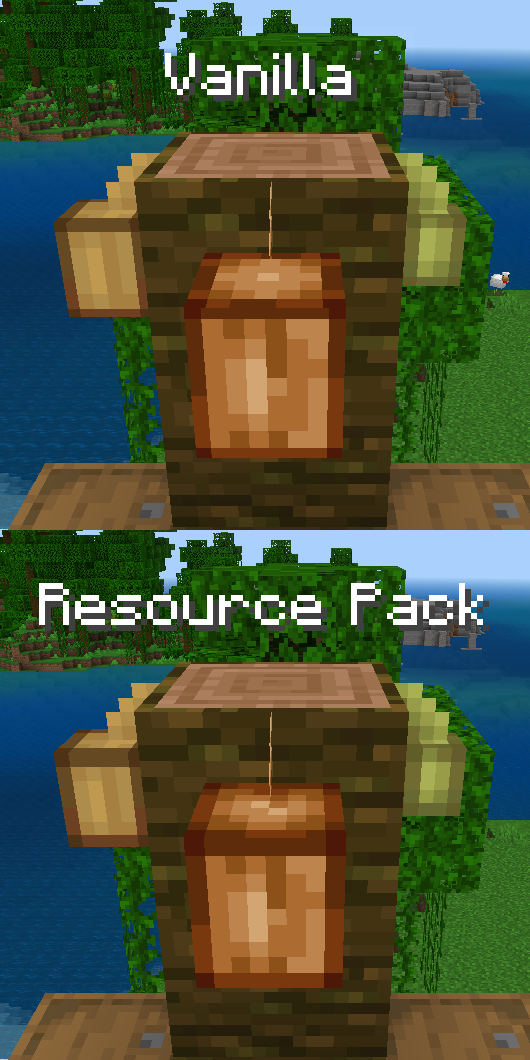
- The UV mapping on Cocoa Pods is more accurate.
- Fully grown Cocoa Pods use their updated top and bottom texture from Java Edition, which is pixel-size-consistent with the rest of the pod.
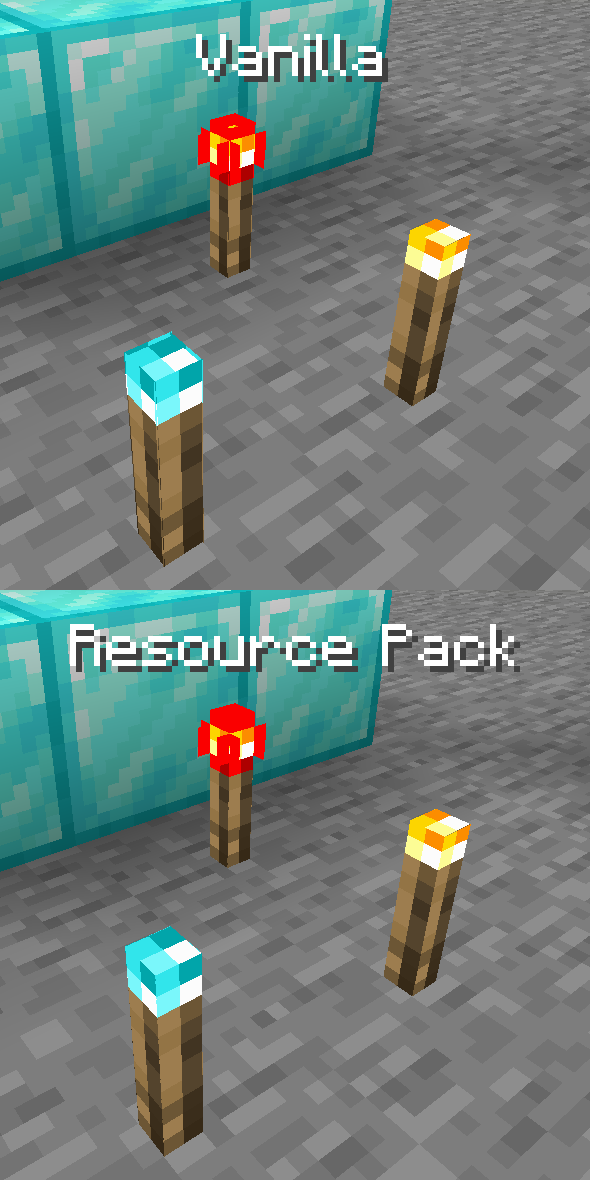
- The UV mapping on Soul and Redstone Torches is more accurate.
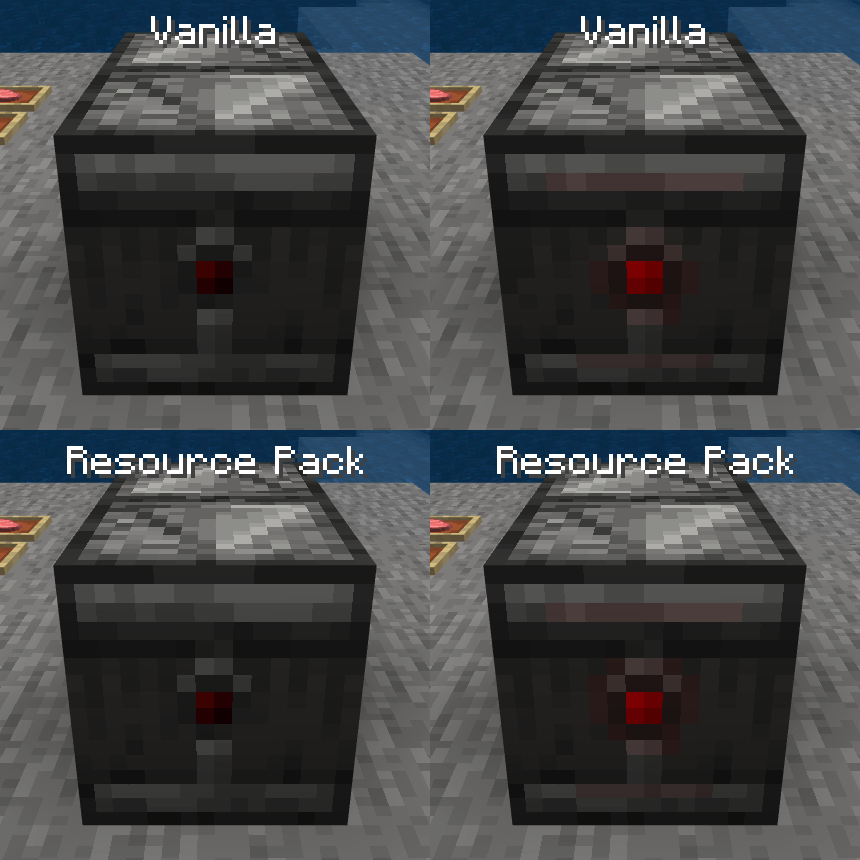
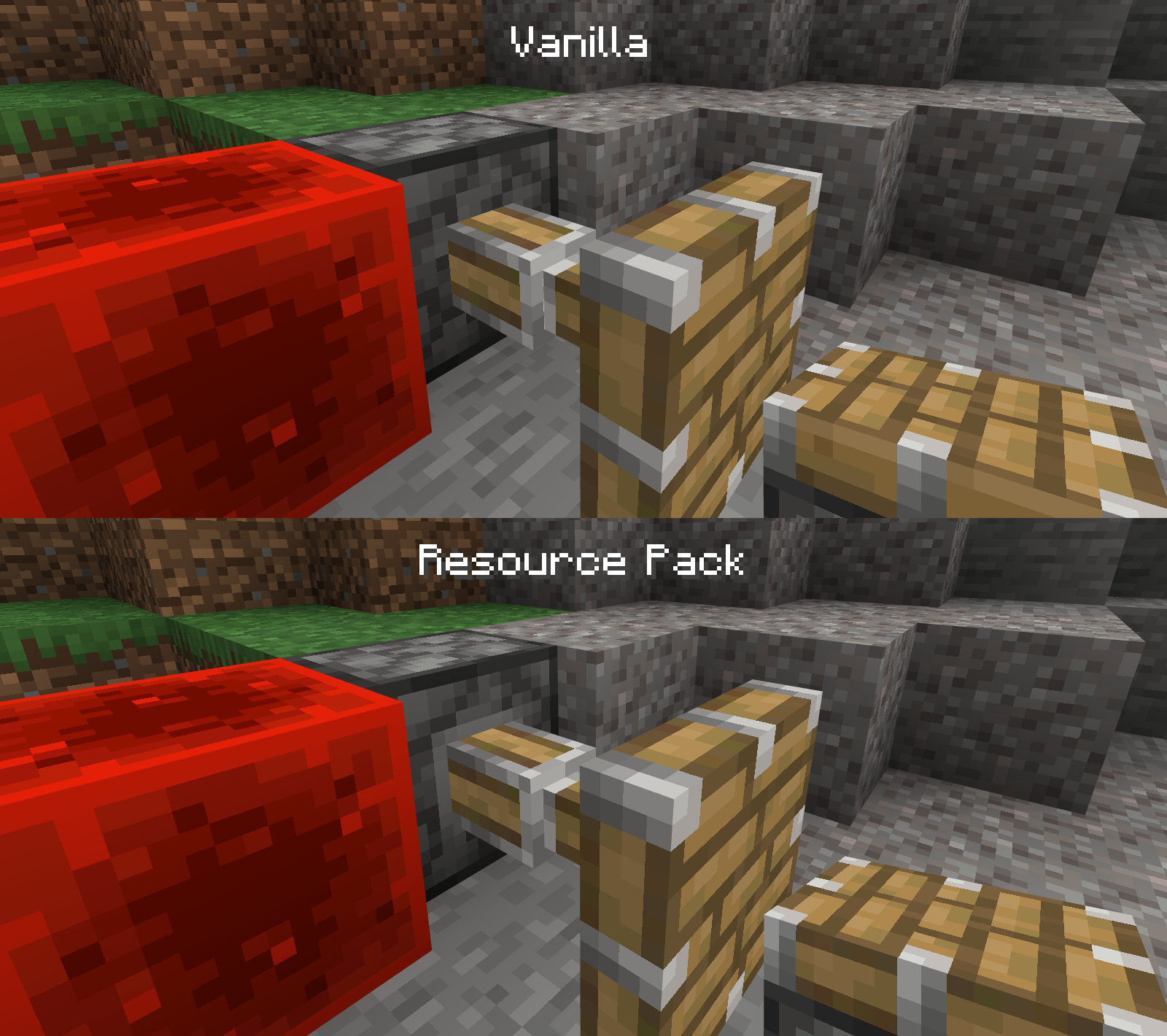
- The trim on the inside of Pistons is properly visible.
- Pistons do not have visible white seams.
- Pistons use the correct texture when held.
- The backs of Observers do not have irrelevent pixels change when activated or deactivated.
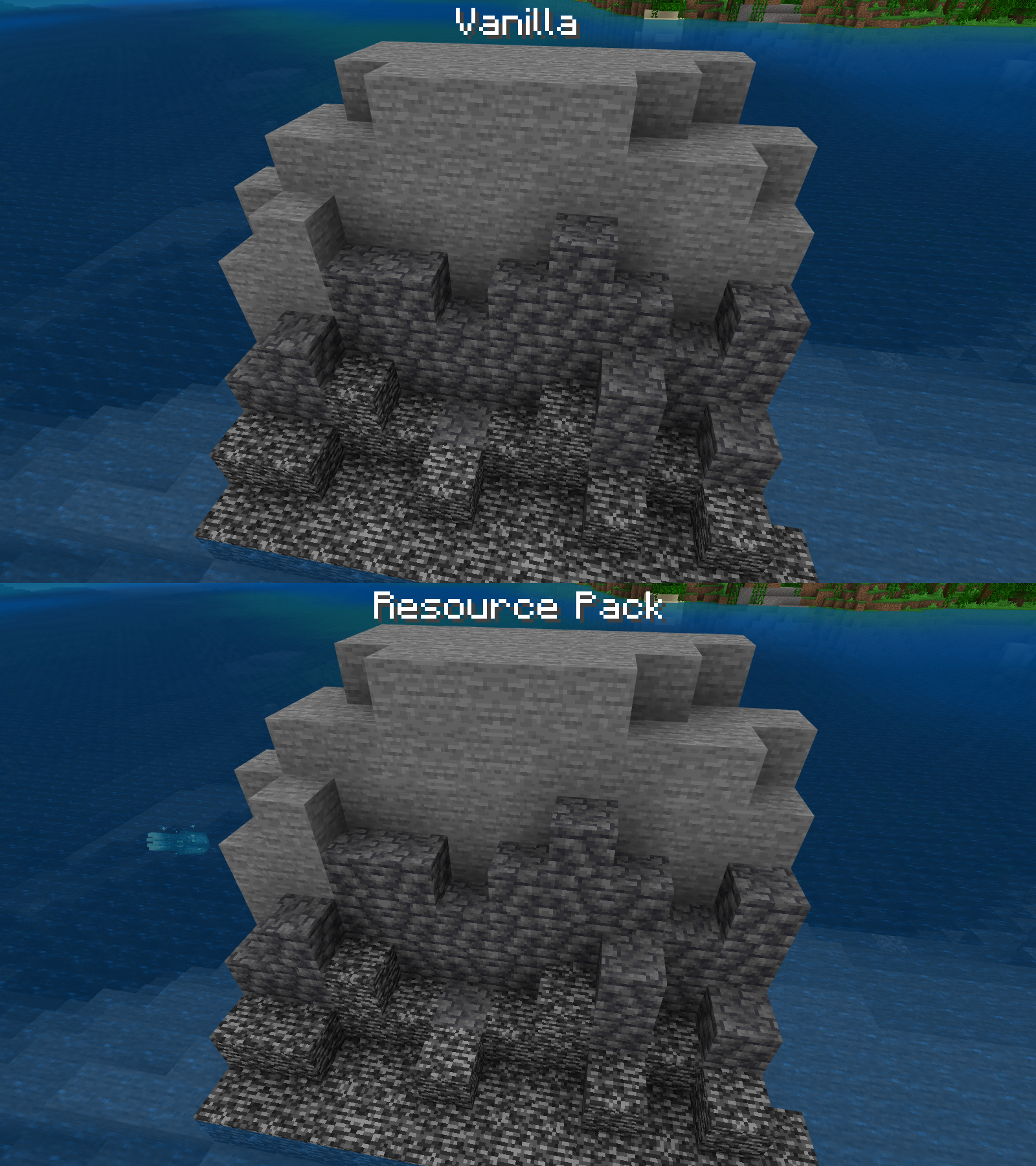
- Stone, Bedrock, and the sides of Deepslate have their variants from Java Edition.**
- Concrete Powder rotates its texture similar to Java Edition.**
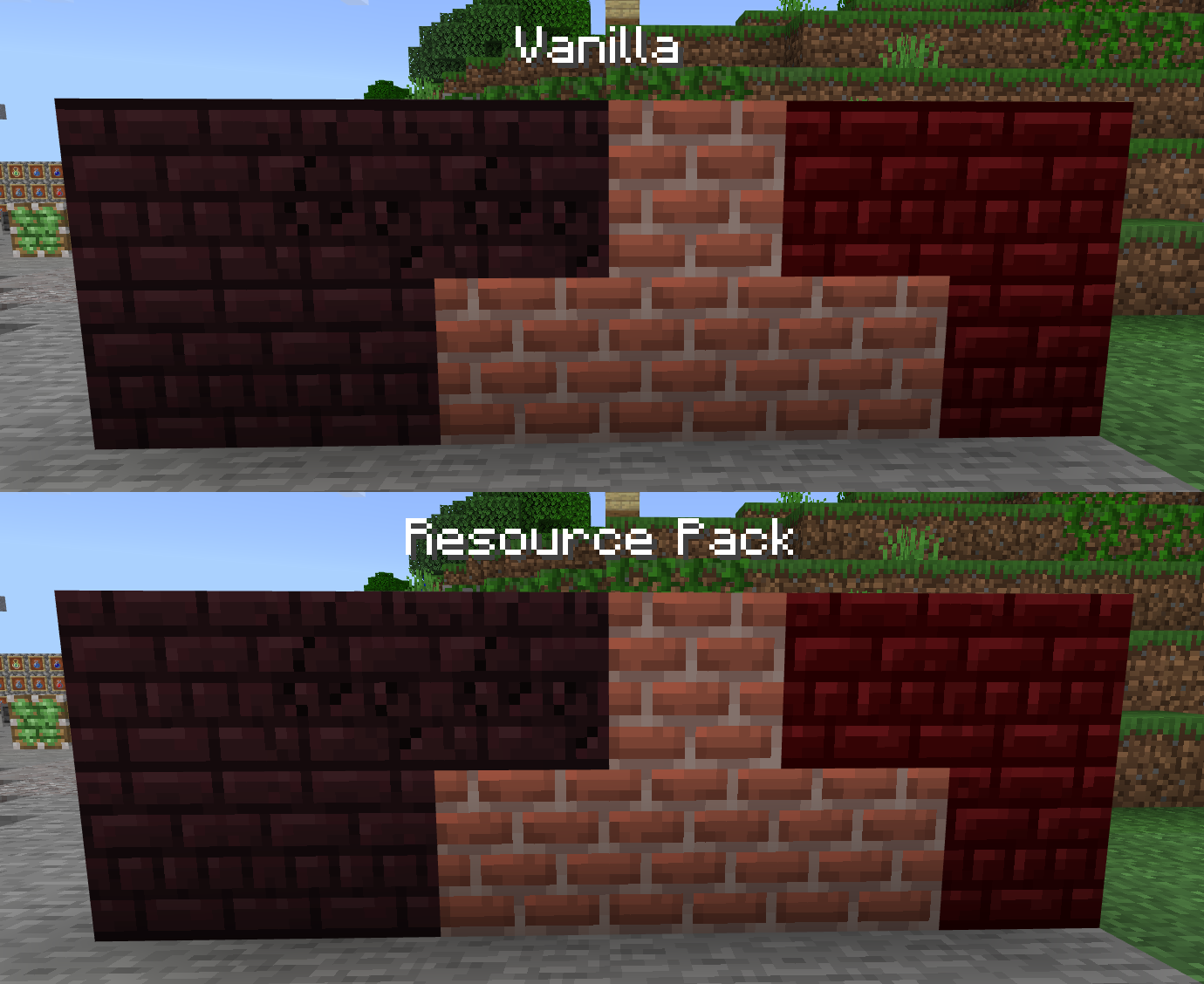
- The textures for Nether Bricks are shifted up by a pixel to be more consistent with regular Bricks, Planks, and other similar textures.
Particles:
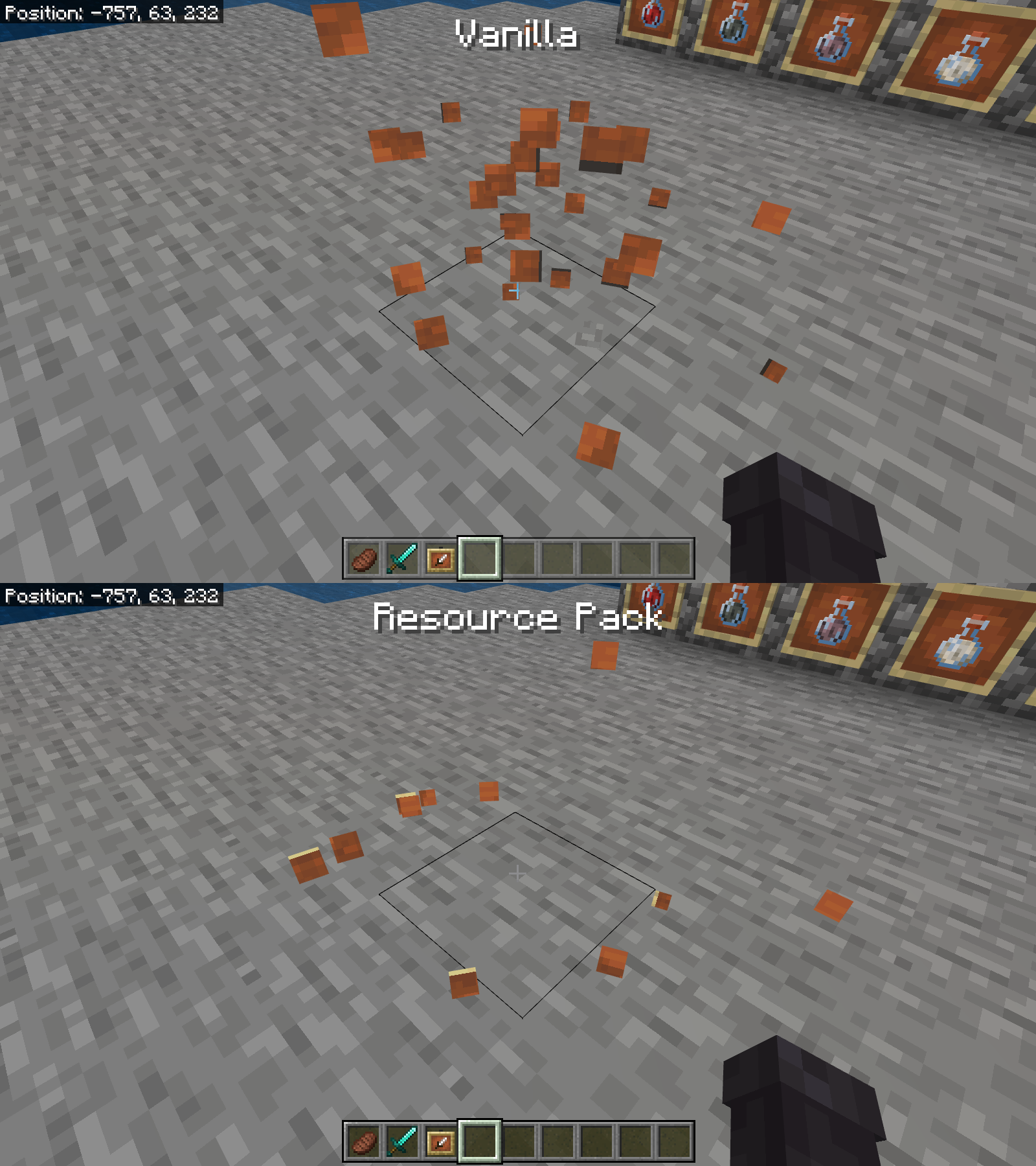
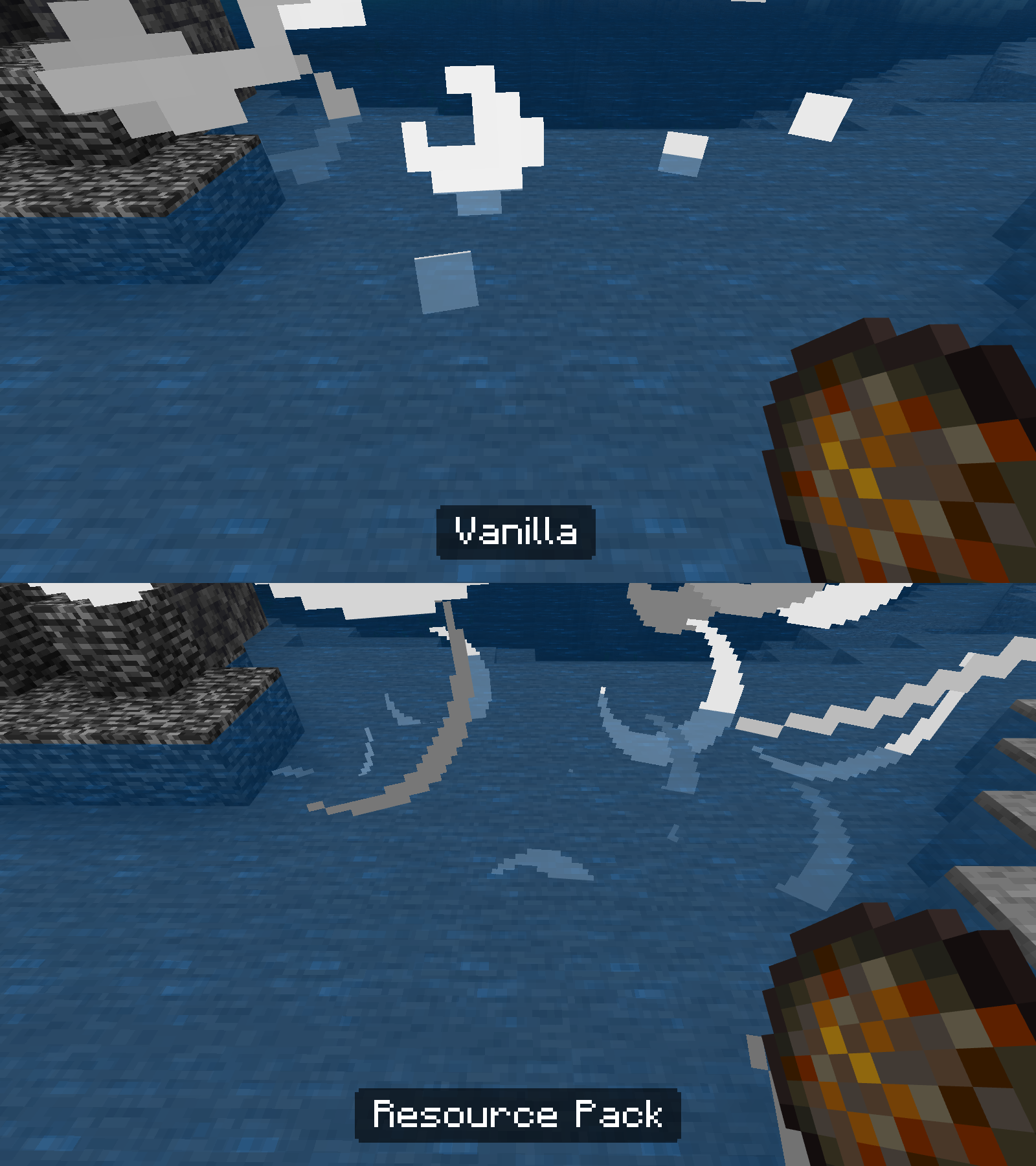
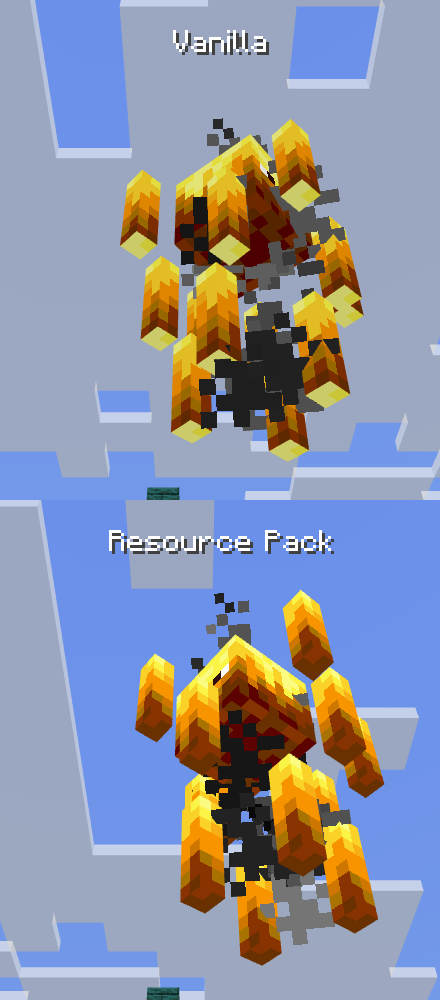
- Explosions use their texture from Java Edition (which is pixel-size-consistent with most other things).
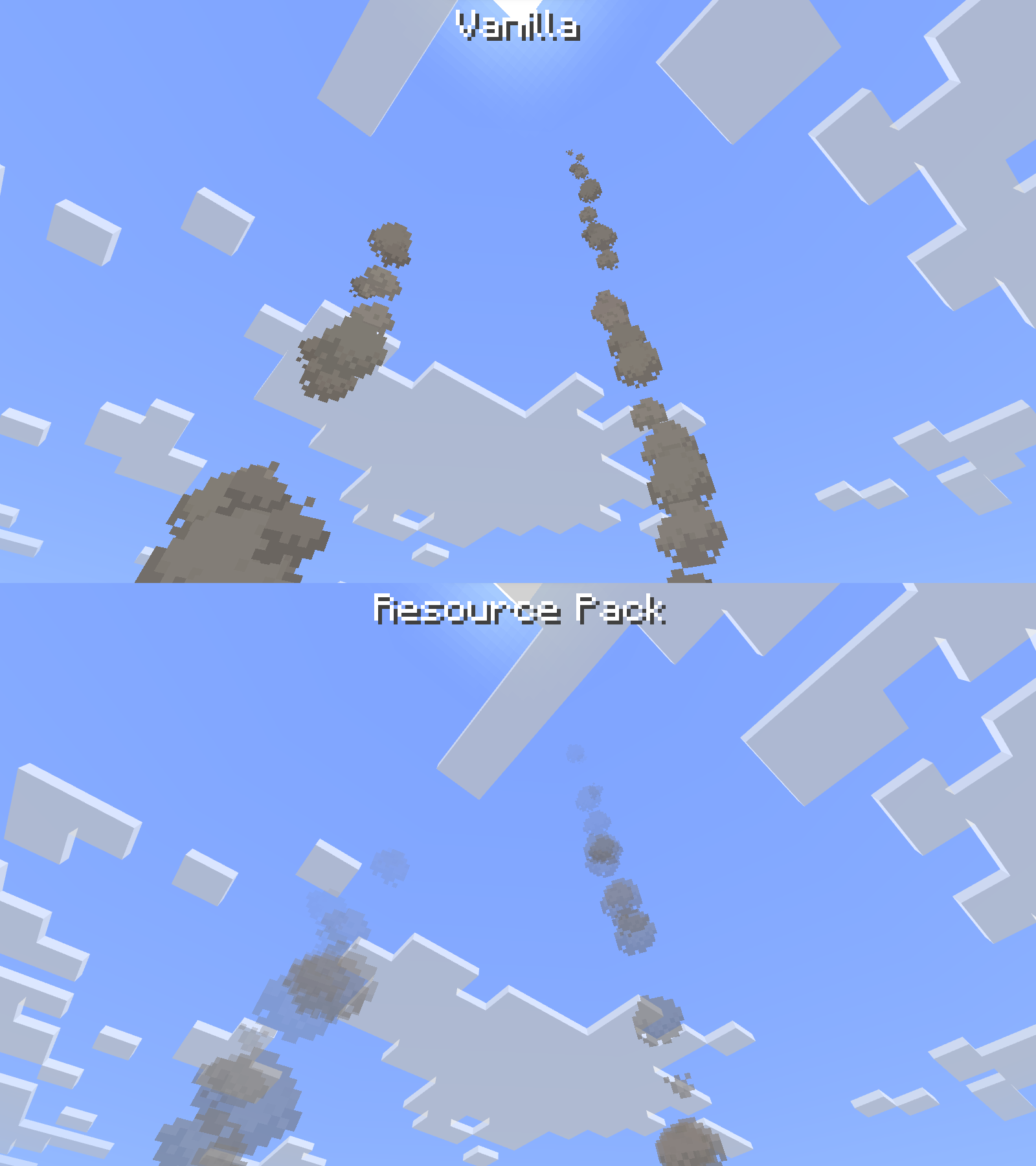
- Campfire smoke fades out, instead of disappearing abruptly.
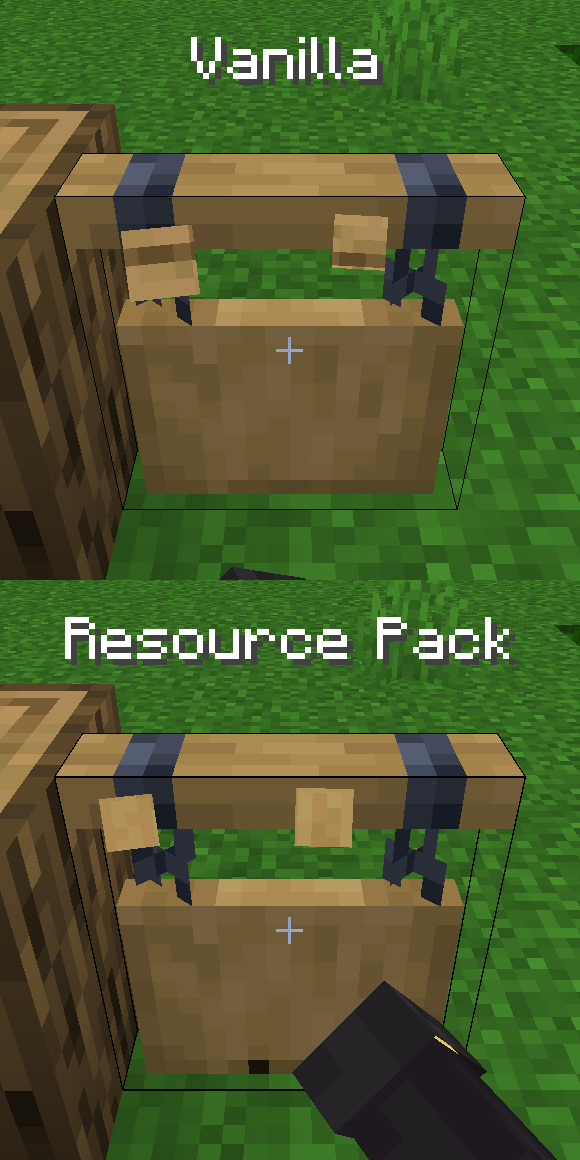
- The particles for Item Frames and Glow Item Frames show Birch Planks instead of that weird, black border.
- Hanging Signs use Stripped Log textures for their particles.
User Interface:
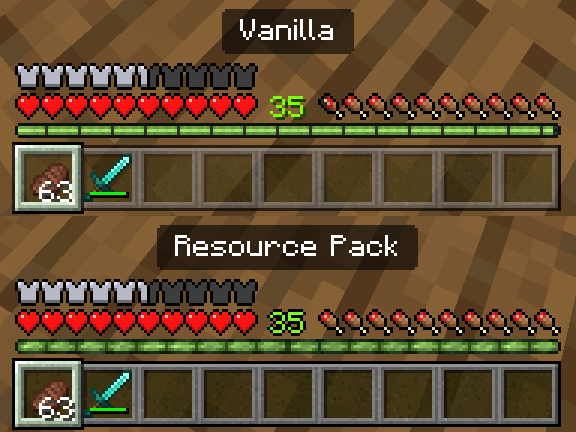
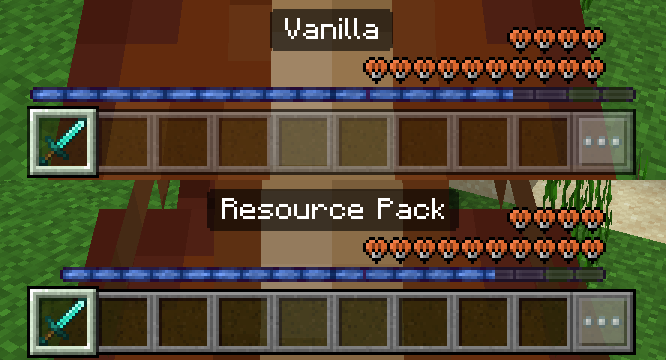
- Hotbar renders at full opacity like the rest of the HUD.
- Left and right ends of the hotbar are at the correct opacity, even when playing with a lowered HUD opacity.
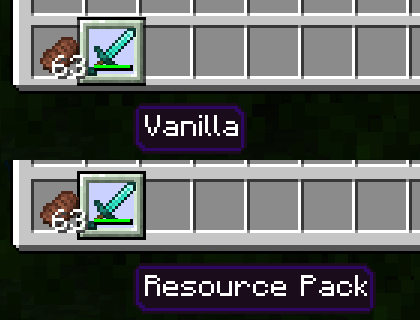
- Item stack count is layered above the selected slot like on Java and Legacy Console Edition.
- The outline of the Selected Slot does not become transparent when selecting the left- or right-most sides of the Hotbar.
- The XP bar uses its texture from Java Edition and does not change size when changing to or from touch controls.
- The Level number uses an outline, like the rest of the HUD, instead of a dropshadow.
- The color of the level number is more accurate to Java Edition.
- The half and empty icons for the Armor Bar on the HUD use their updated Java Edition textures.
- Hovering over an item in the inventory looks more similar to Java and Legacy Console.**
- The Hotbar and Inventory Grids (and Inventory Label) in Container Screens (Inventory, Chest, etc.) are raised to the correct positions.
- Texture of Player Preview Panel Border is altered to be more accurate to Java Edition.
- The top- and bottom-left corners on all Container (and similarly styled) Screens are more accurate to Java Edition.
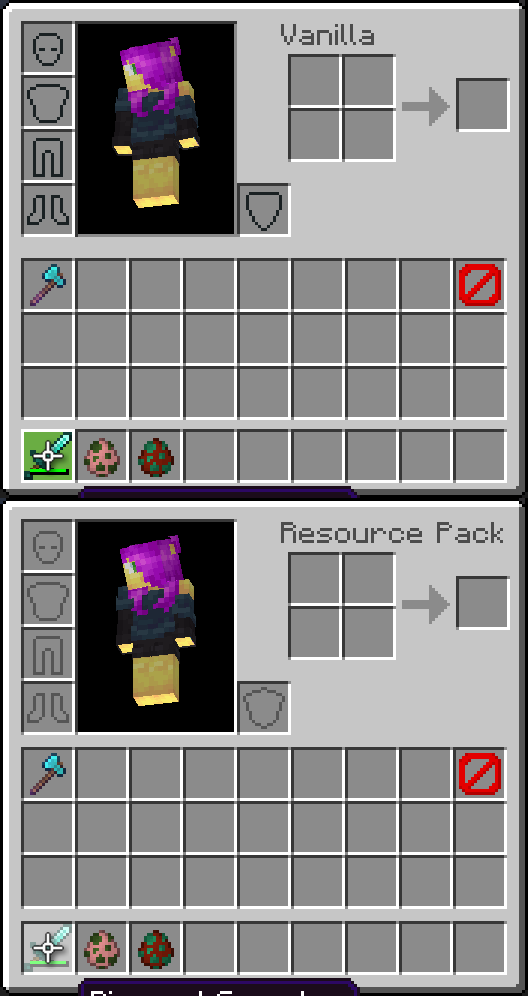
- The top-left and -right corners on the Toolbar are consistent with those of container screens.
- The spacing between the layout buttons in the Inventory is consistent.
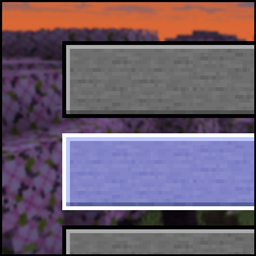
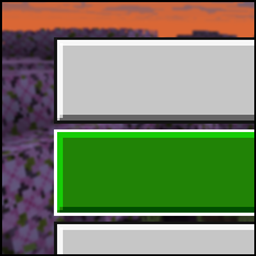
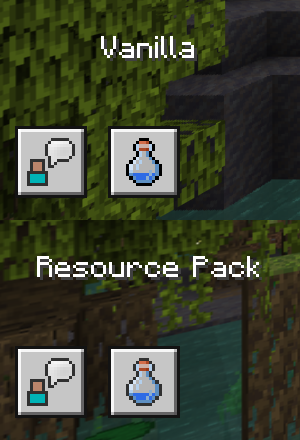
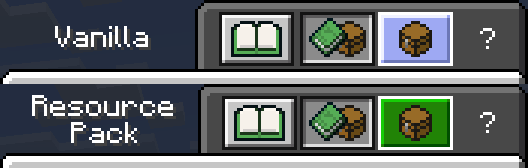
- The Layout Buttons in the Inventory turn green when hovered over, like other buttons.+
- The rightmost pixel of Container Scroll Panels (Recipe Book, Villager Trades, etc.) is not cut off.
- The textures for Container Scroll Panels are more consistent with their scroll bars and the rest of the Inventory.
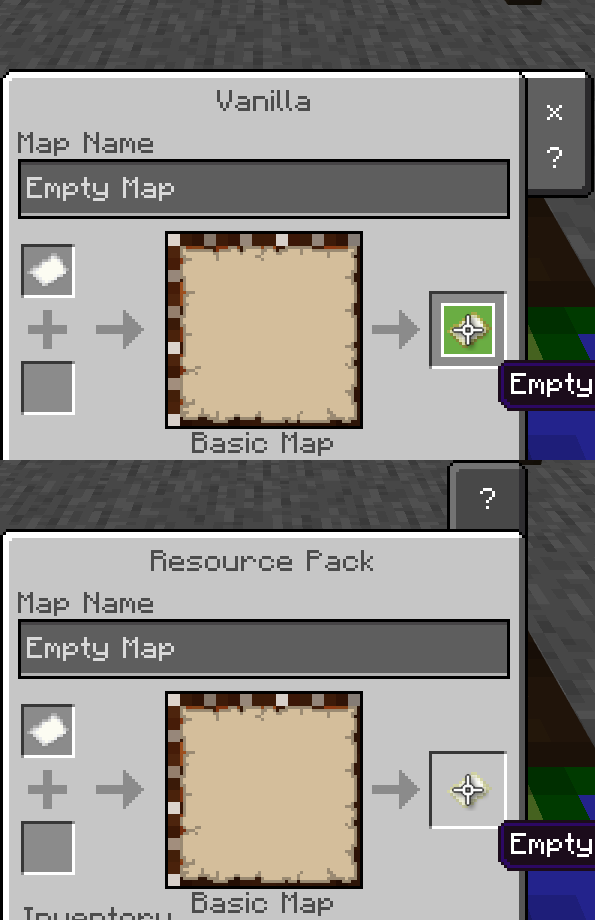
- The selection area and highlight for the output slot in the Cartography Table is full size like other menus.
- Close and Help Panel is now at the top of the Cartography Table screen when not using touch controls.
- Close Button now properly disappears when using a controller in the Cartography Table Screen.
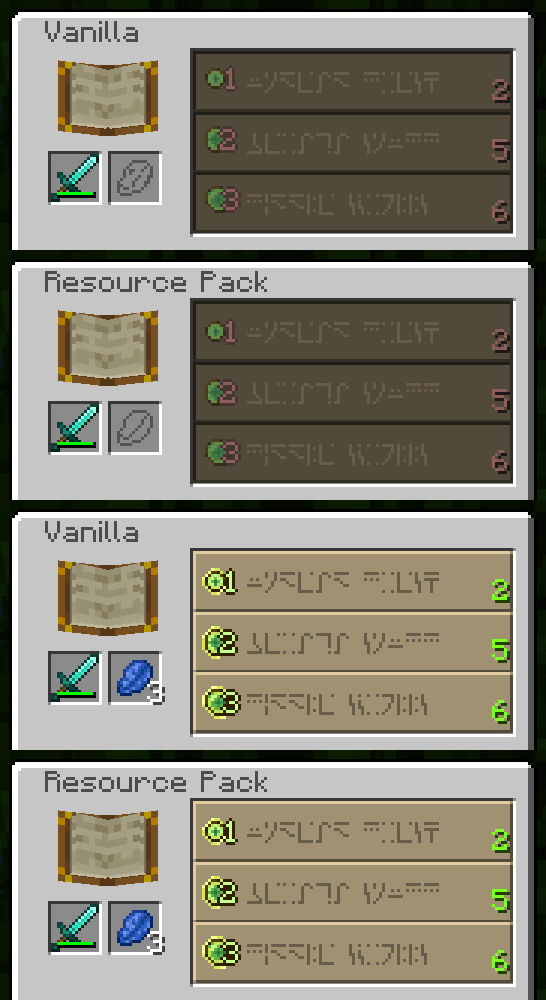
- The texture for the number of levels needed to enchant an item with an Enchantment Table does not move up and down when the button becomes selectable or unselectable.
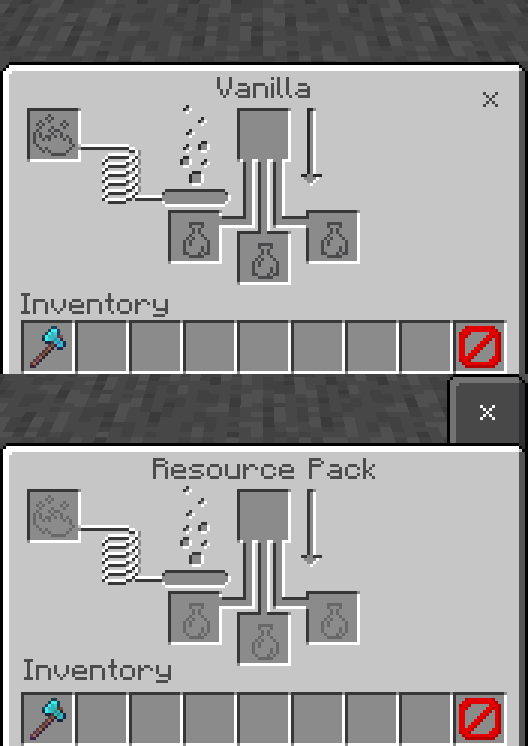
- Bottle and Fuel Slots use their current Java Edition textures.
- The Arrow and Bubbles on the Brewing Stand screen use the correct colors.
- Close Button is consistently part of a raised panel, even when there is no Help Button.
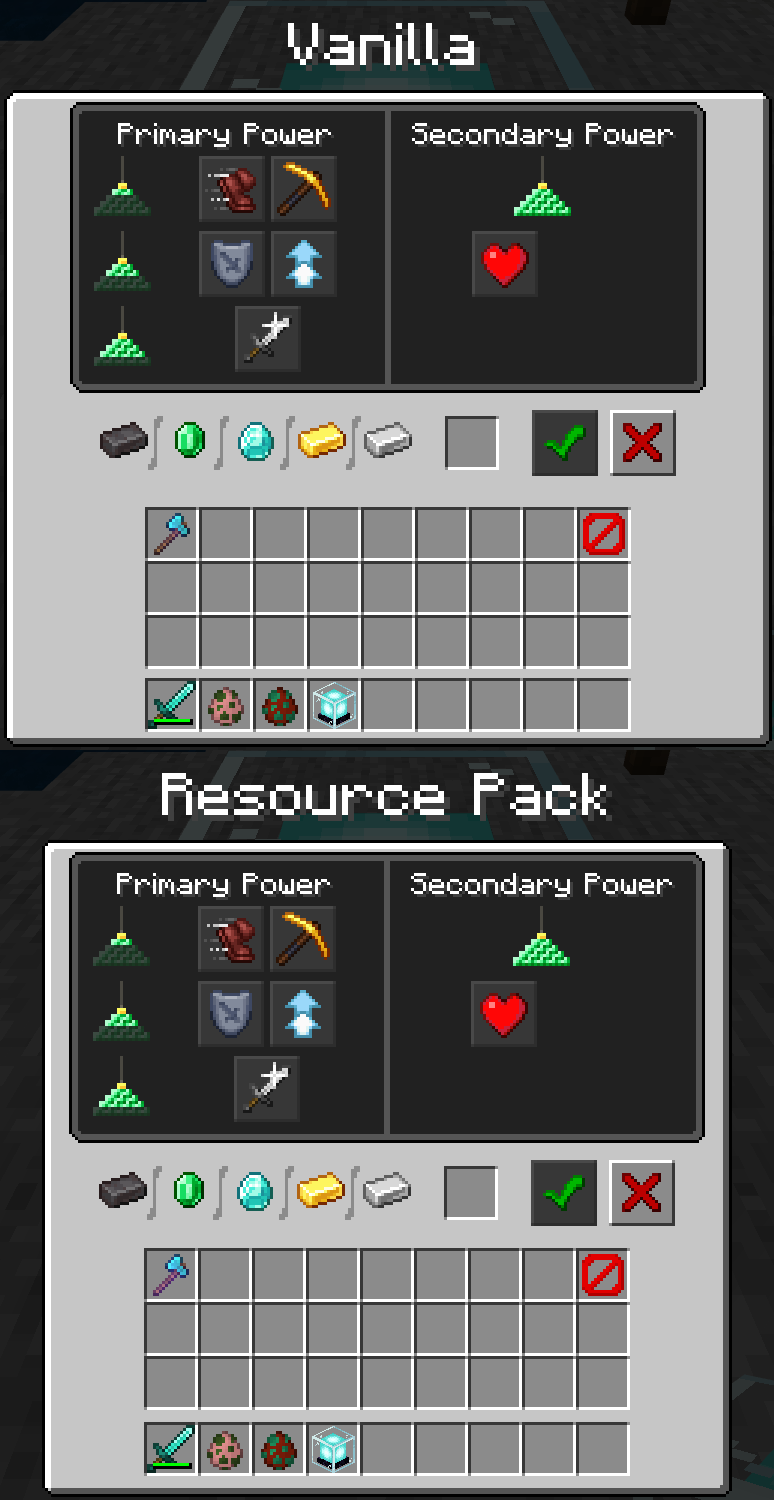
- Beacon Screen is less wide for parity with Java Edition.
- The Horse Jump Bar does not stretch its texture when using touch controls.
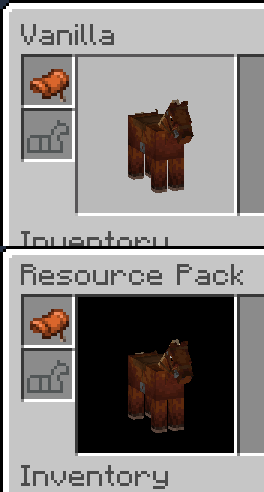
- The background for the Horse Renderer (yes, that's what that's called) on the Horse Screen is consistent with that of the Player Renderer in the Inventory.
- The sides of the texture for selecting an item with touch controls are opaque.
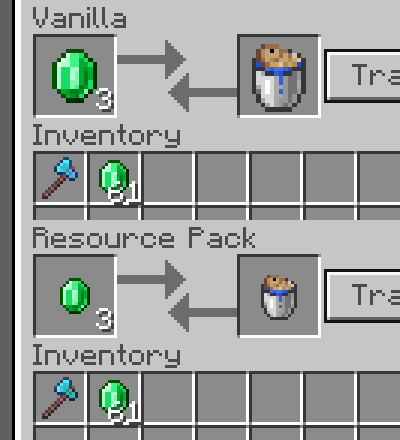
- Items that are part of a Villager trade are pixel-size-consitent with other items.*
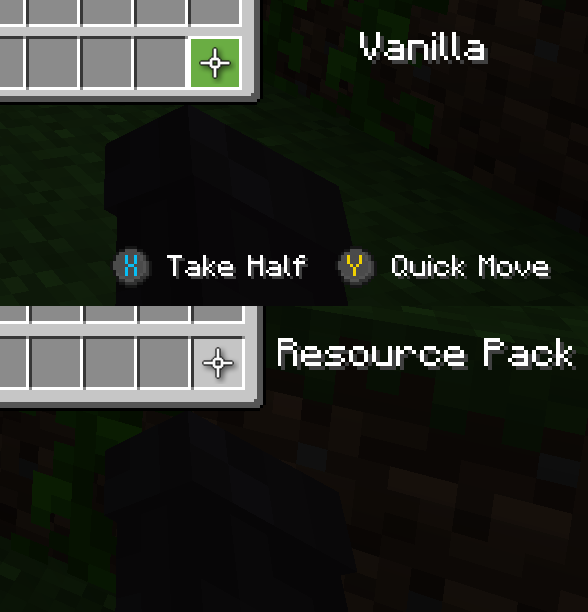
- The X and Y Gamepad Helpers on the Trade Screen properly disappear when Hide Controller Hints is turned on.
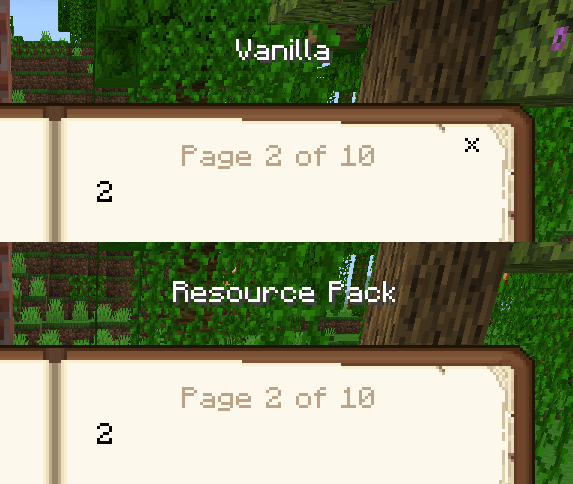
- The Close Button on the Book Screen properly disappears when using a controller.
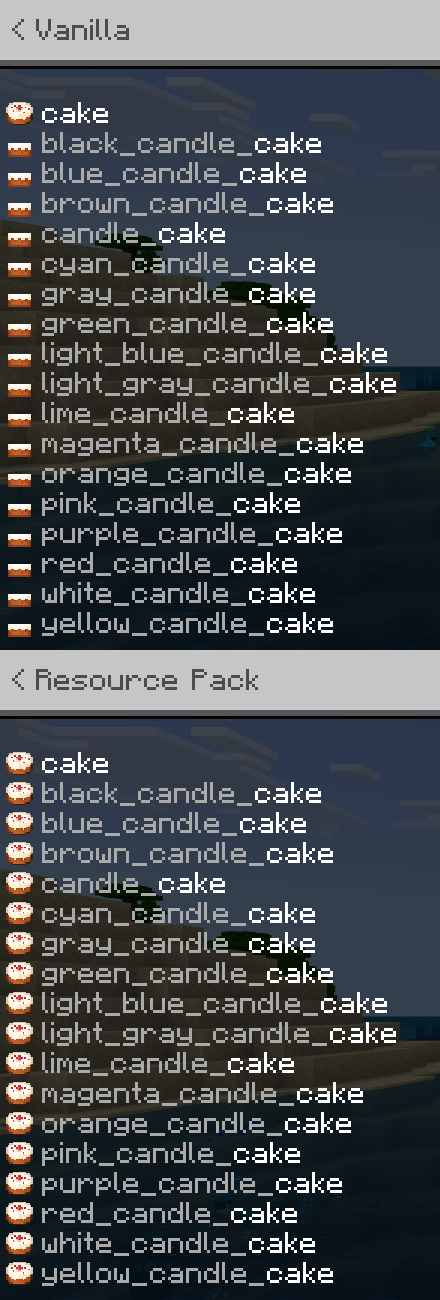
- Candle Cakes use the same texture as regular Cakes in the command auto-fill menu.
- The Achievements button is not needlessly higher contrast than the buttons around it.
- Steve has the missing pixel of their hair back.
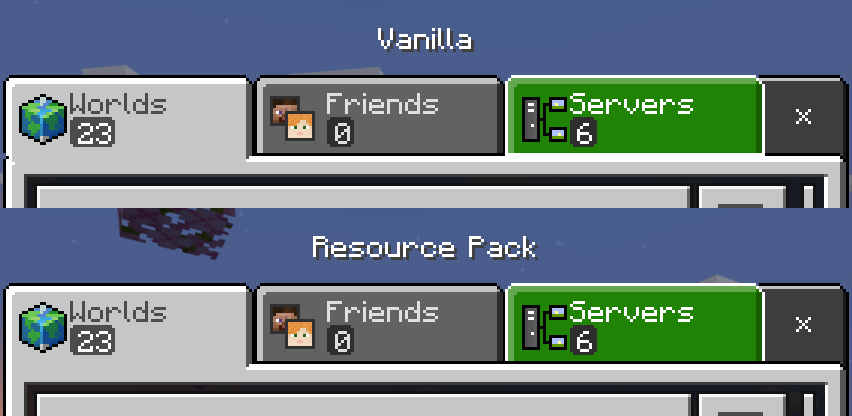
- The Worlds Tab on the Select World Screen now connects properly with the Select World Panel.
- The tabs on the World Select Screen are layered correctly.
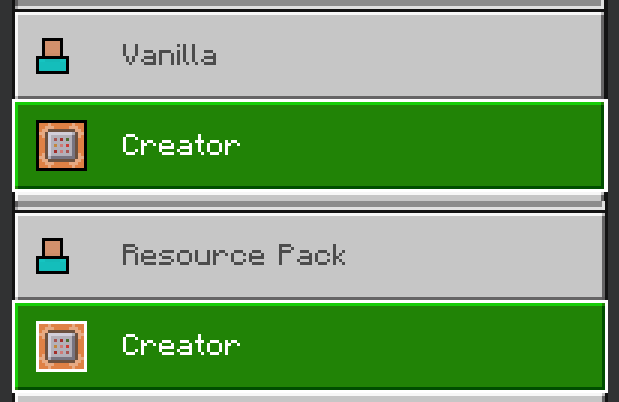
- The outline for the icon on the Creator Tab in the Settings Screen properly turns white when hovered over.
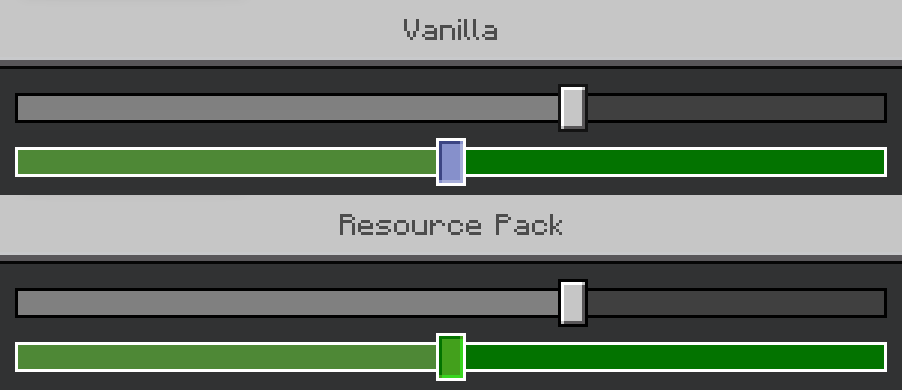
- The outline on the Slider Button is the correct shade of black when not hovered over.
- The Slider Button remains green when selected with a controller or keyboard.+
Miscellaneous:
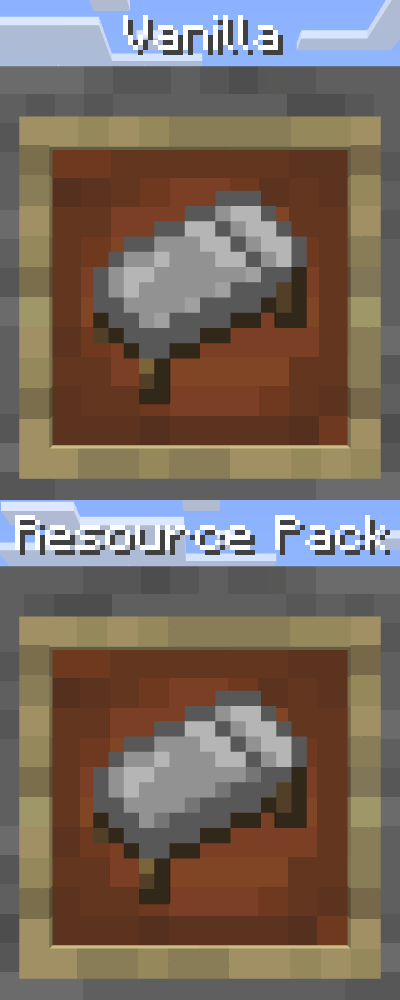
- The bottoms of Blaze Rods are the correct color.
- The anti-aliasing on White Bed items is improved.
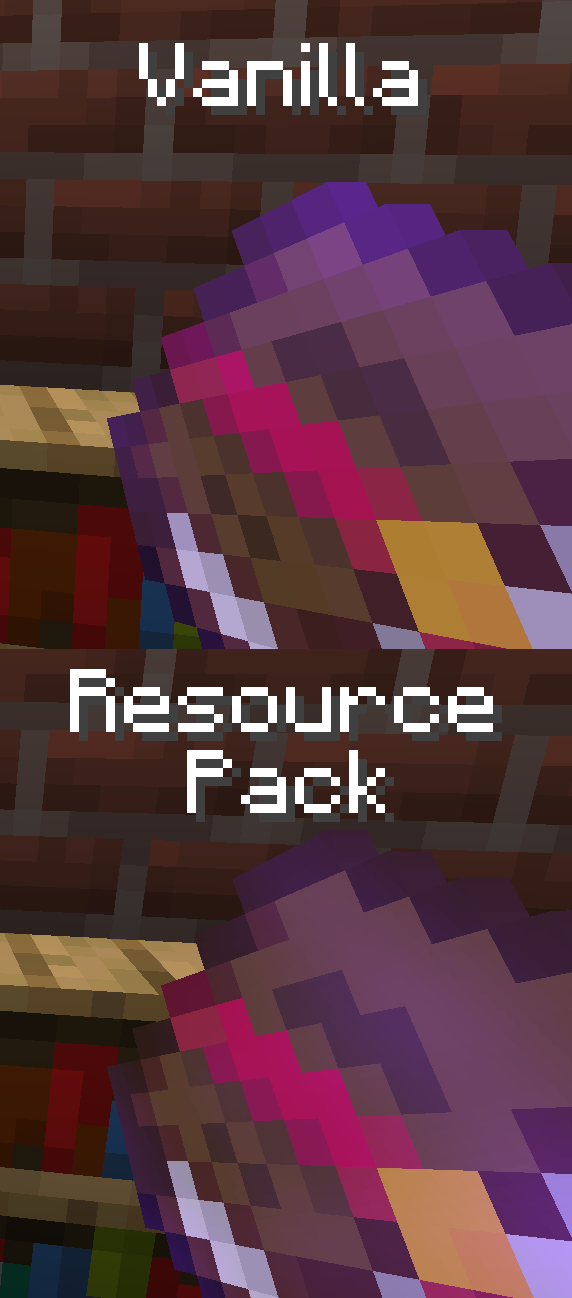
- The Enchantment Glint does not appear pixelated on most enchantable items when held or in Item Frames.
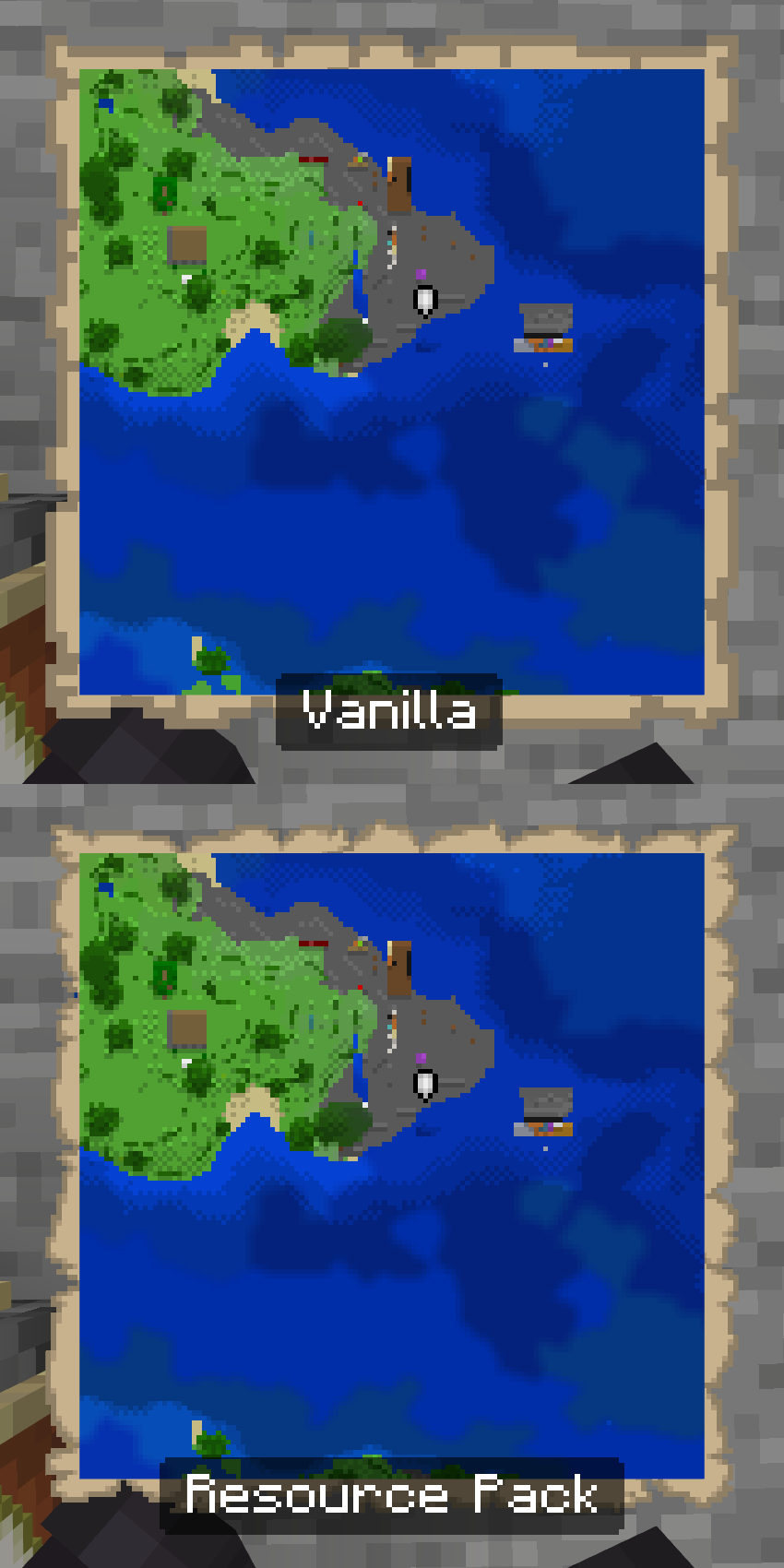
- Map backgrounds are pixel-size-consistent with map contents
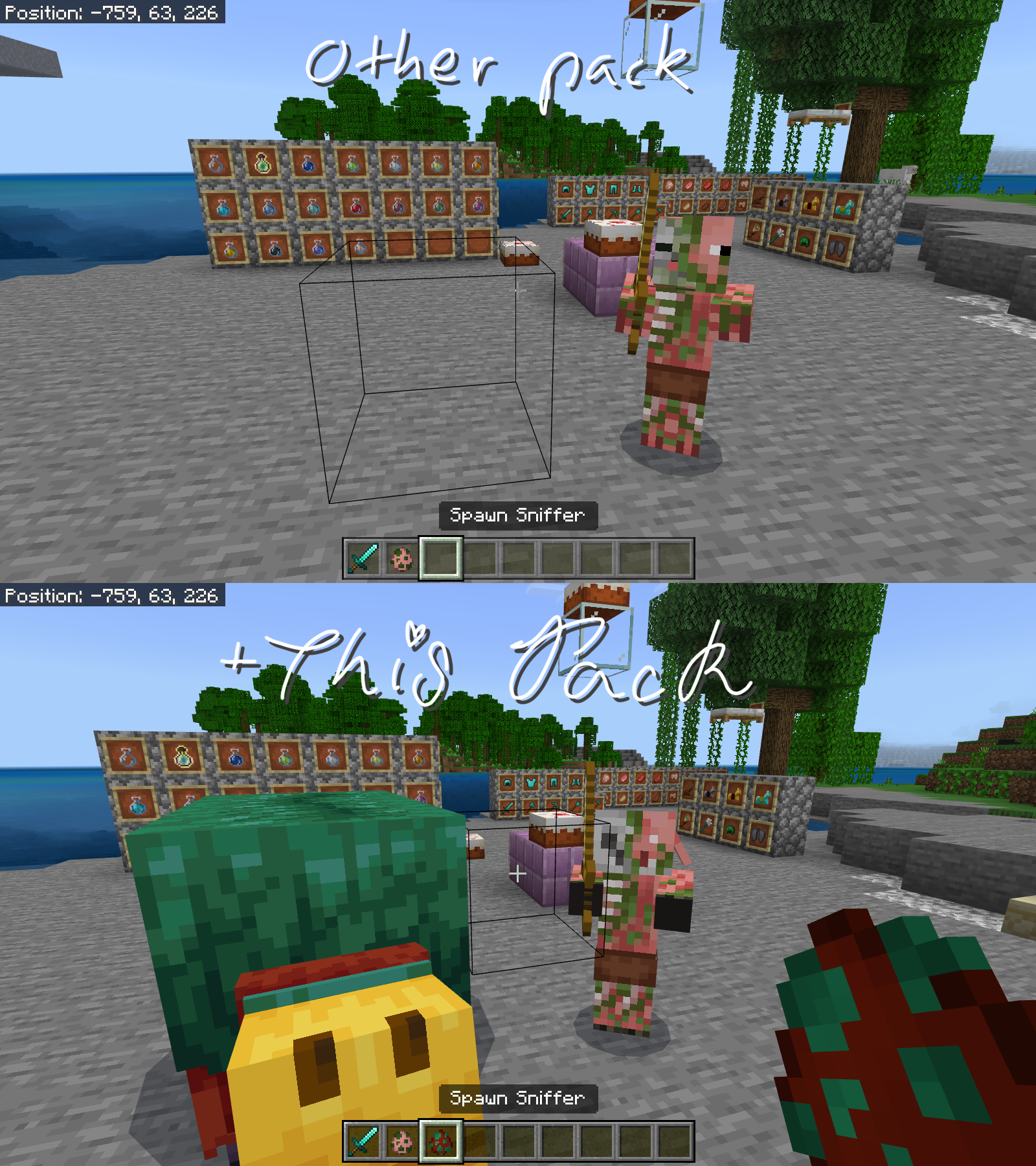
- The Sniffer, its Spawn Egg, and the Zombified Piglin are now compatible with more resource packs (including this one!)
* Features marked with an asterisk are ones that I'm not entirely sure about and may be removed or changed.
** Features marked with two asterisks are ones that I implemented but later decided would be more suited for a different resource pack and will be moved eventually.
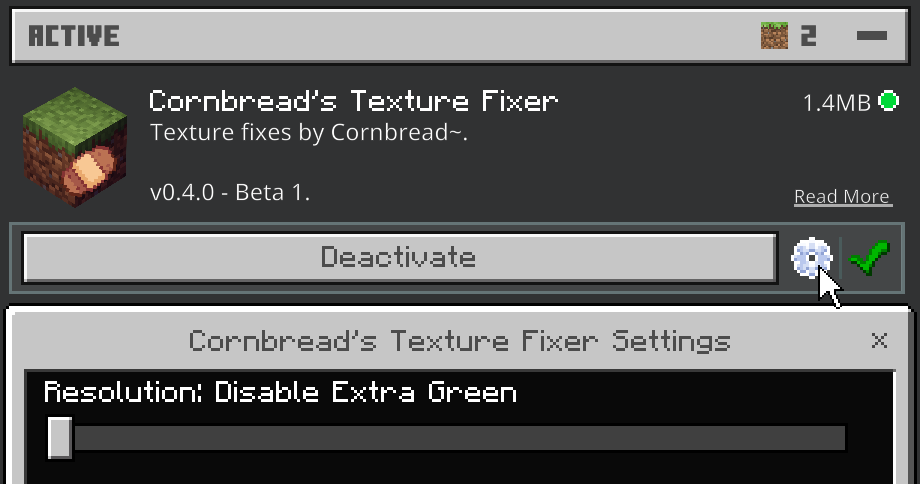
+ Features marked with a plus have a subpack option to turn them off.
Cornbread's Texture Fixer Team