Conglomeration
- By
Mixes and matches the best aspects from every official release!
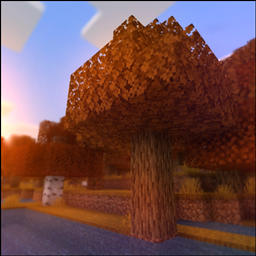
Minecraft has had many releases over its decade of existence, and they've all looked very slightly different, sounded slightly different, had different UI. This resource pack mixes and matches the best aspects of every official release. Currently a Work-in-Progress.
Features:
Blocks:
- Obsidian, Crying Obsidian, Clay, Terracotta and Stained Terracotta don't rotate their textures, like on Java Edition.
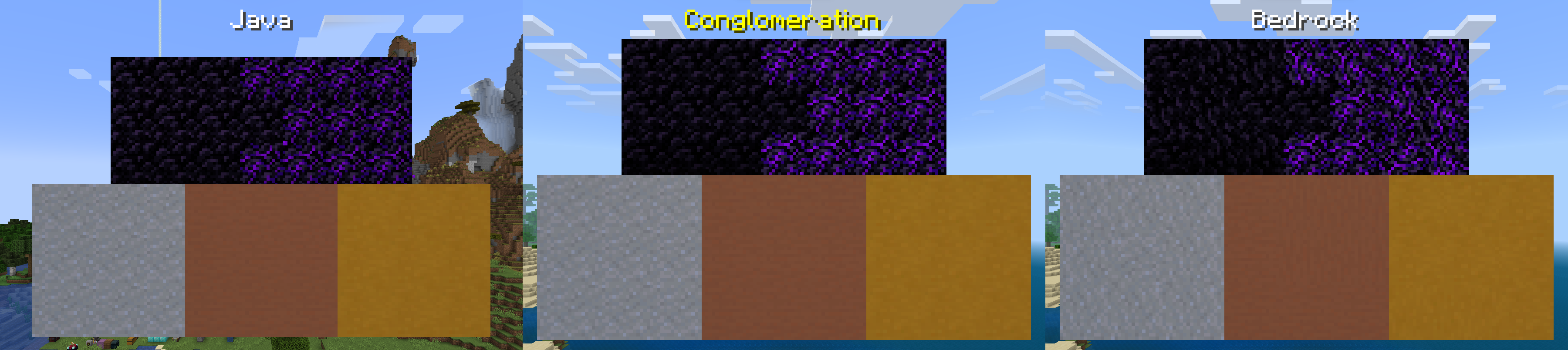
- Stone, Bedrock, and the sides of Deepslate have their variants from Java Edition.

- All Dirt variants do not rotate their textures on their sides, similar to Java Edition.

- The sides of Grass Blocks are always the same color as the top and transition smoothly between biomes, like on Java Edition.

- The tops and bottoms of Blackstone Stairs and Slabs use the same texture as the tops and bottoms of regular Blackstone, like on Java Edition.

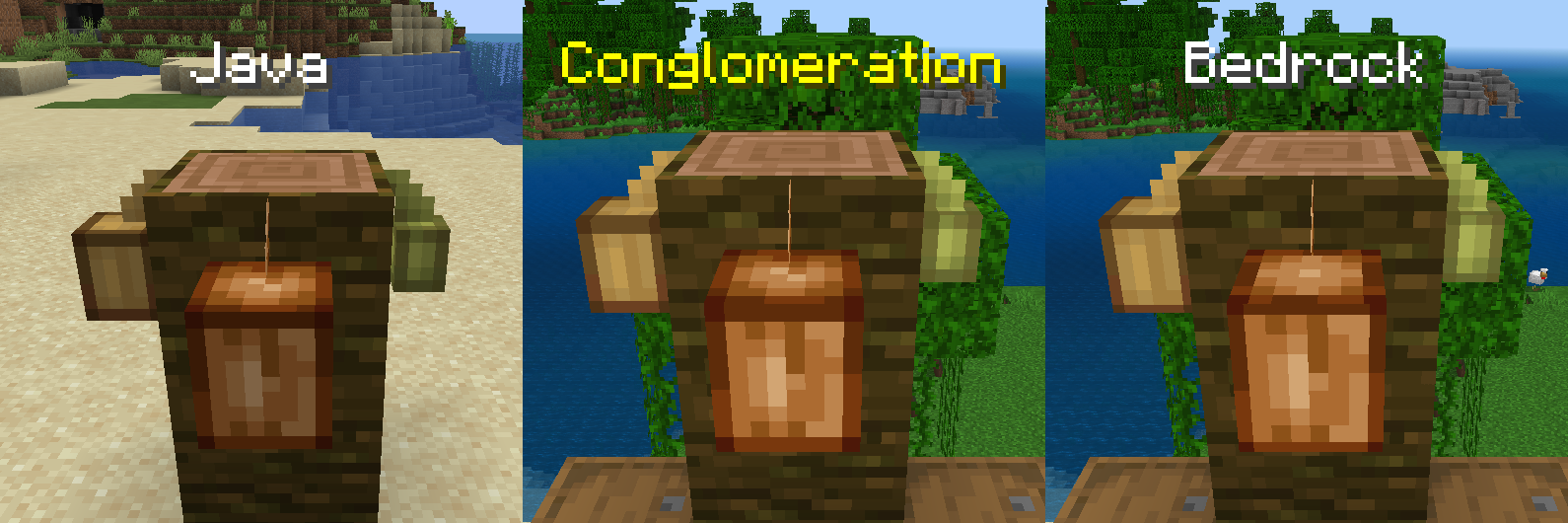
- Fully grown Cocoa Pods use their updated top and bottom texture from Java Edition.
- The UV mapping on Cocoa Pods is more accurate to Java edition.
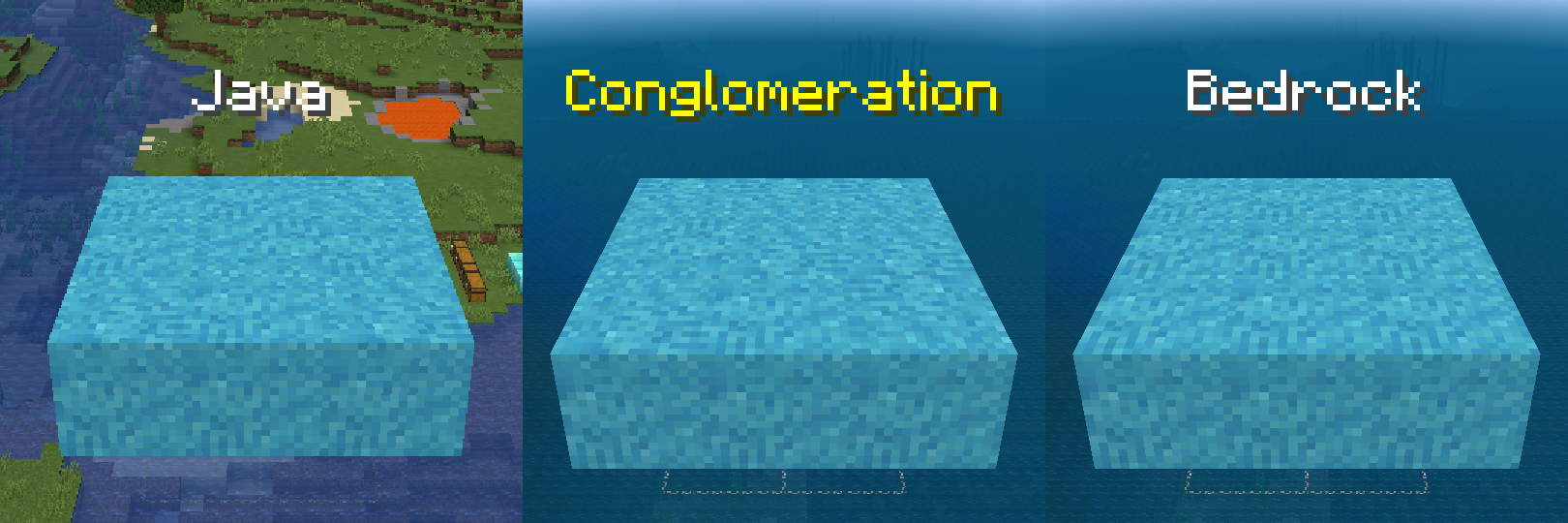
- The tops and bottoms of Concrete Powder randomly rotate their textures, similar to Java Edition.
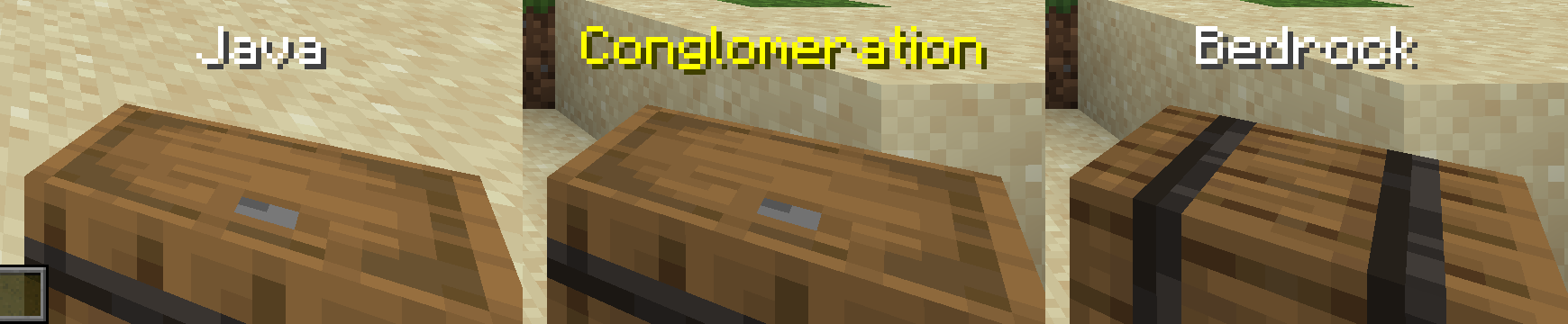
- Barrels are held upright, similar to Java Edition.
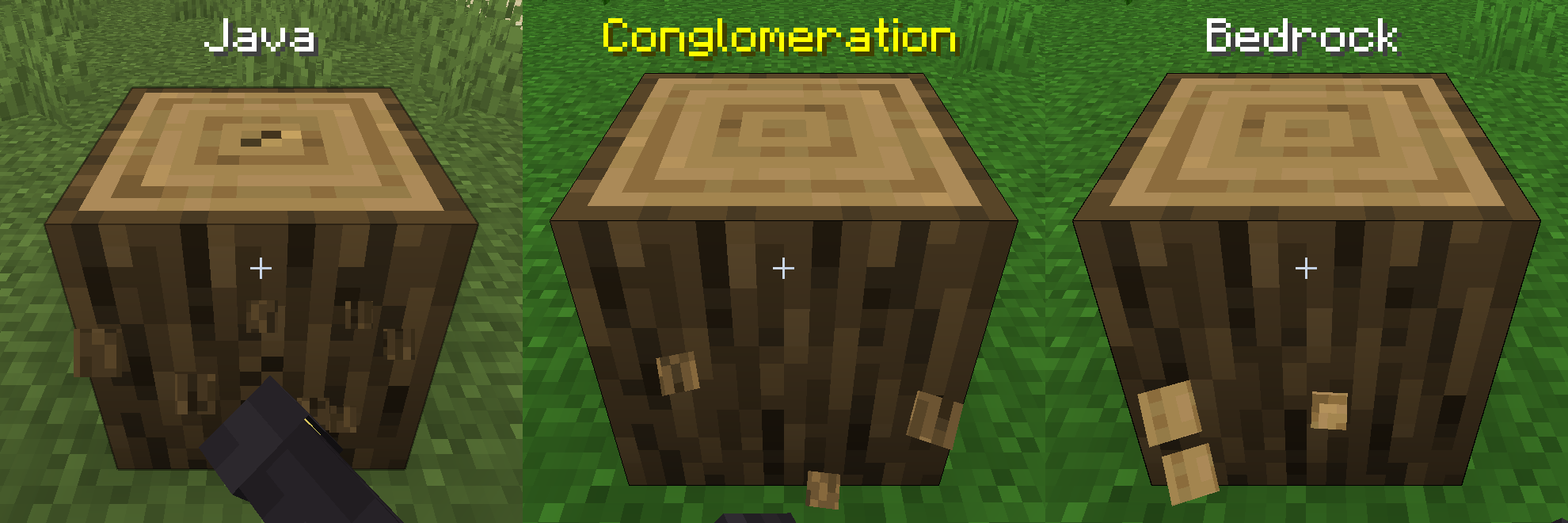
- Wood Logs, Nether Fungus Stems, Bamboo Blocks, Froglights, Deepslate, Basalt, Polished Basalt, and Bone Blocks use their side textures for particles, similar to Java Edition.
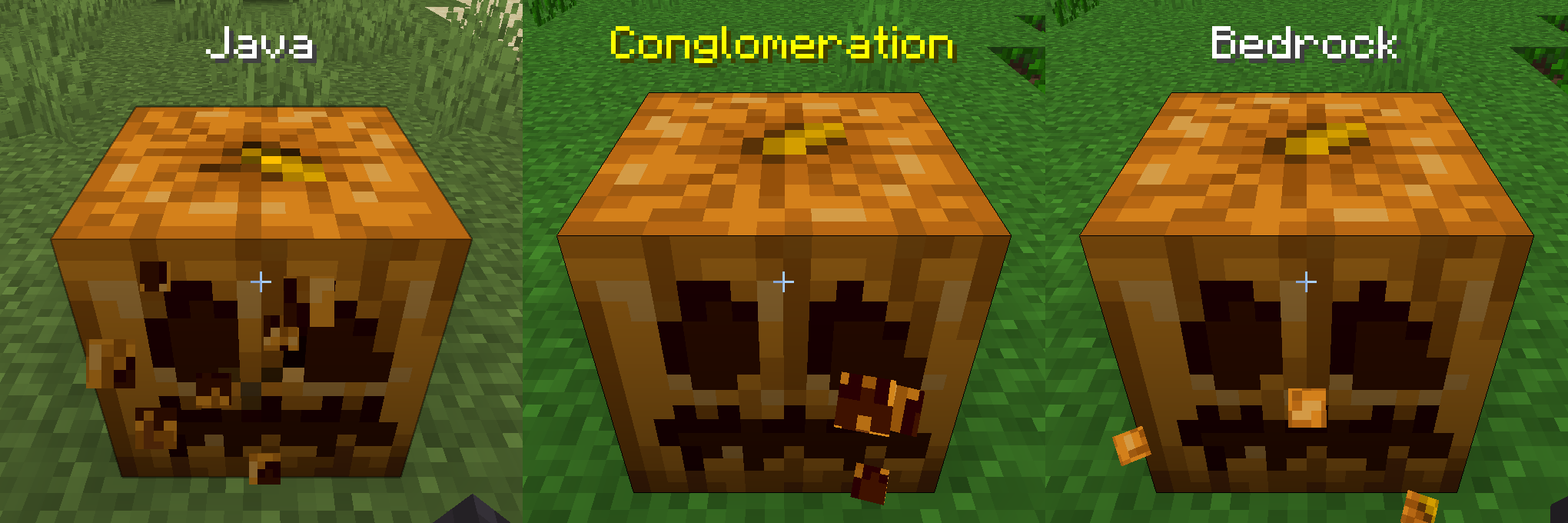
- All types of Pumpkins use their front textures for particles, similar to Java Edition.
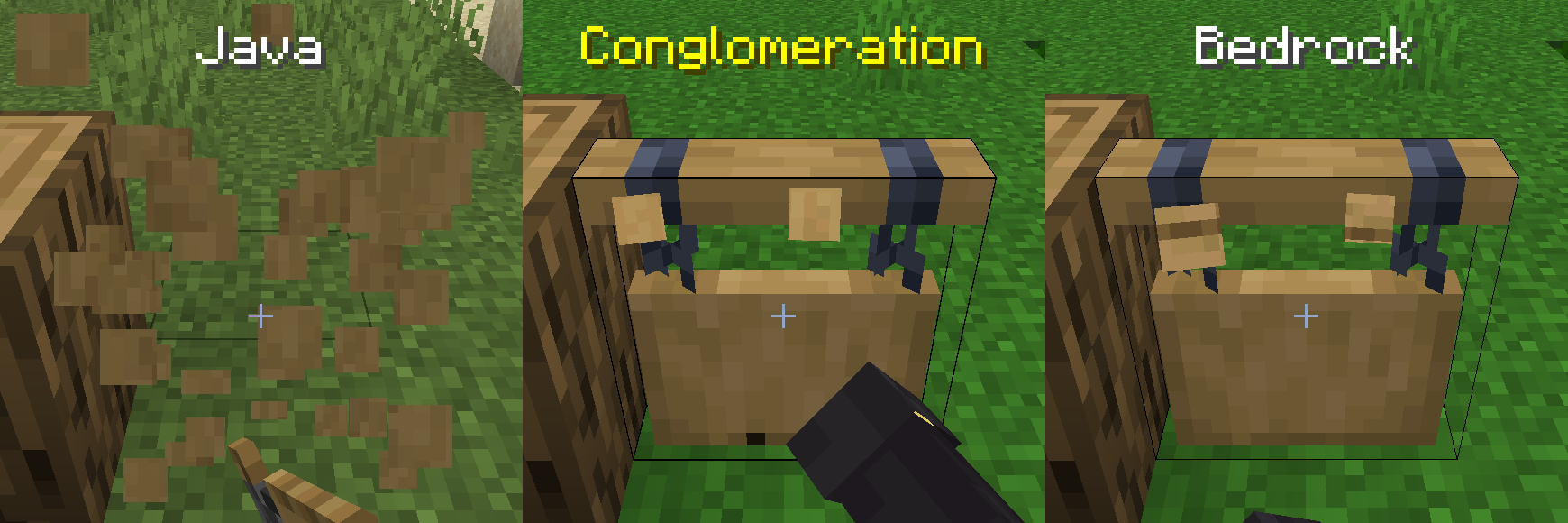
- Hanging Signs use Stripped Wood textures for particles, similar to Java Edition.
- The UV mapping on all types of Torches is more accurate to Java edition.

User Interface:
- The Hotbar is full opacity, like on Java Edition.
- The Start and End Caps on the Hotbar are the correct opacity, even when playing with HUD Opacity lowered, like on Legacy Console Edition.
- The layering on the Hotbar is more accurate to Java and Legacy Console Edition.
- The XP Bar uses its textures from Java and Legacy Console Edition.
- The XP, Horse Jump, and Camel Dash Bars do not stretch when using touch controls.
- The Player Level Number uses an outline, like on Java Edition.
- The color of the Player Level Number is more accurate to Java Edition.
- The Armor Bar uses its updated textures from Java Edition. (not shown)
- Item Names on the HUD use a dropshadow, like on Java Edition.

-
- The colors on the the Player Preview Border are more accurate to Java Edition.
- Empty Armor Slots use their updated textures from Java Edition.
- Hovering over Item Slots looks like it does on Java Edition in all Container Screens.
- The top- and bottom-left corners of the background in all Container Screens are more accurate to Java Edition.
- The Inventory Label and Inventory and Hotbar Grids are in their Java Edition Positions (relative to the bottom of the screen).
- Clicking, pressing, or tapping on any Item Slot makes its sound from Legacy Console Edition in all Container Screens.
- Tabs in the Recipe Book and Creative Inventory make their sound from Legacy Console Edition.
- Leaving any Container Screen using a keyboard's or controller's Back Button makes its sound from Legacy Console Edition.
- Focus Wrapping from Legacy Console Edition is present in all Container Screens.
- General improvements to Focus Mapping in all Container Screens.
- Tabs and Layout Buttons cannot be hovered over with a D-pad or keyboard, similar to Legacy Console Edition.
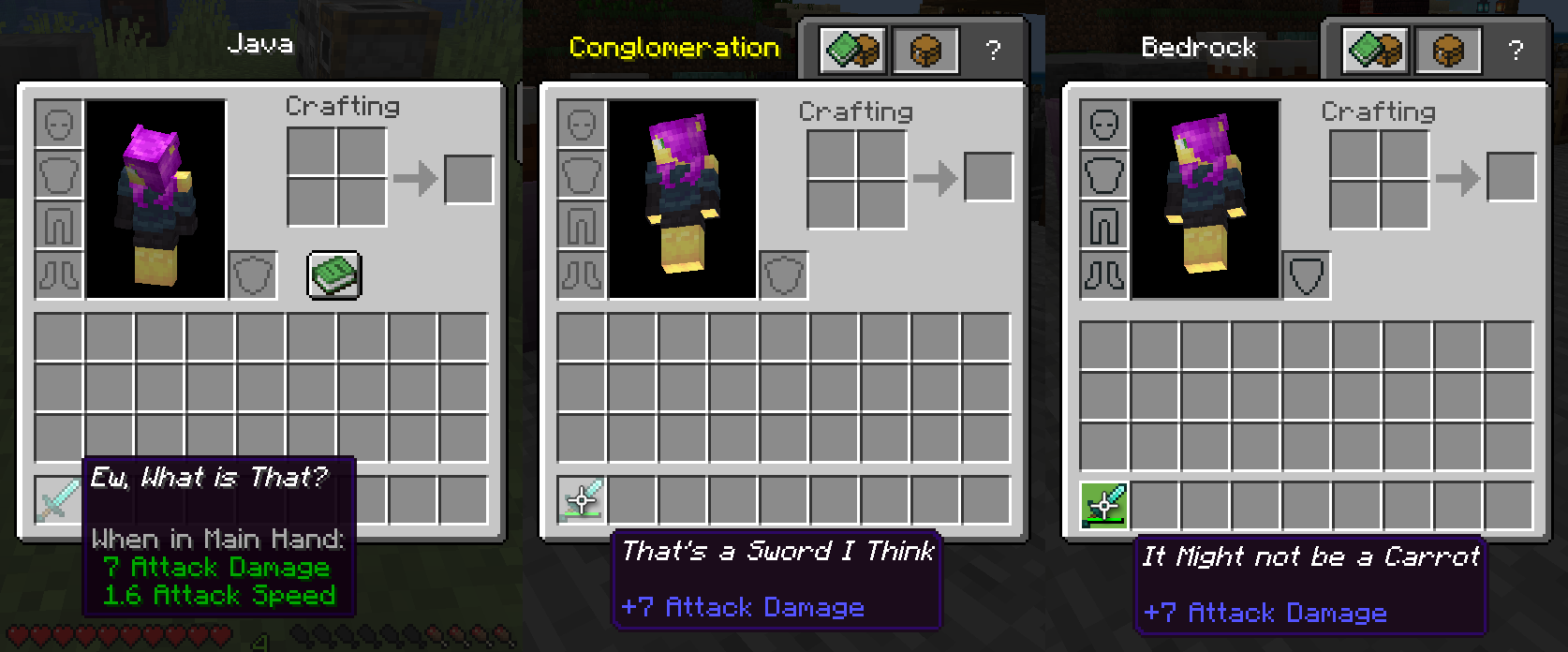
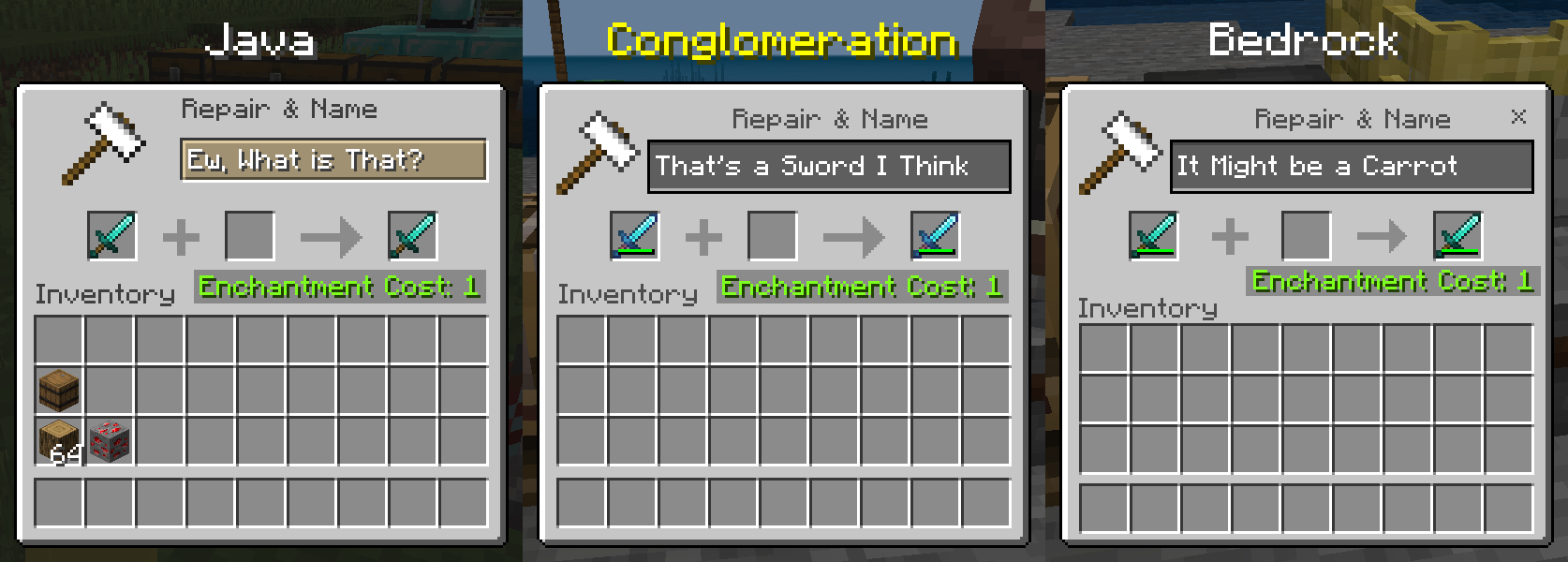
- Anvil Screen is identical to Java Edition, except text colors; positions of the 'Repair & Name' text, Hammer Icon, and Textbox; texture of the Hammer Icon, and everything else about the textbox too.
- Close Button on Anvil Screen only appears when using touch controls.
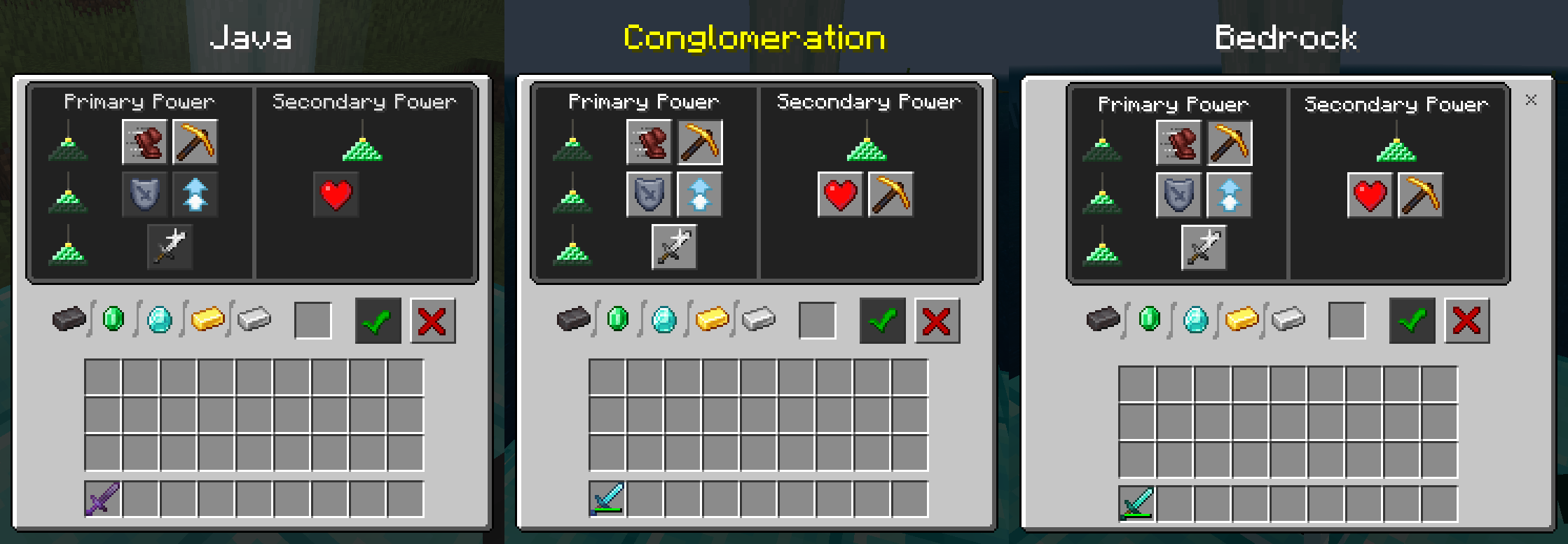
- Beacon Screen is identical to Java Edition, except text colors and position of the Confirm Button Icon.
- Clicking, pressing, or tapping on Beacon Buttons makes its sound from Legacy Console Edition.
- Inactive Beacon Buttons can be hovered over using a controller or keyboard, similar to Legacy Console Edition.
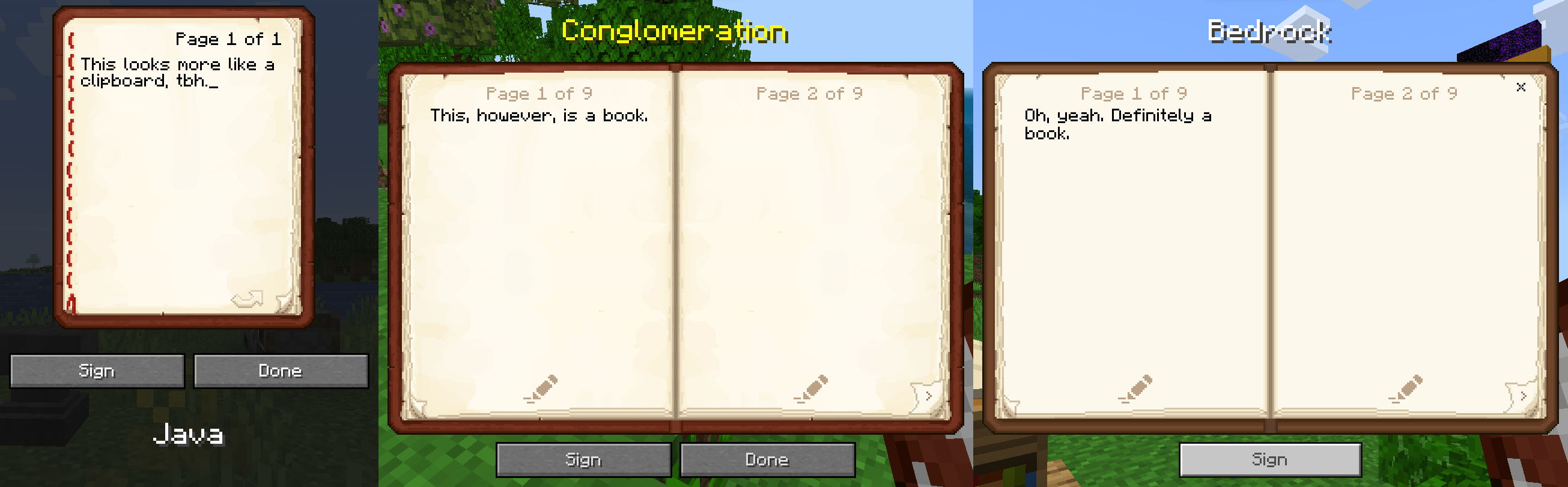
- The buttons on the Book Screen are identical to Java Edition.
- Closing the Book Screen using a keyboard's or controller's Back Button makes its sound from Legacy Console Edition.
- The Done Button on the Book Screen is not visible while both using a controller and unable to edit the book. (not shown)
- The Page Turn Buttons cannot be hovered over with a controller or keyboard, similar to Legacy Console Edition.
- The Page Turn Buttons react visually when using the Bumpers or Bracket Keys to turn a page on the Book Screen.
- The Gamepad Helper for selecting things on the Book Screen is not visible while unable to edit the book, since there's nothing to select in that case. (not shown)
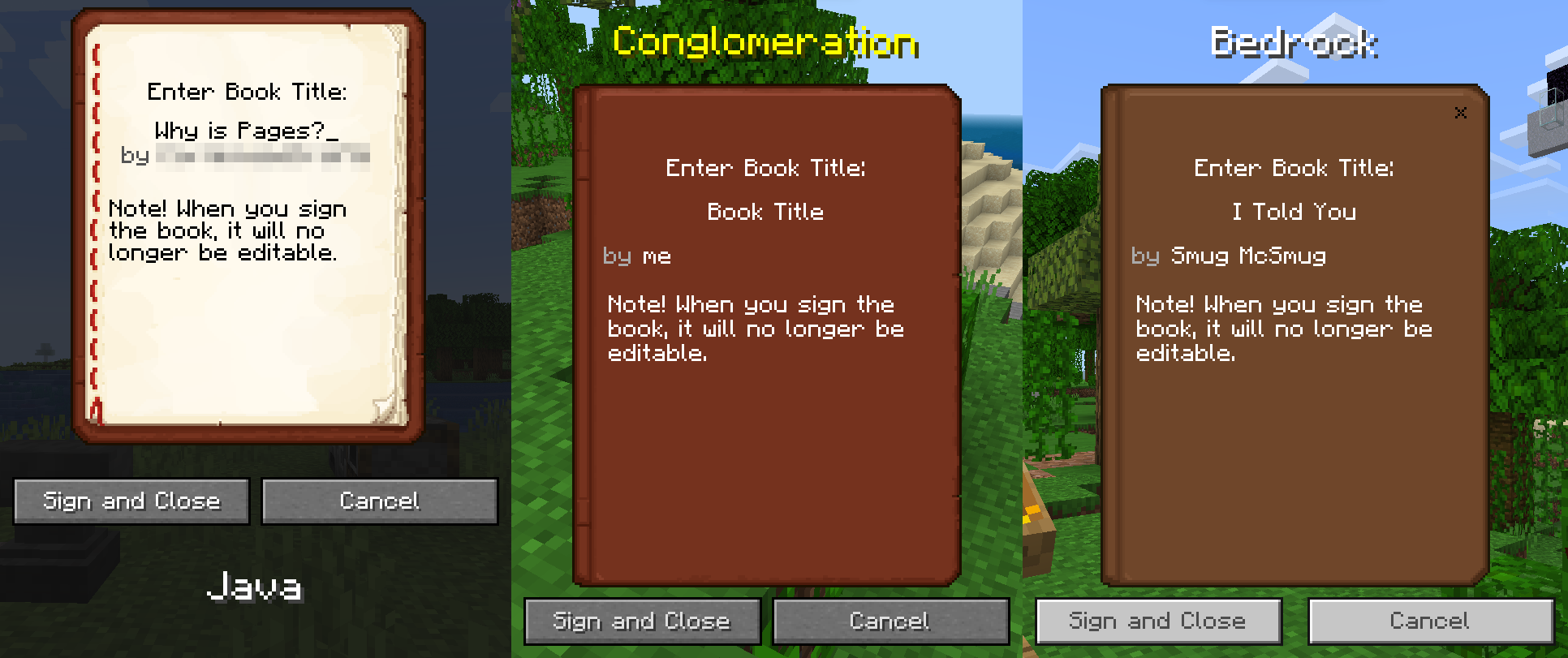
- The Book Screen uses the texture from Java and Legacy Console Edition, edited to be two pages.
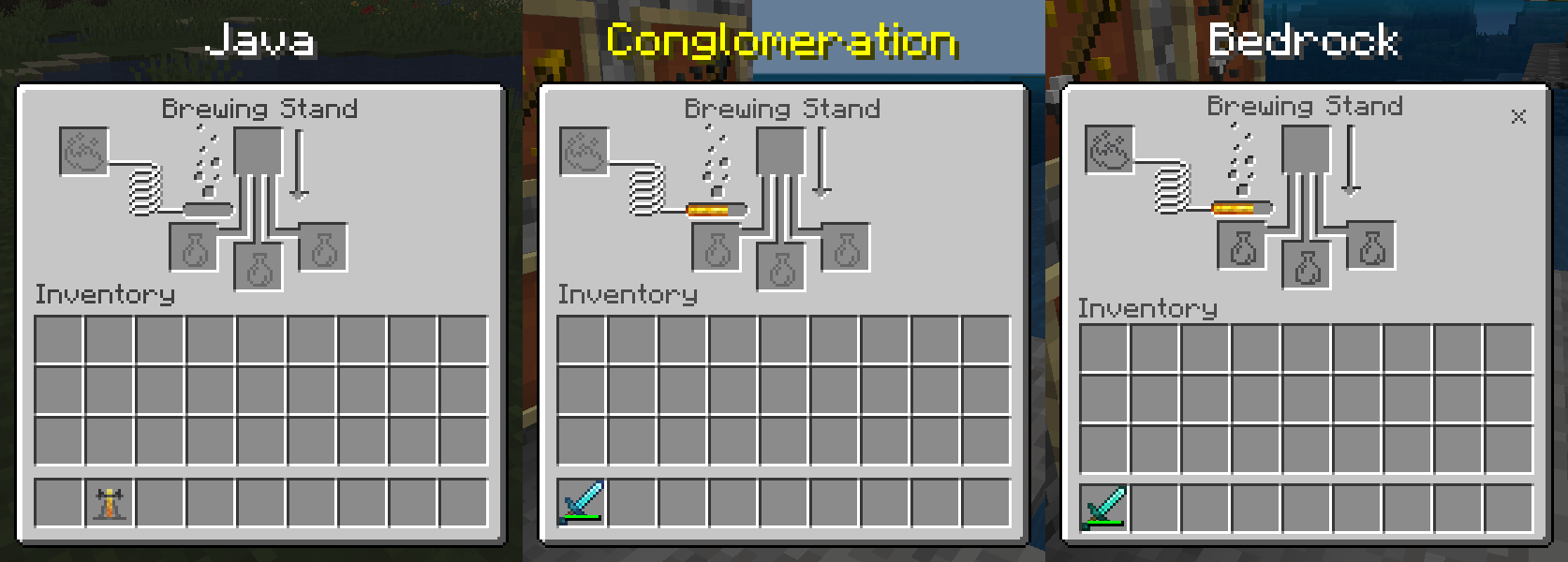
- Brewing Stand Screen is identical to Java Edition, except text colors, fuel panel position, and arrow position.
- Arrow on Brewing Stand Screen is in its Legacy Console Edition position (relative to the Pictogram).
- Close Button on Brewing Stand Screen only appears when using touch controls.
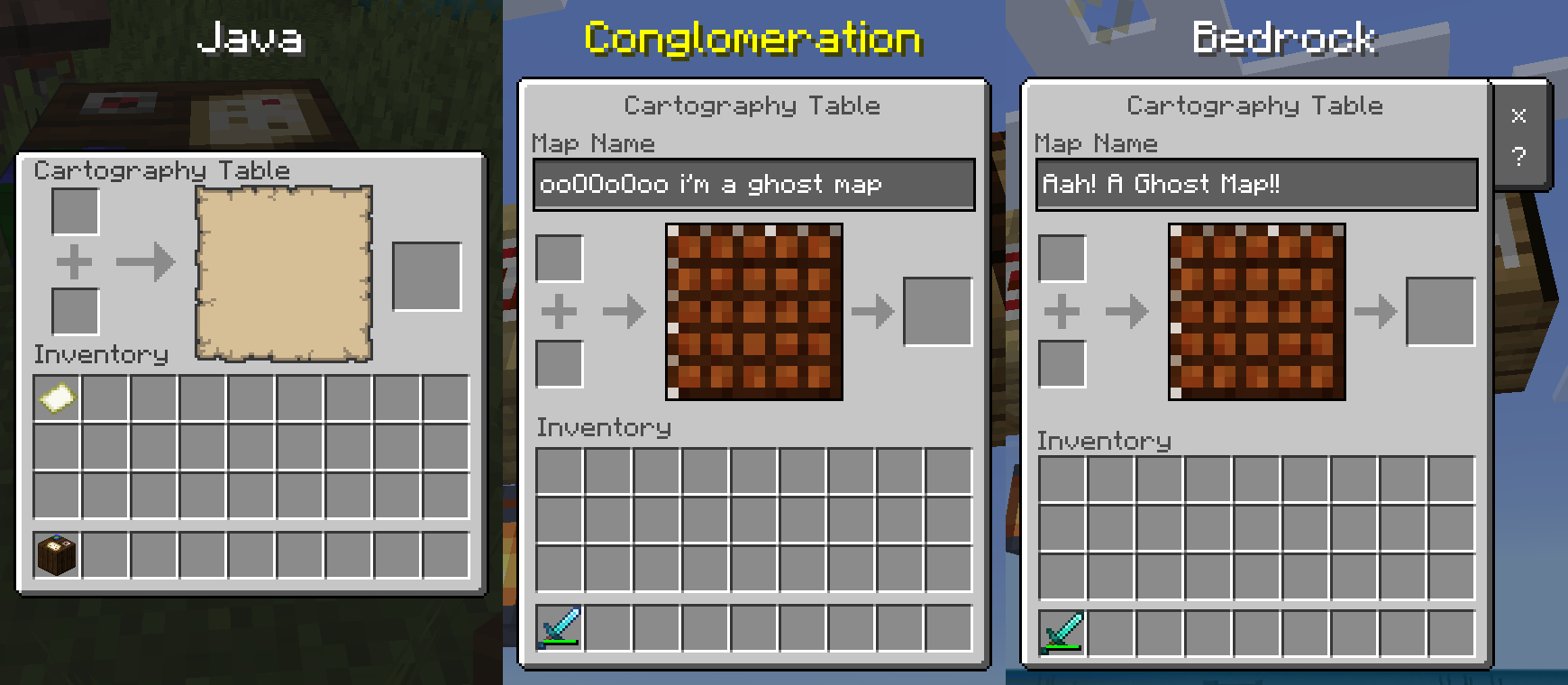
- The Toolbar on the Cartography Table Screen is nonexistent, like on Java and Legacy Console Edition (unless using touch controls).
- The Highlight when hovering over the Output Slot on the Cartography Table Screen is full size like other slots (vanilla bug fix).
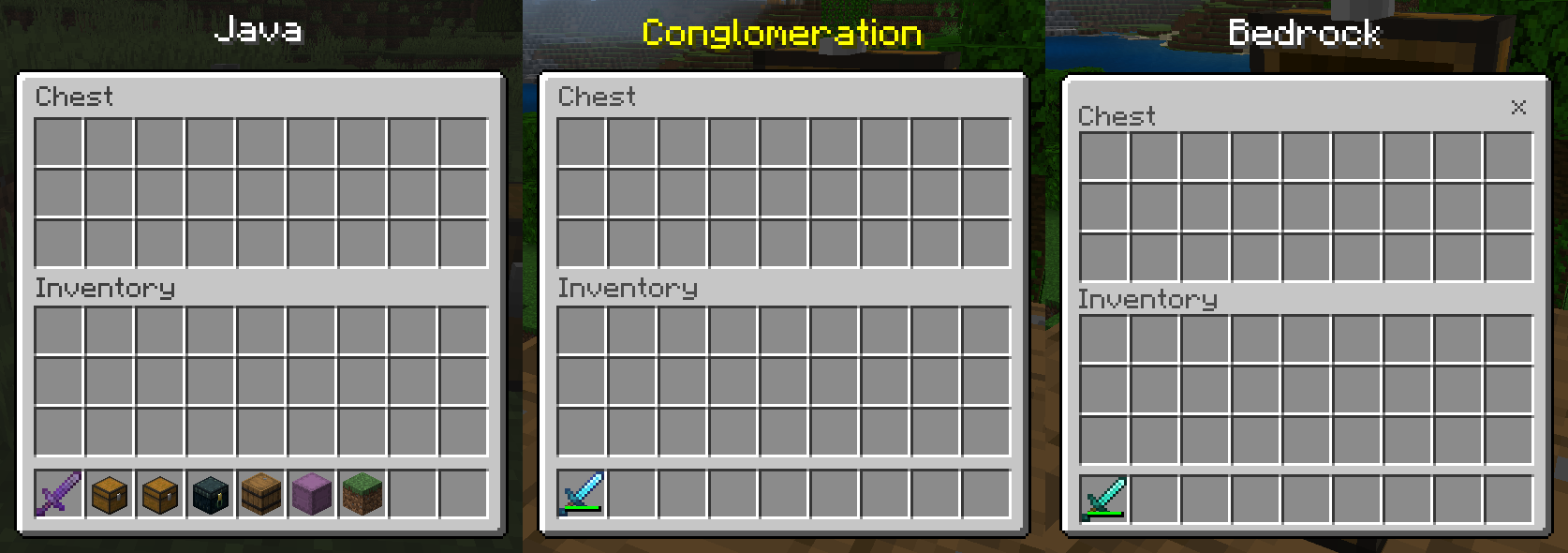
- Chest and Large Chest Screens are identical to Java Edition, except text colors.
- Close Button on Chest and Large Chest Screens only appears when using touch controls.
- Focus Mapping on Chest and Large Chest Screens is identical to Legacy Console Edition.
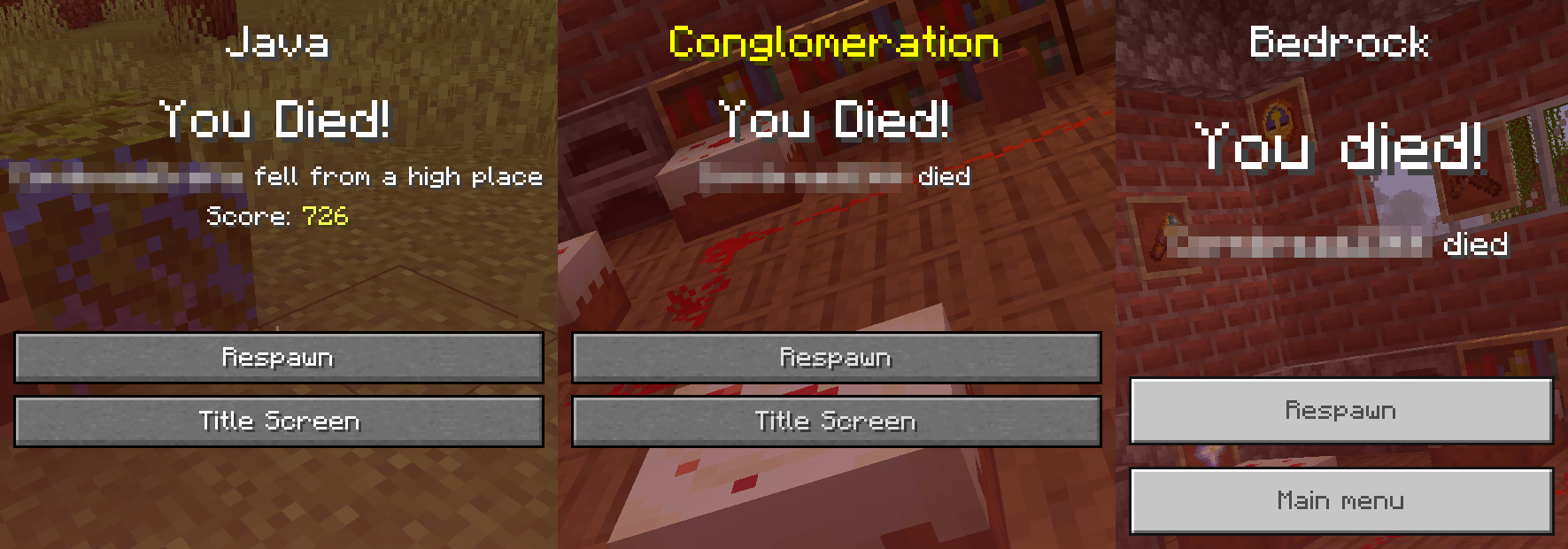
- The Death Screen is identical to Java Edition, except the Score Counter doesn't exist (ohh noooooooooooo).
- Focus Mapping on Death Screen is identical to Legacy Console Edition.
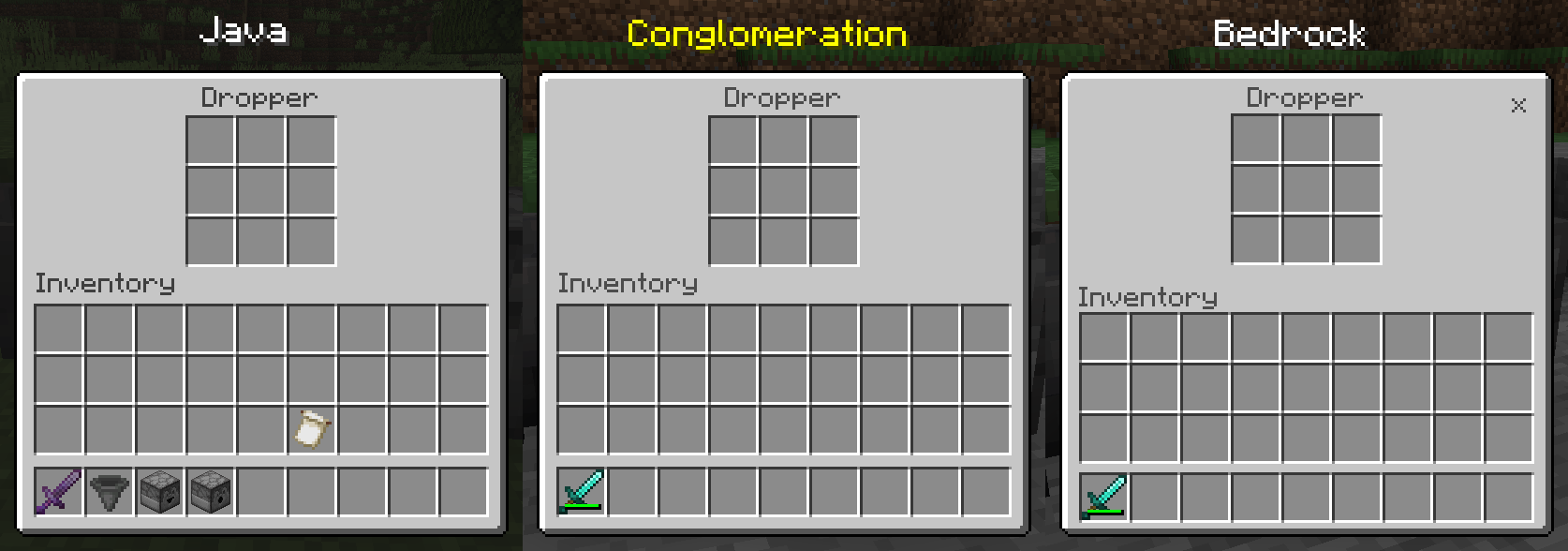
- The Dropper and Dispenser Screens are identical to Java Edition, except text colors.
- Close Button on Dropper and Dispenser Screens only appears when using touch controls.
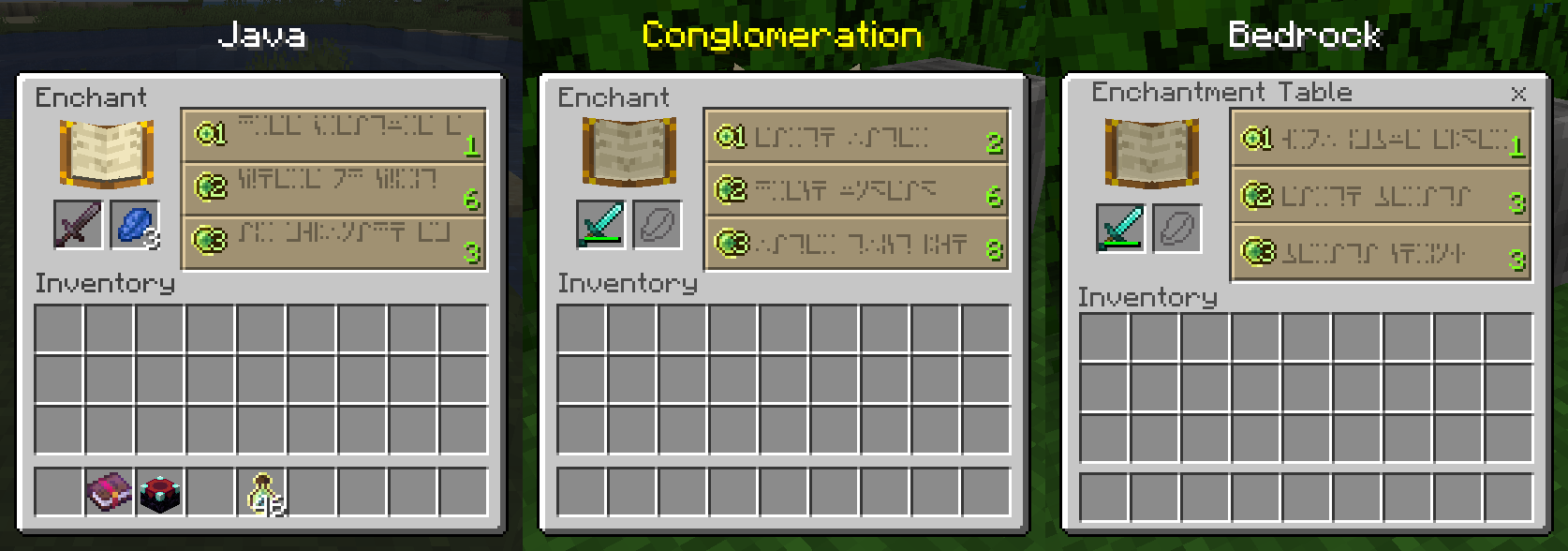
- Enchanting Table Screen is identical to Java Edition, except text colors, texture for the border on Enchanting Buttons, and positions of things on Enchanting Buttons.
- Close Button on Enchanting Table Screen only appears when using touch controls.
- Using the D-pad or Arrow Keys to move from the Enchanting Slots to the Enchanting Buttons takes you to the top button, like on Legacy Console Edition.
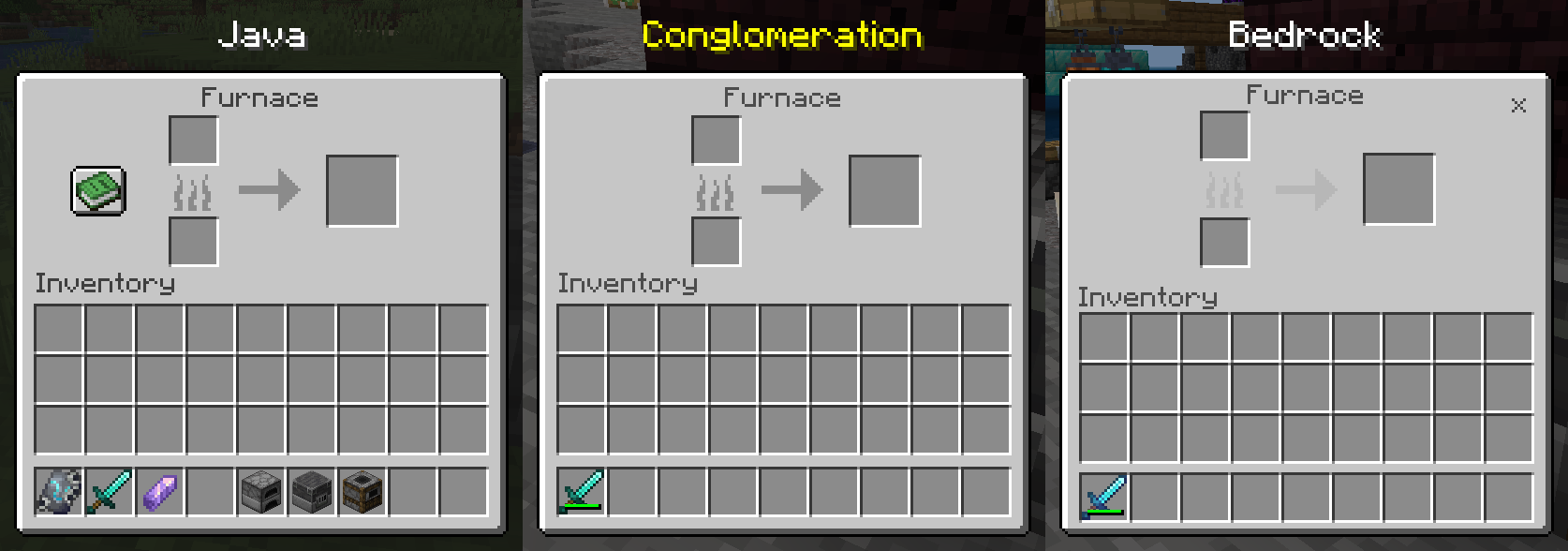
- Furnace Screen is identical to Java Edition, except text colors and Recipe Book Button.
- Close Button on Furnace Screen only appears when using touch controls.
- Focus Mapping on Furnace Screen is identical to Legacy Console Edition.
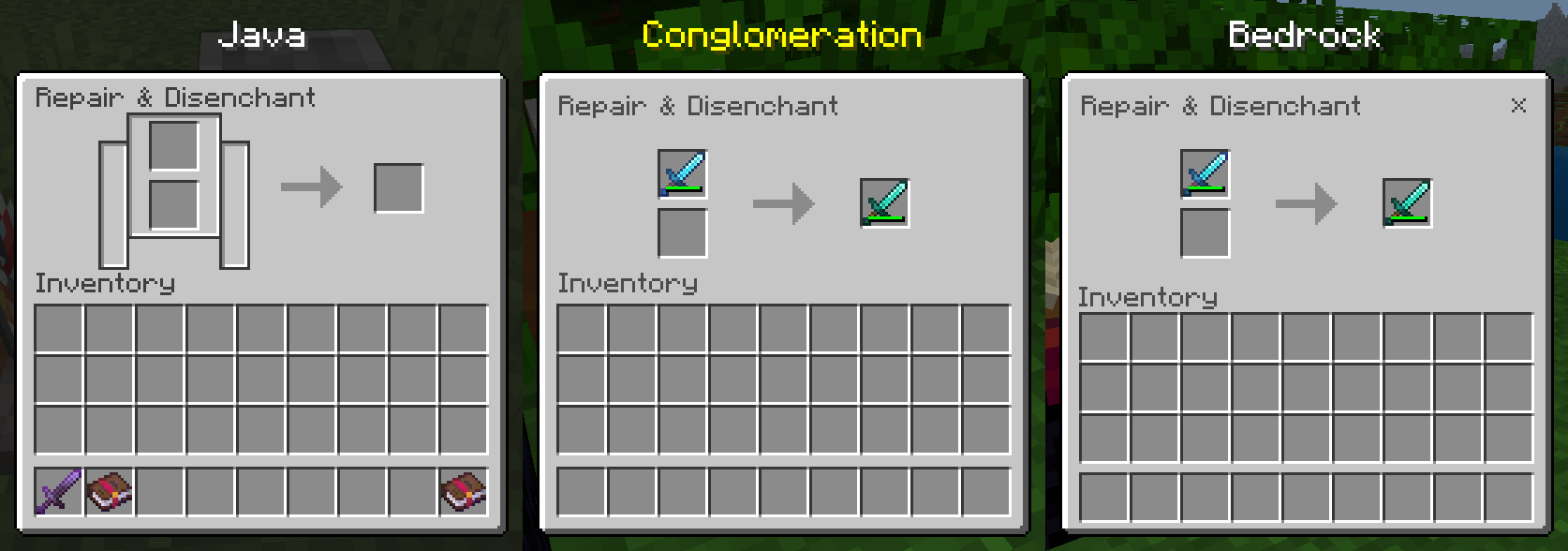
- Close Button on Grindstone Screen only appears when using touch controls.
- Hopper Screen is identical to Java Edition, except text colors.
- Close Button on Hopper Screen only appears when using touch controls.
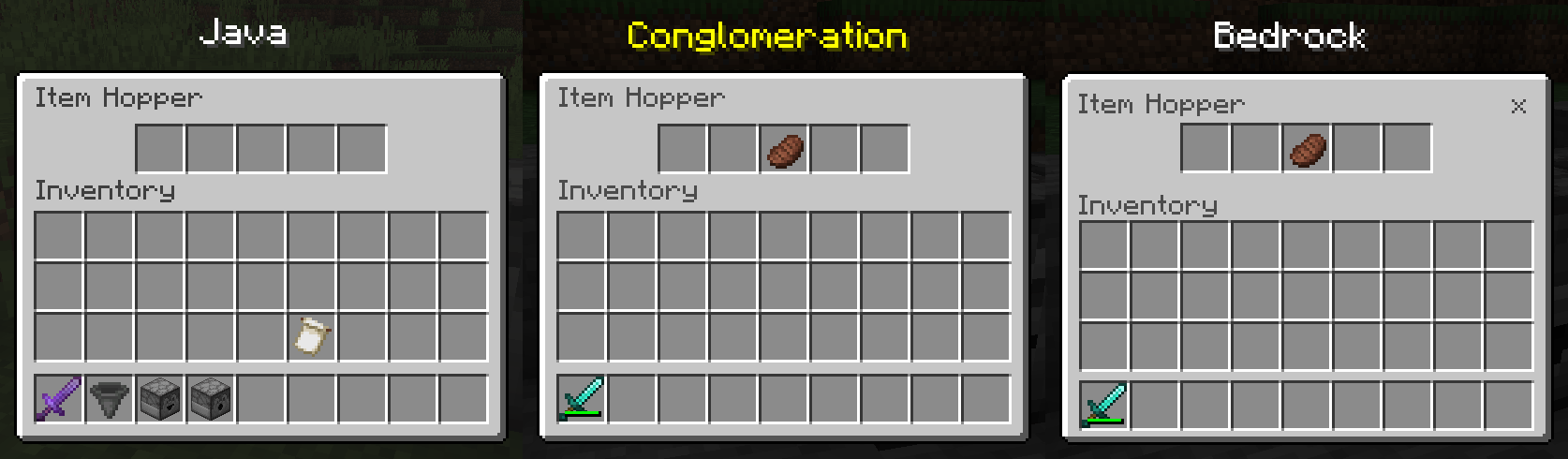
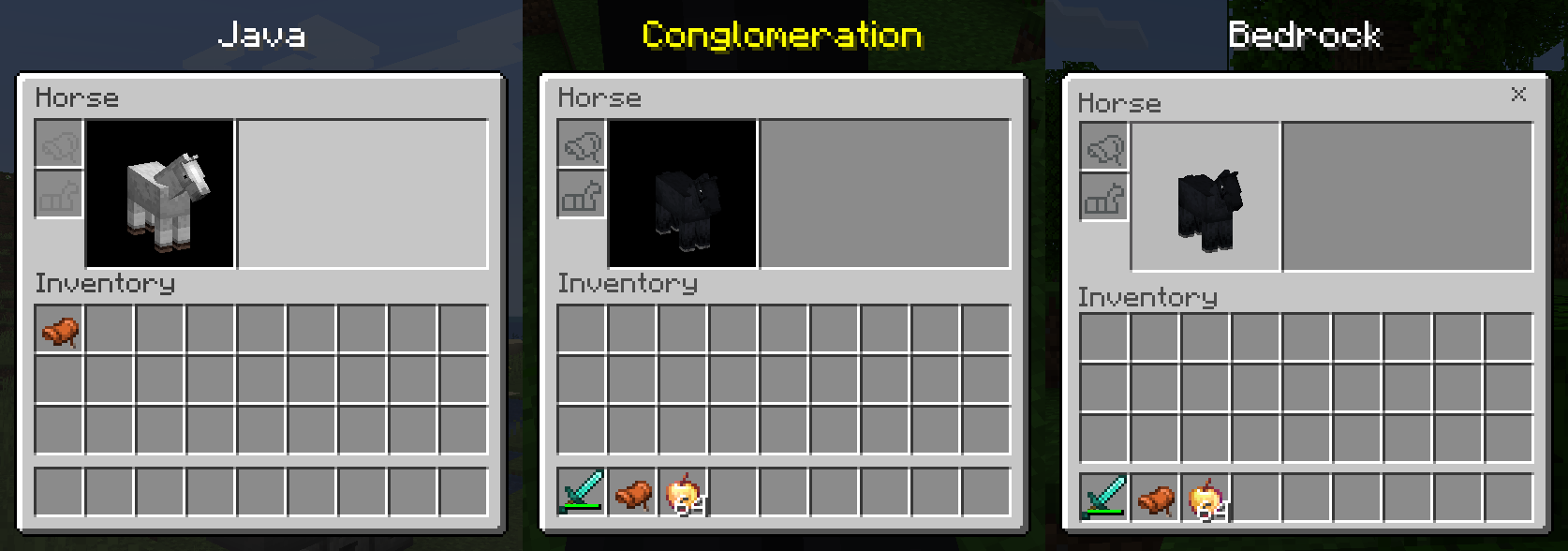
- Horse Screen is identical to Java Edition, except text colors, empty slot textures, and background color of the Mount Inventory Panel.
- Close Button on Horse Screen only appears when using touch controls.
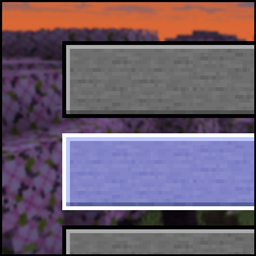
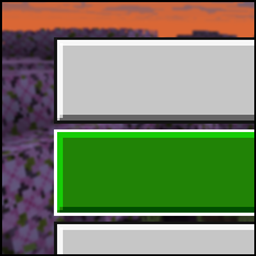
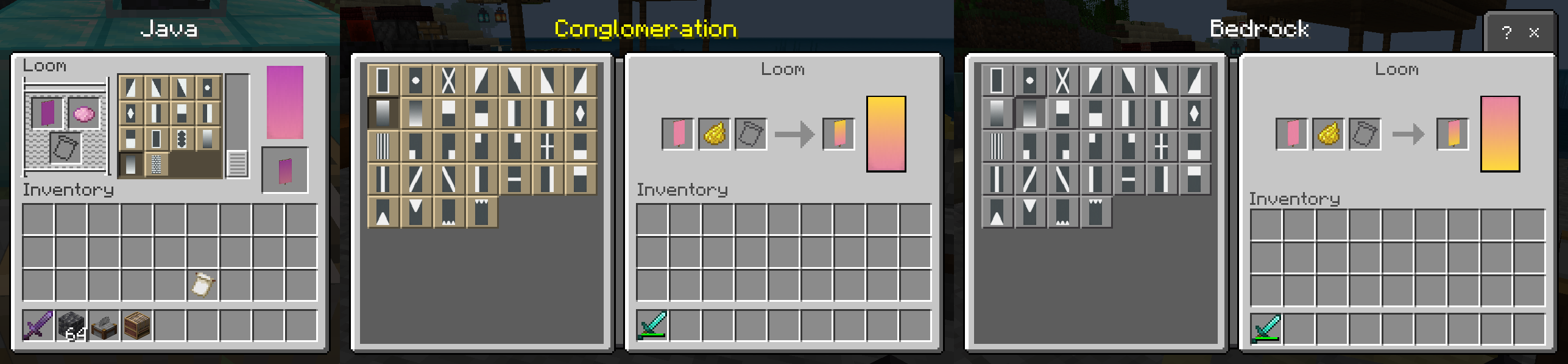
- Buttons on the Loom Screen are the same color as on Java Edition.
- Toolbar on the Loom Screen only appears when using touch controls.
- Arrow on the Loom Screen is the correct size. (vanilla bug fix)
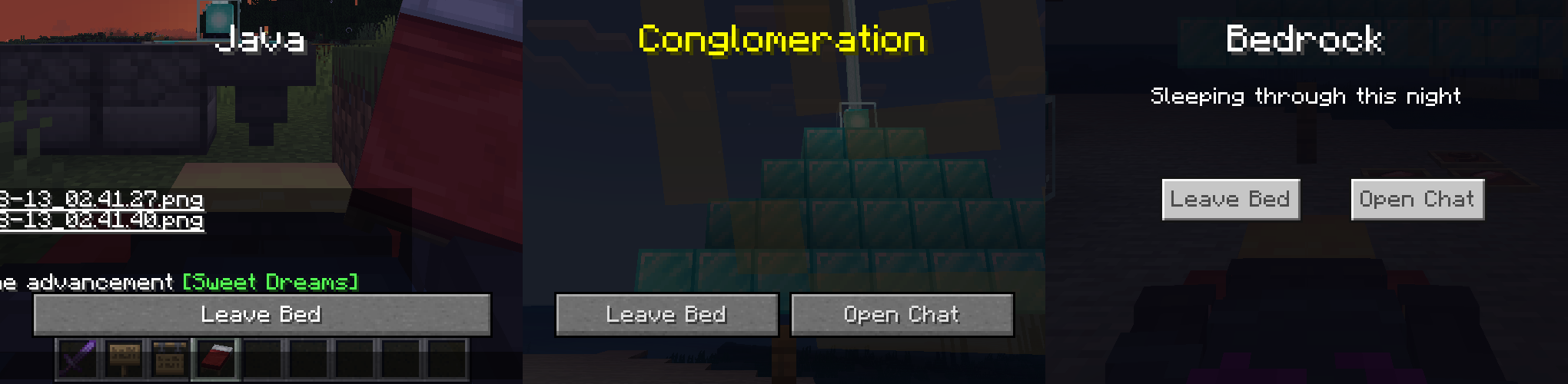
- In Bed Screen is identical to Java Edition, except the chat is replaced with a second button (so, it's actually very different, but whatever).
- Smithing Table Screen is identical to Java Edition, except text colors, Hammer Icon, 'Upgrade Gear' text position, and the lighting on the Armor Preview.
- Toolbar on the Smithing Table Screen only appears when using touch controls.
- Toolbar on the Smithing Table Screen is moved to the correct position and layer. (vanilla bug fix). (not shown)

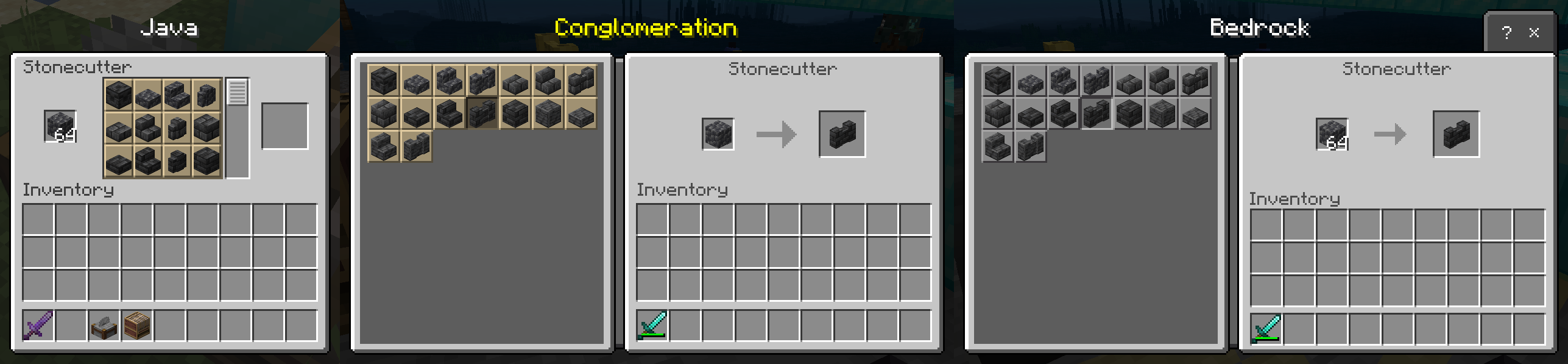
- Buttons on the Stonecutter Screen are the same color as on Java Edition.
- Toolbar on the Stonecutter Screen only appears when using touch controls.
- Arrow on the Stonecutter Screen is the correct size. (vanilla bug fix)
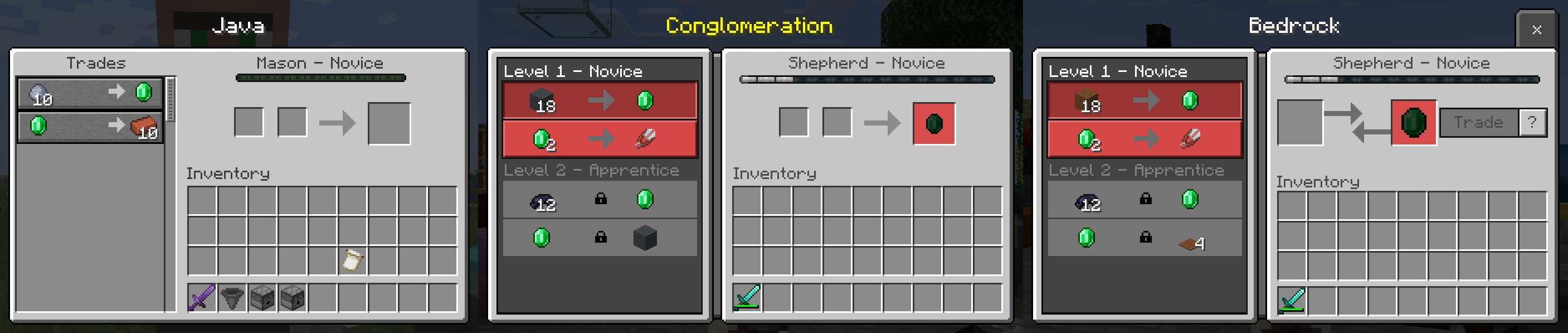
- The slots on the right side of the Trading Screen are identical to Java Edition.
- Toolbar on the Trading Screen only appears when using touch controls.
Miscellaneous:
- The following items have been changed to their Java / Legacy Console Edition names (in English): Cooked Beef > Steak, Enchanted Apple > Enchanted Golden Apple, Seeds > Wheat Seeds, Enchantment Table > Enchanting Table.

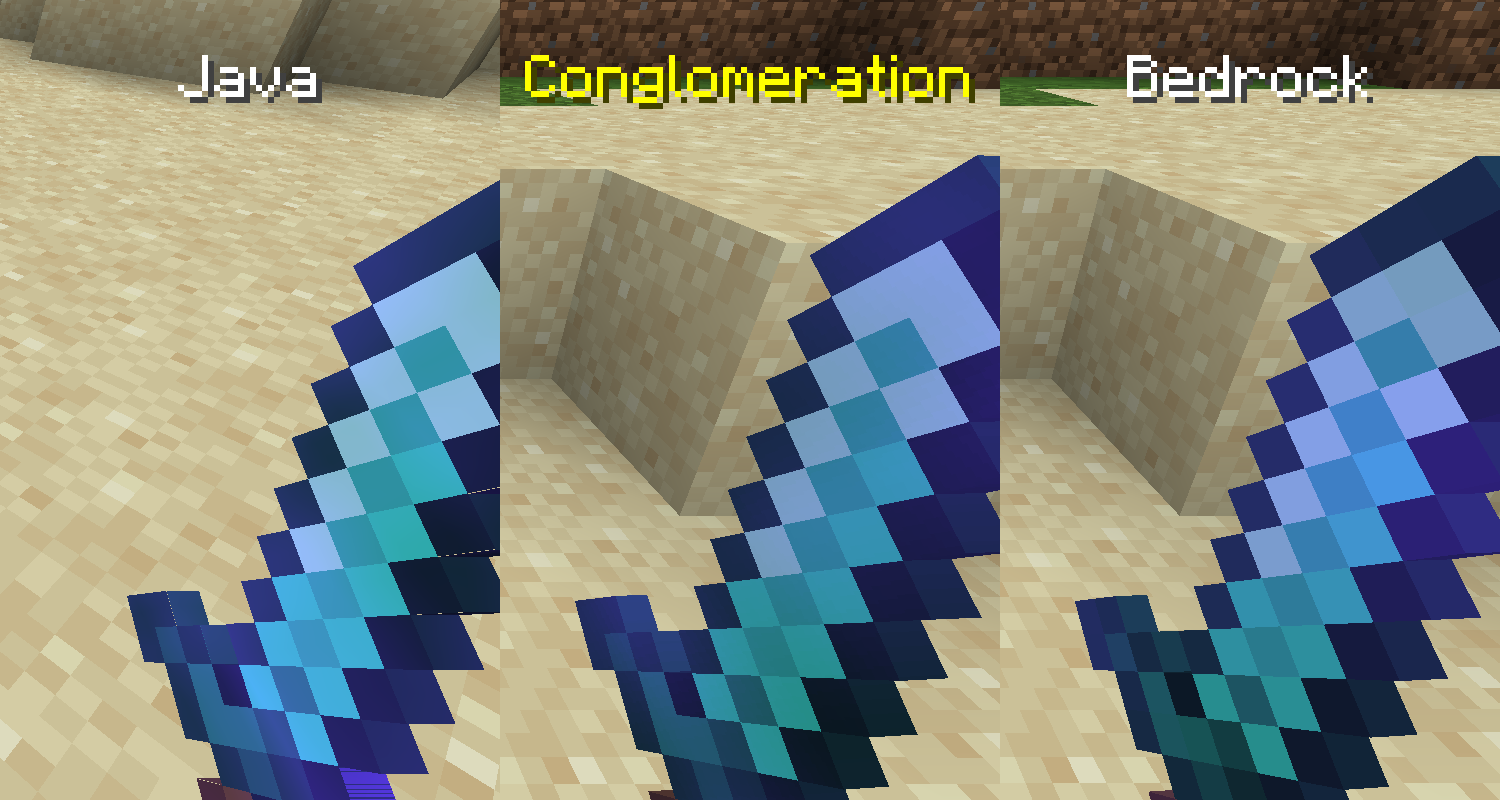
- Enchantment Glint Appears un-pixelated on held items, like on Java and Legacy Console Edition.
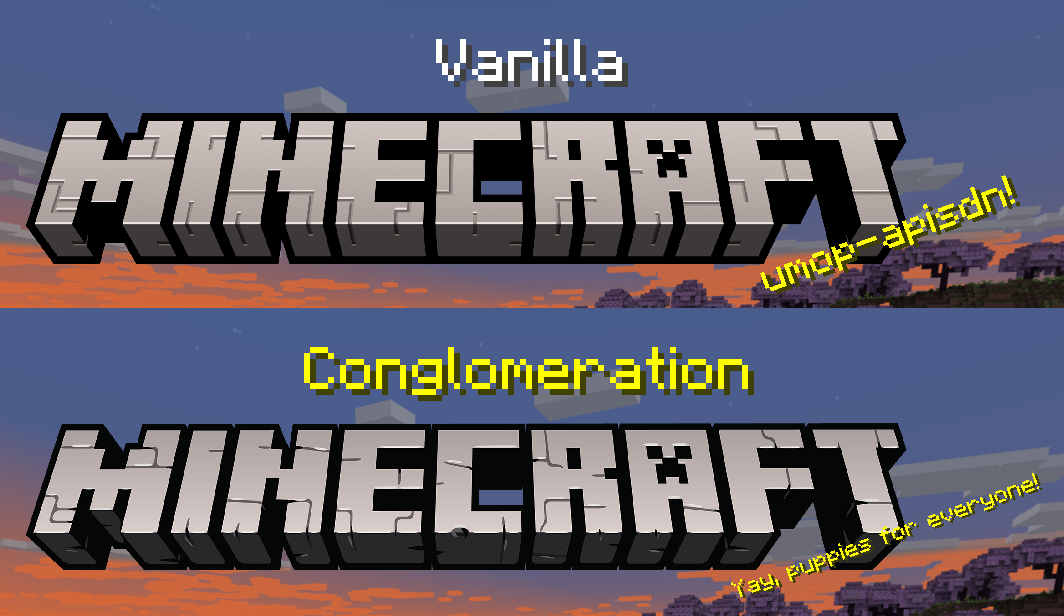
- Current Title Logo is replaced with the previous one.
Subpacks:
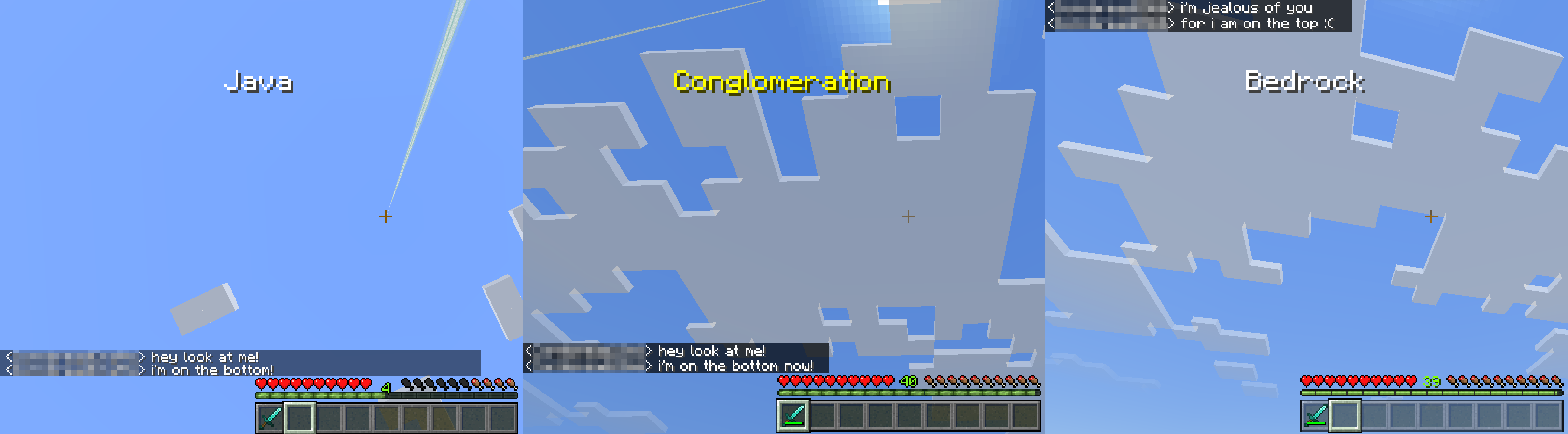
- Experimental Chat Fix (this is a massive work-in-progress. moreso than the rest of the pack. disable if it causes problems.)
Known Bugs:
- Focus Mapping isn't quite to the quality I want it yet. May be a little funky when the Recipe Book is open.
- Focus Wrapping (separate thing even though it rhymes) doesn't work on scrolling UI objects for reasons entirely outside my understanding.
- The text on the Enchanting Table Screen cannot be changed in an Anvil. It used to work properly, but then Mojang broke it in 1.20.30.
Conglomeration Team