CheatStick by @ALNStudios
- By
Any normal Stick becomes a cheat menu, with 3 game modes, 6 times of day, 3 weather types, 4 survival helpers, 7 effects, and 5 save and load slots. It suits survival worlds where you want quick control without typing commands.
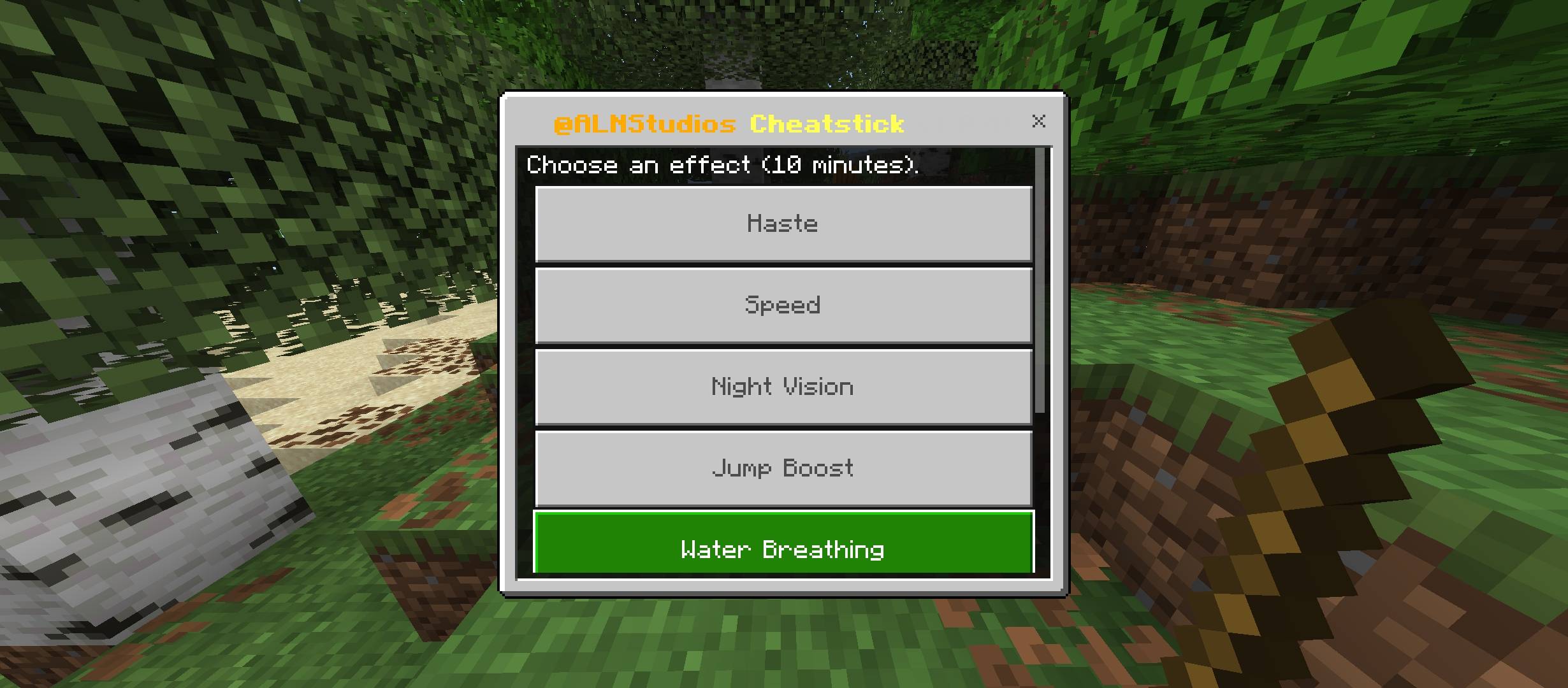
Effects Menu
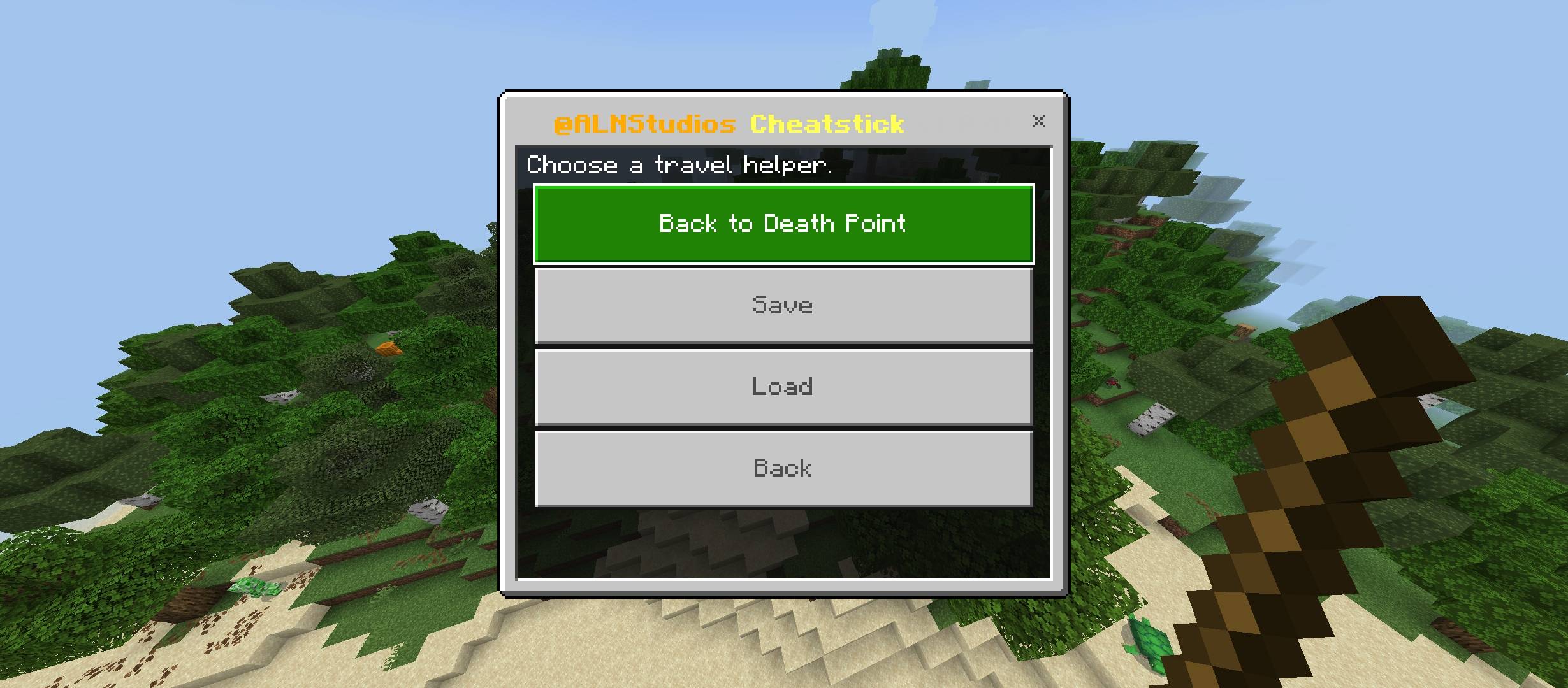
Travel Helper Menu
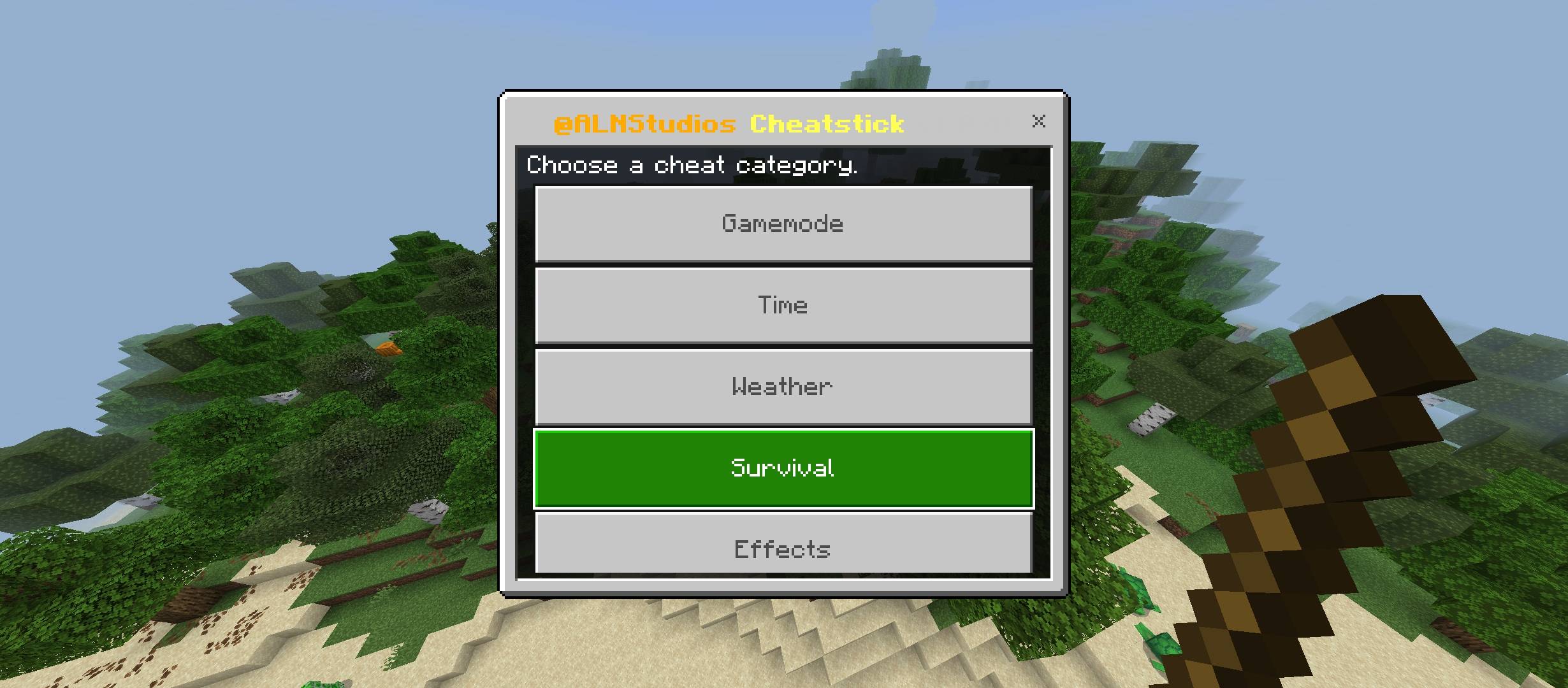
Main Menu
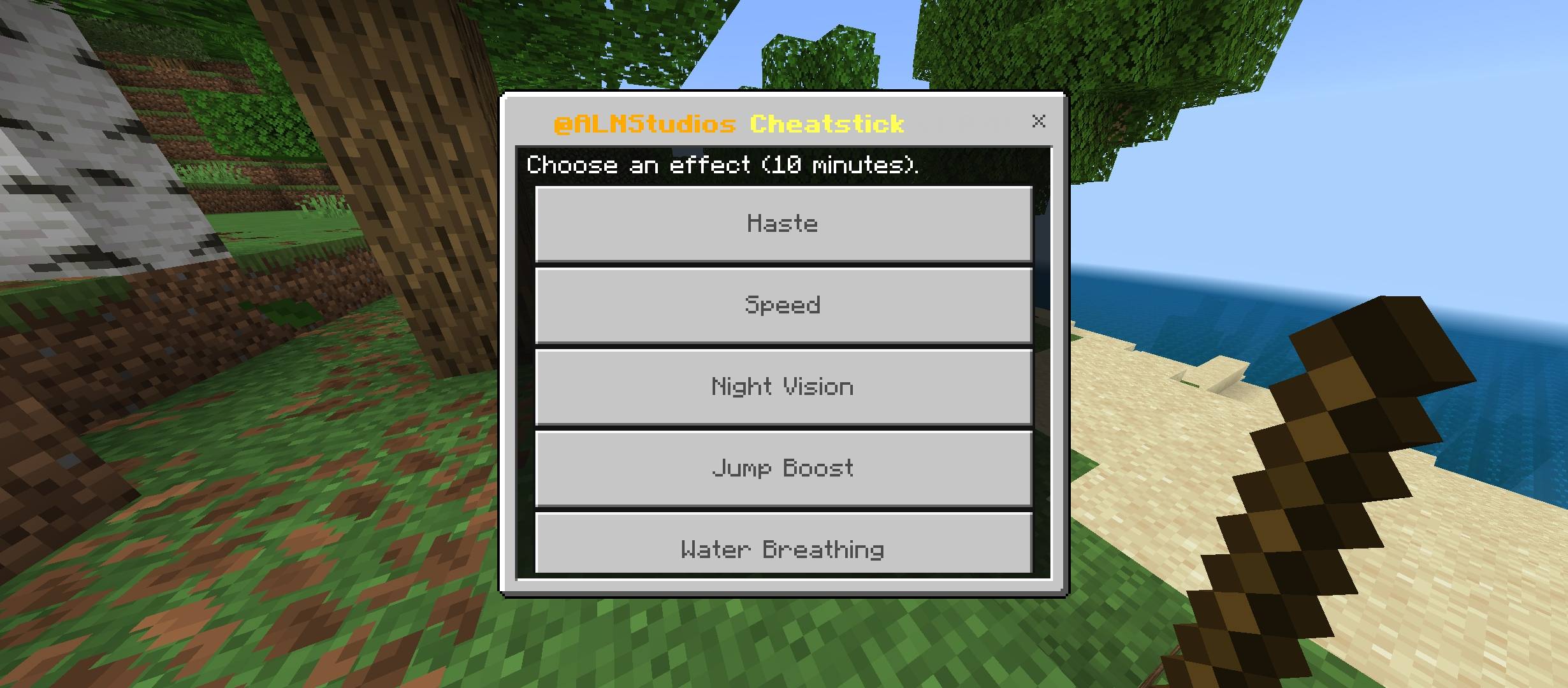
Effects Menu
Description

by ALNStudios
Sneak and use a normal Stick to open the @ALNStudios Cheatstick menu with Gamemode, Time, Weather, Survival, Effects, and Travel choices.
Any normal Stick becomes a cheat menu, with 3 game modes, 6 times of day, 3 weather types, 4 survival helpers, 4 difficulty levels, 7 effects, and 5 save and load slots.
Bedrock: 1.26+
Experimental: No
Achievements: Yes, achievement-friendly

Hold a normal Stick, sneak, and use it. A menu titled @ALNStudios Cheatstick, followed by the add-on version, opens with six choices: Gamemode, Time, Weather, Survival, Effects, and Travel.

Cheat Stick
The normal Stick is the Cheat Stick.
Good To Know: Every player who sneaks and uses a Stick opens the menu.
Gamemode
Choose Survival, Creative, Hardcore, or Difficulty.
Good To Know: Hardcore here is a harder Survival setup.
Time
Choose Day, Noon, Sunset, Night, Midnight, or Sunrise.
Weather
Choose Clear, Rain, or Thunder in your current dimension.
Survival
Choose Heal & Feed, Toggle Keep Inventory, Clear Nearby Hostile Mobs, or Clear Dropped Items.
Good To Know: Keep Inventory is a world setting, so it affects every player in the world.
Effects
Choose Haste, Speed, Night Vision, Jump Boost, Water Breathing, Fire Resistance, Regeneration, or Clear Effects.
Good To Know: Effects only affect the player who picked them.
Travel
Choose Back to Death Point, Set Spawn Here, Save, Load, or Rename Slot.
Good To Know: Each player has 5 slots and one saved death point.

1 | Take a normal Stick in your hand. |
2 | Sneak and use the Stick to open the @ALNStudios Cheatstick menu. |
3 | Pick Gamemode, Time, Weather, Survival, Effects, or Travel, then pick an option. |

Do I need to craft anything?
No. Any normal Stick opens the menu when you sneak and use it.
Is there a Hardcore switch for the world?
No. The Hardcore choice sets Survival and Hard difficulty only.

1 | Download the file from this page and open it with Minecraft. |
2 | Create or edit a world and turn on the new pack(s) in its settings. |
3 | Play. No Experimental toggles needed. |
Found a Bug or Have a Suggestion?
Please leave a comment on this project page! All bug reports, gameplay feedback, and pack suggestions are welcome and appreciated.


CurseForge | MCPEDL | Ko-fi
By ALNStudios
Permissions and credits
- Rights: All rights reserved for ALNStudios.
- Content creators: You may feature this creation in videos and streams with credit to ALNStudios.
- Redistribution: Do not re-upload this pack or provide direct monetized download bypasses. Link to this page.
- Visual: Promotional/cover imagery used on this page is AI-generated to illustrate the concept and purpose of the pack.
- Unofficial community creation. Not an official Minecraft product and not approved by or associated with Mojang or Microsoft.
Minecraft Bedrock add-on, Cheat Stick Bedrock mod, cheat menu, game mode switcher, time and weather changer, survival helper menu, keep inventory toggle, normal stick menu, Minecraft PE survival, MCPEDL add-on, CurseForge Bedrock, ALNStudio, ALNStudios, effects menu, haste and speed, death point teleport, save and load teleport slots, difficulty selector, rename slots, clear dropped items.
CheatStick by @ALNStudios Team