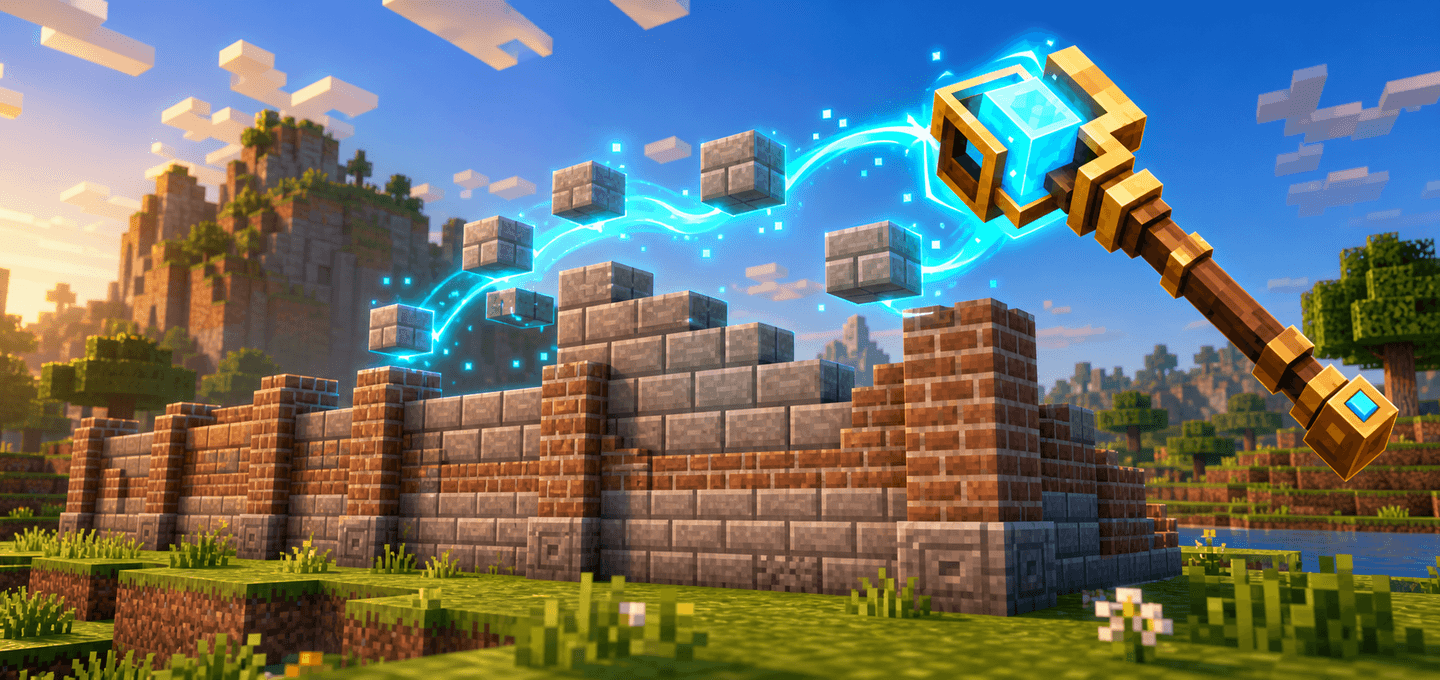
Builder's Wand is a survival-friendly building tool that places matching blocks in lines, grids, or across connected surfaces. Choose a material from your inventory, click any suitable surface, and build without placing every block by hand.
Features
- Selectable building material — choose a supported block from your inventory or copy a block directly from the world.
- Four placement modes — Row, Grid 3×3, Grid 5×5, and Plane Projection.
- Live preview particles — see the valid placement positions before using the wand.
- Survival-friendly resource use — every successfully placed block consumes one matching item; Creative mode does not consume materials.
- Safe placement — existing solid blocks, liquids, plants, and other occupied positions are not overwritten.
- Undo last placement — restore unchanged blocks and refund their materials from the settings menu.
- Per-player settings — mode, row length, material, and preview preference are saved independently.
- Multiplayer friendly — each player has their own configuration and undo history.
How to use
- Import the
.mcaddon and activate both the Behavior Pack and Resource Pack in your world.
- Craft the Builder's Wand at a crafting table.
- Put the blocks you want to use in your inventory.
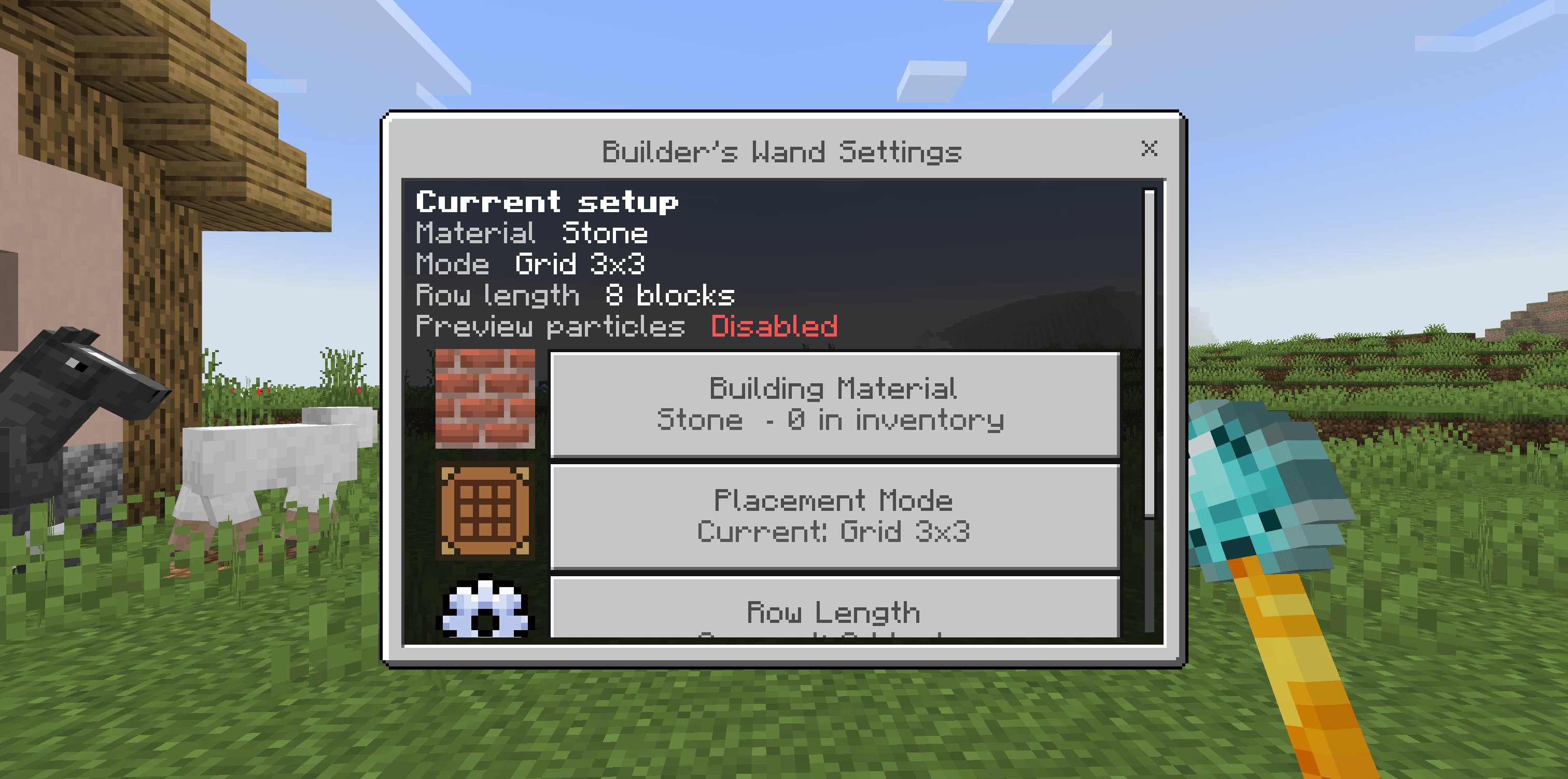
- Hold the wand and sneak + use to open its settings.
- Open Building Material and choose a supported block from your inventory. Select Copy Target Block if you prefer the wand to copy whichever block you use it on.
- Choose a placement mode and, for Row mode, set the desired row length.
- Stop sneaking and use the wand on a block face. The clicked face controls where the new blocks are placed; the selected material controls which block is placed.
Quick material picker
While holding the wand, sneak + attack a block to select that exact block as the building material without opening the menu. The sampled block is not broken.
Placement modes
- Row — places a straight row, up to the configured length, and stops at the first blocked position. On the top or bottom of a block, the row follows your horizontal view direction.
- Grid 3×3 — checks a 3×3 area centered on the clicked block and adds a new layer only in front of matching source blocks.
- Grid 5×5 — the same behavior across a larger 5×5 area.
- Plane Projection — follows a connected surface of identical source blocks and adds one layer in front of it, up to 64 blocks per use. Diagonal-only connections are ignored.
Preview and undo
- Toggle Preview Particles in the settings to show or hide planned placement positions.
- After building, open the settings and choose Undo Last Placement. Only blocks that are still unchanged are removed; their materials are returned in Survival mode.
Crafting
Place these ingredients vertically in the center column of a crafting table:
- Diamond at the top
- Blaze Rod in the middle
- Obsidian at the bottom
Notes
- The wand needs a block face as an anchor; it does not place a floating block at an arbitrary point in empty air.
- Doors, beds, containers, signs, and other multi-block or data-carrying blocks cannot be selected because copying them would be unsafe.
- If you run out of the selected material, the wand places as many blocks as are available and then stops.
- No experiments, commands, or additional add-ons are required.
Requirements
- Minecraft Bedrock Edition (v1.26.0+)
- Behavior Pack and Resource Pack must both be active
- No external dependency required