
Block Video Player
- By
Description
Block Video Player
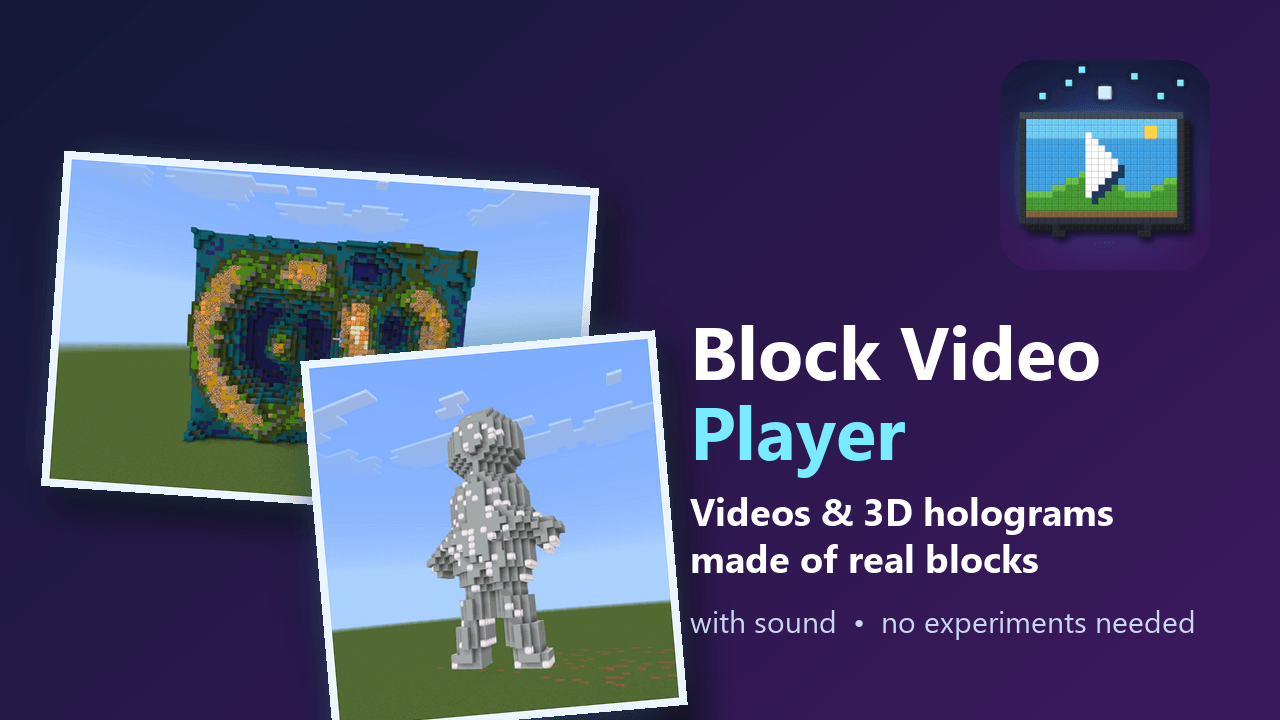
Watch videos made of real blocks — with synced sound — right inside your Bedrock world. Or turn them into 3D holograms.
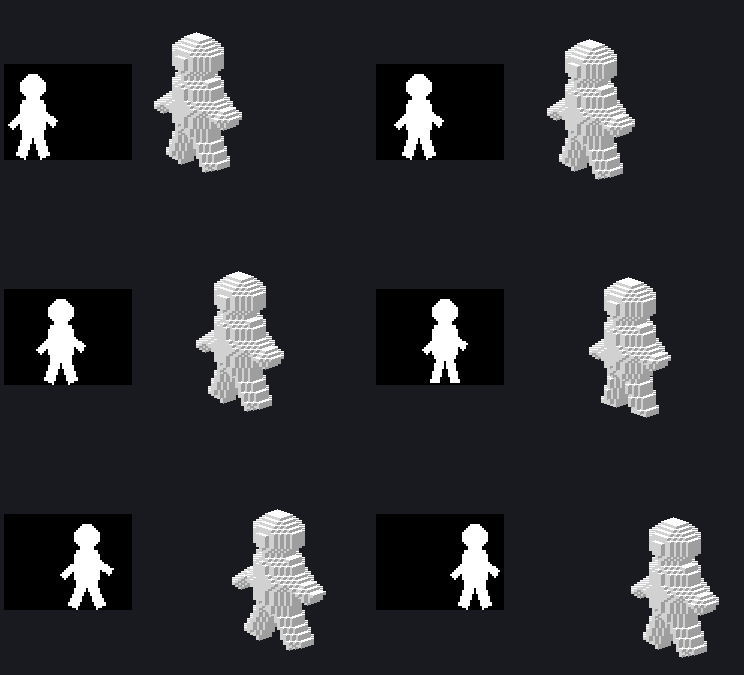
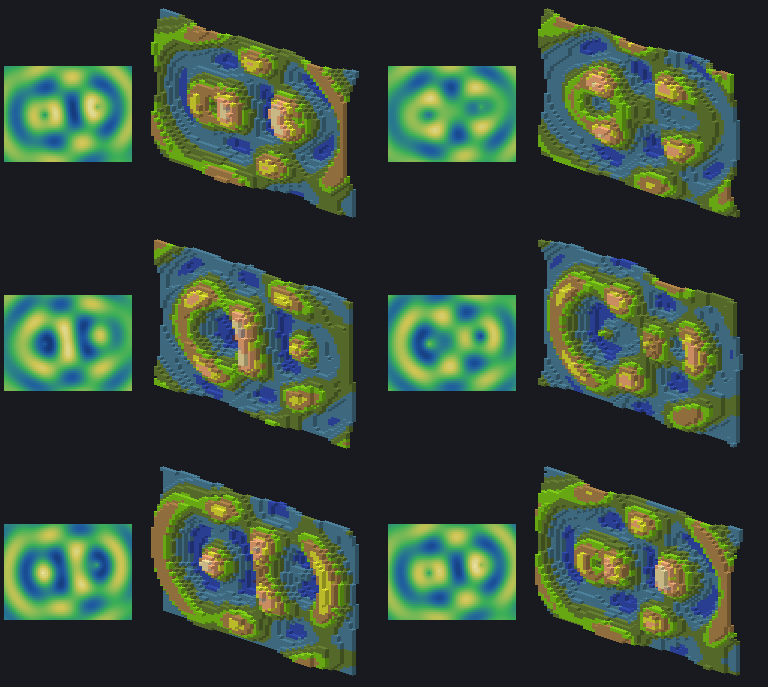
Block Video Player converts any video (MP4 and more) into blocks and plays it in your world as a giant screen, with audio. It can also turn a video into a 3D sculpture that moves, or play MagicaVoxel animations as living voxel models.
This download is a showcase add-on with four ready-to-play clips, so you can see what it does in a minute. To put your own videos in, use the free Windows converter (link below).
✨ Features
- 🎬 Videos made of real blocks: concrete, terracotta and glowing blocks, chosen per colour
- 🔊 Synchronised audio that follows pausing and seeking
- 🧊 3D holograms: brightness-as-depth reliefs, extruded silhouettes, rounded "inflated" shapes, and MagicaVoxel (
.vox) animations - 🎮 Compass remote control: play, pause, stop, seek, volume, next/previous video, video library
- 📚 Several videos in one add-on
- ⚡ Smart rendering: only blocks that change are placed, and same-coloured areas are placed in one call, so playback stays smooth
- 🌐 10 languages: messages and the remote follow each player's game language (English, 日本語, 简体中文, 繁體中文, 한국어, Español, Português, Français, Deutsch, Русский)
- ✅ No experimental toggles: uses the stable Script API only
▶ How to try the showcase
- Import the
.mcaddon(double-click it, or open it with Minecraft). - In your world settings, activate both the Behavior Pack and the Resource Pack (they share the same name). Turn on cheats, because the add-on uses
/scriptevent. - Go to a flat, open area. The screen replaces whatever blocks are in its way.
- Run
/scriptevent badapple:setupwhere you want the screen. - Use a compass (right-click / long-press) to open the remote, then press ▶ Play.
The showcase contains four clips. Switch between them with /scriptevent badapple:play <id>, or with 📜 Video library in the remote:
| ID | What it is |
|---|---|
screen |
A flat 128×72 block screen with a test pattern and sound |
walk |
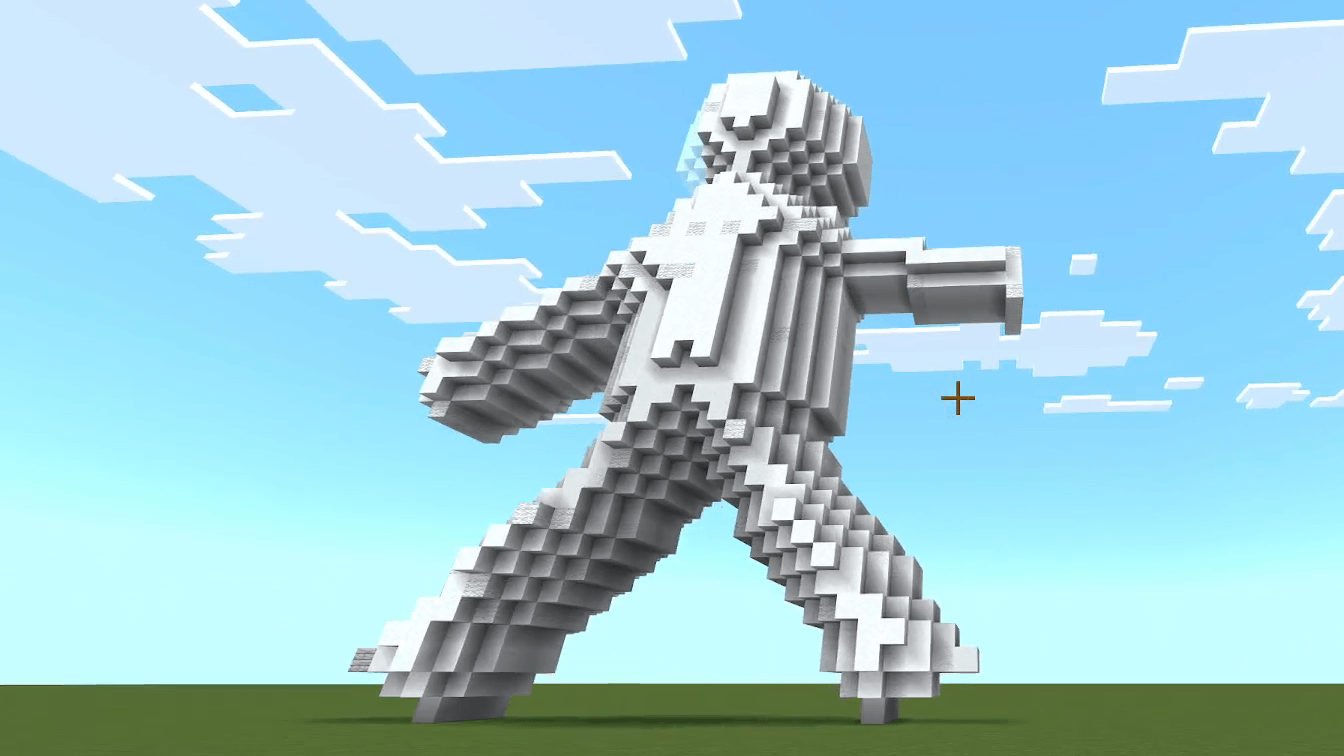
A walking silhouette, "inflated" into a rounded 3D figure |
waves |
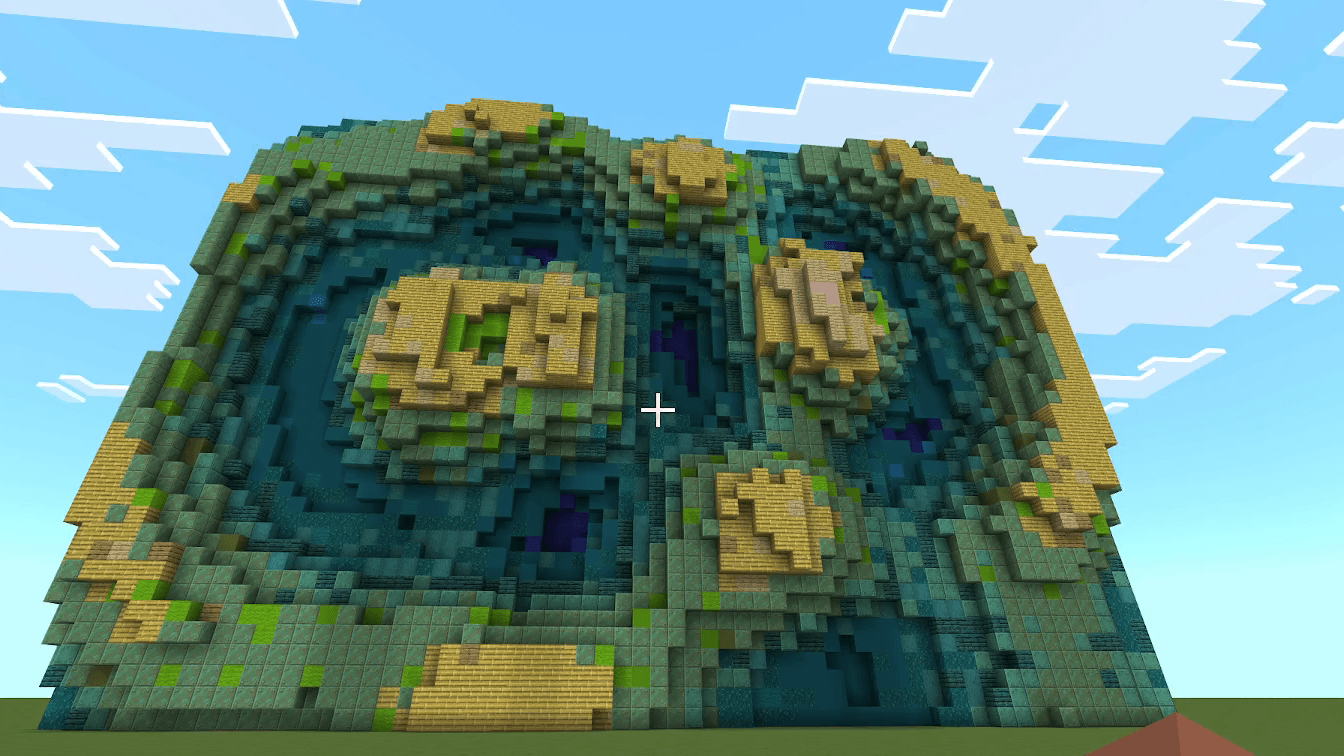
A colourful wave landscape as a 3D relief (brightness = depth) |
bounce |
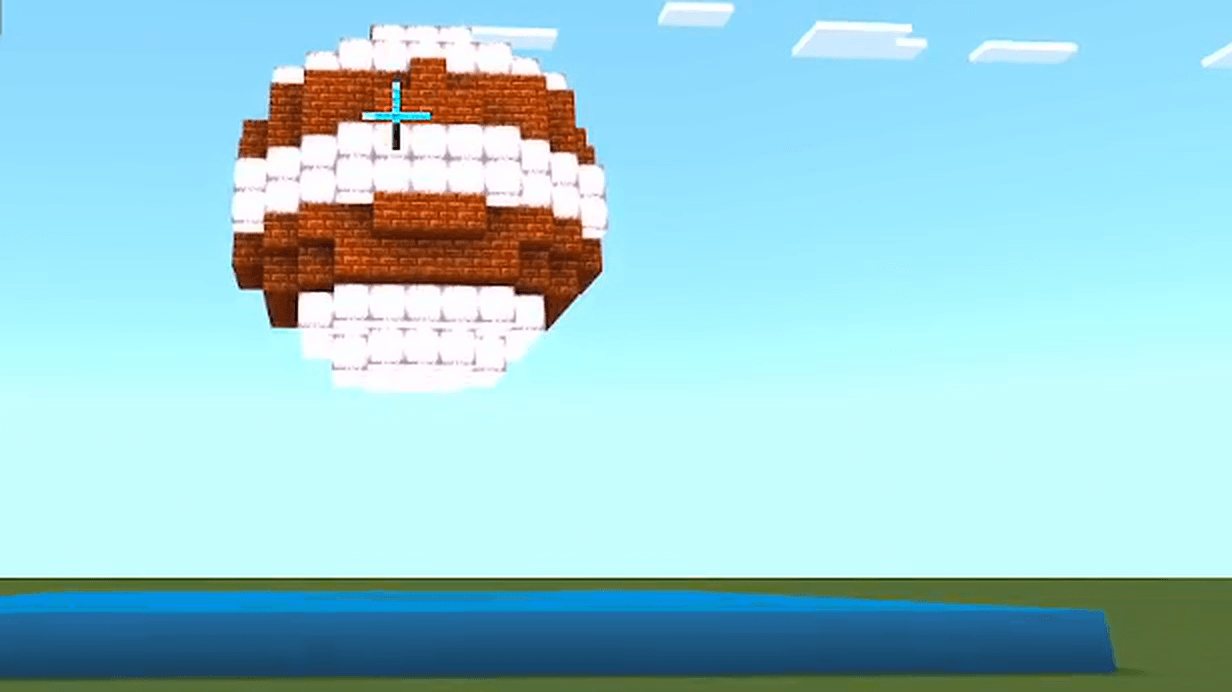
A MagicaVoxel animation: a striped ball bouncing on a floor |
Flat screens are built at your feet and extend east and north. 3D holograms stand 2 blocks north of you, centred on you, and are moved down automatically if they would go above the build limit.
⌨ Commands
| Command | What it does |
|---|---|
/scriptevent badapple:setup |
Place the screen at your position |
/scriptevent badapple:start |
Play the selected video from the beginning |
/scriptevent badapple:play <id> |
Play a specific video |
/scriptevent badapple:list |
List the videos in the add-on |
/scriptevent badapple:gui |
Open the remote control |
/scriptevent badapple:stop |
Stop and clear the screen |
/scriptevent badapple:render rect\|list\|block |
Choose how blocks are placed (for testing performance) |
/scriptevent badapple:bench |
Measure how fast your device places blocks |
🎞 Make an add-on from your own videos
Download the free converter for Windows from the GitHub releases page (BlockVideoPlayer-…-windows-x64.zip). No Python is needed.
- Install FFmpeg, or put
ffmpeg.exenext toBlockVideoPlayer.exe. - Start
BlockVideoPlayer.exeand add one or more videos (or.voxfiles). - Choose a quality preset (64×64 up to 512×512), a block palette, and a Display mode (flat screen, 3D relief, 3D silhouette, 3D inflate).
- Press Create .mcaddon and import the result.
The converter can use your GPU (NVIDIA, AMD or Intel), and falls back to the CPU automatically. Its interface is available in the same 10 languages.
🧊 3D hologram modes
| Mode | Best for |
|---|---|
| Relief (brightness = depth) | Landscapes, CG, gradients |
| Silhouette (extruded) | Black-and-white videos such as shadow-art music videos |
| Inflate (rounded) | Silhouettes and logos |
MagicaVoxel (.vox) |
Voxel art and animations, including scene graphs and keyframes |
💡 Tips
- Bigger screens look better but cost more. A PC is recommended for 256×256 and above.
- If playback stutters, use a smaller preset or a lower frame rate when converting.
- Run
/scriptevent badapple:benchonce to see how fast your device places blocks. - Turn on cheats for the commands. On servers you need operator permission.
❓ FAQ
Does it work on Java Edition? No, Bedrock Edition only.
Phones and consoles? The add-on runs on any Bedrock platform, but high resolutions are heavy. Start with a small screen.
Which Minecraft version? Bedrock 1.21.80 or newer.
Can I upload videos I don't own? Please only convert videos you have the right to use. The showcase clips were generated from scratch for this project.
🔓 Open source
Block Video Player is open source under the MIT License. The converter, the in-game player, the documentation and the benchmarks are on GitHub. Bug reports and ideas are welcome in the Issues.
This project was designed and built with the help of AI (Claude).
Block Video Player Team
