Block Palette - Advanced Builder Tools
- By
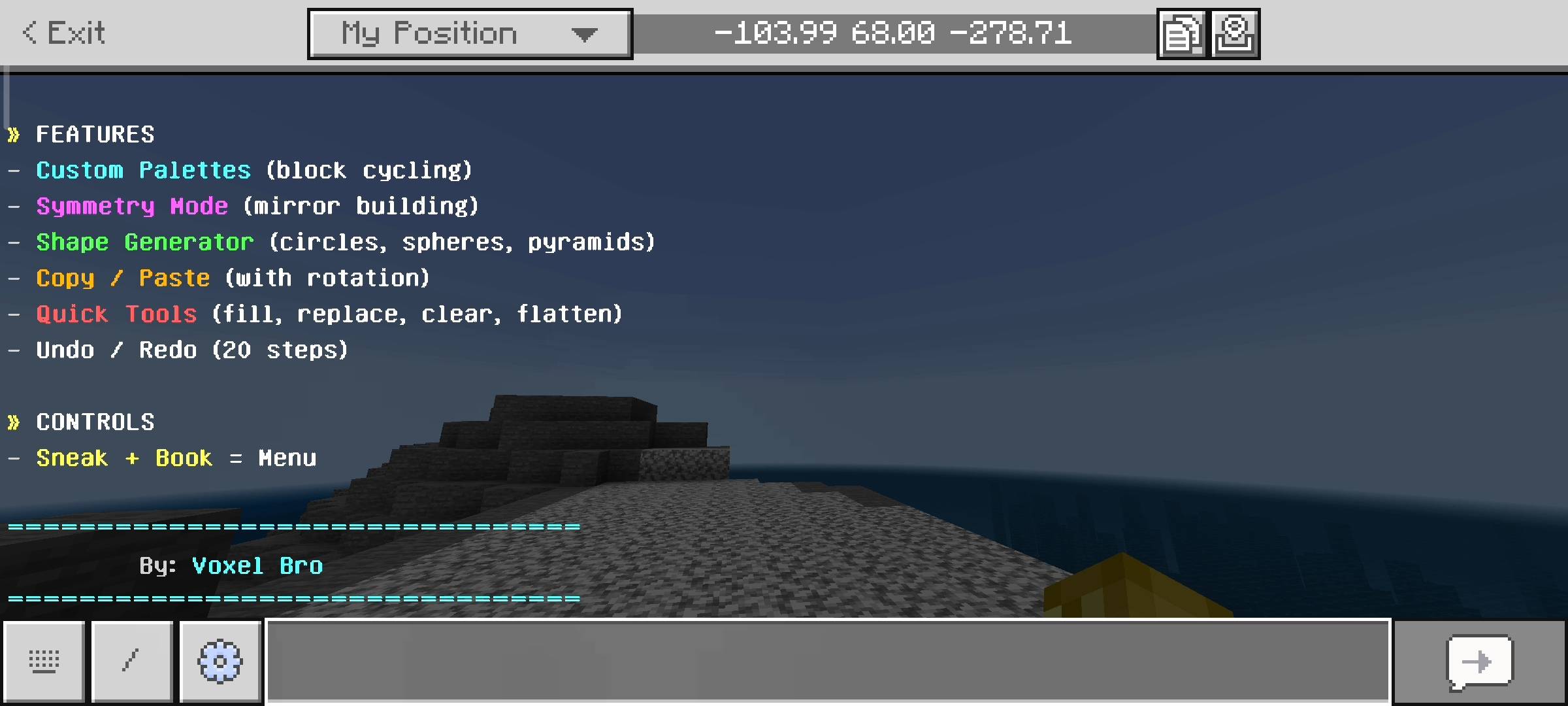
Supercharge your Minecraft builds! This addon adds auto-cycling block palettes, 3D shape generators, symmetry modes, copy/paste rotation, quick fill tools, and an undo/redo system to make massive projects effortless.
1000182310.jpg
1000182313.jpg
1000182308.jpg
1000182311.jpg
1000182312.jpg
1000182314.jpg
1000182315.jpg
1000182307.jpg
1000182306.jpg
1000182309.jpg
1000182316.jpg
Description
Yo! What is the deal?
What is up, Minecraft builders and survival legends? Let us be totally honest for a second. Building massive structures, custom maps, or huge survival bases in vanilla Bedrock is absolute pain. You are constantly opening your inventory, switching hotbar slots to mix up your blocks so your walls do not look flat and boring. Or maybe you are trying to build a massive dome, and you have to keep looking at a circle generator on your phone. I was getting completely sick of doing that. So, I decided to fix it. I put together this massive Block Palette and Builder Tools add-on. This is not just a simple tweak; this is a complete overhaul of how you build in Minecraft. No external apps, no laggy command blocks, just pure, insane building power right inside your world.
Getting started is stupid simple
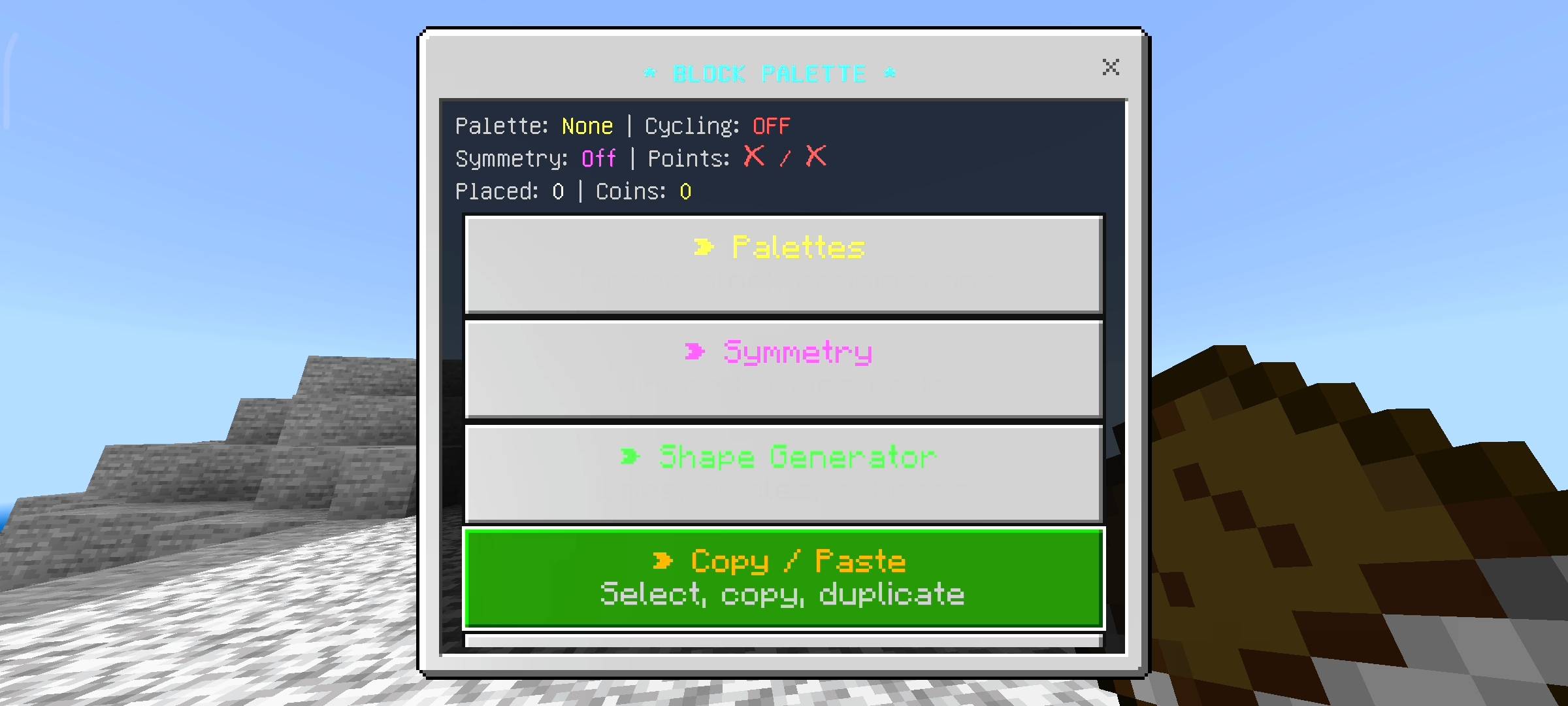
I hate add-ons that force you to craft ten different weird wands just to use them. For this pack, all you literally need is a standard vanilla book. Just hold the book in your hand, sneak, and interact. That is it. The main custom UI menu pops up right on your screen, and you have access to every single god-tier building tool I created.
The Auto-Cycling Palettes (This is a game changer)
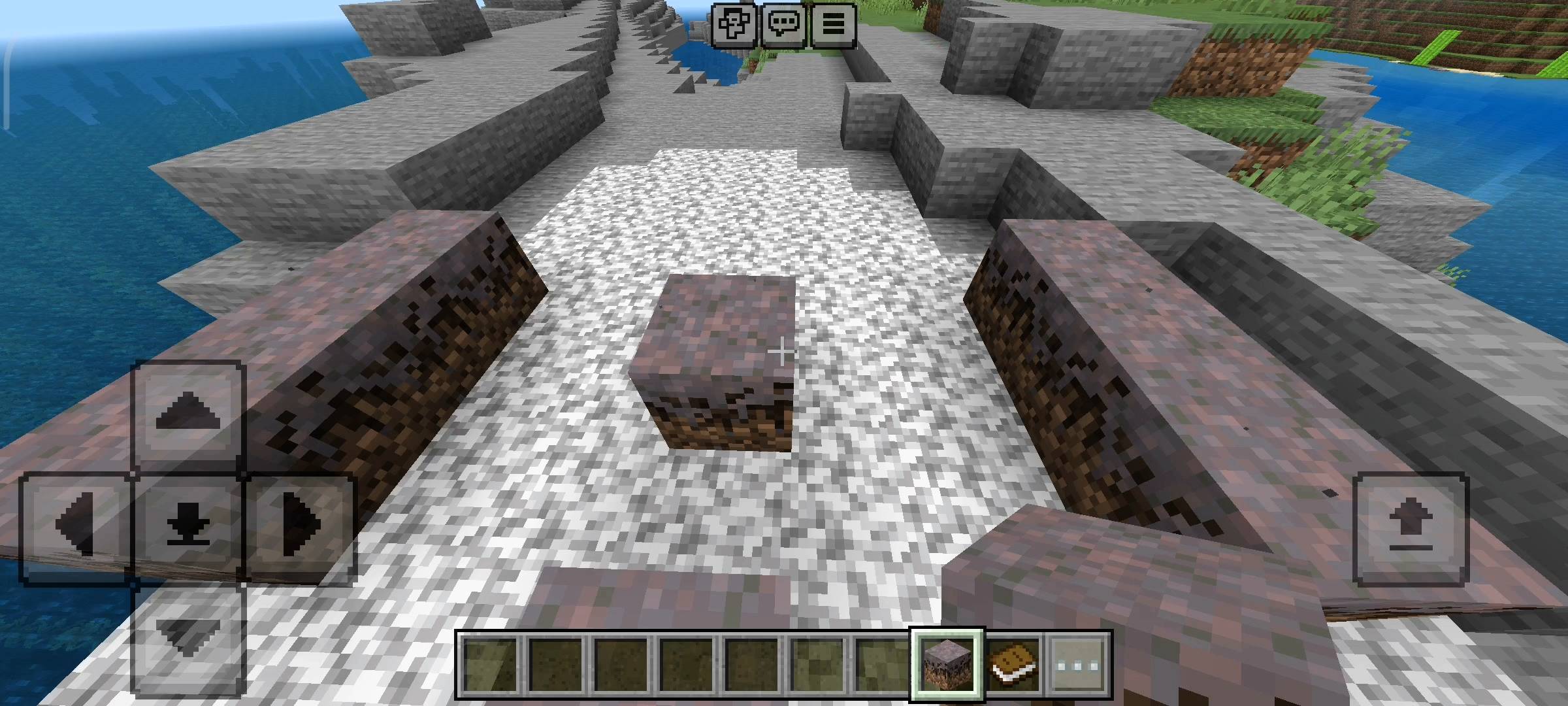
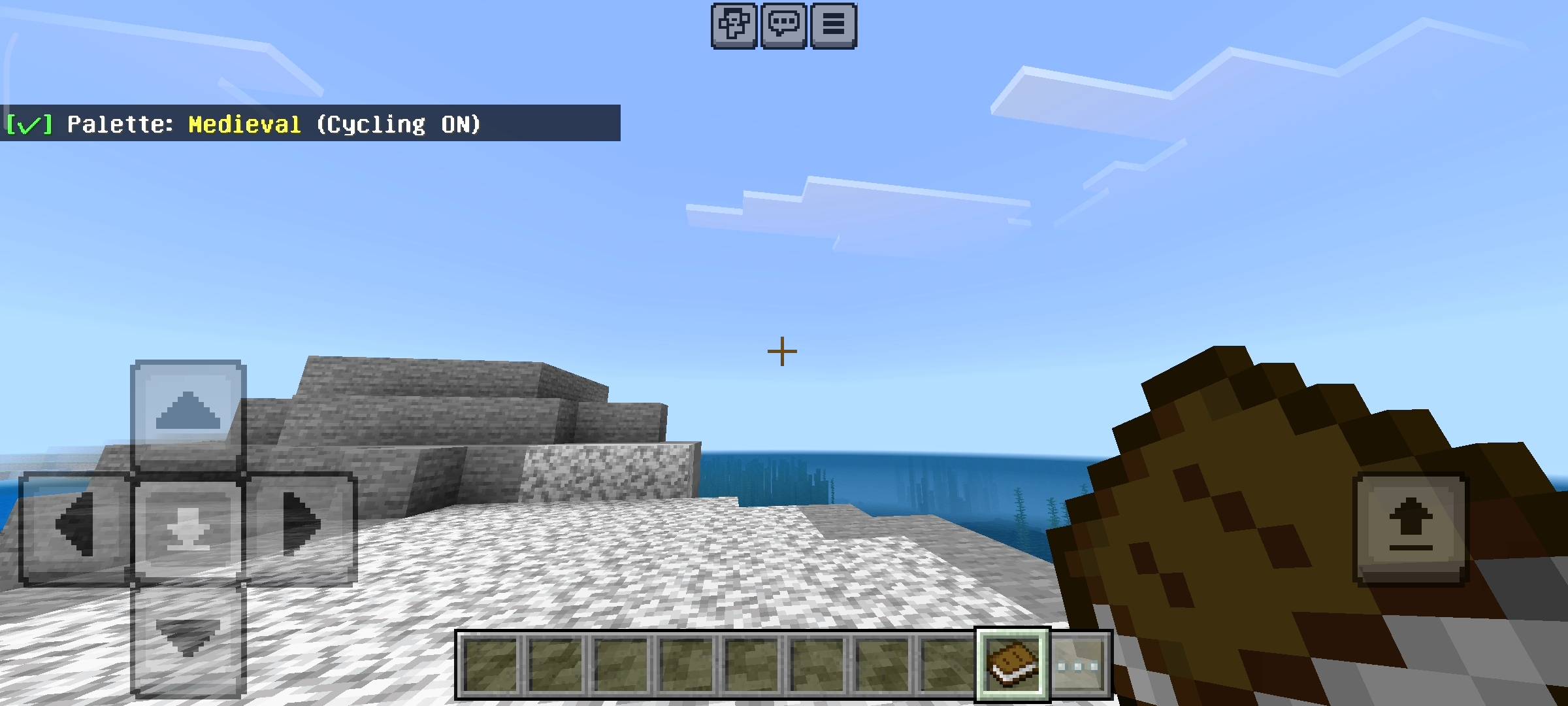
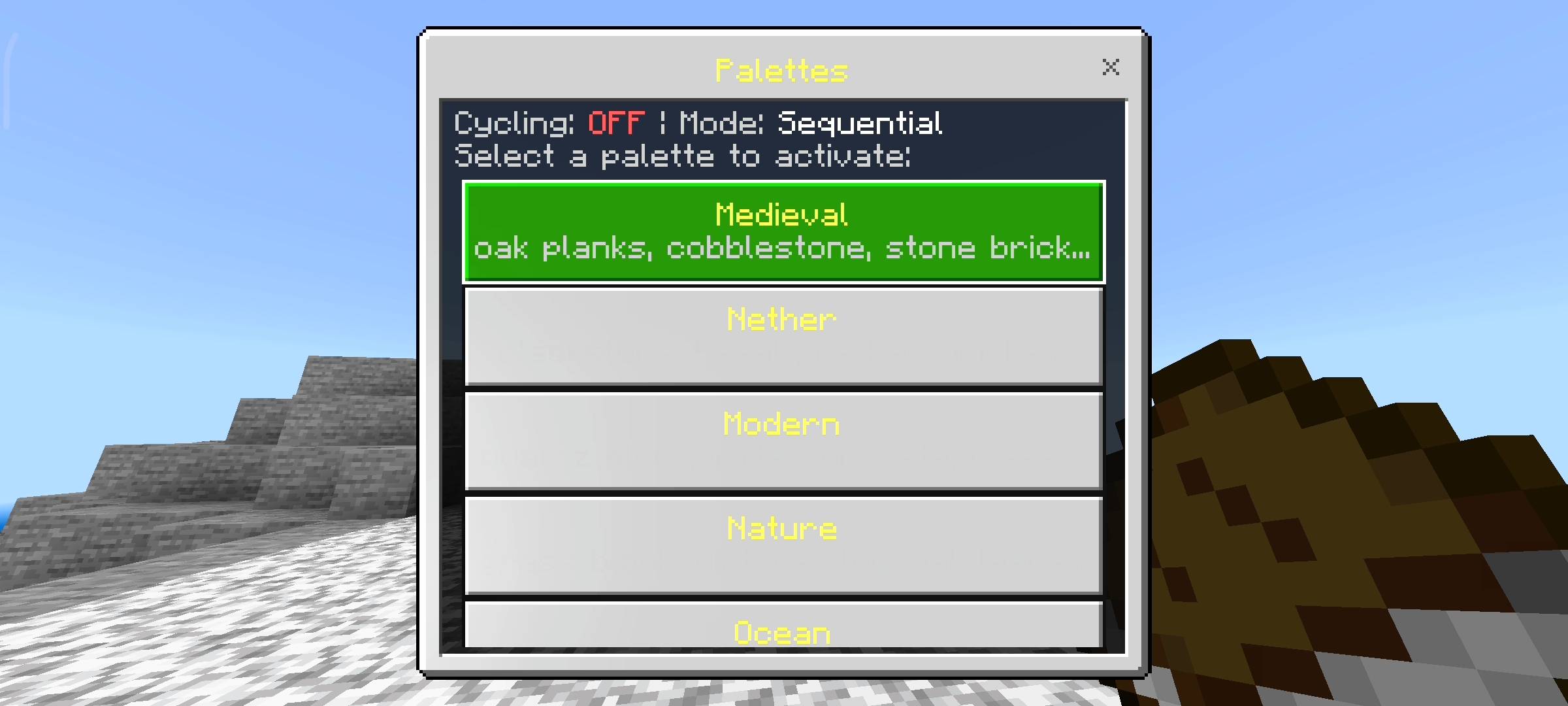
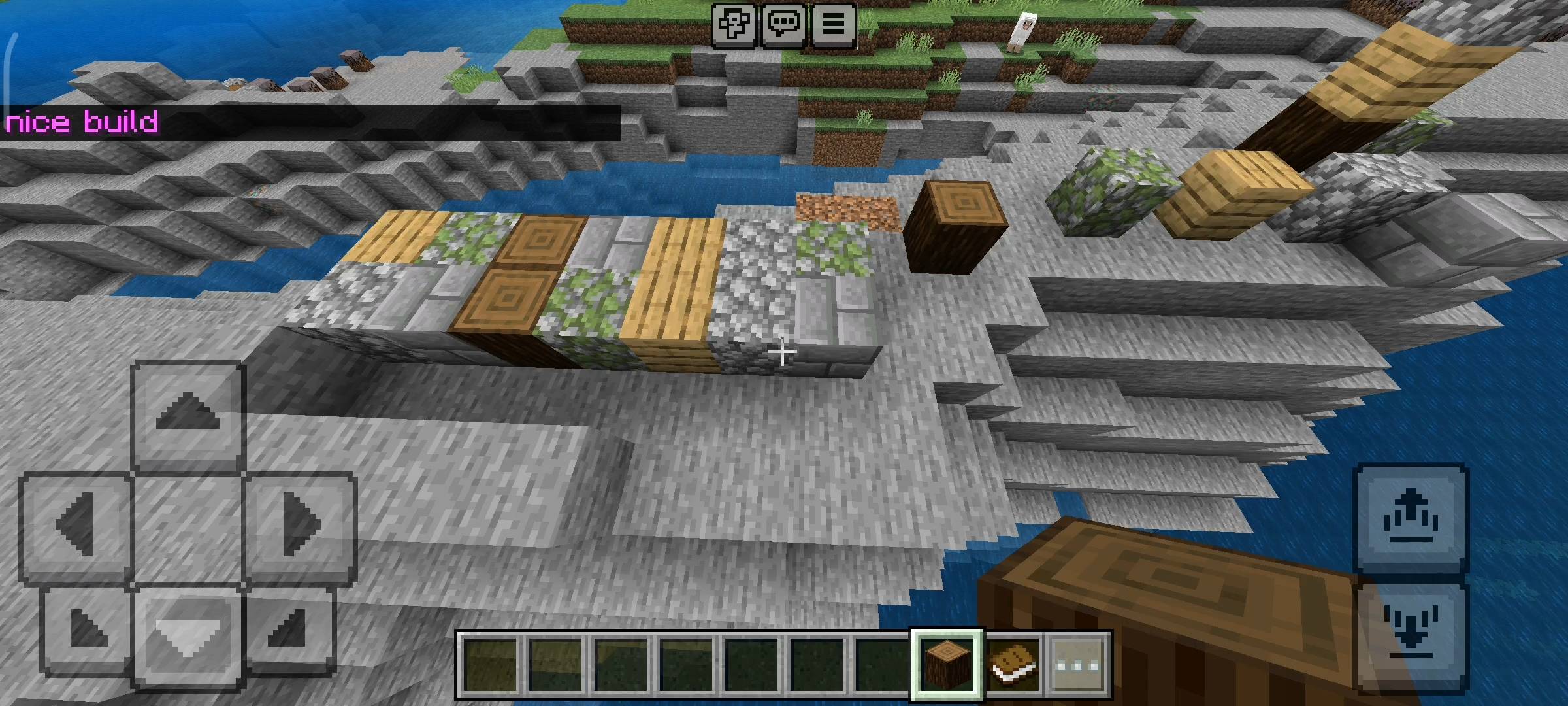
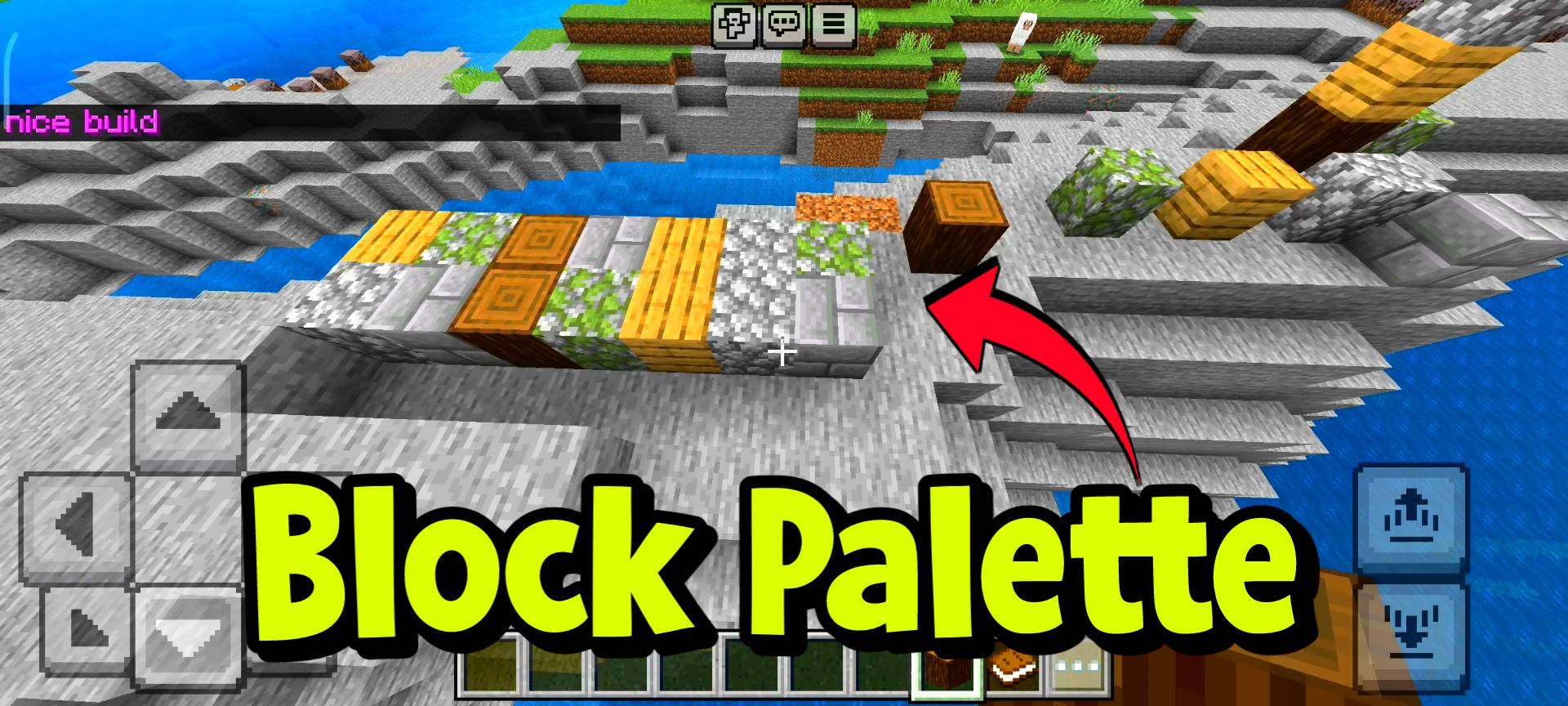
This is my absolute favorite feature. Texturing builds is annoying, right? I added a system with built-in palettes like Medieval, Modern, Nether, Desert, and Fantasy. You can even create your own custom list of up to 10 blocks. When you turn on the cycling mode, you just hold down the build button. Every time you place a block, the add-on automatically swaps the item in your hand to the next block in the palette. You can even turn on Random Mode, and it will pick a random block from your palette every time you click. Your walls, paths, and roofs will look textured and professional with zero extra effort.
Live Symmetry Mode
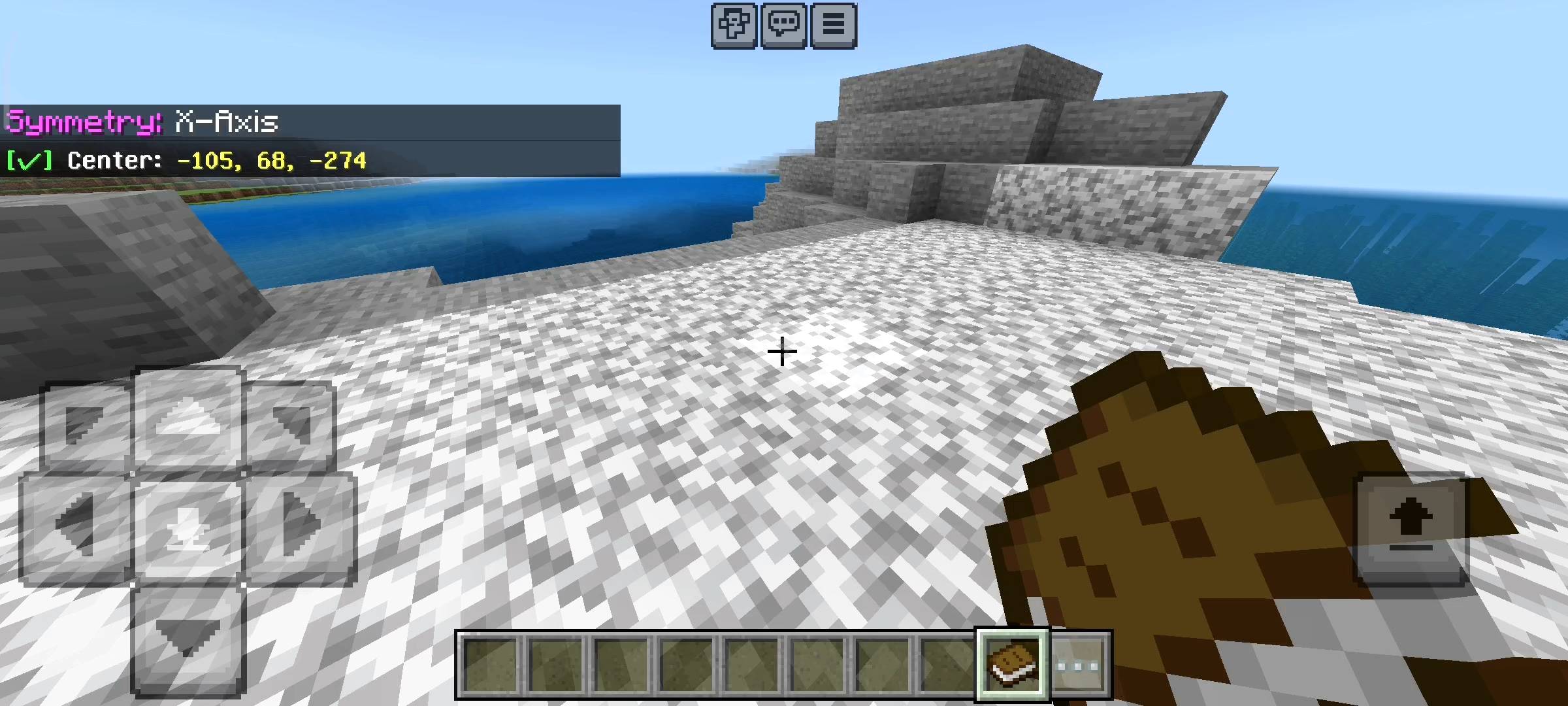
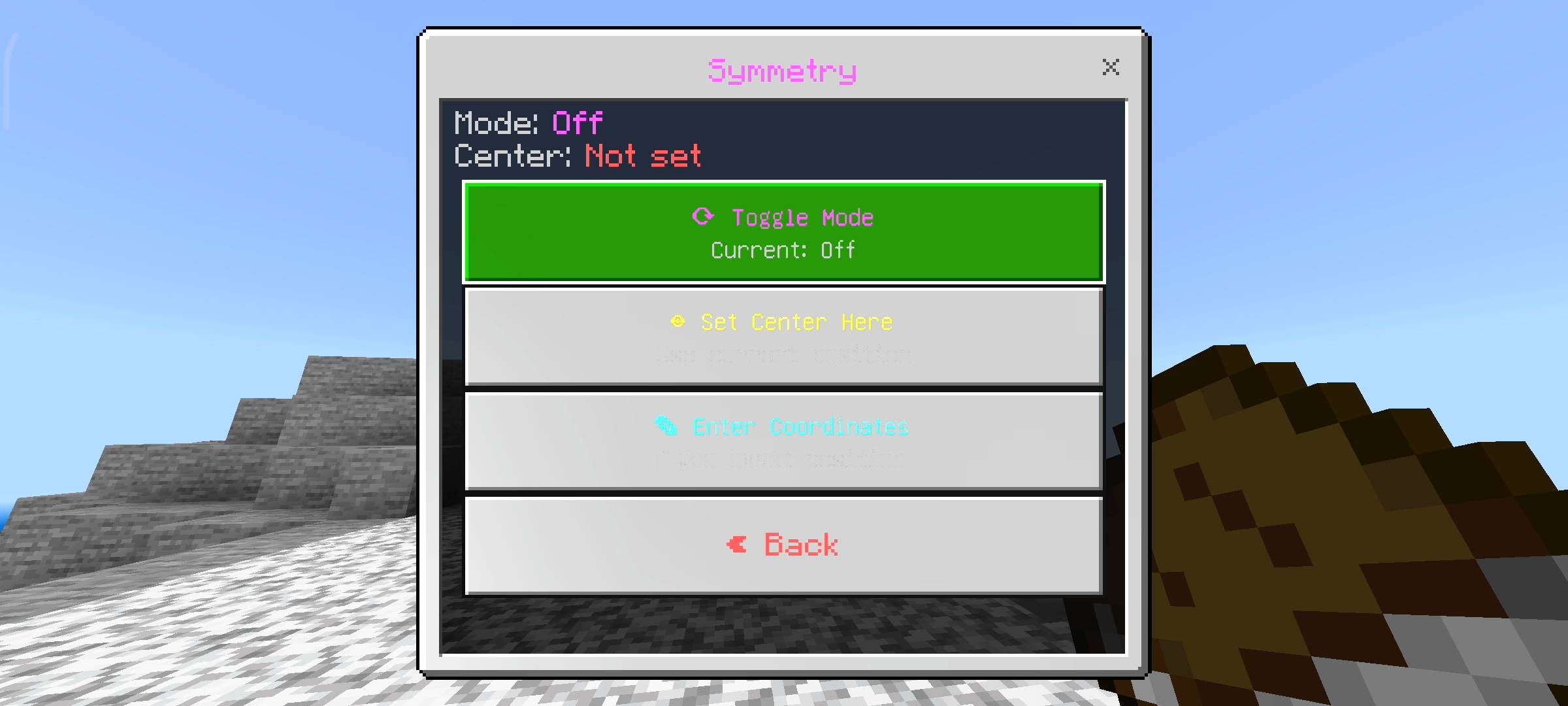
Ever tried building a massive castle roof and messed up the symmetry on the other side? Never again. You can set a center point in your world and turn on Symmetry Mode. You can choose X-Axis, Z-Axis, or full 4-way mirroring. When you place a block on your side, the script instantly places the exact same block on the mirrored sides. You literally build half the structure, and the add-on does the rest for you in real-time. It feels like magic.
Instant Shape Generator
Stop wasting time counting blocks for a circle. Open the shape menu, pick a sphere, circle, pyramid, wall, floor, or a hollow box. Set your radius or size, make sure you are holding the block you want to use in your hand, and hit generate. Boom. A perfect shape appears instantly. I put a 5000 block limit on it so you do not accidentally crash your multiplayer realm, but it is more than enough for crazy builds.
Copy, Paste, and Quick Tools
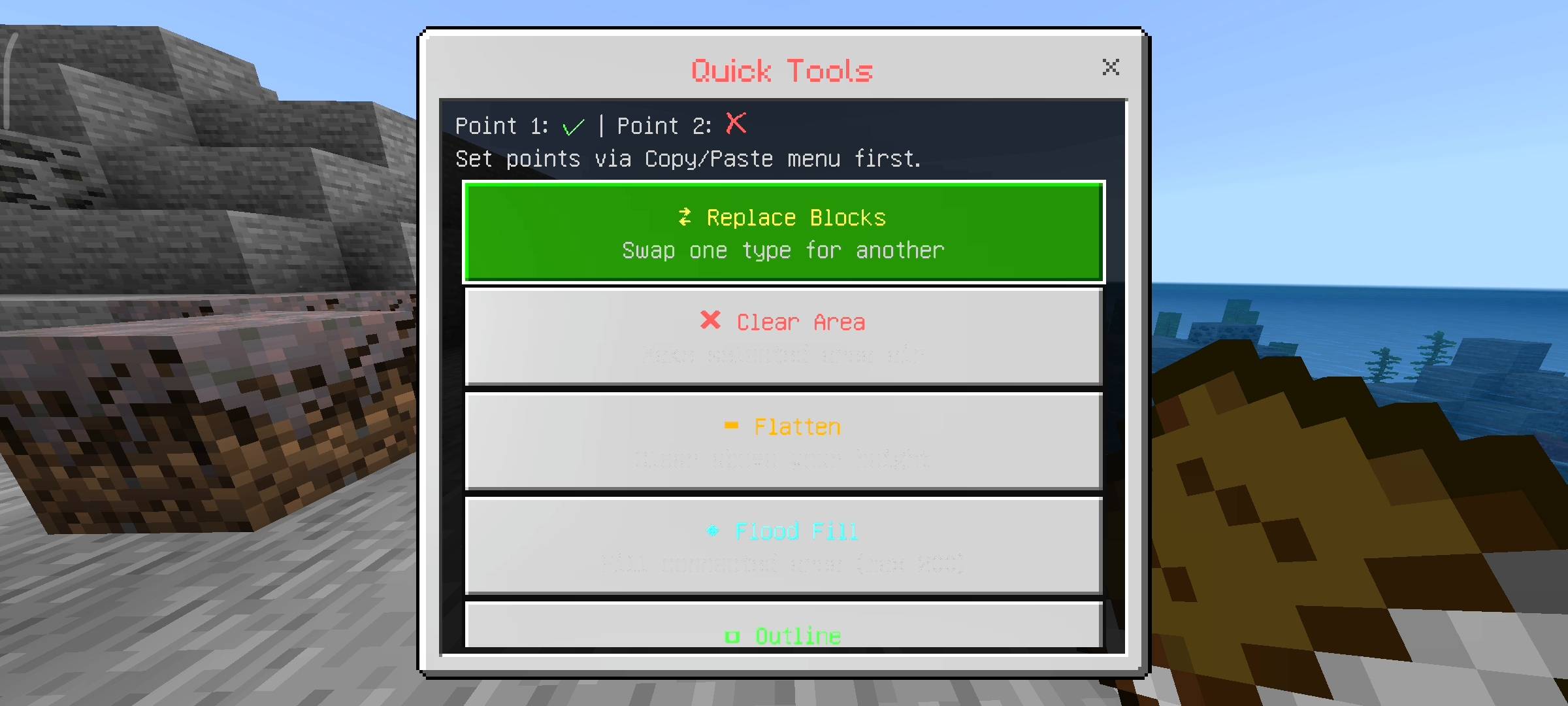
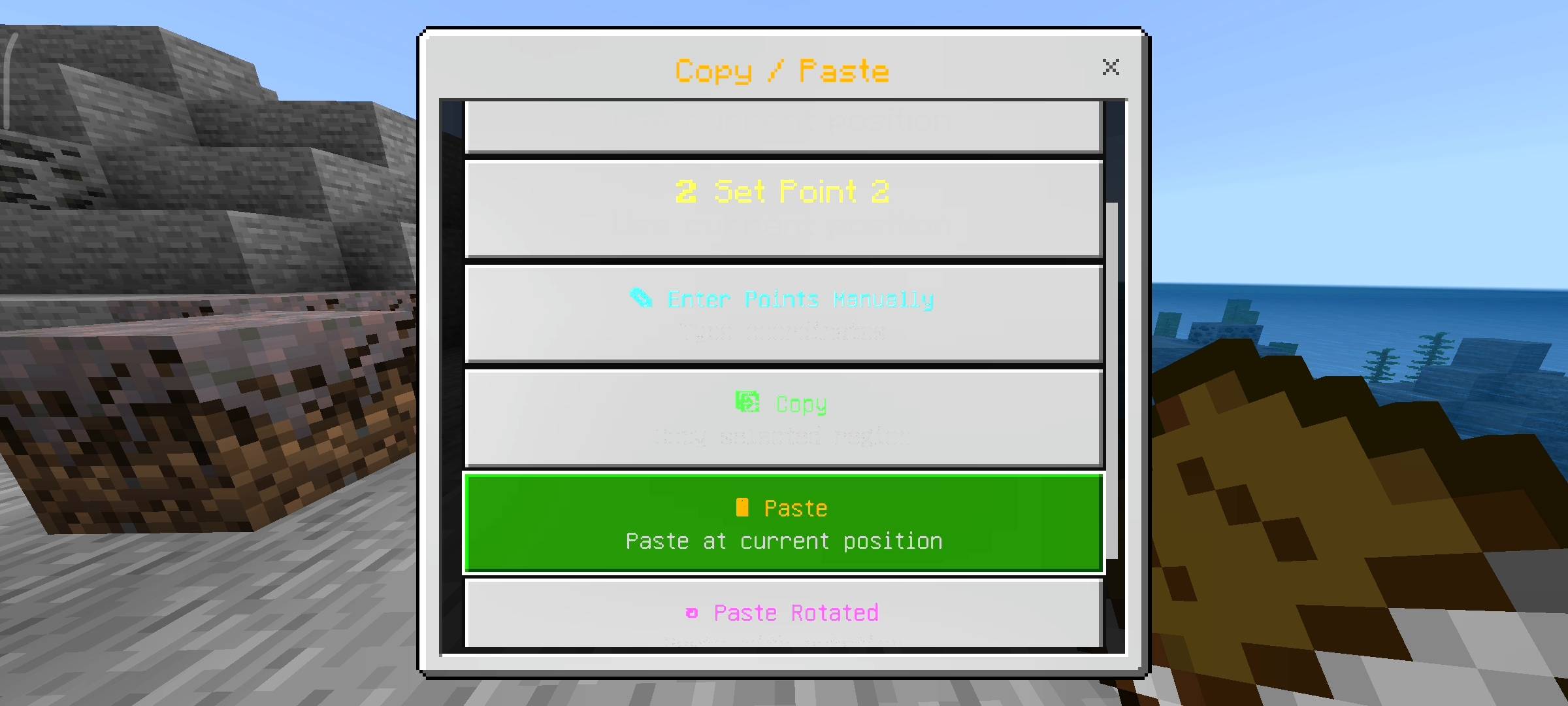
I brought those classic world-editing vibes straight into Bedrock. You can set Point 1 and Point 2, copy an entire house, walk to a new spot, and paste it. You can even rotate the paste by 90, 180, or 270 degrees. But that is not all. I added quick tools to flatten entire mountains to your eye level, clear out selected areas, flood-fill empty spaces, or instantly replace one block type with another. You can replace all the dirt in an area with stone bricks with just one single click.
The Life-Saving Undo System
We all make mistakes. You might accidentally paste a house inside a mountain or generate a massive sphere in the wrong spot and ruin your base. Do not panic. I built a full Undo and Redo system that remembers your last 20 actions. Just click undo in the menu, and your massive mistake disappears like it never happened.
Flex your Builder Stats
To make things a bit more fun, the add-on actually tracks your whole building career in that specific world. It counts every single block you place. When you hit milestones like 1000, 5000, or 50000 blocks, you get massive screen titles, epic sound effects, and you earn builder coins. There are even secret easter egg numbers that trigger special messages. The settings menu keeps track of your most used block and how many shapes you have generated.
Quick AI Heads-up
Just keeping it completely real with you guys, like always. I used some AI image tools to upscale the main thumbnail and enhance the gallery screenshots to make this CurseForge page look top-tier and clean.
The Block Palette - Advanced Builder Tools Team