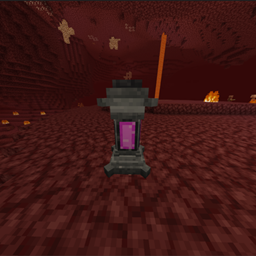
Bl4z Health Bars
- By
Health bars above mobs and players that appear when you hit or look at them. Per-player settings, gradient or RGB style, optional see-through-walls mode, and a config item with menu.
Description
Bl4z Health Bars
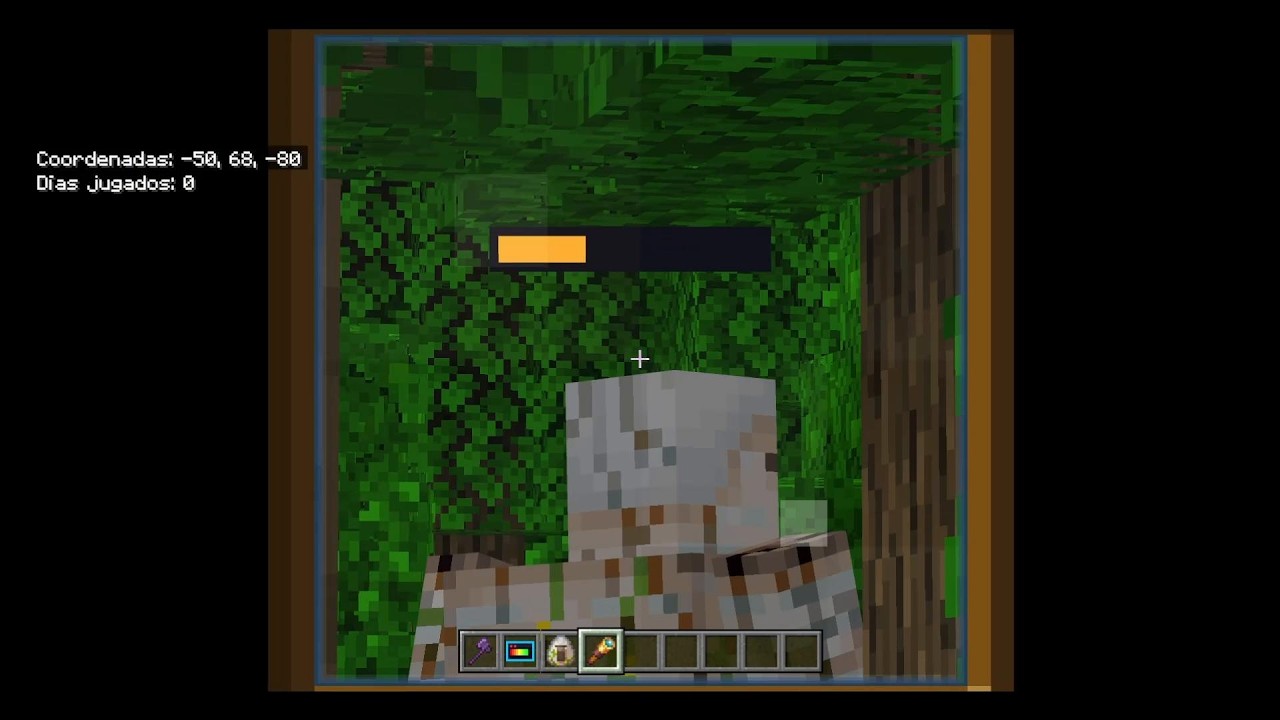
Floating health bars above mobs and players. Hit something or just look at it and its bar shows up, tracking its health in real time. Every player has their own settings.
How it works
- Hit a mob or player, or look at it (up to 24 blocks away), and a bar appears above its head.
- The bar disappears about 6 seconds after your last hit or look.
- Each player chooses what they see: on/off, style, through-walls and look-to-show.
- You never see a bar over your own head.
Features
- Health bars over mobs and players
- Shows on hit or when looking at a target
- Two color styles: Gradient and RGB
- Optional "through walls" mode
- Optional "show when looking" toggle
- Per-player configuration
- Config item with an in-game menu, given automatically the first time you join a world
Config item
You receive the config item on first join. Right-click / tap to open the menu. You can also craft it (shapeless): Redstone + Paper.
Commands
Run with /scriptevent bl4z:hp <option>:
on/off- enable or disable your barsgradient/rgb- change stylewall/nowall- see bars through wallslook/nolook- show bars when looking at a targetmenu- open the config menu
Compatibility
- Minecraft Bedrock Edition 1.26.0 or newer
- Includes Behavior Pack + Resource Pack in a single .mcaddon: enable both
- Uses the Script API (@minecraft/server 2.9.0, @minecraft/server-ui 2.1.0)
- The in-game menu and item name are in Spanish
Bl4z Health Bars Team