Bedrock Filmmaking Studio For Minecraft
- By
Record actors, direct cinematic cameras, and build multi-track scenes with a complete filmmaking toolkit for Minecraft Bedrock.
Description
🎬 Bedrock Filmmaking Studio 🎬
v4.5.5 · The Director’s Cut · Minecraft Bedrock Edition · Behavior Pack + Resource Pack
Turn your world into a film set. Record actor performances, direct cinematic cameras, edit keyframes, and bring multiple takes together with an in-game filmmaking studio.
New to the Studio? Run /bb tutorial for a quick start, or type /bb commands or /bb help for command help.
✦ CINEMATIC WORKFLOW ✦
● RECORD ➜ ◈ DIRECT ➜ ✦ PLAY IT BACK
Layer tracks, camera moves, and effects—then bring your scene to life.
✨ Optional UI Recommendation
The original page recommended the Déesse UI Pack for an enhanced interface experience. It is a separate, optional pack—not a required dependency of this add-on. The included Behavior Pack and Resource Pack are still both required.
What is Bedrock Filmmaking Studio?
A director’s toolkit for Minecraft Bedrock. Record actors and mobs, arrange performances across tracks, direct camera moves, and play scenes back in sync. Add keyframes, sounds, particles, commands, transforms, and triggers to build anything from a quick stunt to a full cinematic sequence.
- Multi-track recording & playback — capture and coordinate multiple performances.
- Keyframe Scrubber — edit animation, particles, sounds, commands, scale, and transforms.
- Scene Builder — group tracks, set timing, and trigger playback from configured positions or items.
- Vegapunk AI assistant — in-game explanations, tips, and diagnostics via
/bb ai. - Actor tools — stage custom actor looks, puppets, and performances.
- Cinematic cameras — direct attached views, camera moves, and smoother FOV transitions.
- Director tools — use the path visualizer, Studio Controller, and live Director HUD.
- World restoration — restore recorded block changes after a take where supported.
Watch it in action
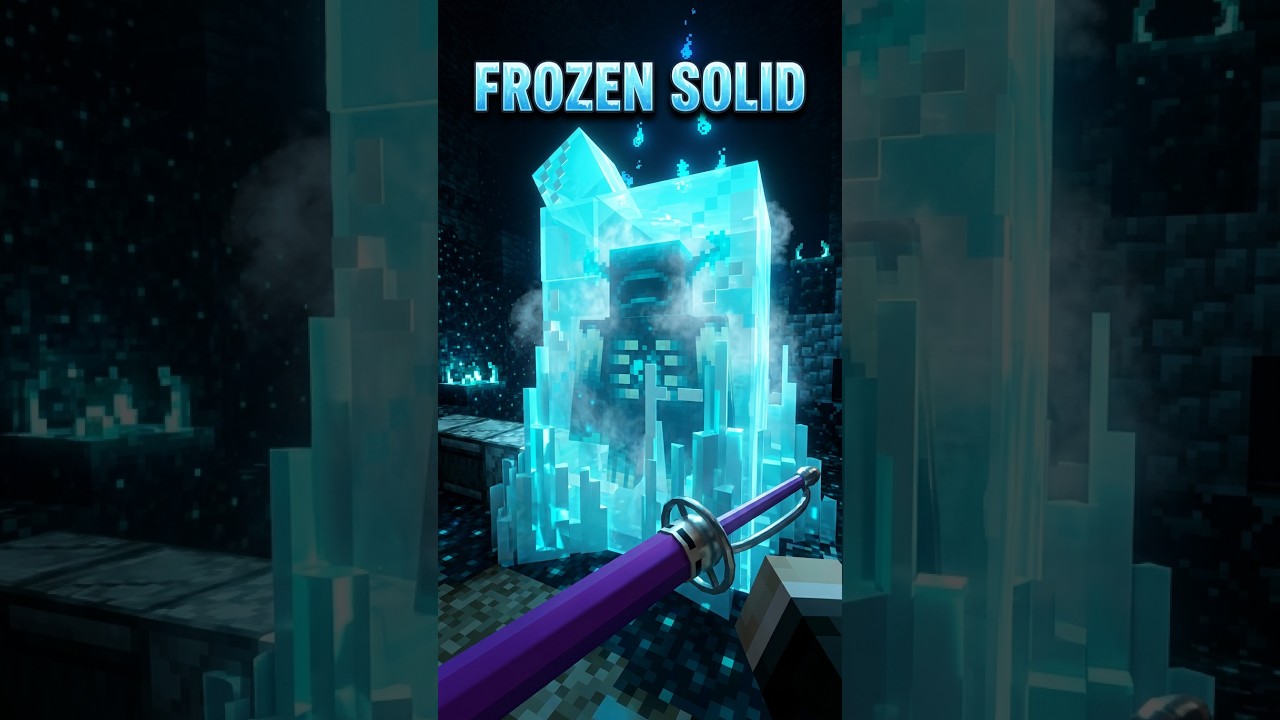
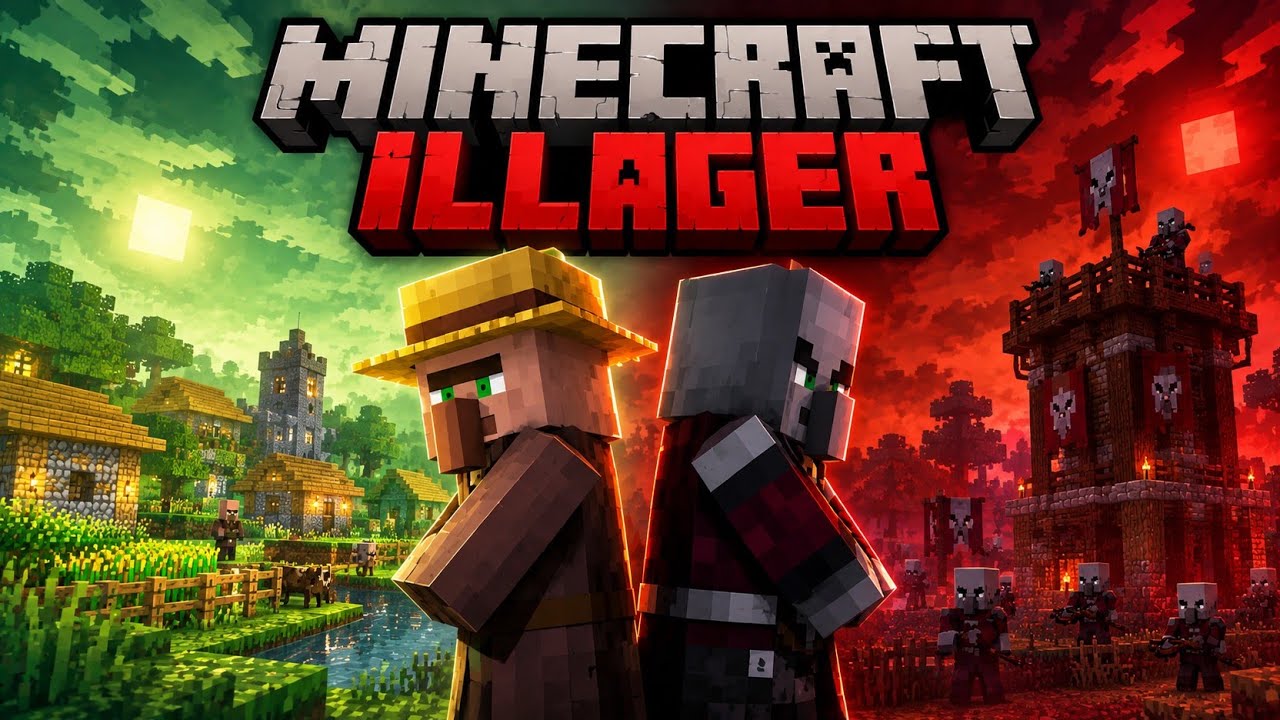
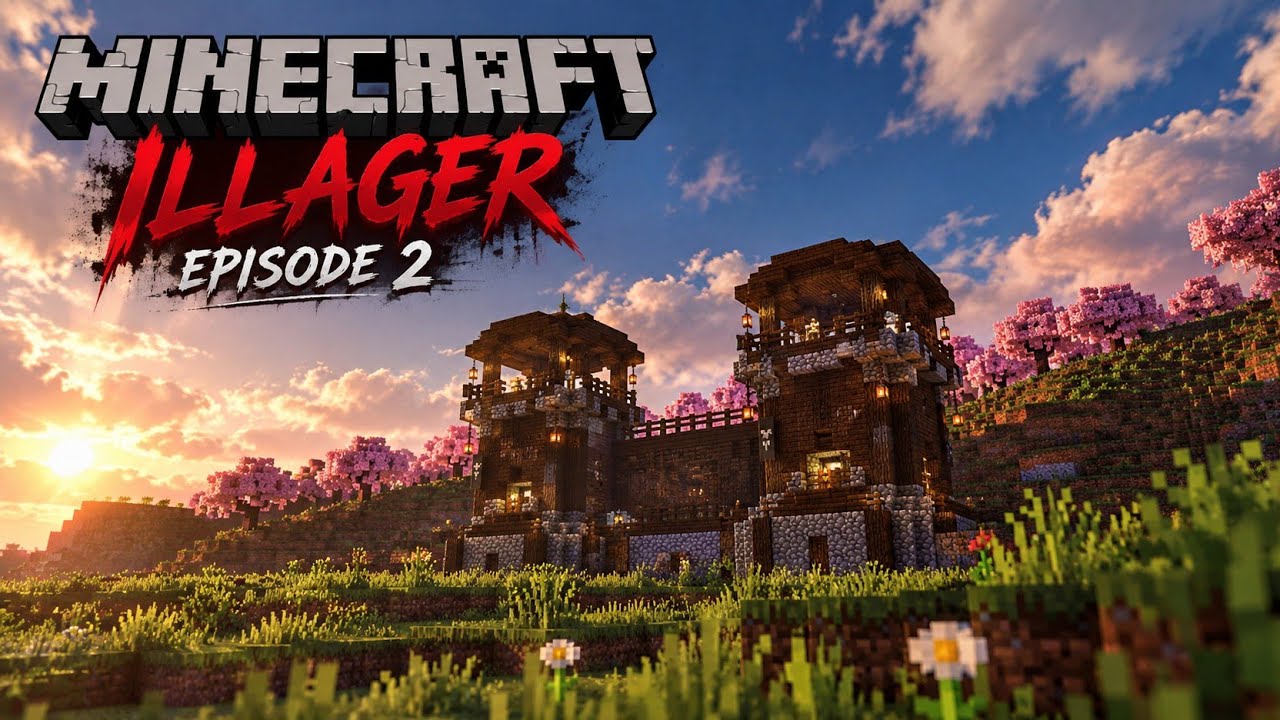
Select a thumbnail to watch a Bedrock Filmmaking Studio video.
Gallery
Browse the full CurseForge gallery for screenshots and examples.
1 · TNT & explosion restore — Before / After
Stage block changes and an explosion, then restore recorded blocks to their original state after the take where supported.
2 · Path visualizer
Preview an actor’s route with colored path markers before playback.
3 · Leash system
Record mobs being led and replay their movement as part of a scene.
4 · Scene Builder & triggers
Group tracks, set start delays, and trigger scenes from configured positions or items.
5 · Keyframe Scrubber & actor skins
Arrange timeline events and stage actor looks for your cast. Technical skin identifiers such as bb:skin1–bb:skin40 remain unchanged for compatibility.
How to start
- Enable both the Behavior Pack and Resource Pack on your world.
- Run
/bb givefor the Studio kit, or open the Studio Controller item. - Follow the in-game guide:
/bb tutorial. - Record a track, play it back, and open the Keyframe Scrubber to refine the take.
- Need help? Try
/bb ai help,/bb commands, or/bb help.
Who is it for?
- Map makers building scripted performances and interactive scenes
- Content creators staging fights, cutscenes, and cinematic camera moves
- Creators who want coordinated actor playback without repeatedly managing vanilla mob behavior
Requirements
- Minecraft Bedrock 1.26.44 or later (declared minimum engine version)
- Behavior Pack + Resource Pack enabled together
- Back up existing worlds before updating add-ons; consult the current file notes for version-specific requirements
Changelog & Files
See the project’s Files page for release notes, fixes, and version history.
Bedrock Filmmaking Studio · Record. Direct. Play it back.
Created by PrimeGamingBoyzzYT.
🛑 INTELLECTUAL PROPERTY & AI NOTICE
Please read before downloading or using this project.
- 🟩 Original content: Code, assets, custom textures, and visual designs are the author’s work.
- 🟥 Redistribution: Do not repost, mirror, or redistribute this add-on or modified versions without the author’s permission and in accordance with the project license.
- 🤖 AI use: Do not use this project’s code, logic, colors, or textures to train AI models or generate derivative works without the author’s permission.
⚠️ Please report unauthorized mirrors or variations to the author or CurseForge.
Bedrock Filmmaking Studio For Minecraft Team