


Arborea
- By
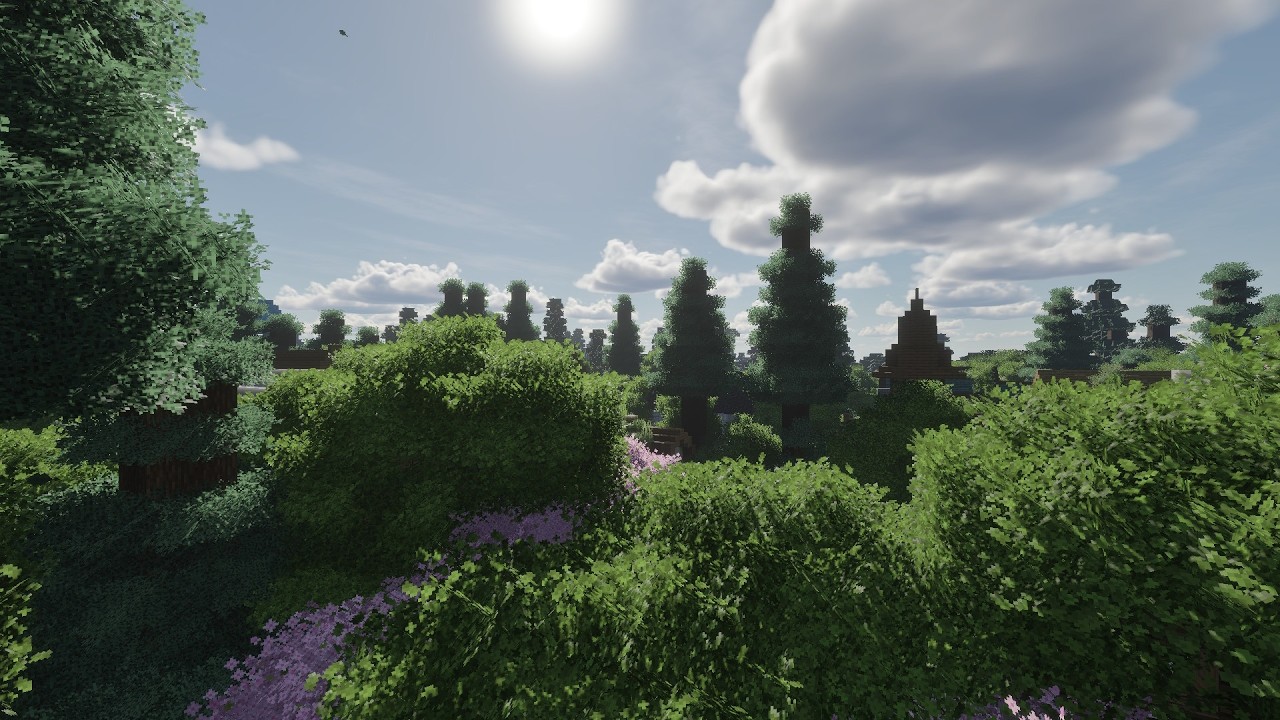
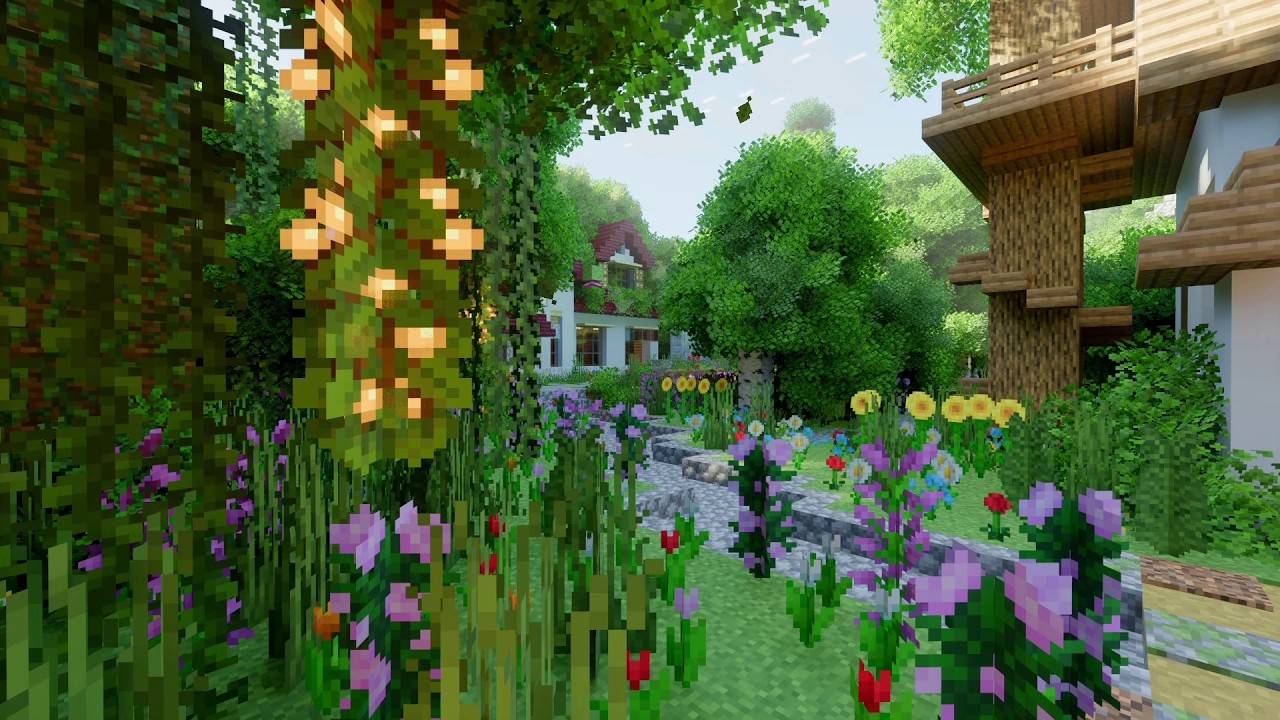
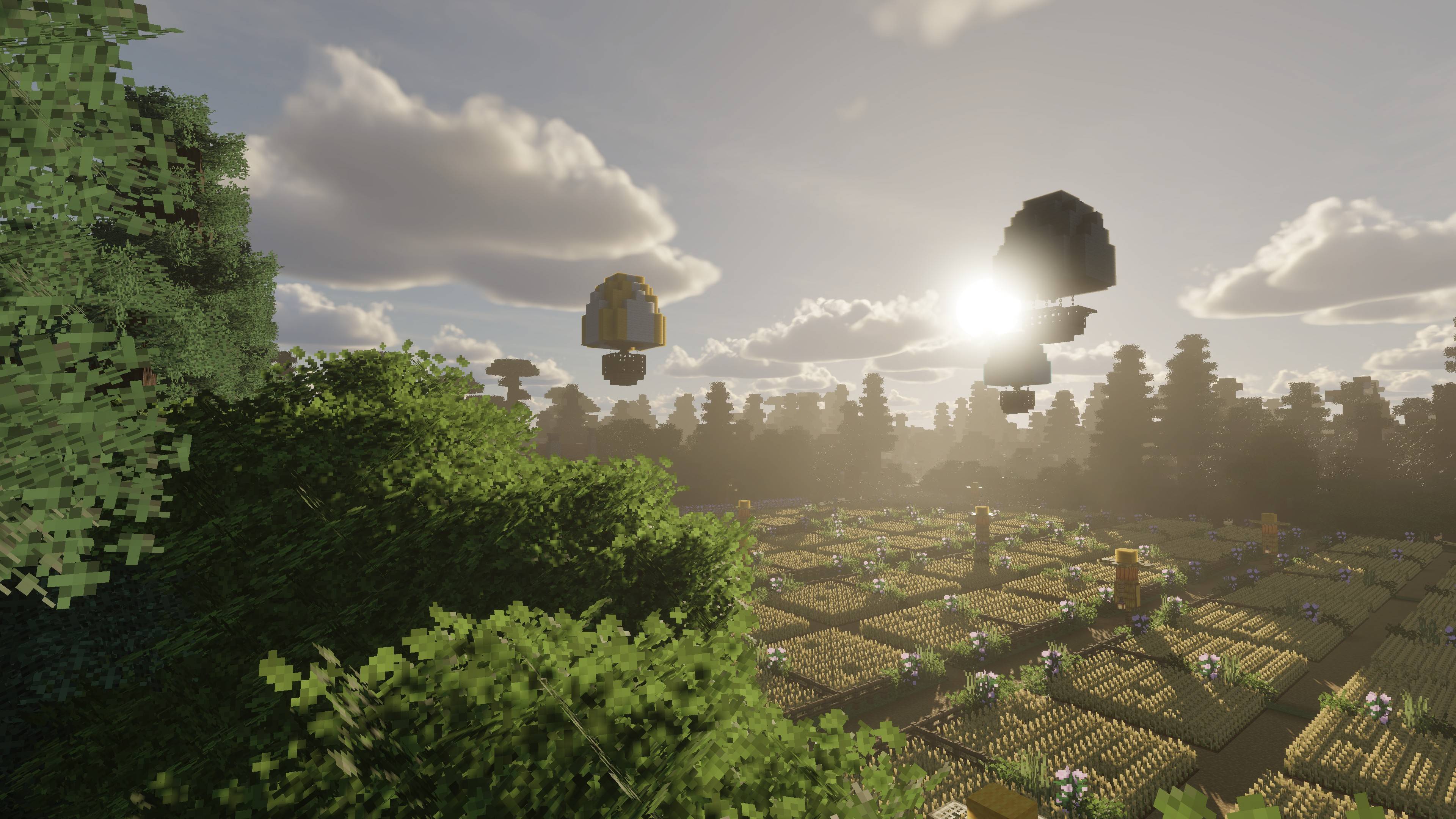
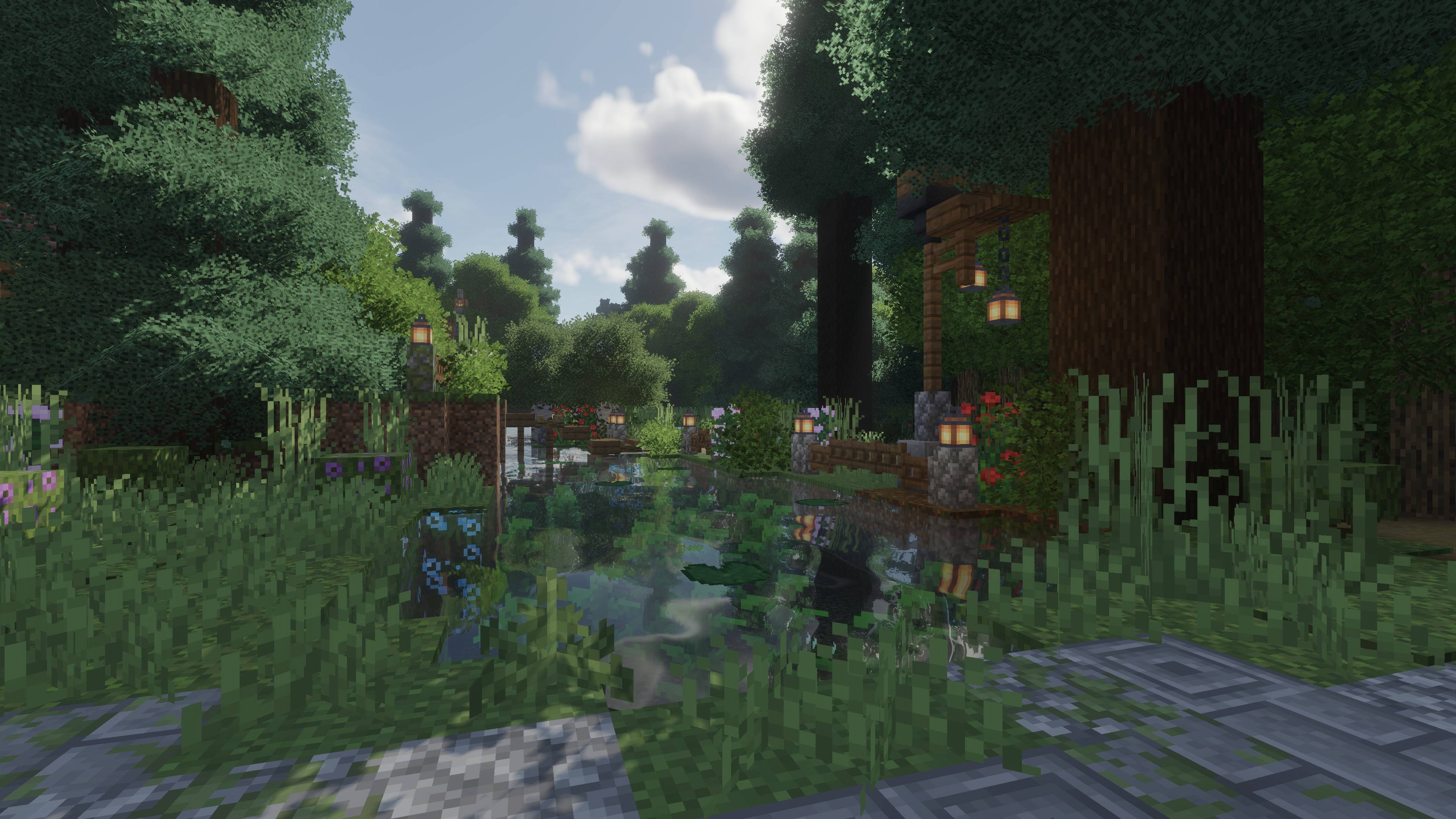
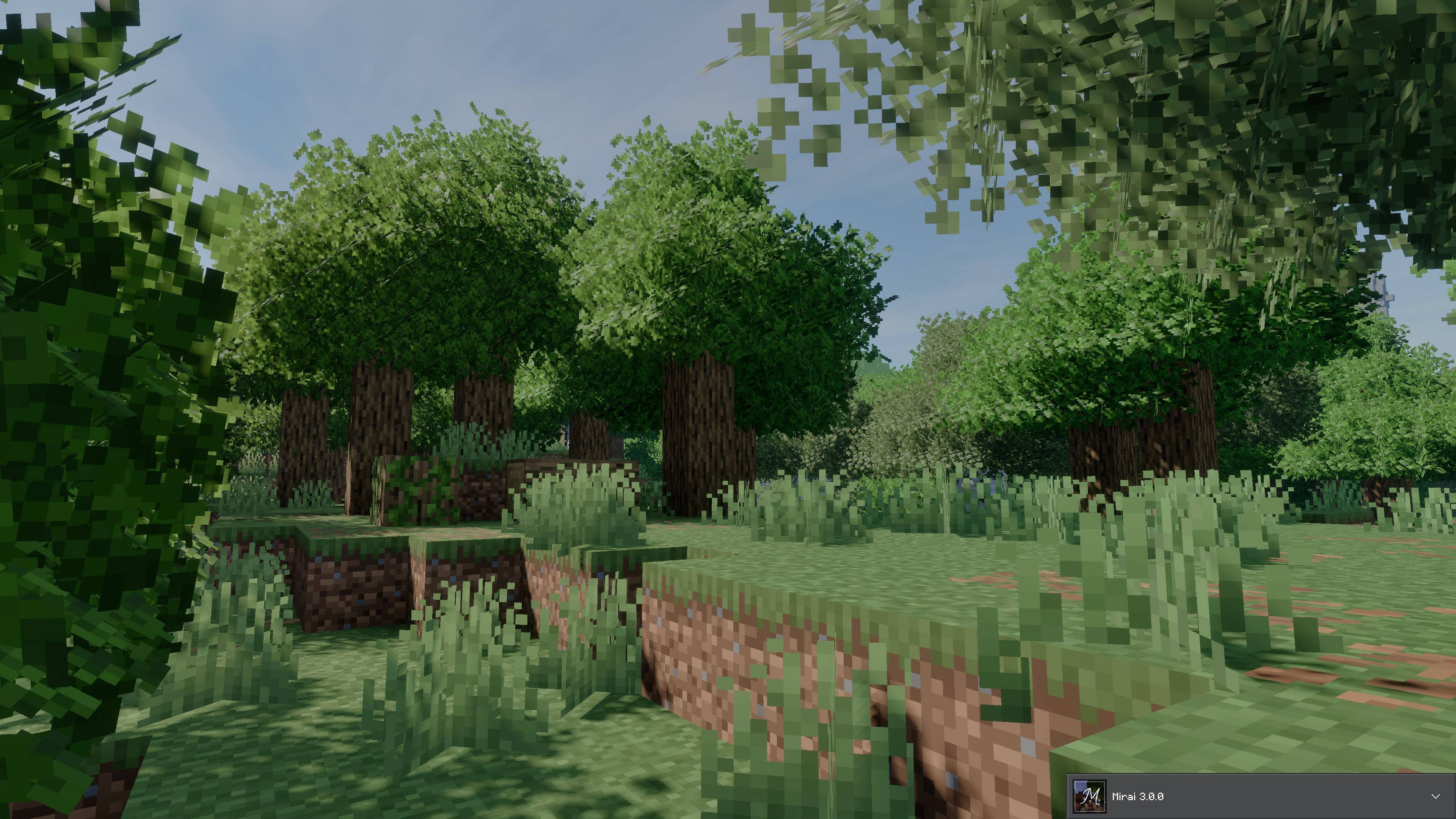
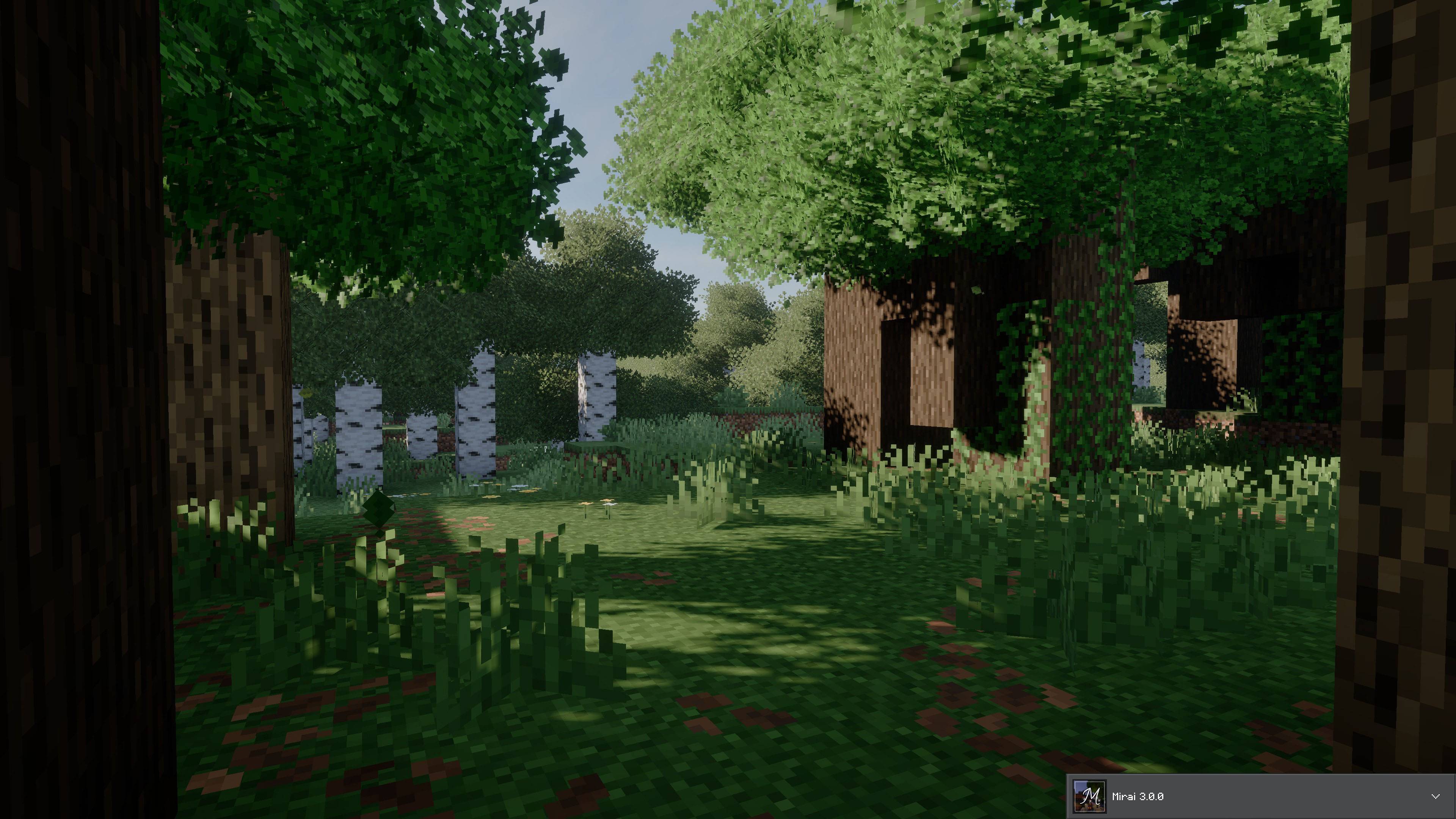
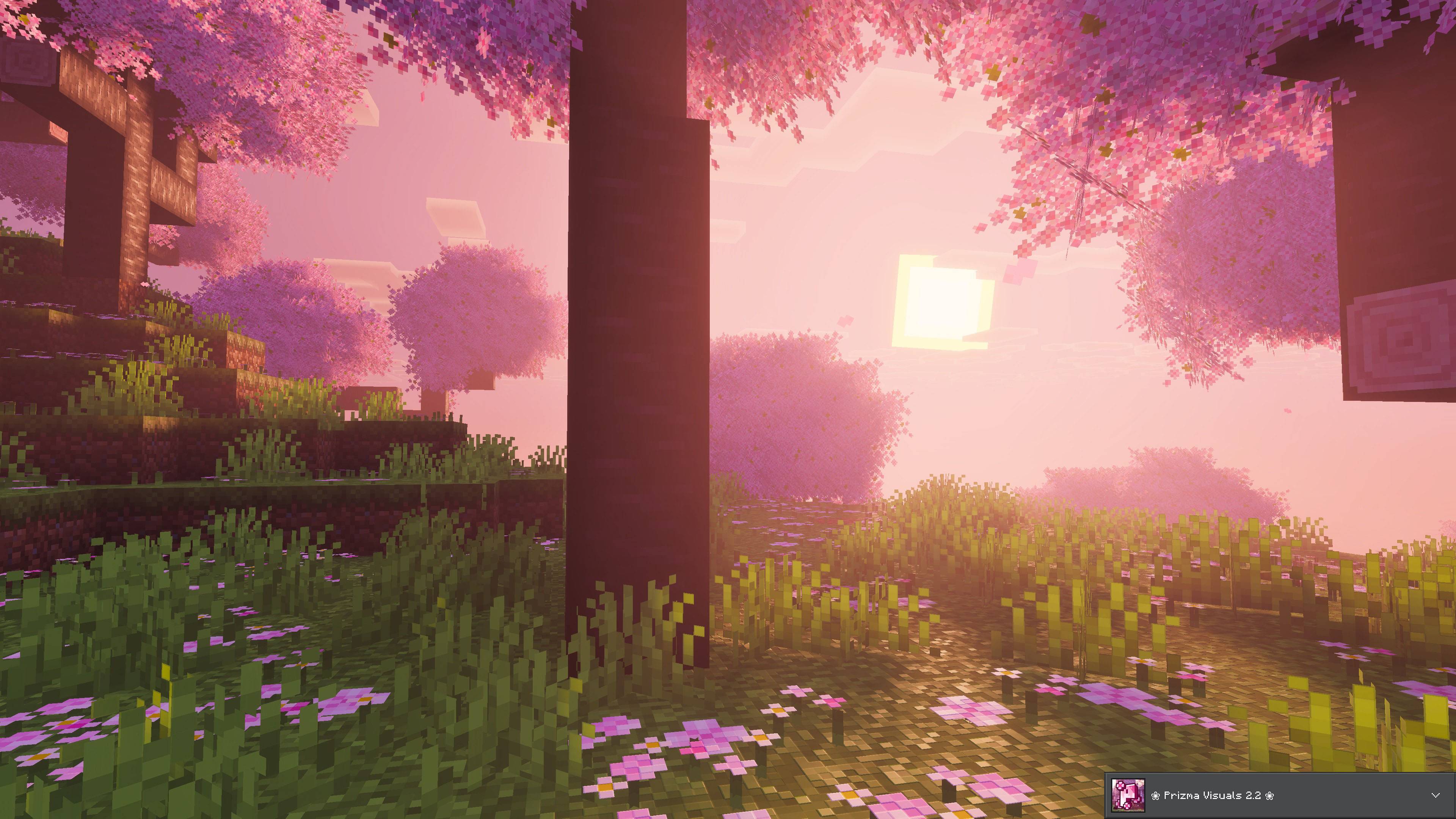
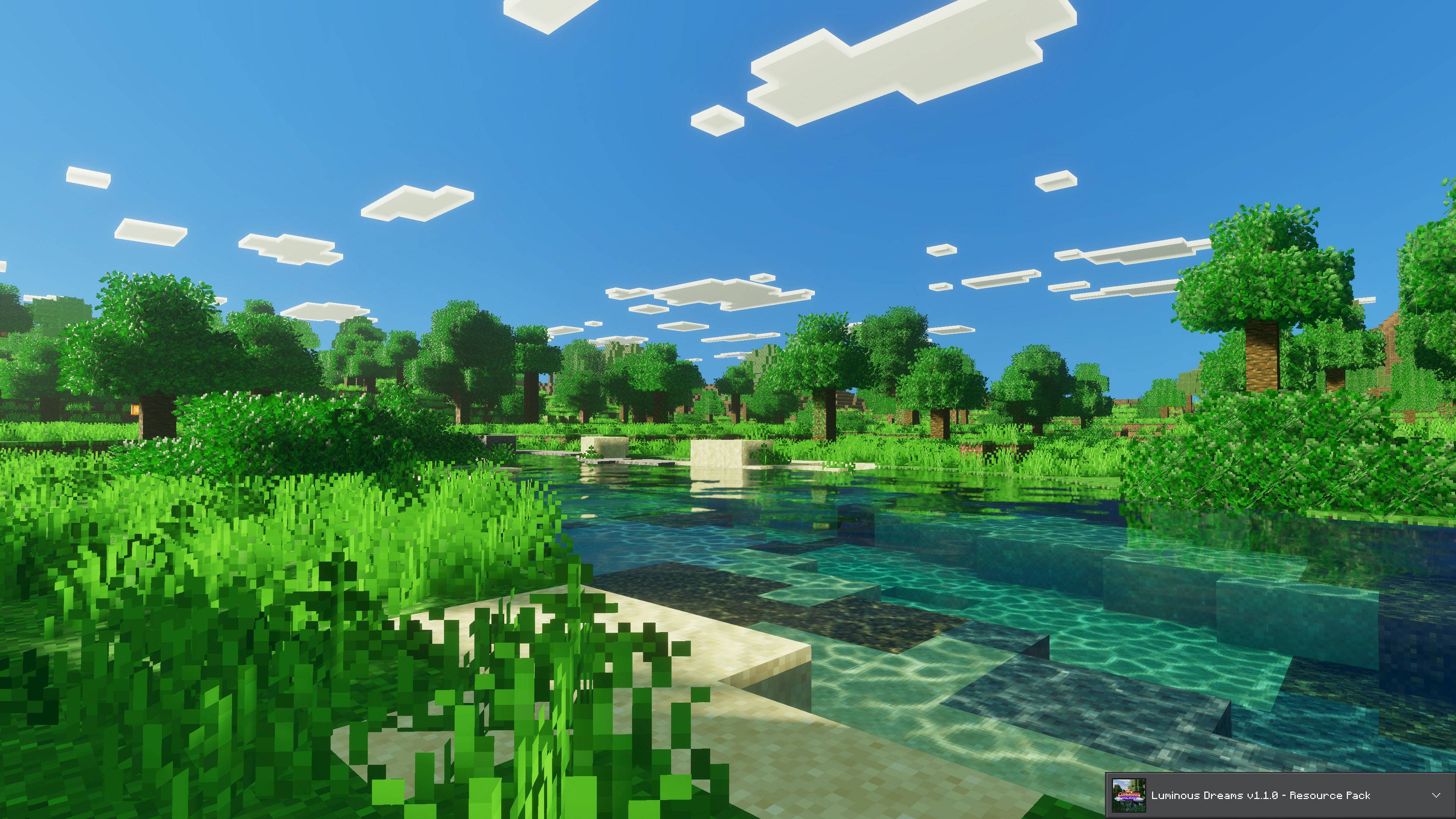
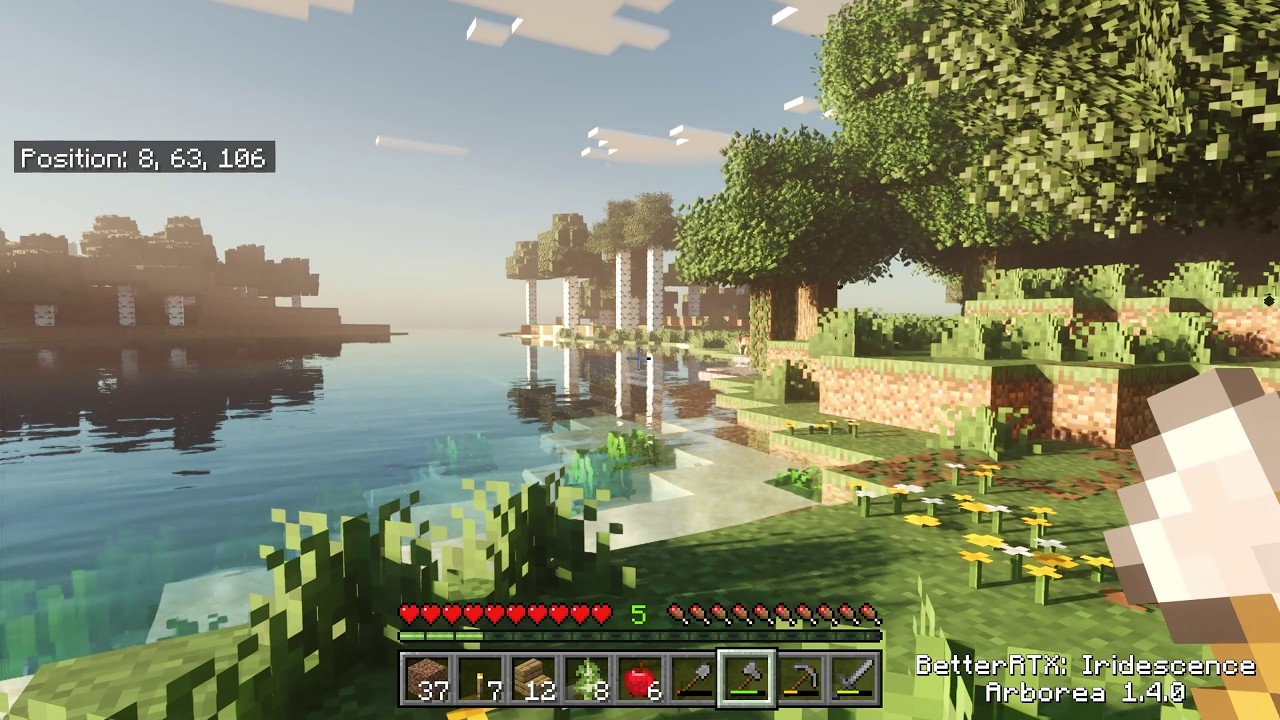
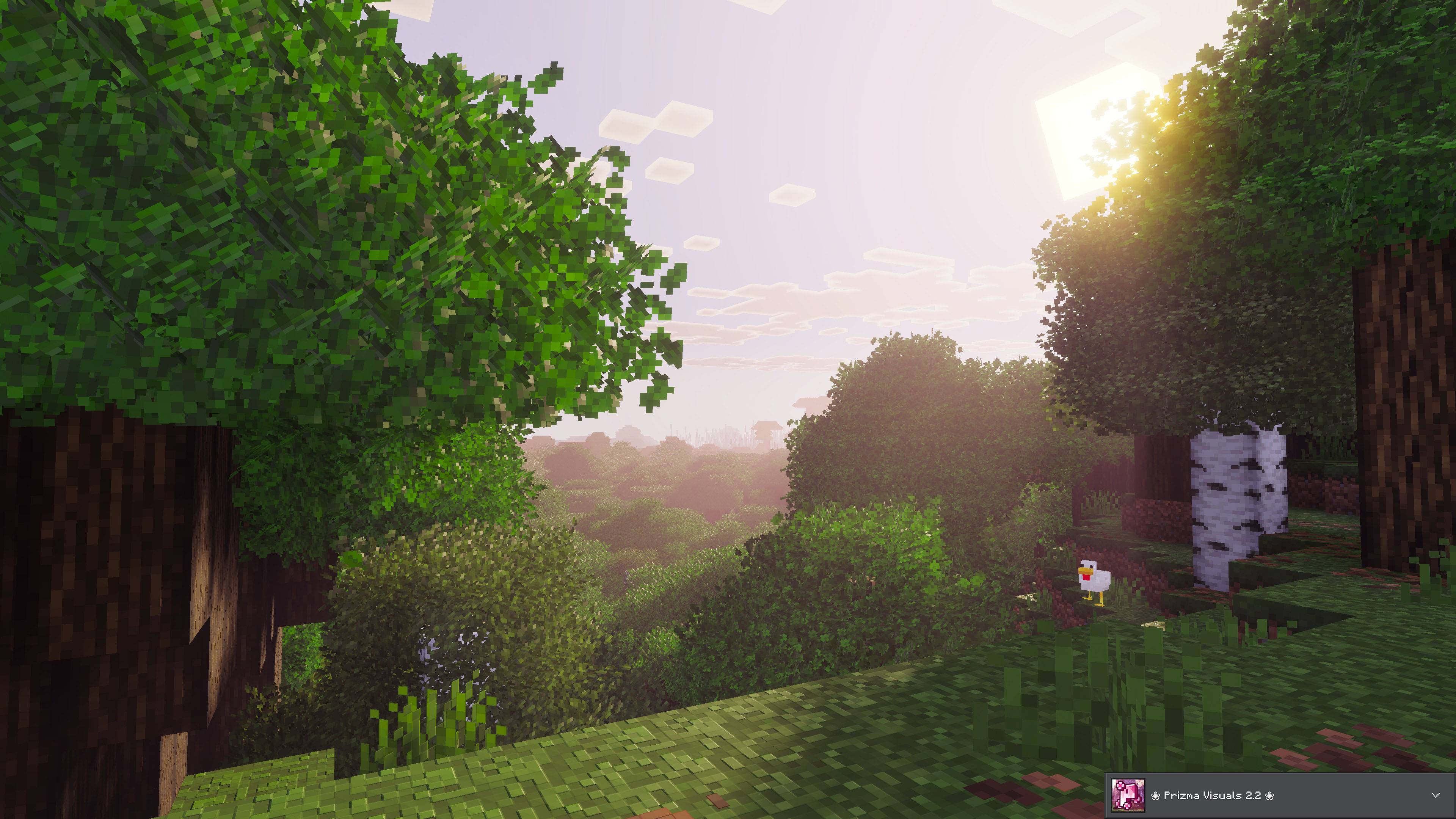
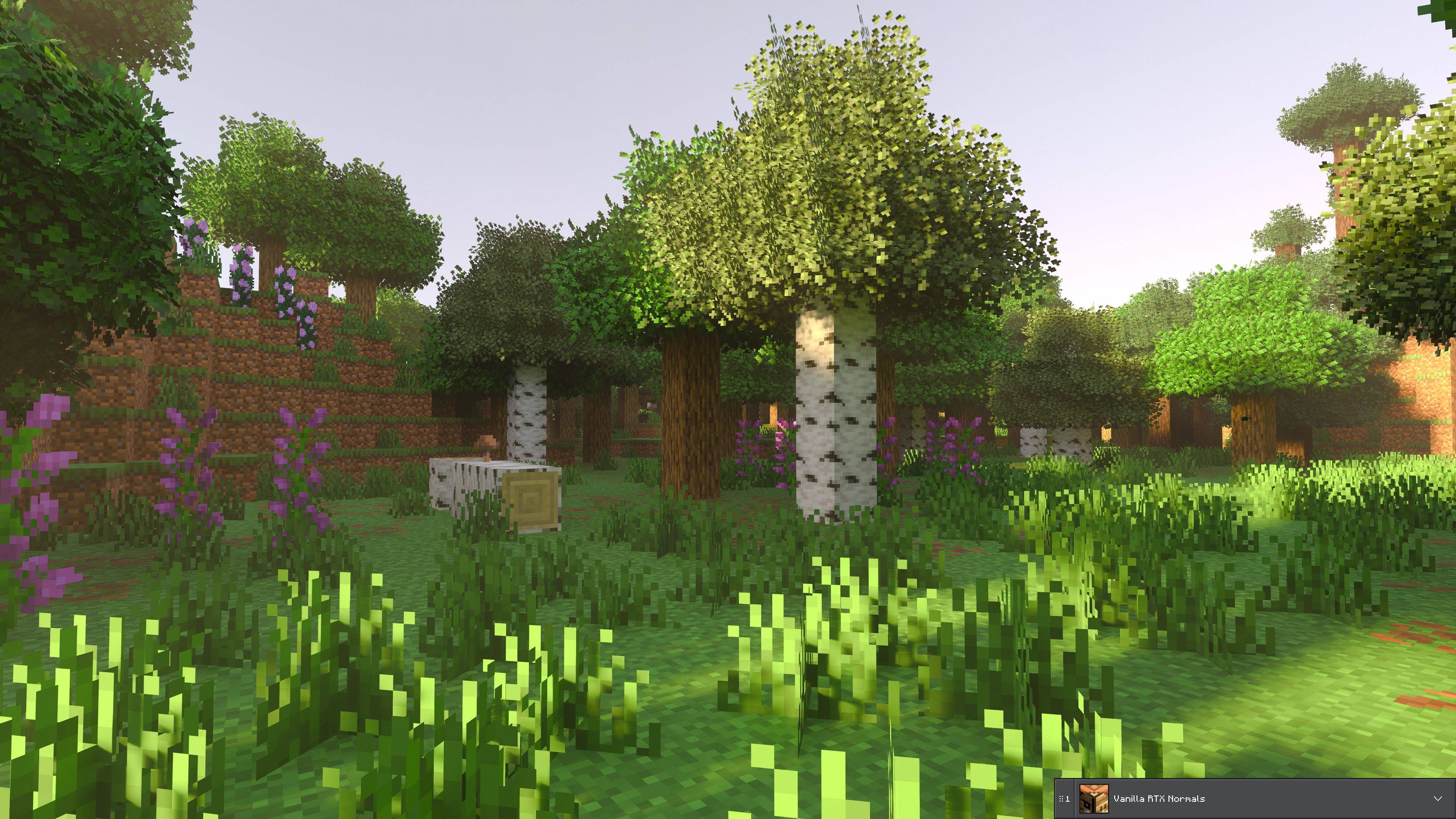
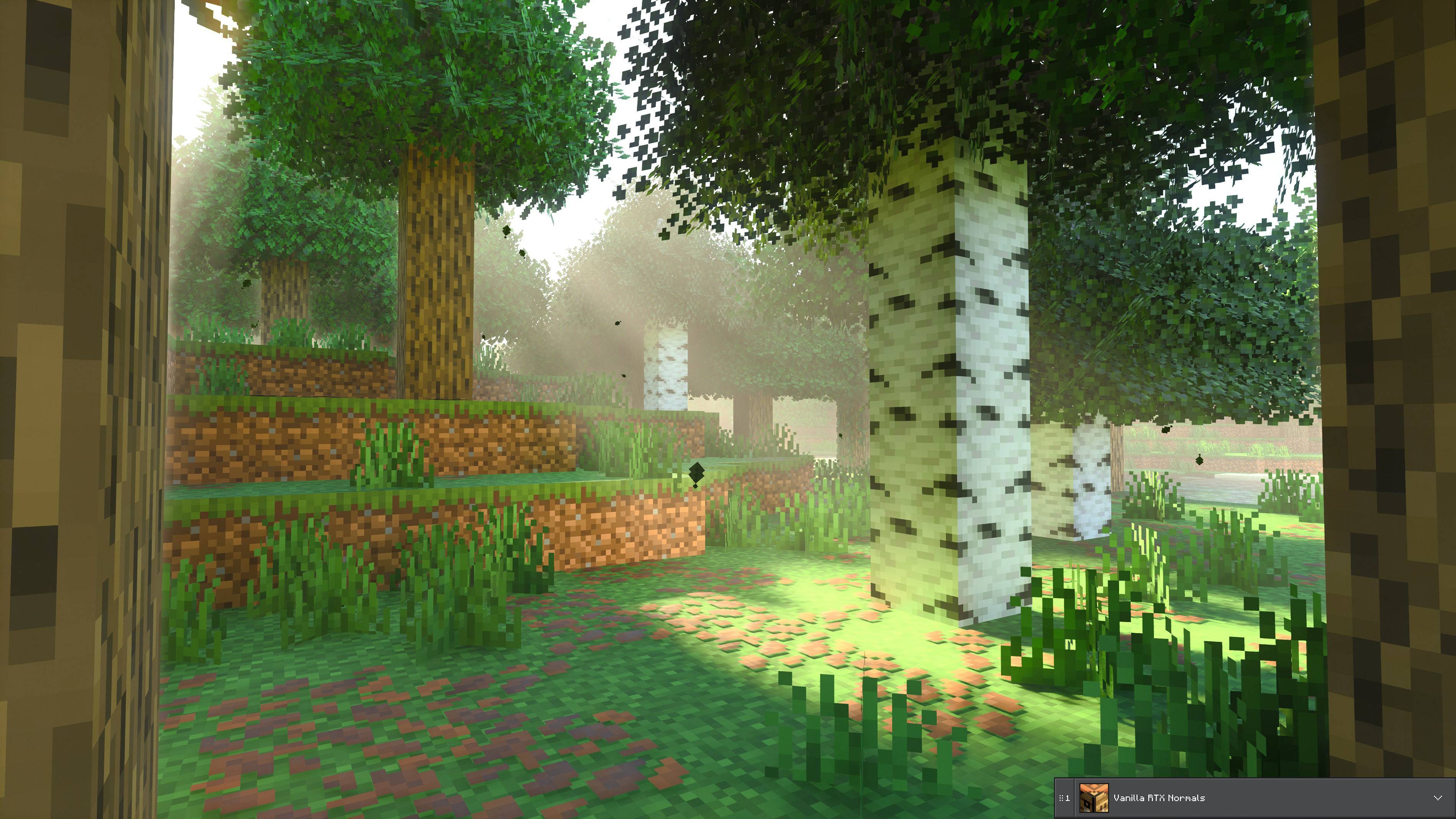
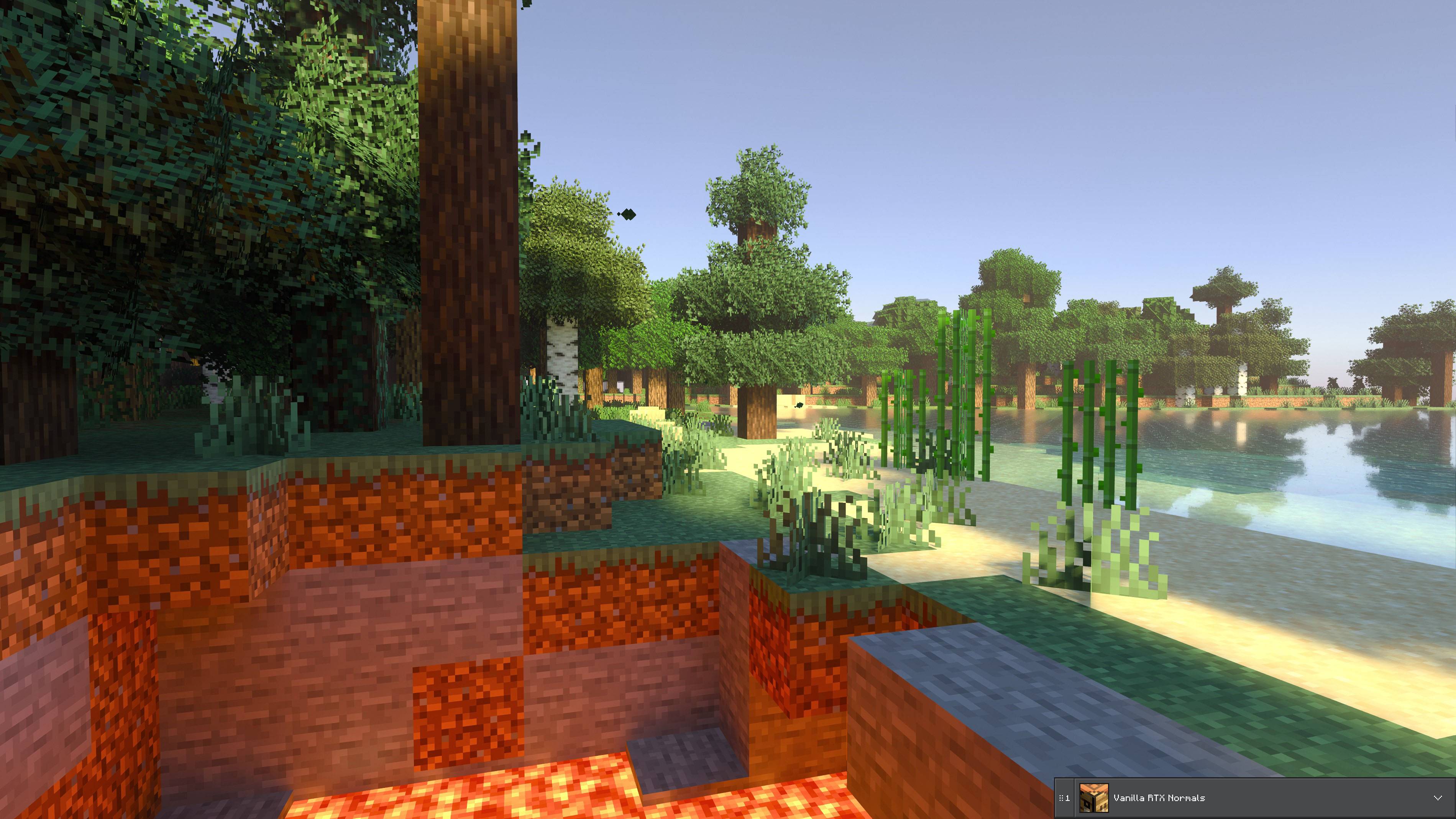
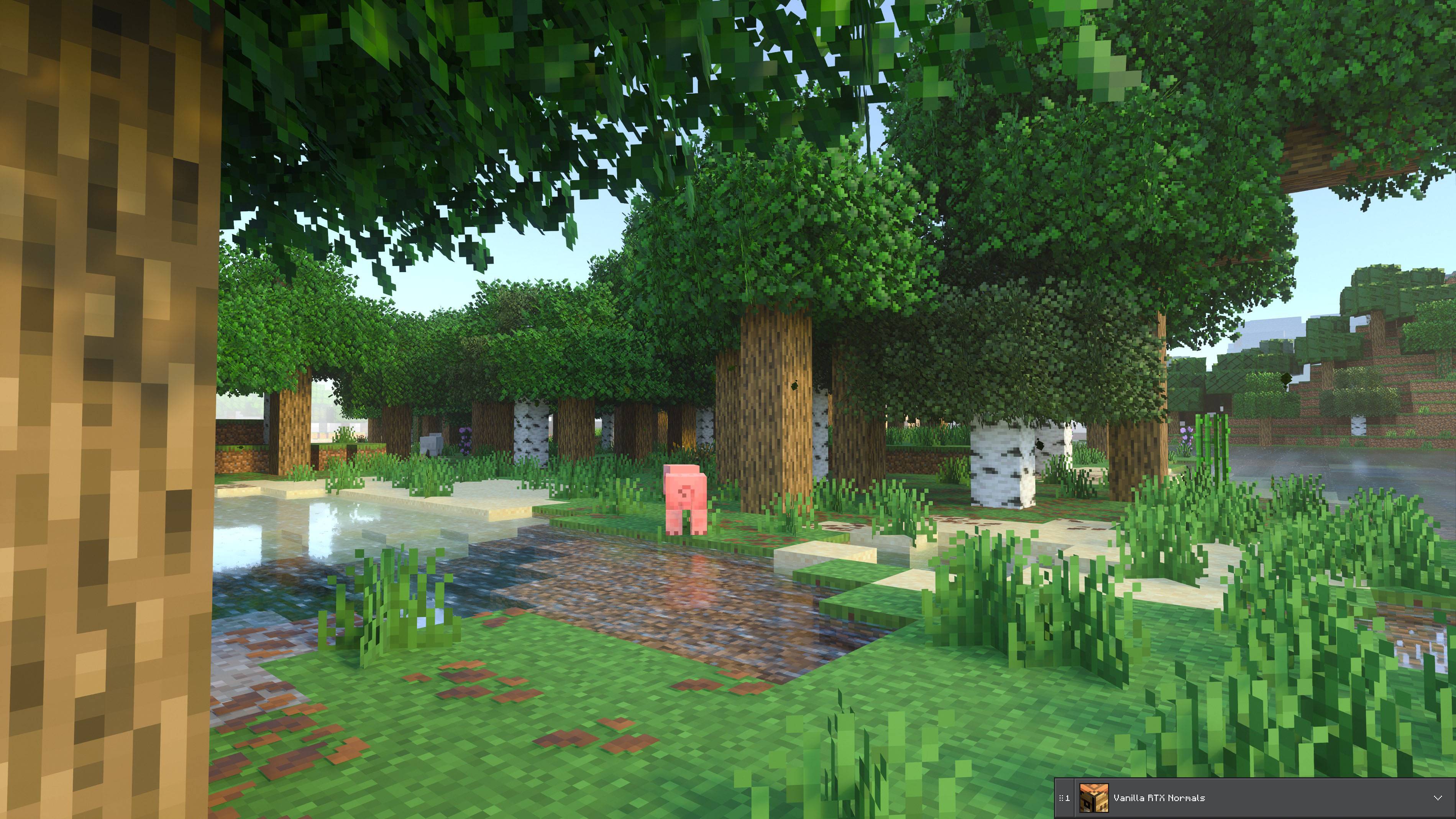
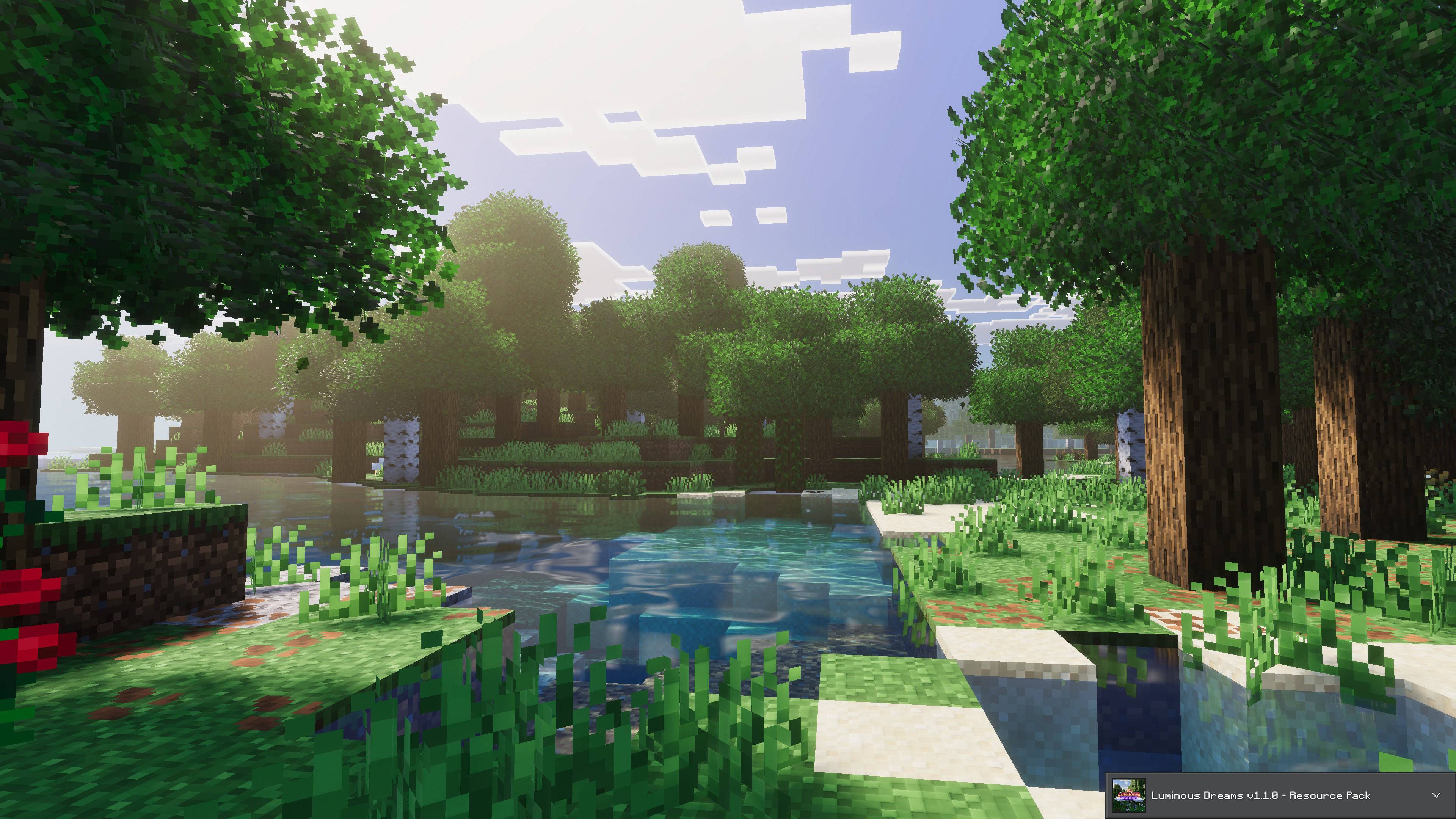
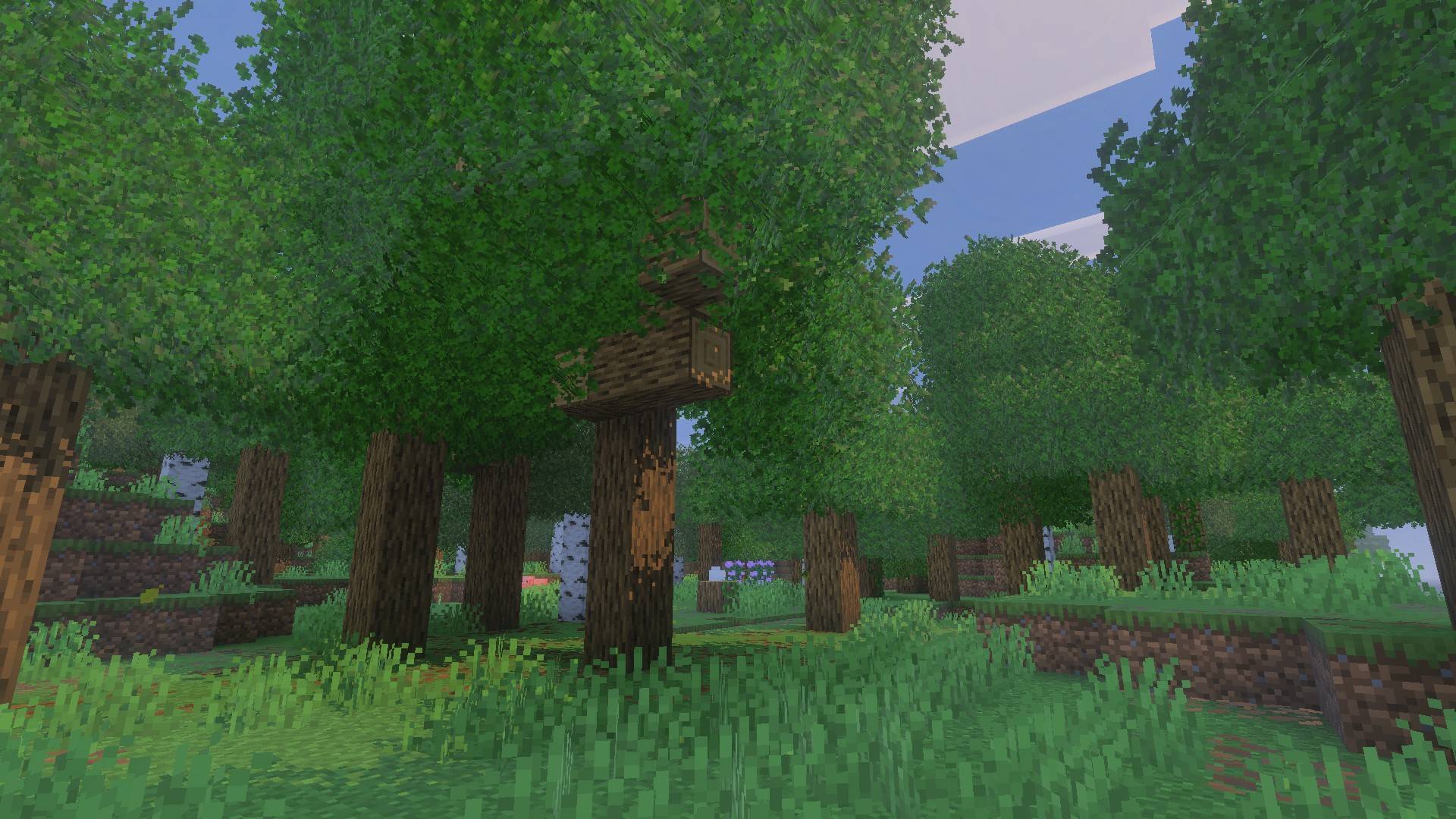
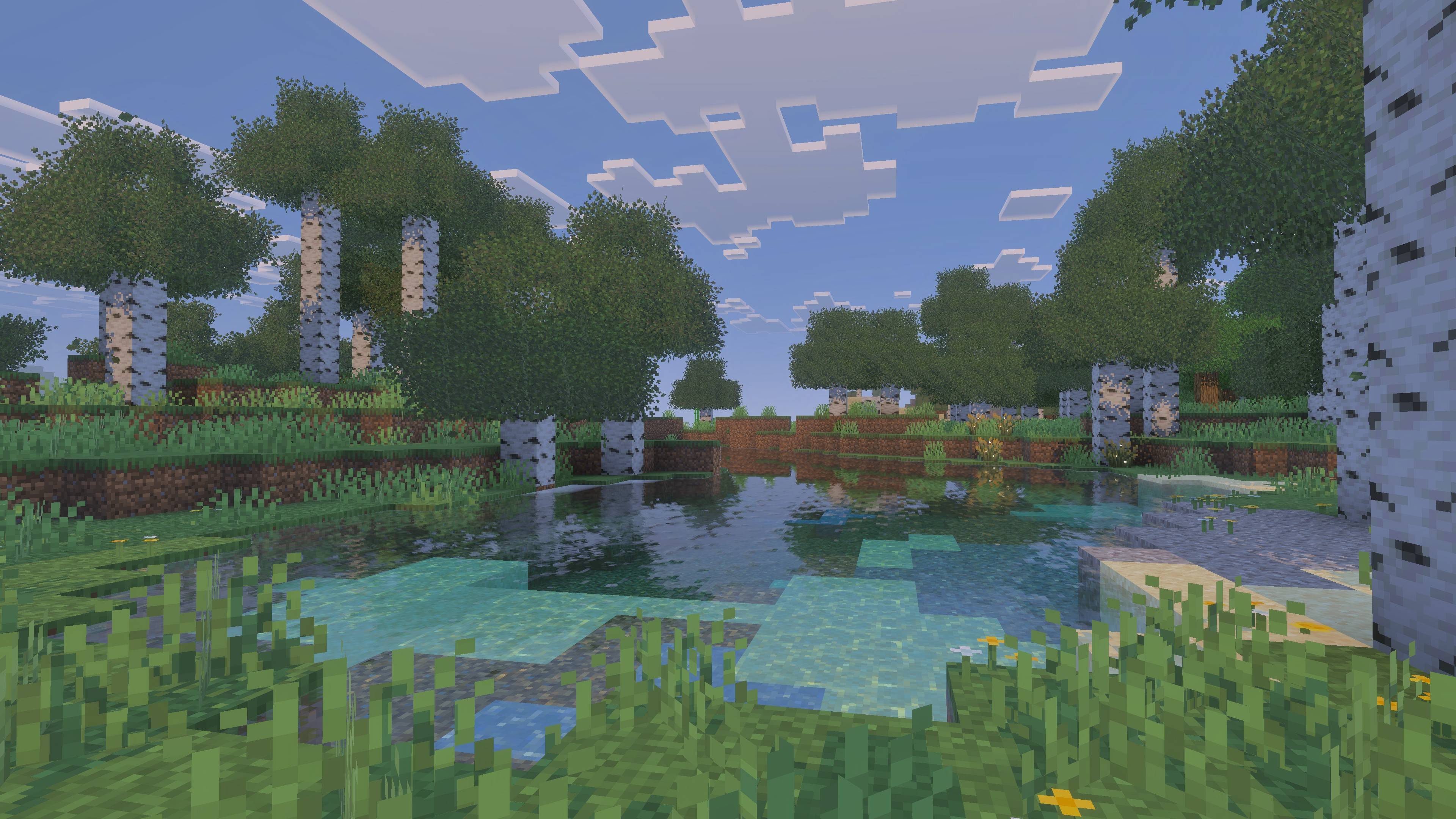
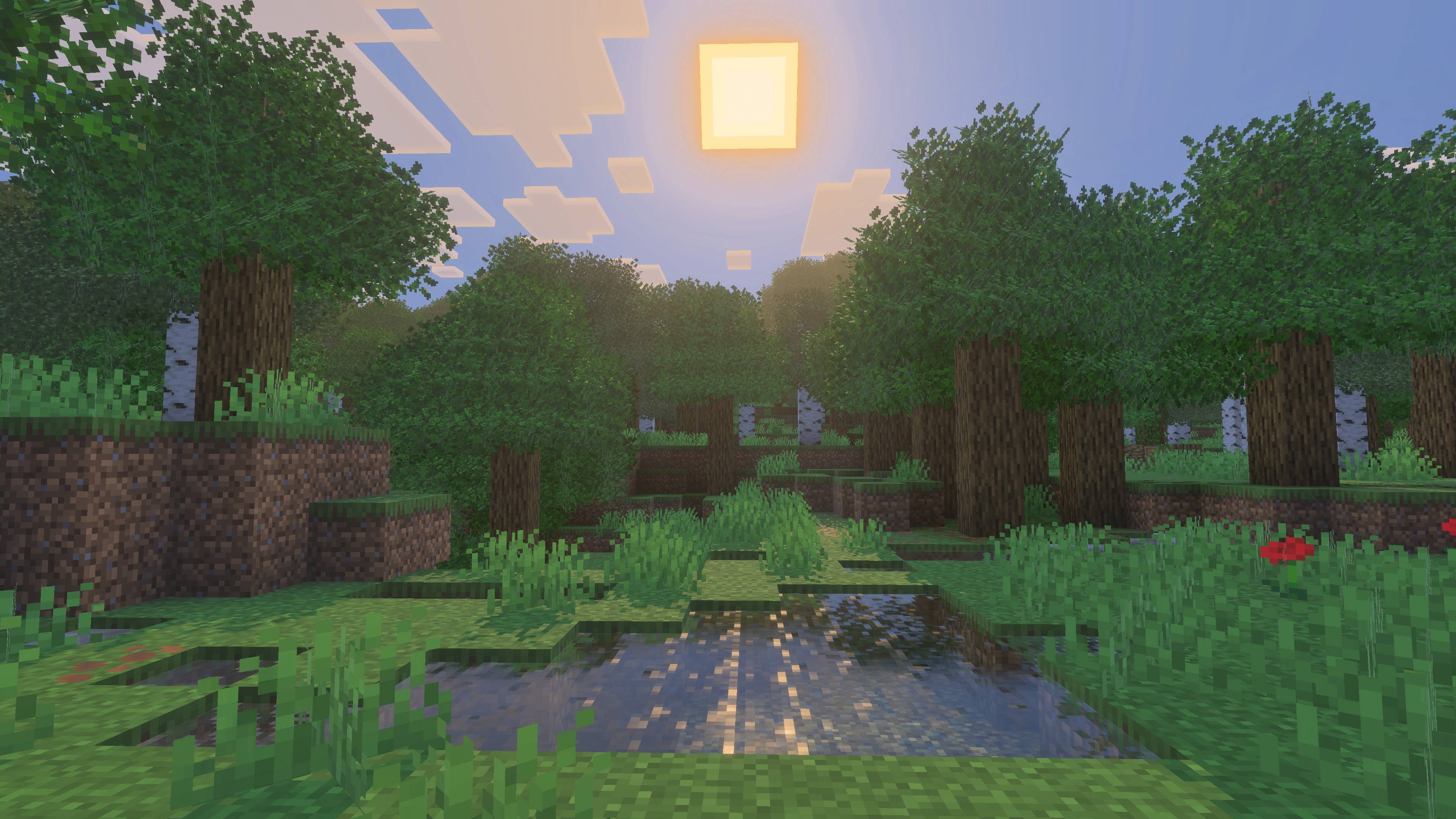
Replaces vanilla Minecraft Bedrock leaves with 3D models, biome-based foliage tinting, procedural worldgen, and custom BFS leaf decay. Achievement friendly.
Mirai 4.0.0
Mirai 4.0.0
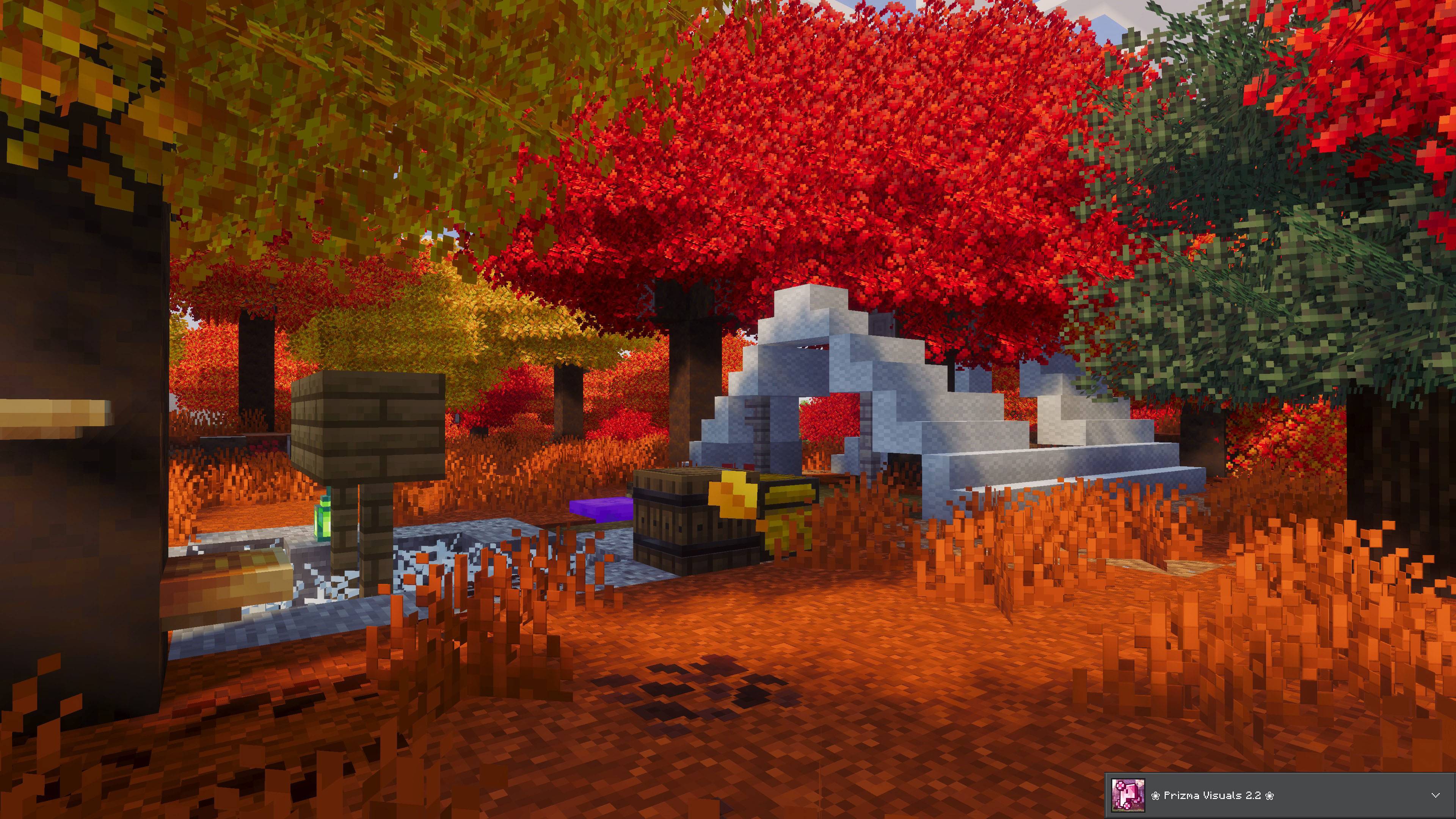
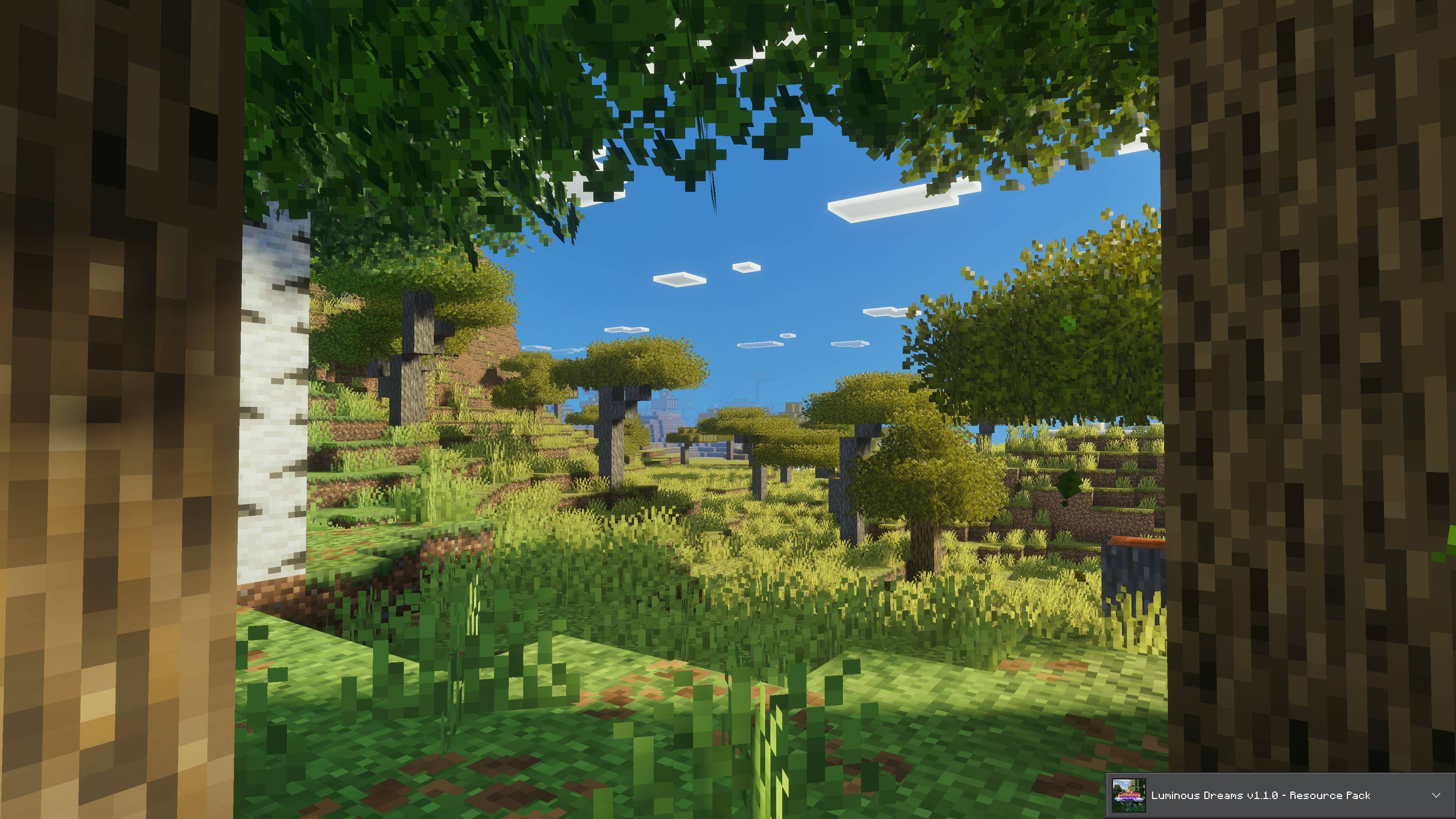
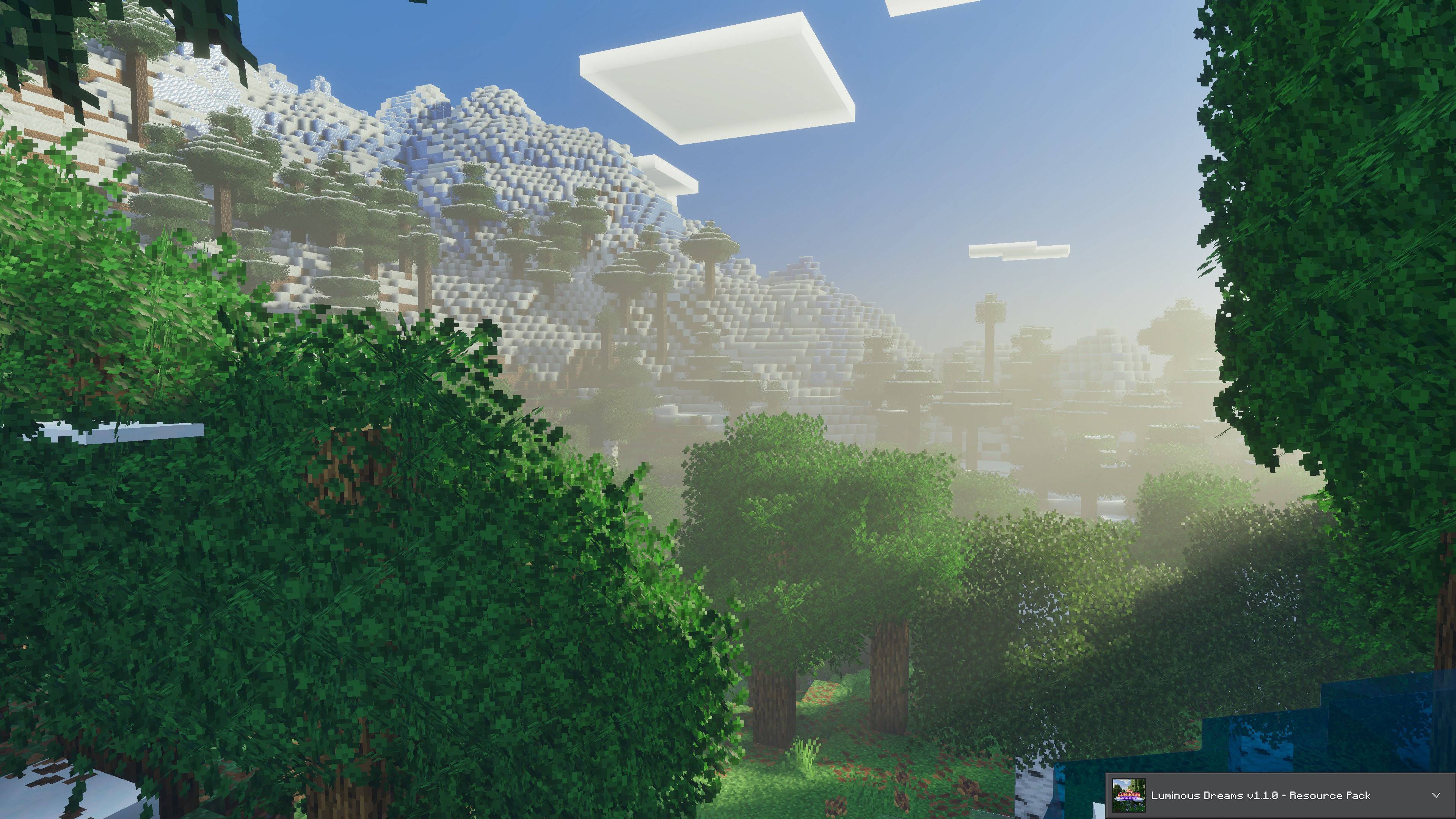
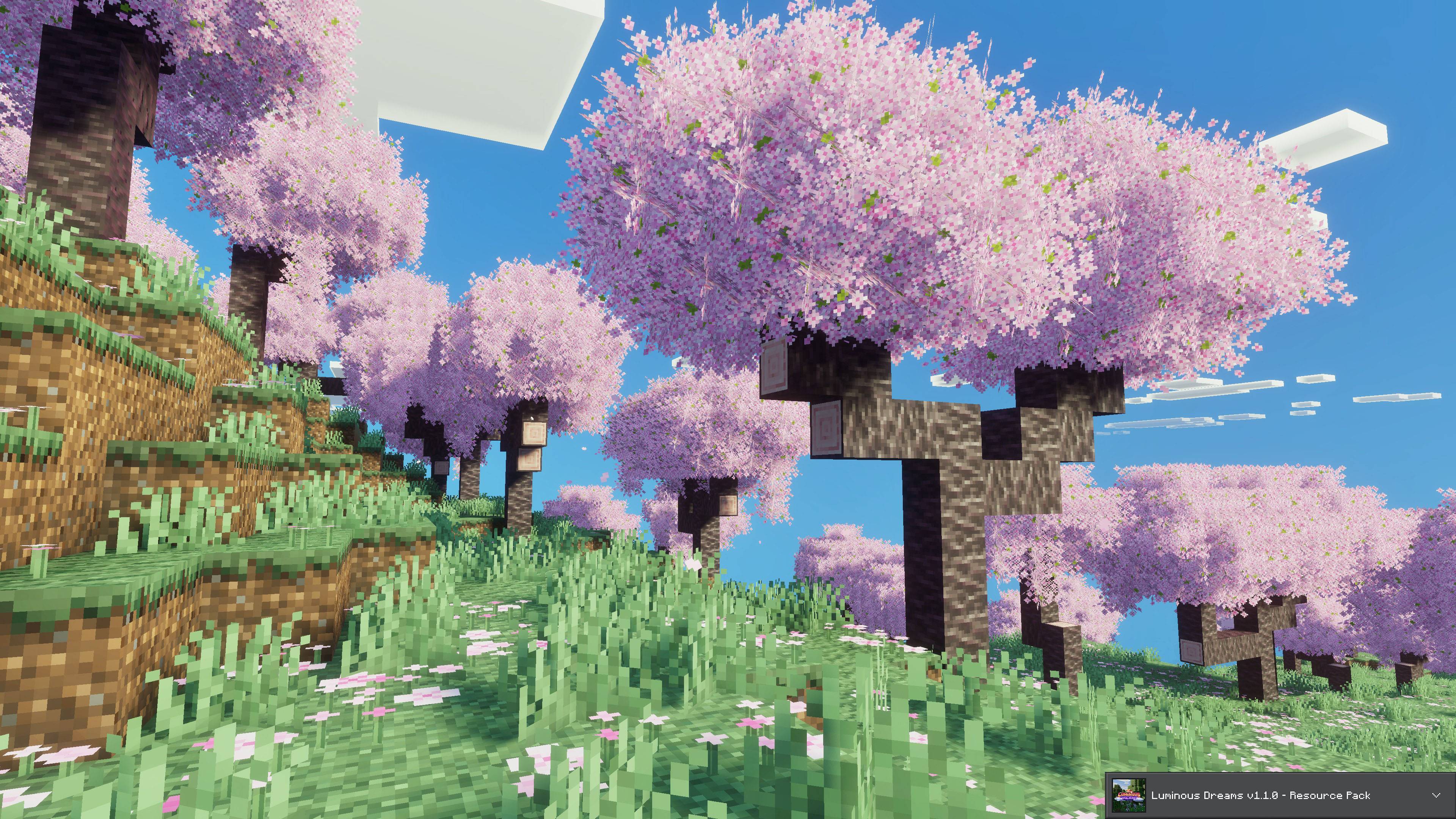
Mirai 3.0.0
arborea_luminous_dreams (1).jpeg
Description
Arborea: Bushy Leaves
Arborea replaces vanilla leaves with custom 3D blocks while keeping vanilla logs, saplings and survival mechanics.
It adds procedural tree generation, biome-based foliage colors, falling leaf particles, custom leaf decay and tree felling.
Commands
All commands work without cheats.
/a:particles [on|off]
Toggles falling leaf particles for the current player. Without an argument, displays the current state.
Default: on. The setting is saved per player.
/a:particles_amount [low|default|high|xhigh]
Controls the number of falling leaf particles displayed.
low = 50% · default = 100% · high = 200% · xhigh = 300%
Without an argument, displays the current level. The setting is saved per player.
Permission: Available to all players.
/a:treecapitator [on|off]
Toggles tree felling for the entire world. When disabled, logs break individually, just like vanilla.
Default: on. The setting is saved per world.
Permission: Operators only.
Features
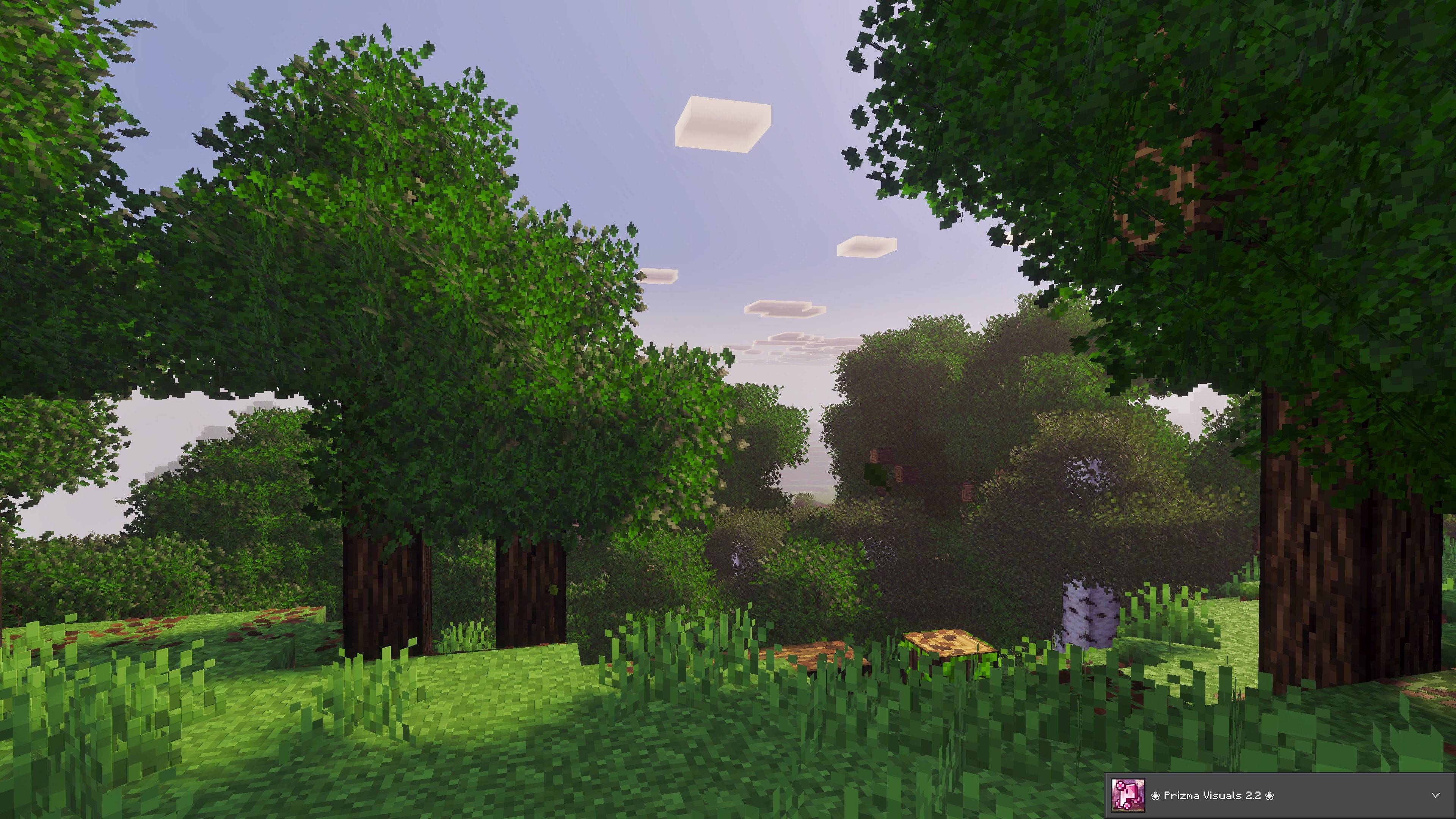
3D Leaves
Leaves use custom geometry built with the Bedrock 1.26.20 block format. Each block has a solid 16×16×16 core surrounded by tilted foliage planes that extend beyond its sides, creating fuller and more layered canopies.
Every leaf block has two geometry variants with horizontal or vertical foliage planes. Trees randomly select one during generation, adding visual variation even between trees of the same type.
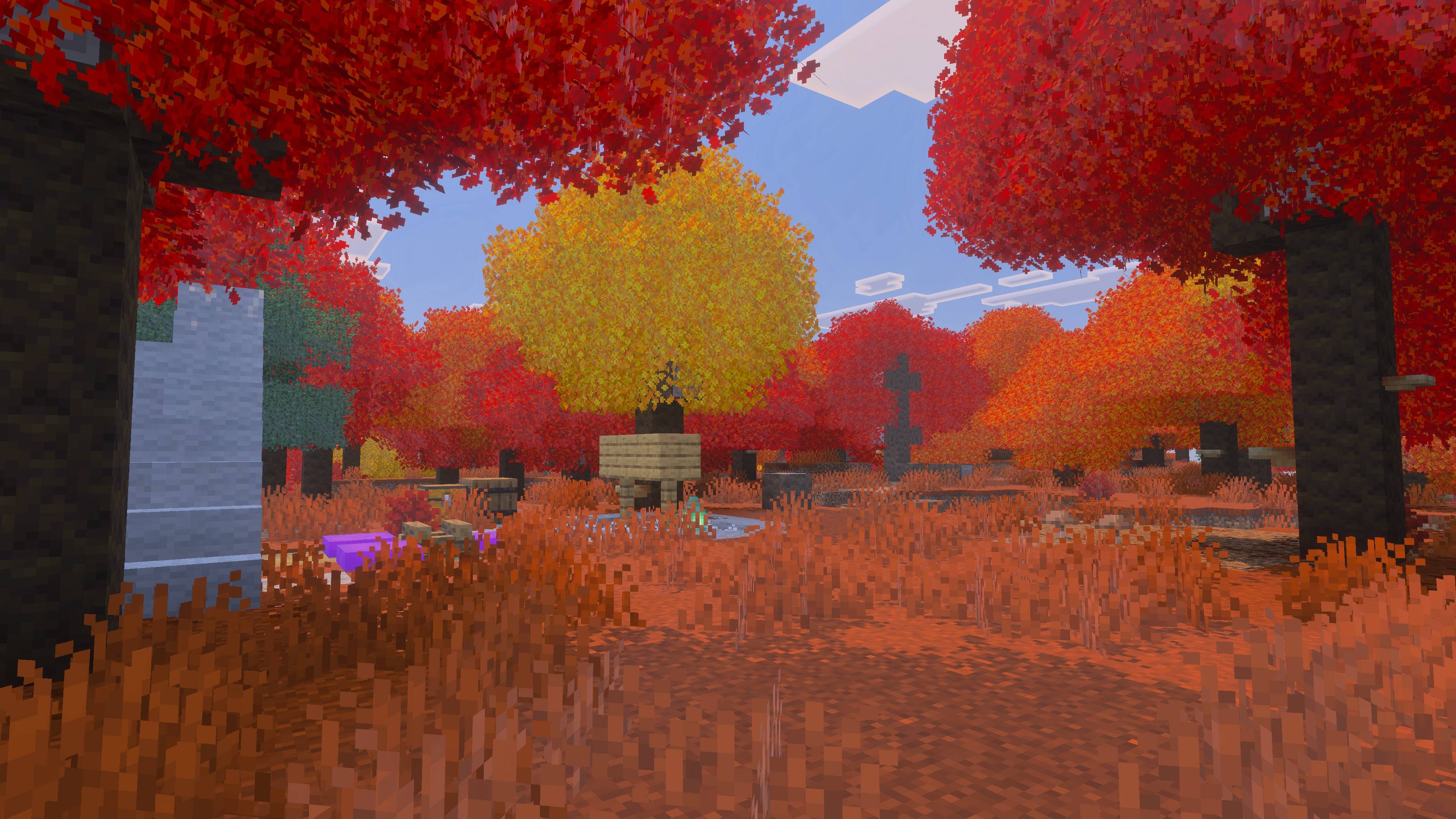
Biome-Based Colors
Grayscale textures use Minecraft's native foliage tinting to match the surrounding biome.
Procedural World Generation
Every Arborea tree is generated procedurally. No structure files are used, either during world generation or sapling growth.
Each tree has an equal chance of using either foliage orientation. The generator also adds extra tall grass after terrain generation, without interfering with tree placement.
Saplings grow naturally at the vanilla pace and respond to the randomtickspeed game rule. Bone meal also works on all supported saplings.
Falling Leaf Particles
Arborea uses scripts to recreate vanilla falling leaf particles for its custom blocks. Particles appear when the block below a leaf is air or water.
Performance: Particles are limited to visible leaves within 32 blocks and inside the player's field of view. Occlusion checks prevent particles from appearing through walls, hills or roofs. The system also adjusts particle counts based on graphics settings, including Vibrant Visuals, and low-memory devices.
Per-player settings: Each player controls their own particle visibility and amount without operator permissions or cheats.
Script-Based Leaf Decay
Since Bedrock does not apply leaf decay to custom blocks, Arborea implements its own system through the Script API.
Performance: Decay checks use a queue with a per-tick limit on block reads, preventing large trees from causing performance spikes.
Tree Felling
Breaking a log from a naturally grown Arborea tree with an axe causes the logs above the cut to fall.
Axe only: Works with any axe, including axes from other addons. Breaking logs by hand or with other tools only removes the targeted block.
Natural trees only: Only trees whose logs connect to naturally generated Arborea leaves of the same species can be felled. Vanilla trees and log structures are unaffected.
Player builds are protected: Logs placed by players are tracked and never felled, even when connected to a natural tree.
Controlled felling: Only logs above the broken block fall, leaving the stump intact. Logs break one layer at a time with vanilla particles, sounds and drops. The remaining canopy then decays.
Mega trees: All four logs in a row of a 2×2 trunk must be broken to fell the tree. Breaking a branch does not trigger felling.
Neighboring trees: Connected branches do not cause neighboring trees to fall.
Safety checks: If the system cannot reliably identify a complete tree due to unloaded chunks or an excessively large connected forest, felling is canceled. Trees never fall partially.
Durability: Only the log broken directly by the player consumes axe durability.
Operators can enable or disable tree felling for the entire world using /a:treecapitator.
Saplings & Bone Meal
All supported saplings grow into procedural Arborea trees under vanilla growth conditions. They require sufficient light and space, and their growth speed follows the randomtickspeed game rule.
Bone meal also triggers Arborea tree growth.
Mega tree requirements remain unchanged. If a 2×2 sapling formation lacks enough space, the tree does not grow and will not fall back to a smaller variant.
Survival & Building
Leaves can be harvested with Shears or Silk Touch to obtain the 3D leaf blocks.
Player-placed leaves never decay. Leaves broken by hand or removed through decay can drop saplings, sticks and apples.
Leaves are quick to break by hand and even faster with Shears or a Hoe.
PBR & Vibrant Visuals
Every leaf texture includes its own PBR texture set and normal map.
Roughness and subsurface scattering are tuned to produce natural-looking foliage under Vibrant Visuals and RTX.
Block Culling
Only the central core of a leaf block is culled against neighboring leaves and solid blocks. Foliage planes remain visible, preserving canopy depth while avoiding unnecessary rendering of hidden inner faces.
Technical Specifications
| Parameter | Specification |
|---|---|
| Platform | Minecraft Bedrock (Windows, Xbox, PlayStation, Switch, iOS and Android) |
| Minimum Version | 1.26.50 |
| Experimental Toggles | None required |
| PBR | Supported (Vibrant Visuals and RTX) |
Installation
Import: Open the .mcaddon file. Double-click it on PC or open it with Minecraft on mobile. Both the Behavior Pack and Resource Pack will be imported.
Activate: Create a new world and enable Arborea under Behavior Packs → Available. The Resource Pack activates automatically, but make sure it appears under Resource Packs → Active.
New World Recommended
Arborea modifies world generation, so creating a new world is recommended.
Existing worlds: Previously generated trees remain vanilla. Arborea trees only appear in newly generated chunks, so transitions between old and new terrain may be visible. Saplings still grow Arborea trees anywhere, and tree felling only works on Arborea trees.
Removing the addon: Arborea leaves depend on the Behavior Pack. Removing it may cause those blocks to stop loading correctly. Always back up your world before adding or removing the addon.
World Conversion Tool
A web tool is available to migrate existing Minecraft Bedrock worlds from vanilla leaves to Arborea leaves.
Arborea Leaves Converter: arborea.pages.dev
Batch Conversion: Upload one .mcworld files and convert their vanilla leaves into the corresponding Arborea blocks meinzkbl:*_leaves_bl.
Output: Download each converted world as a .mcworld file. The generated worlds include both the Arborea Behavior Pack and Resource Pack, already enabled.
Important: The converter builds the output from the original files without copying them. Do not move, rename or modify the original .mcworld files until the download is complete.
Achievement Friendly
No experimental toggles are required.
Arborea Team

Owner

