Screenshot 2026-09-07 024034.png
Screenshot 2026-09-07 024050.png
Screenshot 2026-09-07 024133.png
Screenshot 2026-09-07 024156.png
Description
Important
Minecraft Bedrock Edition
Beta APIs / Experimental Features:
This addon requires Beta API experimental setting, and the upcoming creator features toggle. If the addon does not load, make sure the required creator/experimental settings are enabled for your version.
Getting Started
Use:
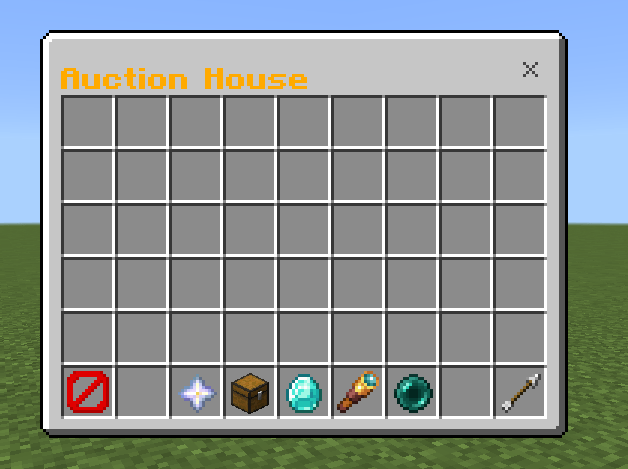
/ah
to open the Auction House.
To list an item:
/ahsell <price>
Example:
/ahsell 5000
You can also use shortened prices:
/ahsell 120k
/ahsell 1.5m
/ahsell 2b
The item you're holding will be removed from your inventory and listed for sale.
Buying Items
Open /ah and click an item to view its information.
Depending on the server configuration, you may be shown a purchase confirmation screen.
After purchasing:
- The money is removed from your balance.
- The item is added to your inventory.
- The seller receives the money.
- Sellers can receive their earnings even if they are offline.
The addon also has transaction protection to prevent players from losing their money or items if a transaction fails.
Auction House Features
- Chest-style Auction House GUI
- Two public auction pages
- Search listings
- Sort listings
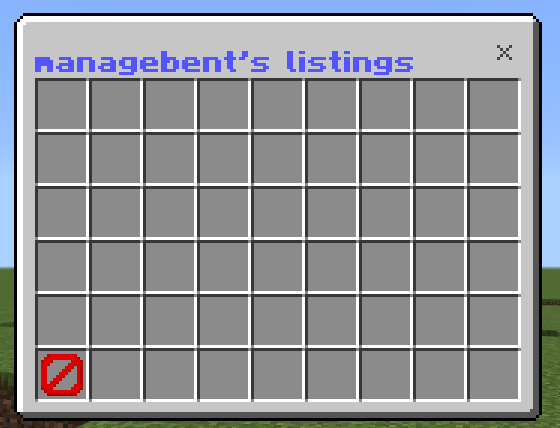
- View your own listings
- Withdraw your active listings
- Reclaim expired listings
- Listing expiration
- Enchantment information
- Potion and tipped-arrow support
- Custom item names
- Configurable maximum listings per player
- Configurable minimum and maximum prices
- Configurable currency scoreboard
- Configurable blacklisted items
- Configurable container-item listings
- Purchase confirmation
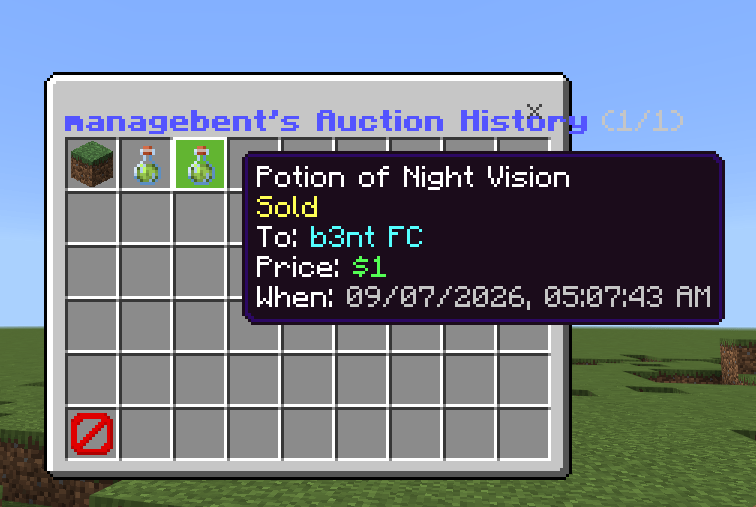
- Auction history
- Offline seller payments
- Admin auction management
- Automatic history cleanup
- Compact price formatting
Price Display
Large prices are automatically shortened in the GUI.
Examples:
$999 → $999
$1,200 → $1.2K
$12,500 → $12.5K
$1,050,006 → $1.05M
$31,600,000 → $31.6M
$1,234,567,890 → $1.23B
This only changes how prices are displayed. The actual balance and listing price remain unchanged.
My Listings
Click My Listings in the Auction House to view your active and expired listings.
Active listings can be withdrawn.
Expired listings can be reclaimed.
Searching and Sorting
The Auction House includes several sorting options:
- Cheapest
- Most Expensive
- Recently Listed
- Ending Soon
- Alphabetical
Search can be used to find items by information such as the item, enchantments, seller, or custom item name.
Admin Commands
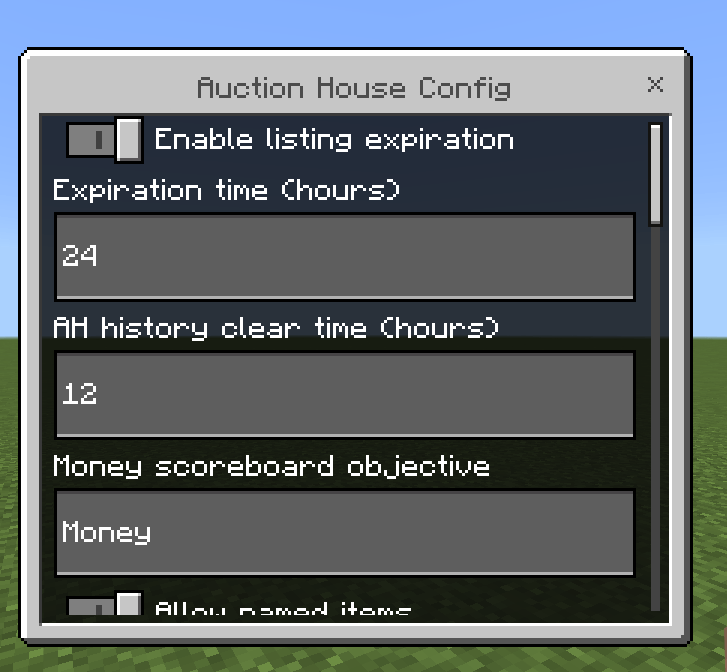
/ahconfig
Op-only configuration menu.
You can configure:
- Auction expiration
- Maximum listings per player
- Minimum price
- Maximum price
- Currency scoreboard
- Named item restrictions
- Blacklisted items
- Container item restrictions
- Purchase confirmation
- History cleanup time
/ahview <player>
Op-only command for viewing and managing another player's active listings.
/ahhistory <player>
Op-only command for viewing a player's auction history.
Currency
The Auction House uses a scoreboard objective for money.
The default objective is:
Money
You can change this through /ahconfig.
Make sure the selected scoreboard objective exists on your world/server.
The /ah by 6entt - Auction house / ah system Team