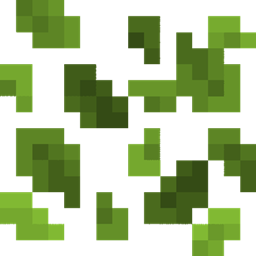
Better Leaf Litter
A simple Bedrock texture pack that recolors Leaf Litter to a vibrant green.
- 379
- September 4, 2026

Better Leaf Litter
A simple Bedrock texture pack that recolors Leaf Litter to a vibrant green.
- 379
- September 4, 2026



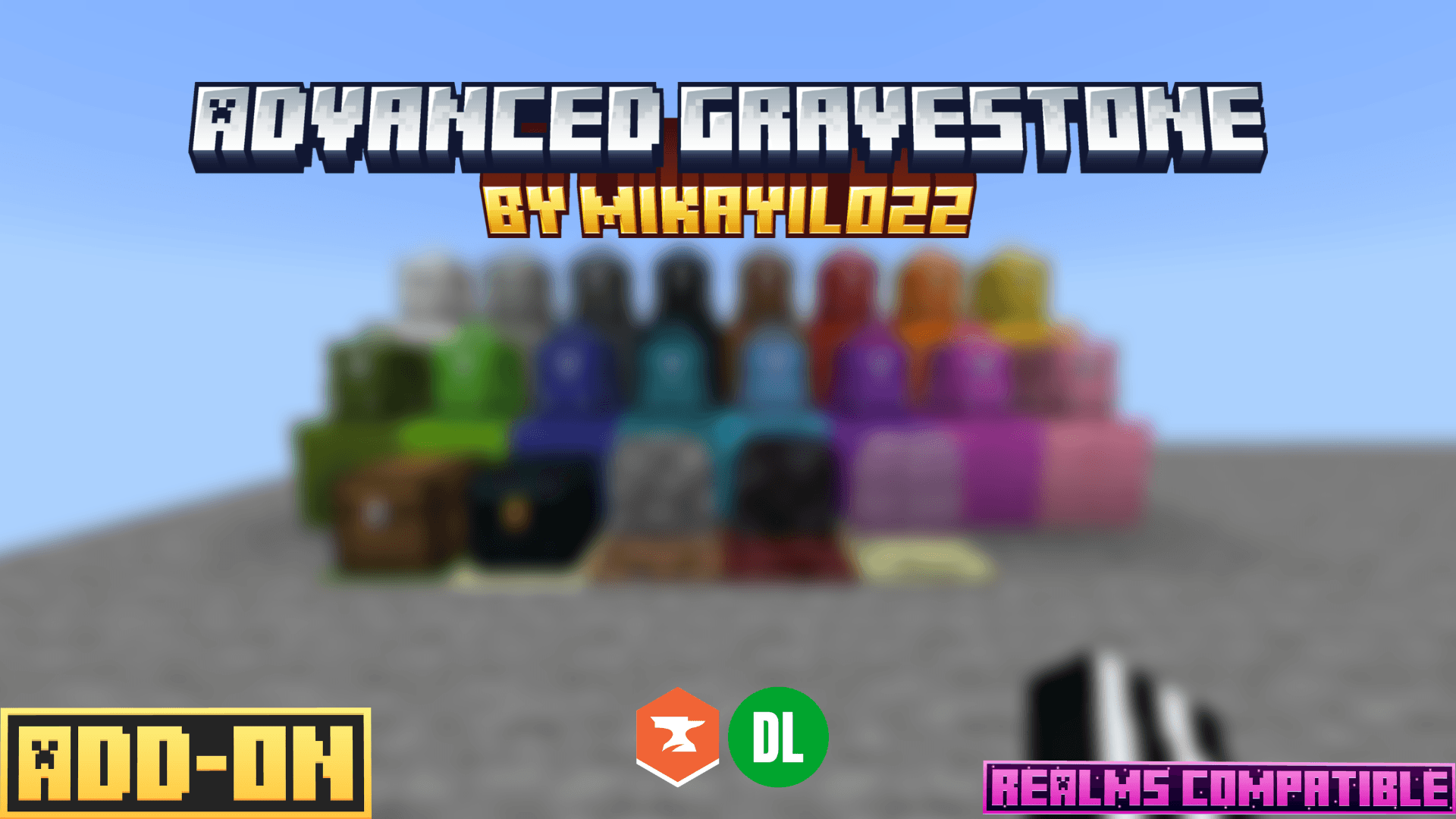
Never lose your items on death again. Advanced Gravestone automatically stores a player's inventory in a gravestone upon death, and provides every tool needed to recover it: distance tracking, teleportation, full customization, and a detailed configuration panel for server operators.
When a player dies, their inventory is automatically stored inside a grave. Right-click the grave to drop its contents on the ground, or sneak while interacting to collect the items directly into your inventory.
The obituary item, given on death, shows the distance to your grave in the action bar and lets you teleport directly to it for an XP cost.
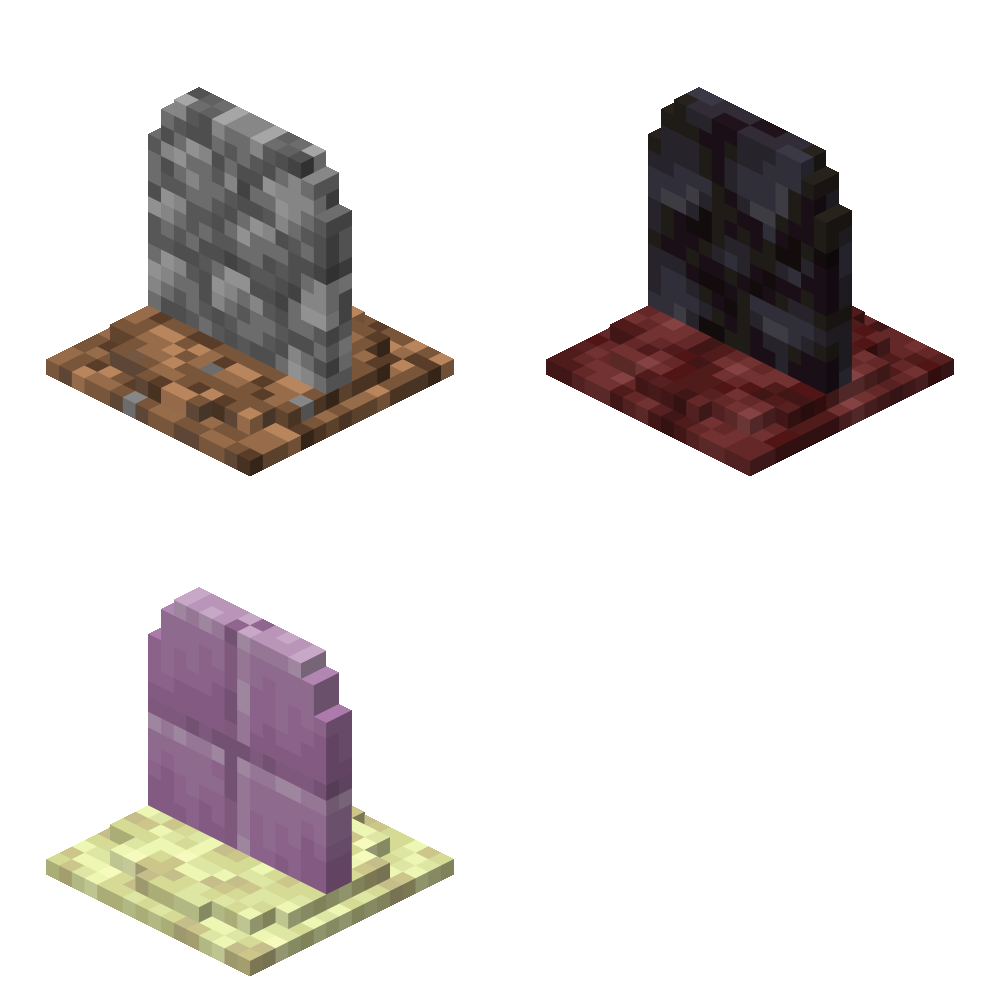
Three grave appearances are available:
- Gravestone: the classic grave model that automatically uses different textures in the Overworld, Nether, and The End.
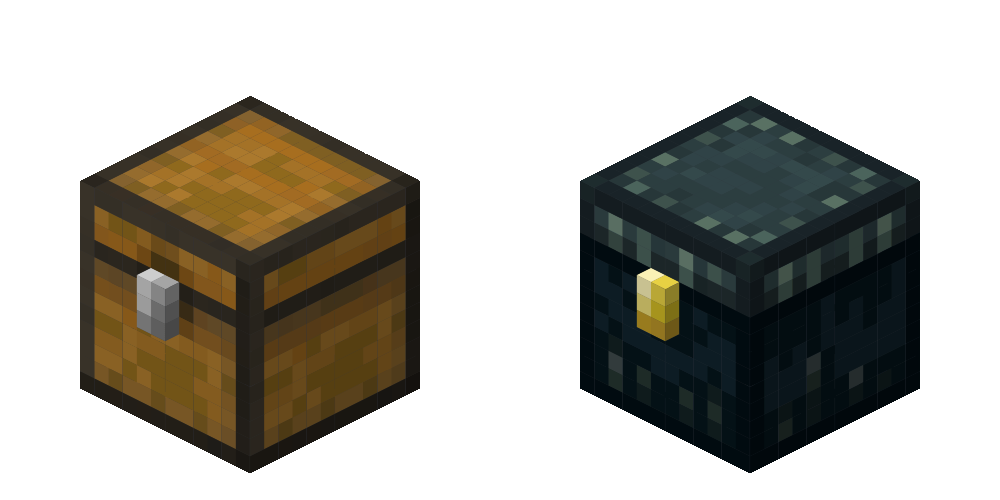
- MiniChest: a compact chest-style grave that automatically uses different textures in the Overworld and The End.
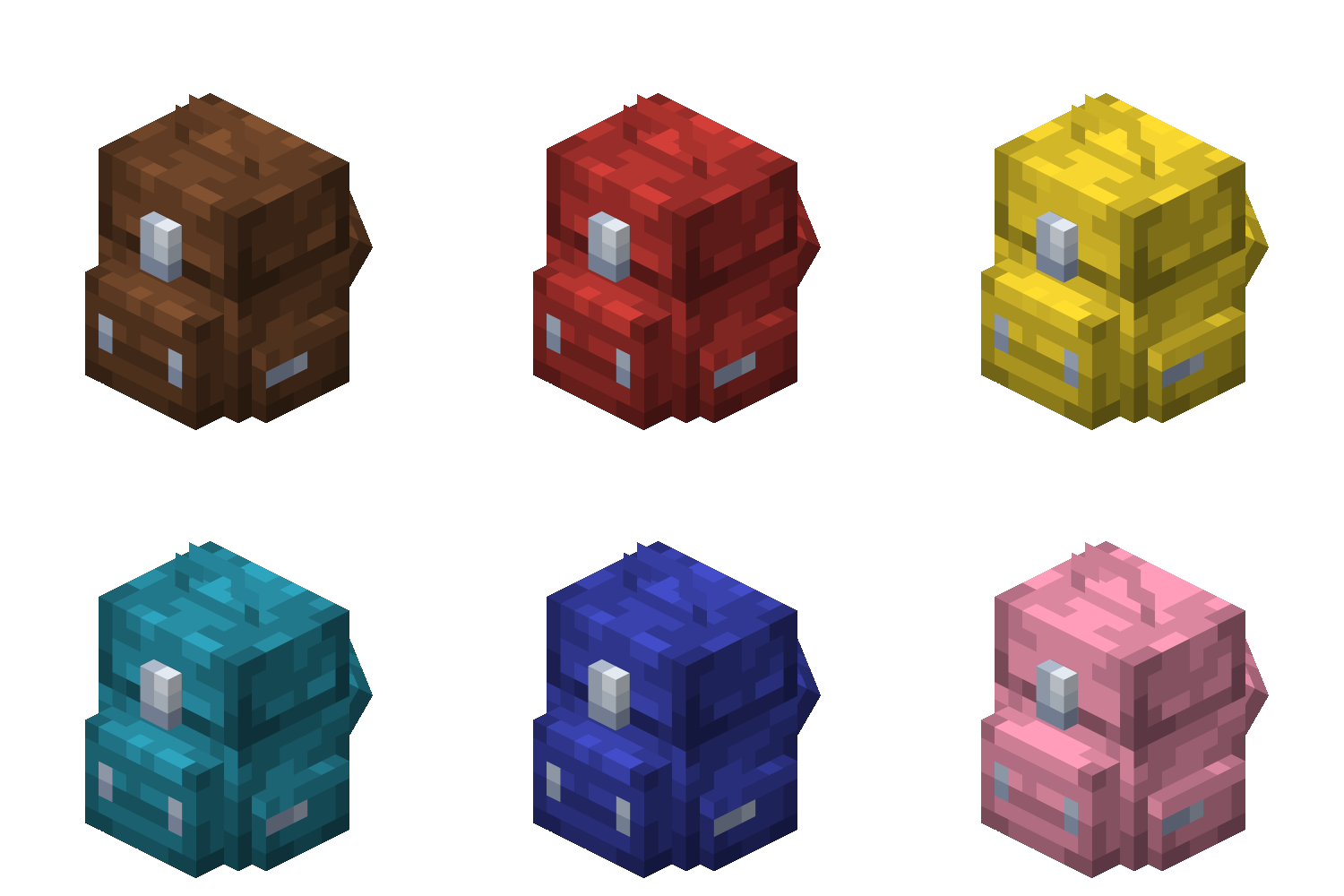
- Backpack: an improved backpack model with 14 color variants that automatically match the player's selected grave color.
Graves expire after a duration set in the server configuration; depending on server preference, items are either deleted or dropped on the ground.
Items with Keep Inventory or an Item Lock are never stored inside a grave and remain safely in the player's inventory.
- /grave customize (per-player) - Customize personal grave settings
- /grave config (admin only) - Configure general addon settings
(Requires the ags:admin tag and operator permissions.)
- Supports Singleplayer, Multiplayer, Realms, and Bedrock Dedicated Server (BDS)
(This addon is not recommended for use on servers with a high player count.)
- Compatible with Minecraft Bedrock Edition 26.30+
- Supports all Minecraft Bedrock Edition languages.
Note: Translations were generated using AI and other translation tools, so some languages may contain minor errors or awkward wording. If you'd like to help improve the translations, feel free to contact me at realmikayil022@gmail.com.



A simple Bedrock texture pack that recolors Leaf Litter to a vibrant green.
A simple Bedrock texture pack that recolors Leaf Litter to a vibrant green.