




CAZ Preset Defaults
- 167
- Script Mod
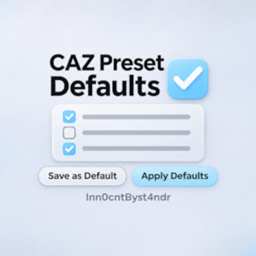
CAZ Preset Defaults saves your preferred checkbox selections for Profile randomization and applying presets.
- 167
- November 25, 2026
Meal Times
- 5.4K
- Script Mod
Customize meal schedules and food categories, and browse Cooking, Baking, Coffee, and Drinks recipes from a new Cookbook panel.
- 5.4K
- November 12, 2026
Mod Configuration Host
- 259
- Script Mod
This Mod Config Host gives my inZOI mods one shared in-game window for settings and tools.
- 259
- November 12, 2026

CAZ Preset Defaults
- 167
- Script Mod
CAZ Preset Defaults saves your preferred checkbox selections for Profile randomization and applying presets.
- 167
- November 25, 2026
Meal Times
- 5.4K
- Script Mod
Customize meal schedules and food categories, and browse Cooking, Baking, Coffee, and Drinks recipes from a new Cookbook panel.
- 5.4K
- November 12, 2026
Mod Configuration Host
- 259
- Script Mod
This Mod Config Host gives my inZOI mods one shared in-game window for settings and tools.
- 259
- November 12, 2026