


Quinn's REAL Pet Cat
- 5.7K
- Build Mode
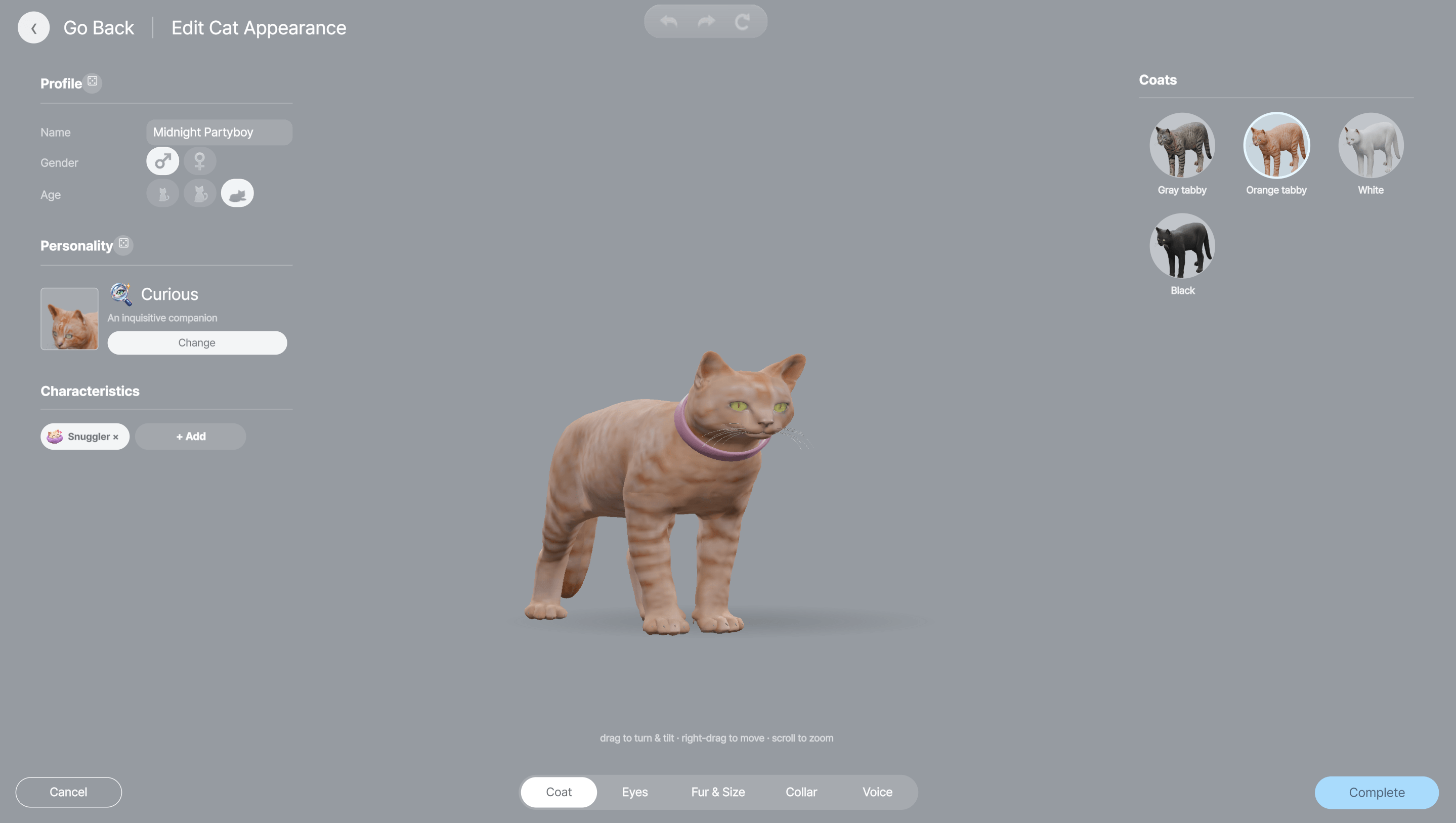
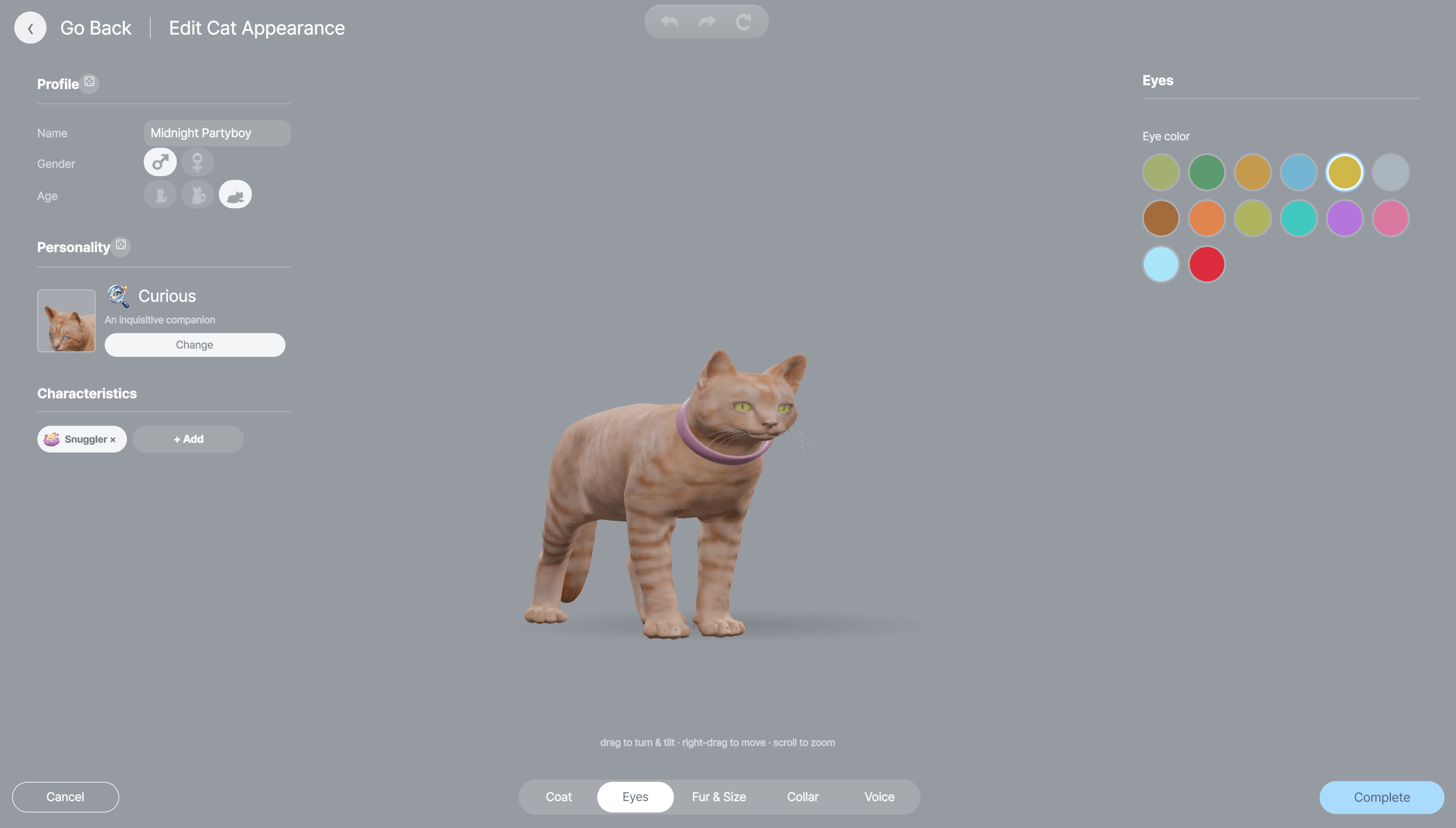
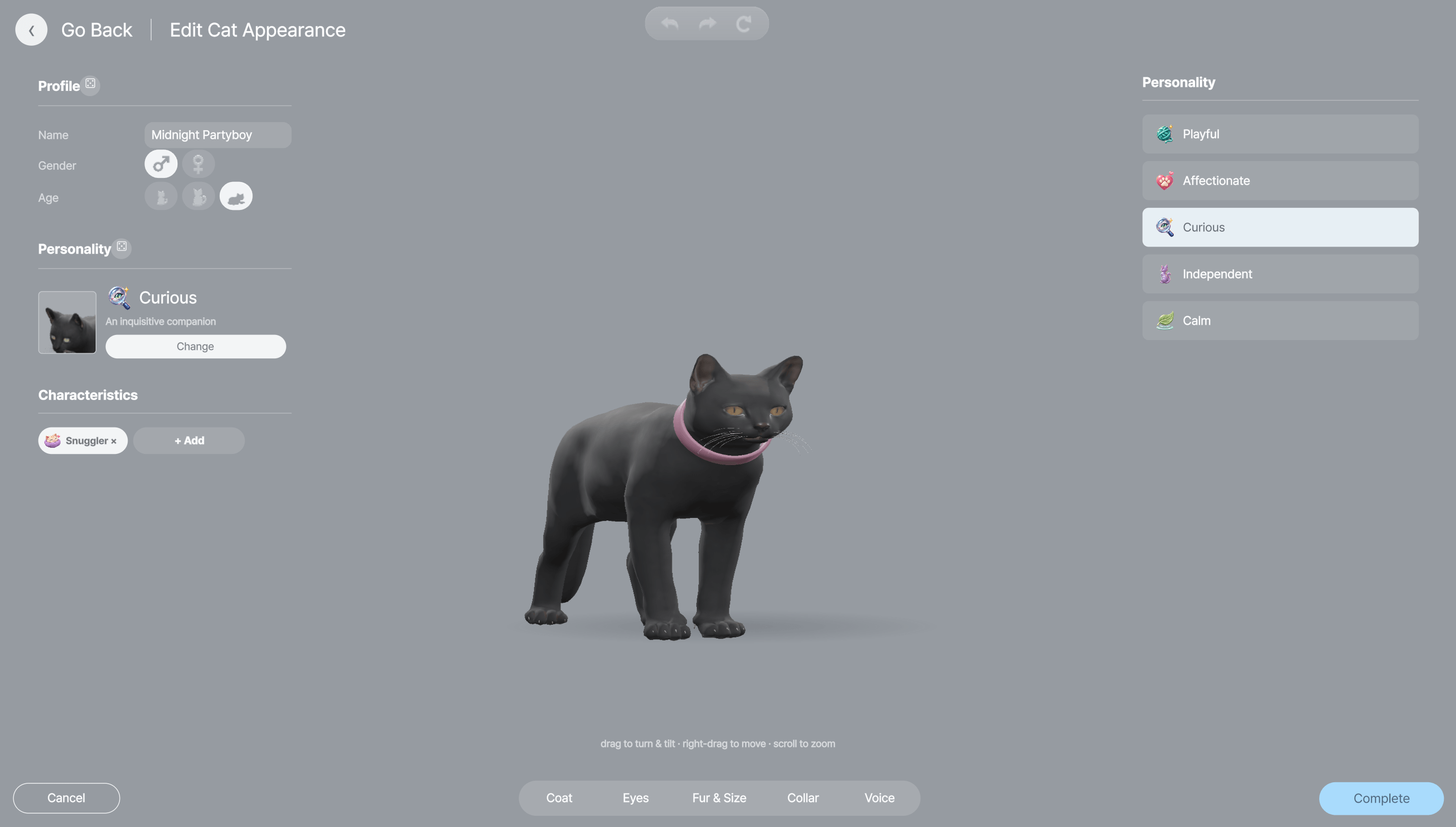
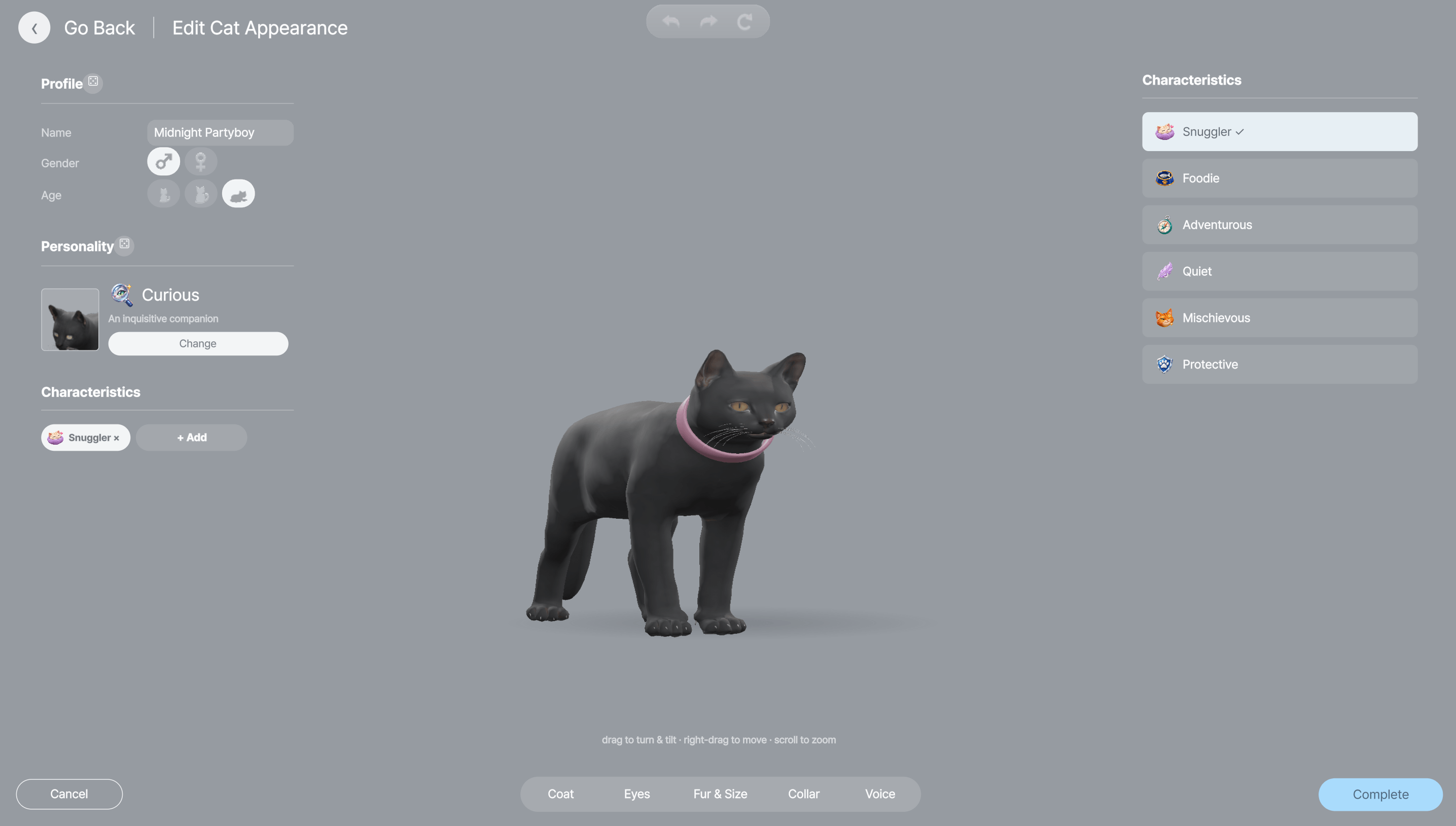
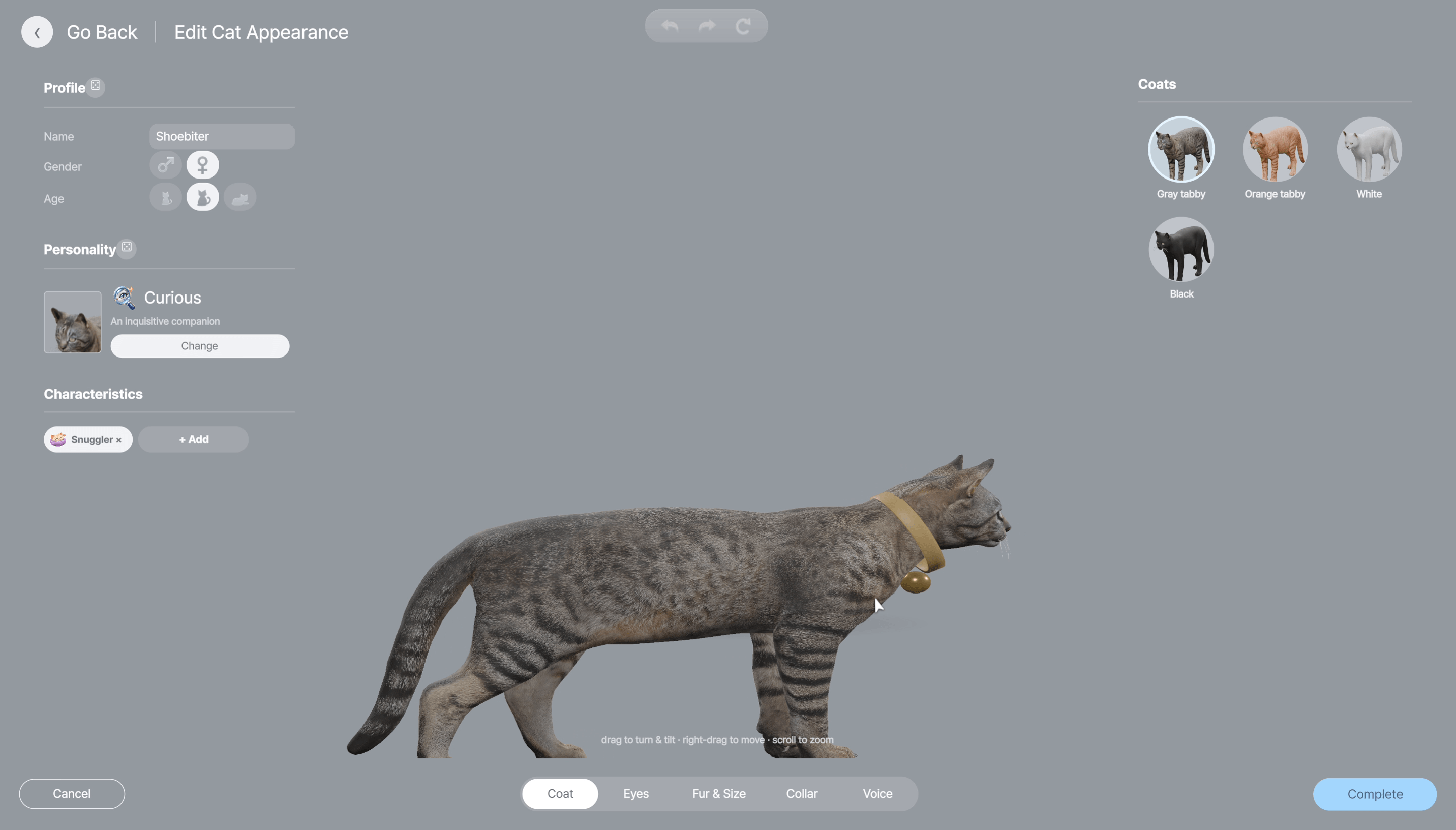
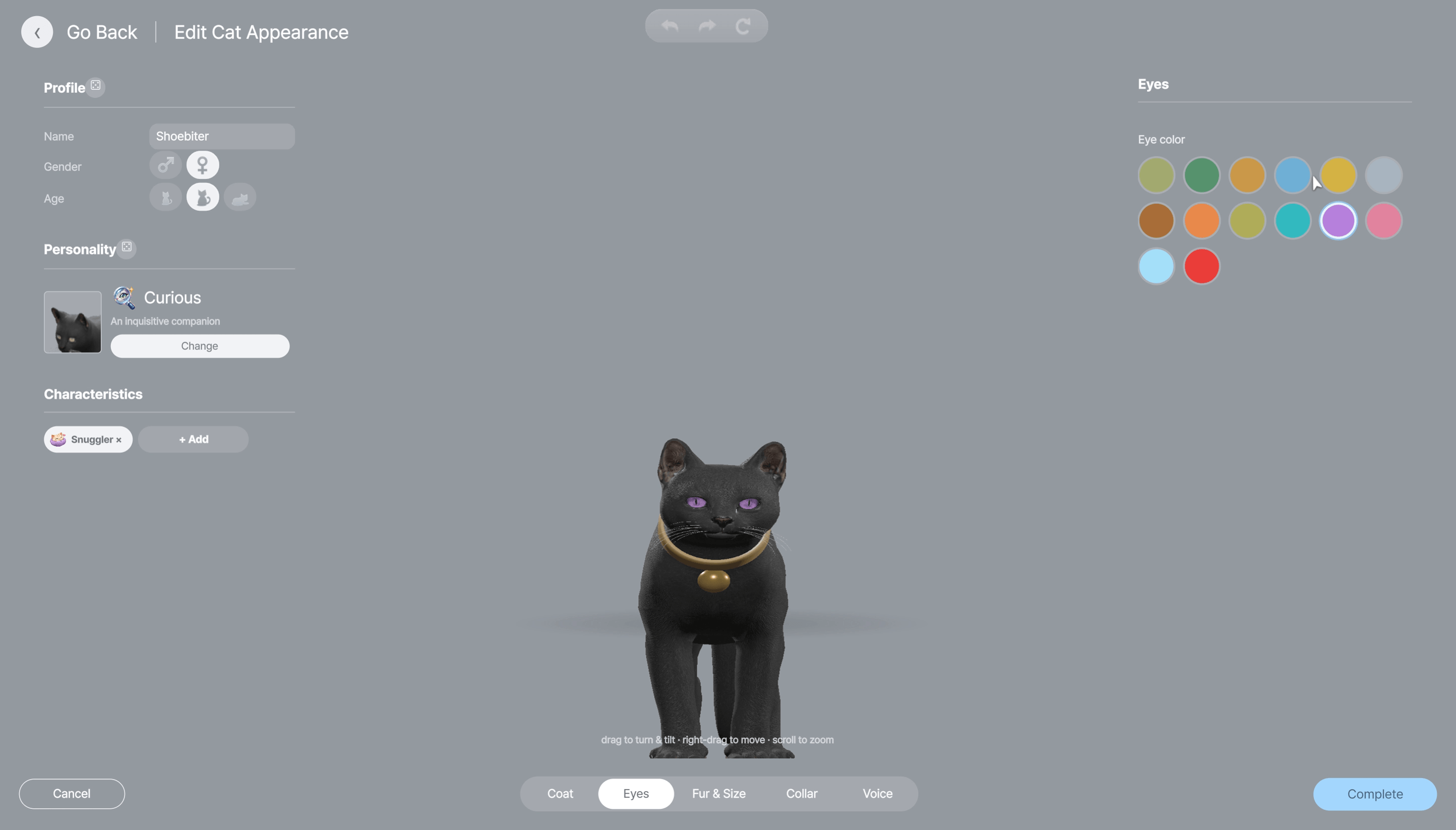
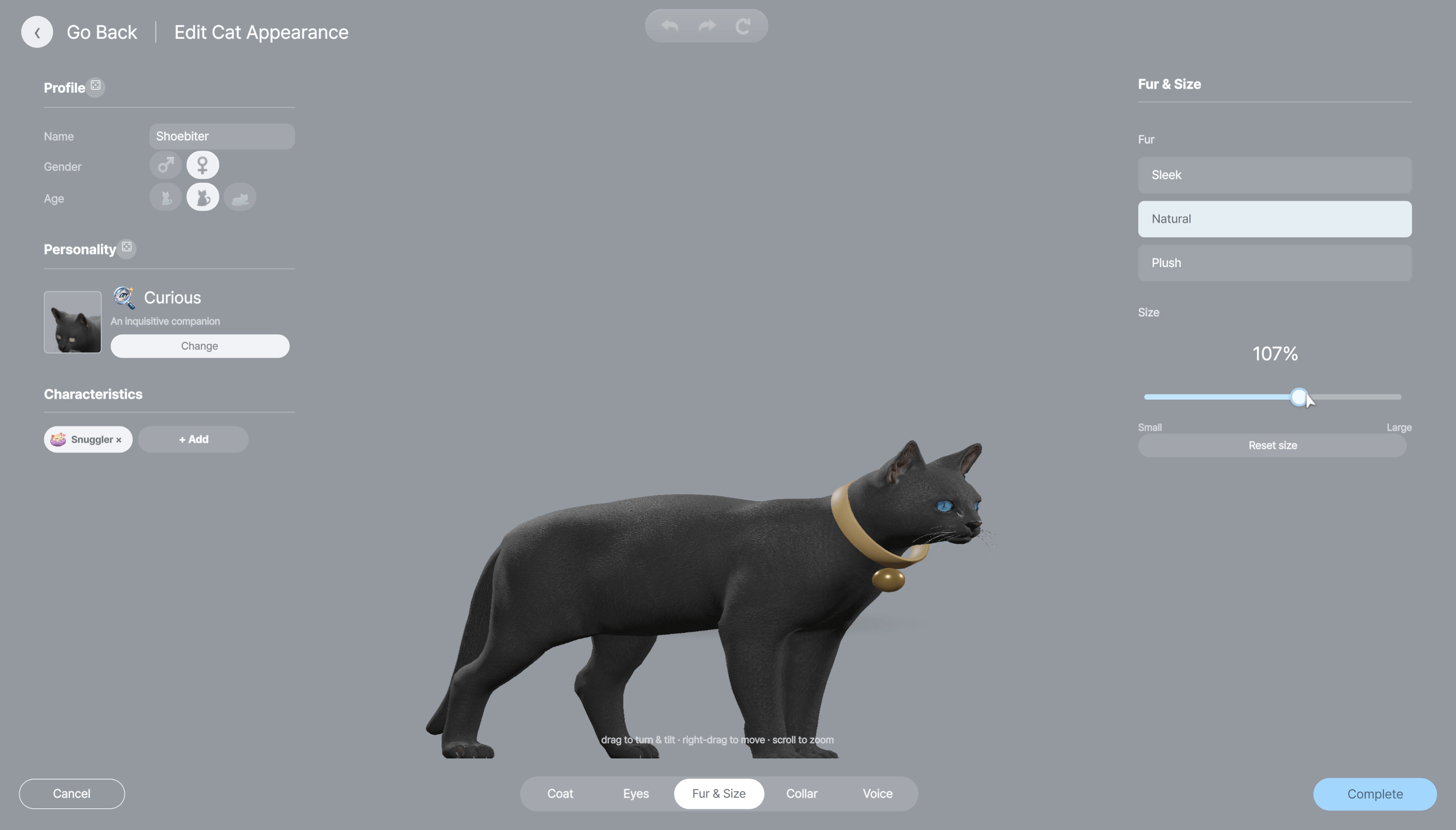
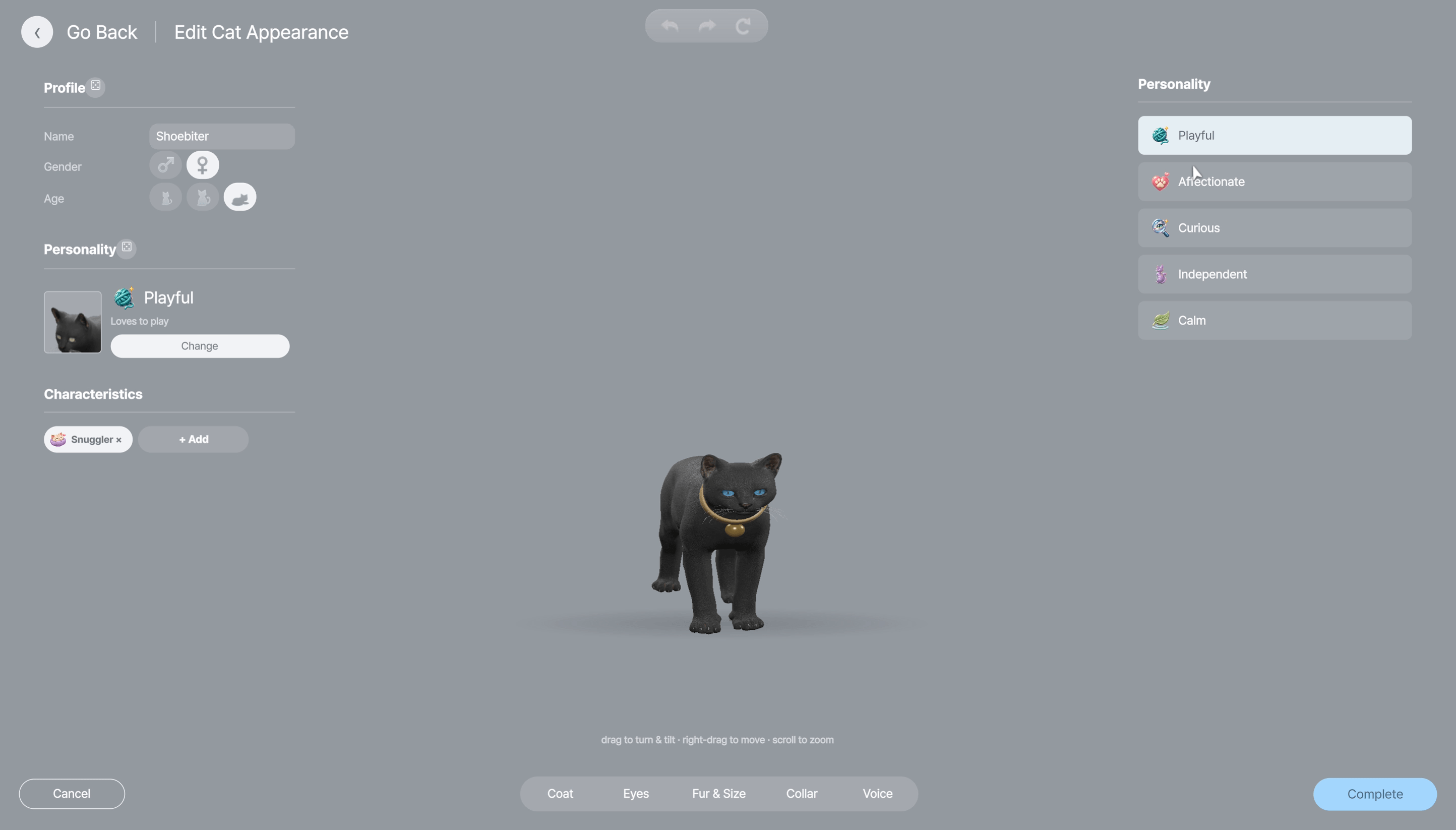
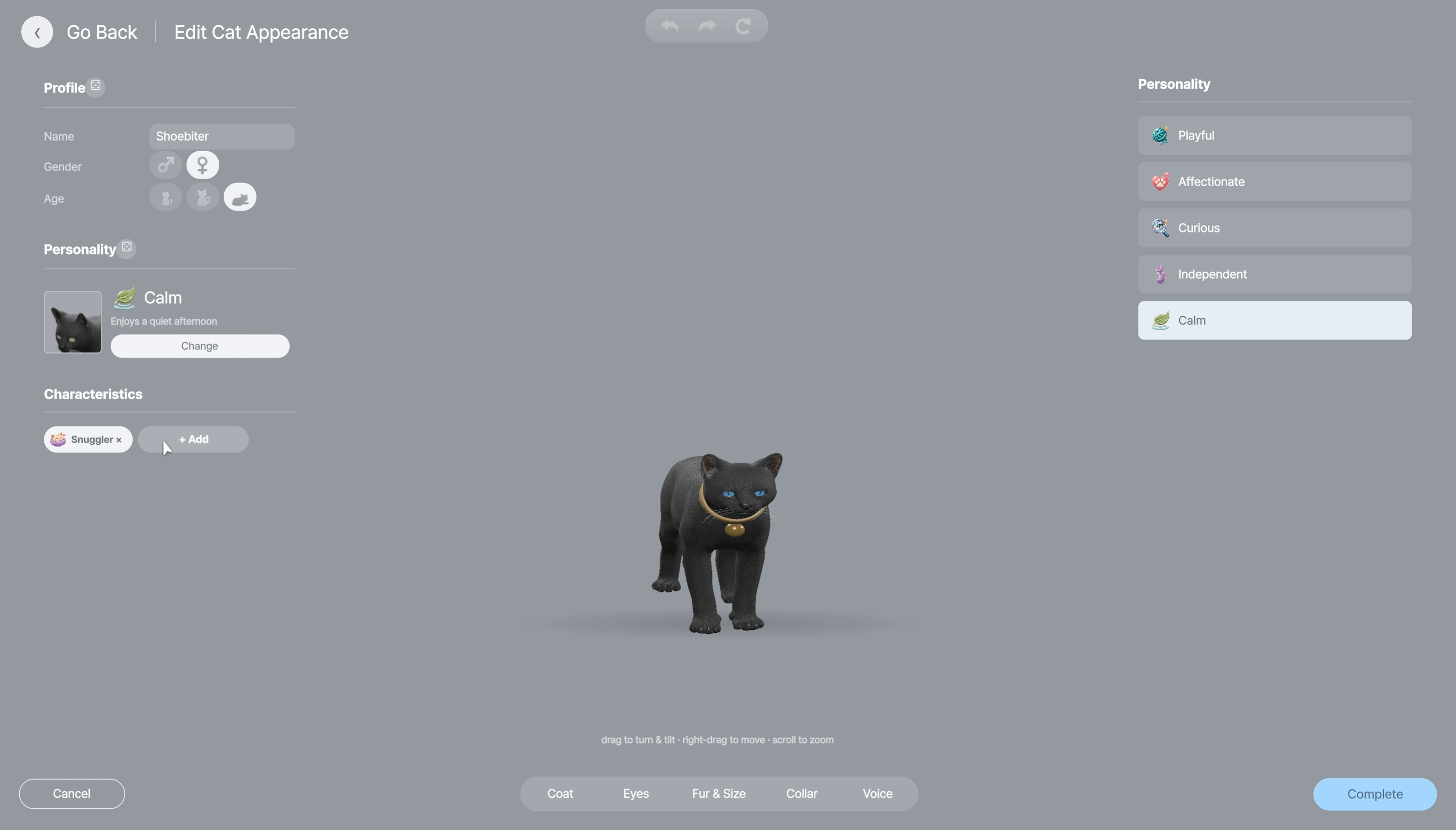
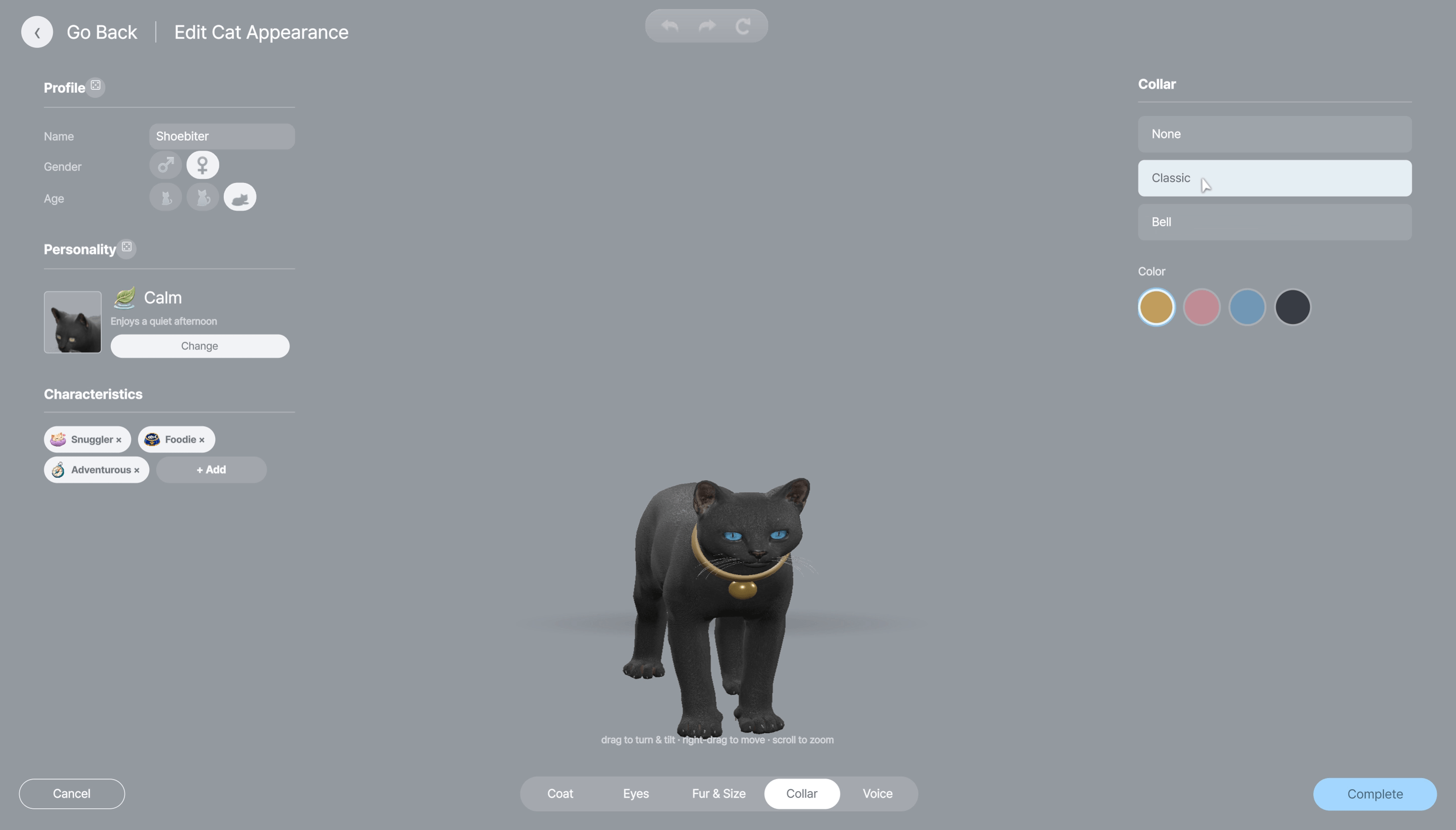
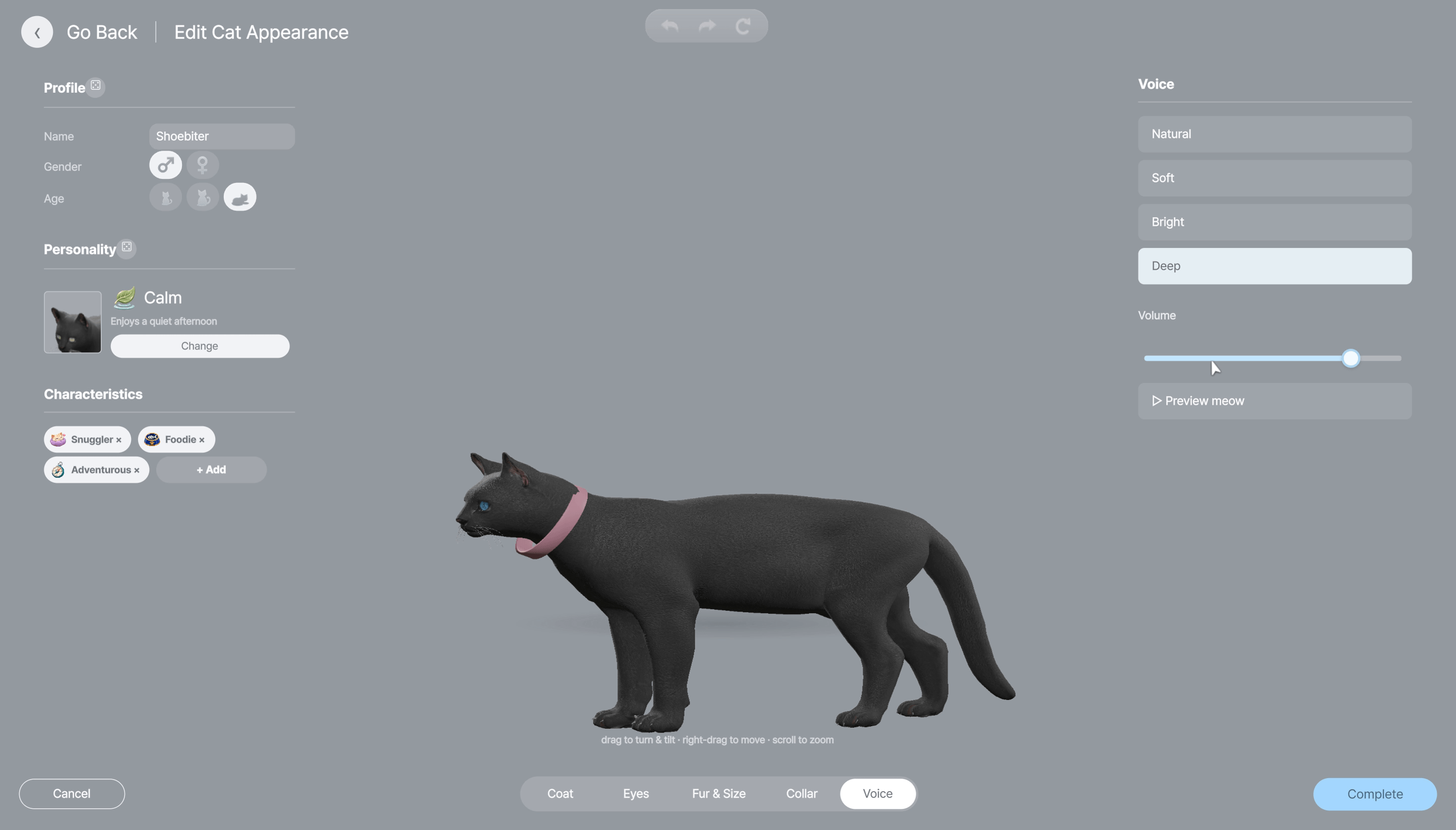
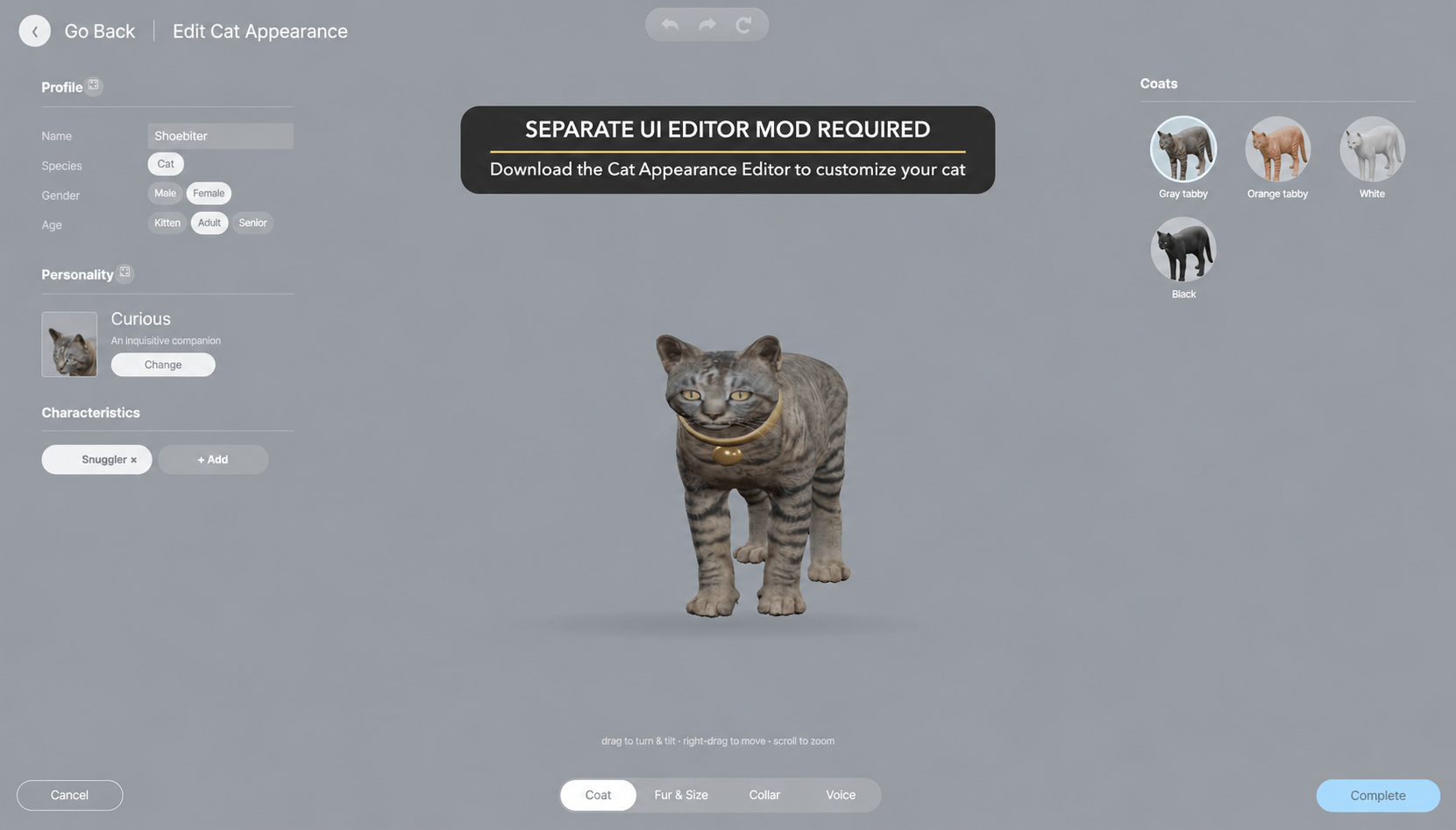
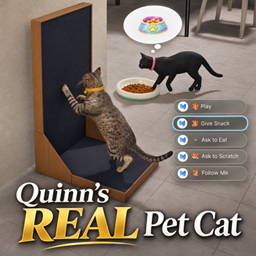
An animated, customizable cat companion with a full appearance editor, feeding, scratching, play, thought bubbles and optional Age of Magic familiar interactions.
- 5.7K
- November 16, 2026
No inZOI Loading Screens Mod
- 189
- Script Mod
Replaces full-screen in-world loading artwork with soft blur and mint dots, with smooth camera travel between household Zois. Initial startup/save screens stay unchanged. Experimental alpha.
- 189
- November 12, 2026
inZOI: Age of Magic - Witch's Objects
- 18.5K
- Build Mode
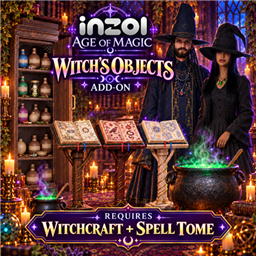
Spellbooks, cauldrons, magical furniture, clothing and Vampire’s Coffin. The Historian Update expands the Open History Tome to all 13 career account families. Requires Witchcraft + Spell Tome.
- 18.5K
- November 4, 2026
inZOI: Age of Magic - Arcane Portals Objects
- 6.8K
- Build Mode
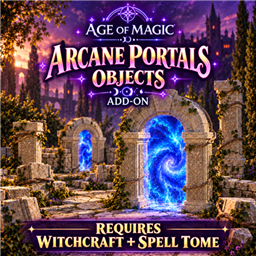
Stone portals, carved ruins, paving rugs, earth cracks and Realm Travel. The Historian Update expands survey routing for the 13-account career. Requires Witchcraft + Spell Tome.
- 6.8K
- November 4, 2026

Quinn's REAL Pet Cat
- 5.7K
- Build Mode
An animated, customizable cat companion with a full appearance editor, feeding, scratching, play, thought bubbles and optional Age of Magic familiar interactions.
- 5.7K
- November 16, 2026
No inZOI Loading Screens Mod
- 189
- Script Mod
Replaces full-screen in-world loading artwork with soft blur and mint dots, with smooth camera travel between household Zois. Initial startup/save screens stay unchanged. Experimental alpha.
- 189
- November 12, 2026
inZOI: Age of Magic - Witch's Objects
- 18.5K
- Build Mode
Spellbooks, cauldrons, magical furniture, clothing and Vampire’s Coffin. The Historian Update expands the Open History Tome to all 13 career account families. Requires Witchcraft + Spell Tome.
- 18.5K
- November 4, 2026
inZOI: Age of Magic - Arcane Portals Objects
- 6.8K
- Build Mode
Stone portals, carved ruins, paving rugs, earth cracks and Realm Travel. The Historian Update expands survey routing for the 13-account career. Requires Witchcraft + Spell Tome.
- 6.8K
- November 4, 2026