Quinn's REAL Pet Cat — major update
Watch the REAL Pet Cat showcase (2:56)
▶ Play the full cat showcase · Watch on Quinn’s website
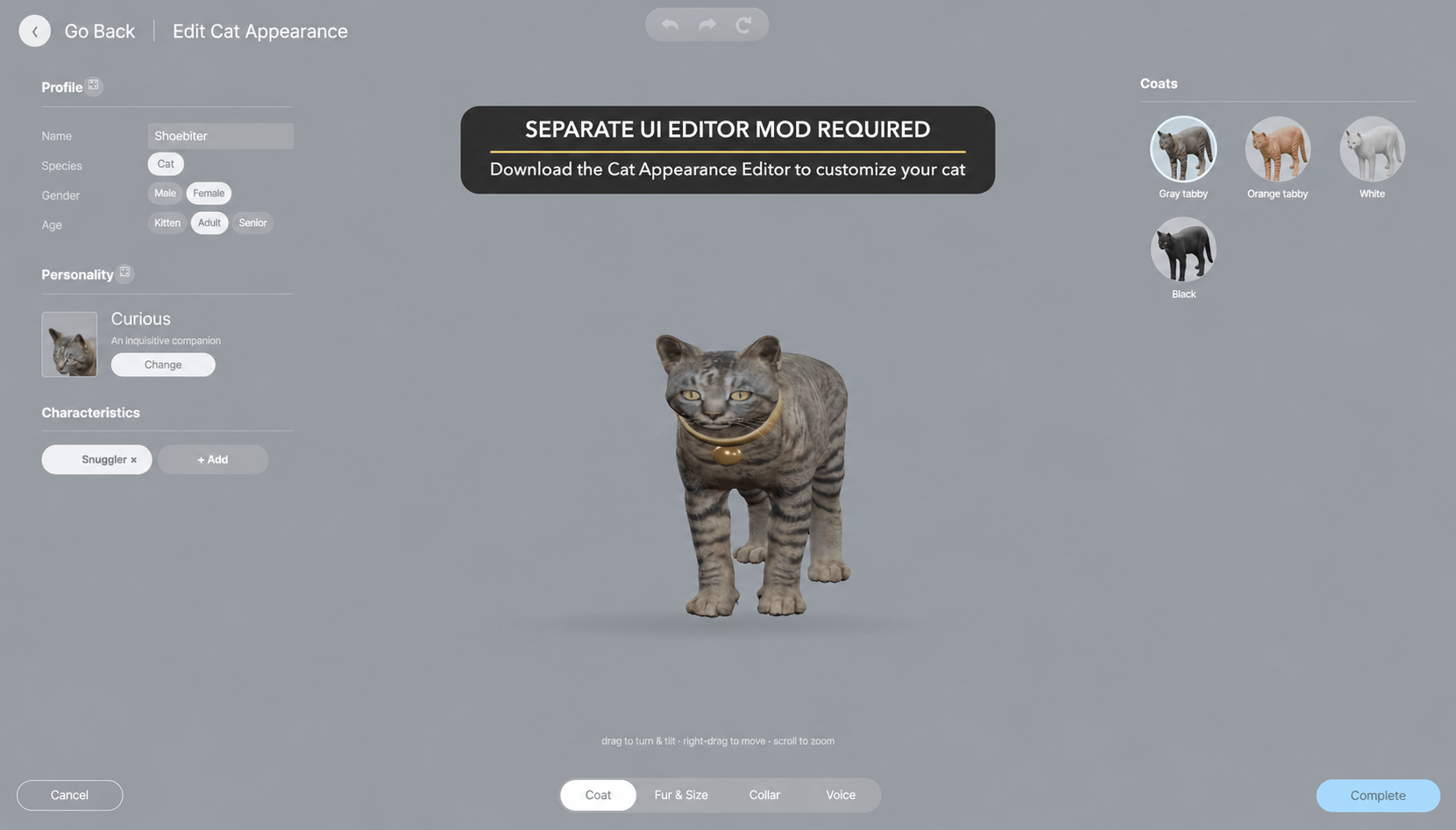
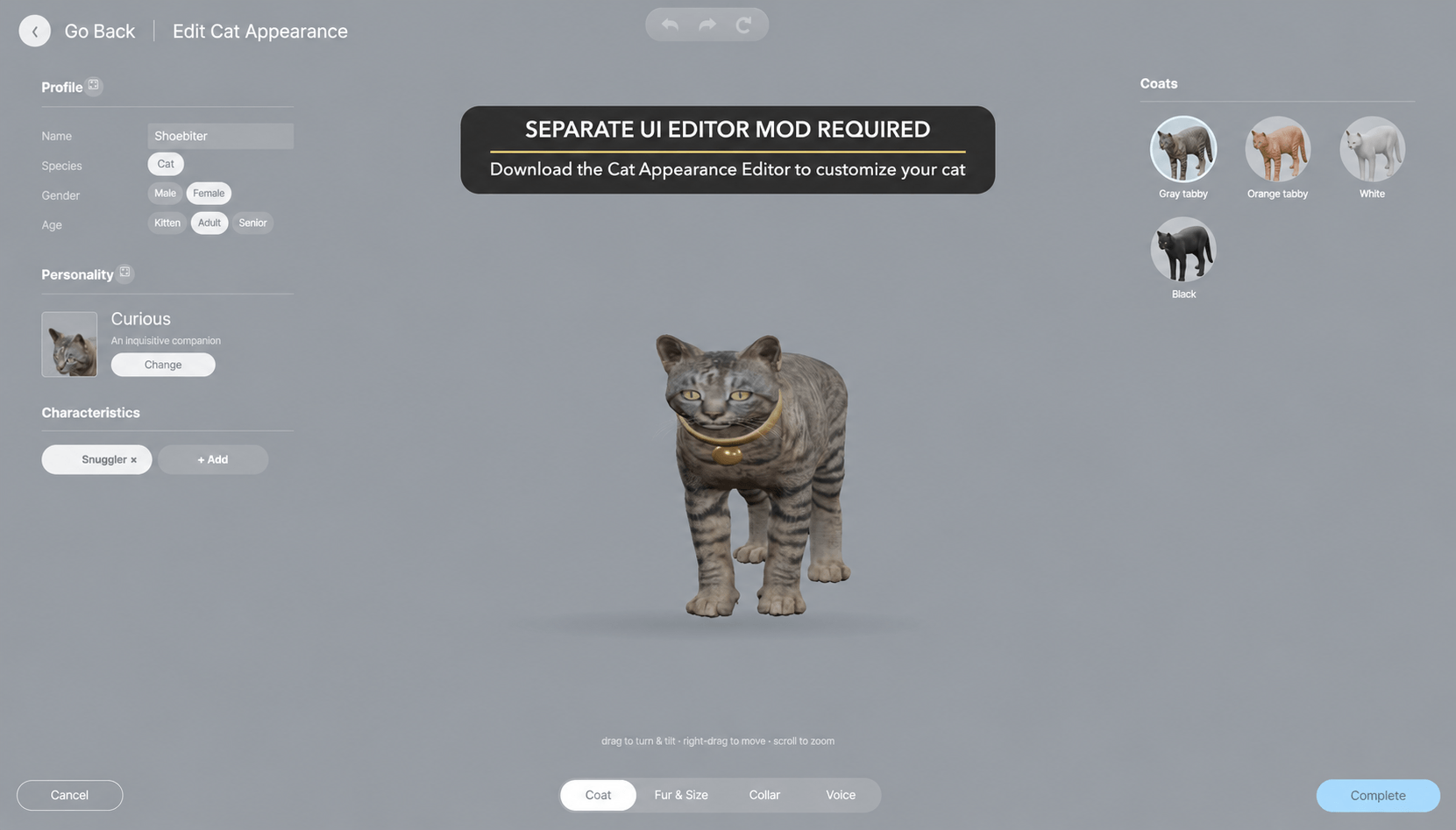
THE SEPARATE UI EDITOR MOD IS REQUIRED TO EDIT YOUR CAT’S APPEARANCE.
Get the Cat Editor companion on CurseForge. IF THE CURSEFORGE EDITOR IS NOT APPROVED OR AVAILABLE YET, GET THE EDITOR FROM QUINN’S MODS WEBSITE. The main cat and editor are separate downloads; both matching downloads are available on the website.
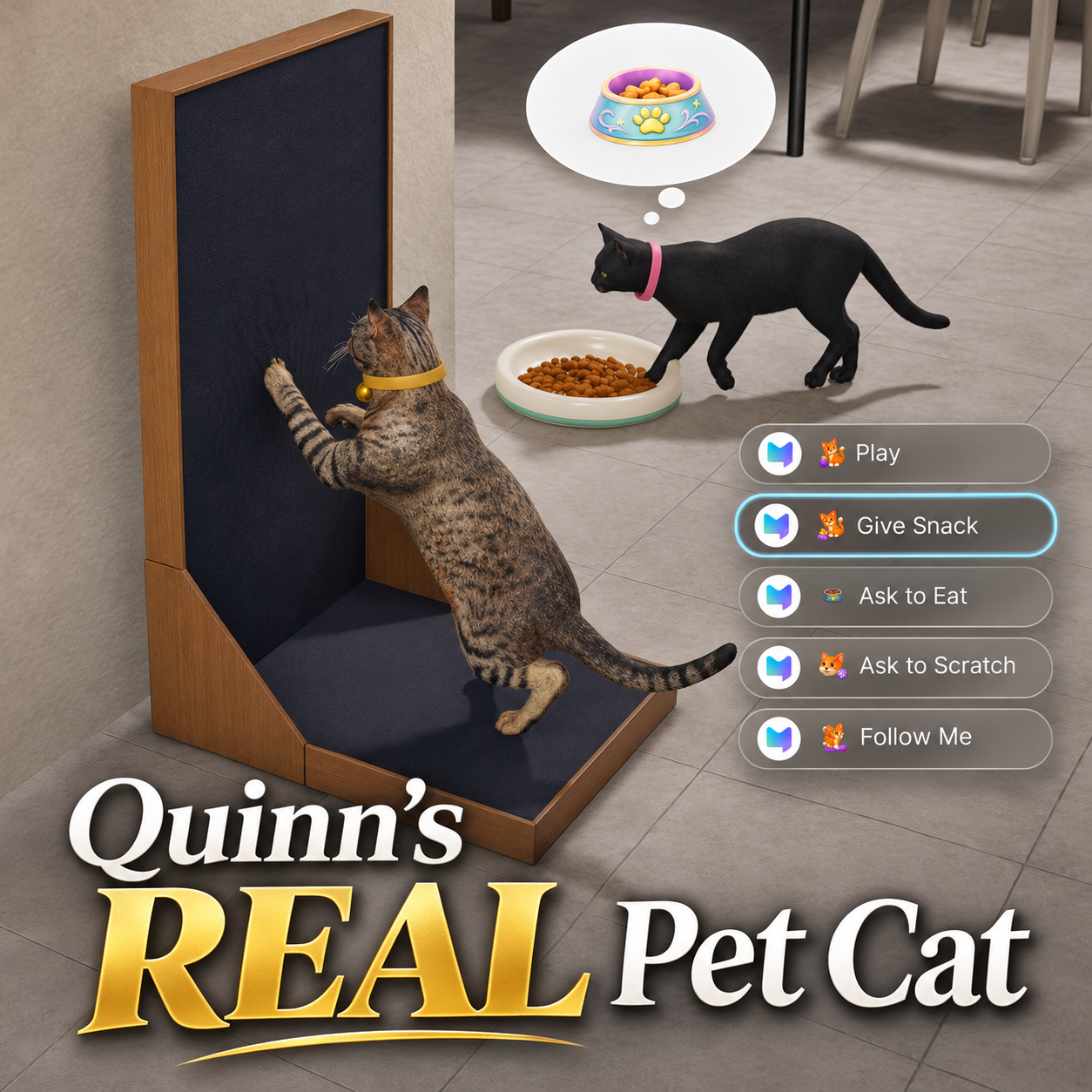
Quinn's REAL Pet Cat expands the original placeable cat into an animated companion for your household, with everyday pet activities and optional witch familiar interactions.
How to Get a Cat
Open Buy Mode and look in the Pets section, or type pets or cats in the search box. Select a cat and place it on your lot.
READ BEFORE USING THE CAT INTERACTIONS
INSTALL AND ENABLE BOTH THE MAIN CAT MOD AND THE SEPARATE CAT UI EDITOR MOD. The UI editor is required to edit your cat's appearance. Age of Magic is optional.
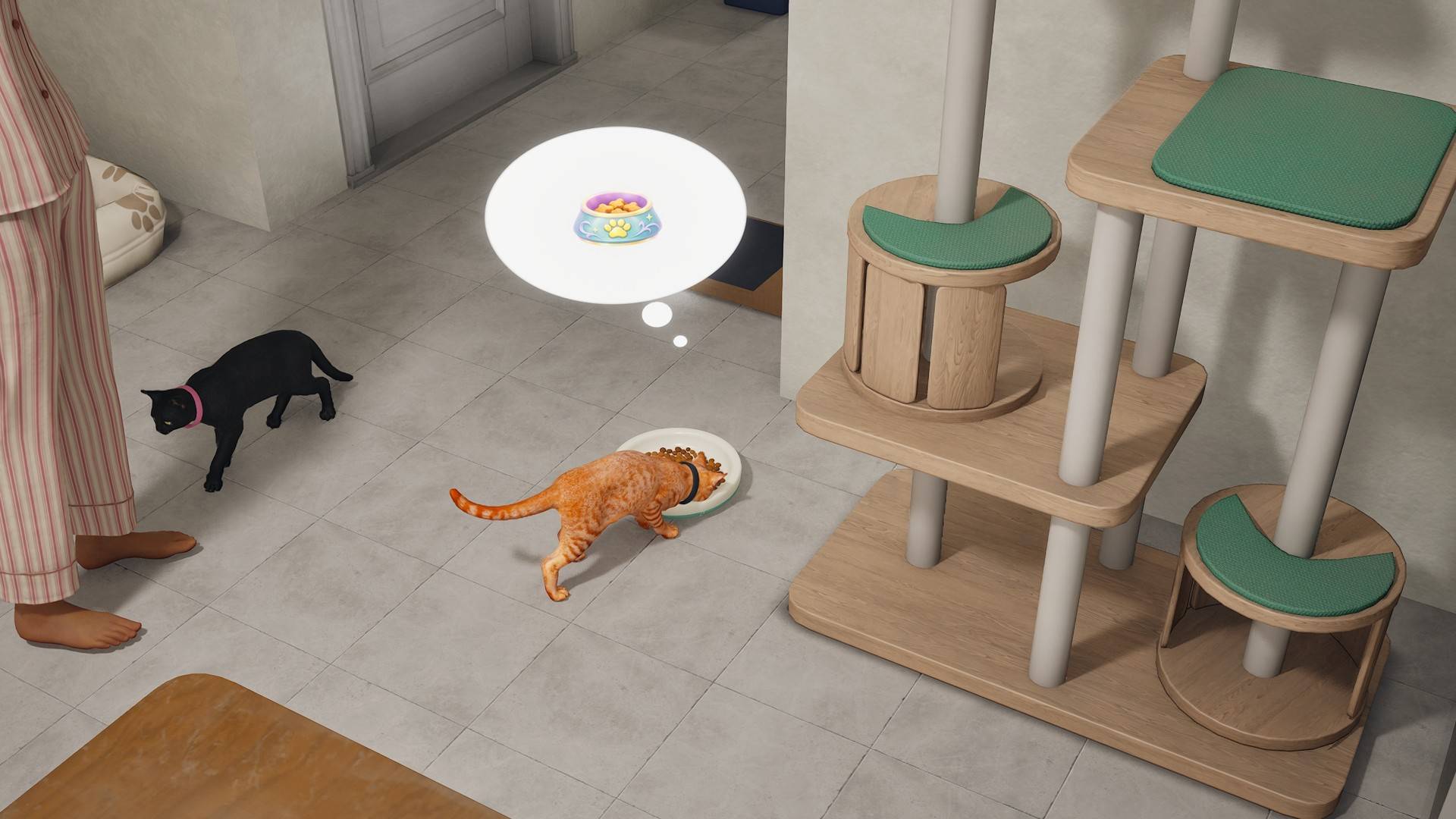
Place the required objects on your lot and leave a clear path for the cat:
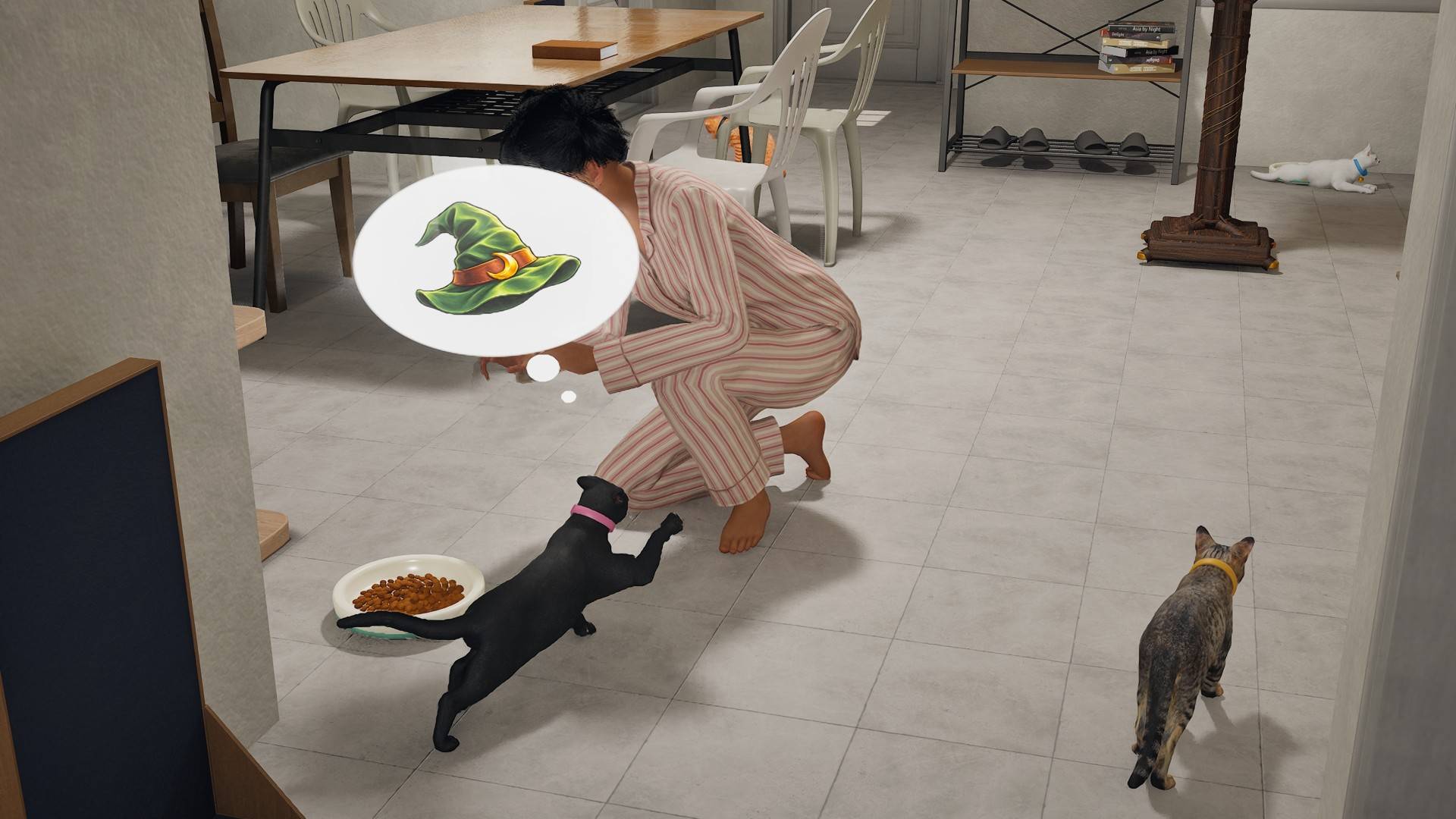
- Ask to Eat requires the Low Ceramic Pet Bowl or a supported pet feeding station.
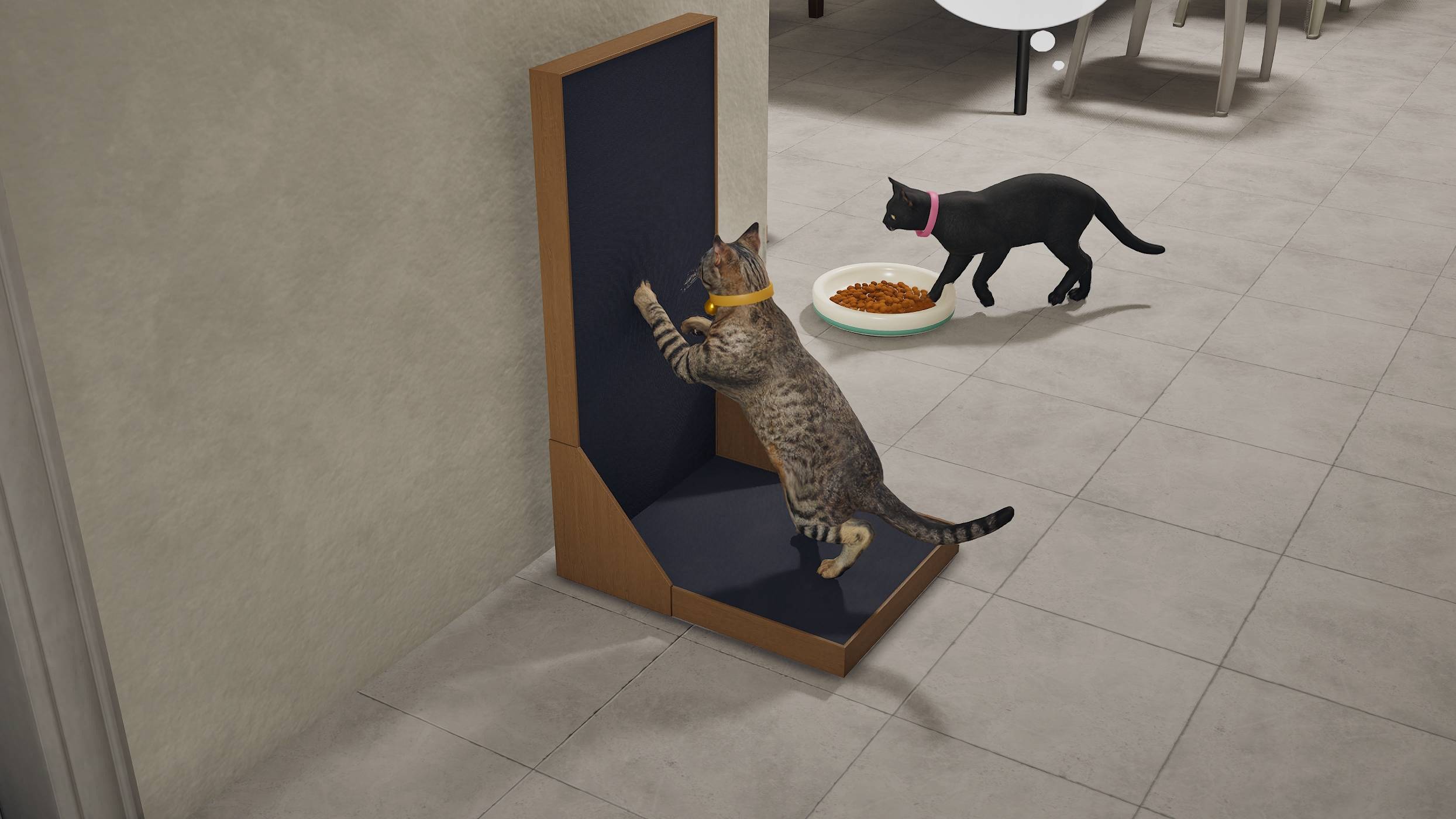
- Ask to Scratch requires a scratching board.
- Ask to Jump requires a cat tower.
PLEASE READ THESE REQUIREMENTS BEFORE REPORTING THAT AN INTERACTION DOES NOT WORK. These commands need their matching objects placed and reachable; installing the cat alone does not supply an eating, scratching or jumping target.
THE CAT SHOULD BE FULLY ANIMATED AND MOVE. Brief idle pauses, sitting and resting are normal. If the cat remains motionless and never animates or moves, a mod conflict is possible. Check that both cat components are enabled, remove duplicate or outdated copies, and investigate conflicts with other mods. If it persists, report your installed versions, other enabled mods and what happened.
Latest update: Main Cat 0.5.74 + Editor 0.5.64
Core 0.5.74 fixes cats staying hidden after moving between floors and adds a few bounded startup recovery attempts when the cat controller’s startup signal is delayed. The floor-visibility fix was verified live. This does not guarantee compatibility with every other mod.
Previous Core 0.5.73 improvements include stair entrances, landings and exits in both directions, and recovery from unreachable roaming destinations. Movement, doors and everyday activities were verified in Peterson after a full game close, restart and reload. Portrait zoom and automatic floor switching have been removed. Retains the household callback conflict fix reproduced with Salt Lamp and Snow Globe. Editor 0.5.64 fixes duplicate traits. Startup and editor cleanup are safer; Complete, Cancel, reopening, movement and direct cat clicks were tested in game. Other reported mod conflicts and the rug issue remain under investigation.
The matching downloads are available on the website. CurseForge file availability depends on cooking and approval.
Main Cat 0.5.73 improves cat spacing and smoother automatic recovery from stuck positions, adds Animal Care menus, and reduces thought-bubble glow by 50%. Pickup is not included. The original full-resolution cat textures are retained. This is an early testing release; please report movement problems. Editor 0.5.64 fixes opening Detailed Edit for newly placed cats in a new save.
Appearance Editor
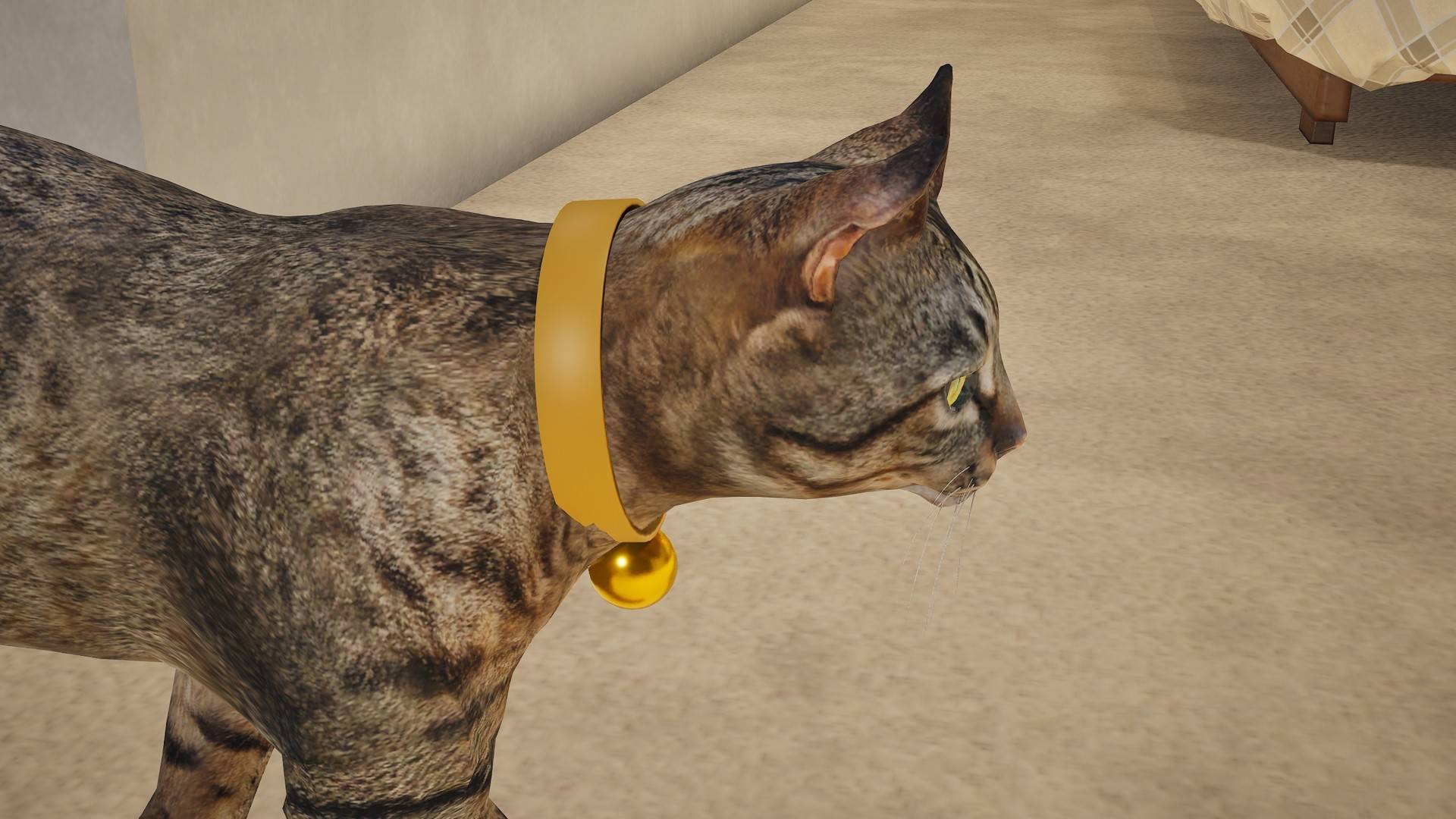
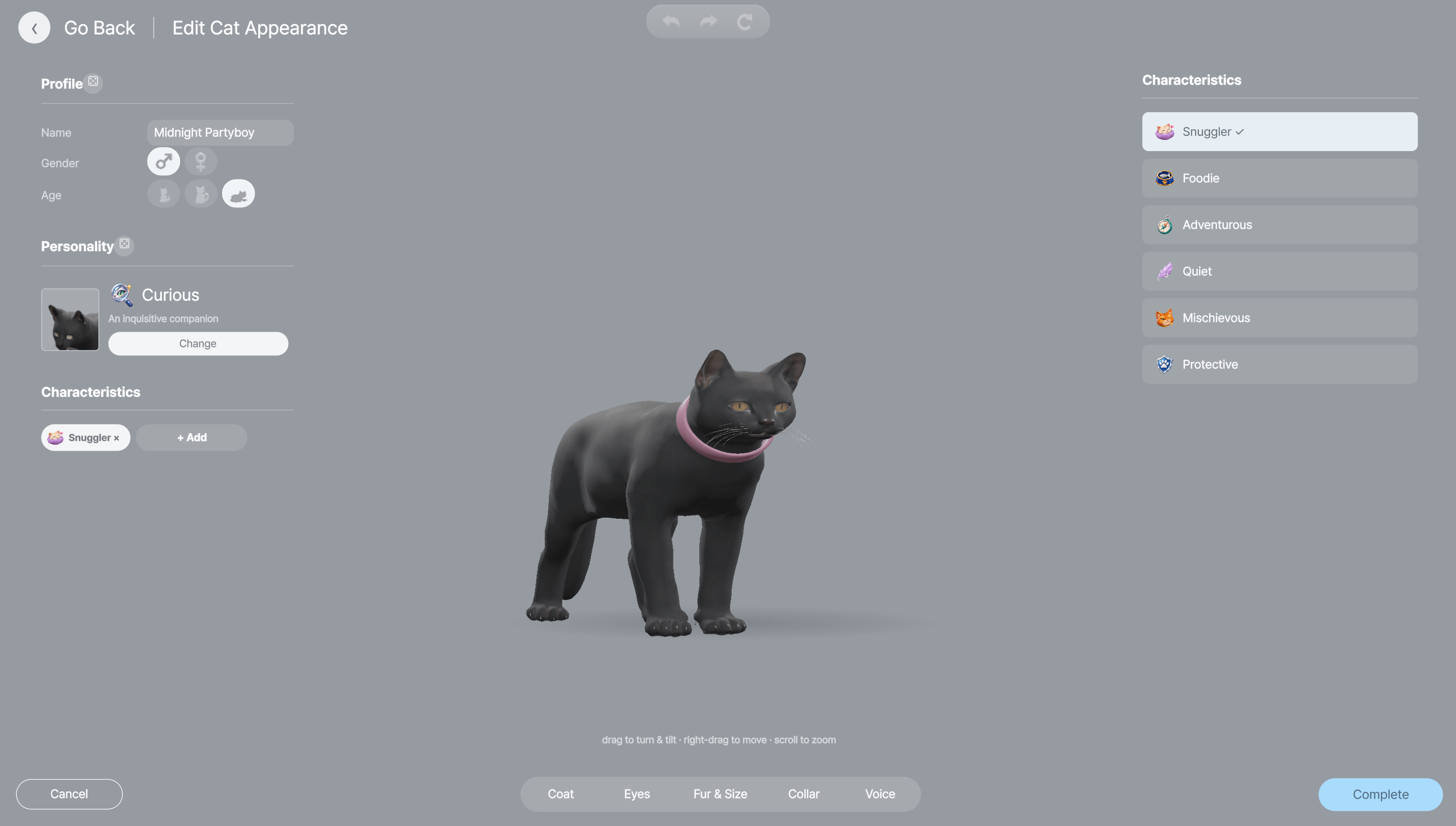
YOU NEED BOTH THE MAIN CAT MOD AND THE SEPARATE UI EDITOR MOD TO EDIT YOUR CAT’S APPEARANCE. Click your cat and choose Animal Care → Edit Appearance to open Detailed Edit directly. Rotate, zoom and move the preview, choose gray tabby, orange tabby, white or black coats, and customize eye color, size, fur options, collar style and color, voice, name and profile options. Classic collars and bell collars follow the cat’s neck animation.
Everyday cat life
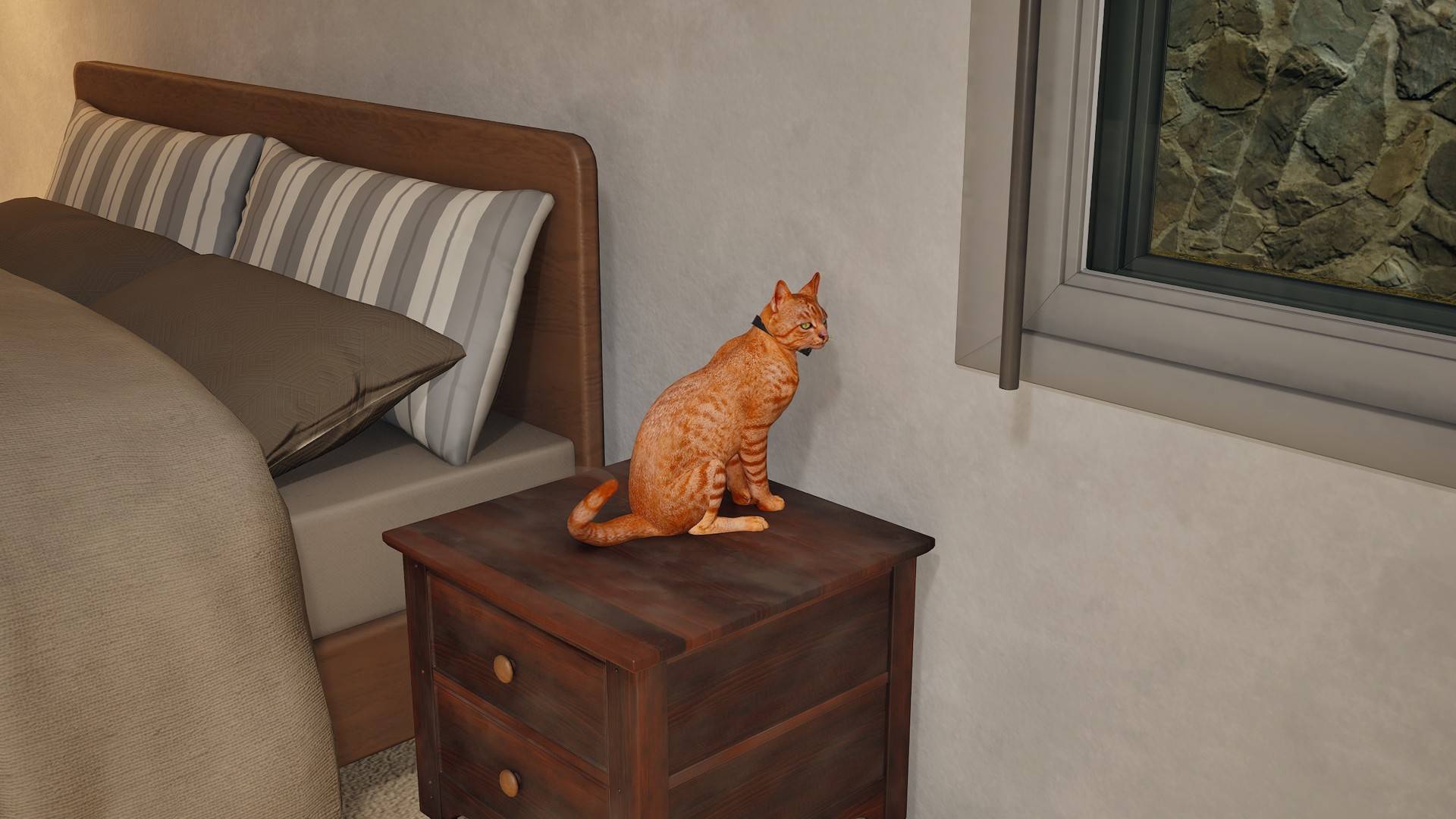
- Cats wander, follow your Zoi, rest, sit and lie down.
- Cats can jump onto suitable surfaces and use cat towers.
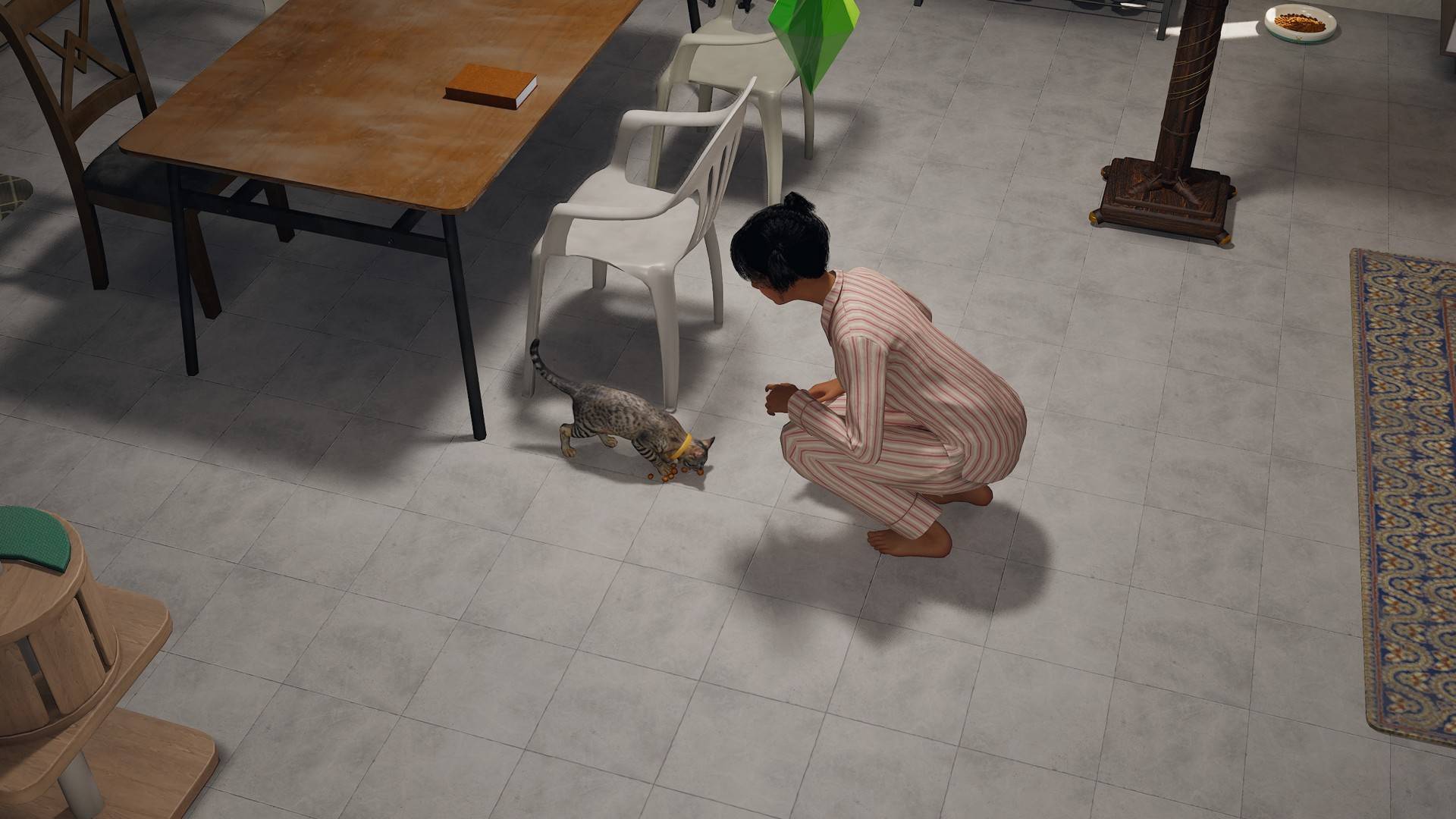
- Feeding stations and the low single pet bowl support eating and Ask to Eat.
- Scratchers support autonomous scratching and Ask to Scratch.
- Play, petting and snack interactions let your Zois spend time with their cats.
- Thought bubbles and cat sounds add everyday reactions.
Optional witch familiar features
AGE OF MAGIC IS NOT REQUIRED FOR EVERYDAY CAT FEATURES. With Age of Magic, witches can use familiar interactions such as Speak to Familiar, Learn from Familiar and Enchant Familiar. The enchanted appearance can also be removed.
Downloads and editor reminder
APPEARANCE EDITING REQUIRES THE SEPARATE UI EDITOR MOD — THE MAIN CAT DOWNLOAD DOES NOT INCLUDE THE EDITOR. If the editor is still awaiting CurseForge approval, visit Quinn’s Mods for the editor download and instructions. You may use the website editor alongside the matching main cat mod from CurseForge, or get both matching files from the website.
This is a major update to the original cat mod, with improved animation, feeding and scratching alignment, appearance previews and collar fit. Some personality and characteristic choices affect behavior; others currently serve as profile choices.
Created by Quinn’s Ideas. Updated November 16, 2026.
Compatibility
Mod compatibility is not guaranteed. If something isn’t working as expected, please double-check your other installed mods and test with other mods disabled. As the modding community grows and mods change, conflicts can arise. I’ll try to resolve compatibility issues where possible, but mod creators are not responsible for making their work compatible with every other creator’s mod.
Frozen cats after checking other mods
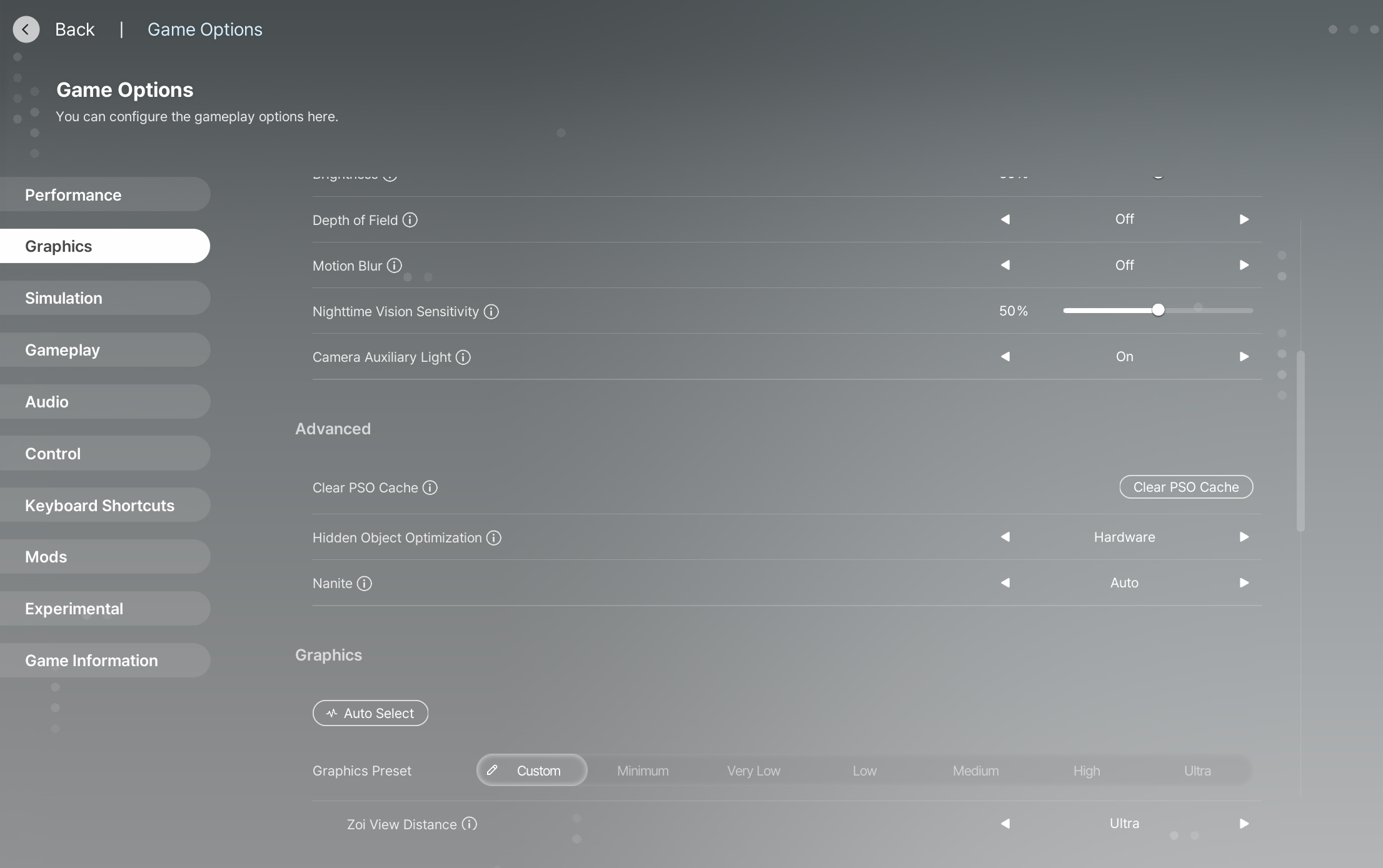
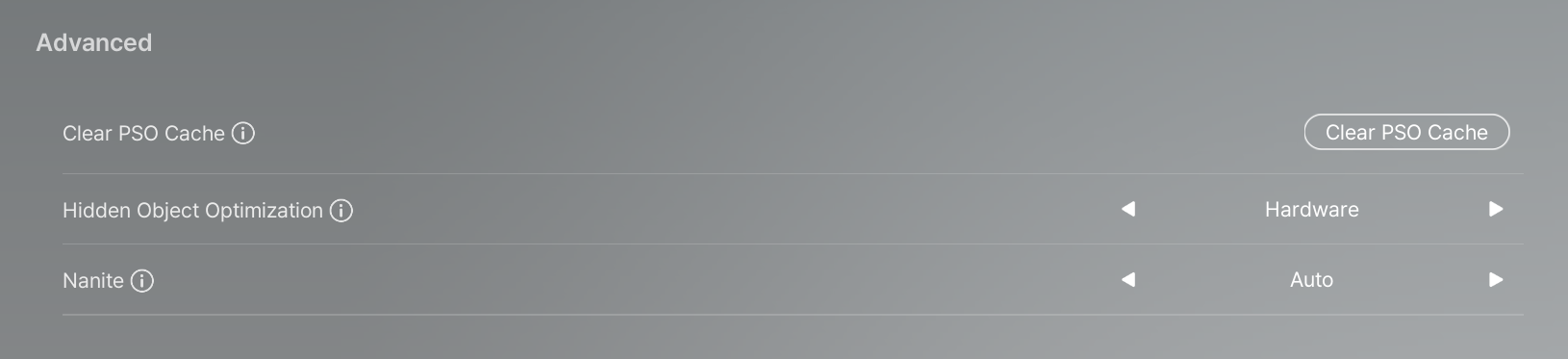
If cats remain frozen after testing with other mods disabled, try refreshing inZOI’s graphics shader cache:
- Save your progress first.
- Open Game Options → Graphics → Advanced.
- Select Clear PSO Cache and confirm the prompt.
- Close and restart inZOI yourself after clearing the cache.
- Wait for shader preparation to finish, then reload your save and test again. The first load may take longer while the cache rebuilds.