




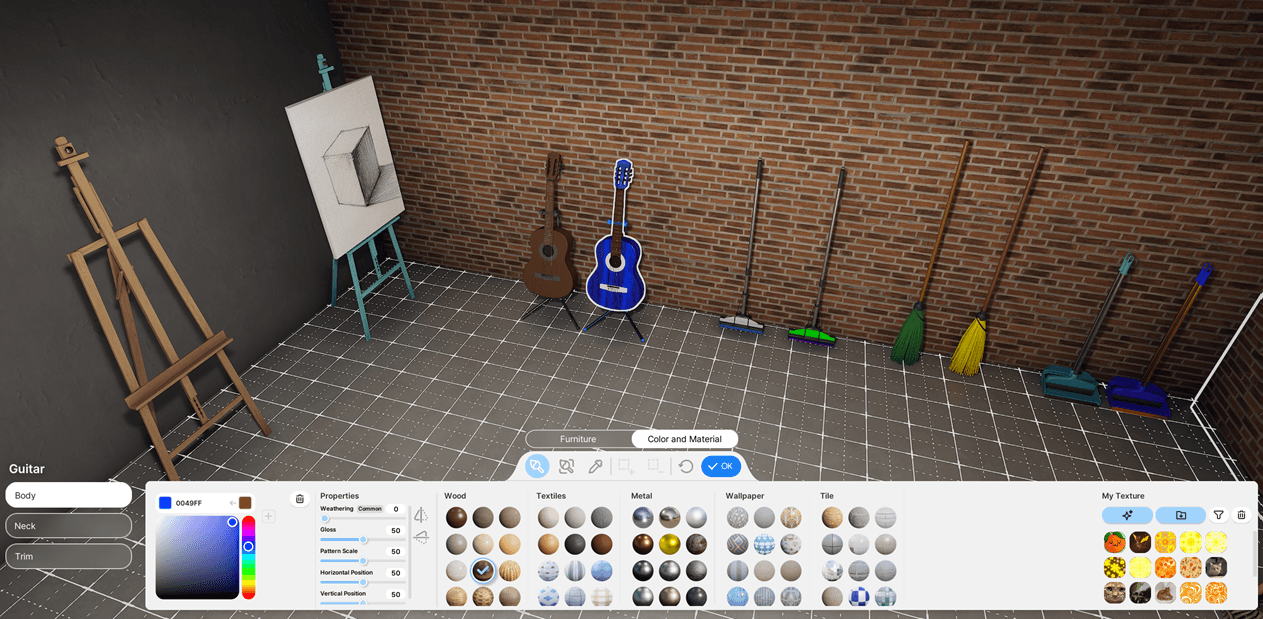

Lights Manager - Manage Automation, Brightness & Colors of all Lights in your Zoi's Home and Businesses
- 922
- Script Mod
Control your home’s and family business’s lighting from your Zoi’s phone with the Lights app. Manage automation, brightness and color of every light - per area, floor, room, or individual lamp.
- 922
- November 1, 2026
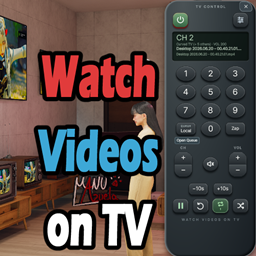
WVTV - Watch Videos on TV
- 1.8K
- Script Mod
Play your own local videos and built-in inZOI videos on TVs, with an on-screen remote, synchronized playback across multiple TVs, spatial audio, and automatic playback when Zois watch TV.
- 1.8K
- October 31, 2026
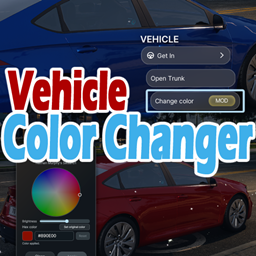
Vehicle Color Changer
- 6.1K
- Script Mod
Change the color of your owned vehicles to whatever color you like, through a "Change color" interaction on the parked vehicle, that opens a small window with a color wheel.
- 6.1K
- October 29, 2026
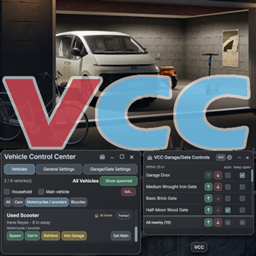
VCC - Vehicle Control Center - functional Garages, improved Spawning and Parking, multiple Vehicles per Zoi
- 1.8K
- Script Mod
Various improvements regarding vehicles, incl.: allowing multiple vehicles per Zoi, functional Garages with control panel, Anti-Auto-Despawn, multiple parking and spawning improvements, and settings.
- 1.8K
- October 28, 2026
Lights Manager - Manage Automation, Brightness & Colors of all Lights in your Zoi's Home and Businesses
- 922
- Script Mod
Control your home’s and family business’s lighting from your Zoi’s phone with the Lights app. Manage automation, brightness and color of every light - per area, floor, room, or individual lamp.
- 922
- November 1, 2026
WVTV - Watch Videos on TV
- 1.8K
- Script Mod
Play your own local videos and built-in inZOI videos on TVs, with an on-screen remote, synchronized playback across multiple TVs, spatial audio, and automatic playback when Zois watch TV.
- 1.8K
- October 31, 2026
Vehicle Color Changer
- 6.1K
- Script Mod
Change the color of your owned vehicles to whatever color you like, through a "Change color" interaction on the parked vehicle, that opens a small window with a color wheel.
- 6.1K
- October 29, 2026
VCC - Vehicle Control Center - functional Garages, improved Spawning and Parking, multiple Vehicles per Zoi
- 1.8K
- Script Mod
Various improvements regarding vehicles, incl.: allowing multiple vehicles per Zoi, functional Garages with control panel, Anti-Auto-Despawn, multiple parking and spawning improvements, and settings.
- 1.8K
- October 28, 2026