ZOI COMMAND CENTER (ZCC)
- By
An all-in-one in-game control panel to manage your Zois, relationships, households, careers, world settings, cheats and much more.
Mods - 2026-09-17T203937.228.jpg
Mods - 2026-09-17T211255.738.jpg
Mods - 2026-09-17T211259.636.jpg
Mods - 2026-09-17T211304.124.jpg
Mods - 2026-09-17T211308.798.jpg
Description
Directly change life stages, gender, body mass, body height, relationships, add parents & siblings, infinite aptitude selection, play as NPCs — and SO much more!
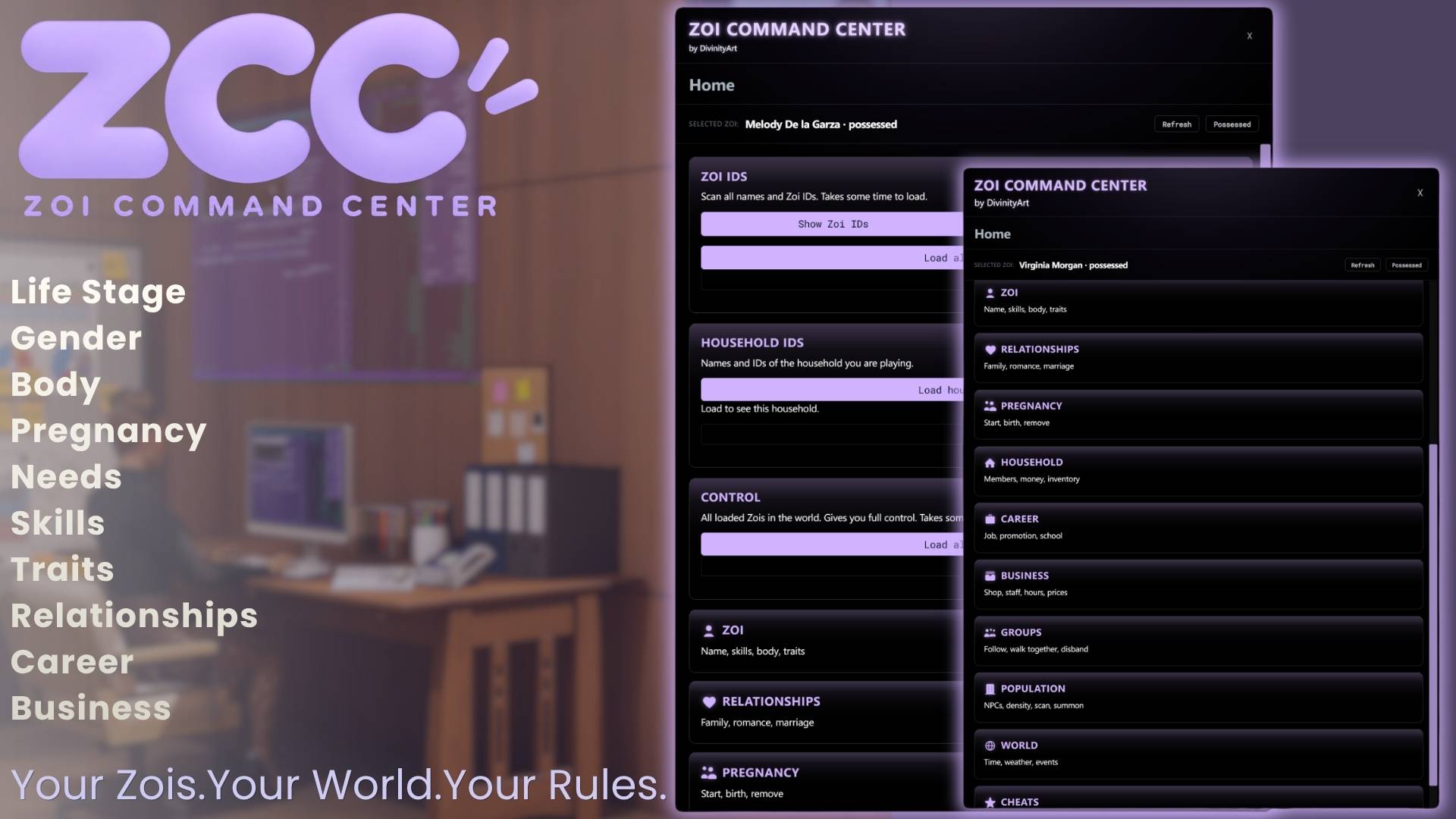
Zoi Command Center is an all-in-one in-game control panel for inZOI, giving you direct access to your Zois, households, relationships, businesses and even the world around them — all from one place.
Press F8, pick a Zoi and take control.
The ZCC window is fully draggable, every section can be collapsed, and the top bar always shows exactly which Zoi you are currently editing.
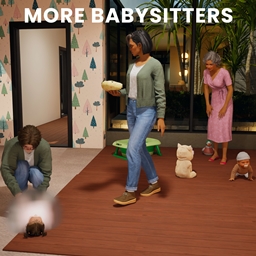
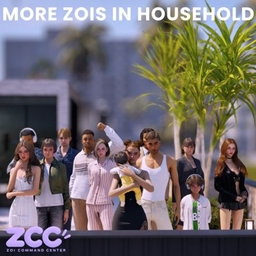
Notes: For household up to 20 zois and pregnancy length adjustment, you will need two seperate mods found on my page - More Zois in Household and Longer Pregnancies
───── ✦ HOME ✦ ─────
Search every currently loaded Zoi by name or ID, it is sorted from A–Z, copy their ID or set them as your active target.
The Control section provides the same searchable list and lets you possess another Zoi directly using their ID.
› Search Zois by name or ID
› Sort A–Z
› Copy Zoi IDs
› Set any Zoi as your active target
› Possess another Zoi directly
───── ✦ ZOI ✦ ─────
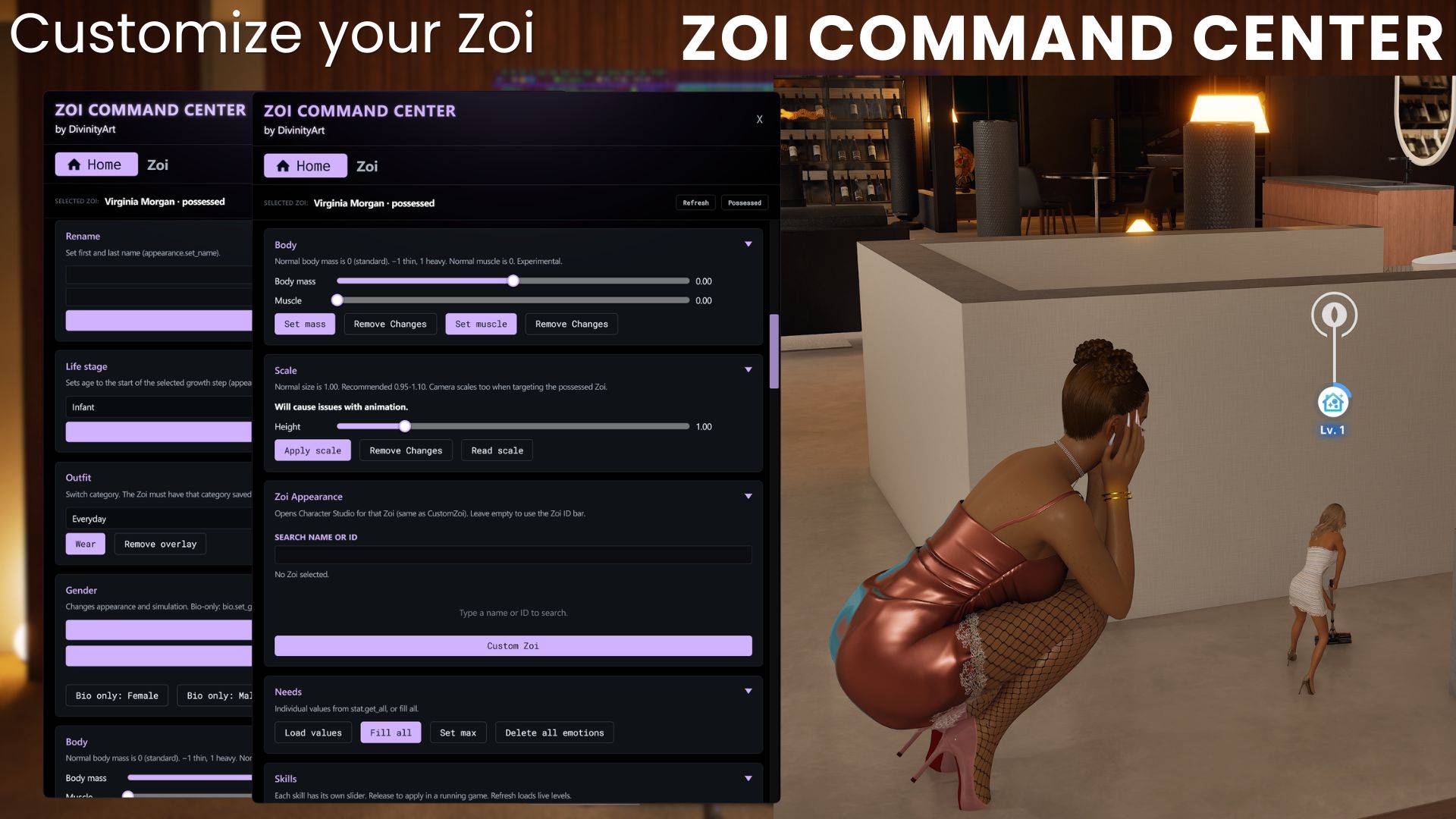
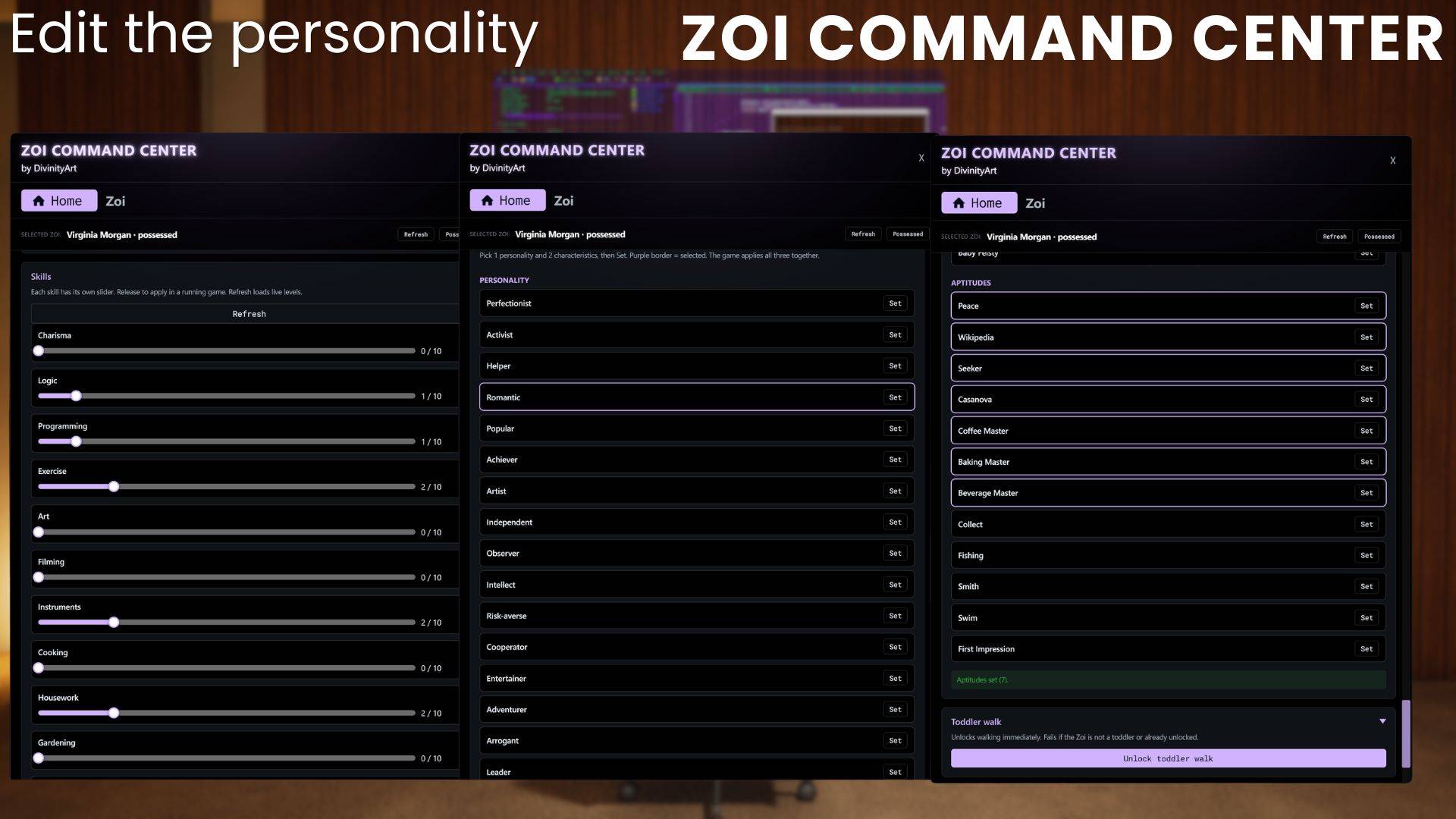
View your current Zoi's name, life stage, gender and outfit.
› Rename your Zoi
› Change life stage from Infant to Elderly
› Change gender completely or biological information only
› Adjust body mass and muscle, including reset options
› Adjust scale and height, including reset options
› Open Character Studio directly for the selected Zoi
› Switch between Everyday, Formal, Sleep, Swimwear and other outfit categories
› Load, fill or individually set needs to 100%
› Adjust individual skills with sliders
› Manage 1 personality trait + 2 characteristics
› Unlock Toddler Walk
› Load or start ambitions
Height and scale editing is experimental and may affect animations.
───── ✦ RELATIONSHIPS ✦ ─────
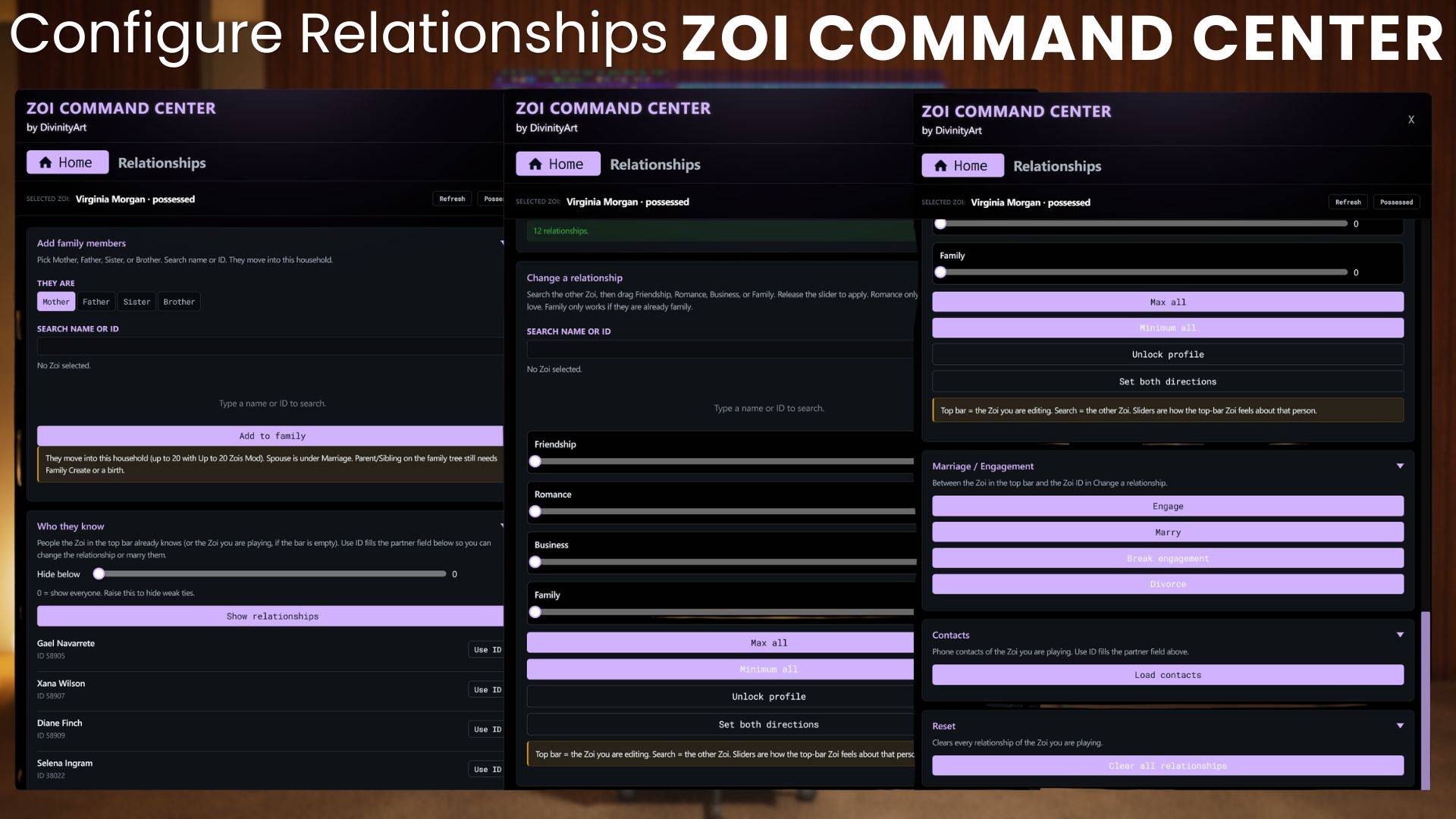
Create and manage relationships directly between your Zois.
› Add a mother
› Add a father
› Add a sister
› Add a brother
› View all existing relationships
› Adjust Friendship from 0–100
› Adjust Romance from 0–100
› Adjust Business relationships from 0–100
› Adjust Family relationships from 0–100
› Manage engagements and marriages
› Manage phone contacts
› Reset every relationship of the currently possessed Zoi
───── ✦ HOUSEHOLD ✦ ─────
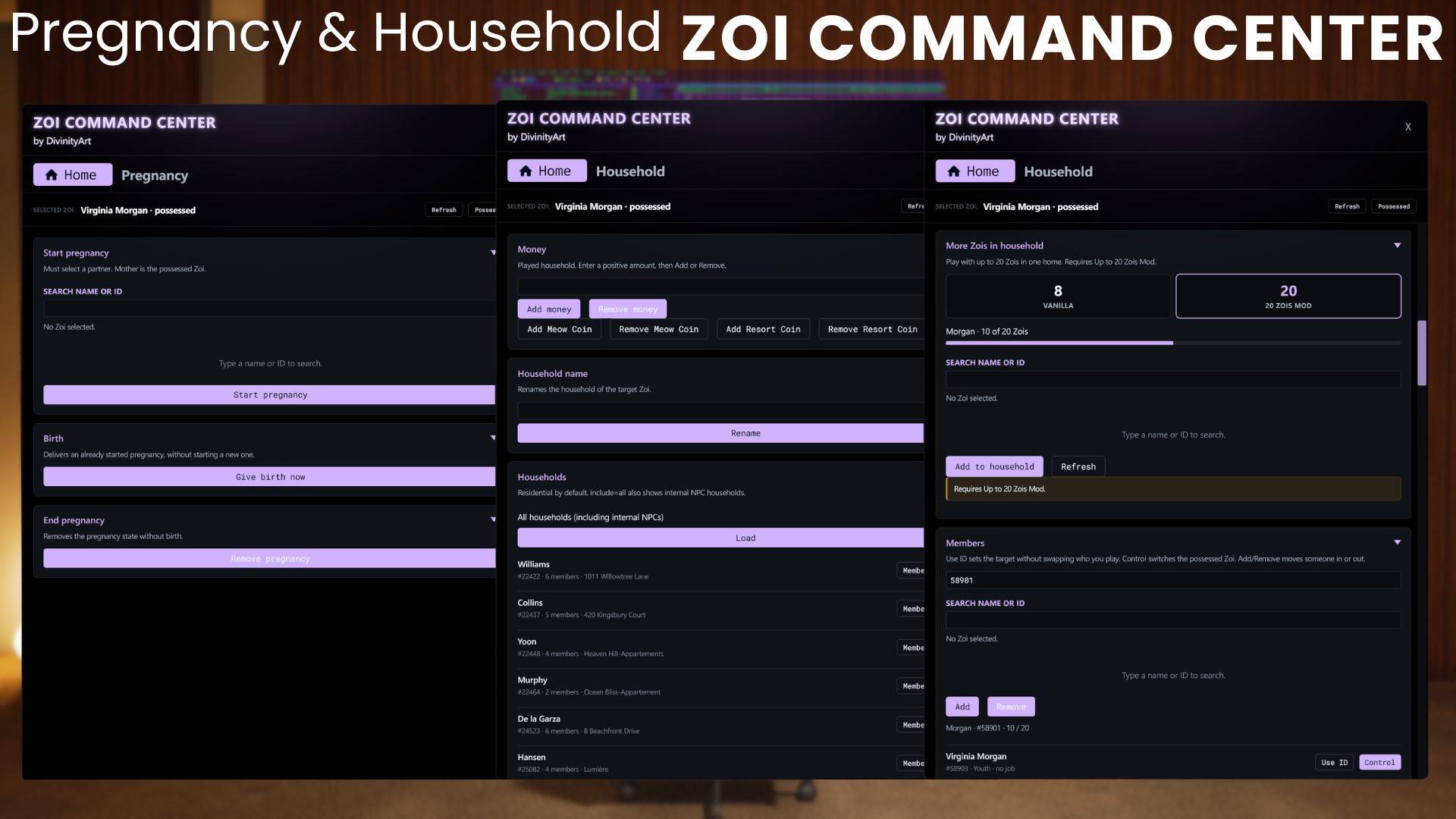
Manage entire households without leaving ZCC.
› Add or remove money
› Rename households
› Browse existing households
› Create an empty household
› Move Zois into or out of households
› Possess household members directly from the list
› Up to 20 Zois in one household - requires mod
Inventory controls currently support medical items, food, gadgets, music items, home items, custom object IDs and Feather Bags without weight restrictions.
Custom inventory entries require valid object IDs. Cooked dishes cannot simply be entered as custom inventory objects.
───── ✦ PREGNANCY ✦ ─────
› Start a pregnancy
› Trigger birth
› End a pregnancy without triggering birth
› Select pregnancy length - requires mod
───── ✦ CAREER ✦ ─────
› View job status
› Promote a Zoi
› Join an available open job
› Manage school exam preparation
› Add attendance days
› Adjust household business level
───── ✦ BUSINESS ✦ ─────
View business information including template, opening hours, current level and whether the business is currently open or closed.
› Set business level
› Change opening hours
› Select work days
› Adjust price tiers
› Hire staff
› Fire staff
› View current customers
───── ✦ GROUPS ✦ ─────
› View group information
› Create a new group
› Add or remove members
› Promote members
› Follow the leader
› Walk the group to a selected site
› Keep members near the leader
› Enable leader-only autonomy
› Disband the group
───── ✦ POPULATION ✦ ─────
View live population counts by type and control the density of your world with High, Normal and Low presets.
Scan nearby Zois and:
› View or copy their IDs
› Summon individual Zois
› Possess individual Zois
› Summon a custom list of Zois
› Summon everyone found during your latest scan
You can also enable or disable disasters and ghosts.
───── ✦ WORLD ✦ ─────
View the current time, weather and season directly through ZCC.
› Change time speed
› Pause and resume time
› Skip time
› Set the clock
› Change season length to 7, 14, 21 or 28 days
› Change the weather
› Teleport to sites
› Teleport home
› Teleport yourself directly to another Zoi
› Teleport one Zoi directly to another
› Trigger disasters
› Trigger Apocalypse
› Spawn a Social Site Event
───── ✦ CHEATS ✦ ─────
A collection of additional gameplay controls and utilities is available directly through ZCC.
› Fill needs
› Freeze or resume needs for one Zoi or the entire system
› Make a Zoi immortal
› Stop or resume aging
› Reset a stuck Zoi
› Instantly clean a Zoi
› Freeze or resume cleaning
› Enable automatic bills
› Unlock doors
› Reset Karma
› Add illnesses
› Cure all illnesses
› Set emotions
› Hide or show a Zoi
› Free Camera
› First Person Camera
› Adjust FOV
› Apply screen filters
› Add or remove buffs
› Play motions such as dancing, hugging, sleeping, eating and yoga
› Stop currently playing motions
› View Crime Status (read-only)
───── ⚠ ADVANCED CONTROLS ⚠ ─────
ZCC also provides options to Remove Zoi and Destroy Zoi.
These actions are not reversible. Please use them carefully.
───── ✦ HOW TO USE ✦ ─────
Press F8 → Select a Zoi → Take Control.
Search for any loaded Zoi by name or ID, set them as your active target and use the different sections of ZCC to manage exactly what you need.
The window can be moved freely around your screen, every section can be collapsed, and your currently selected Zoi always remains visible at the top.
───── ◇ PLEASE NOTE ◇ ─────
Body height and scale editing is experimental and extreme values will cause animation issues.
Remove Zoi and Destroy Zoi are not reversible.
Story Progression is not included in the current version.
All Zois above 8 members will not show up in the UI because the game is originally limited to 8. If you can´t find your zois, you can search for them in the Control Tab.
ZCC will continue to grow with more controls and features in future updates.
One panel. Your Zois. Your households. Your city. Your rules.
The ZOI COMMAND CENTER (ZCC) Team


Owner