


Temple Rock Watchtower
- By
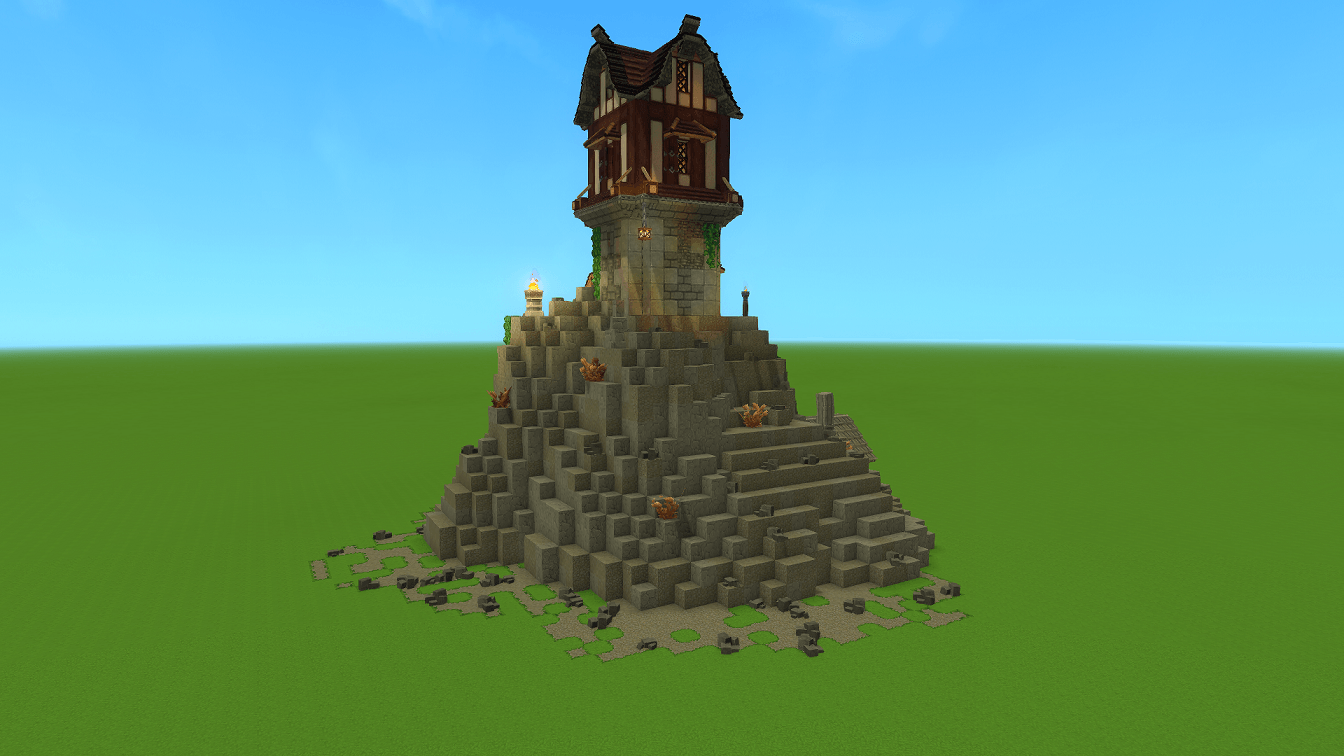
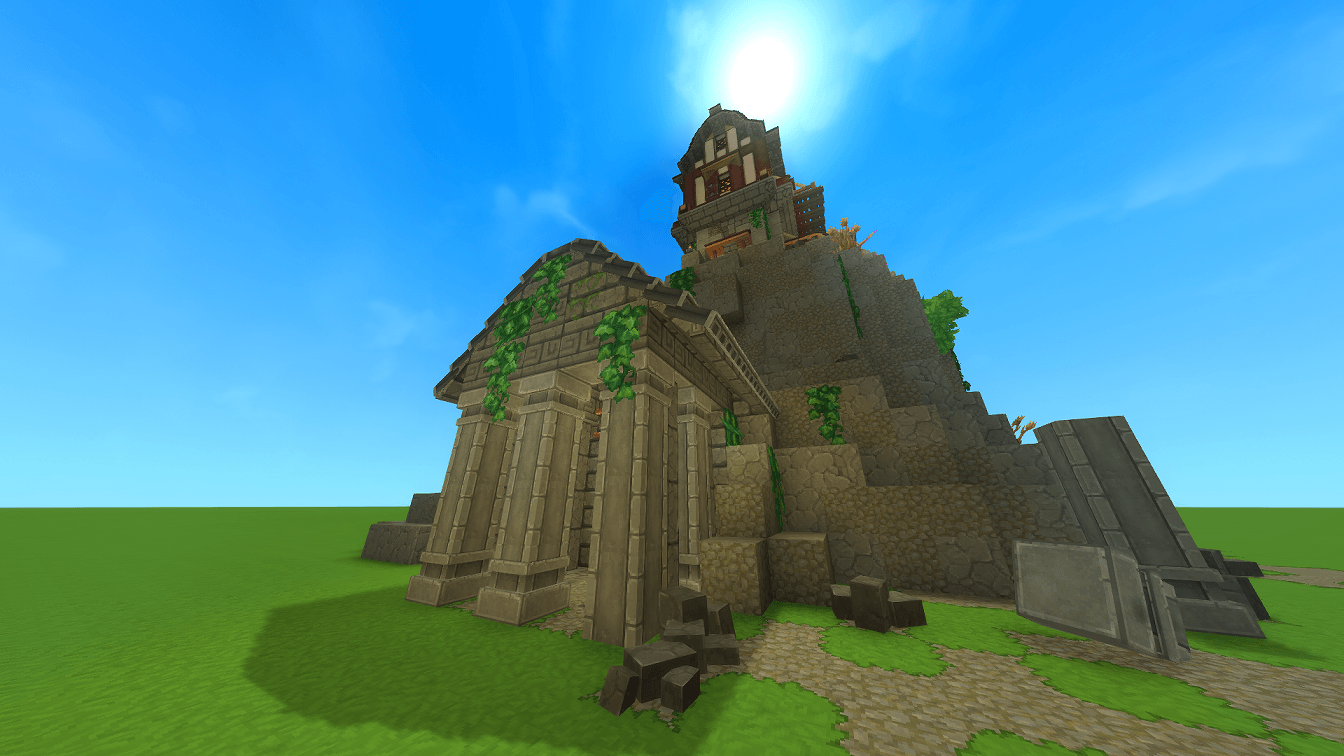
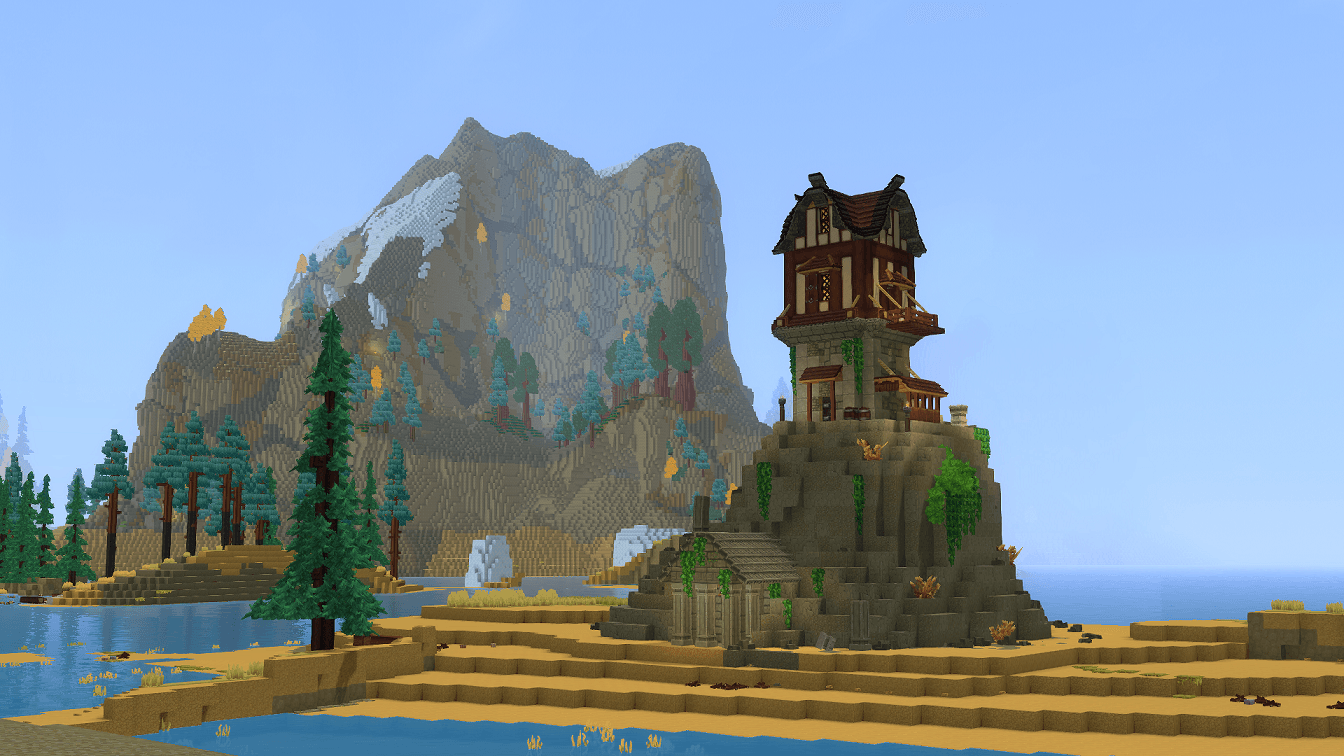
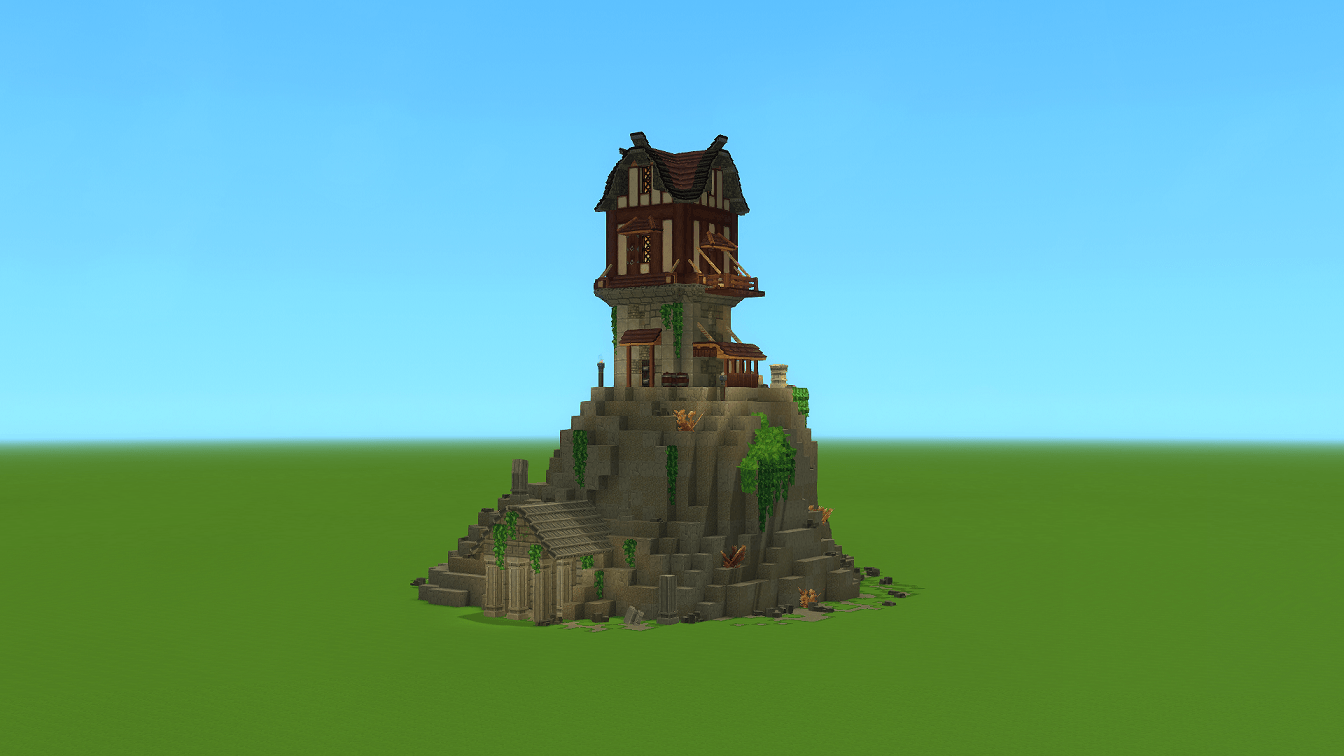
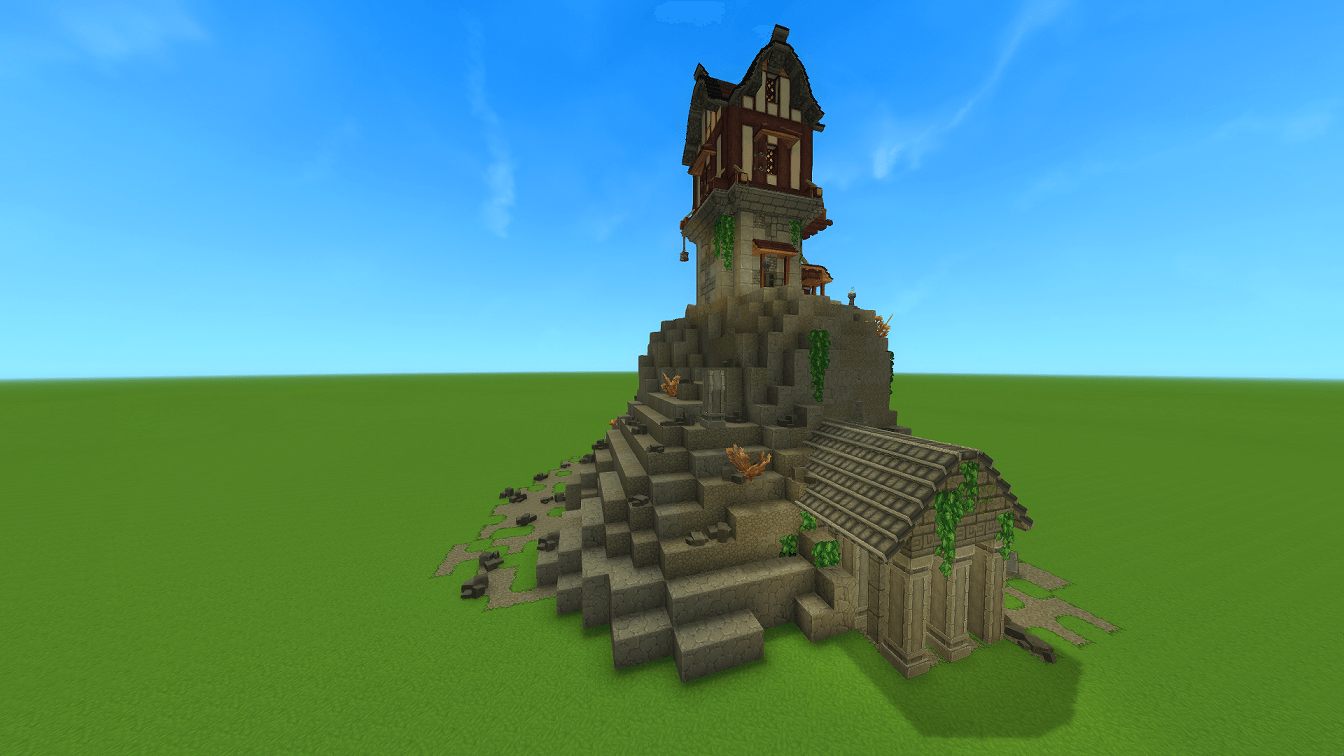
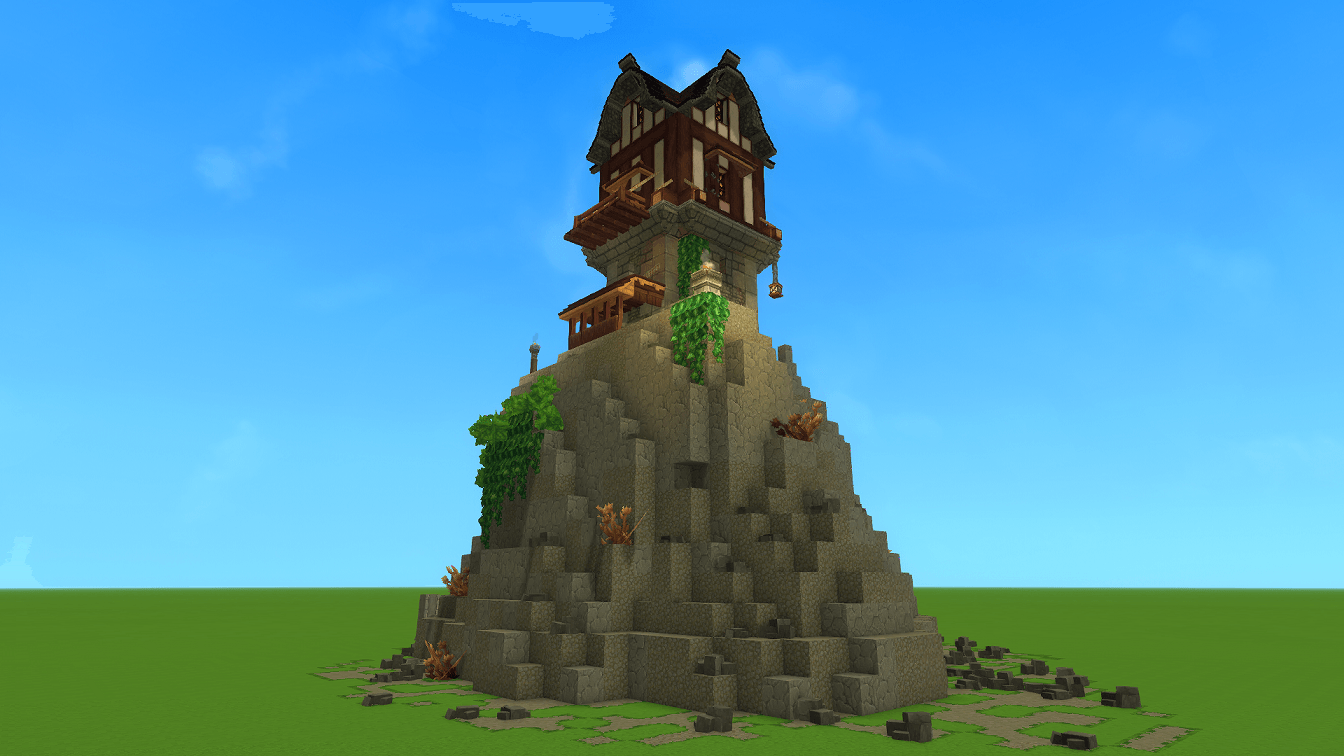
An ancient temple was built into this rock long ago. Now repurposed to serve as a watchtower to guard the surrounding area.
Hytale2026-01-27_19-49-10.png
Hytale2026-01-27_19-47-20.png
Hytale2026-01-27_19-58-52.png
Hytale2026-01-27_19-46-58.png
Hytale2026-01-27_19-47-26.png
Hytale2026-01-27_19-50-08.png
Hytale2026-01-27_19-49-59.png
Hytale2026-01-27_19-50-13.png
Hytale2026-01-27_19-50-03.png
Hytale2026-01-27_19-49-37.png
Hytale2026-01-27_19-49-15.png
Hytale2026-01-27_19-50-32.png
Description
An ancient temple was carved directly into this rocky outcrop long ago.
Now reclaimed and reinforced, it stands once more as a watchtower, keeping silent watch over the surrounding lands.
Perched above the shoreline and backed by towering cliffs, this structure blends lost-civilization stonework with practical medieval design, making it ideal for frontier defense, exploration hubs, or lore-rich settlements.
Features
-
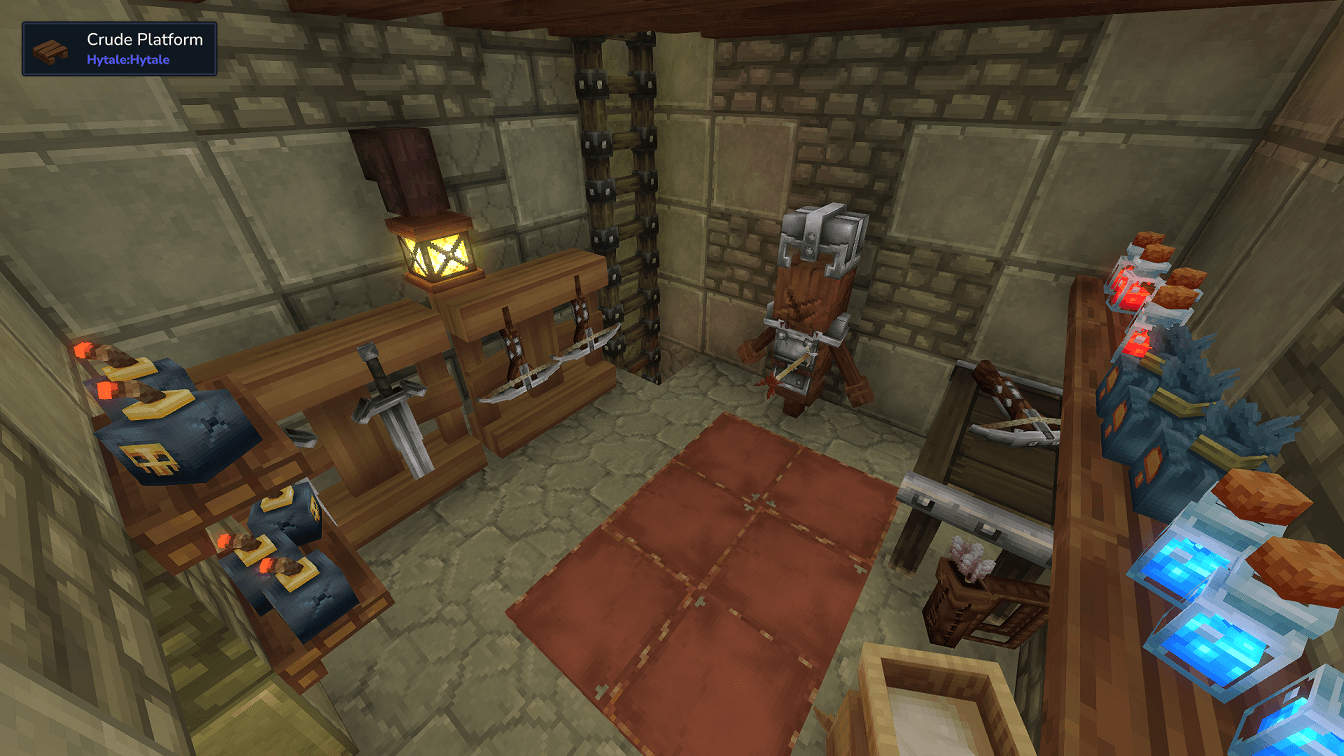
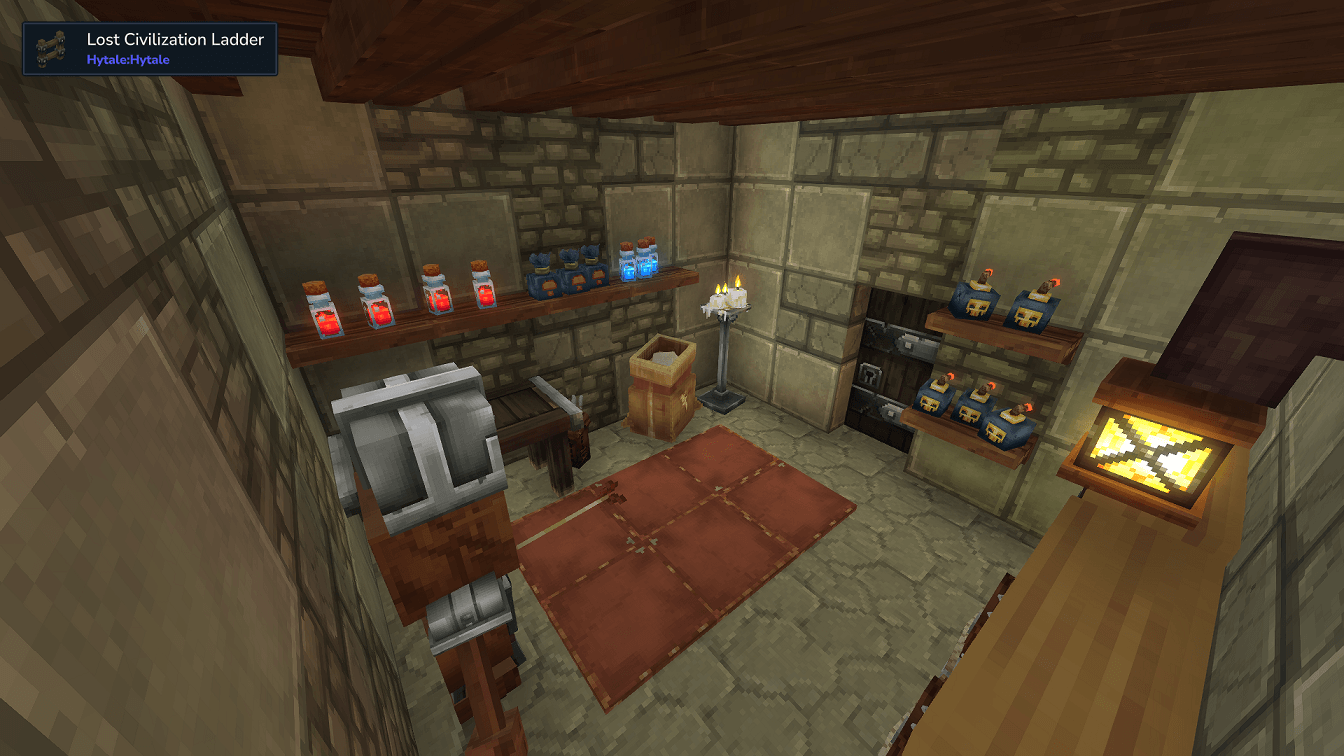
Fully furnished armory with weapon racks and equipment storage
-
Dedicated storage room for supplies and loot
-
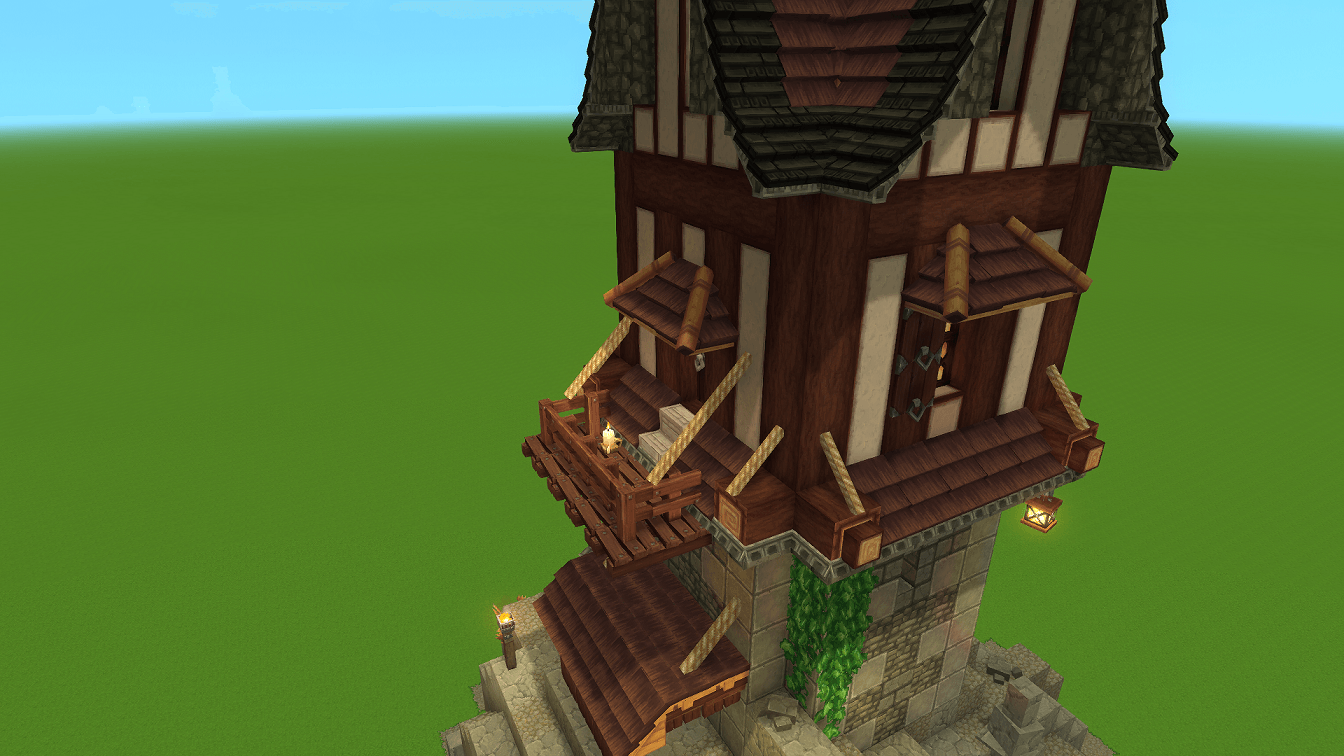
Upper balcony for scouting and roleplay moments
-
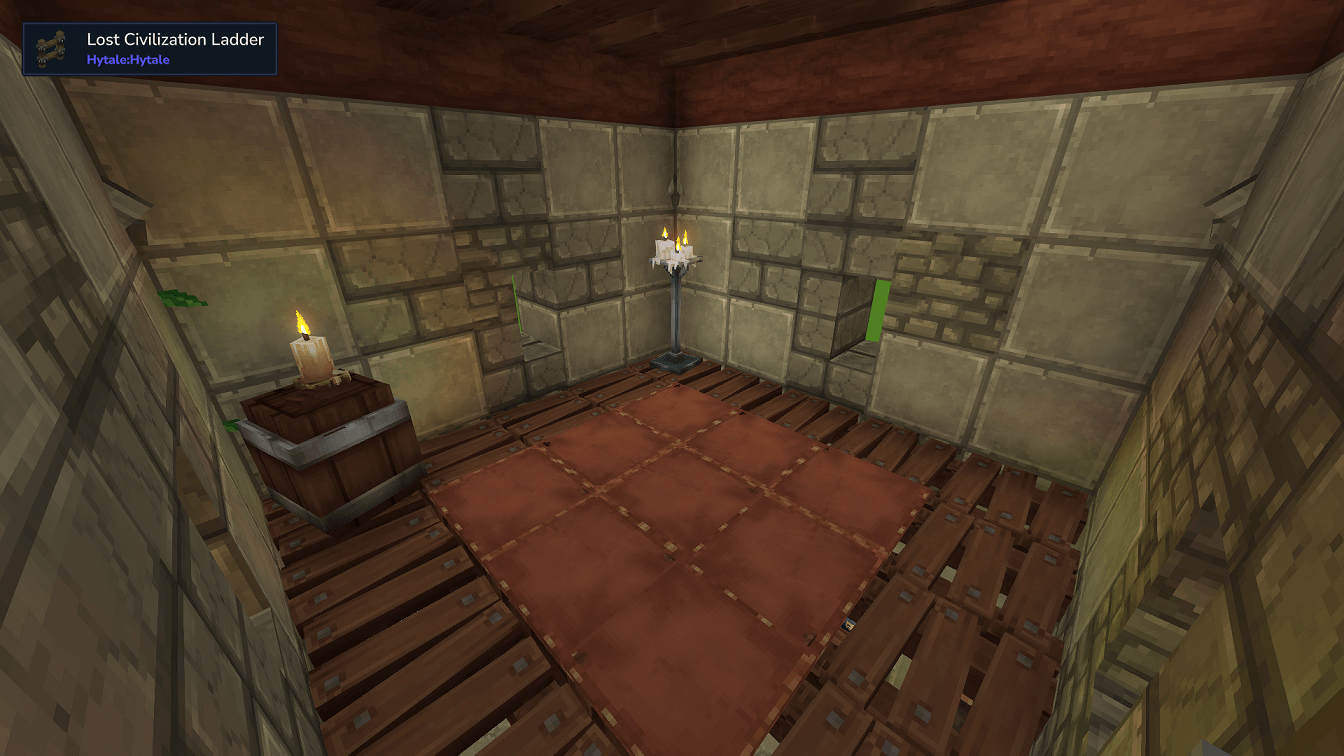
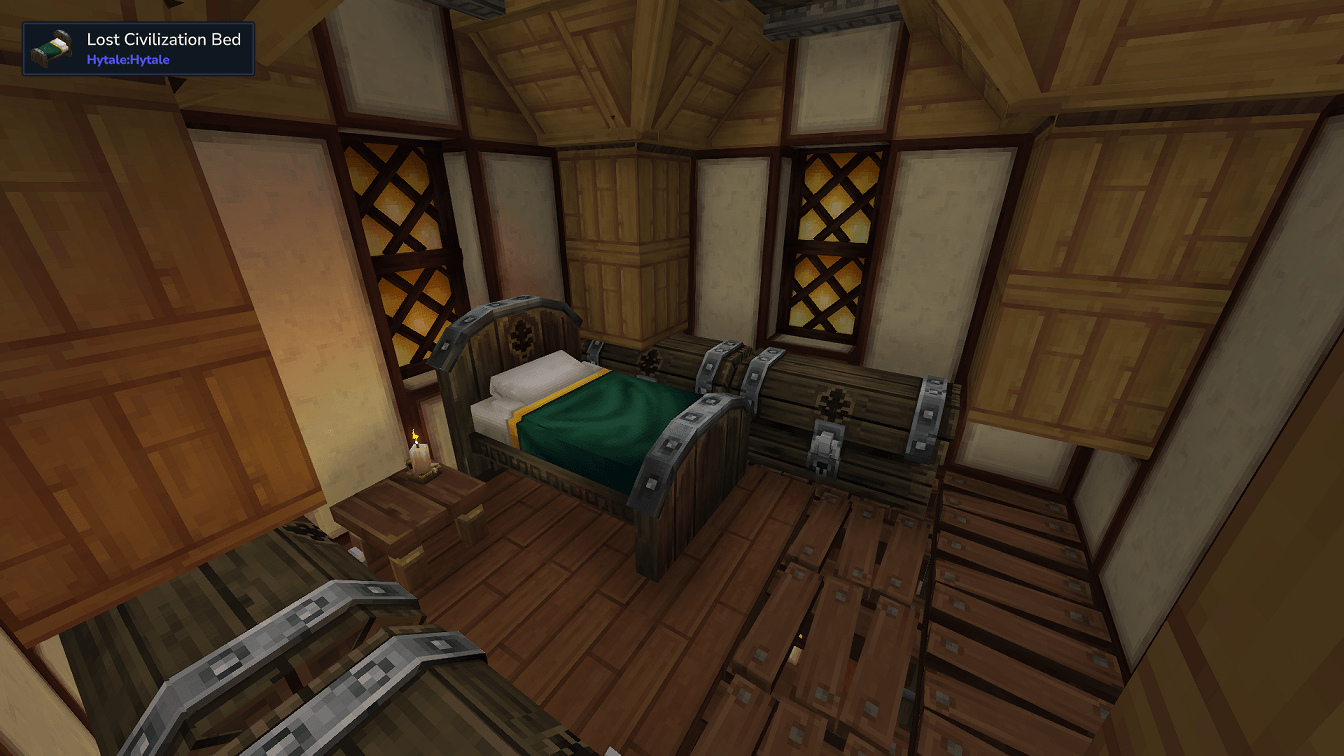
Sleeping quarters for guards or adventurers
-
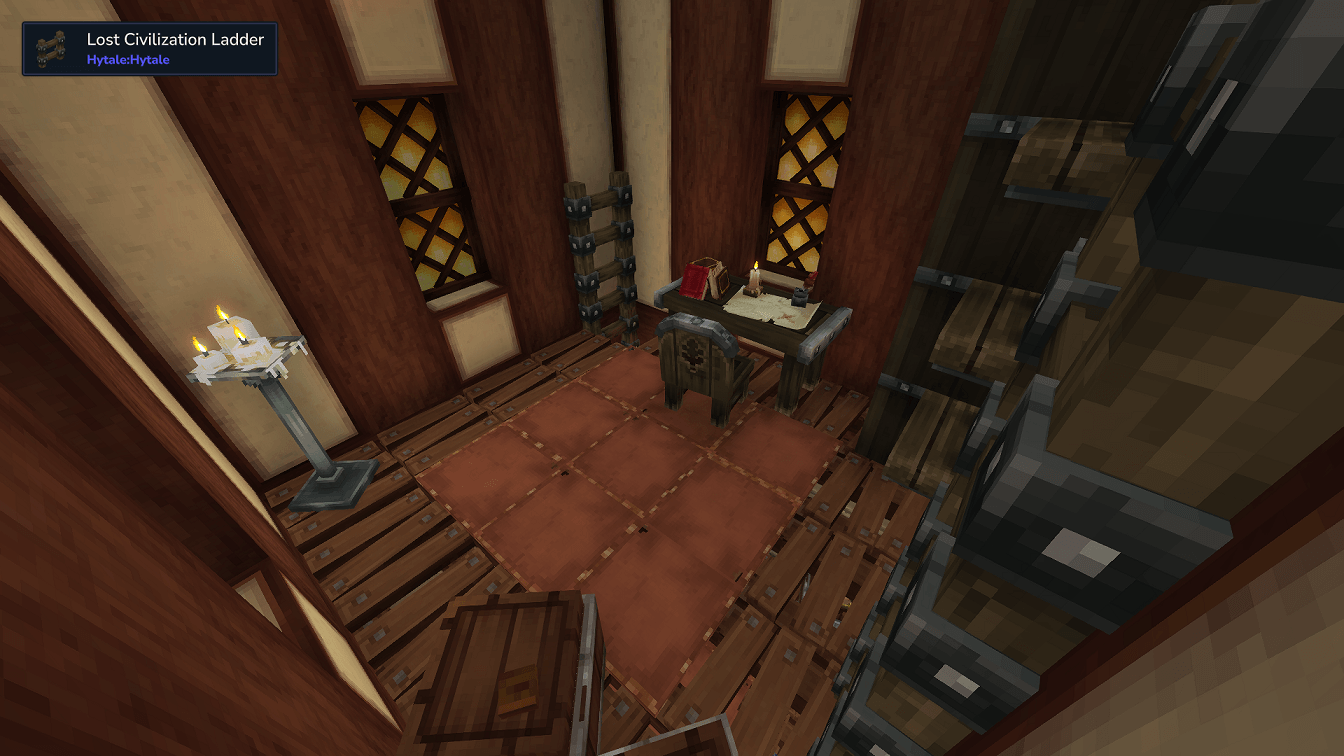
Office or study space for maps, planning, or command
-
Integrated ancient stone foundation built directly into the terrain
-
Vertical design using ladders for a compact yet immersive layout
Designed to feel lived-in, lore-friendly, and ready to use straight out of the box.
How to Add This Prefab to Your Hytale World
-
Download the prefab from this CurseForge page.
-
Locate your Hytale Prefabs directory inside your save:
C:\Users\[YOURNAME]\AppData\Roaming\Hytale\UserData\Saves\[WORLDNAME]\prefabs -
Place the watchtower prefab folder or file inside the Prefabs directory.
-
Launch Hytale and open your world (or create a new one).
-
Enter Creative Mode.
-
Open the Prefab Placement Tool.
-
Select the Watchtower prefab, by typing /prefab list and selecting it that way.
-
Use PageDown to lower the prefab into the ground
-
Place it anywhere in your world. Coastal cliffs and elevated terrain work especially well.
- Cleanup the area, as it will override other terrain.
Tip: This prefab looks best when embedded into hillsides or rocky terrain to emphasize the “ancient ruin reclaimed” aesthetic.
Part of Proto's Hyfantasy Series.
The Temple Rock Watchtower Team

![Fortified Farm [Proto's HyFantasy Series] project image](https://media.forgecdn.net/avatars/thumbnails/1667/258/256/256/639061079760497513.jpeg)
![Airship [Proto's Hyfantasy Series] project image](https://media.forgecdn.net/avatars/thumbnails/1664/537/256/256/639059864784924682.png)
![Medieval Starter Base [Proto's Hyfantasy Series] project image](https://media.forgecdn.net/avatars/thumbnails/1659/510/256/256/639057255476006285.png)
![The Archmage's School [Proto's Hyfantasy Series] project image](https://media.forgecdn.net/avatars/thumbnails/1658/480/256/256/639056657420174835.png)