

![Medieval Starter Base [Proto's Hyfantasy Series] logo](https://media.forgecdn.net/avatars/thumbnails/1659/510/64/64/639057255476006285.png)
Medieval Starter Base [Proto's Hyfantasy Series]
- By
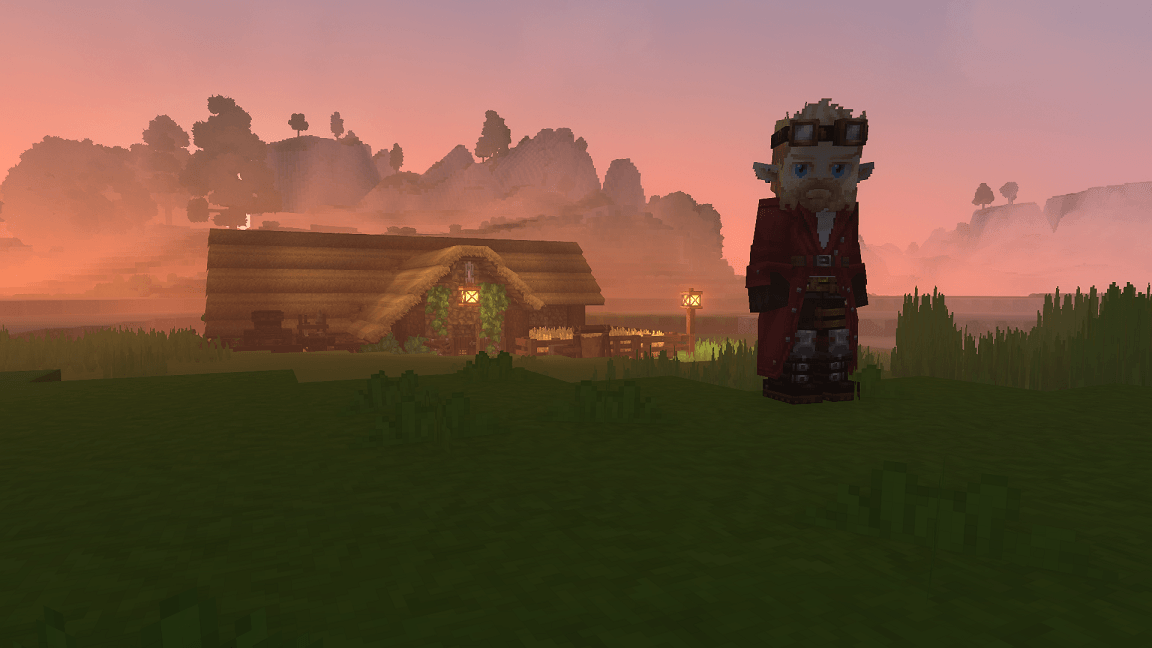
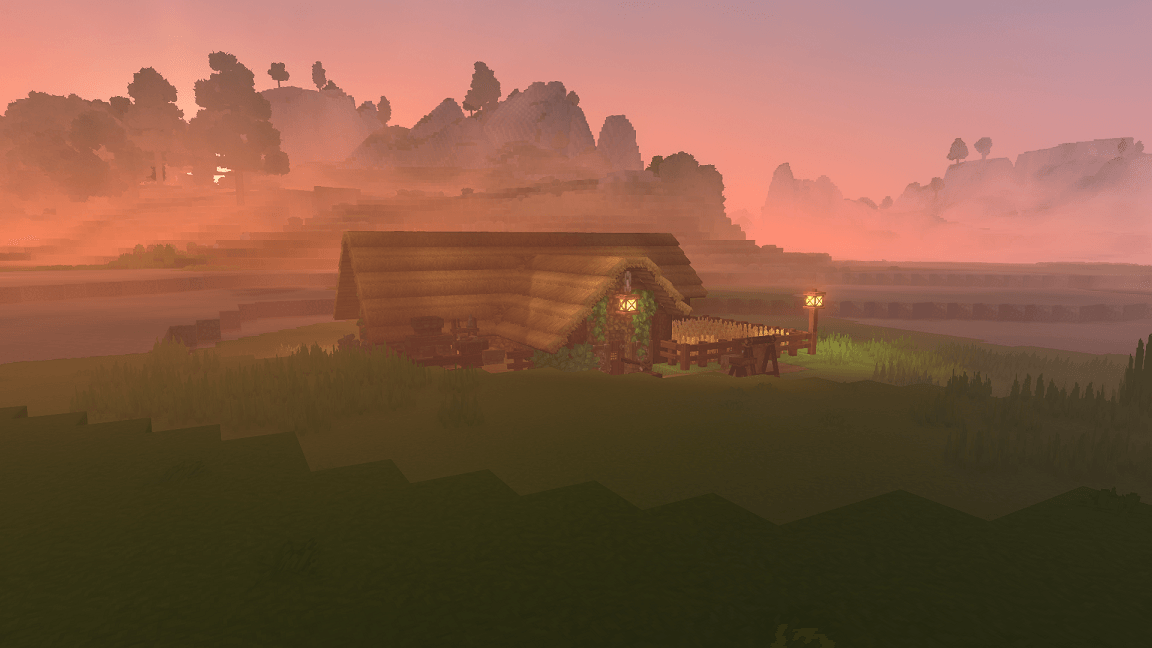
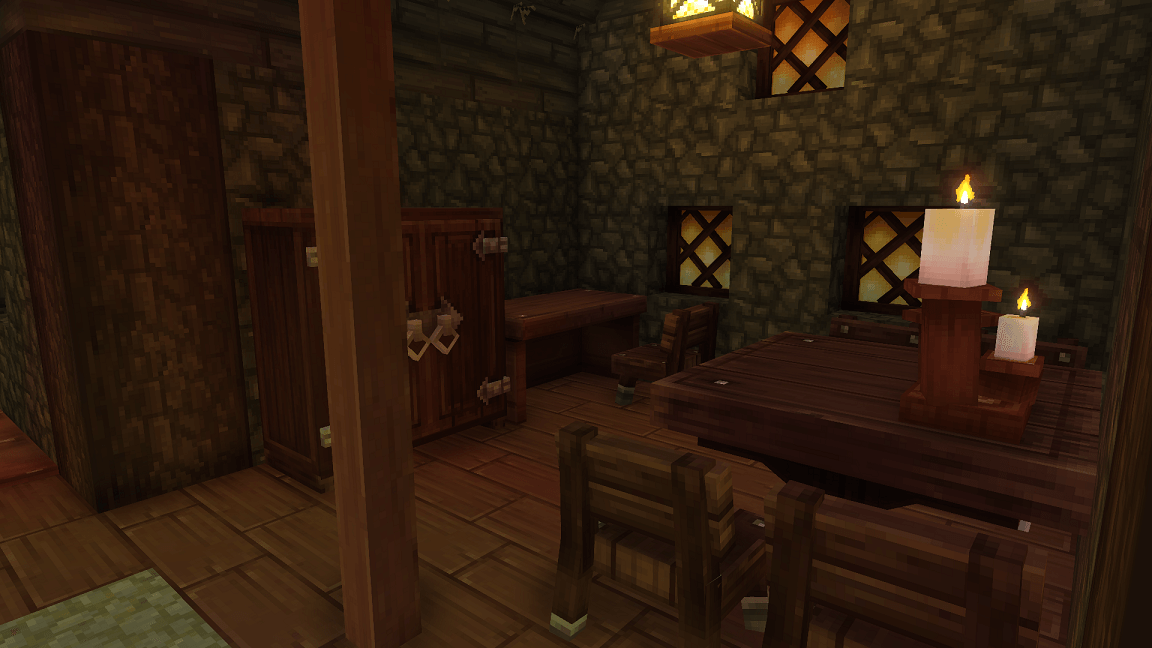
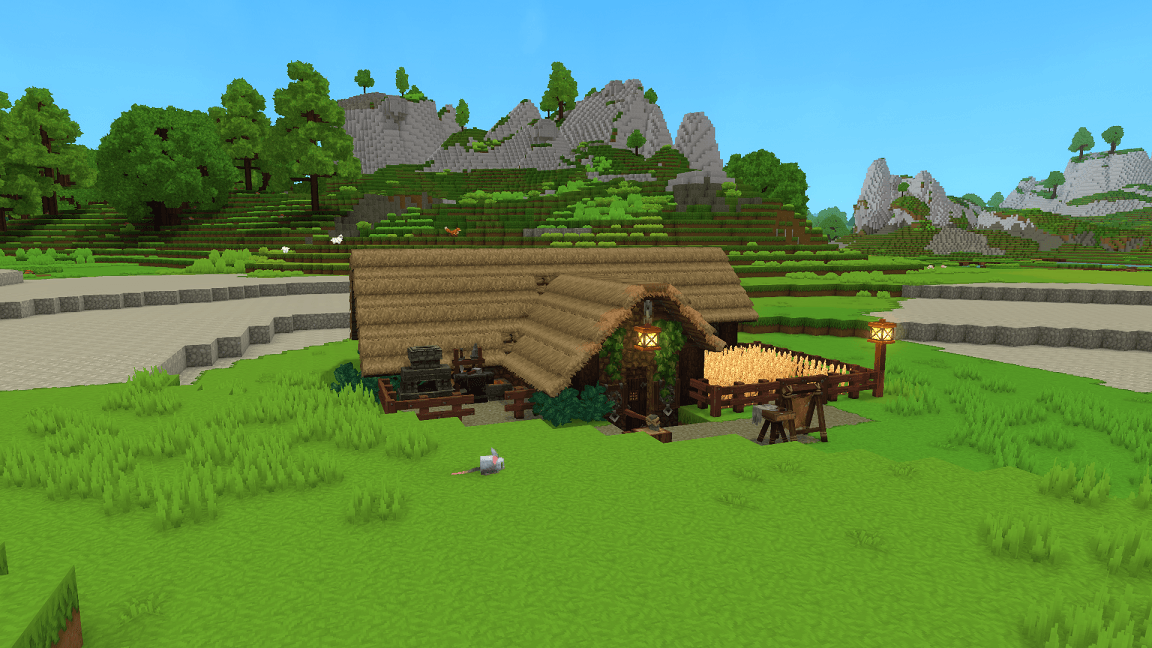
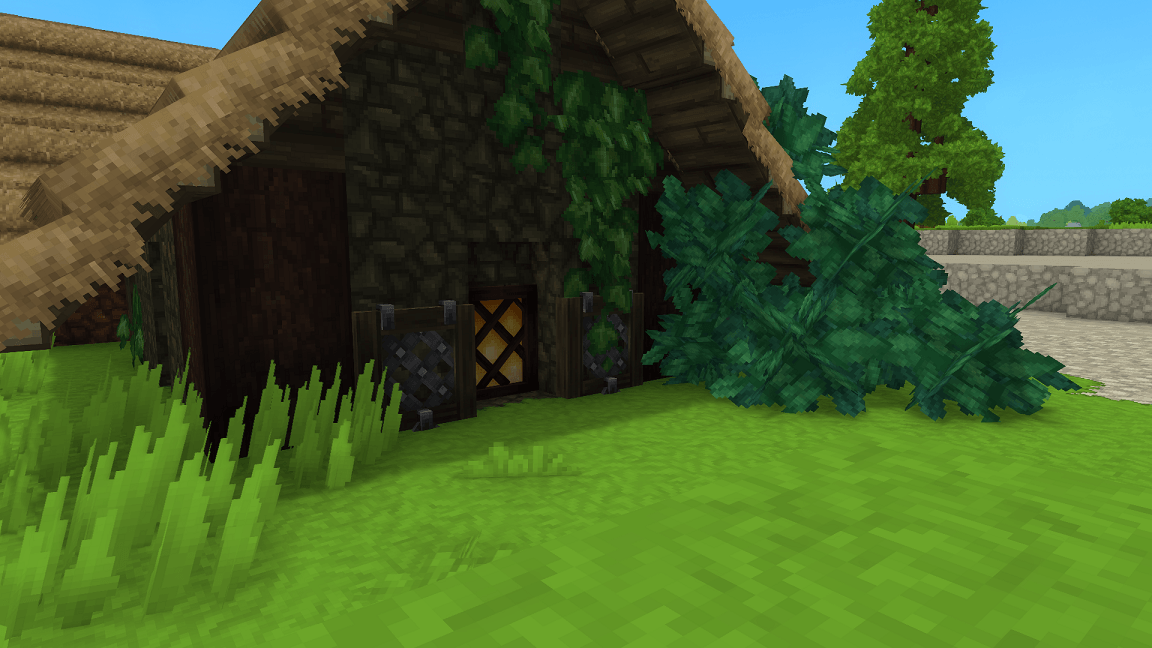
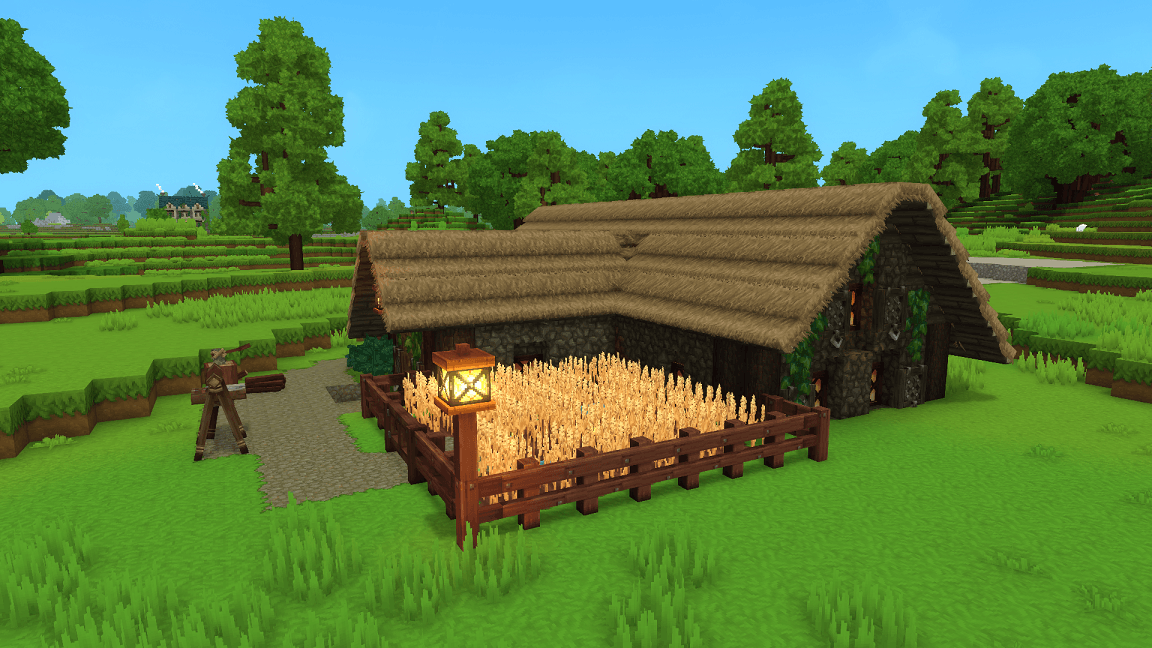
This easy early-game survival build features a charming design with practical layout—perfect for new worlds and players looking for stylish yet functional homes.
Hytale2026-02-03_14-40-20.png
Logo.png
Hytale2026-02-03_15-06-01.png
Hytale2026-02-03_15-05-35.png
Hytale2026-02-03_15-05-31.png
Hytale2026-02-03_15-04-58.png
Hytale2026-02-03_15-05-40.png
Hytale2026-02-03_15-05-46.png
Hytale2026-02-03_15-05-17.png
Hytale2026-02-03_15-05-05.png
Description
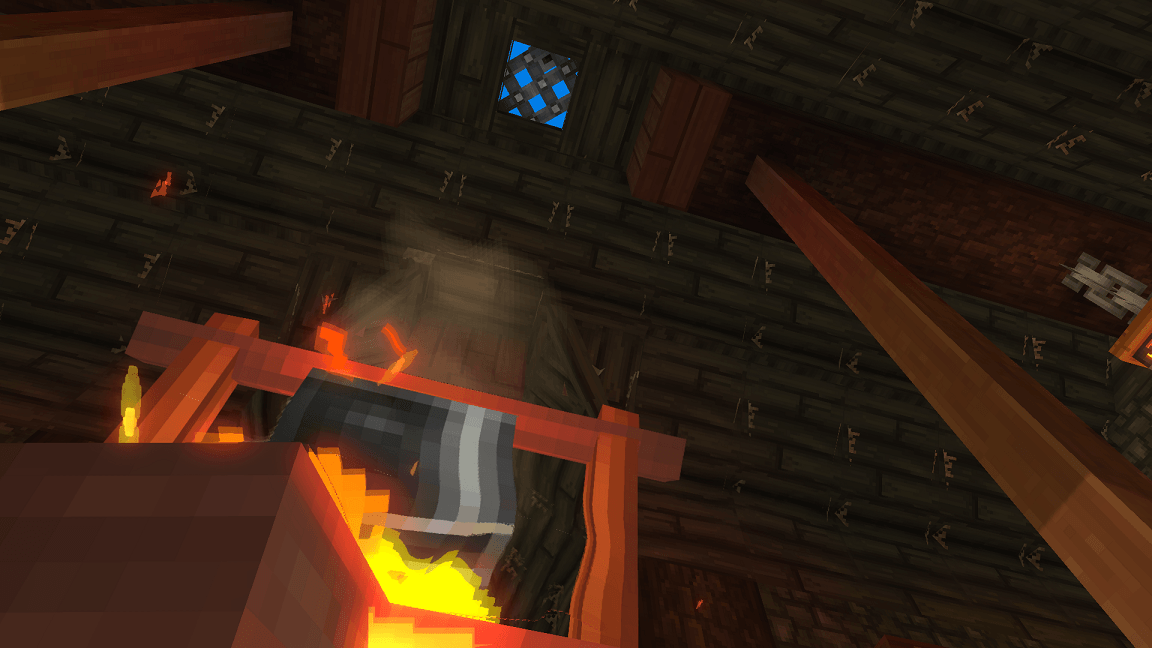
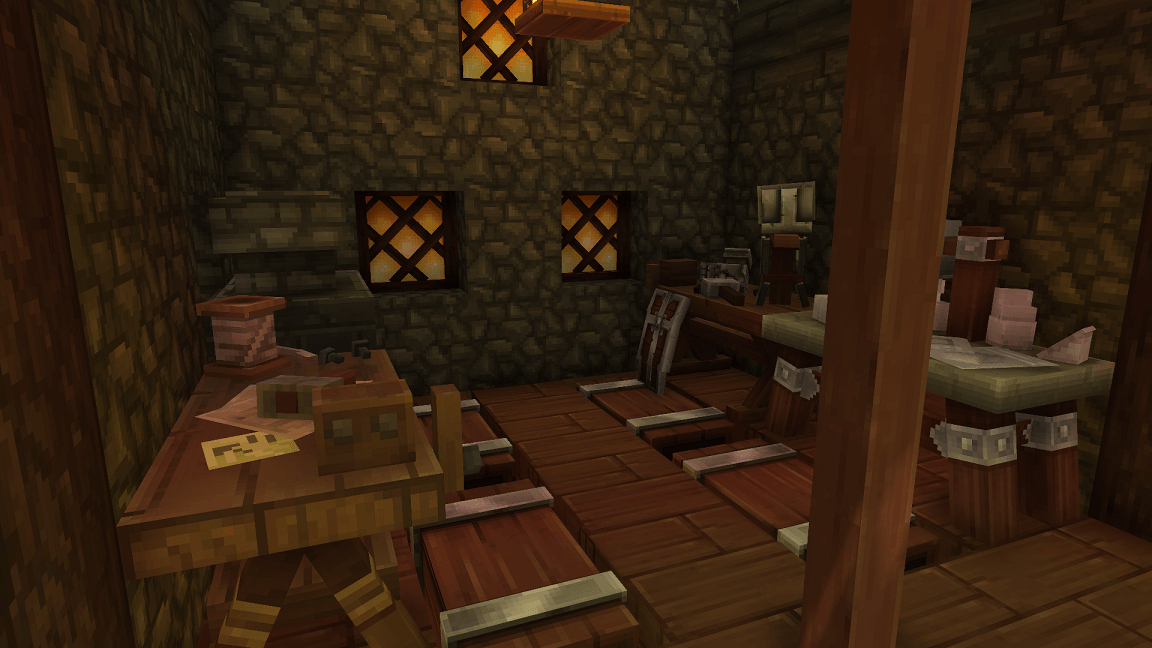
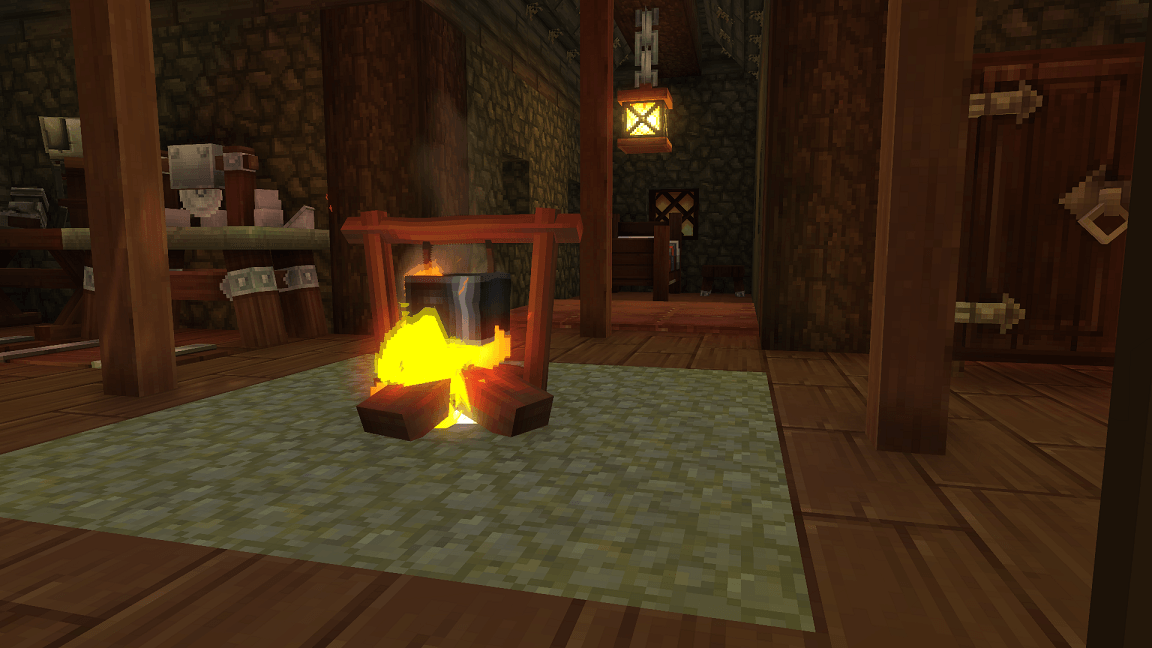
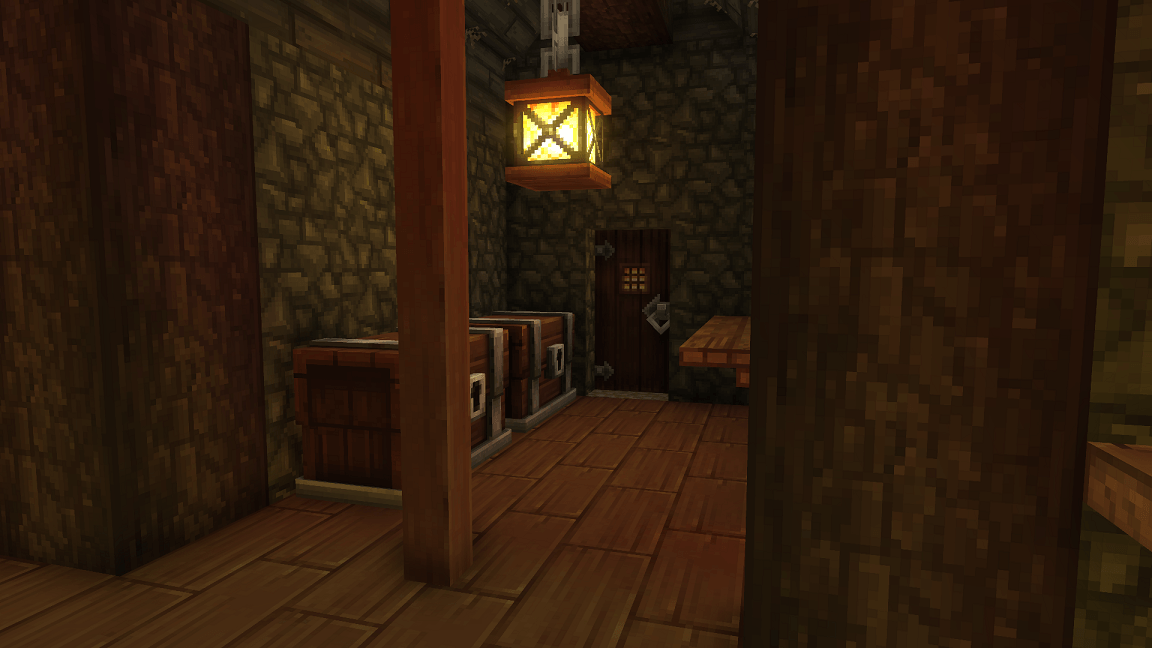
Create your perfect rustic medieval home in Hytale with this starter base! Featuring a farm, smithing area, storage, central firepit, and living area, this build combines practical early-game functionality with a charming medieval design. Crafted with cobble, wood, and a straw roof, it’s ideal for survival and adds a cozy, authentic feel to your world.
---------------------------------------------------------------------------------------------------------------------
How to Add This Prefab to Your Hytale World
1. Download the prefab from this CurseForge page.
2. Locate your Hytale Prefabs directory inside your save:
3. C:\Users\[YOURNAME]\AppData\Roaming\Hytale\UserData\Saves\[WORLDNAME]\prefabs
4. Place the prefab folder or file inside the Prefabs directory.
5. Launch Hytale and open your world (or create a new one).
6. Enter Creative Mode.
7. Open the Prefab Placement Tool.
8. Select the prefab from the list, or type /prefab list and select it that way.
9. Use PageDown to lower the prefab into the ground
10. Place it anywhere in your world.
11. Cleanup the area, as it may override other terrain.
---------------------------------------------------------------------------------------------------------------------
Part of my Hyfantasy Series.
Medieval Starter Base [Proto's Hyfantasy Series] Team

![Fortified Farm [Proto's HyFantasy Series] project image](https://media.forgecdn.net/avatars/thumbnails/1667/258/256/256/639061079760497513.jpeg)
![Airship [Proto's Hyfantasy Series] project image](https://media.forgecdn.net/avatars/thumbnails/1664/537/256/256/639059864784924682.png)
![The Archmage's School [Proto's Hyfantasy Series] project image](https://media.forgecdn.net/avatars/thumbnails/1658/480/256/256/639056657420174835.png)
![Hobbiton- The Hill. Three player hobbit homes [Proto's Hyfantasy Series] project image](https://media.forgecdn.net/avatars/thumbnails/1655/517/256/256/639055391017610480.png)