

![Efteling Gatehouse [Proto's Hyfantasy Series] logo](https://media.forgecdn.net/avatars/thumbnails/1650/588/64/64/639053187934750802.png)
Efteling Gatehouse [Proto's Hyfantasy Series]
- By
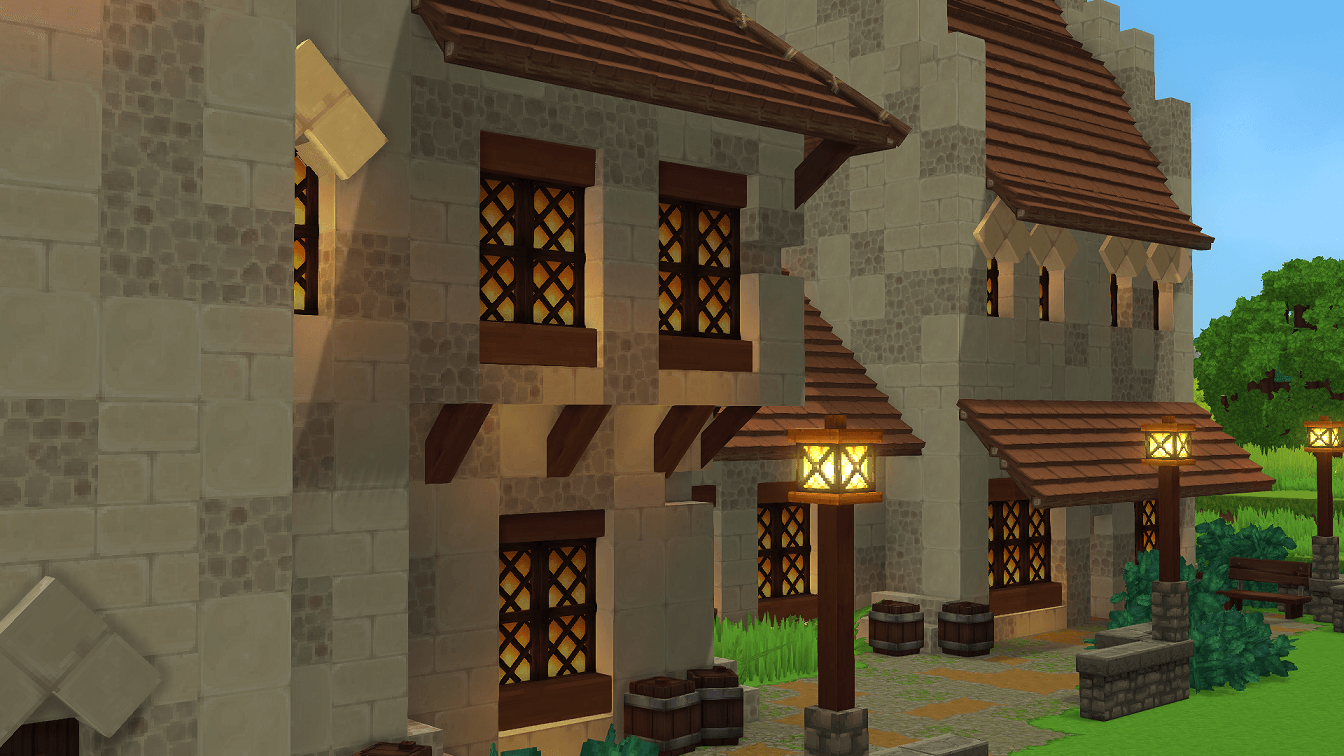
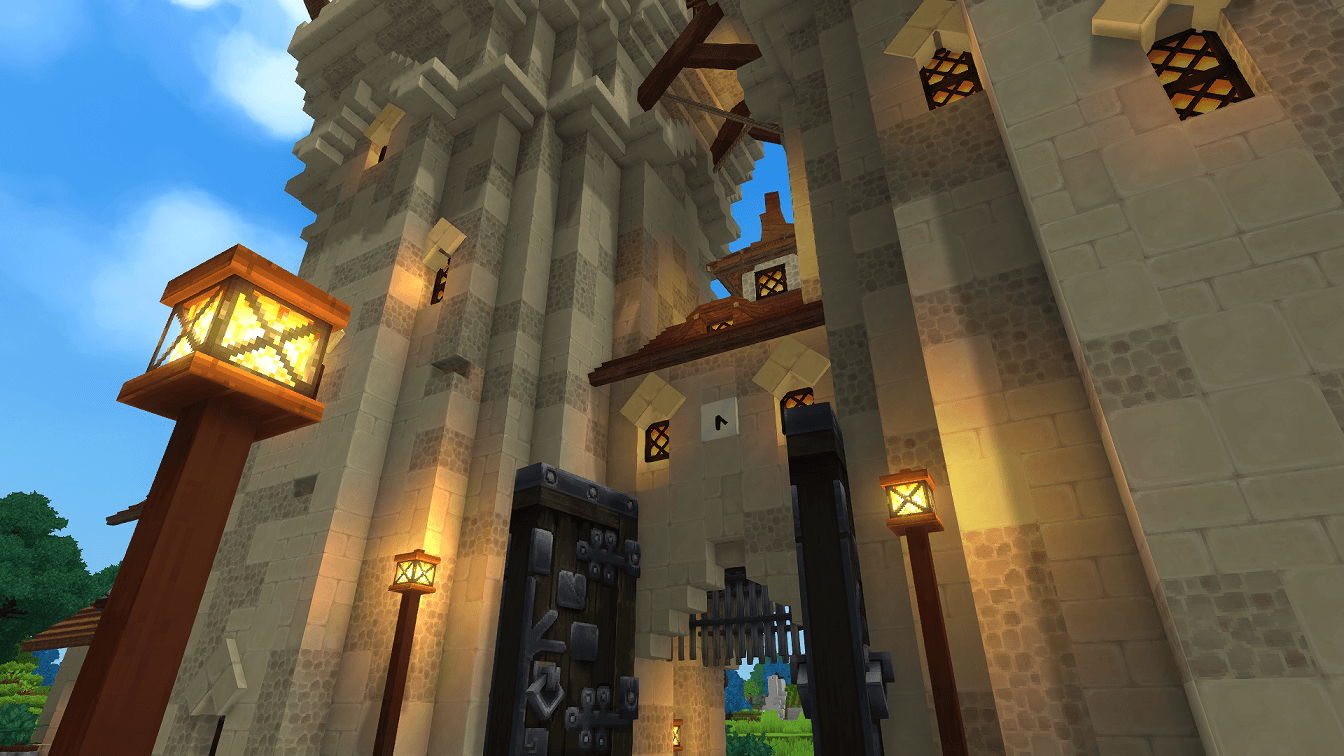
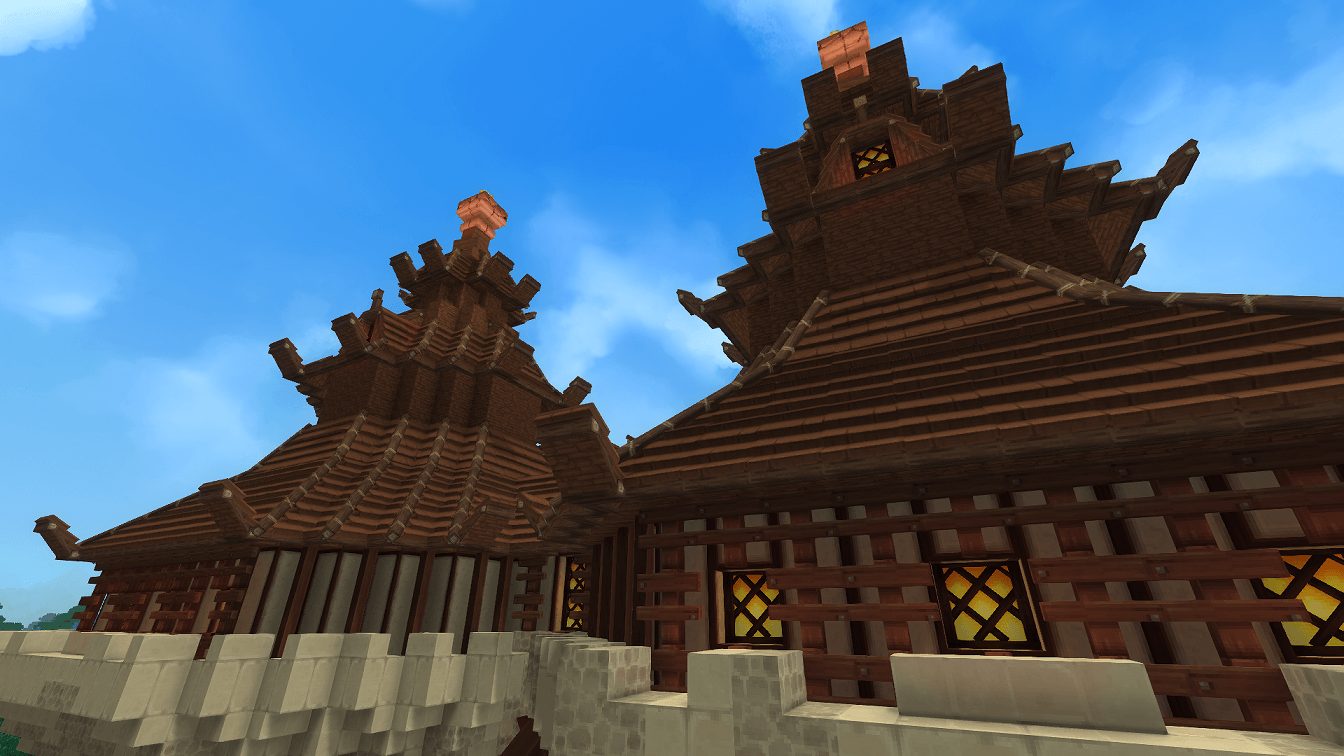
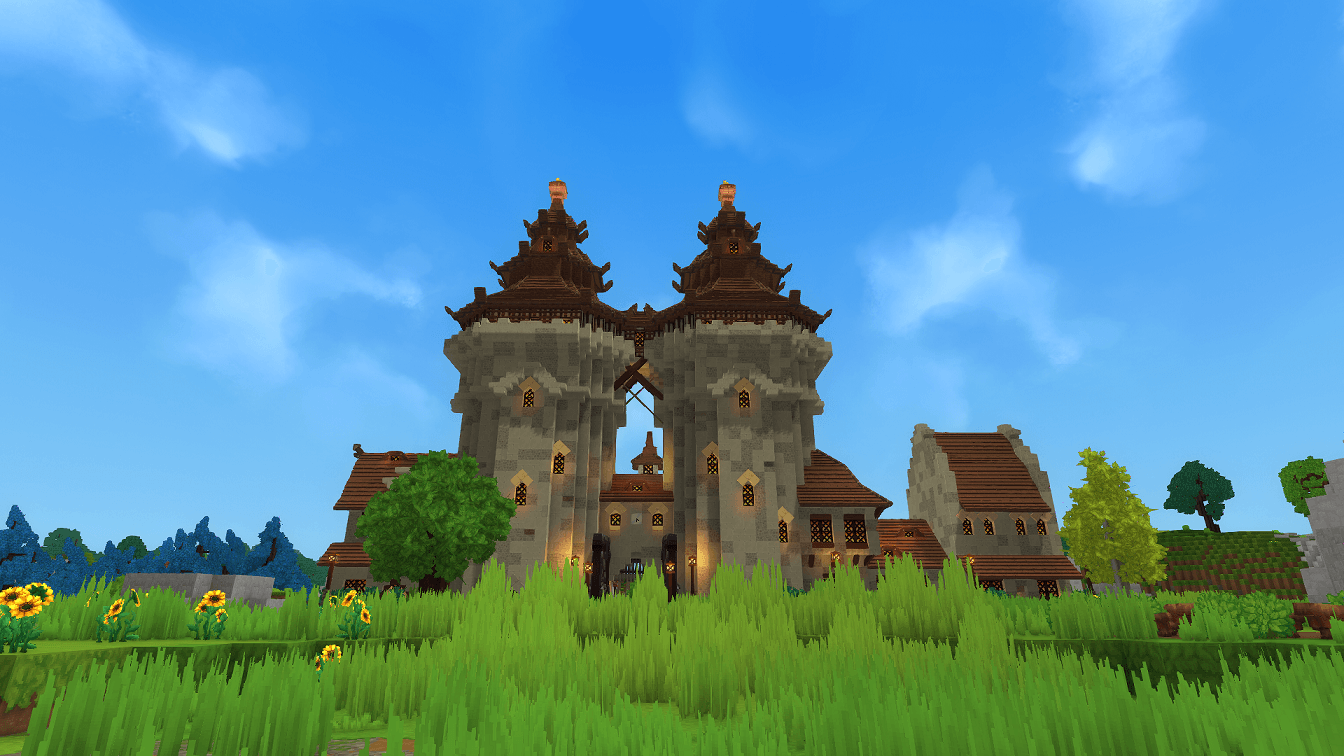
A magical gatehouse, with several buildings dominates the landscape. Inspired by the style of Anton Pieck and the Efteling.
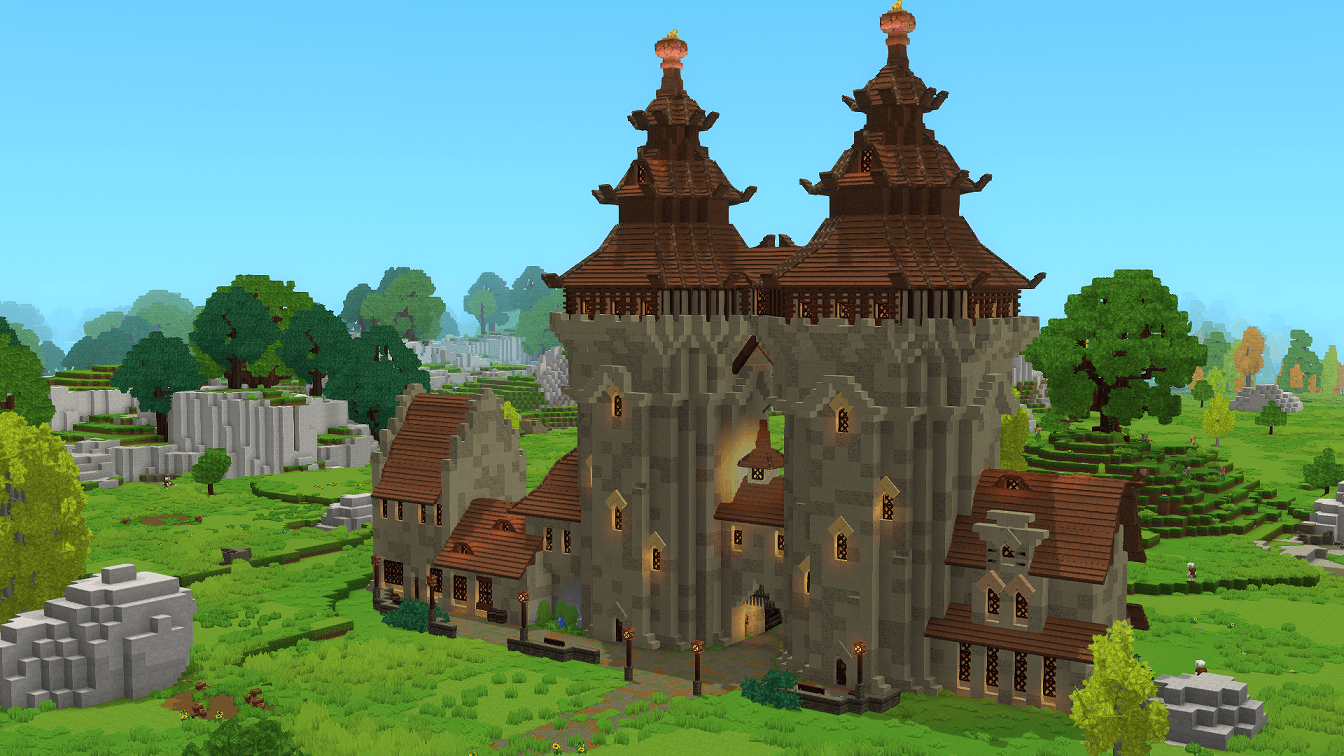
Hytale2026-01-29_22-07-06.png
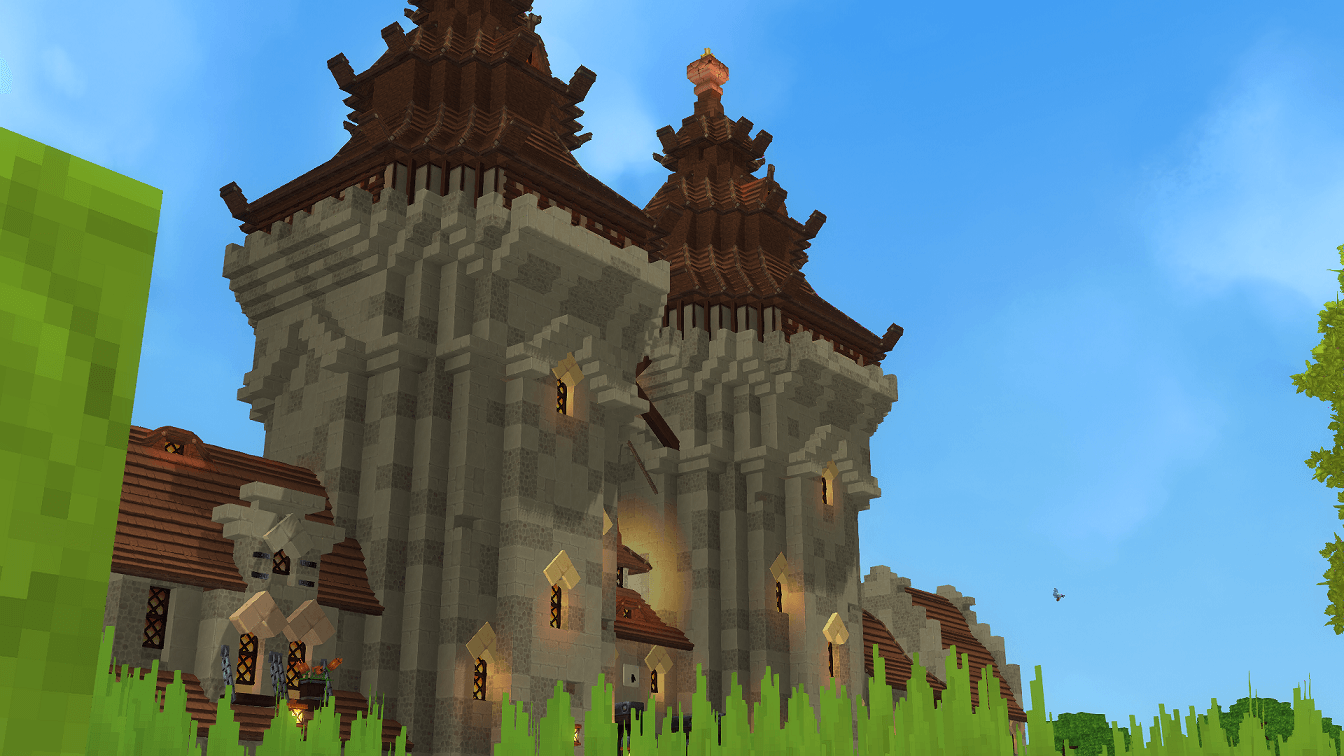
Hytale2026-01-29_22-08-10.png
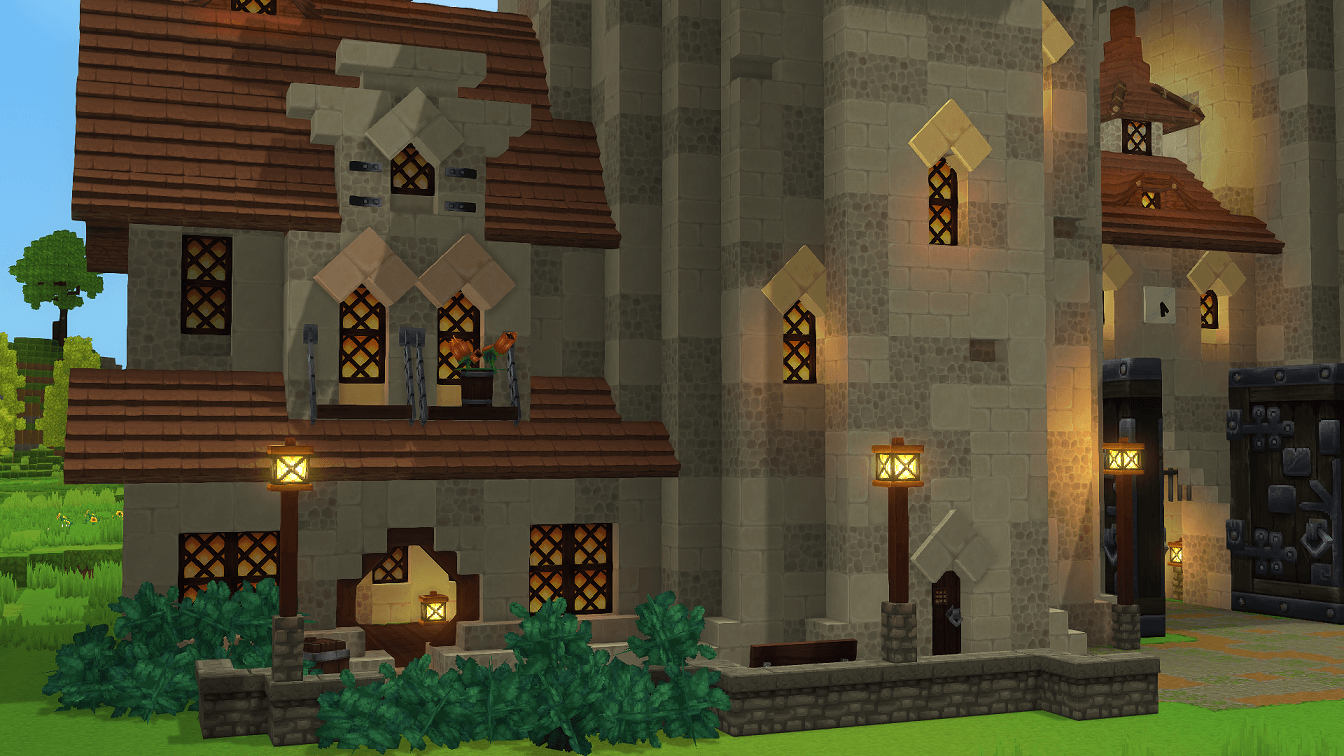
Hytale2026-01-29_22-08-29.png
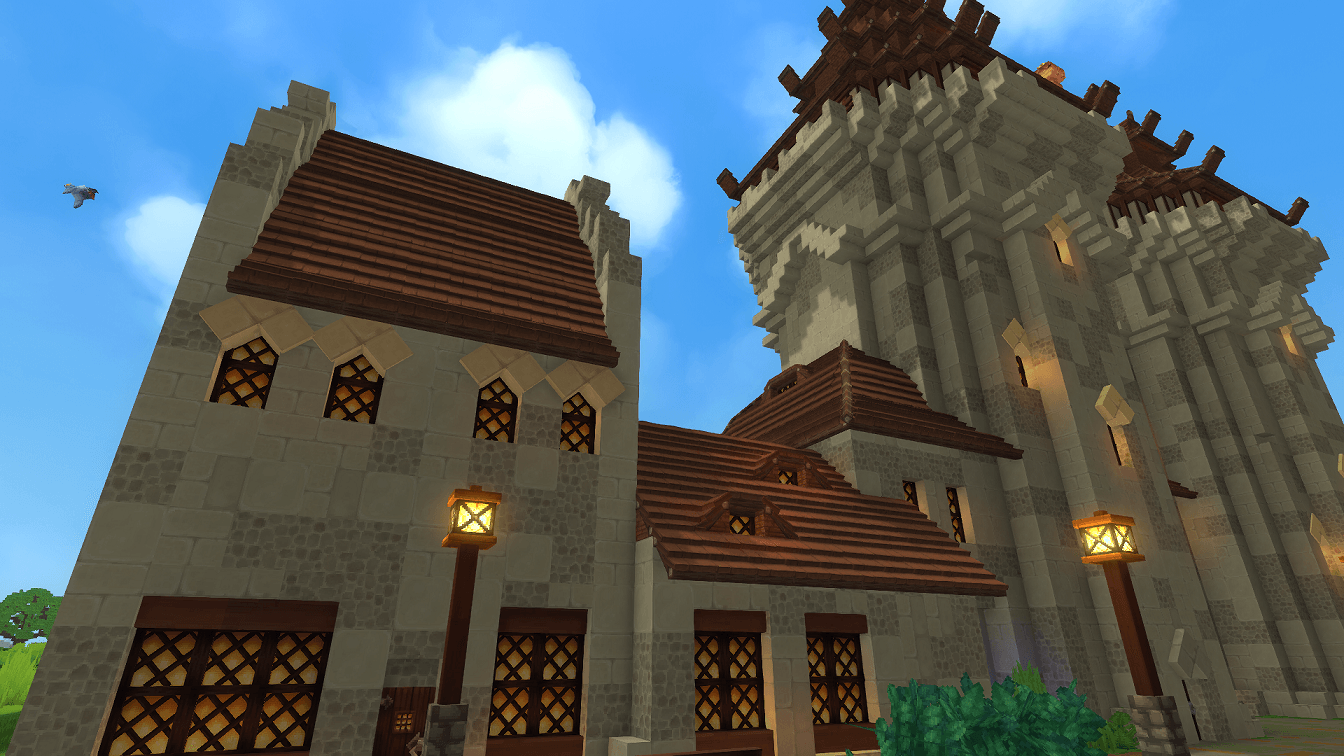
Hytale2026-01-29_22-09-35.png
Hytale2026-01-29_22-08-39.png
Hytale2026-01-29_22-09-04.png
Hytale2026-01-29_22-10-35.png
Hytale2026-01-29_22-09-20.png
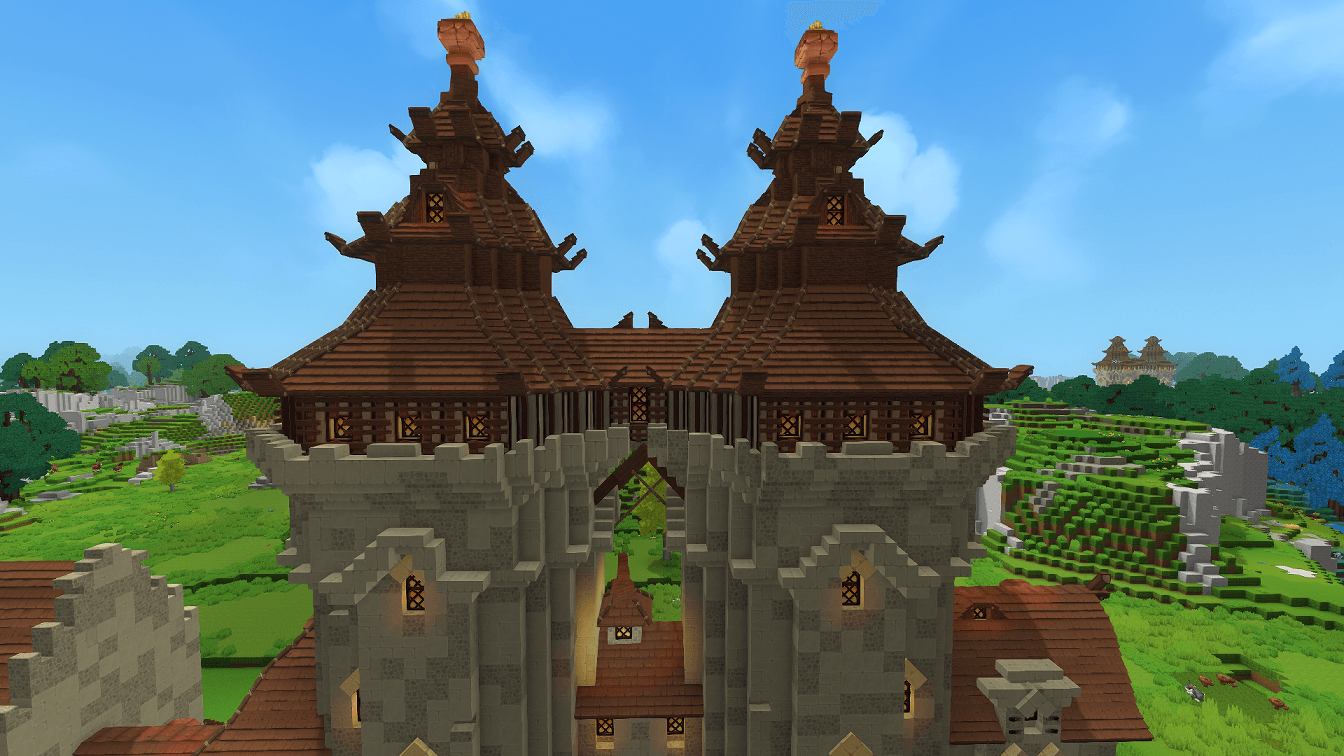
Hytale2026-01-29_22-10-59.png
Description
This gatehouse idea came to me when I was looking for inspiration and found a pinterest board containing the works of Anton Pieck, the original designer of most if not all of the original architecture in the theme park, The Efteling in the Netherlands.
I have been to the park many times, and was always inspired by the amazing detail on the buildings. The crazy wonky towers and fairytale vibe. I felt Hytale would be a great fit for this style, so this is my first attempt at something like this.
I did not include an interior this time, as it's more of an experiment, but I am proud of the result and detailing of this build.
---------------------------------------------------------------------------------------------------------------------
How to Add This Prefab to Your Hytale World
1. Download the prefab from this CurseForge page.
2. Locate your Hytale Prefabs directory inside your save:
3. For example, C:\Users\[YOURNAME]\AppData\Roaming\Hytale\UserData\Saves\[WORLDNAME]\prefabs
4. Place the watchtower prefab folder or file inside the Prefabs directory.
5. Launch Hytale and open your world (or create a new one).
6. Enter Creative Mode.
7. Open the Prefab Placement Tool.
8. Select the prefab from the list, or type /prefab list and select it that way.
9. Use PageDown to lower the prefab into the ground
10. Place it anywhere in your world. Coastal cliffs and elevated terrain work especially well.
11. Cleanup the area, as it may override other terrain.
---------------------------------------------------------------------------------------------------------------------
Part of my Hyfantasy Series.
Efteling Gatehouse [Proto's Hyfantasy Series] Team

![Fortified Farm [Proto's HyFantasy Series] project image](https://media.forgecdn.net/avatars/thumbnails/1667/258/256/256/639061079760497513.jpeg)
![Airship [Proto's Hyfantasy Series] project image](https://media.forgecdn.net/avatars/thumbnails/1664/537/256/256/639059864784924682.png)
![Medieval Starter Base [Proto's Hyfantasy Series] project image](https://media.forgecdn.net/avatars/thumbnails/1659/510/256/256/639057255476006285.png)
![The Archmage's School [Proto's Hyfantasy Series] project image](https://media.forgecdn.net/avatars/thumbnails/1658/480/256/256/639056657420174835.png)