
Vitja’s Minimap & Better Map
- By

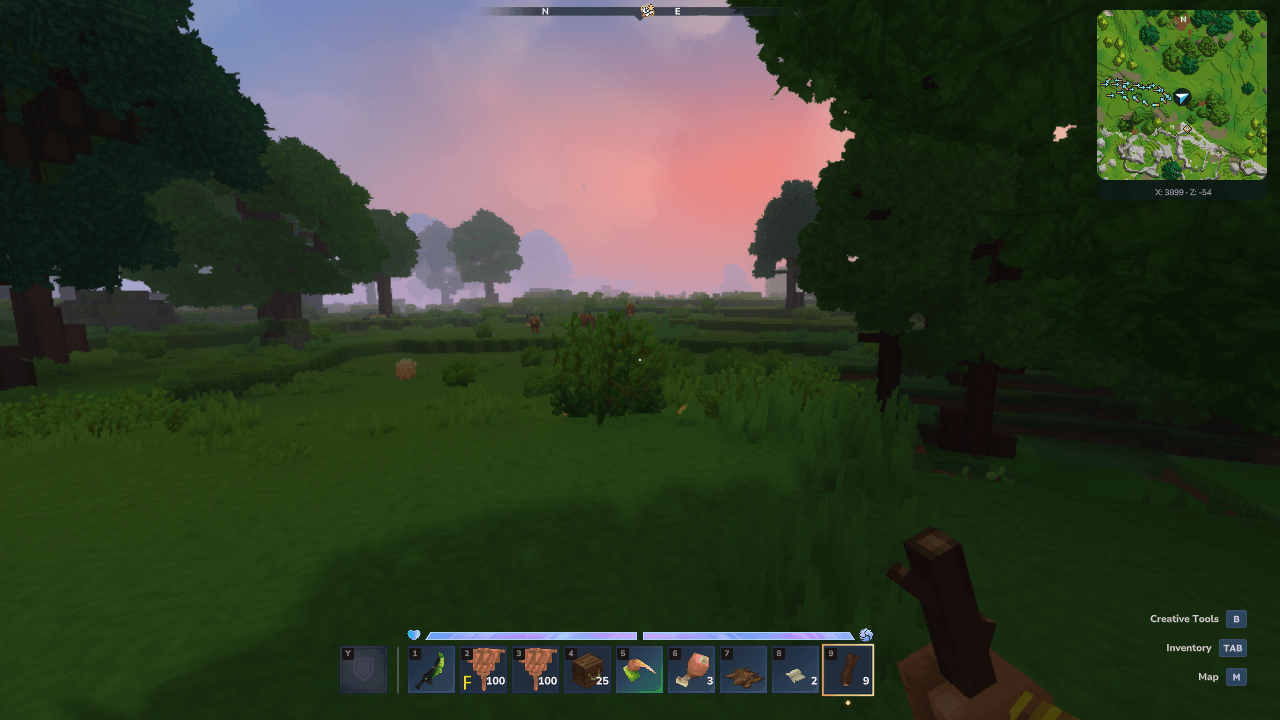
Keep nearby surface terrain in view while exploring. The separate player arrow follows your facing direction, travel arrows mark your route, and X/Z coordinates stay visible below the map.
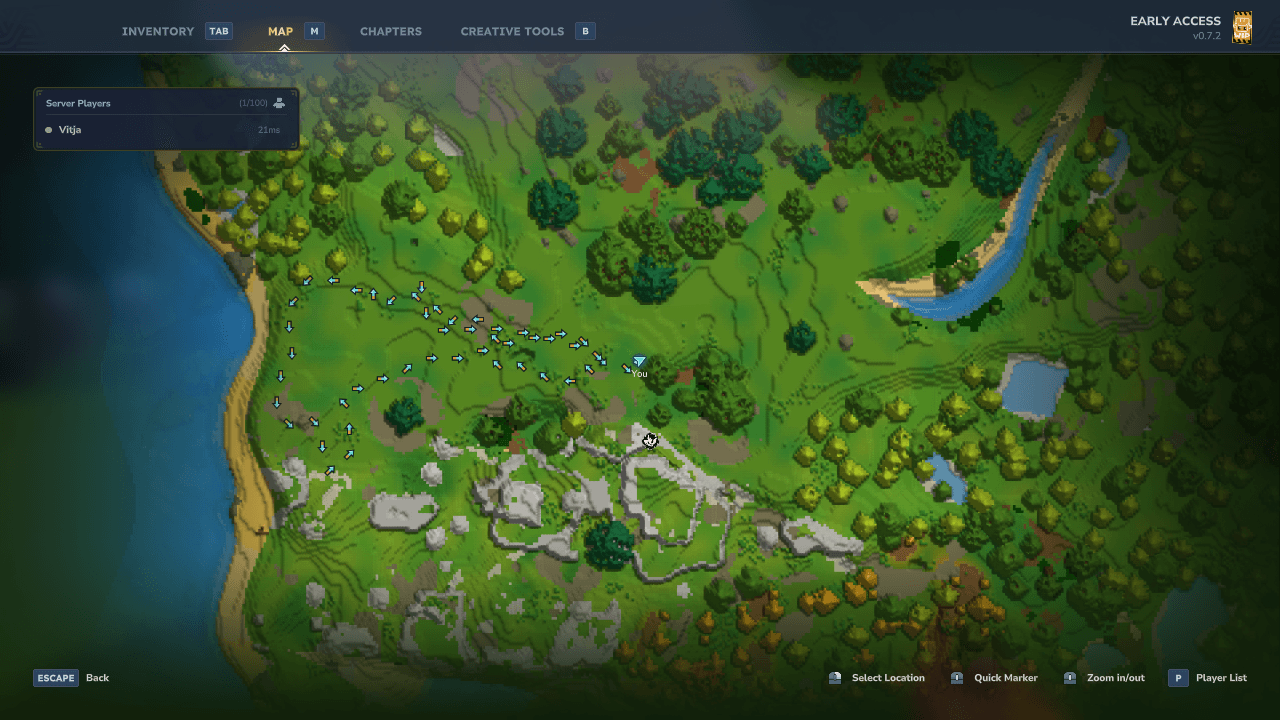
Browse recorded surface terrain on the large map. Exploration is saved per player and world within server storage limits; the directional trail shows the route you travelled.
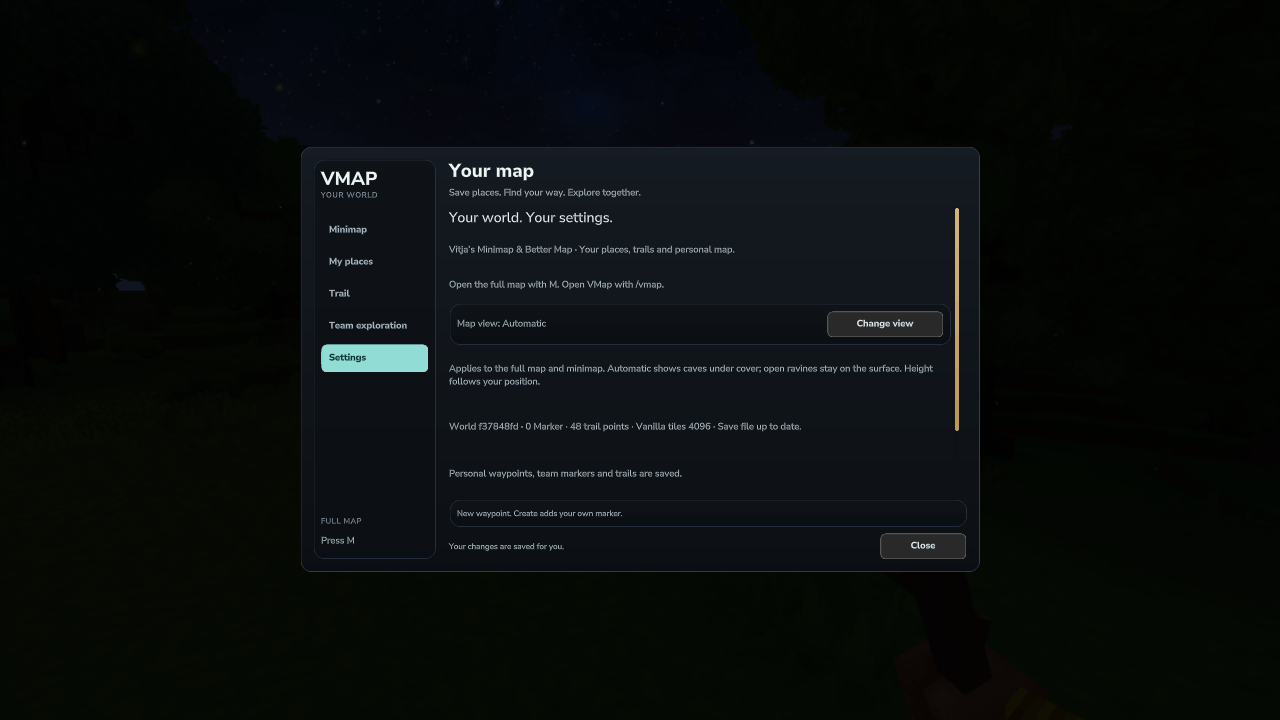
Settings apply to the minimap and large map. Automatic selects cave view under cover and surface view in open terrain; Change view also lets you choose Surface or Cave manually.
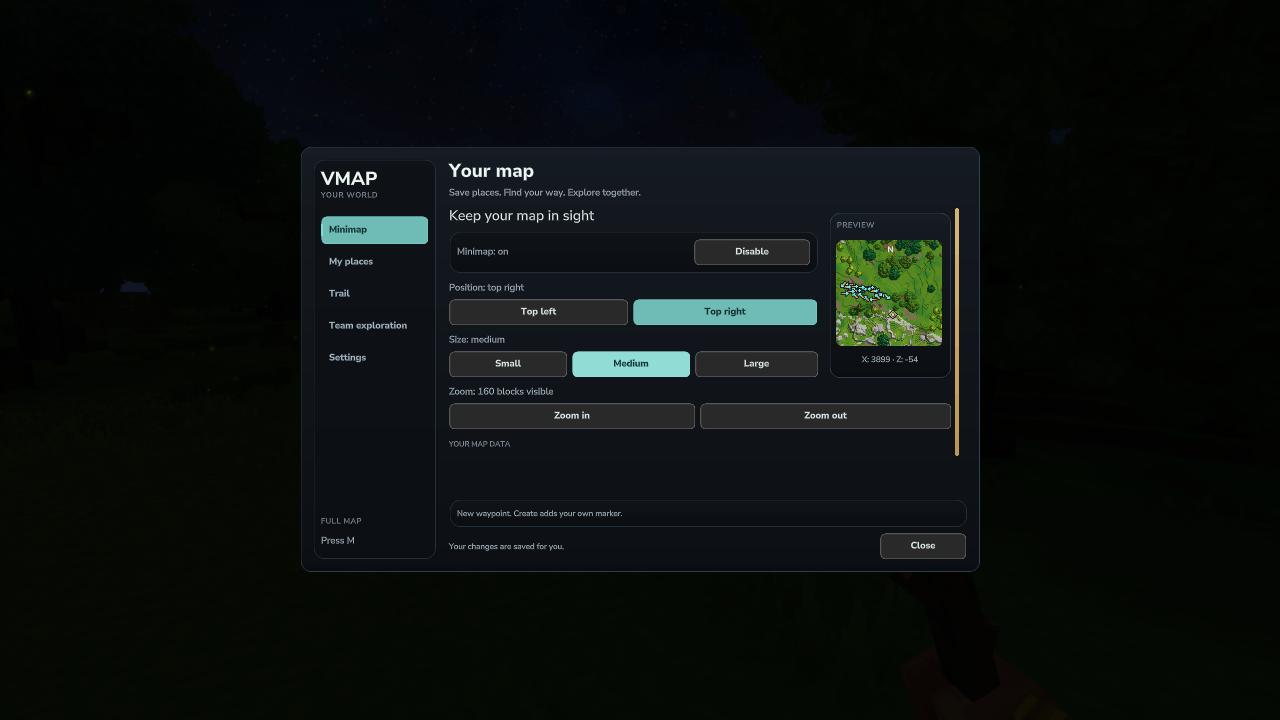
Choose the top-left or top-right corner, three display sizes and five terrain zoom levels. The live preview shows the map, player arrow and coordinates before you close the settings page.
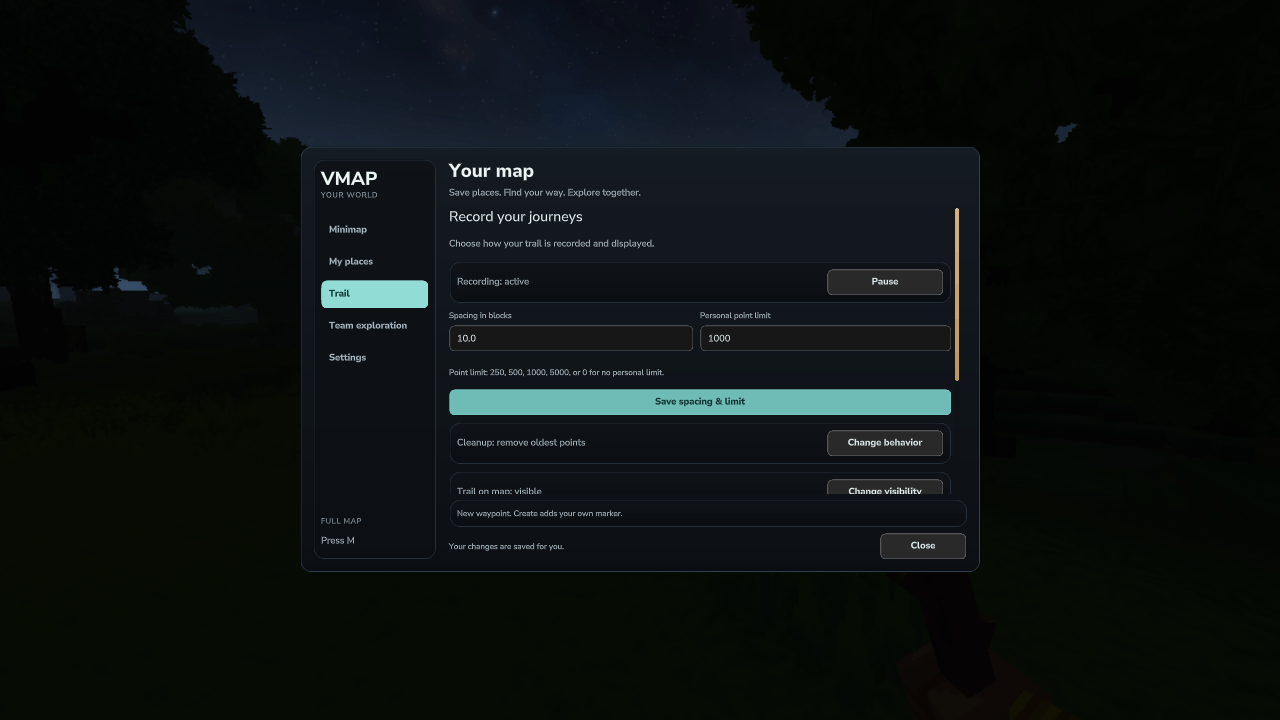
Record a directional trail as you explore. Choose the sample spacing, stored point limit and cleanup behaviour to keep a useful route back through the world.
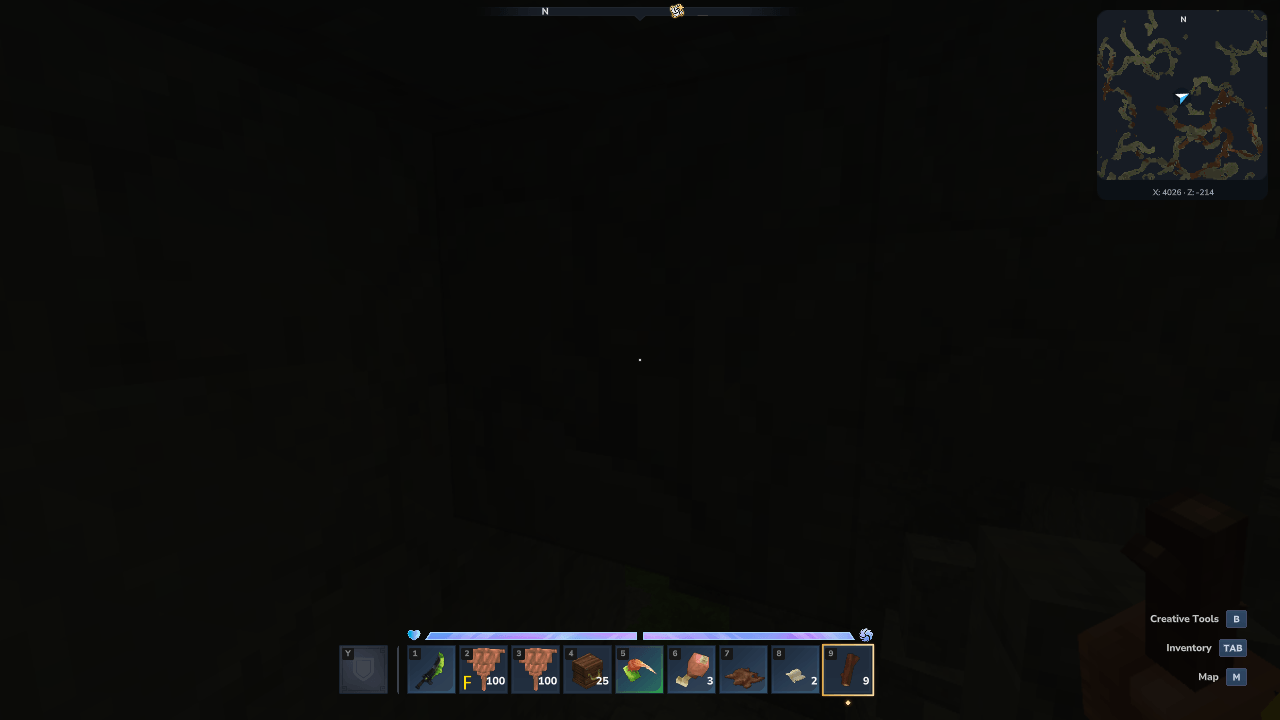
The live minimap reveals nearby cave passages at your current height. Automatic view switches under cover; cave terrain is a local view of loaded blocks.
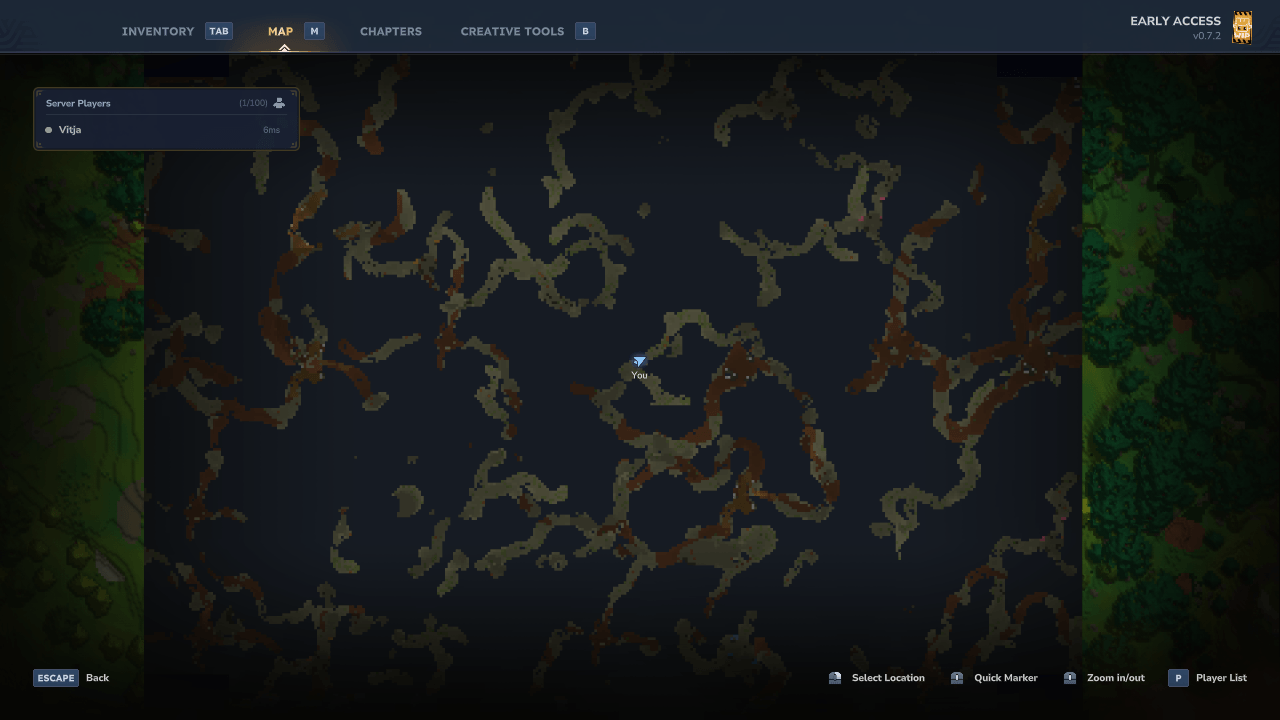
Open the large map to inspect nearby underground passages around your current height. The selected surface, cave or automatic mode applies to both map views.
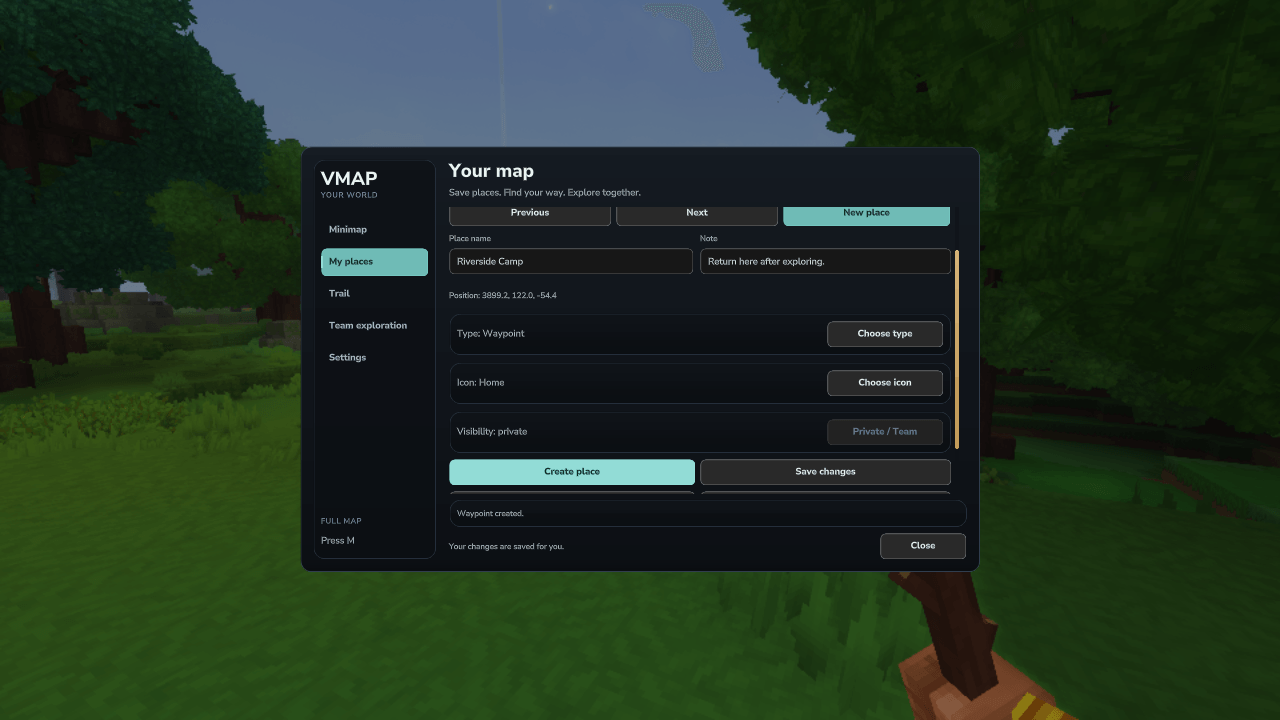
Save a personal waypoint with a name, note and recognisable icon. Manage saved places from this page and find their markers on the minimap and large map.