Code Creature's Stencil Crafting
- By
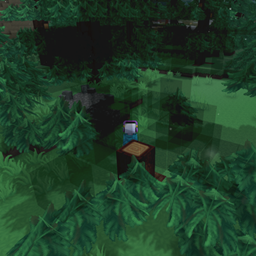
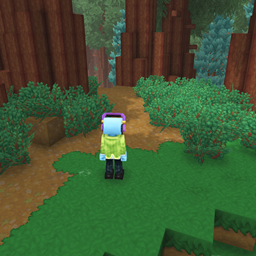
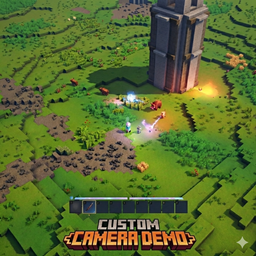
This is a fundamentally new way to build with structural crafting. No more builders or furniture bench. Simple easy resource collection and build!
Screenshot 2026-07-22 144848.png
Screenshot 2026-07-22 171856.png
Screenshot 2026-07-22 173024.png
Screenshot 2026-07-22 171450.png
Description
Stencil Crafting Plugin Guide
What This Plugin Is For
Stencil Crafting adds a blueprint-style building workflow to Hytale using a special tool called the Stencil Book.
The goal is to make structure building faster and more consistent by:
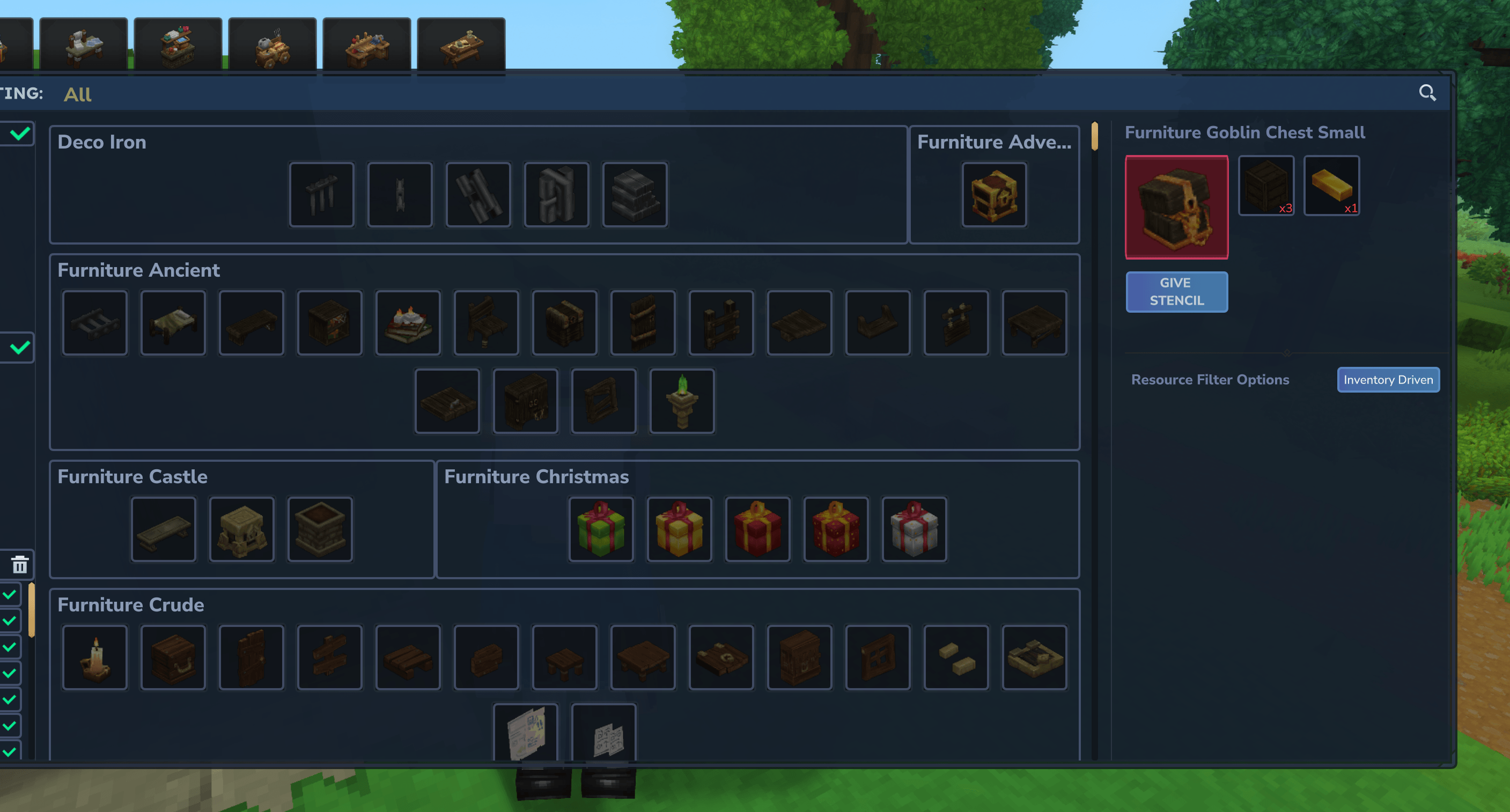
- Letting players browse and filter craftable block recipes in a custom UI.
- Creating reusable stencil items for placeable blocks.
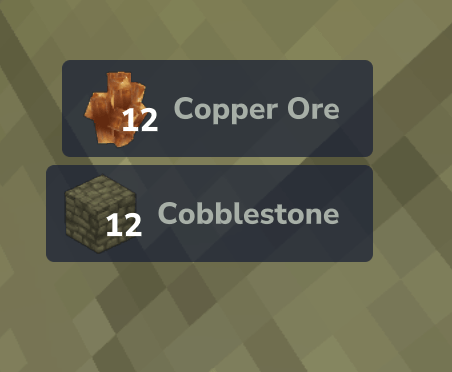
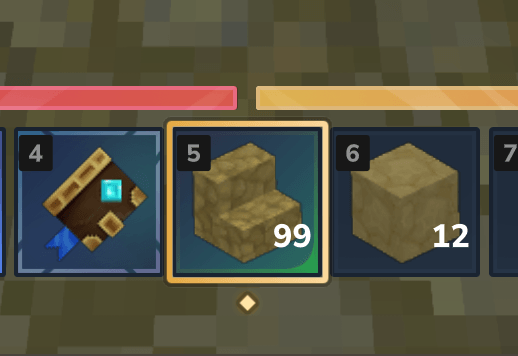
- Charging the recipe cost on placement instead of consuming the stencil itself.
- Supporting quick in-world stencil switching with Pick and a radial menu.
This is especially useful for players who do repeated block placement, themed builds, or production-style construction.
High-Level How It Works
At startup, the plugin registers commands, interactions, and runtime systems.
Core Flow
- A player uses the Stencil Book.
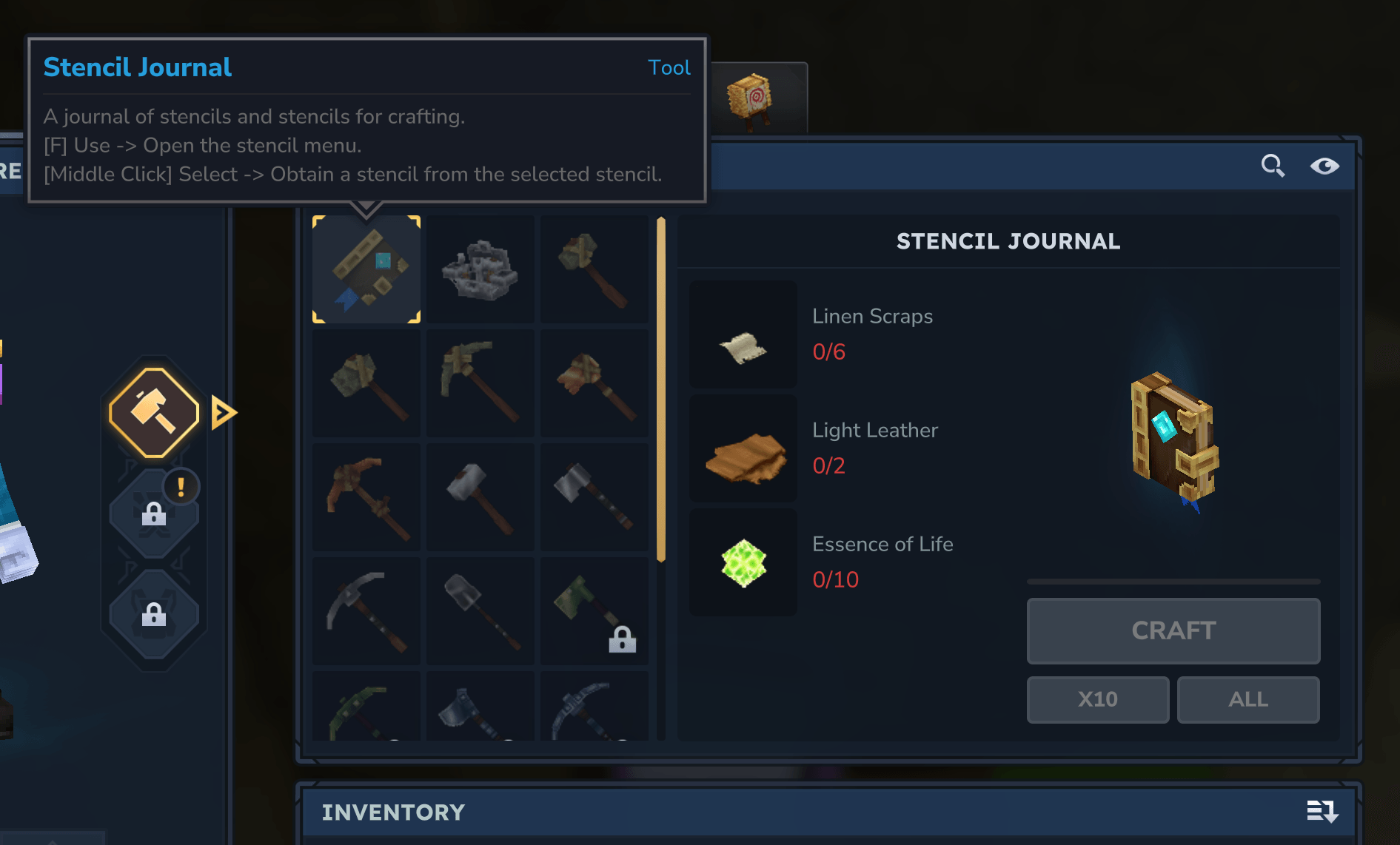
- The plugin opens a custom Stencil Crafting UI page.
- The player selects a recipe and receives a stencil item linked to that recipe.
- When the stencil is used to place a block, the plugin intercepts placement.
- The block is placed normally by the engine, while recipe materials are removed from inventory.
- A sync system keeps stencil stacks restored so stencils remain reusable.
Major Runtime Systems
- Plugin entrypoint: registers commands, interactions, and ECS systems.
- Recipe and bench registry: scans crafting recipes and groups bench tabs.
- Stencil placement system: validates affordability and consumes materials.
- Stencil sync system: restores stencil stack quantity after placements.
- Stencil drop destroy system: prevents stencil drops from creating world items.
- UI pages: Stencil selection page and radial stencil menu.
Player Guide
1. Get the Stencil Book
Craft or obtain the Stencil Book item. Its item config binds:
- Use interaction to open the Stencil Crafting UI.
- Pick interaction to choose stencils from targeted world blocks.
2. Open the Stencil Crafting UI
Use the Stencil Book to open the page. In the page you can:
- Switch bench tabs.
- Search by item name and description.
- Filter by set and material groups.
- Toggle affordability-related views.
- Select a recipe to generate a stencil item.
The page stores per-player preferences (selected tab, filters, search, and more) and restores them next time.
3. Place with a Stencil
Hold a stencil and place blocks normally.
- In Adventure mode, the plugin checks whether required resources are available.
- If affordable, it removes recipe materials and allows native placement.
- If not affordable, placement is canceled with feedback.
Because placement still uses native engine behavior, orientation and block-placement rules stay consistent.
4. Quick Swap While Building
When holding a stencil:
- Use opens a radial stencil menu for set-based switching.
- Pick raycasts the targeted block and swaps to a matching stencil recipe.
This helps builders sample existing structures and continue placing matching blocks quickly.
5. Remove a Stencil
Dropping a stencil destroys it instead of spawning a world item. This avoids stencil clutter in the world and keeps the workflow inventory-centric.
Bench tab grouping
Default bench tab grouping is provided by:
- src/main/resources/bench-tab-groups.json
At runtime, this is seeded into the plugin data directory if missing. It controls:
- Group display names
- Bench ID grouping
- Prefixes to skip
- Tab icons
Player UI preferences
Stored per player as JSON under:
- player_prefs in the plugin data directory
Known Behavioral Notes
- Resource consumption checks are applied in Adventure mode in the stencil placement flow.
- Stencils are metadata-tagged items, not separate base item types.
- Stencil stacks are intentionally maintained at a configured stencil stack size for reuse.
Code Creature's Stencil Crafting Team