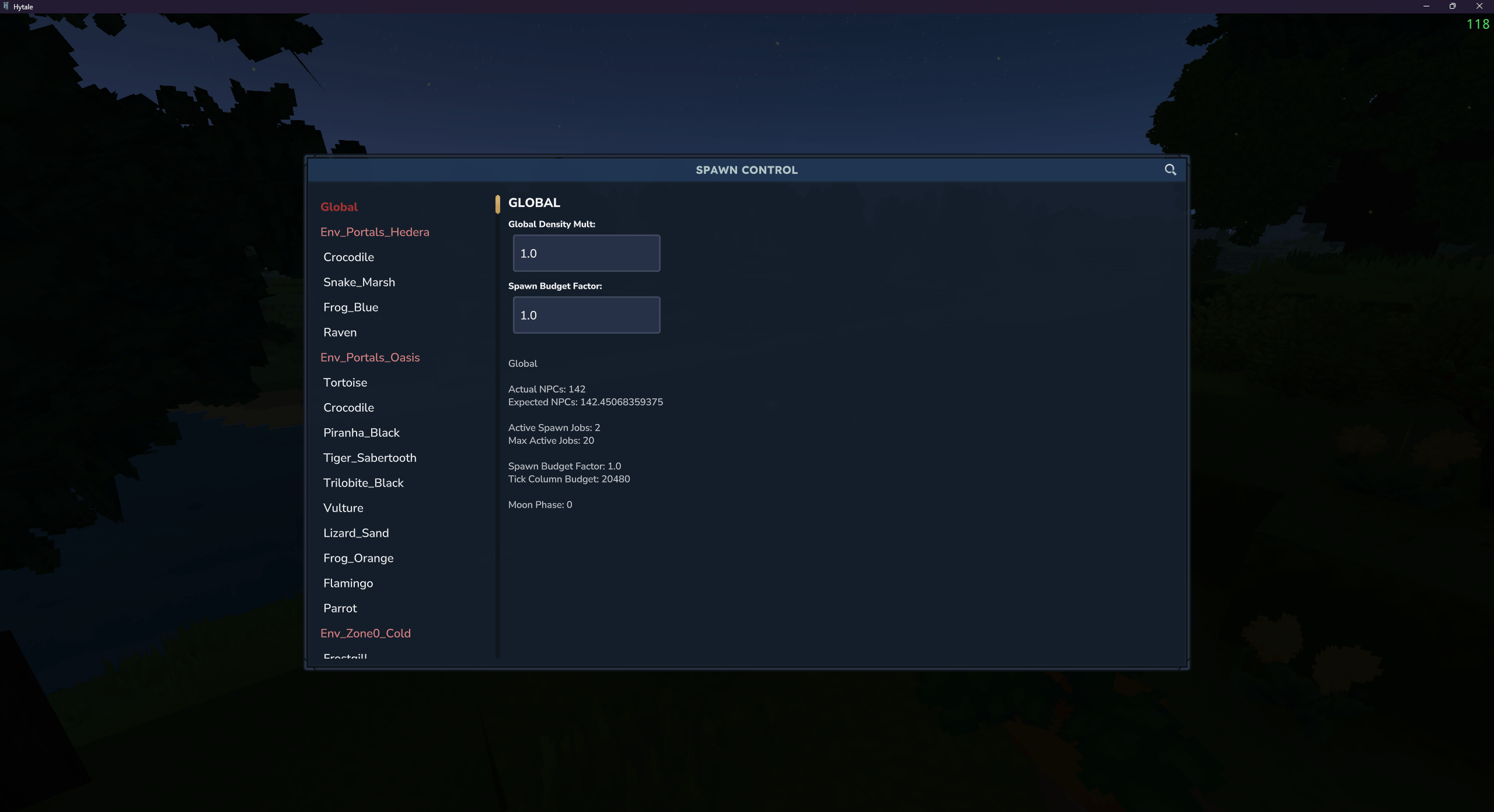
spawn_control_main.png
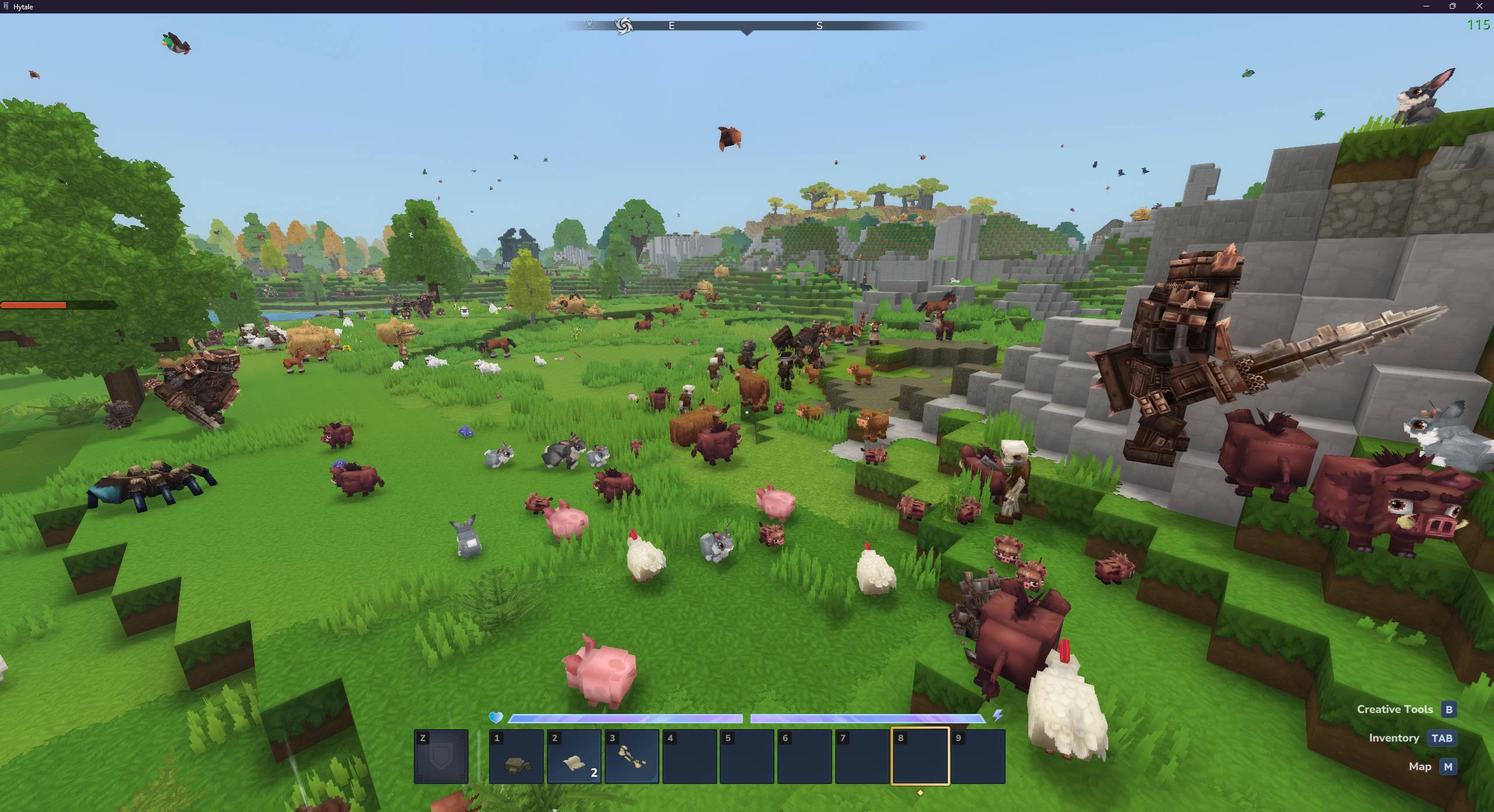
spawn_control_manyspawns_2.jpg
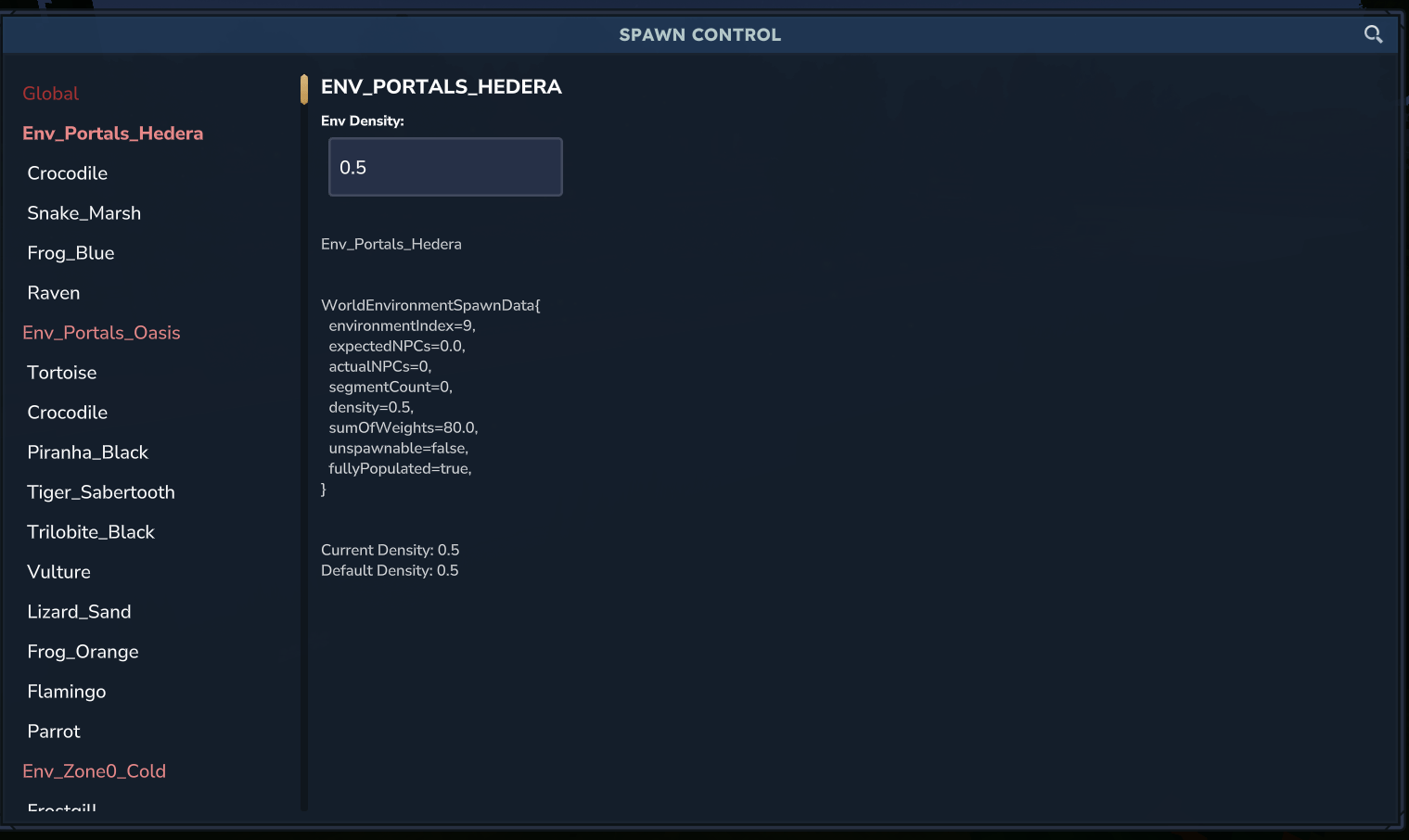
spawn_control_env.png
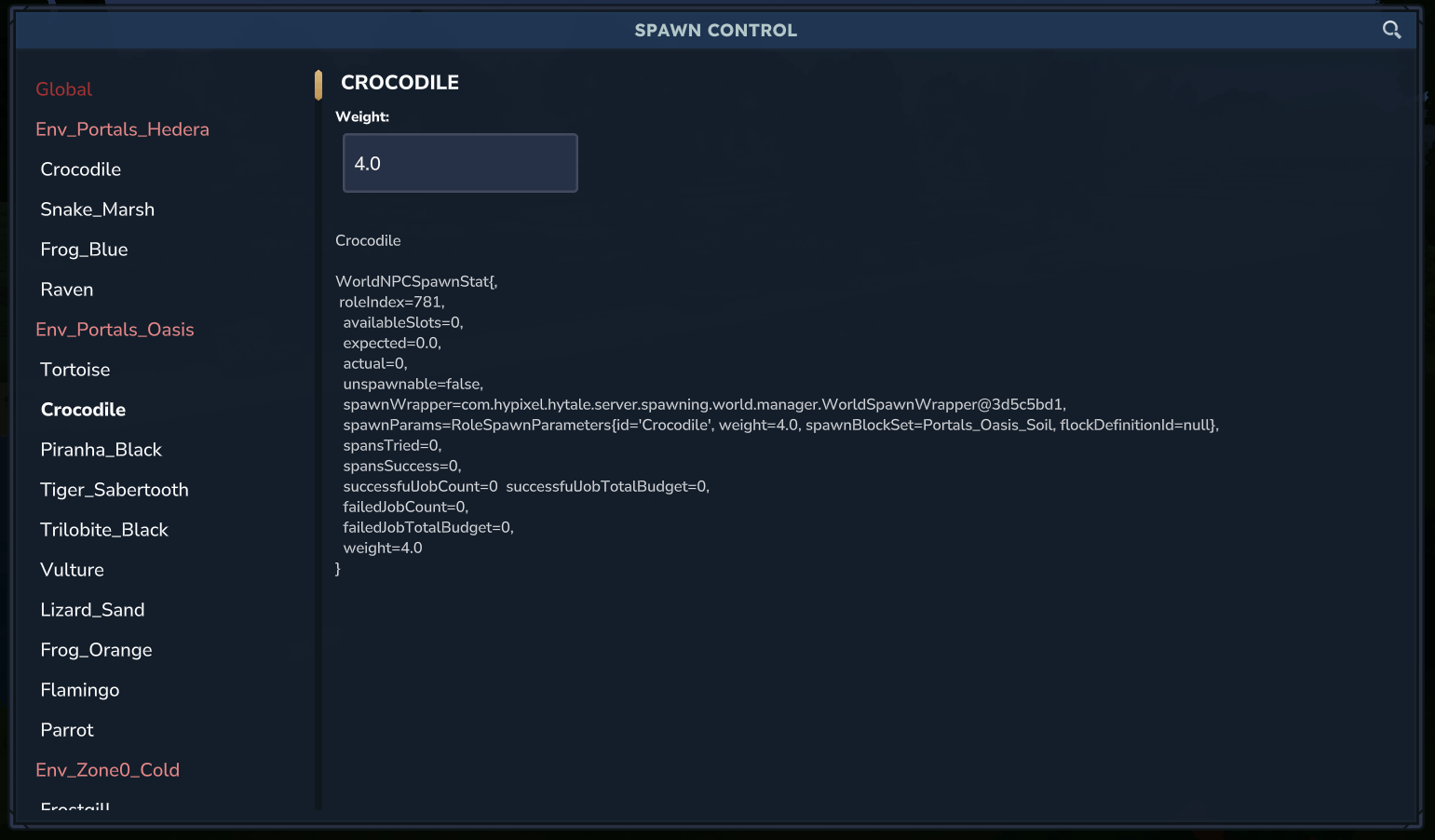
spawn_control_crocodile.png
Description

Gain realtime control over your mob spawns.
Use the command "/spawncontrol" (or alias "/spc") to summon the UI where you can individually edit controls either globally, per-environment, or per-mob-spawn in each environment.
You will be able to adjust mob density, and individual mob spawn weights per environment.
As of version 1.02, your settings will be saved, and when you login to the game they will be automatically applied.
Here is a brief education on mob spawning in Hytale:
Spawning is done per-environment and periodically the system will create "spawn jobs" which may spawn a mob pack (meaning a preconfigured mob pack of size 1 or more) in a random chunk. Each environment has a set "density" which is used to calculate the "expected NPCs" which is a maximum NPC count for that environment. The "expected NPCs" is calculated as such:
expectedNPCs = segmentCount * density / 1024.0;
Where density is the aforementioned value defined per environment, and segmentCount is essentially a calculation on size of that environment based on how many loaded chunks there are (segmentCount will be 0 if that environment is not present in your world). If the actualNPCs value reaches the expectedNPCs value, the system will stop spawning new NPCs for that environment.
Similarly, if the actual mob count of a specific type exceeds the expectedNPCs count by a certain margin, it will begin despawning NPCs of that specific type. (Despawn will occur if actual > (expected*1.25 + 4))
The spawn control utility provides a "global density mult" value which is not an actual value in the game, it is unique to this tool. What this will do is take the default density of each environment and multiply it by the factor you provide. Note that this will overwrite any custom per-environment density settings you have setup. If you set this value to 1.0, it will use the default game spawn densities for all environments.
The mod also exposes a value called "Spawn Budget Factor". Spawn Budget Factor is by default 1.0 and used to compute the value of Tick Column Budget
tickColumnBudget = floor(spawnBudgetFactor * 20480.0);
Each tick all the spawn jobs pull from the above available budget pool. Ultimately a "block budget" is computed as tickColumnBudget/world TPS (30 ticks per second), which by default is 682. One individual spawn job uses 3 budget each time it tries to spawn and fails (trying a random position in a chunk), up to a maximum of 64 budget before one individual spawn job gives up. If the total budget pool runs out (by default 682 total budget), the system is done trying to do any spawning at all for that tick.
The SpawnControl Team


Owner