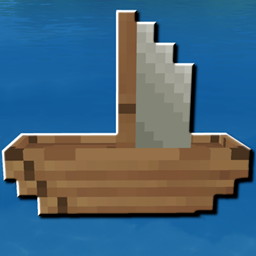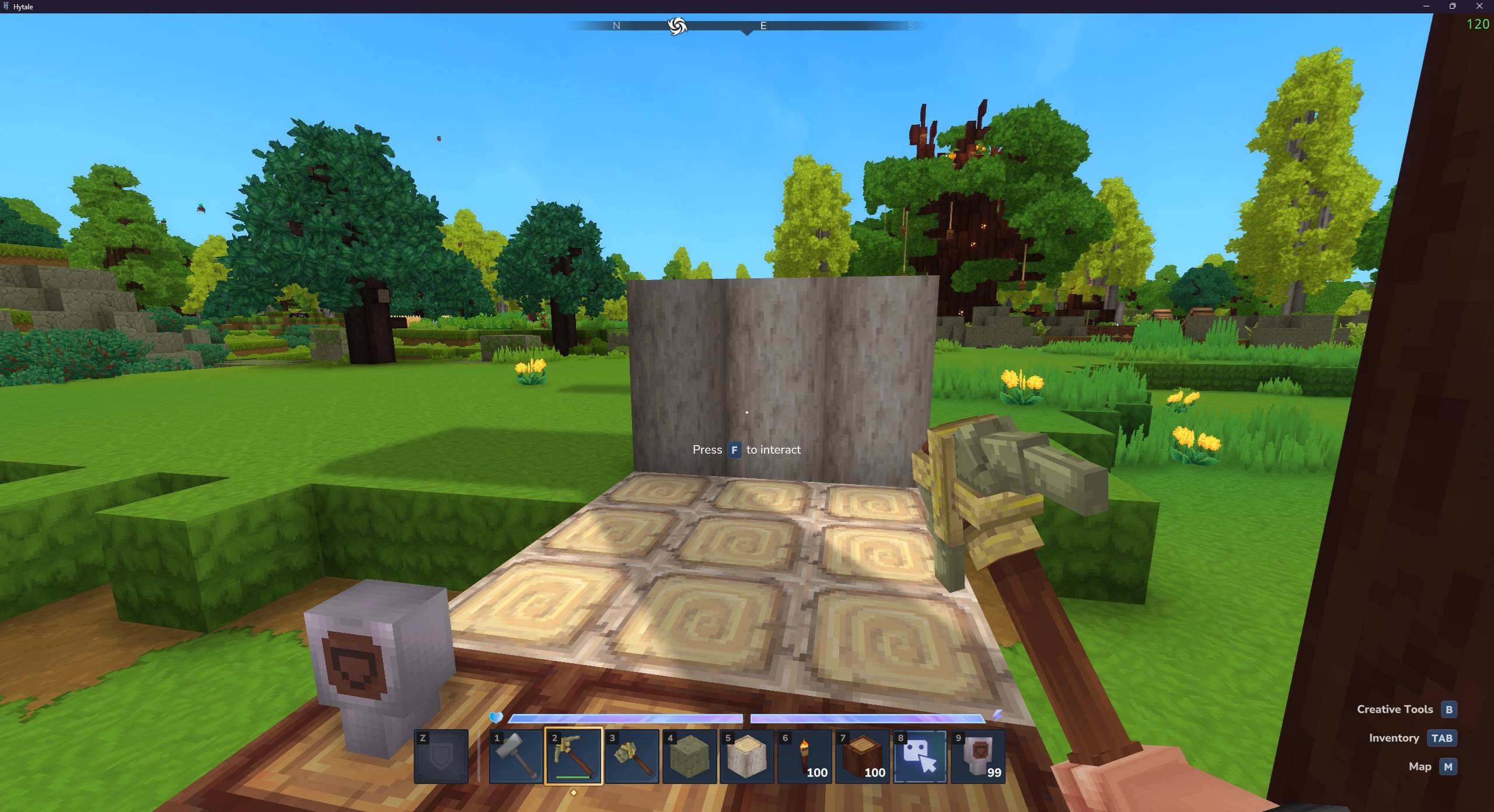
TheElevator.jpg
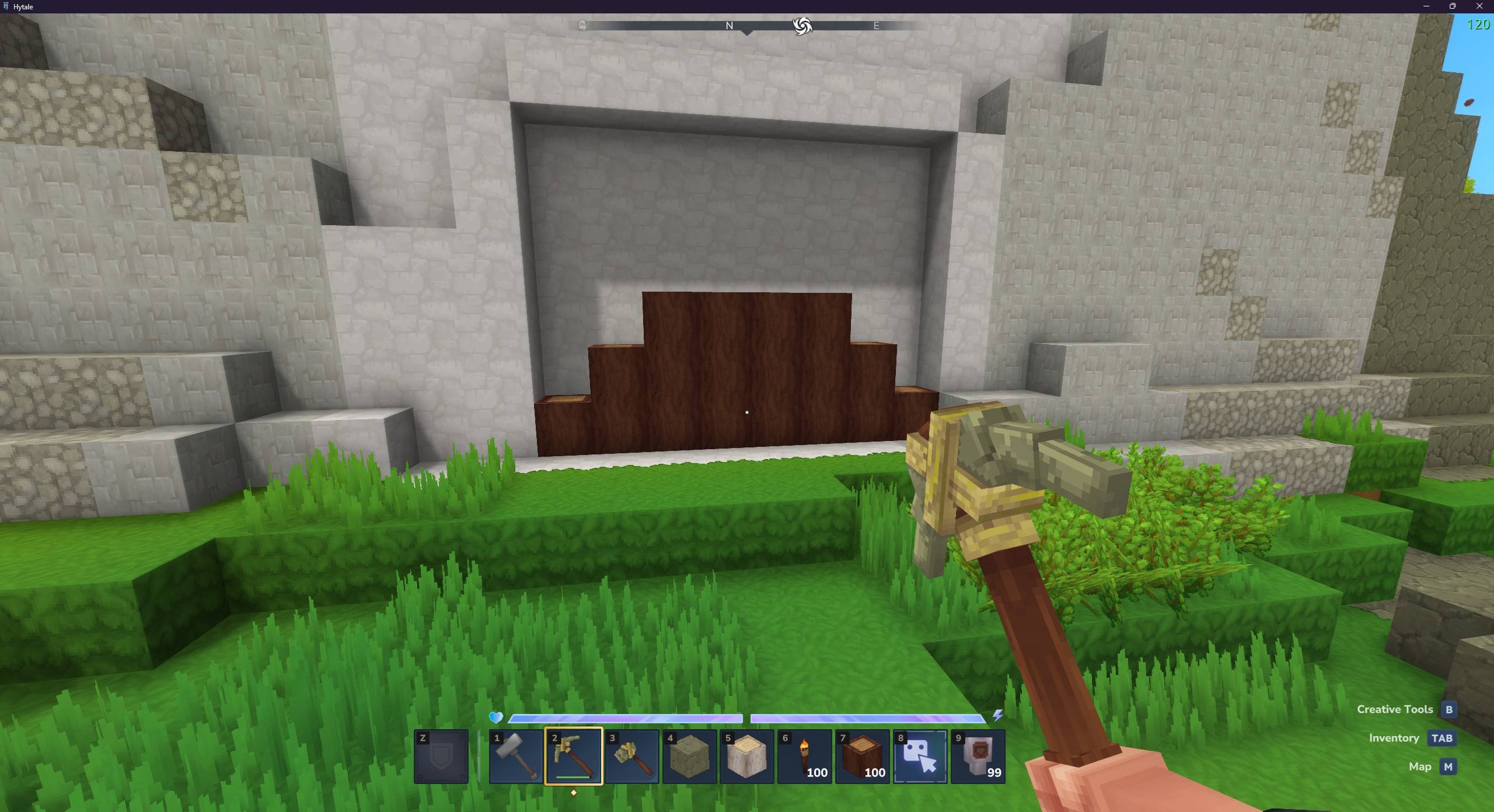
BigDoor.jpg
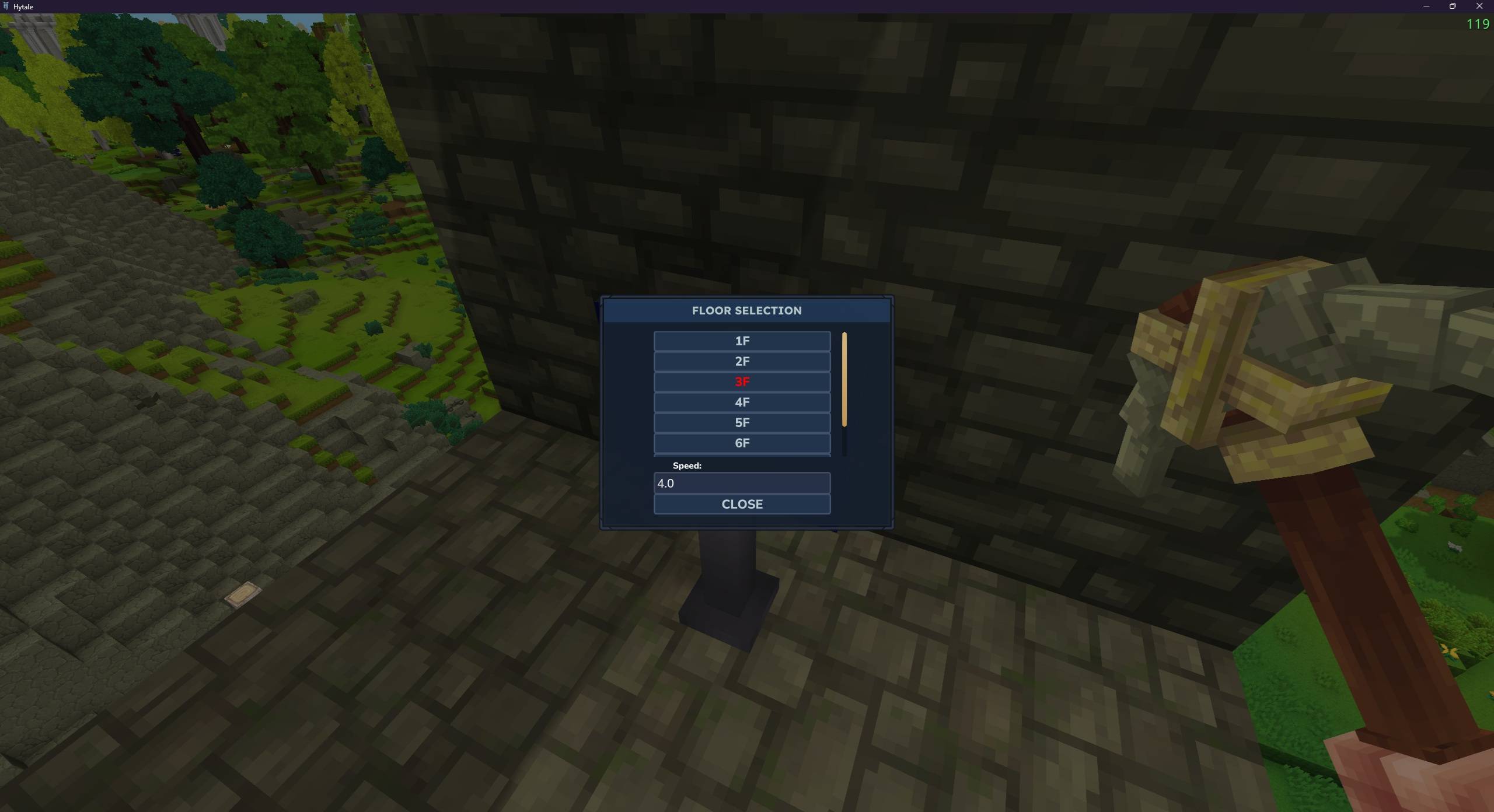
Floor_Selection.jpg
Description
Actual Elevators
Build your own elevator out of blocks, then use it to get around your base.
It can also be used to power large custom-made doors!
Here's how it works.
To get started, go to your Workbench and craft the new tool: Engineer's Hammer.
Build an elevator platform out of any blocks you'd like, then switch to the Engineer's Hammer and right click each block to convert them into Elevator Blocks. This is a one-time-only step.
After doing this, you now have a working elevator. Simply stand on the elevator, look at any block, and hit 'F' to go up. Press 'F' again while in motion to stop. If you would instead like to go down, press 'Crouch+F'. The elevator will naturally stop if it hits a block, so you will ideally want to build a small platform far above it where it can bump into and come to a stop.
Also included is a new Workbench block under the Tinkering category: the Elevator Call Switch. Place this near (but not on) the elevator. Then if the elevator is above or below you, press the call switch to summon it.
New in v1.03:
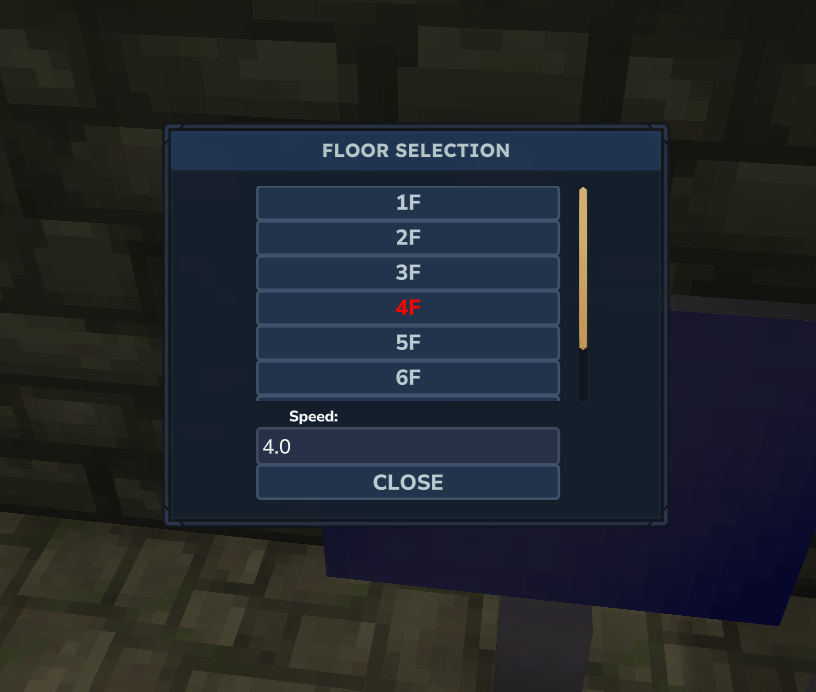
In the Tinkering section of the Workbench there is a new "Elevator Terminal". Add this to your elevator and use the Engineer's Hammer on it (right click). Then, step on your elevator and press 'F' while looking at the terminal. It will display a GUI where you can select which floor to go to. "Floors" are based on Elevator Call Switches, so make sure to place those or the terminal will not show any floors.
New in 1.04:
Summon config via "/actualelevators" or alias "/acte"
Important notes:
- Currently it's probably easy to cheat with this by using the Engineer's Hammer on random blocks - until I come out with a good idea/system, don't abuse it
- The elevator will go upwards forever until it either hits a block or you place an Elevator Call Switch somewhere. Ideally, you will want to build out the call switches before you test your elevator.
Accepting tips! https://ko-fi.com/dairymoose
ActualElevators Team


Owner