


Myrlin
- By
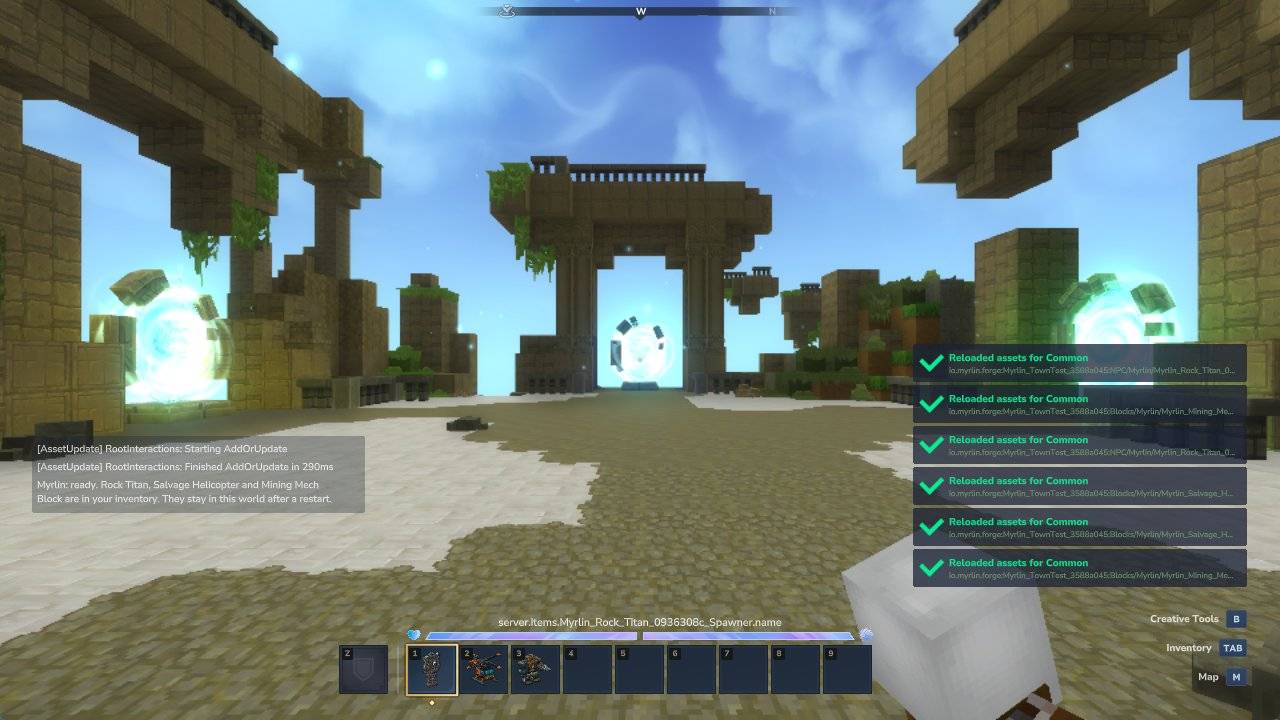
1-get-by-code.jpg
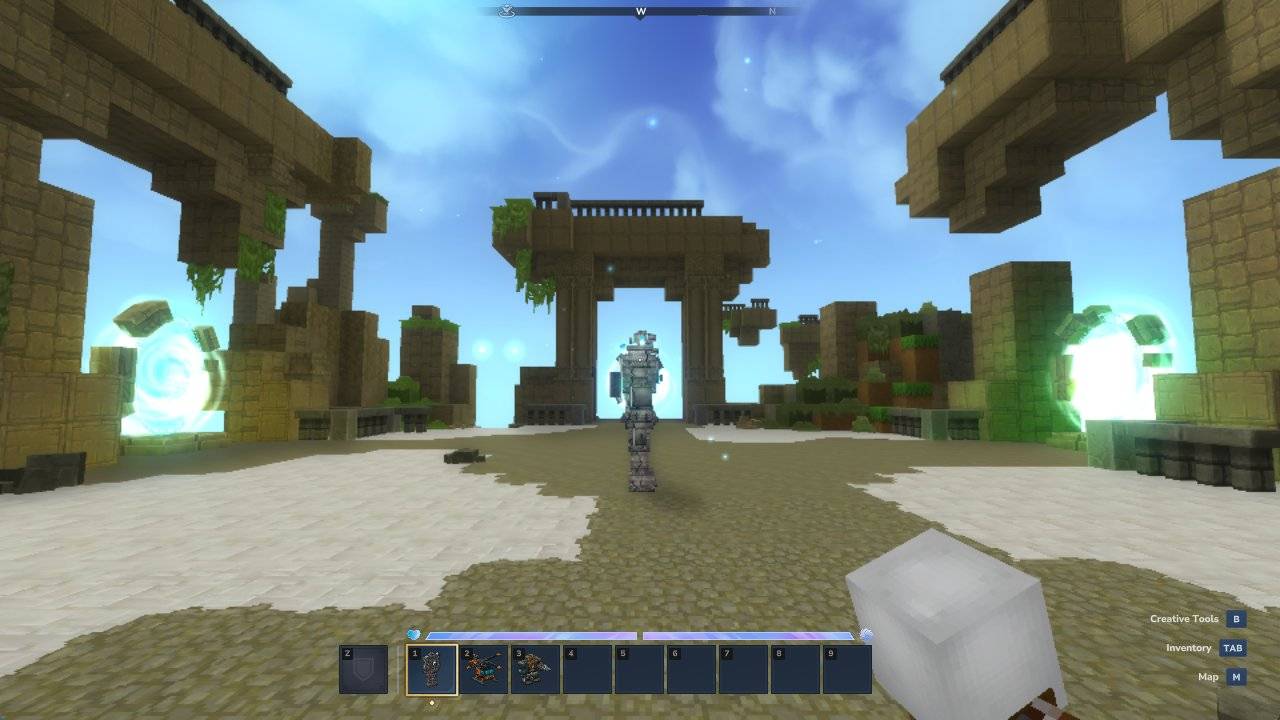
2-spawned-titan.jpg
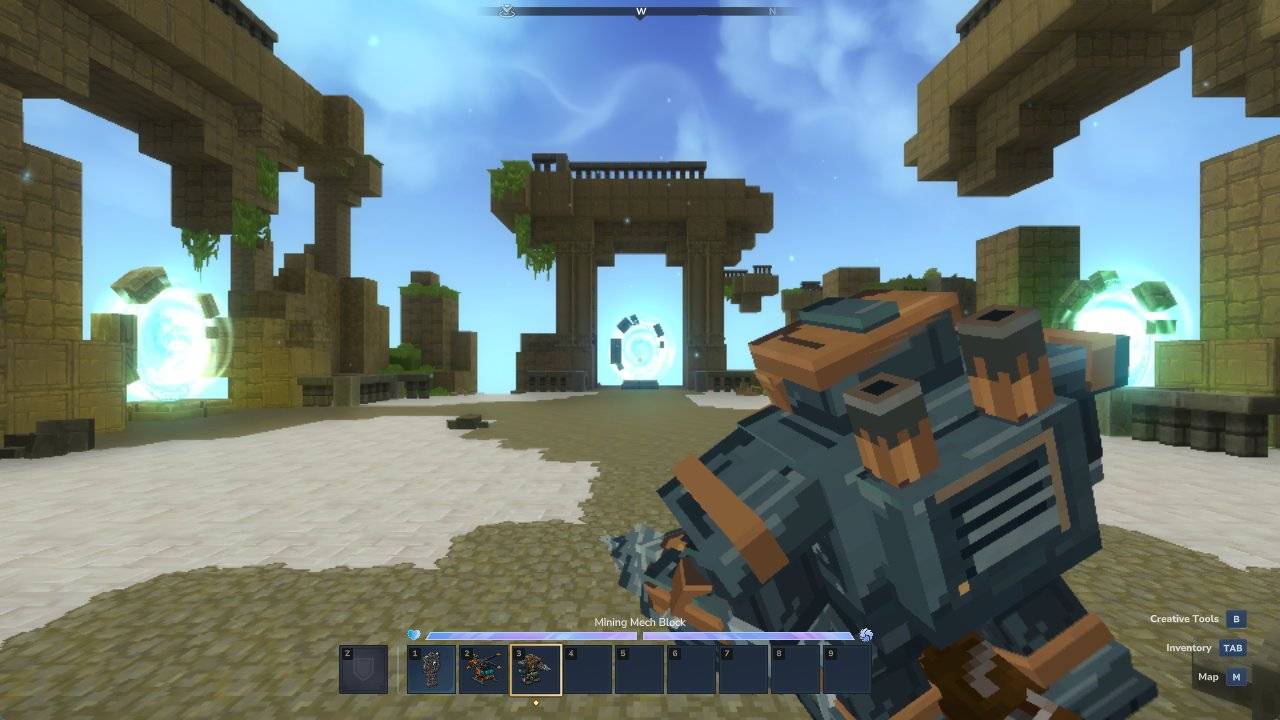
3-held-block.jpg
Description
Myrlin brings the models you made with Myrlin Forge into your Hytale world.
How it works
- Make or pick a model on forge.myrlin.io and get its code. A code looks like K7QP-3MXD.
- In your world, type
/myrlin get K7QP-3MXD. - The model's item lands in your inventory. A creature comes as a spawner: hold it and right-click the ground.
Tick Myrlin once in your world's Mods list. The models need no download, no Mods folder and no tick of their own, and they stay in the world after a restart. A newer code for the same pack updates it in place.
Commands
/myrlin get <code>: add your models by their code./myrlin: open your Myrlin library (skins and models on this server)./myrlin link: link your Myrlin account, on servers whose owner turned accounts on.
Who can use /myrlin get
The world's owner in singleplayer. On a server: operators and players with the permission myrlin.get.
What it downloads and what it sends
- It connects to api.myrlin.io only when a player types
/myrlin get, or when the server owner turns on Myrlin accounts in config.json. For a code it sends the code and the plugin and game versions. No telemetry. - What comes back is an asset pack: models, textures and data files, never code or programs. Every download is checked against the SHA-256 Myrlin's server sends, only Myrlin Forge packs are accepted, and they are kept in the world's own plugin folder.
- Privacy policy: https://forge.myrlin.io/privacy
Known in Hytale 0.7.2
Props and blocks added this way look pink and black until you leave and join the world again. Creatures, weapons and item names look right at once.
<sub>Myrlin is a free plugin. Myrlin Forge, where the models are made, is a separate paid service. Myrlin is not affiliated with or endorsed by Hypixel Studios.</sub>
Myrlin Team
