


Modern's Build Guide
- By
Modern’s Build Guide adds a simple planning block for builders who like to map things out before placing the real materials.
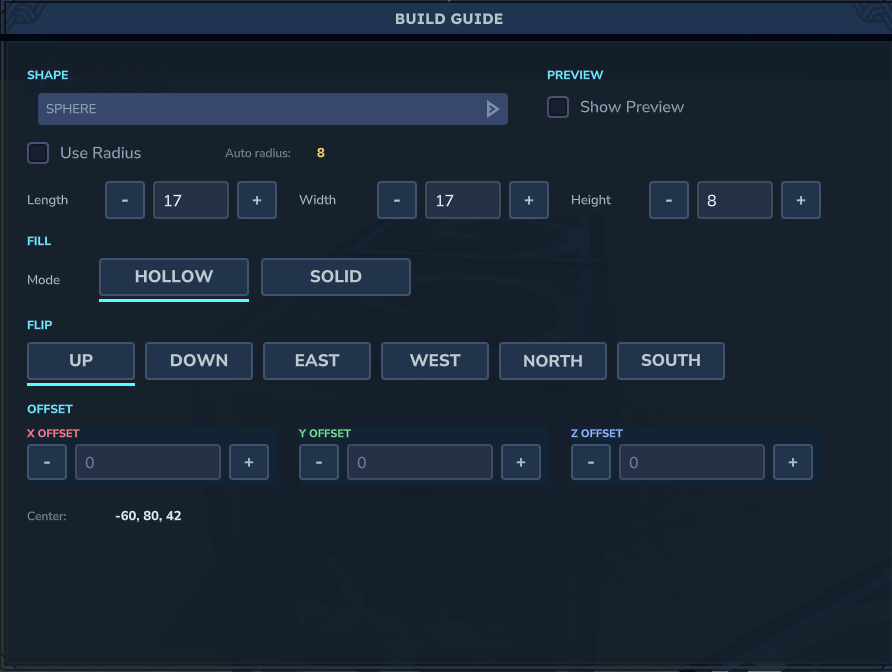
GUI.png
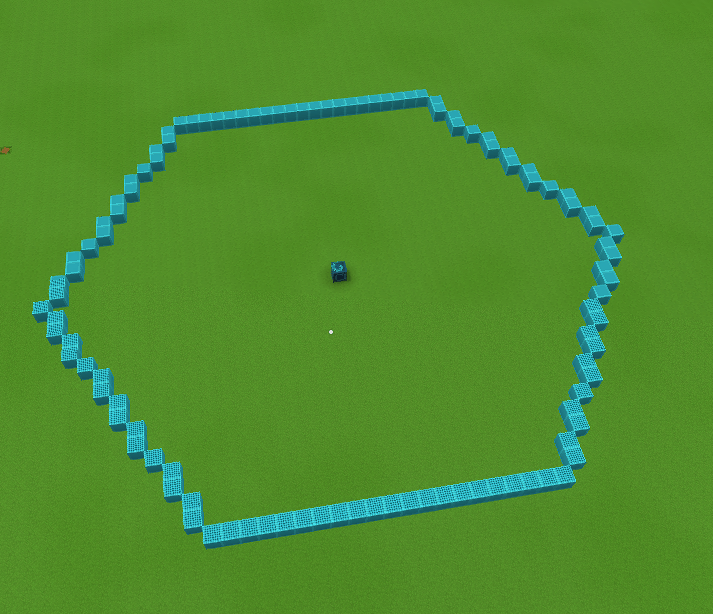
honeycell.png
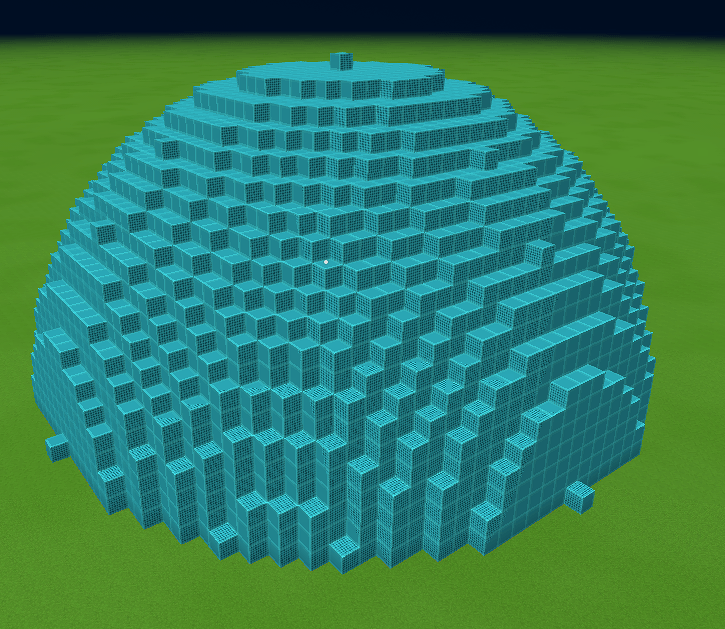
sphere.png
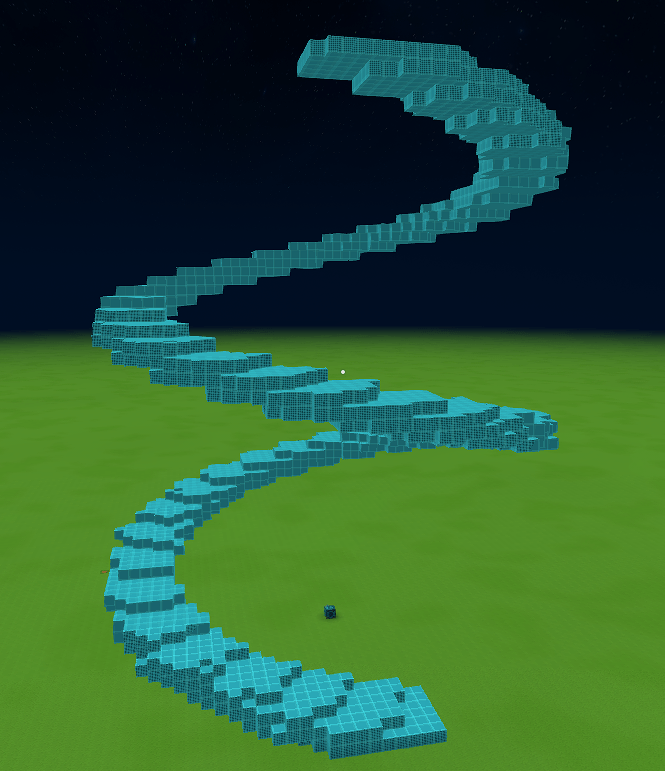
SpiralTower.png
Description
Modern’s Build Guide adds a simple planning block for builders who like to map things out before placing the real materials.
Place down a Build Guide block, interact with it, choose a shape, set the size, offset, fill mode, and direction, then toggle the preview on. The mod shows guide blocks where your build would go, with red markers for spots that are already blocked.
It is meant for planning large builds without tearing up terrain or accidentally replacing existing blocks.
Features:
- Build Guide block with saved settings
- Custom UI, no commands needed
- Shape previews centered on the guide block
- Hollow and solid modes
- Offset controls for X, Y, and Z
- Flip/orientation options
- Conflict markers for blocked spaces
- Preview markers do not replace existing blocks
- Settings stay saved on the guide block until it is broken
- Workbench Tinkering recipe
Included shapes:
- Sphere
- Dome
- Circle
- Ring
- Square
- Rectangle
- Triangle
- Pentagon
- Hexagon
- Octagon
- Honeycomb Cell
- Honeycomb Grid
- Star
- Cross
- Arch
- Cylinder
- Cone
- Torus
- Cube
- Pyramid
- Triangle Prism
- Pentagon Prism
- Hex Prism
- Spiral Tower
Recipe:
Crafted in the Workbench under Tinkering.
Requires:
- 100 Stone
- 100 Logs
- 50 Iron Ingots
- 50 Gold Ingots
- 50 Void Essence
Notes:
The preview is client-side and meant as a guide. It does not place the real build for you, and it does not delete blocks in the way. Red markers show conflicts so you can move or adjust the preview before building.
The Modern's Build Guide Team


