Merchant Port
- By
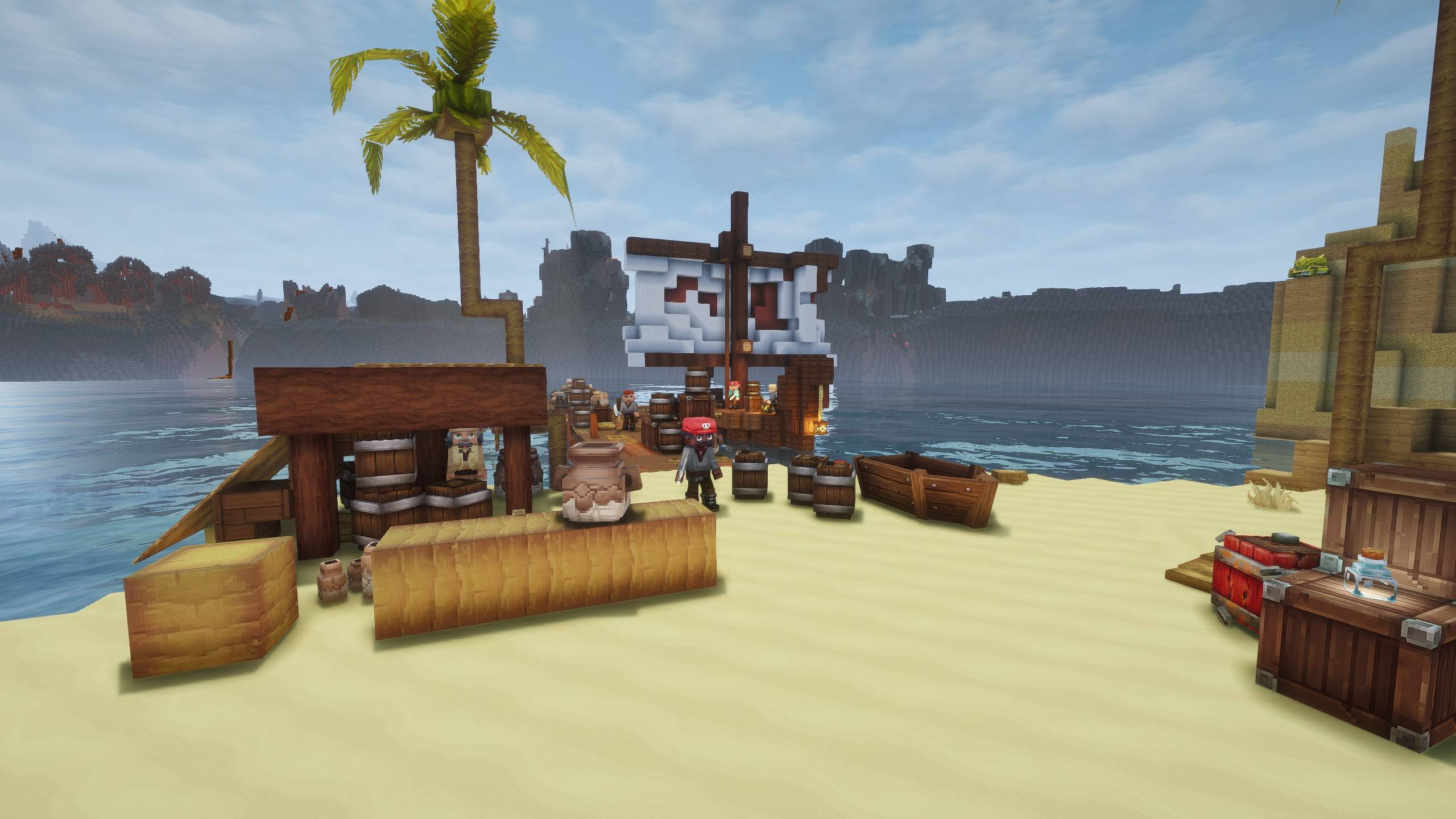
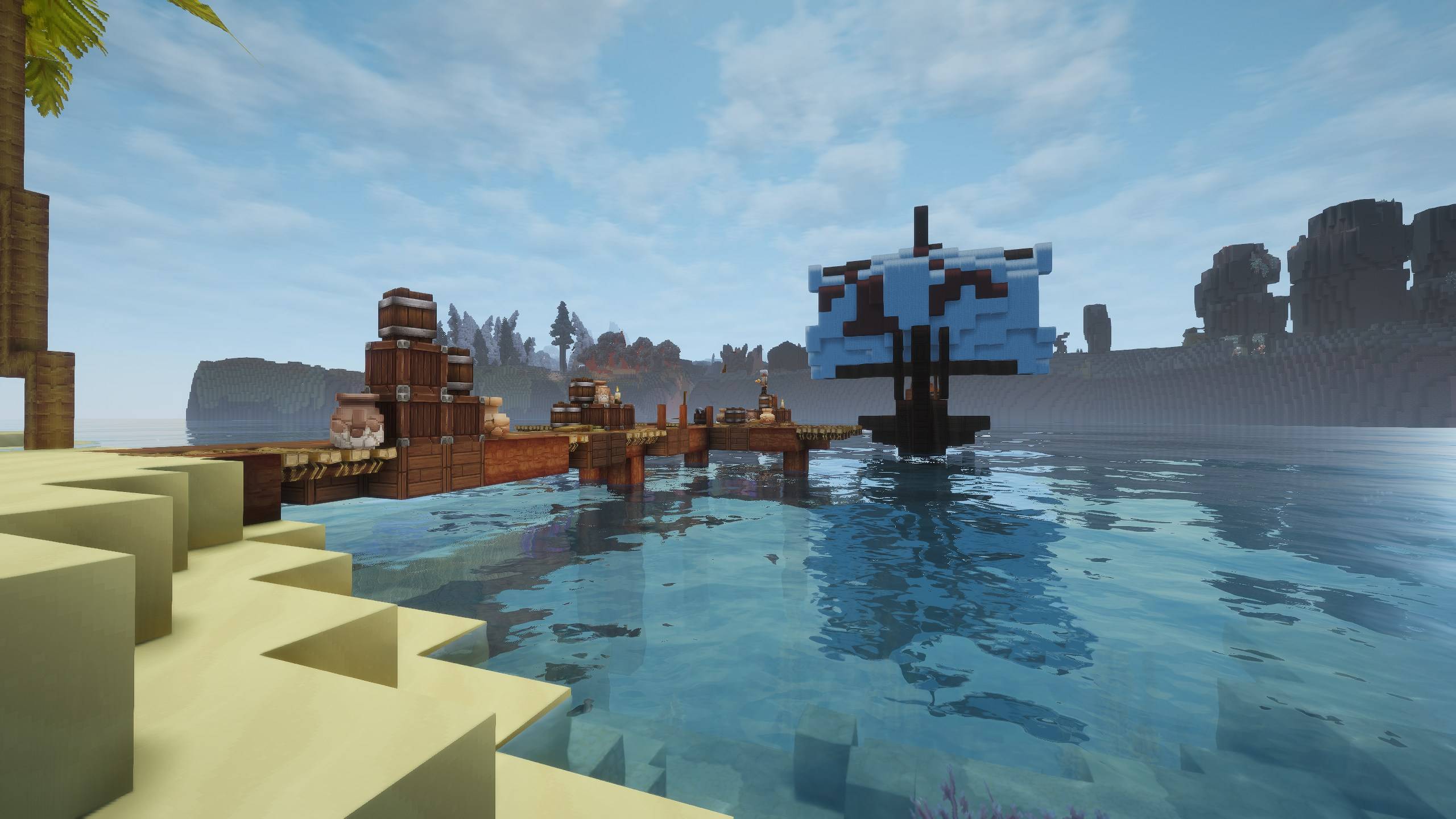
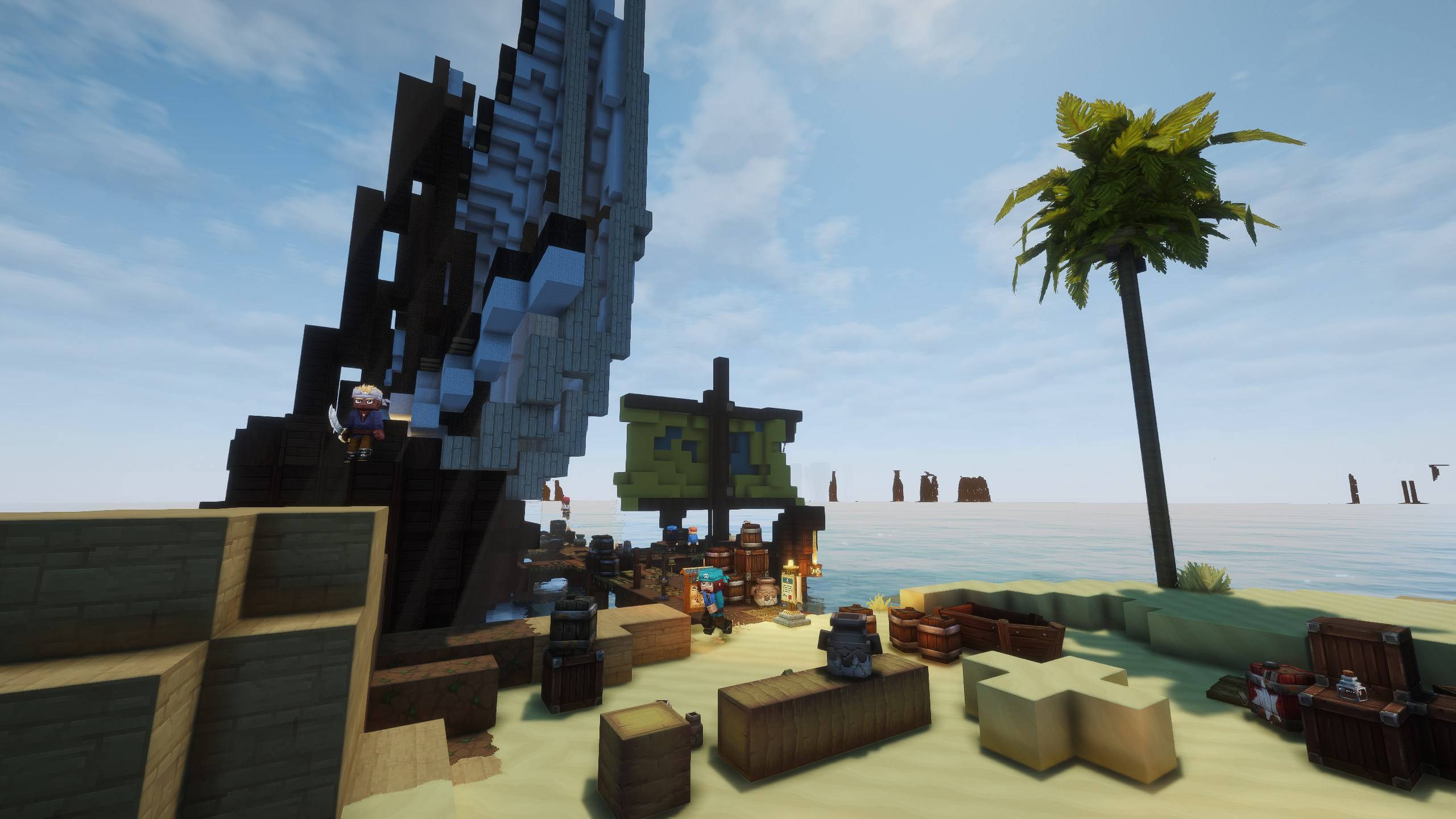
Merchant freighters dock at coastal ports to trade, and players can claim their own port, run a ship and trade across the sea.
Description

Discord support: https://discord.gg/6cmUR94bhA
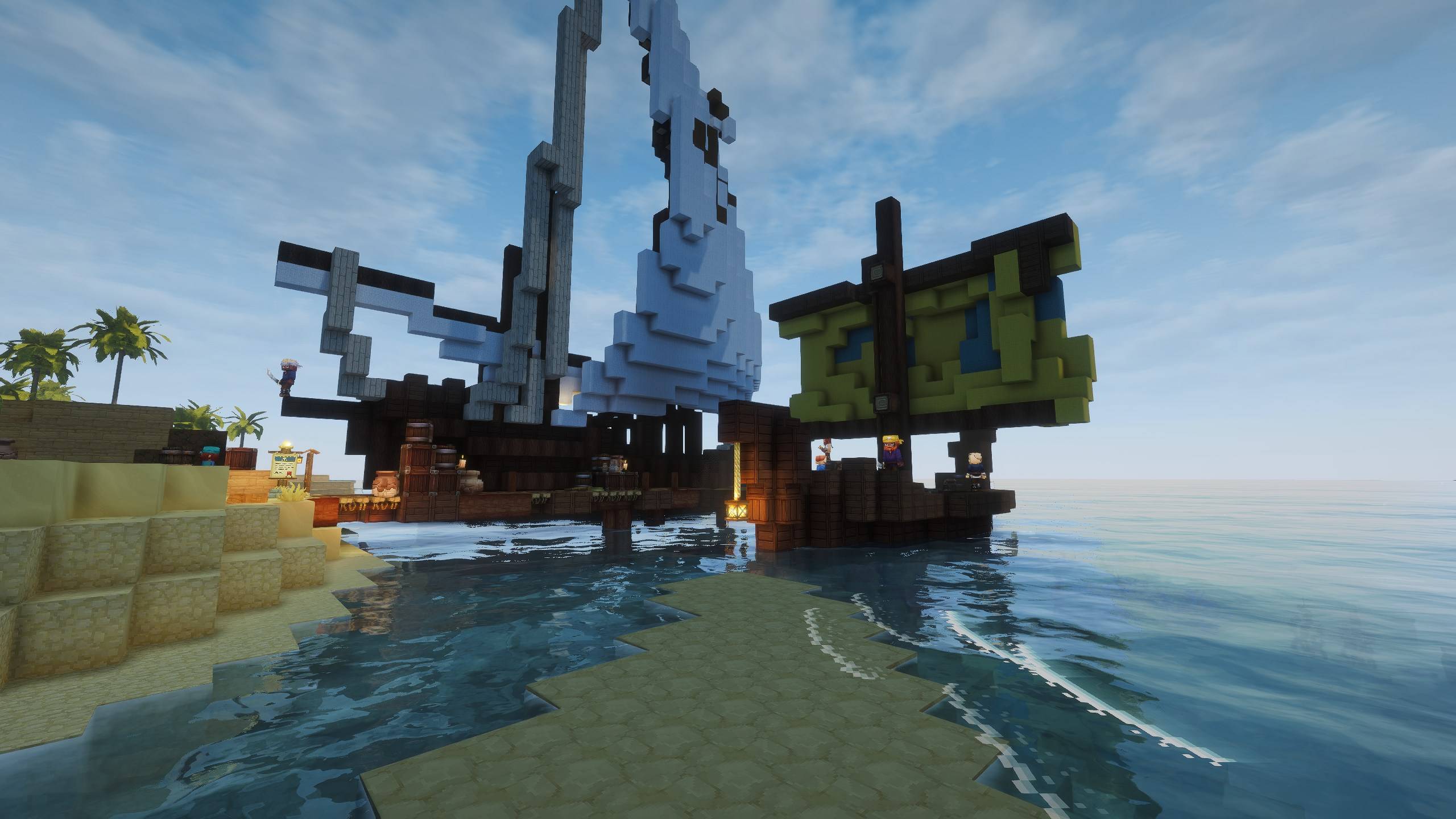
MerchantShip brings sea trade to the coasts of Hytale. Merchant ports appear on palm beaches, trader ships sail in, dock at the pier, put up a market tent and trade with you, then sail away again. And now the harbour can be yours: claim an abandoned port, rebuild it, send your own ship on voyages, hire guards and trade with other players. Server-side only, no client mod needed.
- Merchant ports — coastal ports with two berths; ships of four traders (ores, explosives, leather, potions) come and go, each with its own market tent.
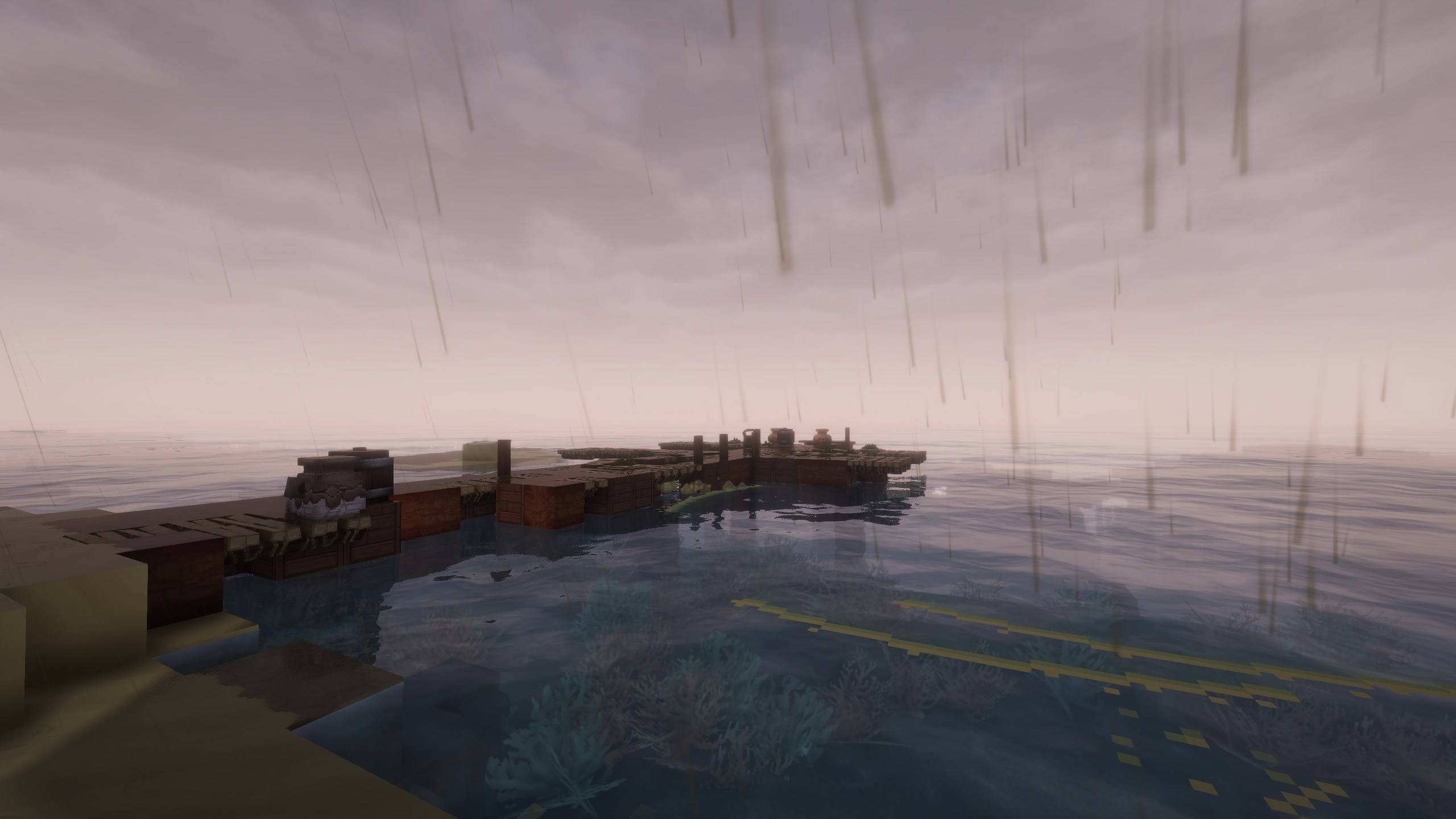
- Your own port — abandoned harbours appear on free coasts; place a Port Charter to claim one, talk to your captain and rebuild the port.
- Where to find an abandoned port — on palm-tree coasts by the open sea: the beaches and shores of Zone 2 and tropical islands. Never by lakes, rivers or swamps, and not in Zone 4. They appear within about 1200 blocks of players (a new search every 5 minutes), at least 384 blocks away from any other port, up to 2 per world by default. Look for a ruined harbour; it is marked on the world map as Abandoned Port.
- Your own ship — fill its hold, set what it sells and buys, and send it on voyages to other ports; it comes back with a report of what it earned.
- Trade between players — visit other players' ports, buy from their ships, and use the notice board for offers, trade orders and a port ranking.
- Grow your harbour — four port levels, a bigger hold and safe, warehouses and a flagship.
- Guards and alliances — a Guard Post with sword and bow guards you equip yourself; allied ports are welcome on your land, strangers are warned and chased off.
- Members — invite friends and give each of them their own rights: build, trade or take from the safe.
- Step-by-step guide — a small on-screen guide and a golden arrow lead a new port owner through the first steps.
- Protected and fair — ports, ships and claims are protected from griefing and explosions, every trade is all-or-nothing.
- Built for servers — light once-per-second updates, limits for everything and an admin panel with every setting.
- Works with — StructureV2, DungeonBosses, Aetherhaven and MoreBandits (all optional).
Commands
Players · alias: /mport
/port— your port menu (from anywhere for operators or a level 4 port; otherwise press F on the Port Charter)/port invite <player>//port kick <player>— manage your members/port accept//port decline//port leave— answer an invite or leave a port/port voyage— send your ship on a voyage/port returns//port directory//port info— returned goods, the port directory, a port summary/port guide— show the guide again;/port guide settingsmoves or hides it
Admins · permission: merchantship.admin · alias: /merchantship
/mship admin— admin panel: settings, ports, player ports and the guide/mship port ensure/here/abandoned— find a coastal port, place one at your feet, or spawn a claimable abandoned port/mship port arrive/summon <type>/depart— make ships arrive or leave/mship port status/where/tp— information and diagnostics/mship port level <player> [level]— show or set a player port's level
Found a bug or have a suggestion? Leave a comment or contact joszza on Discord for a faster response.
Merchant Port Team