
Logic Dungeon Engine
- By
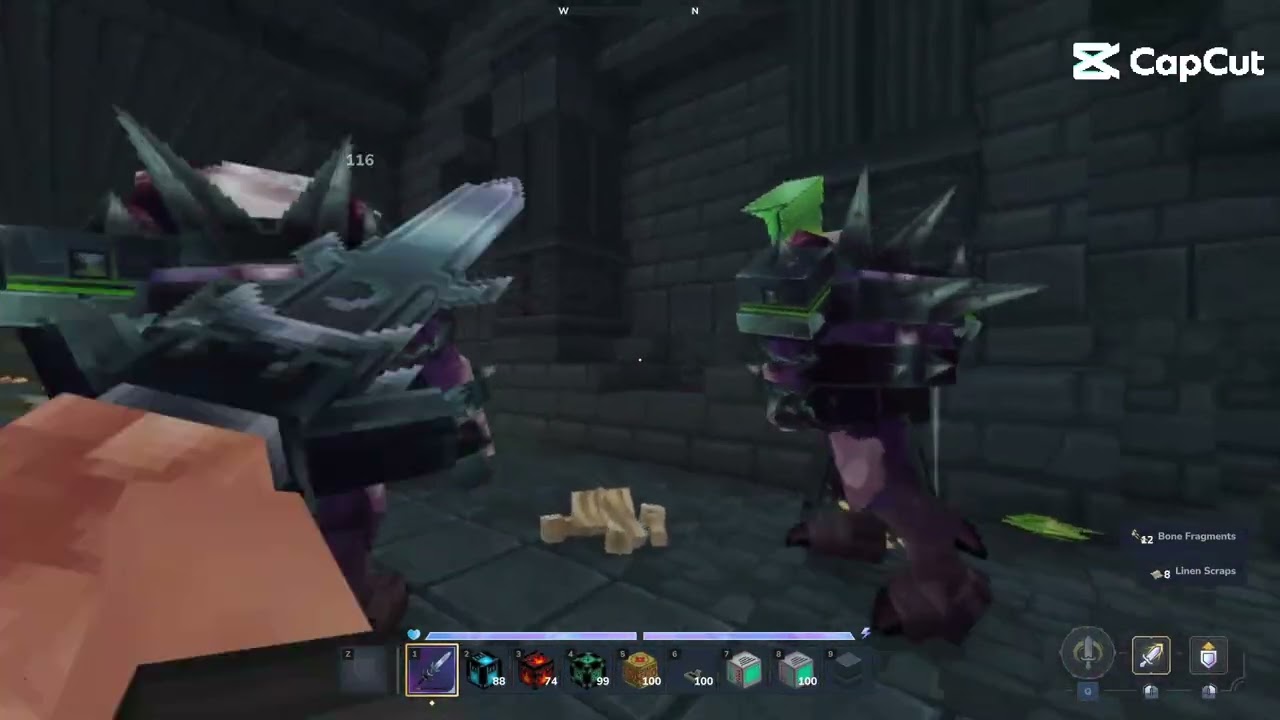
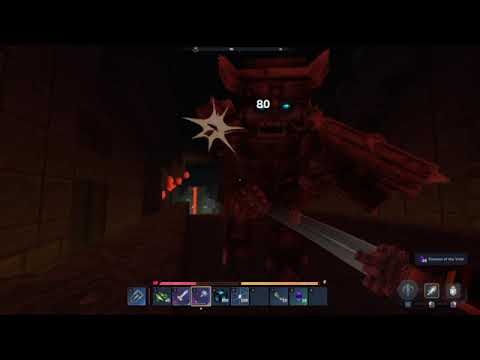
Description
⚠️⚠️⚠️NEW DESCRIPTION !!! READ IT , THERES A BIG CHANGE IN THE WORKFLOW AND A BAD NEWS ABOUT OLD DIMENSION GENERATION , WHICH AFFECTED UPDATE 4 INSTANCE!!!⚠️⚠️⚠️
LogicDungeonEngine — Dungeon Scripting Engine for Hytale Update 5
LogicDungeonEngine is a no-code dungeon scripting mod (the most powerful one, with unic feature ) that lets server administrators and builders create fully scripted dungeon encounters directly in-game — no programming required. Configure triggers, actions, spawn positions, camera points, and chained sequences through a visual menu. Every player who enters a dungeon gets their own isolated instance, fully independent and automatically reset.
What you can trigger:
- Player uses a block (
onUse) - Player enters a detection zone (
onRadius) - Player pushes a block onto a receptacle (
onPush)
What you can make happen and link to those triger and the chain trigger:
- Spawn NPCs at configured positions using Take Pos block system ( no coordinate writings required anymore)
- Break blocks
- Place blocks
- Play sounds
- Send messages to players
- Set a cinematic camera point of view
- Reset the camera
- Apply status effects to players
- Start a timer (delay)
Note that every Action ,have their chainnable Trigger associate to their action to chain row and linked them together. Go to documentation for more informations.
Installation
Extract the zip file manually and place the following two items into your mods/ folder:
- The
King.LiteLogicVisualsfolder - The
LiteLogicVisuals 1.5.2.jarfile
Do not use the CurseForge app or any automated mod installer, and do not touch the manifest file inside the zip. The mod will not load correctly if installed through a third-party app.
Note: LogicDungeonEngine requires no scripting knowledge, but the system has its own logic that you need to learn before diving in. Read the full documentation before configuring your first dungeon — it will save you a lot of time.
**If your server's panel refuse to upload the file , use their SFTP solution, using filezilla, or any sftp app.
You can find the information to connect to your server's sftp, in setting of your server's panel.***
All actions are chainable — the output of one action becomes the trigger for the next row in the same script.
Commands:
/llvedit InstanceName— enter edit mode for a specific instance/llvcopy TemplateName InstanceName— create a new instance from a template/llvpartyPlayerName — (no UI , player receive a message in chat, and does llvparty accept, still alpha tho, expect bug)- /llvparty leave — Leave the current party
- /llvparty accept — Accept the current invitation!
⚠️Read the Documentation, or at least, used it, its easy to use, but, every powerful tool have a specific workflow to learn.
⚠️Full documentation, workflow examples, and video tutorials: Dungeon Engine Documentation⚠️
⚠️ Important — Update 5 Migration Notice
If you had dungeons configured in Update 4 and did not create a prefab as mentioned in our previous description, we are sorry — world generation has changed in Update 5, making Update 4 instances unrecoverable without a prefab backup.
Best practice going forward: Always create a prefab of your dungeon build with all LLV components placed at their intended positions before any major update.
If you did prepare prefabs and want to get your LLV dungeons working again, leave a comment here or contact us directly:
Discord: Kingk.boo Email: qctale@gmail.com
-------------------------------------------------------------------------------------------------------
Change log
v1.5.2 — Changelog
New Triggers
onRadius— fires when a player enters a configurable detection radius around a logic position. No visible block required.onDelay— chain trigger that fires after a delay action completesonSetCamera— chain trigger that fires after a setCamera action completesonApplyEffect— chain trigger that fires after an applyEffect action completesonKillnow supports multi-wave and Mega Ensemble patterns
New Actions
setCamera— moves the player's camera to a configured position and orientation. Auto-resets after a configurable delayresetCamera— returns the camera to the player's default viewapplyEffect— applies a status effect to the player for a configurable durationdelay— starts a timer before the next chain trigger fires
New Features
- Refire system — toggle Refire ON/OFF per script. When ON, the script can fire repeatedly. Supports configurable cooldown in seconds for
onUse,onRadius, andonPush - Cooldown field — available on
onUse,onRadius, andonPushwhen Refire is ON - AND Gate Condition system — link two independent scripts with Condition_A and Condition_B blocks. Both scripts must complete before a third fires. Enables multi-step puzzle and encounter logic
- Group/Party system (Alpha) — players can form a party before entering a dungeon portal. All group members are teleported into the same instance simultaneously
- Camera orientation in degrees — Cam Yaw and Cam Pitch fields now accept degrees directly. The mod converts to radians automatically using the Hytale counter-clockwise coordinate system. No manual radian calculation needed
- Copy/Paste script — copy a full script from one logic position and paste it to another
- isMaster flag — condition system always resolves to the correct master config regardless of completion order
- onRadius movement player detection — Detect the player to fire a script , its a starter trigger.
Menu Overhaul
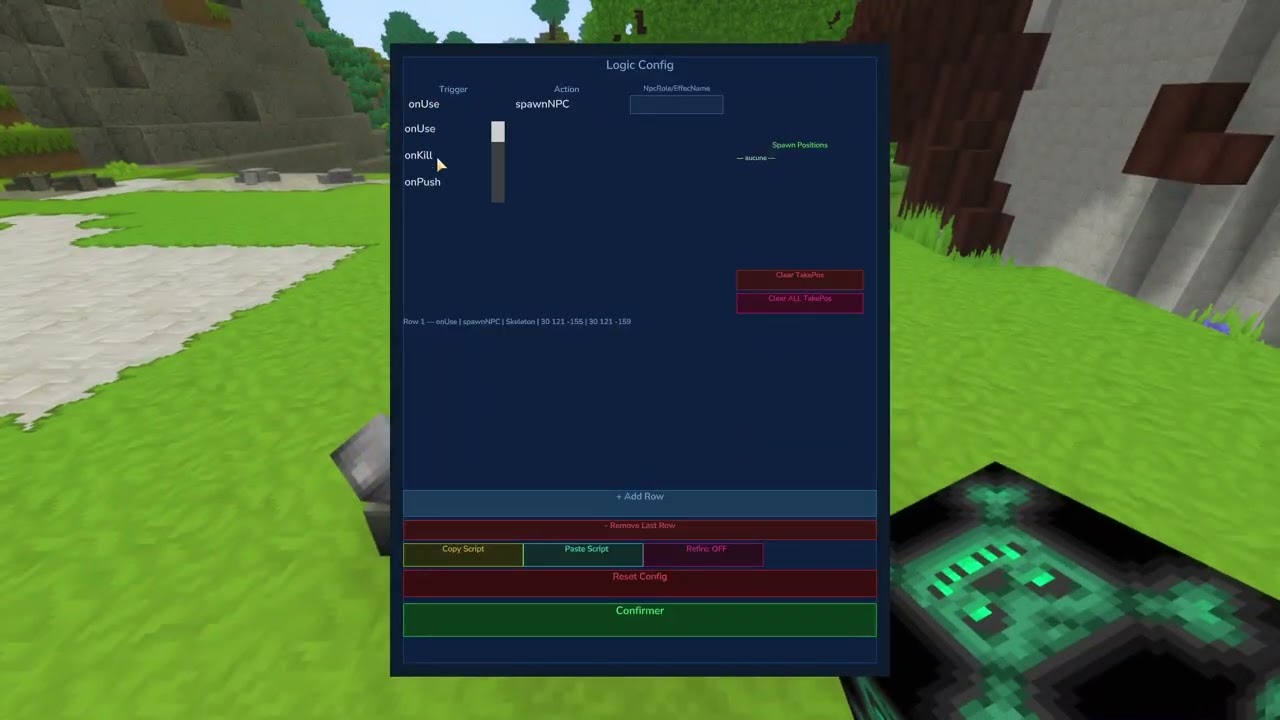
- Replaced toggle buttons with dropdown menus for Trigger and Action selection
applyVisibility()— fields now show and hide dynamically based on the selected action. Only relevant fields are visible at any time- Cooldown field visible only when Refire is ON and trigger is
onUse,onRadius, oronPush - Cam Yaw and Cam Pitch fields replace the old Message field for
setCamera - Clear TakePos and Clear ALL TakePos buttons added
- History panel shows all confirmed rows in real time
- Refire toggle button with ON/OFF label
TakePos Workflow
- TakePos system now uses a unified clipboard with three independent slots — Break, Spawn, Place
- Clipboard persists until manually cleared
- Menu displays current clipboard contents per slot in real time
setCamerashares the Spawn slot withspawnNPC— documented workflow for handling both in the same script
Instance System
cloneFromMasternow callsload(masterName)unconditionally before cloning, fixing configs added in edit mode after server boot not carrying over to player instances- Instance protection excludes
monde_worlds to avoid protecting mining dimensions - Edit mode guard — scripts do not fire inside
instance-edit-worlds
Bug Fixes
slowTickCounterinLogicRadiusSystemis now per-player viaConcurrentHashMap— fixes radius scripts not firing independently for each player in a groupdelaycombined withisResettableno longer removes the block before the delay completespushFiredanduseFiredsets added for proper cooldown handling ononPushandonUsefireConditionActionparses coordinates fromwatchedBlocKeyfor sound playback instead of using(0,0,0)
Logic Dungeon Engine Team
