Finesse - Entity Tool & Blueprints for Survival
- By
The freedom of Creative's Entity tool in survival : place any item or block anywhere, at any angle and size, using survival items. Save blueprints, place any structure, and use a Statue of Gaia to build them for you.
1-logo.png
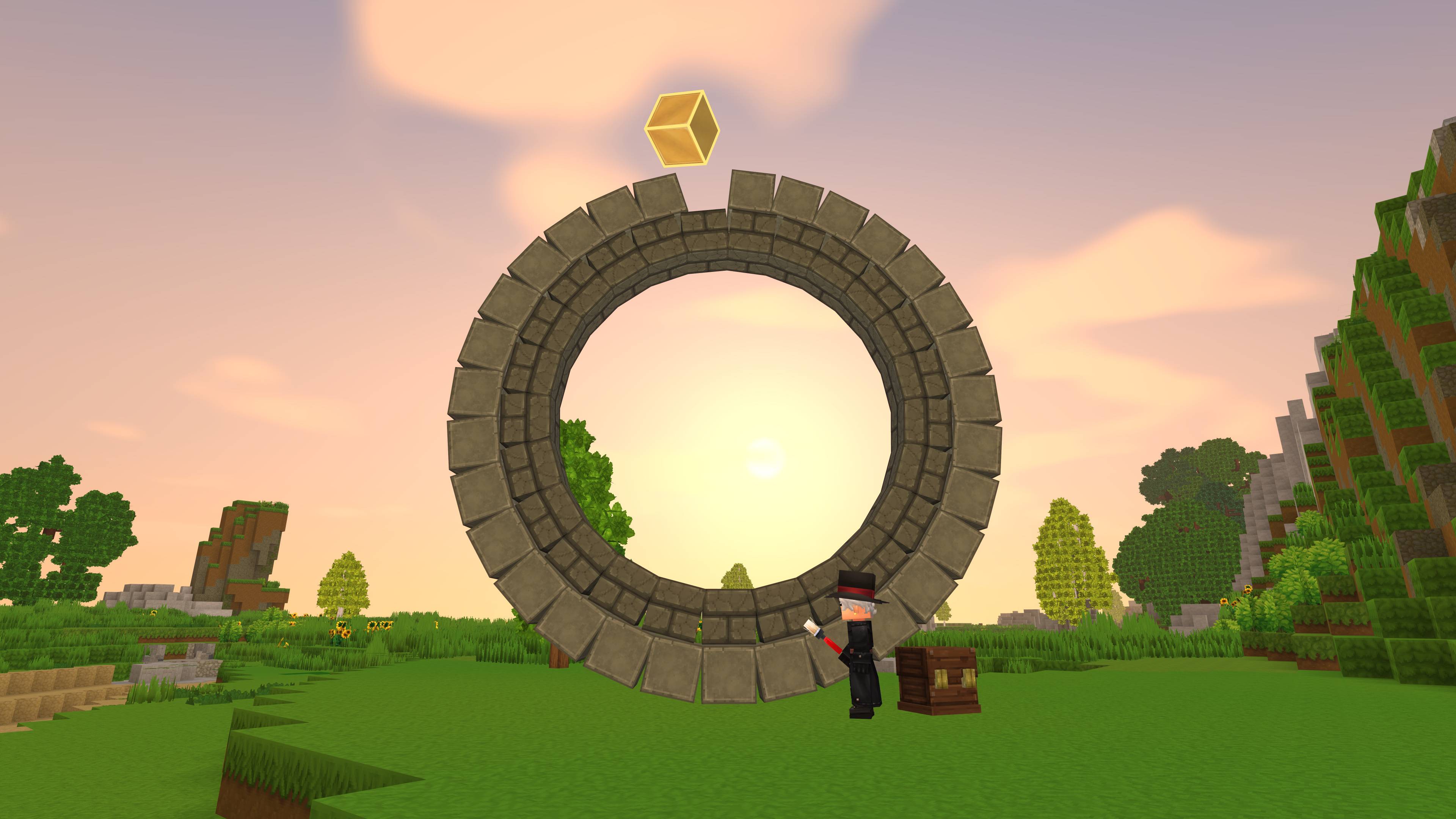
2-off-the-grid.jpg
3-blueprints.jpg
5-statue.jpg
6-tiny-castle.jpg
Description
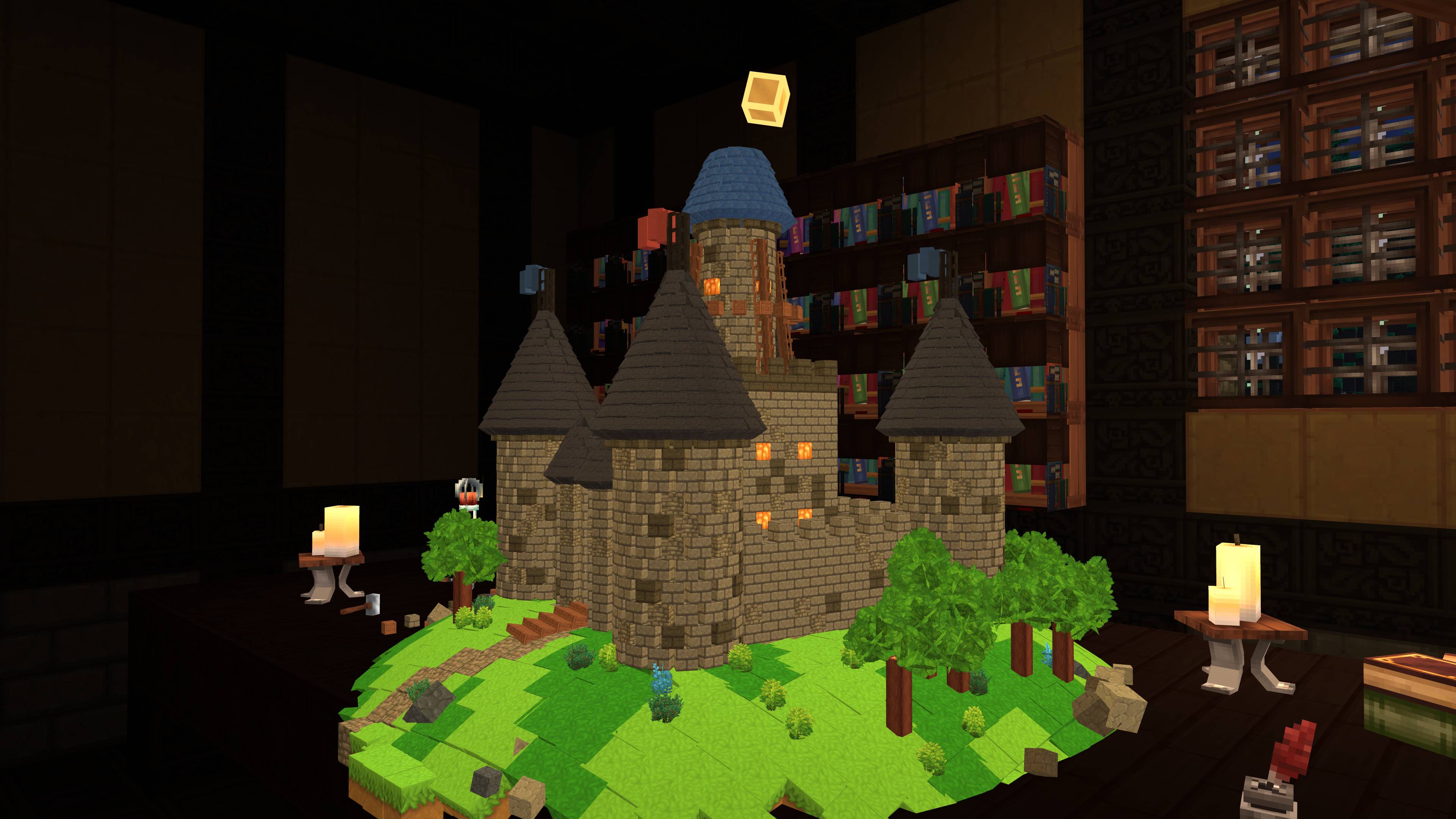
Finesse brings the freedom of Creative's Entity tool to survival. Any item or block can be placed at any position, at any angle and at any size from 0.1 to 10, off the grid and even inside other blocks.
Every object is a real item obtained in survival if the player is in this gamemode. It is taken from the player's inventory or a nearby chest, and returns to the inventory when picked up. Nothing can be spawned or duplicated without being in creative gamemode.
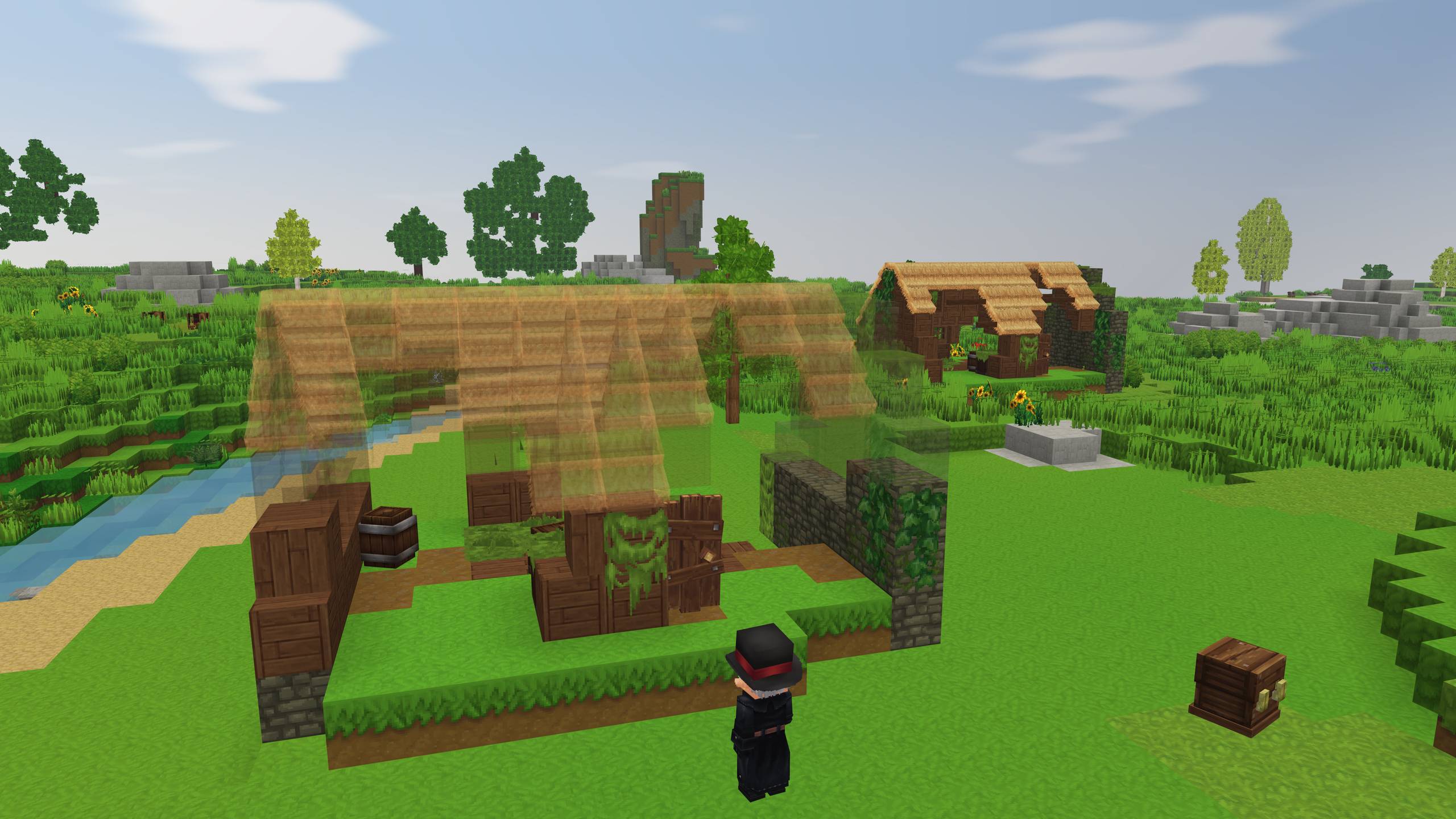
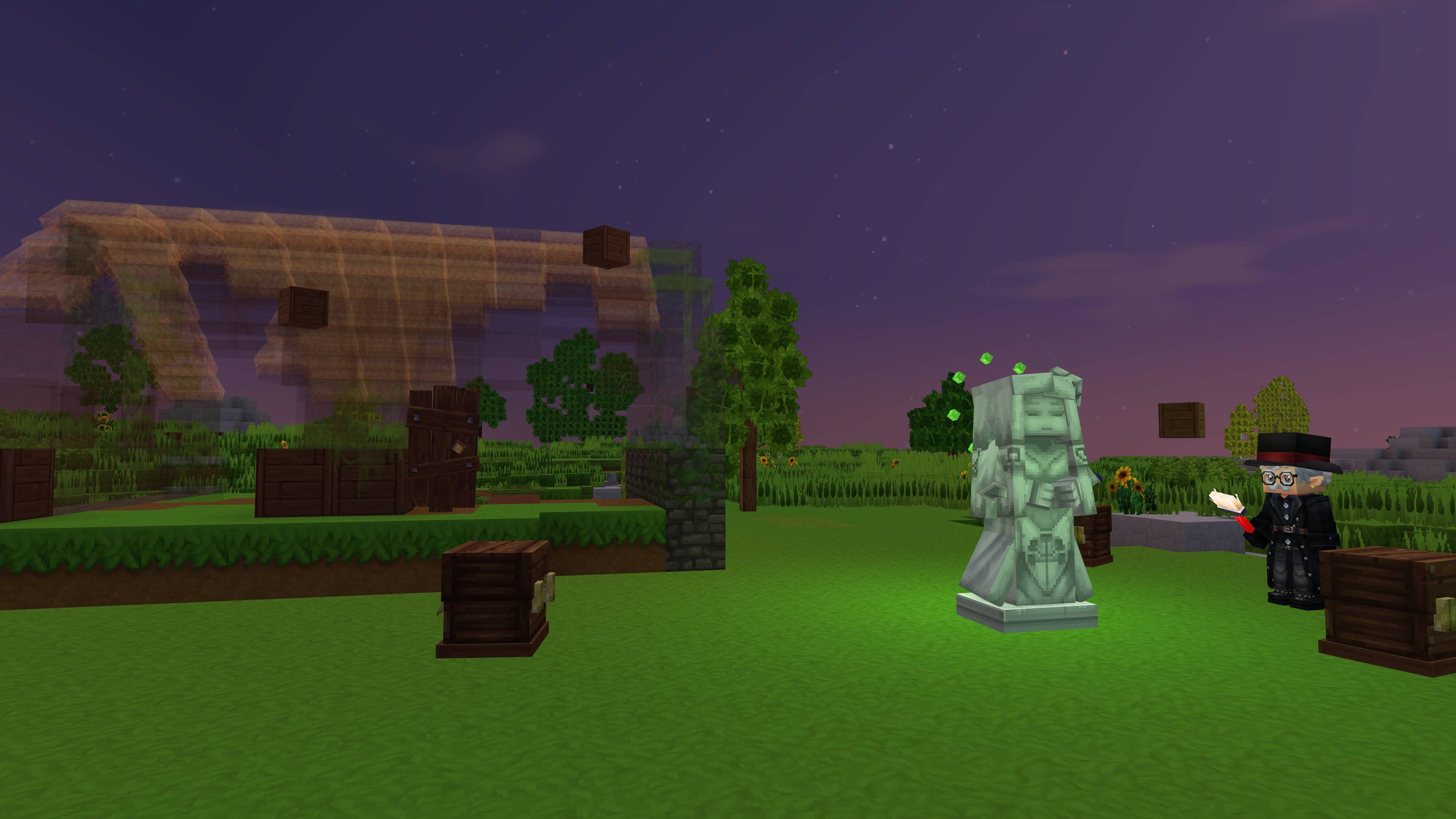
Builds can be saved as blueprints and placed again anywhere, and every structure of the game and its mods can be placed the same way. You can build them by hand using transparent models placed in the world, or wake a Statue of Gaia to build them block by block for you.
Features
- Any block or item : Every item and block from the inventory can be placed, off the grid and even inside other blocks
- Move : Grab an object, or any item lying on the ground, and carry it anywhere
- Rotate : On every axis, with the exact position, rotation and size shown under the crosshair
- Resize : Scale from 0.1 to 10
- Snapping : Optional snapping for exact builds : blocks lock onto the block grid, other items line up with each other or move in small steps, and rotation turns 45 degrees at a time
- Zone : Select objects and blocks one by one, or define a zone to select a group
- Together : Move, rotate and resize a whole group as one, or each piece on its own
- Blueprints : Save any selection of objects, blocks and zones, at no cost. Browse them with a 3D preview and the full number of blocks and items needed, including your inventory and nearby chests
- Place : In survival, a placed blueprint stays in the world as a guide to build from, also visible to nearby players. Instant pasting is available as a server setting, and on by default in Creative. Red marks indicate blocks placed in the world blocking parts of the paste
- Structures : Every structure on the server can be placed as a blueprint : Hytale's ones, those of installed mods, and the server's prefabs folder. Each block costs its exact item. Creatures, chest contents, water and world generator spawners are blocked
- Statue of a Waking Deity : Offered a Greater Essence of Life next to a blueprint, she builds it for you, block by block, from the chests around her. One essence powers 100 blocks
Also :
- Copy an object with its angle and size
- Reset an object to its default rotation and size
- Items window : everything in the inventory and in nearby chests, in one searchable window
- Force-placing parts of a blueprint or structure by having only partial blocks for it in inventories
- Pinning missing materials to the screen while gathering
- Share blueprints between servers as a text code
- Containers are saved empty, and crops are placed as freshly planted
Before you install
- Objects are decoration. They have no collision and no function : a placed chest does not open, a placed bed cannot be slept in.
- The tool places new objects. It never moves blocks already placed.
- Creatures are off by default. Moving around living things breaks survival fast, so the permissions are off by default. Server owners can allow creatures.
Getting started
Craft the Finesse Tool at a Workbench from 2 Rubble and 2 Sticks (temporary recipe & model/icon). The legend on the left of the screen shows your own bindings from Hytale's settings. The Blueprints window also opens with /blueprints.
Server configuration
Settings can be changed live with /finesse set <setting> <value> :
everyone(default : on) - Everyone can use the tool. Turned off, only holders offinesse.usecanprotect(default : on) - Only a placed object's owner can change itliving(default : off) - Creatures can be moved and resizedchests(default : on) - Nearby chests are included for copies and blueprintsstructures(default : on) - Players can place Hytale's and server's structuresinstantsurvival(default : off) - Blueprints are built instantly in survivalinstantcreative(default : on) - Blueprints are built instantly in Creativebuildpace(default : 2) - Number of blocks a Statue of a Waking Deity places each secondmaxghosts(default : 3) - Number of blueprints a player can have at the same time as transparent models in the worldview(default : 200) - View distance of one object, scaled by size. 0 turns it offmaxobjects(default : 20000) - Number of objects per worldmaxperchunk(default : 500) - Number of objects per chunkmaxperplayer(default : 2000) - Number of objects per playermaxselected(default : 512) - Max Number of blocks and objects in one selectionmaxblueprint(default : 20000) - Max Pieces in one blueprintminsize(default : 0.1) - Smallest sizemaxsize(default : 10) - Largest sizeadminbypass(default : on) - Admins ignore all limits
Structures follow the server's permissions : finesse.structures for the whole tab, and one permission per source folder, listed by /finesse structures. /finesse clearplayer <player> and /finesse clearall delete placed objects, unloaded areas included. Blueprint files placed in mods/larsonix_Finesse/blueprints/shared/ are available to every player on the server.
Every player receives the hytale.editor.tool.entity permission, which the tool requires, so a real Entity tool given to a player will work for them.
Finesse - Entity Tool & Blueprints for Survival Team