EcoTale Quests
- By
Daily and weekly quest system — kill mobs, mine ores, chop trees, harvest crops with auto-generated pools, level-scaled rewards, and milestone notifications.
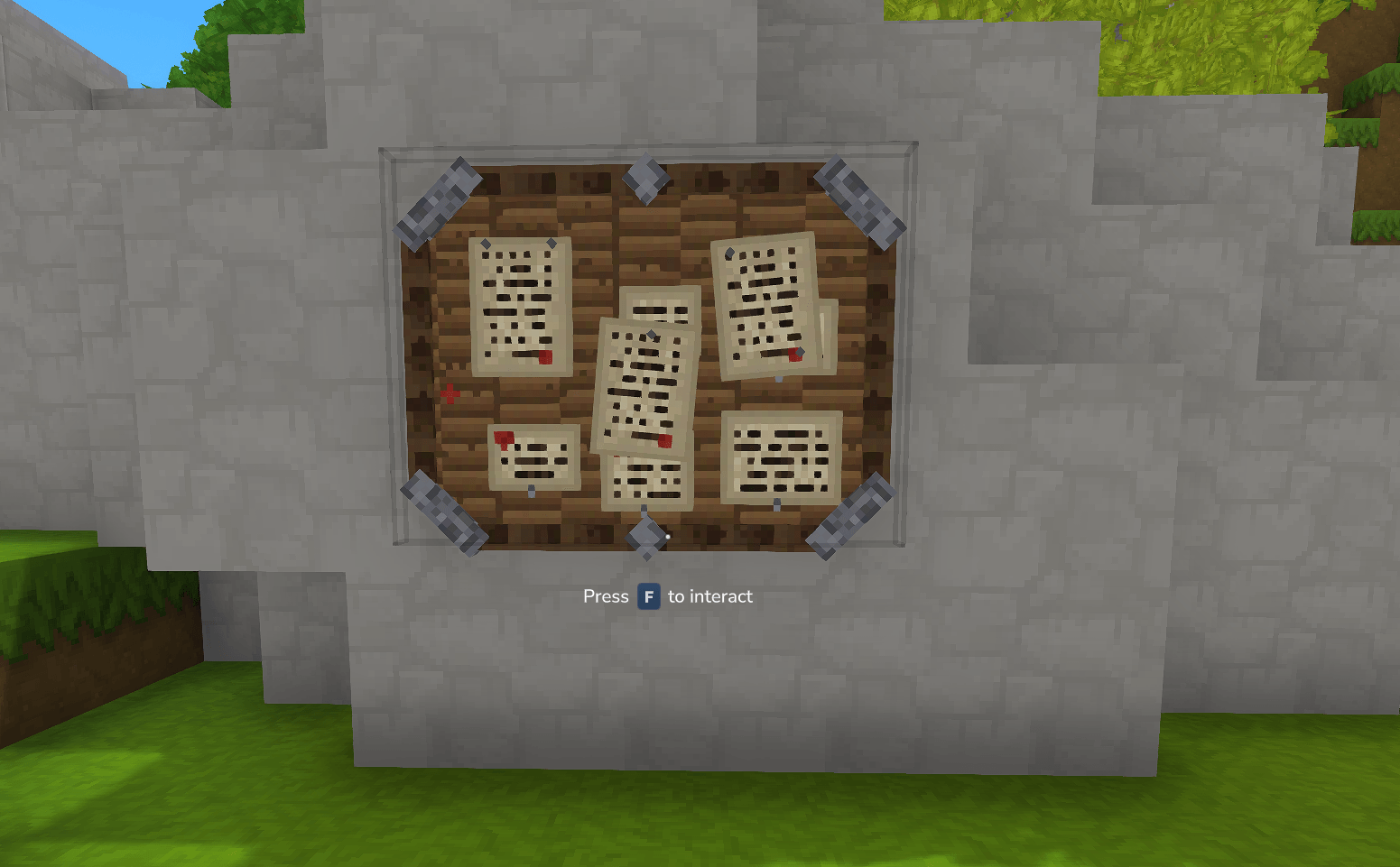
quest_board.png
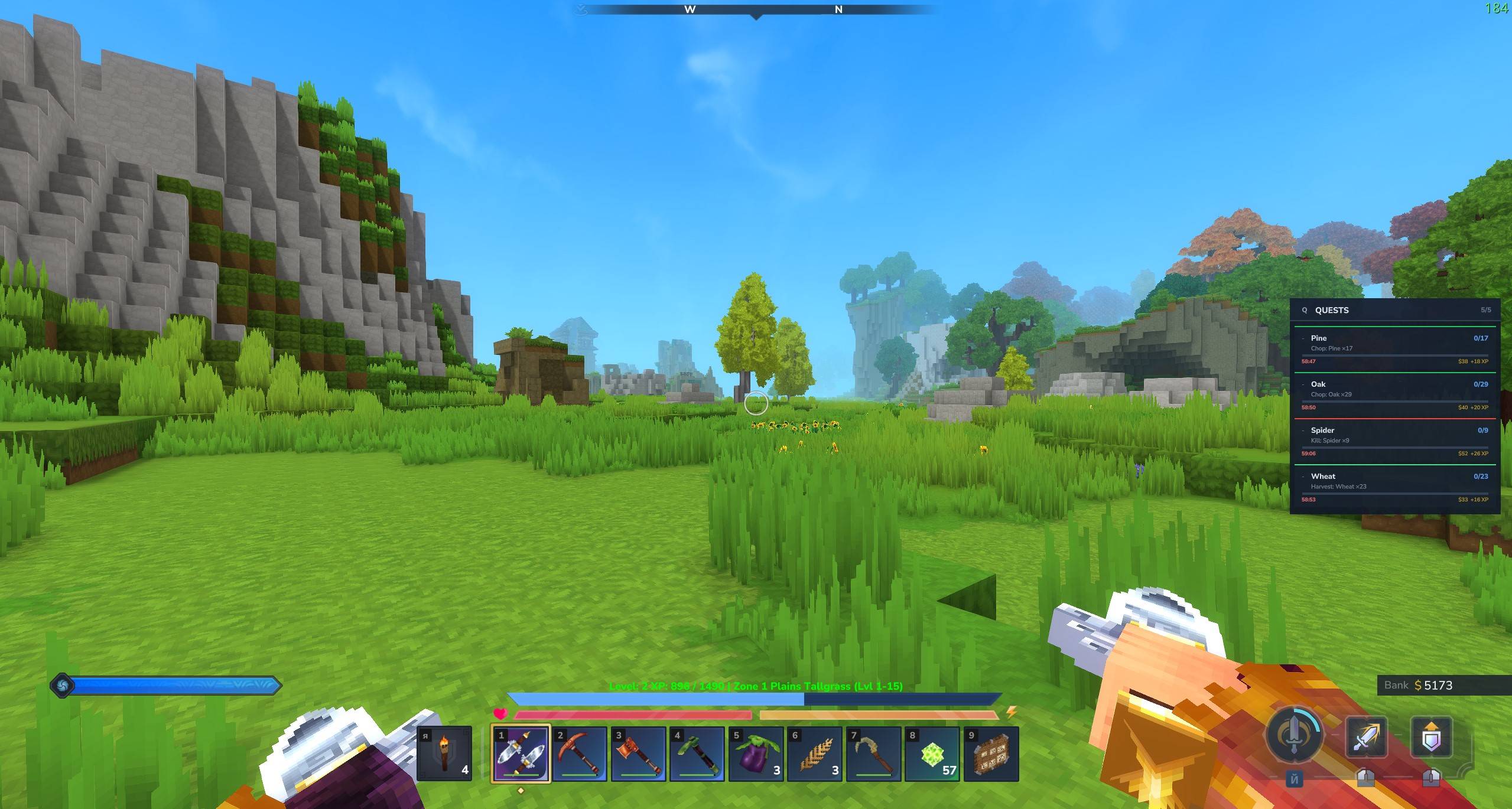
NewHudActiveQuests.jpg
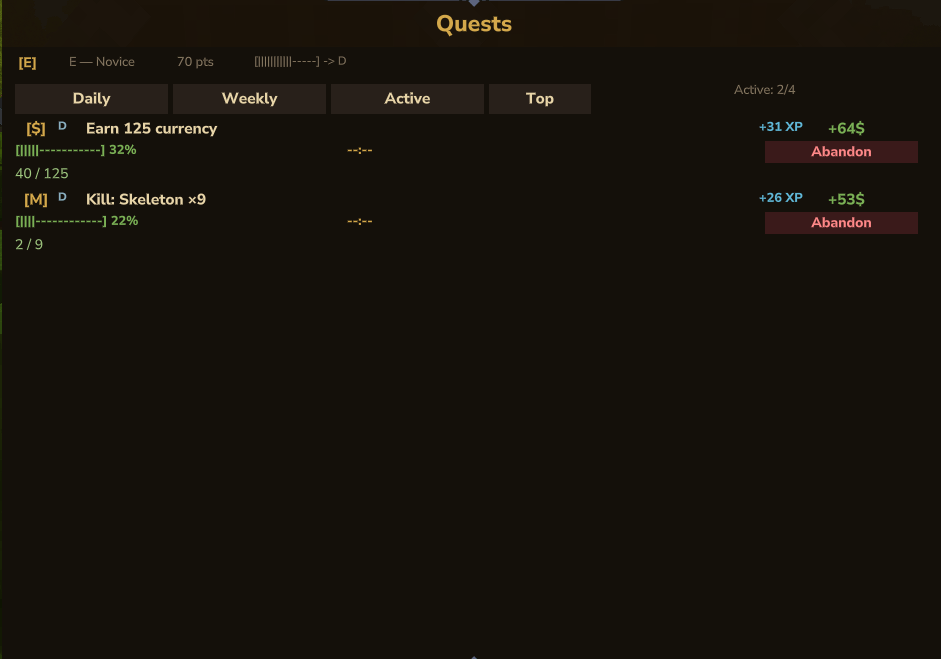
active.png
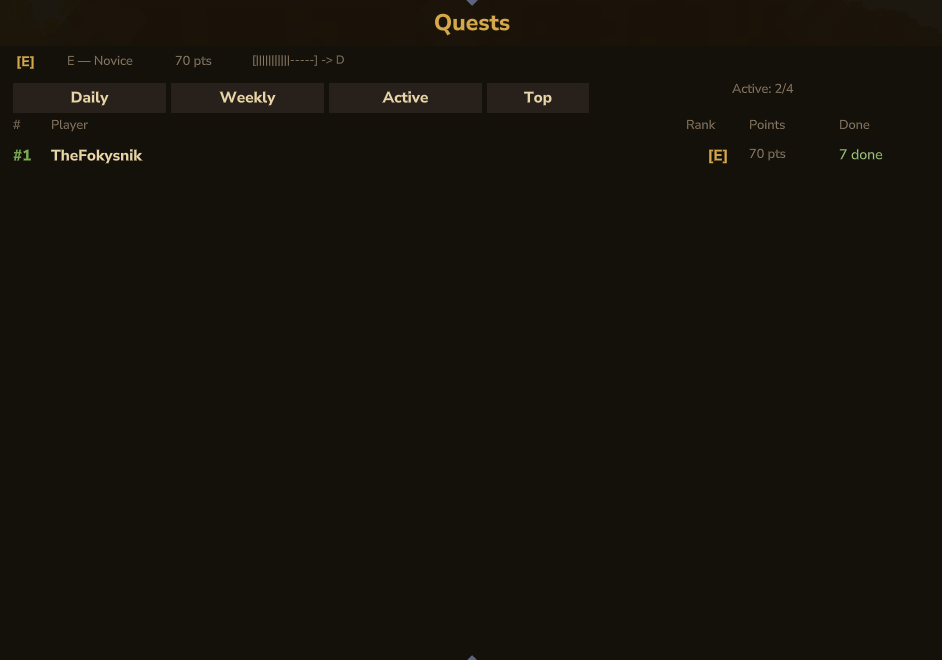
top list.png
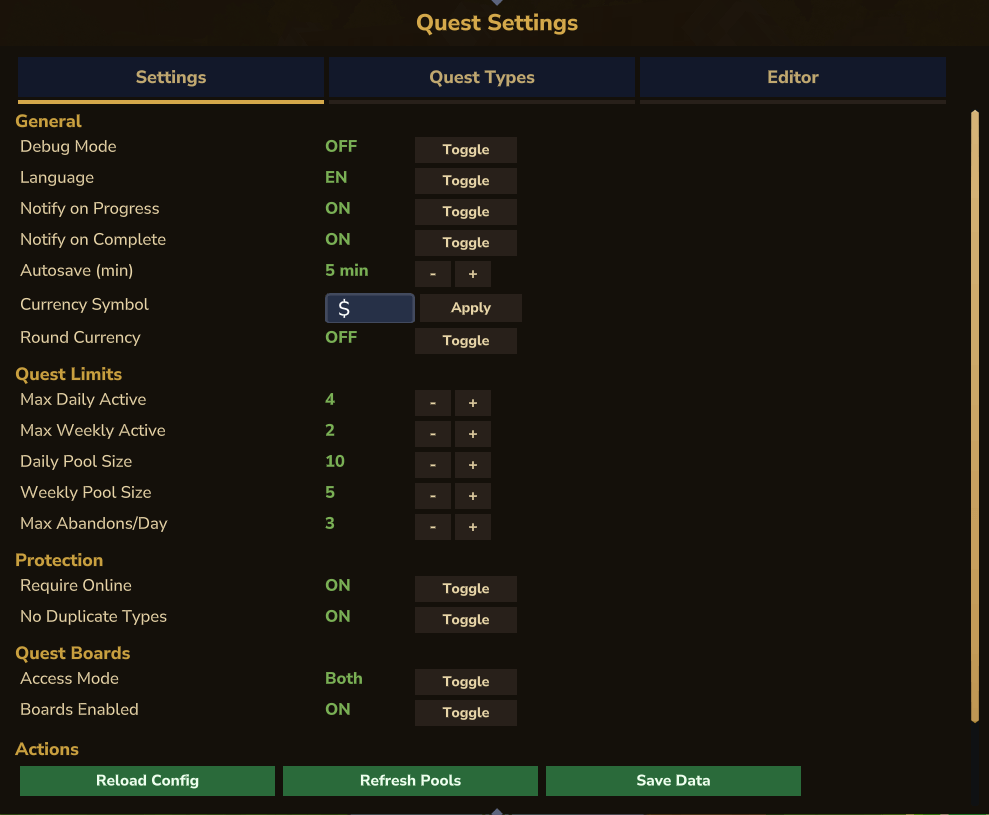
adminSettings.png
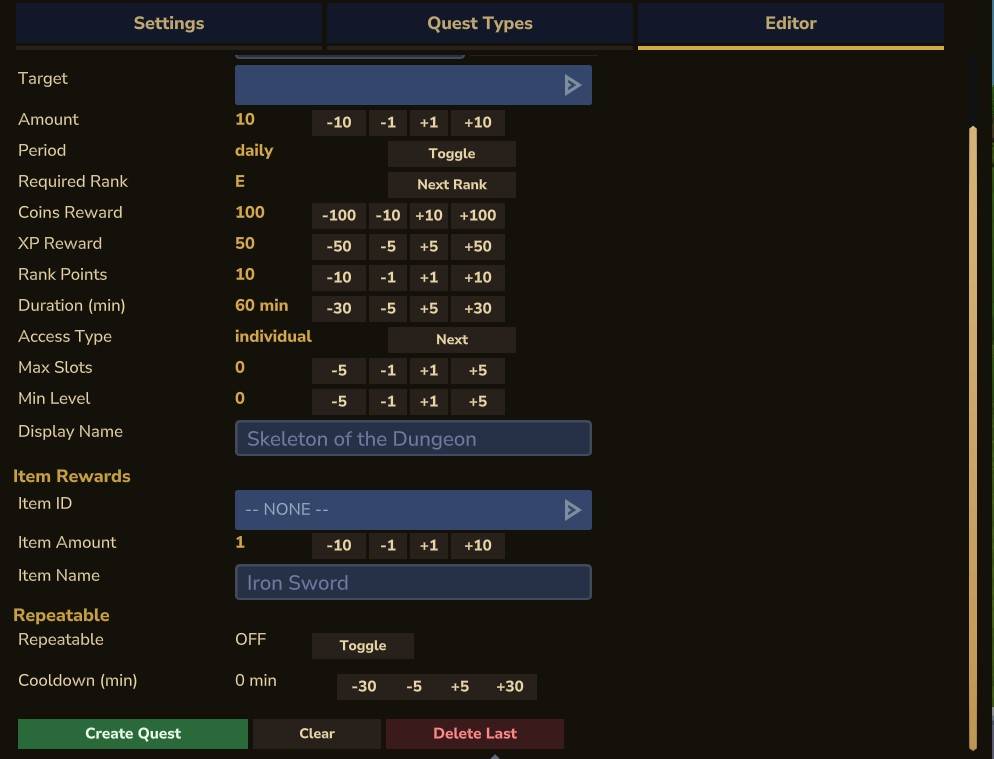
adminEditor.png
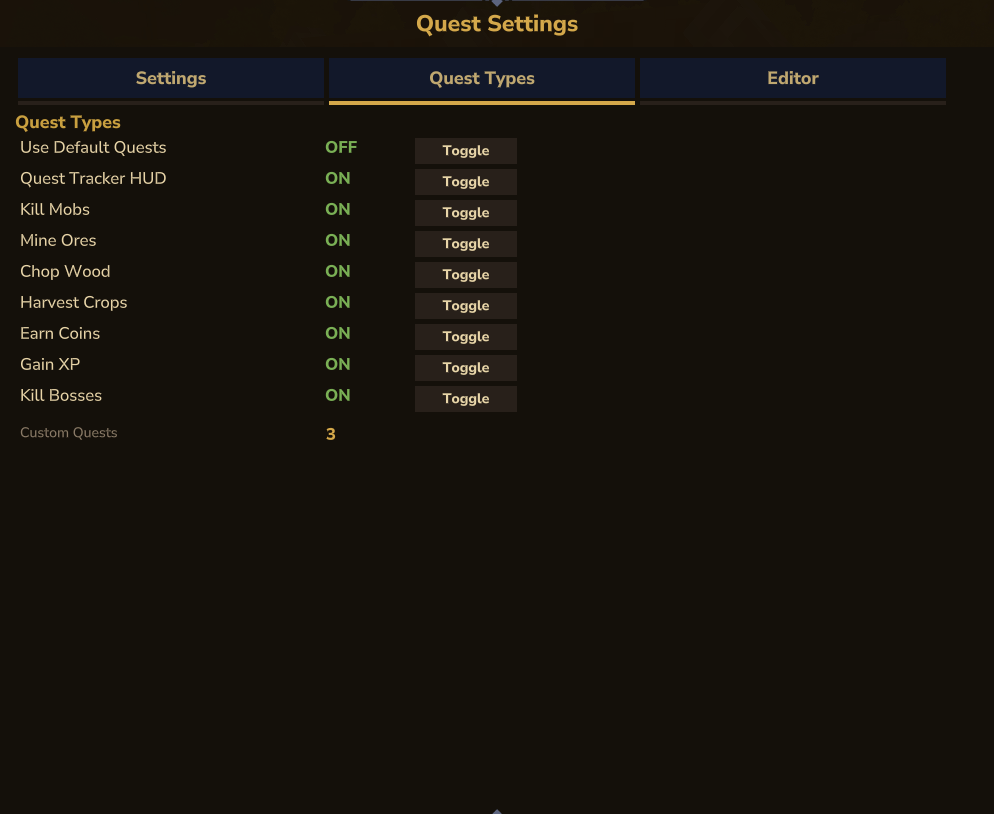
adminQuests.png
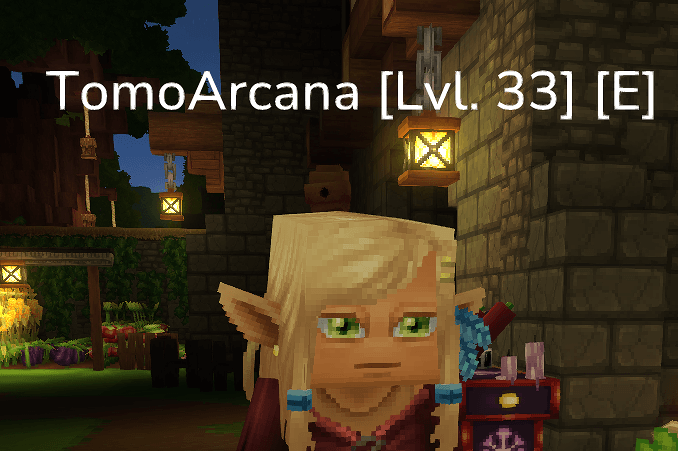
image.png
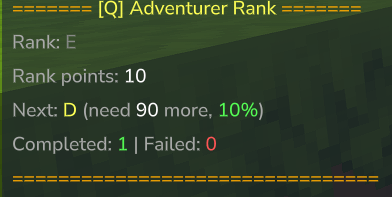
rank.png
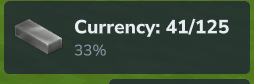
Screenshot_1.png
Description
📜 EcoTale Quests
Daily & Weekly quest system for Hytale servers
Give players daily and weekly quests — kill mobs, mine ores, chop trees, harvest crops, earn currency, gain XP — with automatic generation from 46+ quest candidates, wildcard targets, level-scaled rewards, a native GUI panel, an admin settings panel, fully localized quest names, and real-time chat progress notifications.





Give every adventure a new objective.
Turn combat, gathering and progression into daily and weekly goals, with quest menus and a tracker players can follow while exploring.
Highlights
- Varied objectives: combat, mining, woodcutting, farming, currency and XP goals.
- Adventurer progression: ranks, rank-gated quests and configurable time limits.
- In-world access: interact with physical quest boards or open the quest menu.
- Native tracker: Hytale multi-HUD support, plus configurable rewards and admin tools.
Quick start
Use /quests gui, /quests tracker or /quests help. Open administration with /quests admin.
Requirements & integrations
Hytale 0.7.2 build. Coin rewards need Ecotale or EconomyAPI. Optional level/XP integrations: RPGLeveling, EndlessLeveling or MMOSkillTree, or LevelingCore. MultipleHUD is not required.
Permissions
ecotalequests.use— player accessecotalequests.admin.settings— settingsecotalequests.admin.reload— reload.
Native permissions, LuckPerms and HyperPerms permission checks are supported; no external permission manager is mandatory.
Administrator guide
Create a custom quest
- Open
/quests adminwithecotalequests.admin.settings, then select Editor. - Choose the quest Type, then its Target. A target is the entity, resource or other objective identifier expected by that quest type, not an item reward.
- Set the required Amount, daily/weekly Period and Required Rank. For a first test, choose a target available nearby and a rank your test player already has.
- Set Coins Reward, XP Reward, Rank Points and Duration (min). Coins and XP need the corresponding integrations.
- Choose Access Type.
individualis the simplest starting point;global_uniqueandlimited_slotsimpose shared access restrictions. Set Max Slots when using limited slots, and configure a minimum level only if you use a leveling integration. - Optionally select an item reward and quantity, and configure repeatability and its cooldown in minutes.
- Enter the final display name and optional item name after using the other controls, then press Create Quest.
Create Quest appends and saves a custom quest and refreshes the available pools. It does not replace an existing quest or automatically complete it for players. Repeating the action creates another entry; use it once per intended quest.
Example: choose a mining type and a valid ore target from its dropdown, require 10, select a daily period and an accessible rank, then assign 100 coins. Open /quests gui as a normal player, accept the quest and mine the matching ore to check progress.
What the other controls do
- Settings: adjust general rules and quest limits.
- Quest Types: enable or disable types used by random quest generation.
- Clear: resets the creation form; it does not delete saved quests.
- Delete Last: deletes the most recently listed custom quest, not a quest selected elsewhere. Back up the configuration before removing entries.
- Save Data: saves player/progress data; use Create Quest to submit a new quest.
- Refresh Pools: regenerates the available quest pools; it is not a harmless preview. Avoid repeatedly using it on a live server while players browse quests.
For precise edits to an existing custom quest, back up EcoTaleQuests.json in the plugin data directory and edit its CustomQuests entry. Broader target tables, generation and reward rules are also configured there. Save the file, run /quests reload with the reload permission and reopen the menus.
If a quest is unavailable, check its rank, level, period, access restrictions and objective ID before changing permissions. Keep the optional player-nameplate display disabled if another mod is responsible for writing player nameplates; quest progression and the tracker do not require that display.
EcoTale Quests Team