EcoTale Banking
- By
Full-featured banking system for Hytale — deposits, loans, credit rating, inflation, taxes, anti-abuse. Powered by Ecotale economy.
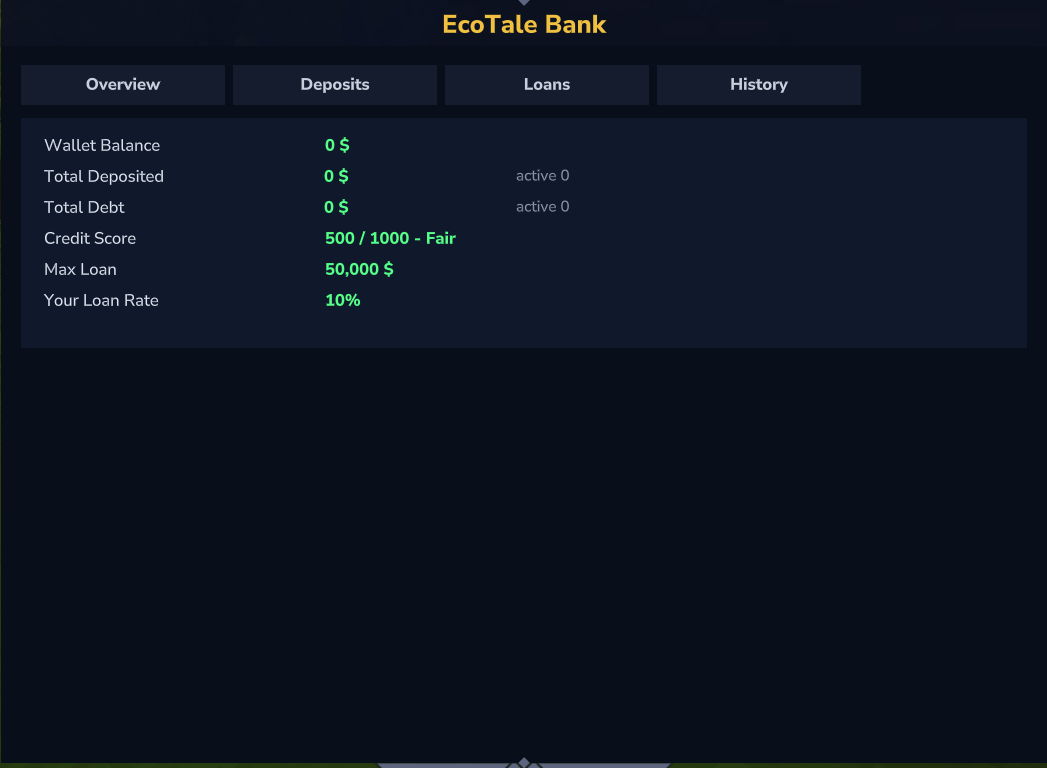
bank.png
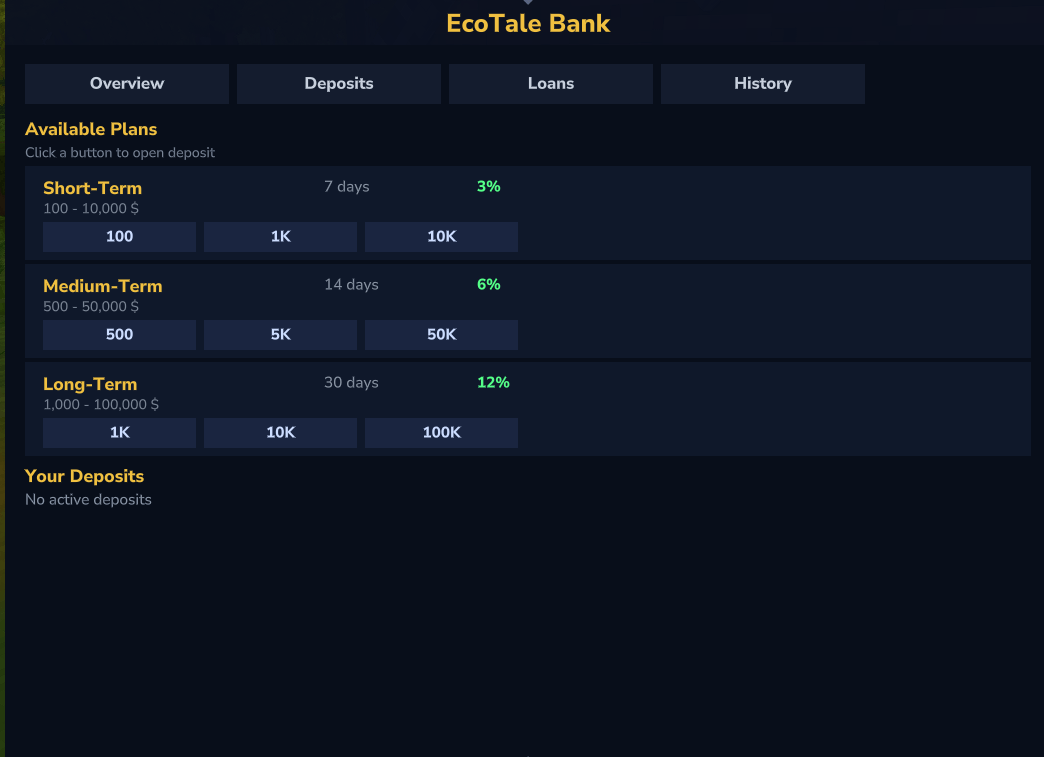
deposits.png
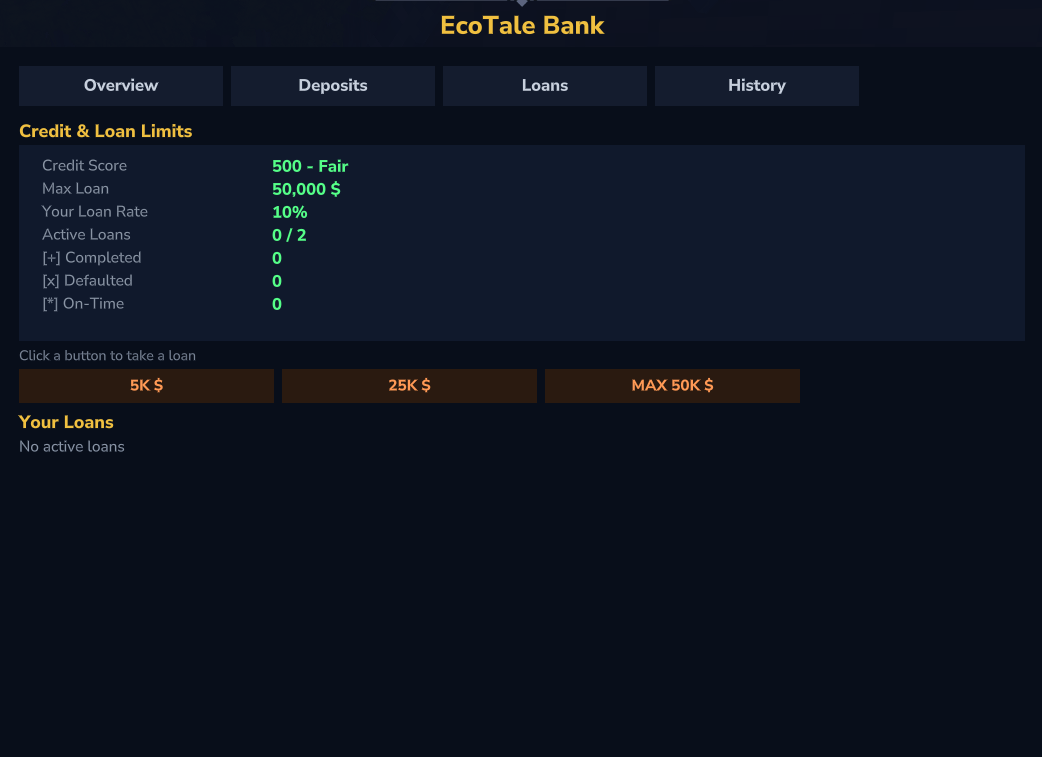
loans.png
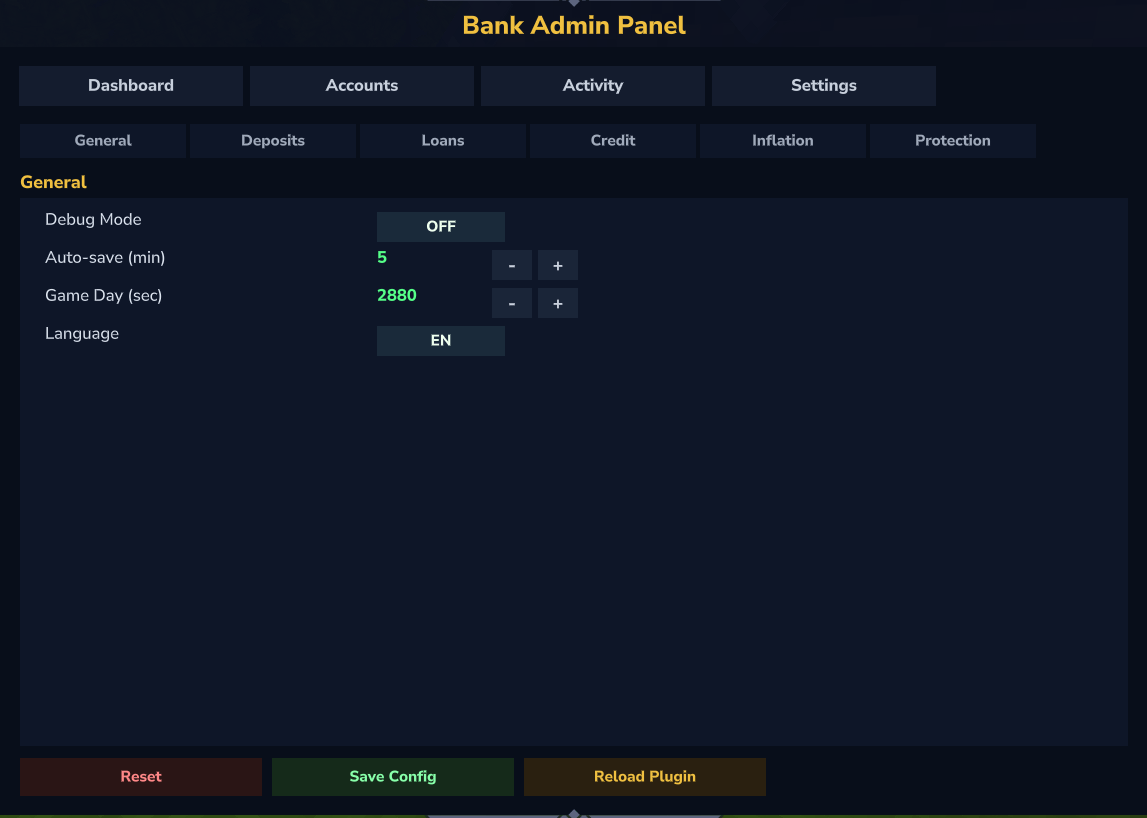
settings.png
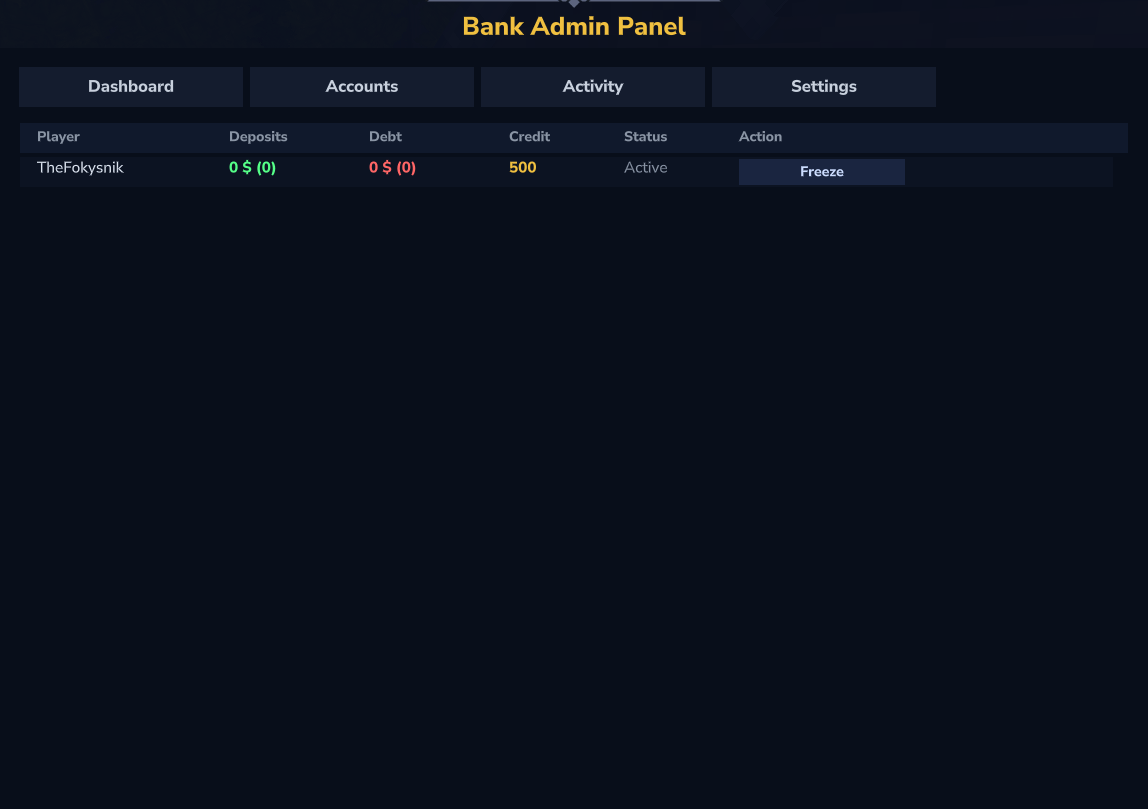
admin accounts.png
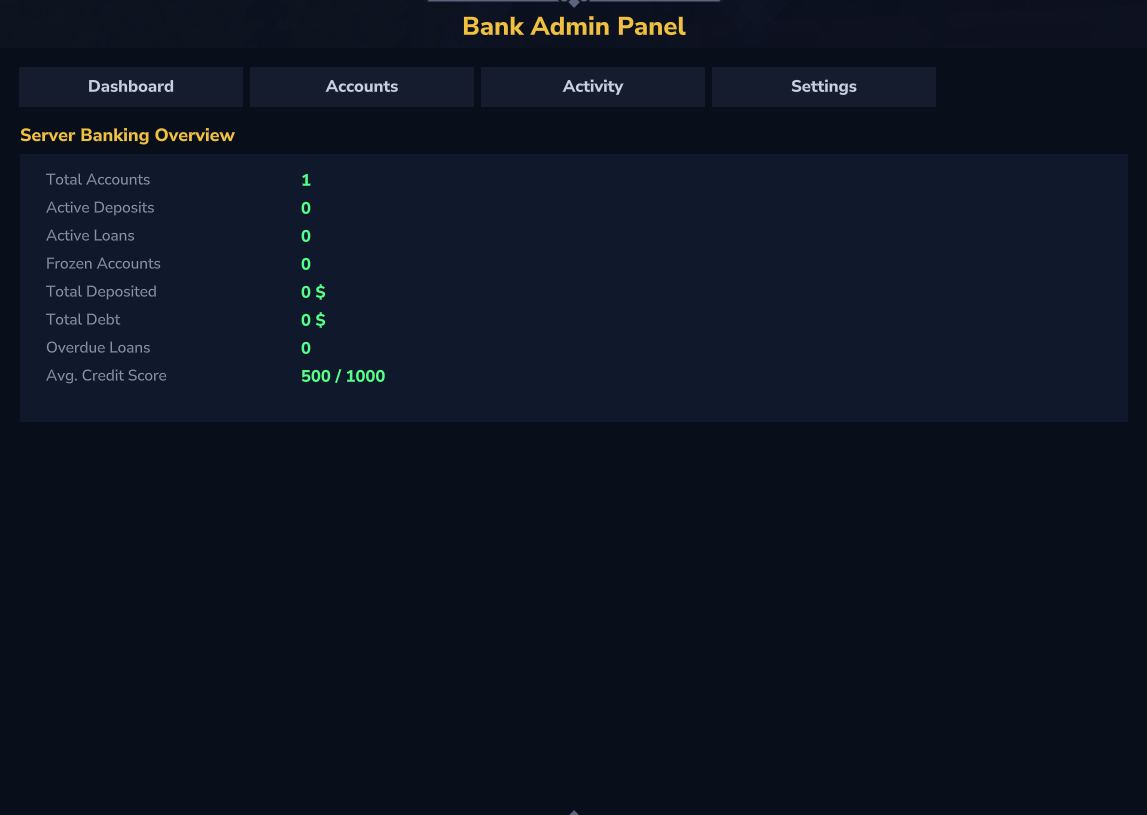
admin dash.png
Description
🏦 EcoTaleBanking
Complete banking system for Hytale servers — deposits, loans, credit rating, inflation & taxes
Let players save money in interest-bearing deposits, take loans, build a credit score, and manage their finances through a beautiful native GUI — all powered by a realistic economic simulation with inflation, taxes, and anti-abuse protection.





Give your server's currency somewhere to grow.
Let players save their earnings, borrow for their next project and build a credit history through an in-game banking interface.
Highlights
- Savings: configurable deposit plans, interest and early-withdrawal penalties.
- Loans: borrowing, repayments, collateral and overdue rules.
- Economic controls: credit ratings, inflation and configurable taxes.
- Administration: account monitoring, transaction history, freezing and settings menus.
Quick start
Open /bank gui; use /bank help for commands or /bank admin gui for administration. /b is an alias.
Requirements & integrations
Hytale 0.7.2 build. Install one economy backend: Ecotale or EconomyAPI. You do not need both.
Permissions
ecotale.bank.use— accessecotale.bank.deposit— depositsecotale.bank.loan— loansecotale.bank.admin— administration.
Native permissions, LuckPerms and HyperPerms permission checks are supported; no external permission manager is mandatory.
Administrator guide
Open /bank admin gui with ecotale.bank.admin. Use the account and activity views to inspect the correct player before taking account actions. Freezing an account restricts that account; it is not a replacement for command permissions.
In Settings, configure the general, deposit, loan, credit, inflation and protection sections. These controls save configuration changes as they are made; Save Config also writes the current settings explicitly. Reload reads the disk file. Do not use Reset to apply changes: it restores configuration defaults.
Add a deposit plan
The GUI edits deposit rules, but custom plan definitions live in EcoTaleBanking.json in the plugin data directory. Back up the file, then append a plan to the existing deposits.plans array:
{
  "name": "starter",
  "termDays": 7,
  "baseRate": 0.03,
  "minAmount": 100,
  "maxAmount": 10000
}
This is one array entry, not a replacement configuration file. Use a distinct plan name, a positive term and sensible minimum/maximum amounts. baseRate: 0.03 represents 3%, not 0.03%.
Banking days are game days. The default is 2,880 real seconds (48 minutes) per game day, controlled by general.secondsPerGameDay. Do not advertise a seven-day plan as seven real-world days without checking that setting. Restart after changing the day length or economy provider so startup services use the new values.
After manually editing plan definitions, save the file and restart the server, then reopen /bank gui. The reload control reads configuration but does not recreate the banking services initialized at startup. Test a small deposit and loan with a non-OP account before opening access to all players. Normal players need ecotale.bank.use and the relevant deposit/loan node; they do not need the admin permission.
Tax rules and plan definitions not exposed in the settings menu are configured in JSON. Keep configuration and financial-data backups before changing live economic rules; changing configuration is not the same as resetting existing balances or contracts.
EcoTale Banking Team