Bumenfeld Discord Companion
- By
Discord bridge: presence/status embed, whitelist codes, and in-game announcements.
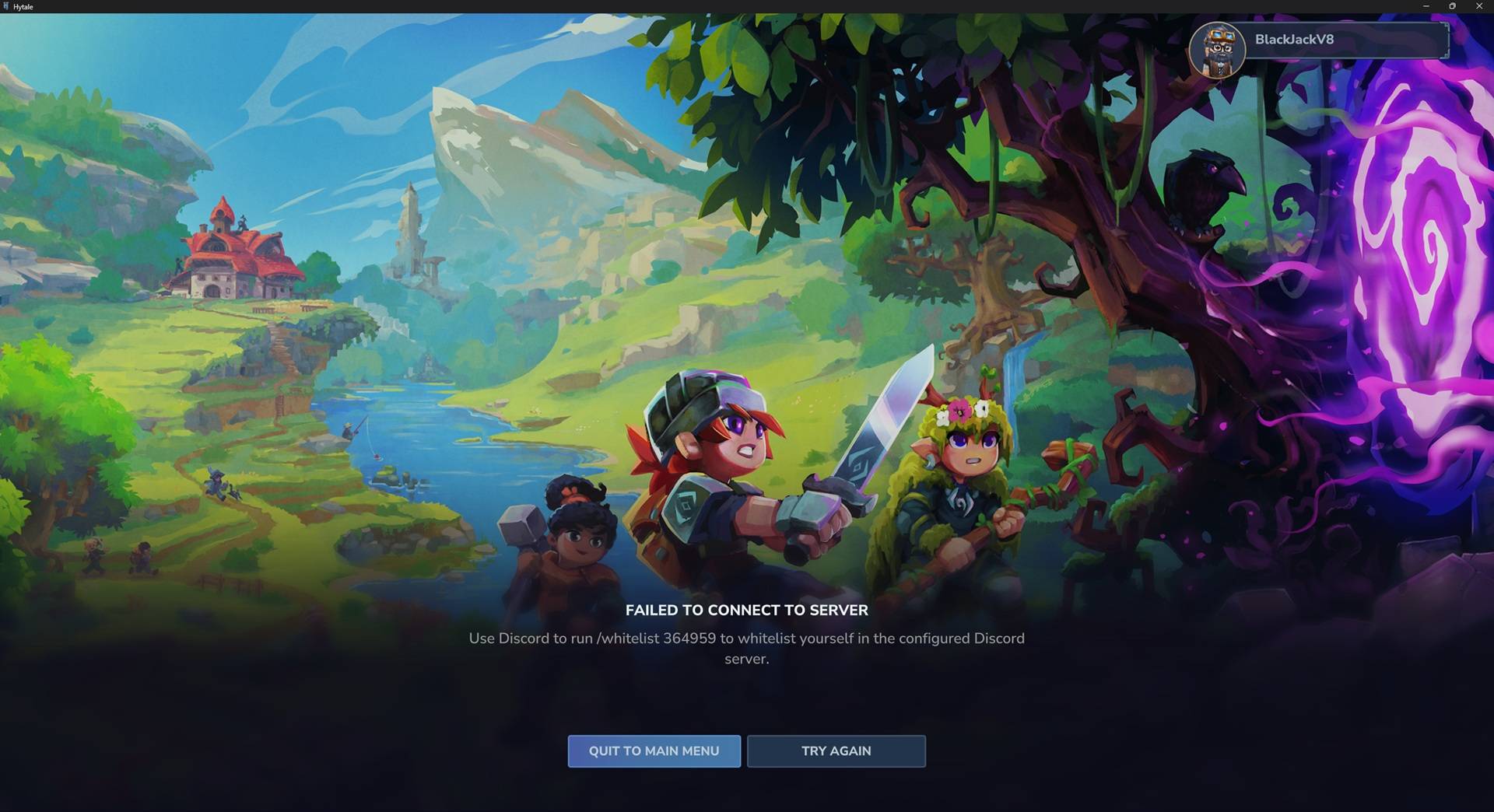
discord_whitelist_message.jpg
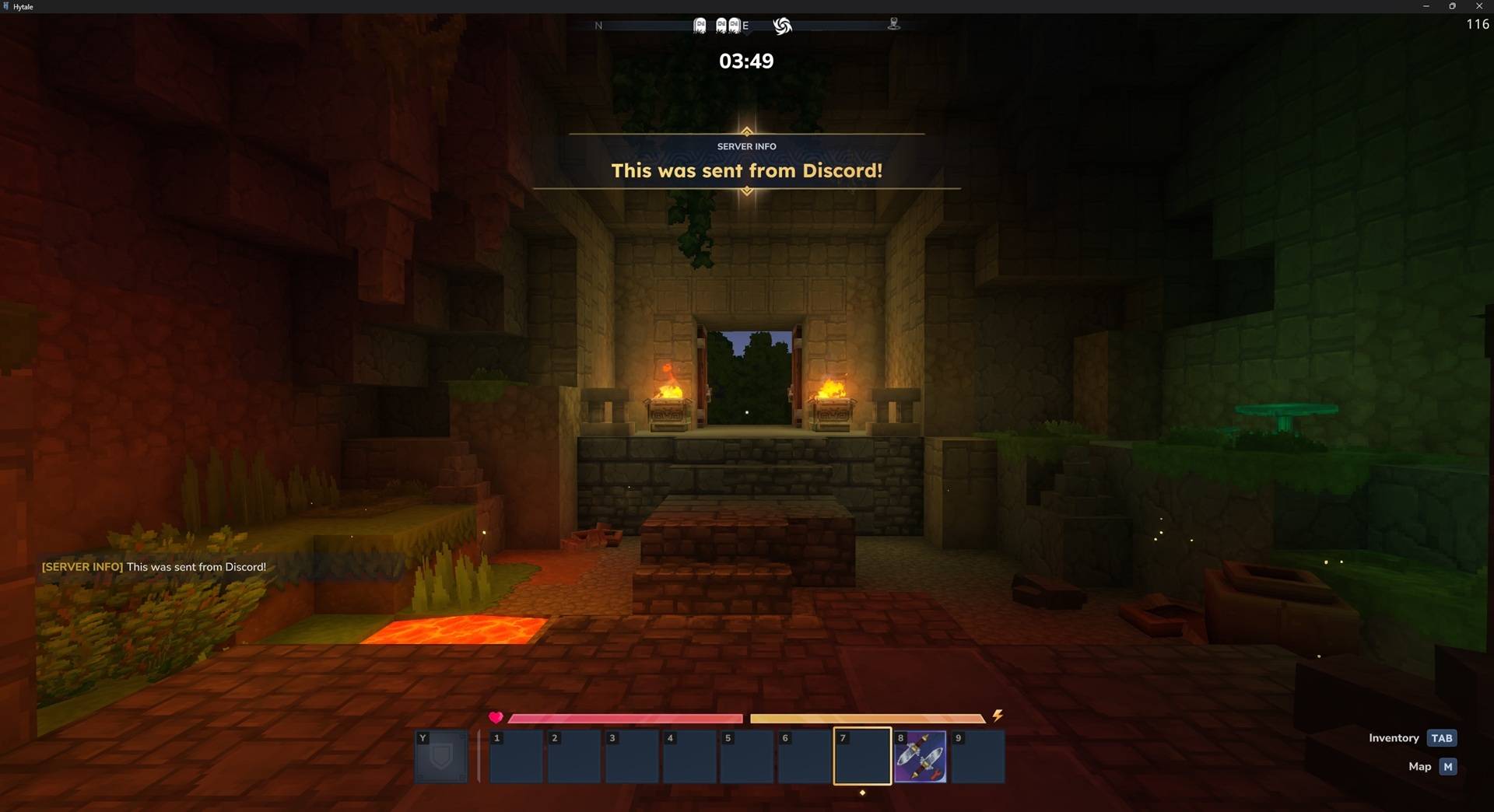
discord_sent_announcement.jpg
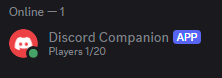
discord_bot_presence.png
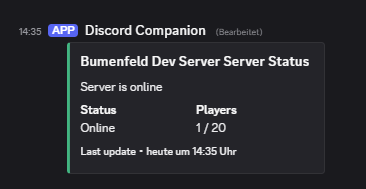
discord_embed.png
Description
Overview
Bumenfeld Discord Companion synchronizes your Hytale server with Discord: status/presence stays updated, whitelisting can be handled via Discord commands, and announcements flow into the game with sound + event notifications.
Features
- Presence + status embed with online/max players (handles shutdown/offline states)
- Whitelist flow (optional): players get a unique join-code and validate it via Discord
- Announcements: Discord-triggered broadcast inside the server (sound + event title + chat)

Commands (Discord)
/whitelist <code>— Validate a join code to get whitelisted/announcement <message>— Restricted to a configured role; broadcasts in-game/status— Shows the latest status embed (if enabled)
Installation
- Drop this mod’s
.jarinto your server’s/mods/folder. - Start the server once (creates
discord.yml+ localization folder). - Configure
discord.ymland restart the server.
Discord bot setup
- Create a bot in the Discord Developer Portal.
- Enable Privileged Gateway Intents:
Guild MembersMessage Content
- Put the bot token into
discord.yml. - Copy IDs (Developer Mode) for:
status-channel-idannouncement-role-id- (optional)
guild-id
Configuration
{
  "token": "<bot token>",
  "guild-id": "<optional guild ID for command registration>",
  "status-channel-id": "<channel for presence/embed>",
  "announcement-role-id": "<role allowed to run /announcement>",
  "set-presence": true,
  "language": "en",
  "enable-status-embed": true,
  "enable-whitelist": true,
  "enable-announcements": true
}
Changelog
- 1.1.2 (2026-03-31) — Hytale Update 4 compatibility and UpdateChecker Support
- 1.1.1 (2026-02-23) — Fix Server Version Matching and Missing Manifest Warnings
- 1.1.0 (2026-02-03) — First Release on CurseForge
- 1.0.2 (2026-01-27) — Fix: recover status embed when missing.
- 1.0.1 (2026-01-25) — Presence: derive max players from server config.
- 1.0.0 (2026-01-25) — Initial release.
The Bumenfeld Discord Companion Team