Bumenfeld Ingame Clock
- By
HUD clock with per-player format & position, configurable via /clock.
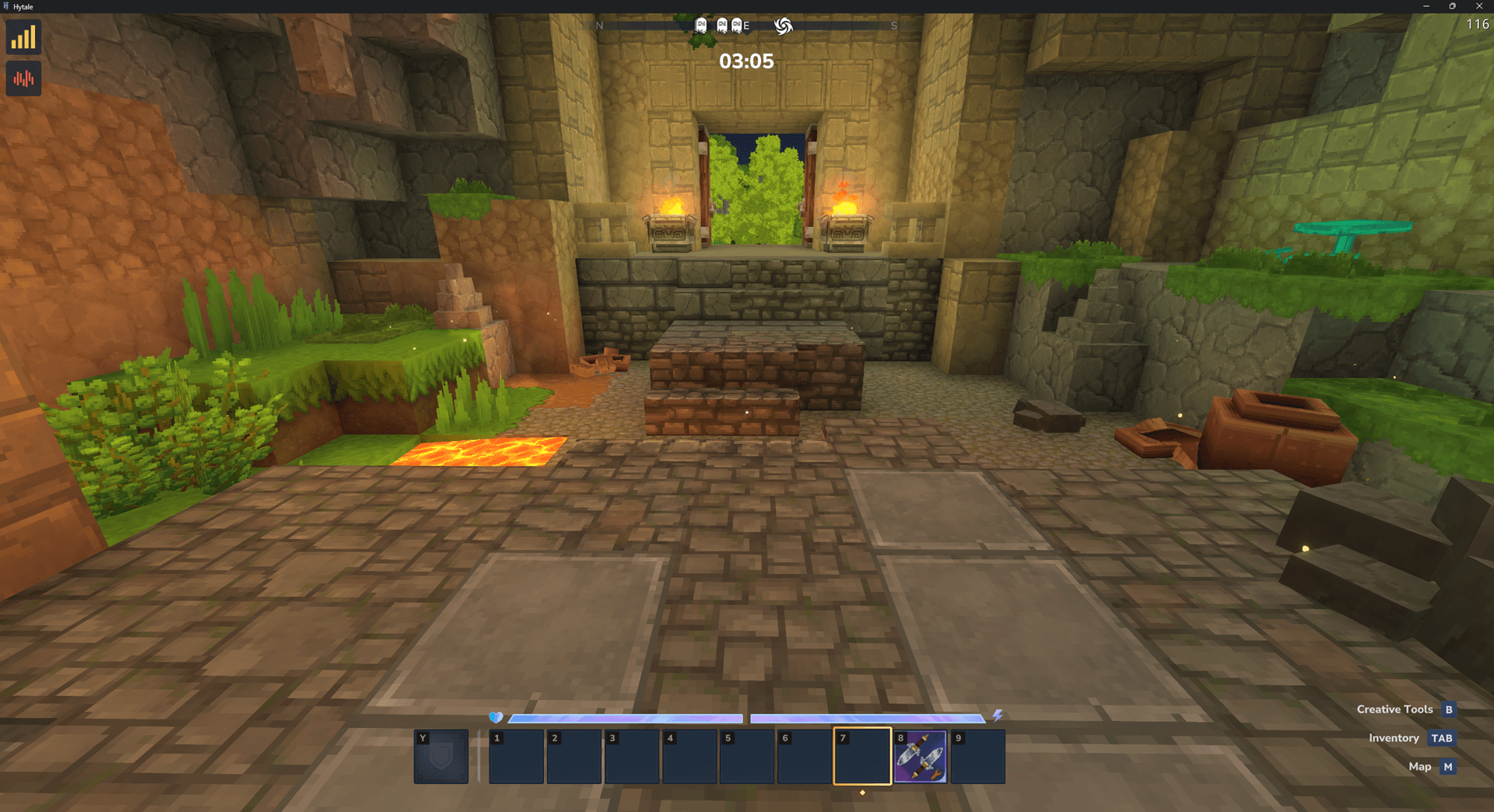
clock_center.png
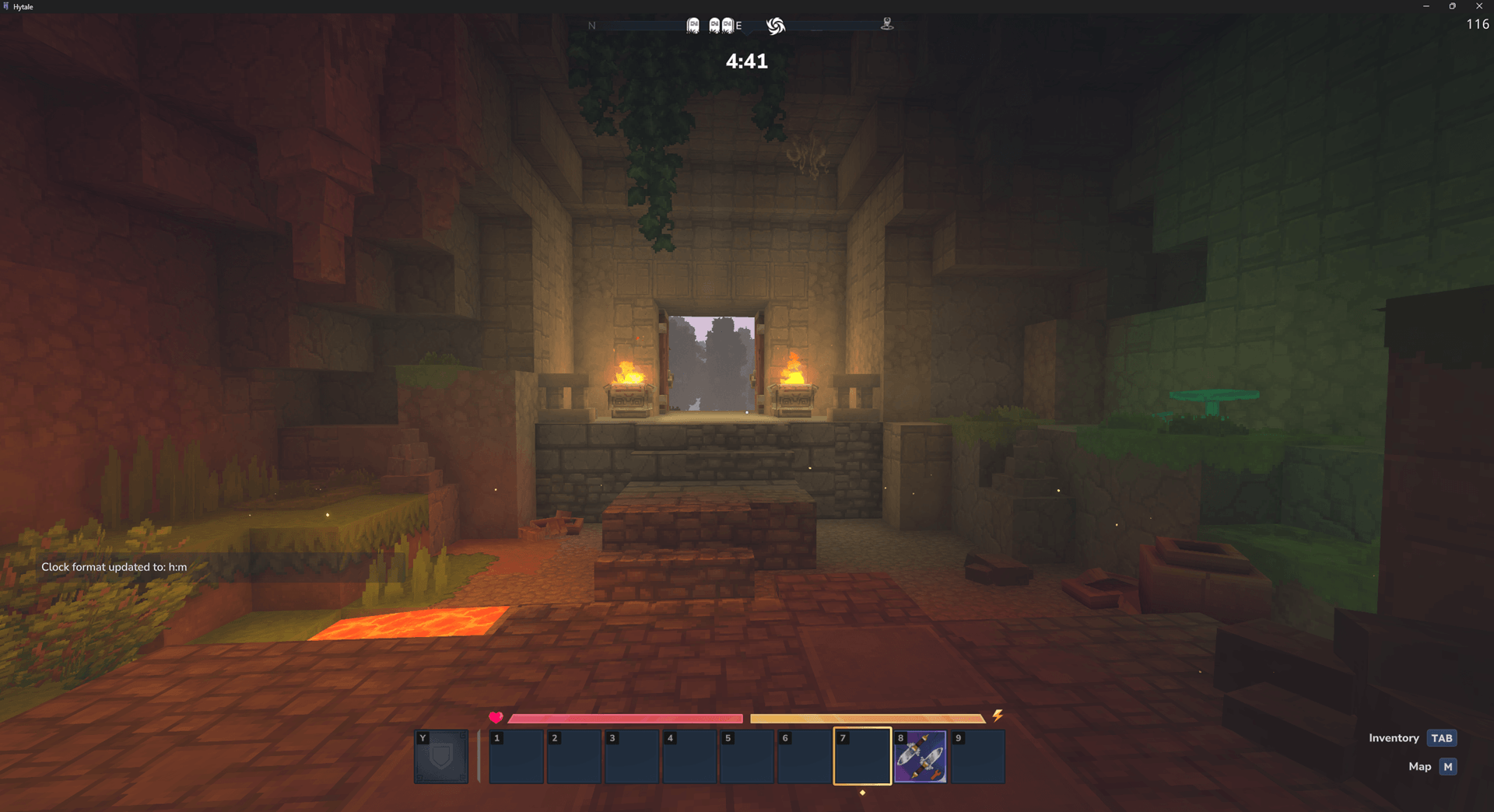
clock_format_change.png
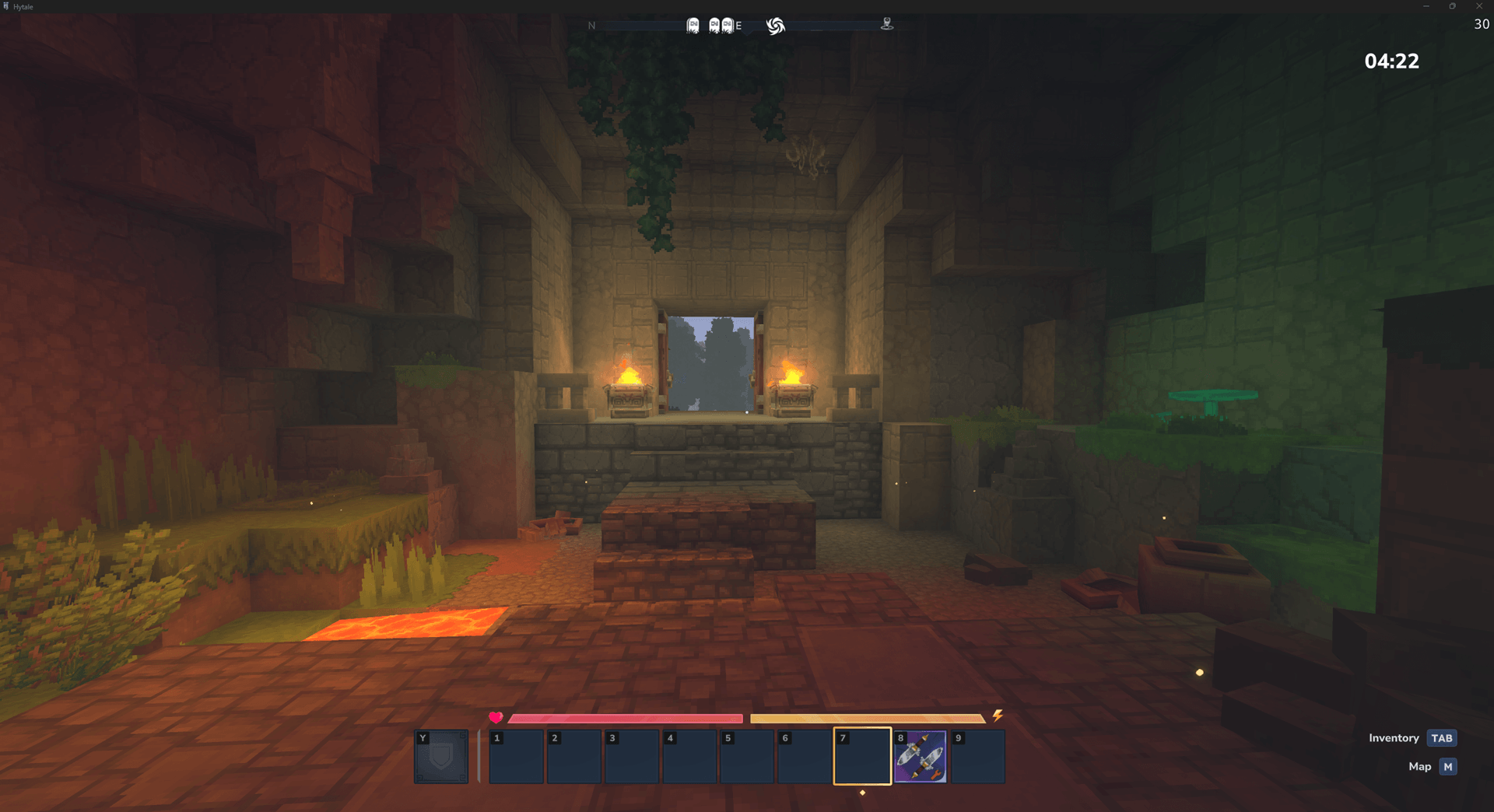
clock_right.png
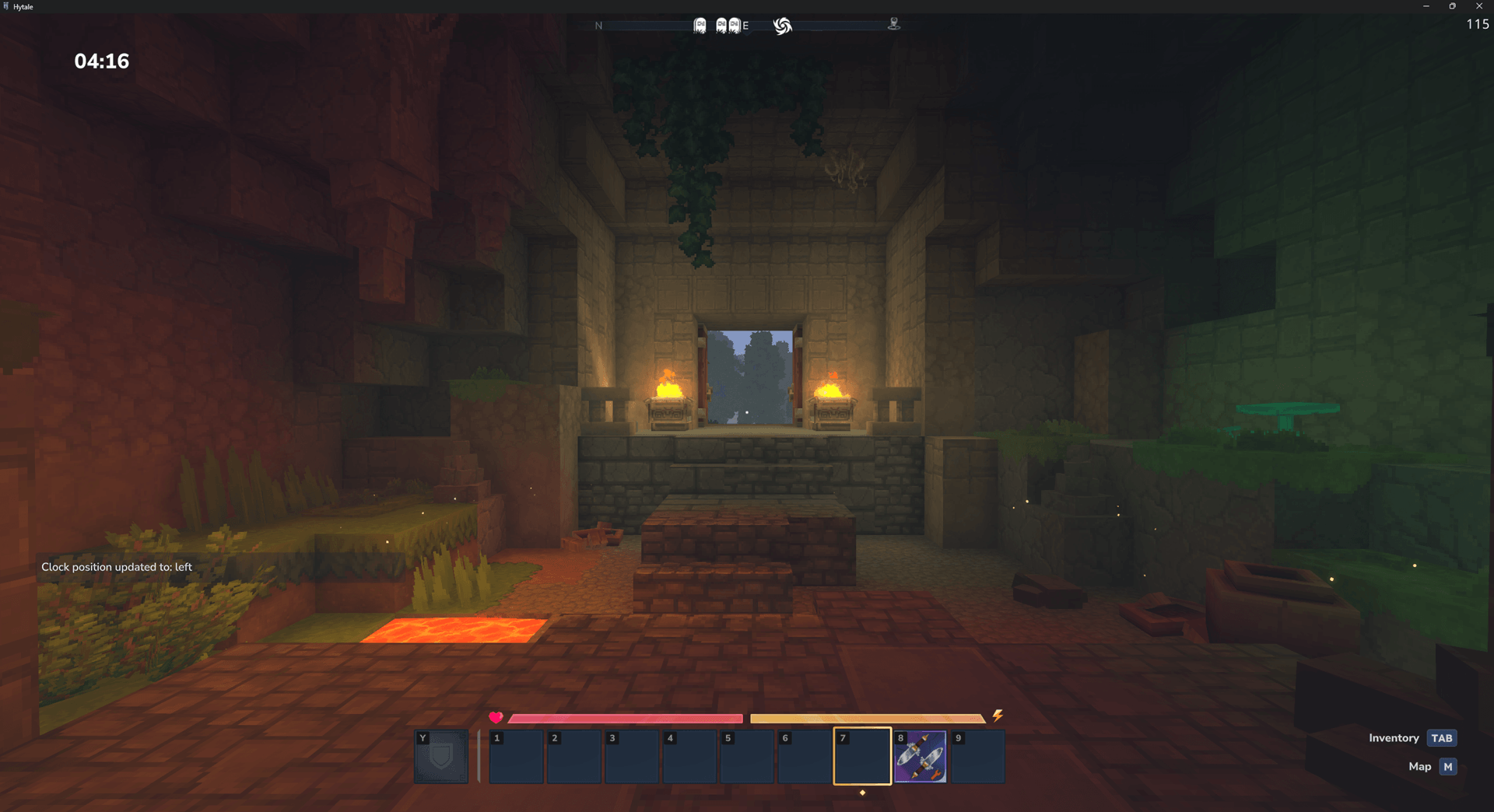
clock_left.png
Description
Overview
Bumenfeld Clock adds a lightweight HUD clock for every player and lets them customize format and screen position.
Features
- Always-visible clock HUD (default:
HH:mm) - Per-player settings (each player chooses their own format & position)
- Instant updates via commands

Commands
/clock format <pattern>— Set the time format (JavaDateTimeFormatterpatterns)/clock position left|center|right— Set the HUD position
Dependencies (required)
Installation
- Install MultipleHUD (required).
- Drop this mod’s
.jarinto your server’s/mods/folder. - Start the server once (config gets generated).
- Adjust config if needed and restart / rejoin.
Configuration
Default configuration:
{
  "Format": "HH:mm",
  "Position": "center",
  "UpdateIntervalMs": 1000
}
Changelog
- 1.1.3 (2026-03-31) — Hytale Update 4 Compatibility and UpdateChecker Support
- 1.1.2 (2026-02-23) — Fix Server Version Matching and Missing Manifest Warnings
- 1.1.1 (2026-02-03) — First Release on CurseForge
- 1.1.0 (2026-02-02) — Require MultipleHUD for clock HUD updates; docs/UI refresh.
- 1.0.0 (2026-02-01) — Initial release.
The Bumenfeld Ingame Clock Team