BetterFly
- By
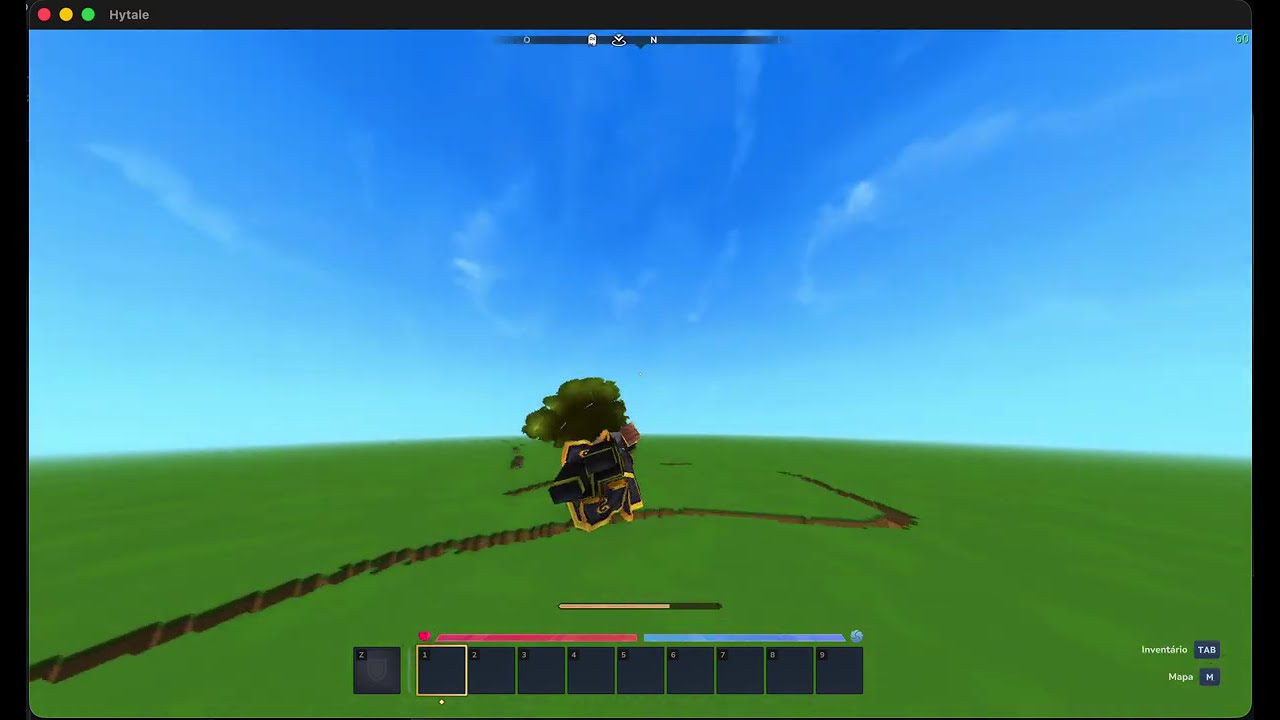
Upgrades vanilla flight with new dynamic flying animations, smooth high-speed boosting, and immersive wind and sonic effects.



Description
A quick note from the author: Hey everyone! I'm just a hobbyist messing around with Hytale modding, and out of a few experiments I ended up building this flight system that feels a lot more fun to fly around with—so I decided to share it here. I don't have any grand plans or big promises for this mod; it's mainly for fun and testing. I might add more features later to give players a bit more creative freedom, and I'm always open to suggestions—just keep expectations light!
I'm pretty busy at the moment, but as soon as I go on vacation (in about 1 month), I'll come back to look at this project!
How It Works
Double-tap Space to fly as usual, then hold Shift while airborne to boost in the direction you're looking—complete with banking animations, wind trails, sonic booms, and block-smashing speed in Extreme mode.
In-Game Menu (/betterfly or /bf) & Commands
Type /betterfly (or /bf) in chat to open the settings panel. The UI automatically switches between English and Portuguese (pt-*) depending on your Hytale client language.
Inside /betterfly, you can switch flight modes with one click, adjust your personal speed cap, and toggle individual audio/visual effects:
- Normal — Standard vanilla flight with no extra boost.
- Fast — Smoothly accelerates up to
45 blocks/swithout breaking blocks. - Extreme — Accelerates up to your personal limit (default
70 blocks/s, server ceiling up to300 blocks/s) and breaks blocks in your path starting at60 blocks/s.
Chat Shortcuts
Commands toggle automatically without needing on/off, and support both English and Portuguese subcommands:
| Command | Alias (PT) | Description |
|---|---|---|
/betterfly (or /bf) |
— | Open the settings UI |
/bf fast |
/bf rapido |
Toggle Fast mode on/off |
/bf extreme |
/bf extremo |
Toggle Extreme mode on/off |
/bf limit [value] |
/bf limite [valor] |
Set personal max speed (e.g. /bf limit 70) |
/bf reload |
— | Reload BetterFly.json from disk (admin only) |
Player preferences (mode, speed limit, and effect toggles) are saved automatically per UUID in players/[uuid].json inside the plugin's data folder.
Global Settings & Dedicated Servers
Singleplayer hosts and admins with permission drakiryon.betterfly.admin or betterfly.admin get access to the Global Settings tab inside /betterfly. Everything is saved to BetterFly.json in the plugin data folder:
- Join Defaults: Choose the default starting mode (
Normal,Fast, orExtreme) and default speed limit. - Server Limits & Permissions: Set the global max speed cap (
45–300 blocks/s), restrict whether players can switch modes or limits, enable/disable Extreme block breaking, toggle the/bfshortcut (CommandAliases), and optionally require separate permissions for Fast (betterfly.fast) and Extreme (betterfly.extreme). - Stamina (Adventure Mode): Optional stamina drain while boosting (
1.5xfaster in Extreme mode); boost pauses once depleted until stamina recovers. - Global Effect Toggles: Master switches to disable wind/sonic sounds, wind particles, camera shake, or heat glow server-wide.
Important Note for Public Servers & Performance: Out of the box, BetterFly uses plug-and-play defaults (
DefaultFast: true,DefaultExtreme: true,DefaultLimit: 70,AllowBlockBreaking: true,StaminaEnabled: false) so singleplayer users get everything enabled right away. If you're running a public multiplayer server, be sure to review Global Settings orBetterFly.jsonbefore opening it to players. Also note that flying at very high speeds and breaking blocks in Extreme mode depends on your PC/server performance (chunk loading and terrain updates).
BetterFly Team