Astro's World Map
- By
A persistent world map for Hytale that saves what you explore, adds waypoints, teleporting, cave mode, mob icons and per-player privacy, and powers Astro's Minimap.
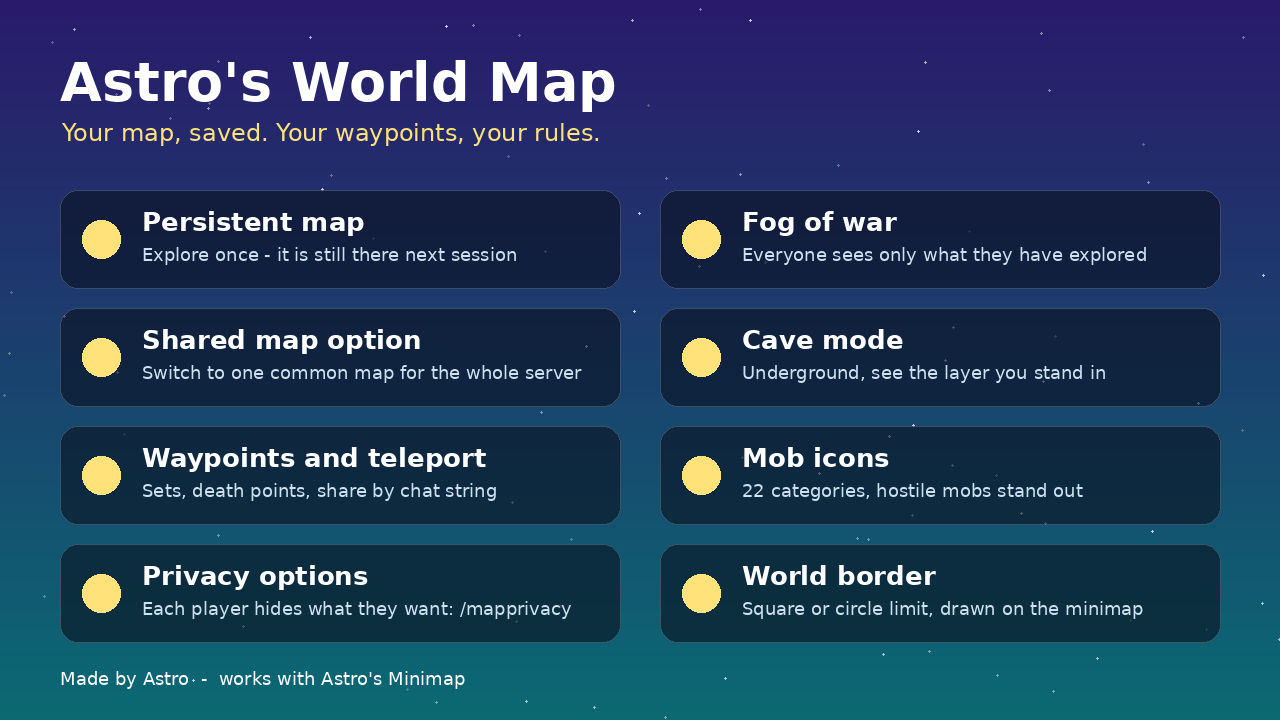
5_feature_overview.png
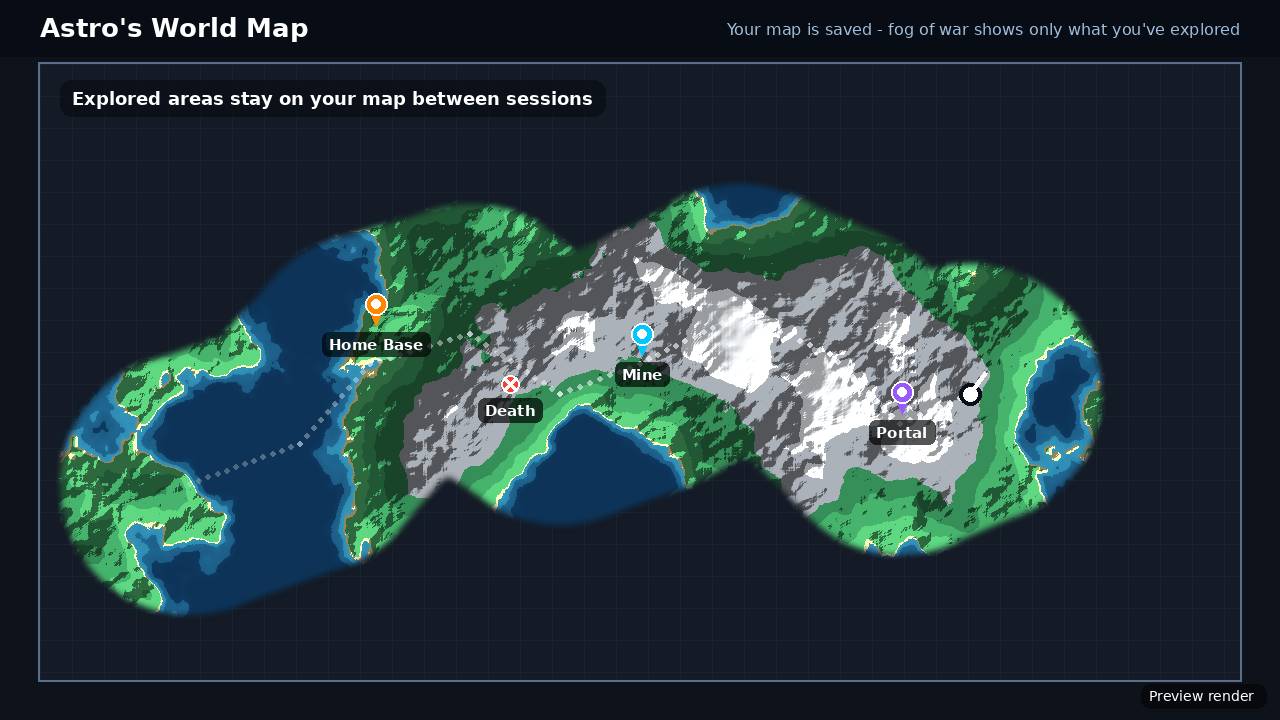
1_persistent_map.png
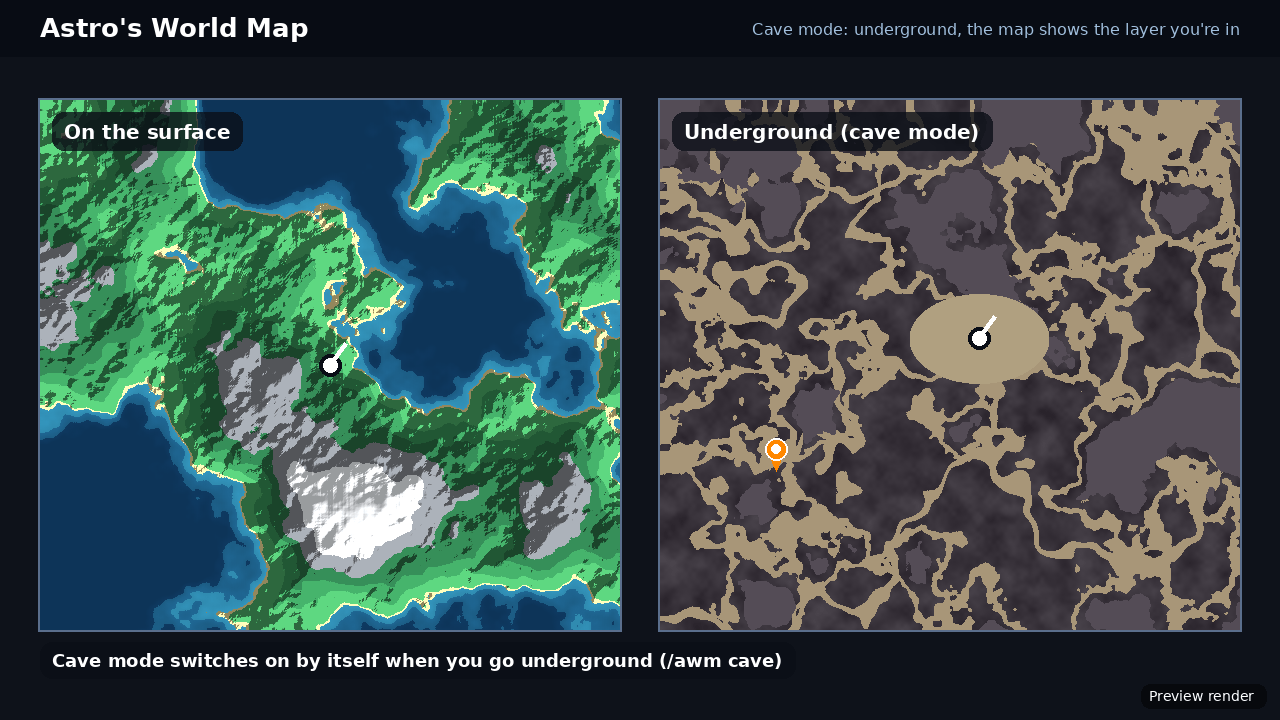
3_cave_mode.png
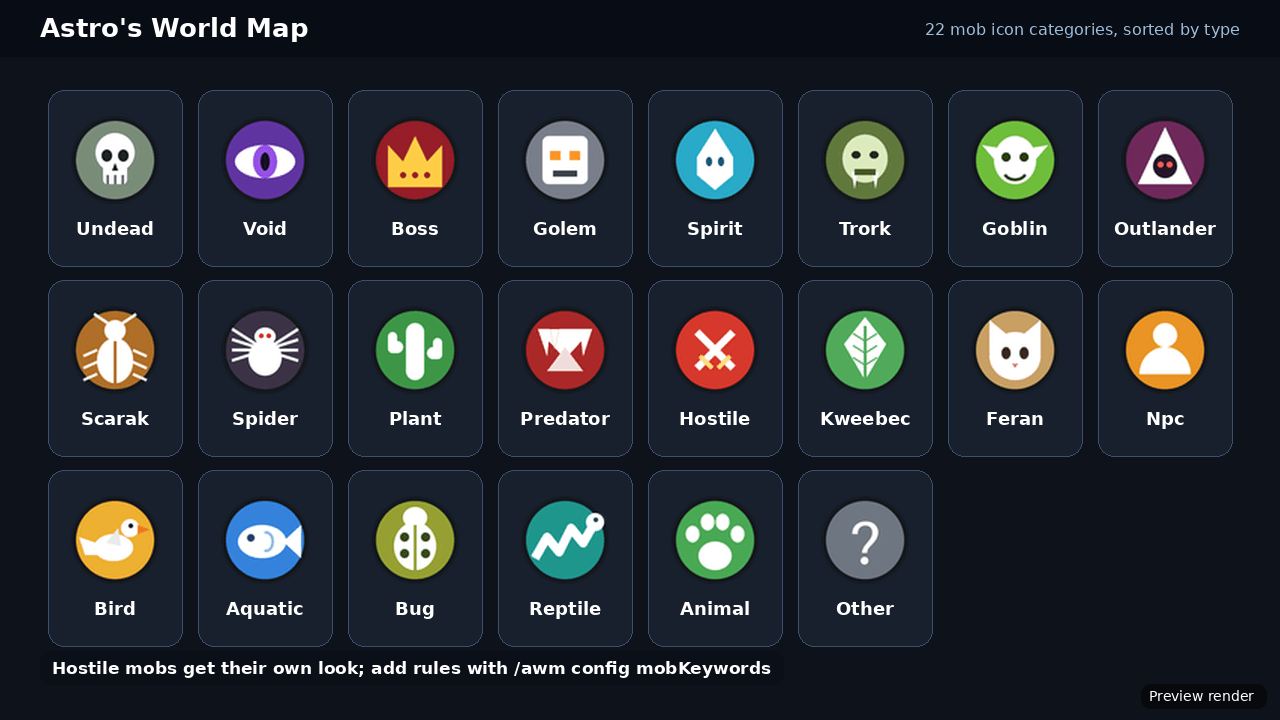
2_mob_icons.png
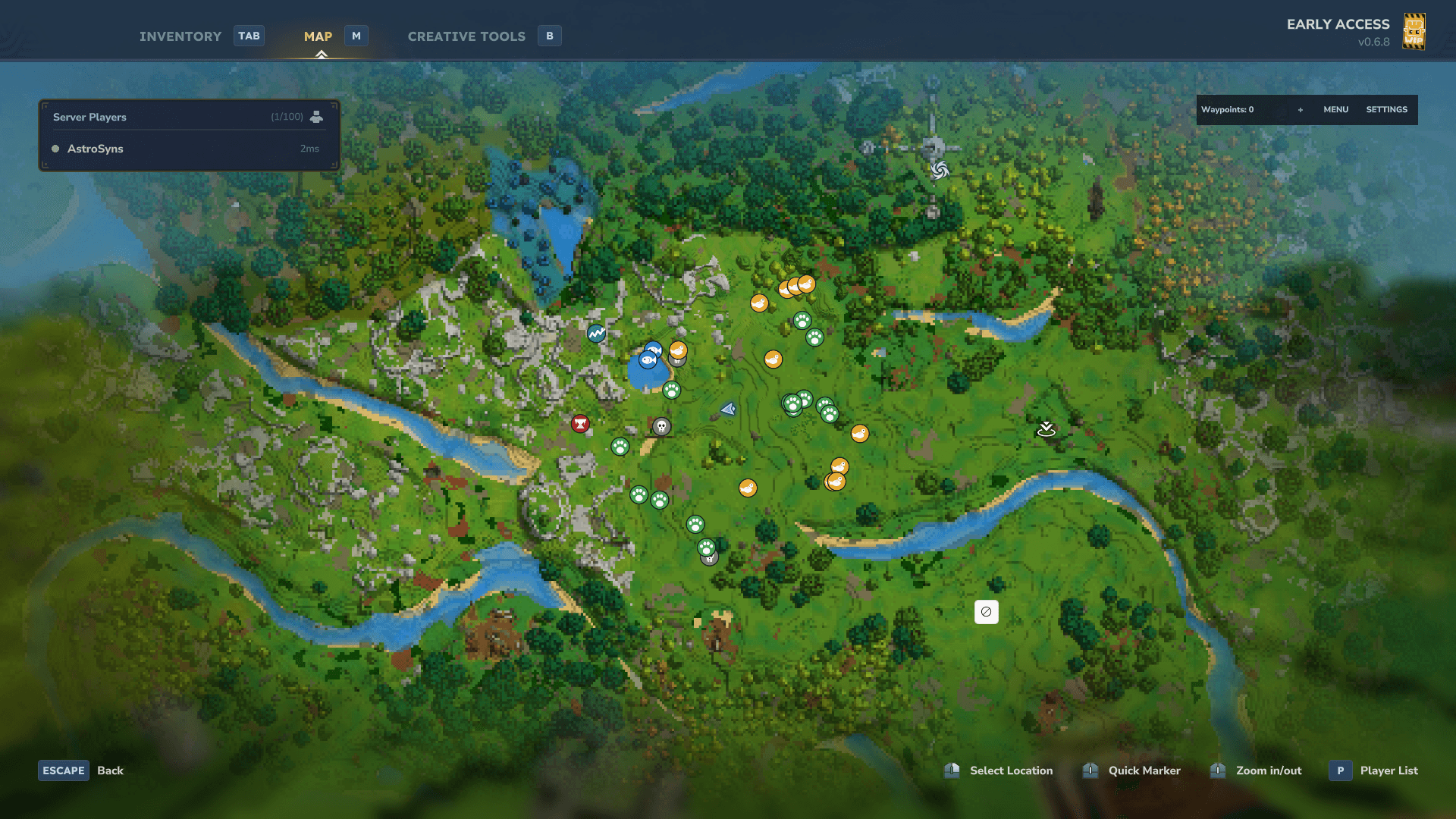
Screenshot 2026-10-05 220018.png
Description
Astro's World Map
A persistent world map for Hytale. Hytale normally forgets map tiles as you move on. Astro's World Map saves everything you explore, so your map is still there next session. It adds waypoints, teleporting, cave mode, mob icons and privacy controls on top of the game's own world map. It is inspired by Xaero's World Map a minecraft map mod and built from scratch for Hytale.
Want the on-screen HUD map too? Add Astro's Minimap. It builds on this mod, so install this one first.
FEATURES
- Persistent map: explored areas are saved to disk and come back next session. Saving is crash-safe, and damaged files are recovered rather than lost.
- Fog of war: each player sees only what they have explored.
- Shared map option: turn on one common map for the whole server with /awm share.
- Cave mode: underground, the map shows the layer you're standing in instead of the surface above you.
- Waypoints: personal markers with colours, sets and automatic death points. Share them with a chat string. Manage them with /wp.
- Teleporting: to a waypoint, a death point or exact coordinates. Each kind has its own permission and its own on/off setting for admins.
- Mob icons: 22 icon categories (undead, boss, golem, spider, bird and more). Hostile mobs stand out, and you can add your own rules for modded mobs.
- Per-player privacy: /mapprivacy lets each player hide players, spawn, death points, points of interest, global or personal waypoints and mobs on their own map.
- World border: square or circle limit, shown on the Minimap.
- Footsteps trail: see where you've been.
- Memory-friendly: tiles near you stay loaded, far ones are unloaded. Pick a quality level (low, medium or high) to balance detail against map size.
- Admin tools: /awm to save, reload, change settings, track worlds, benchmark and reset.
- API for other mods: Astro's Minimap uses it, and other mods can too.
QUICK START
- Put AstroWorldMap-1.0.0.jar in your Mods folder and enable it.
- Remove or disable other map mods in the same world, such as BetterMap. Two map mods fight over the same map.
- Start the world and explore. Your map saves automatically.
- Use /wp menu to open your waypoints, or /mapprivacy to choose what to hide.
COMMANDS FOR PLAYERS
- /wp menu: waypoint list (add, teleport, edit, delete)
- /wp add [name]: create a waypoint where you stand
- /wp tp <name>: teleport to a waypoint (needs permission)
- /wp share <name> and /wp import <string>: share a waypoint in chat and import one
- /mapprivacy [option] [on|off]: hide things on your own map
- /awm info and /awm mobs: map status and the mob icon list
COMMANDS FOR ADMINS (/awm)
- /awm save and /awm reload: write the map to disk, reload settings
- /awm config list and /awm config <key> [value]: view and change any setting
- /awm track <world> and /awm untrack <world>: choose which worlds are mapped
- /awm share, /awm cave, /awm border: toggle the shared map, cave mode and world border
- /awm benchmark: time the map's work on each world
- /awm reset me or /awm reset all: delete saved exploration (asks you to confirm)
The full command and settings list is in the README.
PERMISSIONS
- astro.map.teleport: all teleporting
- astro.map.teleport.waypoint, .death, .coordinate: one kind of teleport only
- astro.map.admin: admin commands
Coordinate teleports are off by default. Admins turn them on with allowCoordinateTeleports.
NOTES
- Not every part has been tested in a live game yet. If something looks wrong, please report it along with your game log.
- Hytale mods can't bind keys, so everything is a command or a menu.
- Claims and ally display aren't implemented yet.
Made by Astro.
ENJOY
Astro's World Map Team