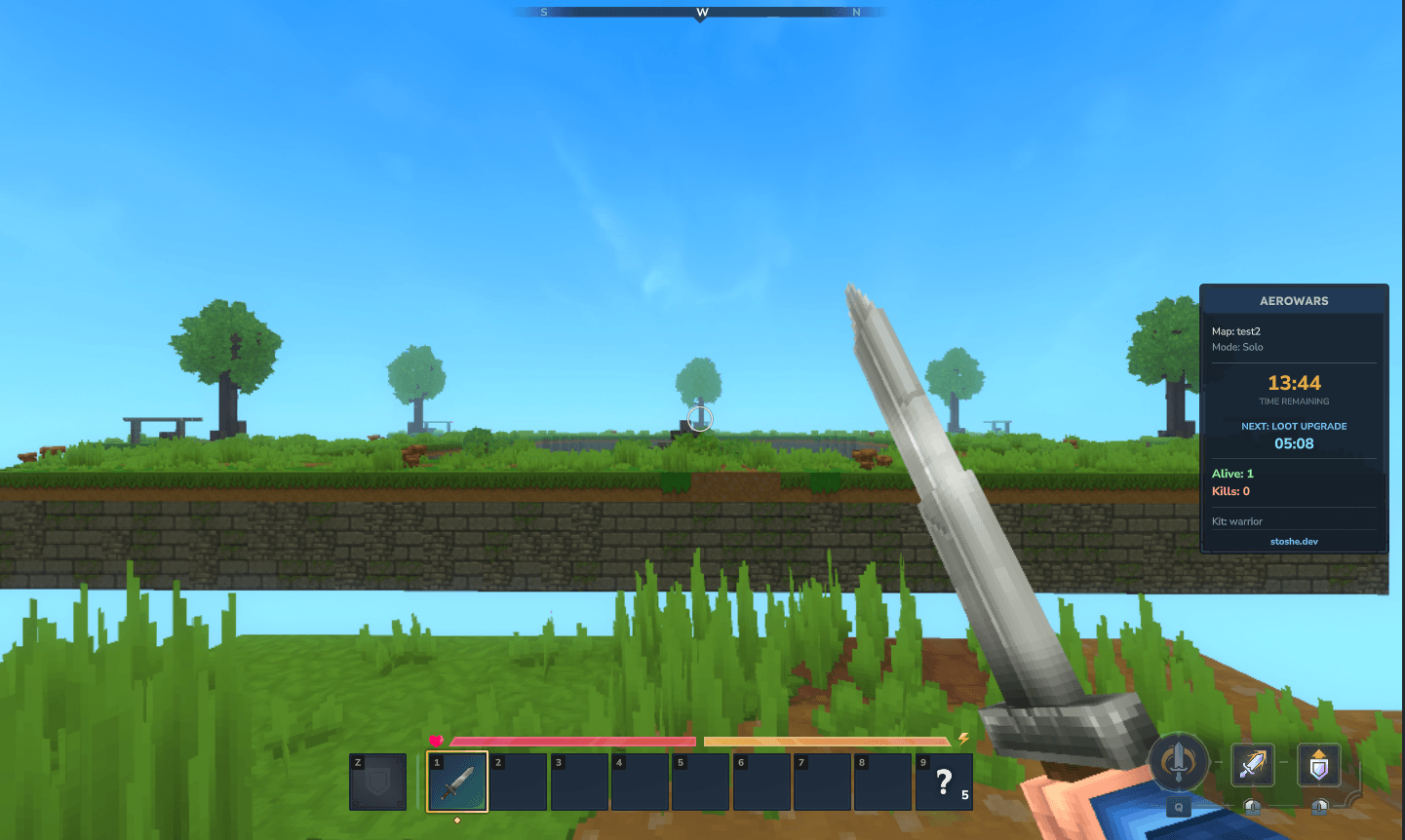
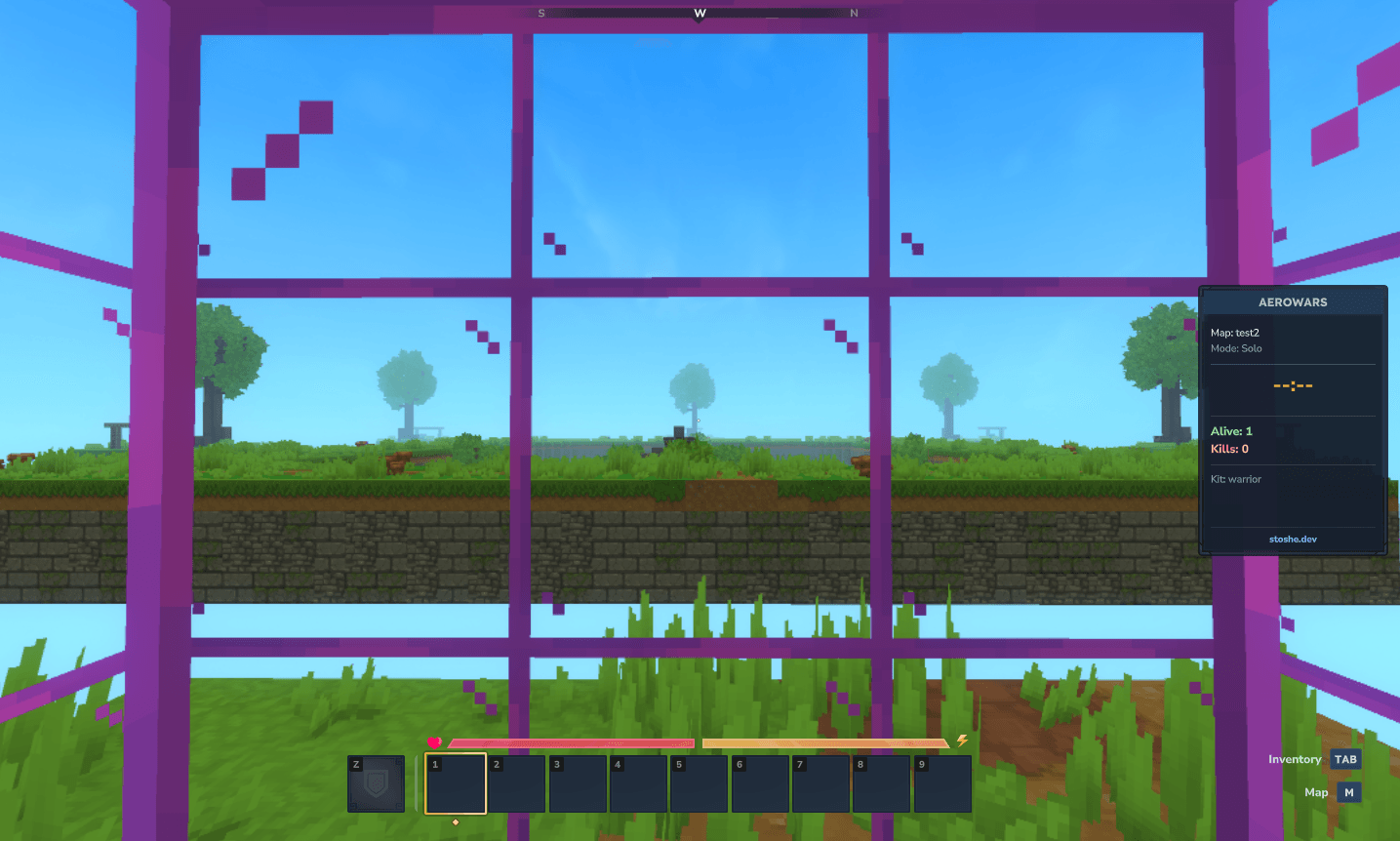
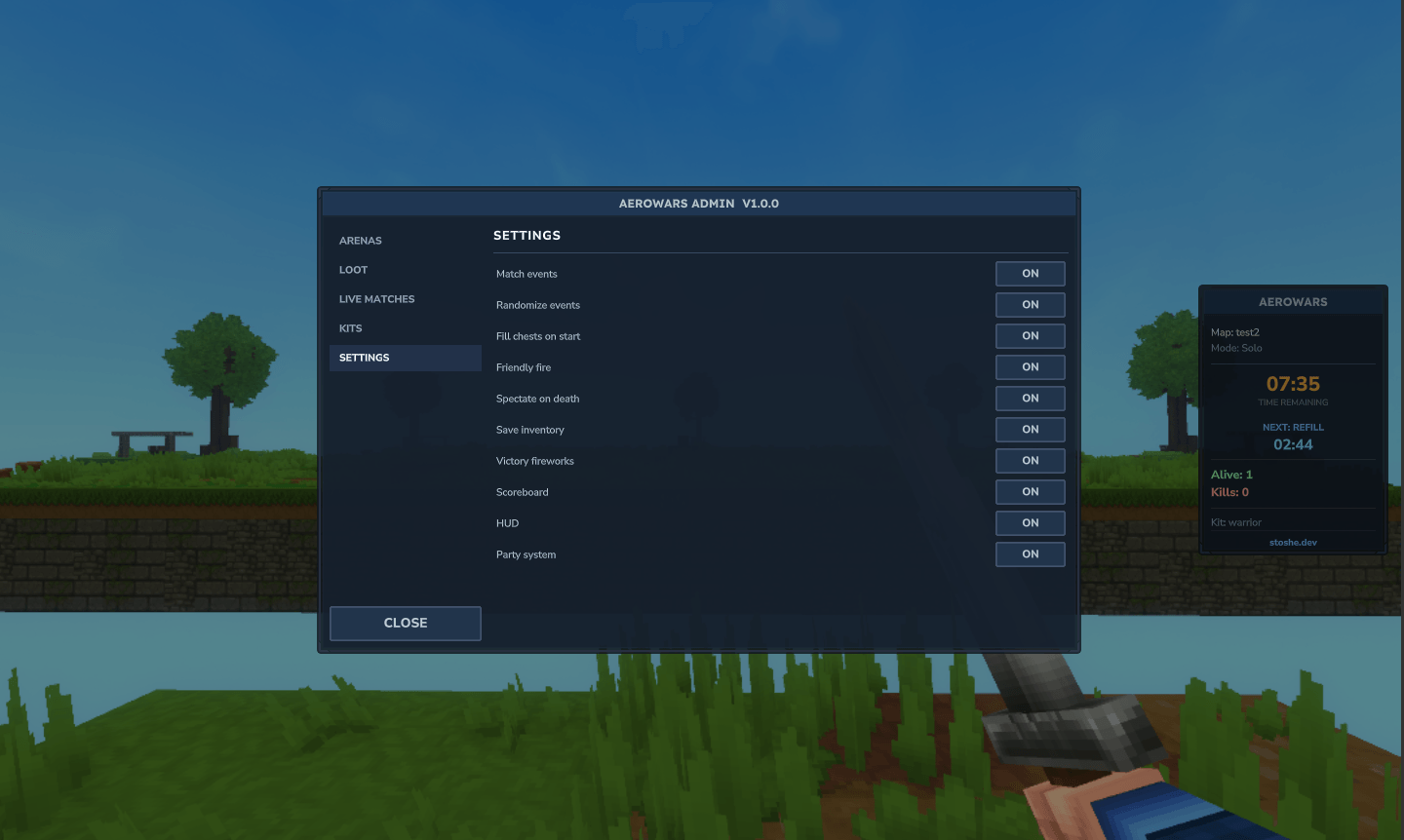
A competitive SkyWars-style minigame for Hytale.
Multi-arena Solo & Teams, spawn cages, chest loot tables, selectable kits, spectator mode, cosmetics, parties & matchmaking, and a fully custom UI/HUD.

💬 Join the community!
Have questions, ideas, or just want to chat? Join the Stoshe Labs Discord server:
discord.gg/rC9eSzH3tf


Overview
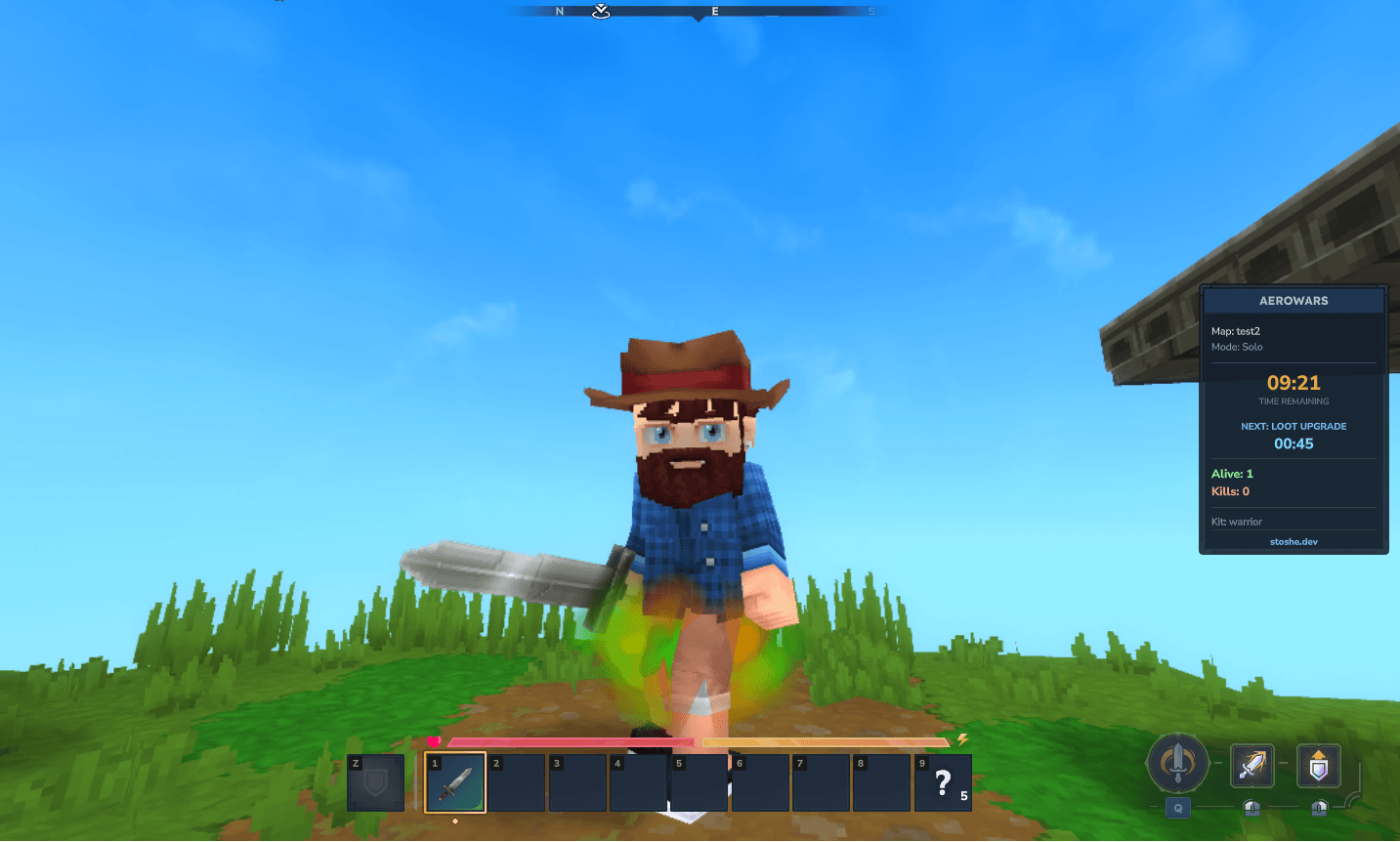
AeroWars drops each player (or team) onto a floating island. Grab loot from island and middle chests, gear up, and be the last one standing. Matches run in isolated, disposable worlds cloned from arena templates, so any number of games can run at once without touching your main world.
- Solo (FFA) and co-op Teams arenas, with configurable team size
- Spawn cages that hold players during the countdown, then shatter open on start
- Weighted chest loot (island / middle tiers) with a unified, scheduleable events system
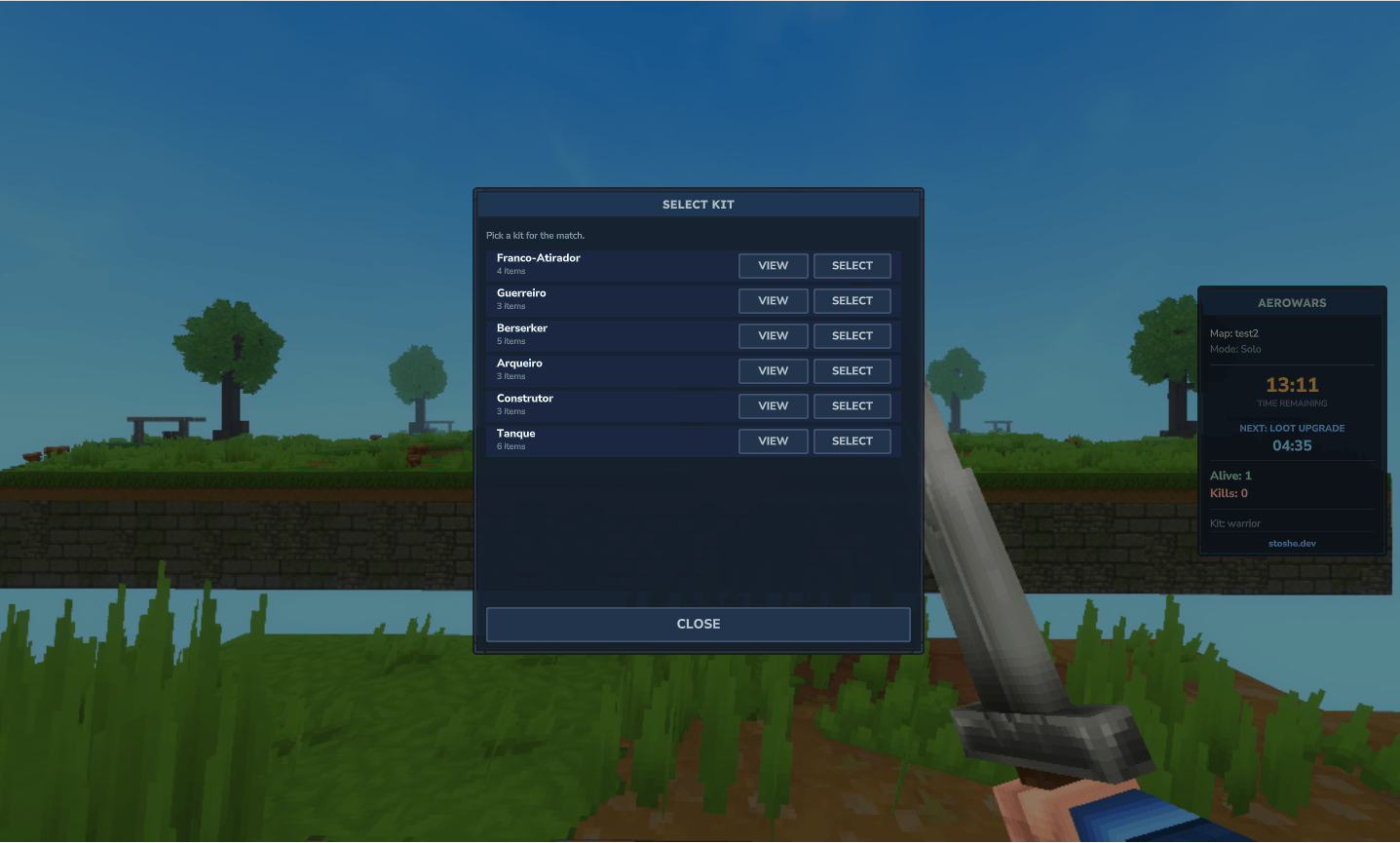
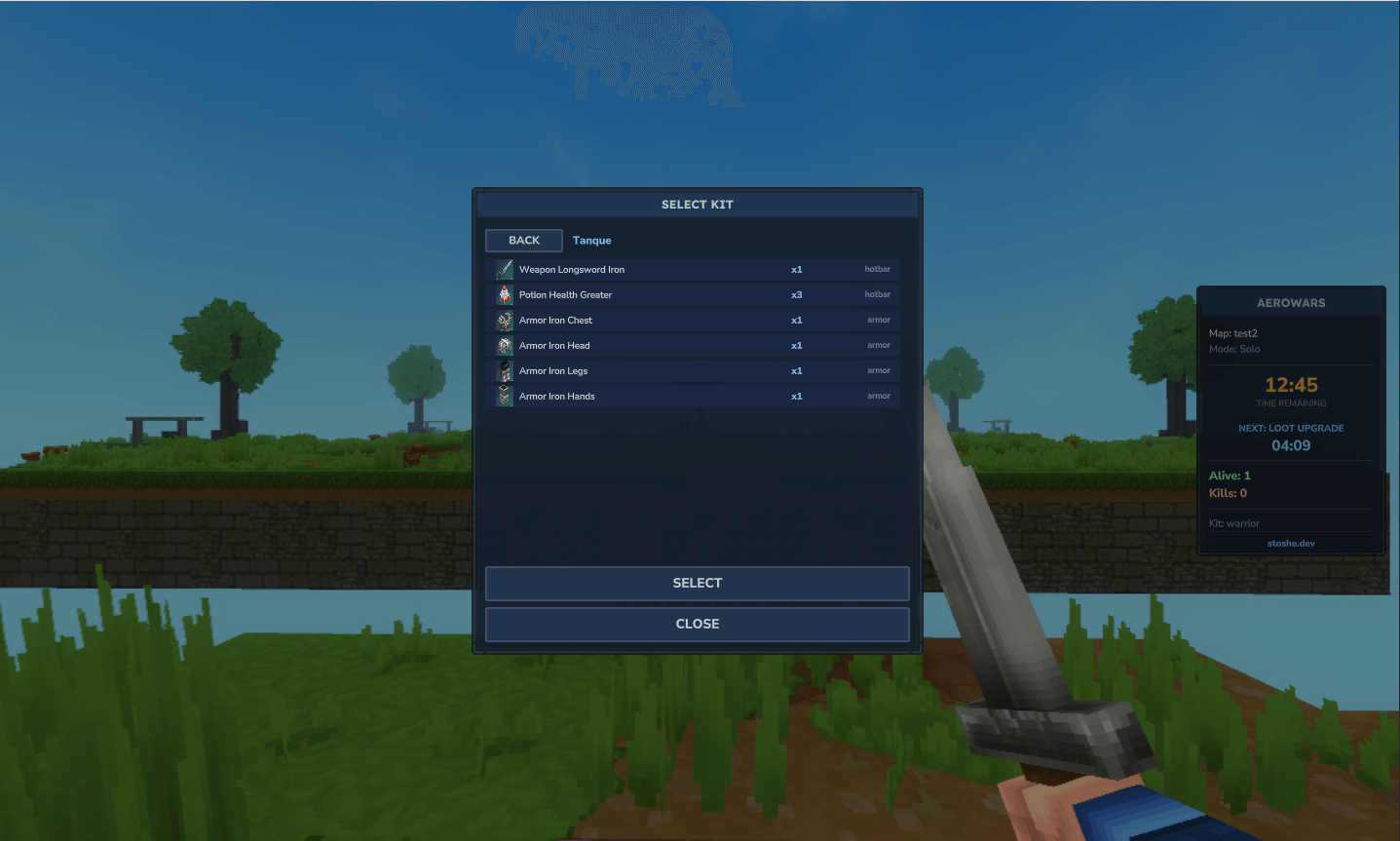
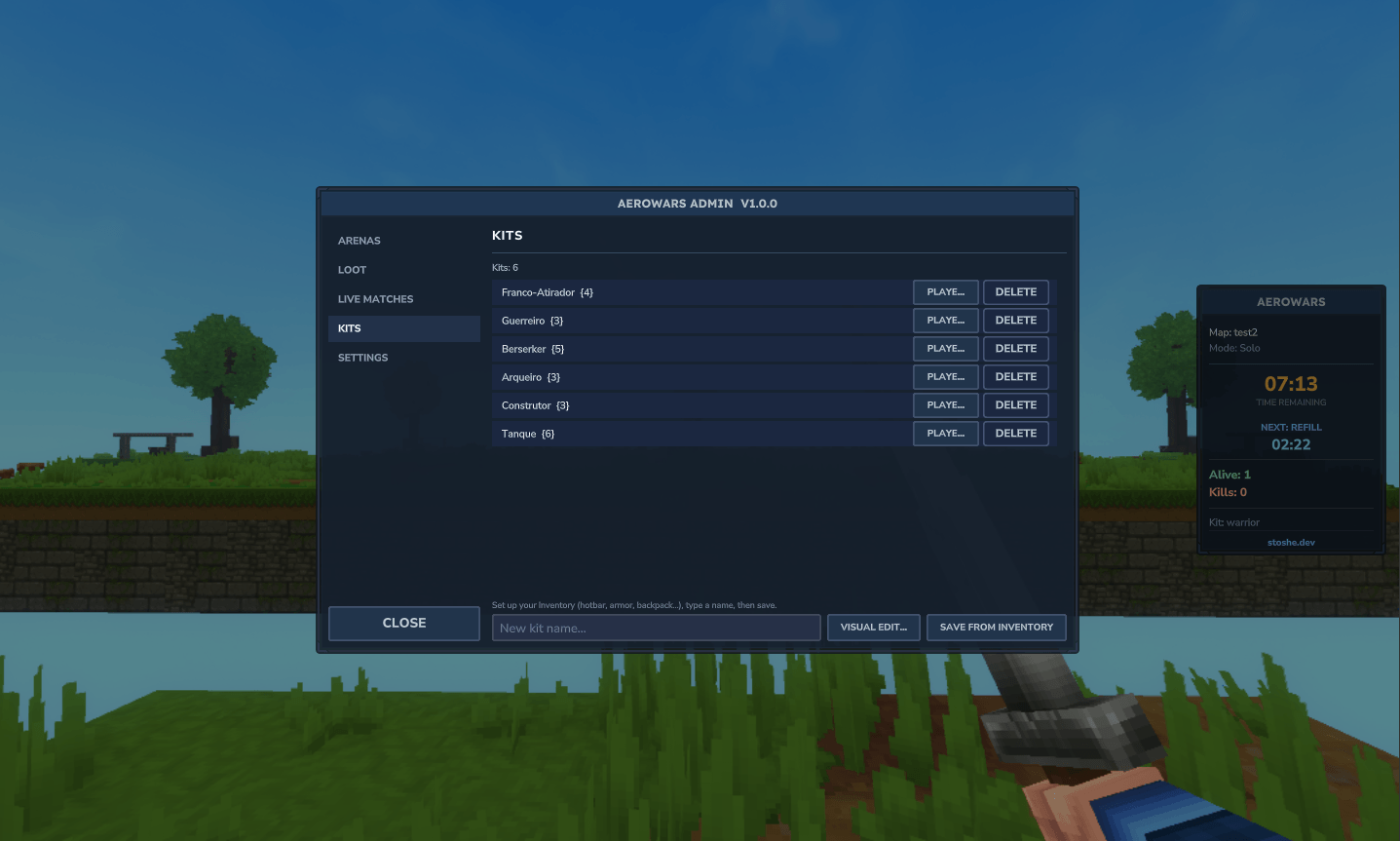
- Selectable kits — pick before the match, or build them visually in the admin panel
- Spectator mode on death — fly around, teleport to living players, or head back to lobby
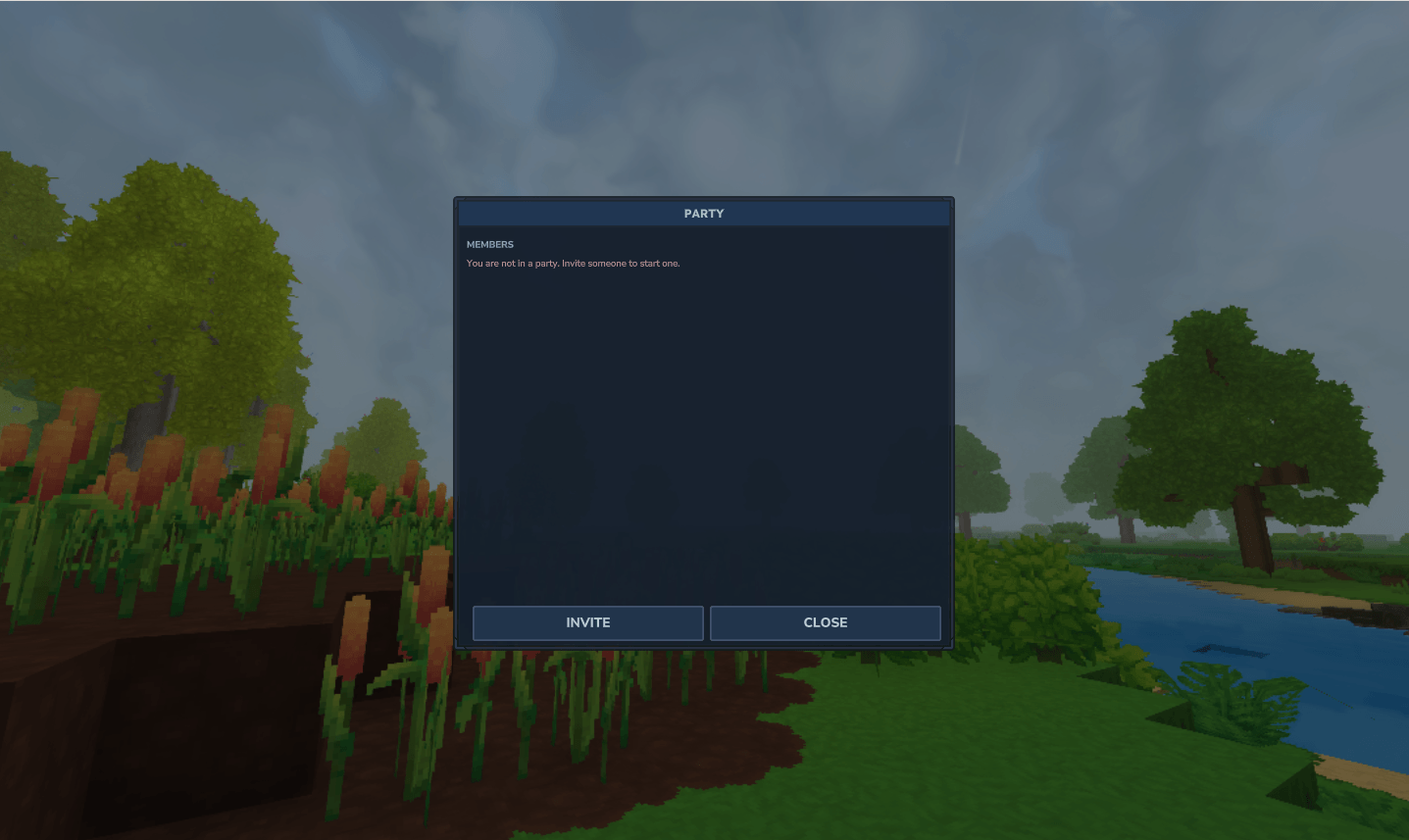
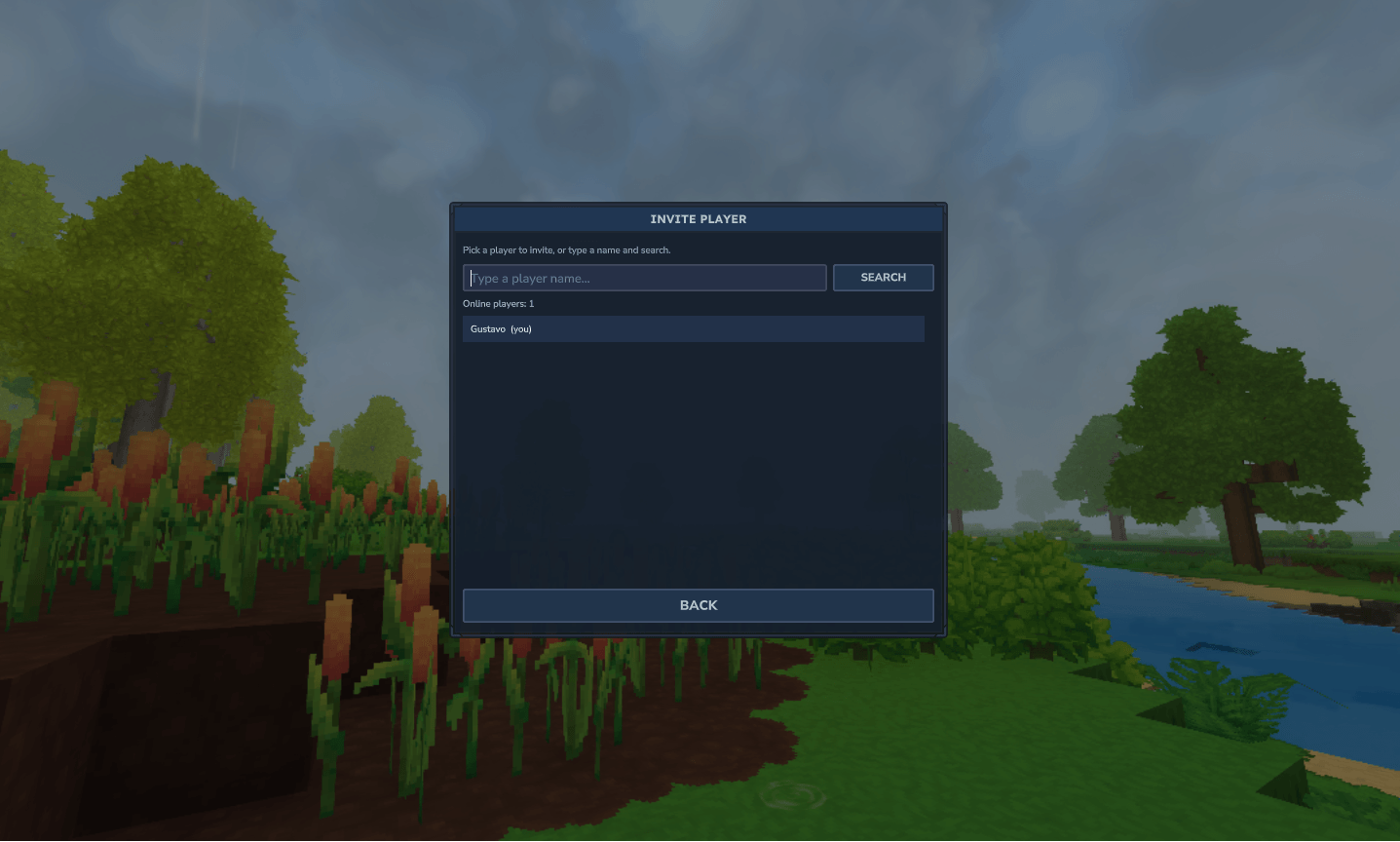
- Parties & matchmaking queues (solo/teams), with keep-together or auto-split behaviour
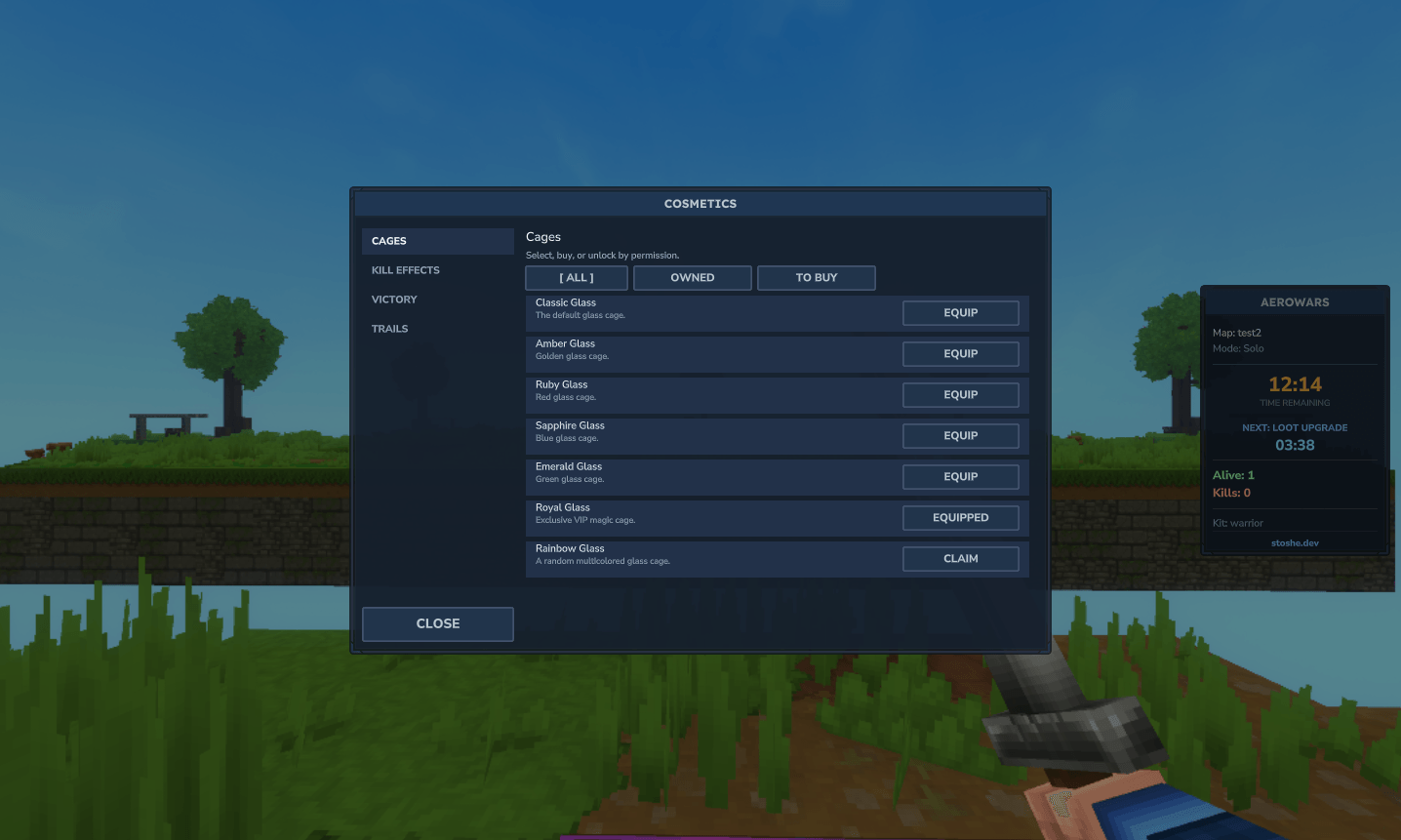
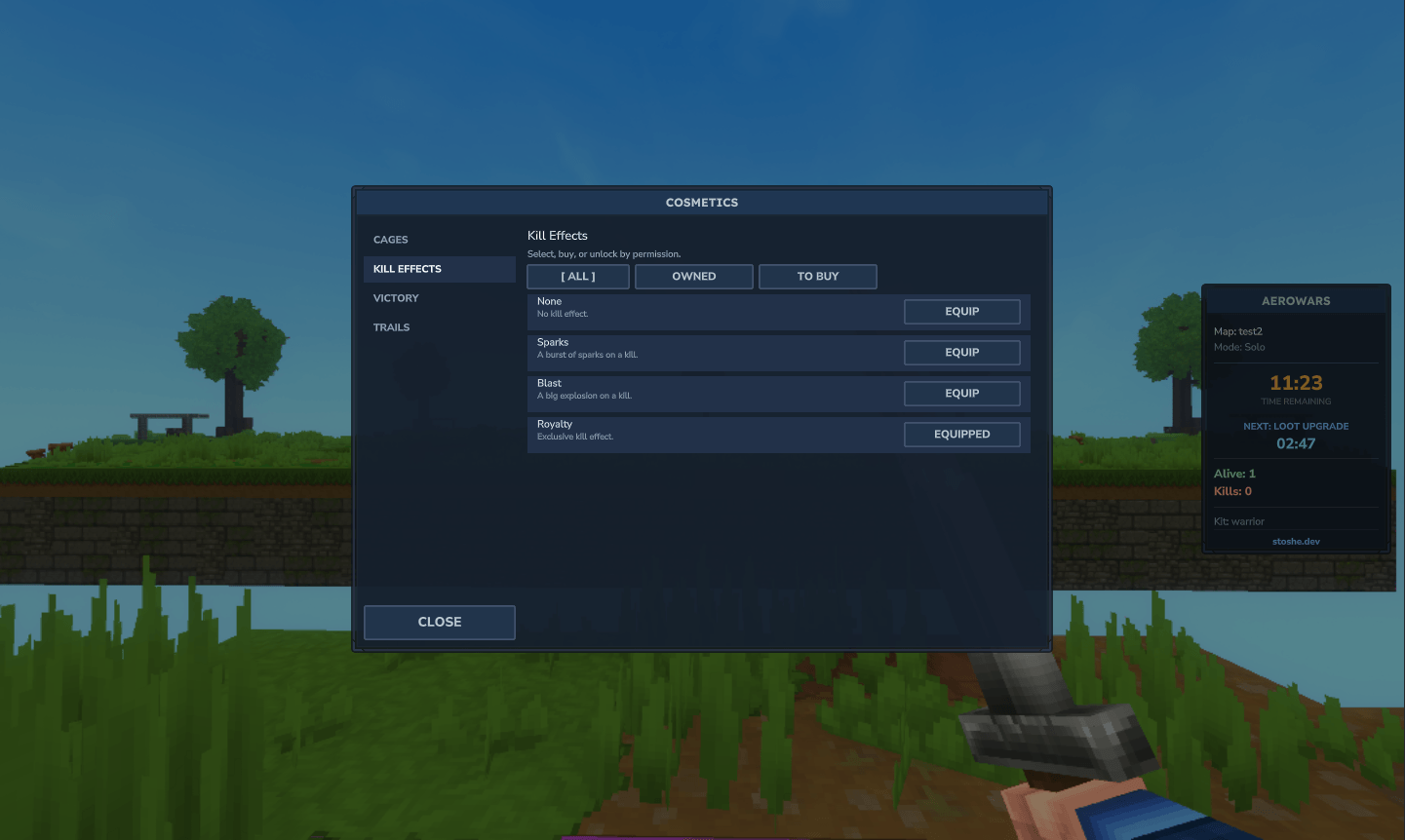
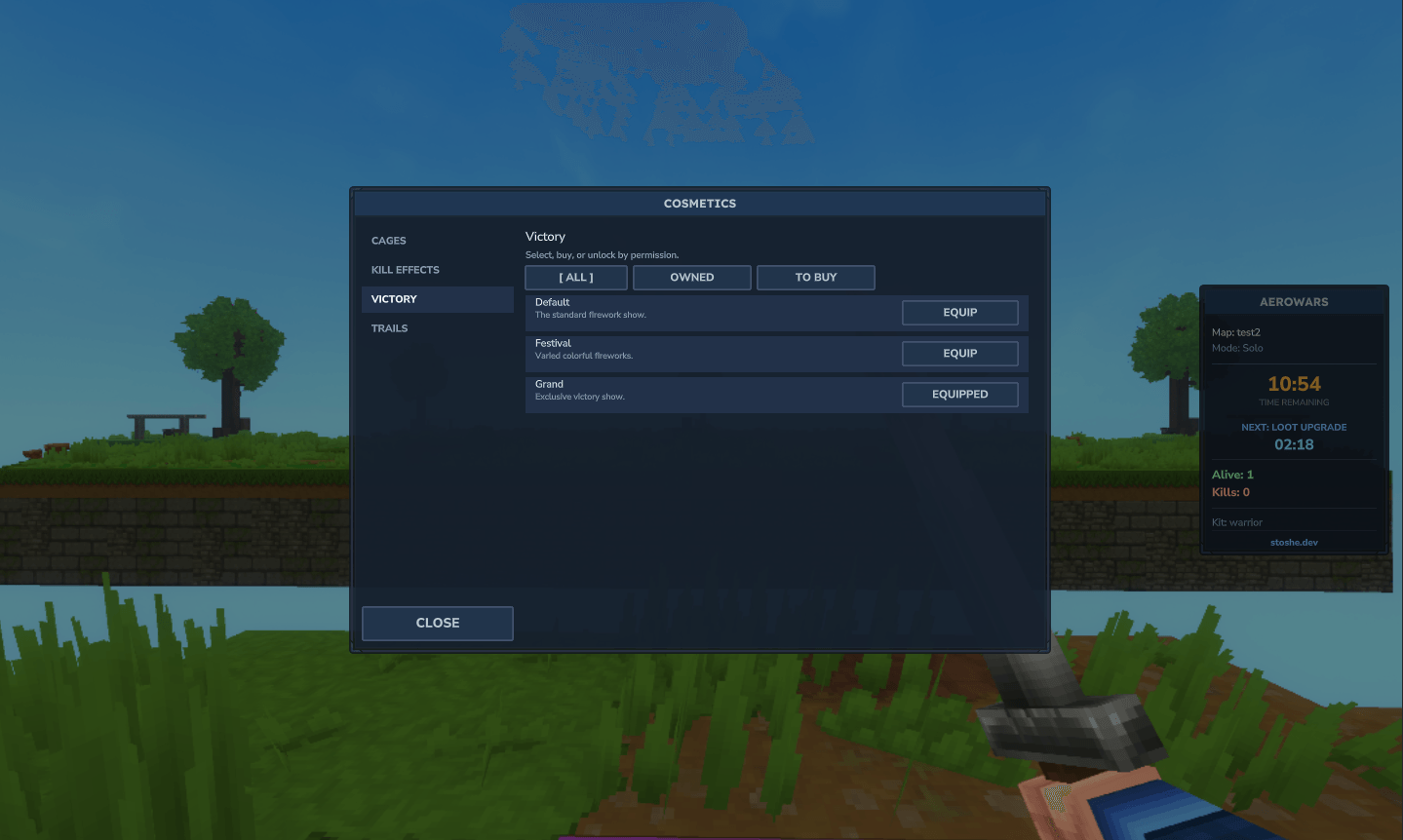
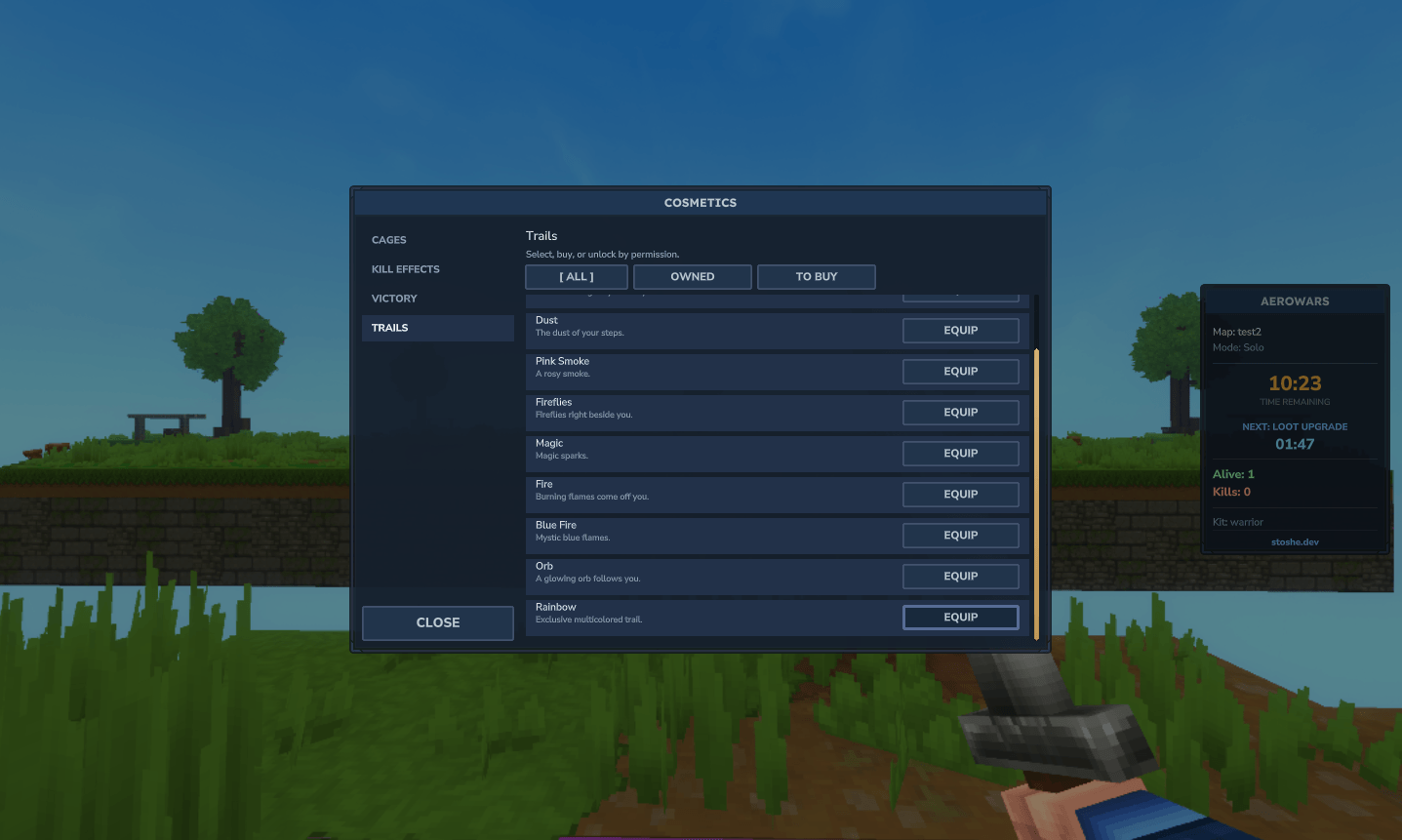
- Cosmetics — cage themes, kill effects, victory shows, movement trails
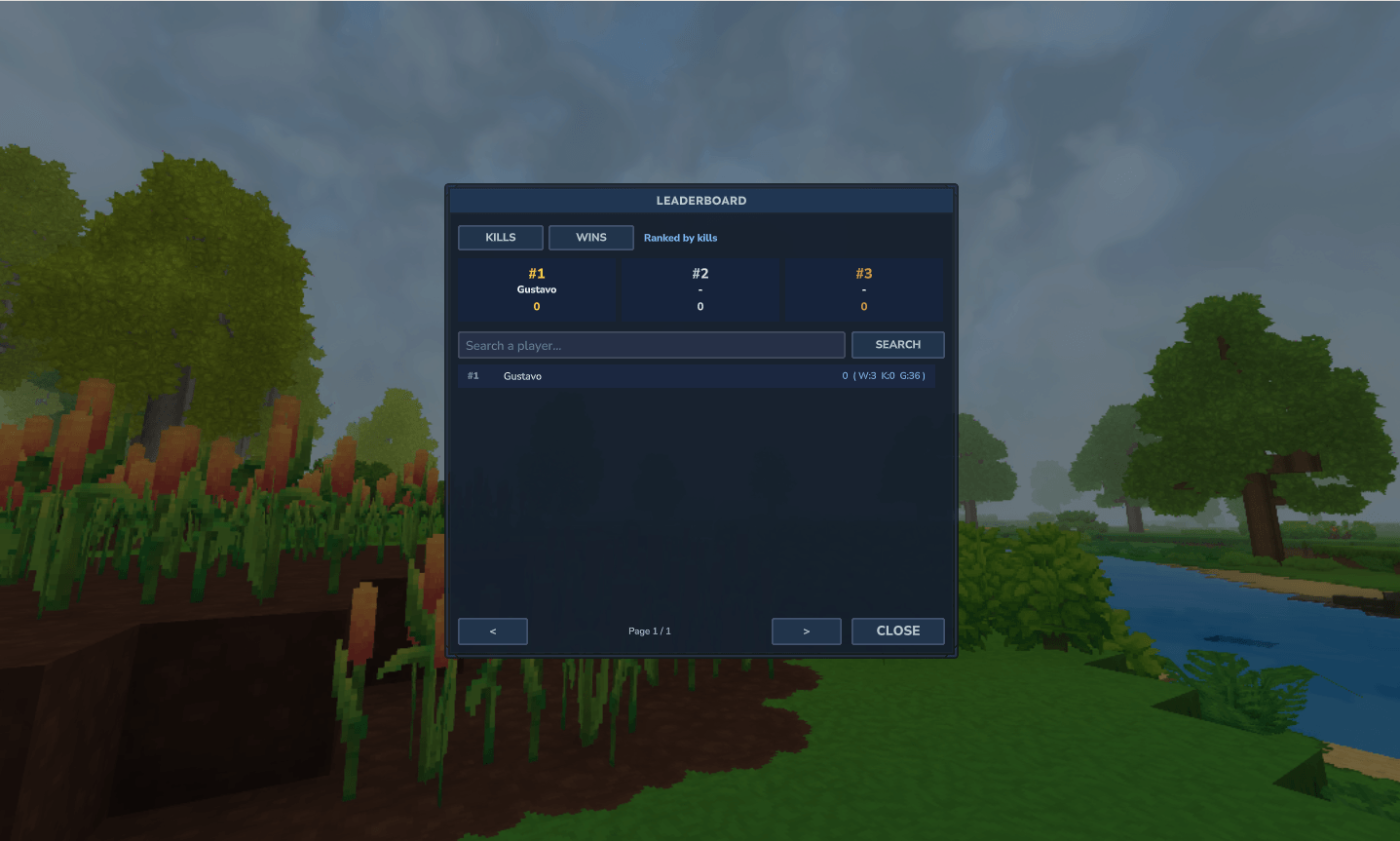
- Stats & leaderboards, economy rewards, PlaceholderAPI, and TaleGuard protection
Installation
- Drop
AeroWars-1.0.0.jar into your server's mods/ folder.
- (Optional) Install PlaceholderAPI for
%aerowars_...% placeholders.
- (Optional) Install TaleGuard for full interaction protection.
- Start the server once to generate the config, then configure and create your arenas.
Every command below is under /aerowars and also the shorter alias /sw.
Quick start (create your first arena)
1. /sw world create skyisland # make a void template world and build your map in it
2. /sw setup start arena1 skyisland # begin the setup wizard (teleports you in, hands the wand)
3. (Step 1) left-click blocks to mark spawns — or stand on a spot and use /sw setup set
co-op arena? /sw setup mode coop 2
4. /sw setup done # Step 2/3: place NORMAL then MIDDLE chests (from Creative)
5. /sw setup done # Step 4: stand at the spectator spot, /sw setup set
6. /sw setup save # arena is saved and enters rotation
Lost the wand mid-setup? /sw wand. Editing later? /sw setup edit arena1. Clearing an arena's chests sends it to draft (hidden from matchmaking) until you add chests again.
Commands
Player commands
<sub>Open to everyone by default — permission aerowars.play (default: allowed).</sub>
| Command |
Description |
/sw join |
Join (or create) a match; pulls your whole party in |
/sw queue &amp;amp;lt;solo|teams&amp;amp;gt; |
Join a mode-specific matchmaking queue |
/sw leave |
Leave your current match or queue |
/sw list |
List the available arenas |
/sw kit [id] |
Open the kit picker, or select a kit directly |
/sw party [invite|accept|decline|leave|disband|kick &amp;amp;lt;player&amp;amp;gt;] |
Open the party menu / manage your party |
/sw stats [player] |
Show your (or another player's) stats |
/sw top | rank [kills|wins] |
Open the leaderboard |
/sw cosmetics |
Open the cosmetics shop |
/sw help |
Show help |
Admin commands
<sub>Require permission aerowars.admin (default: denied).</sub>
| Command |
Description |
/sw admin |
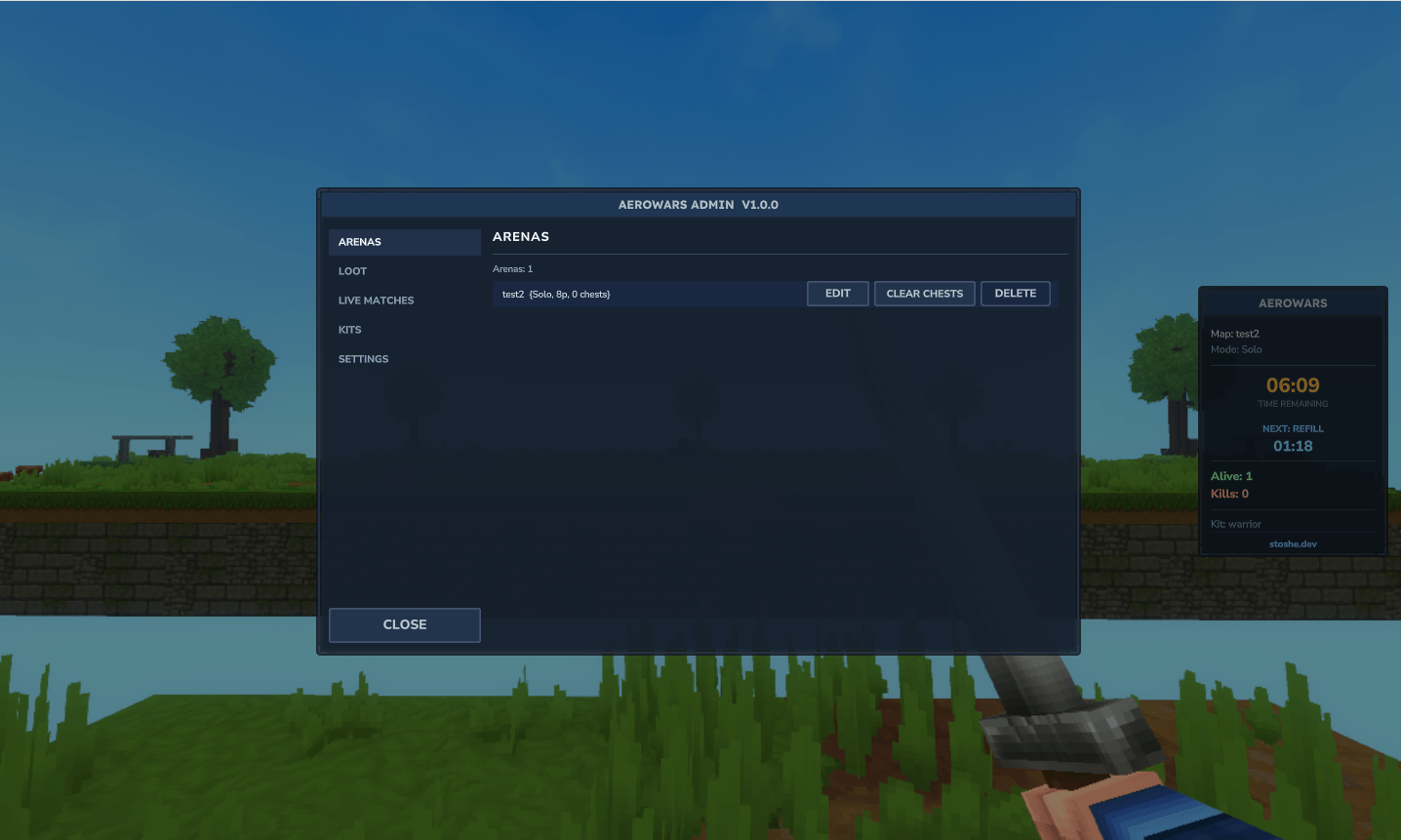
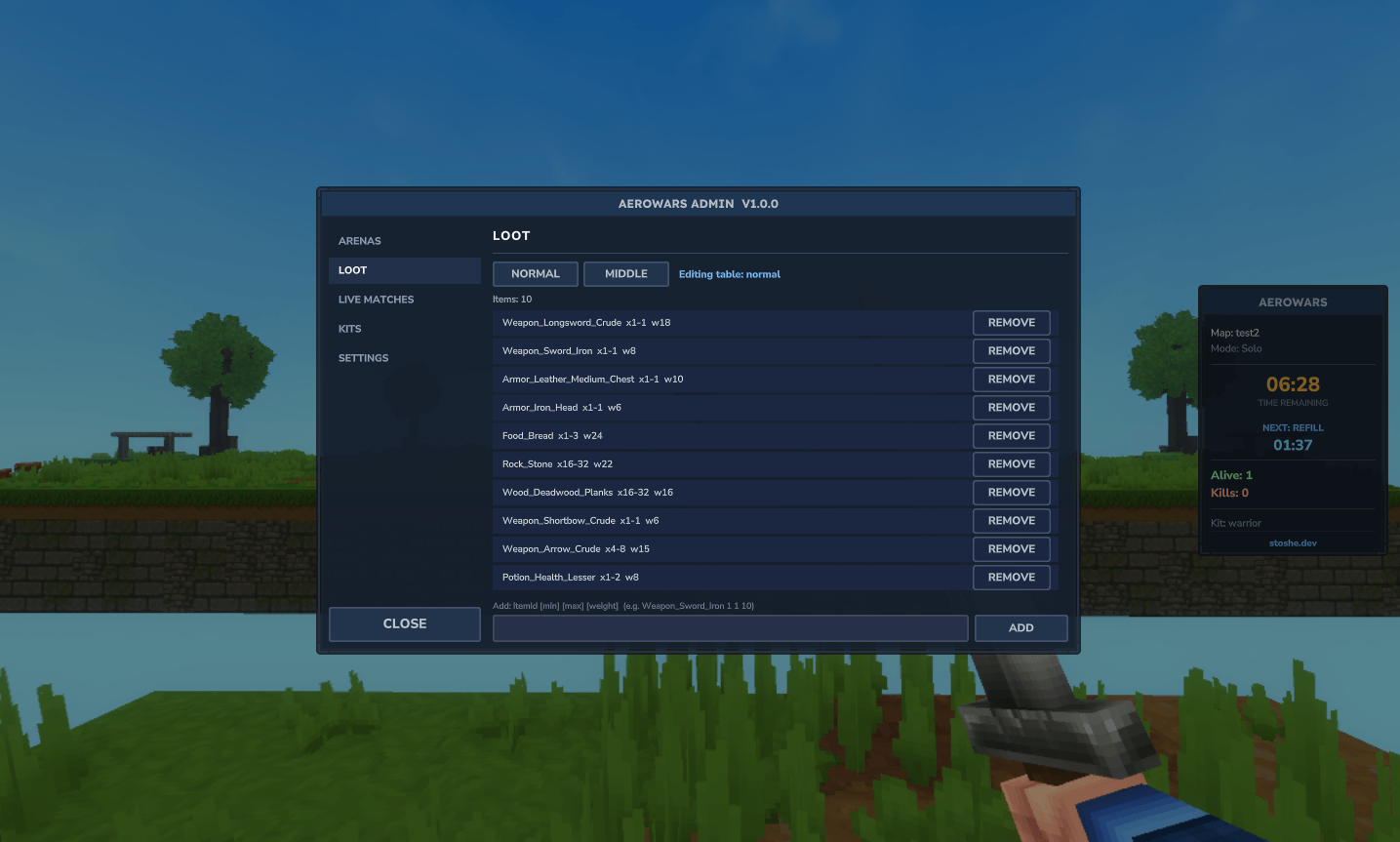
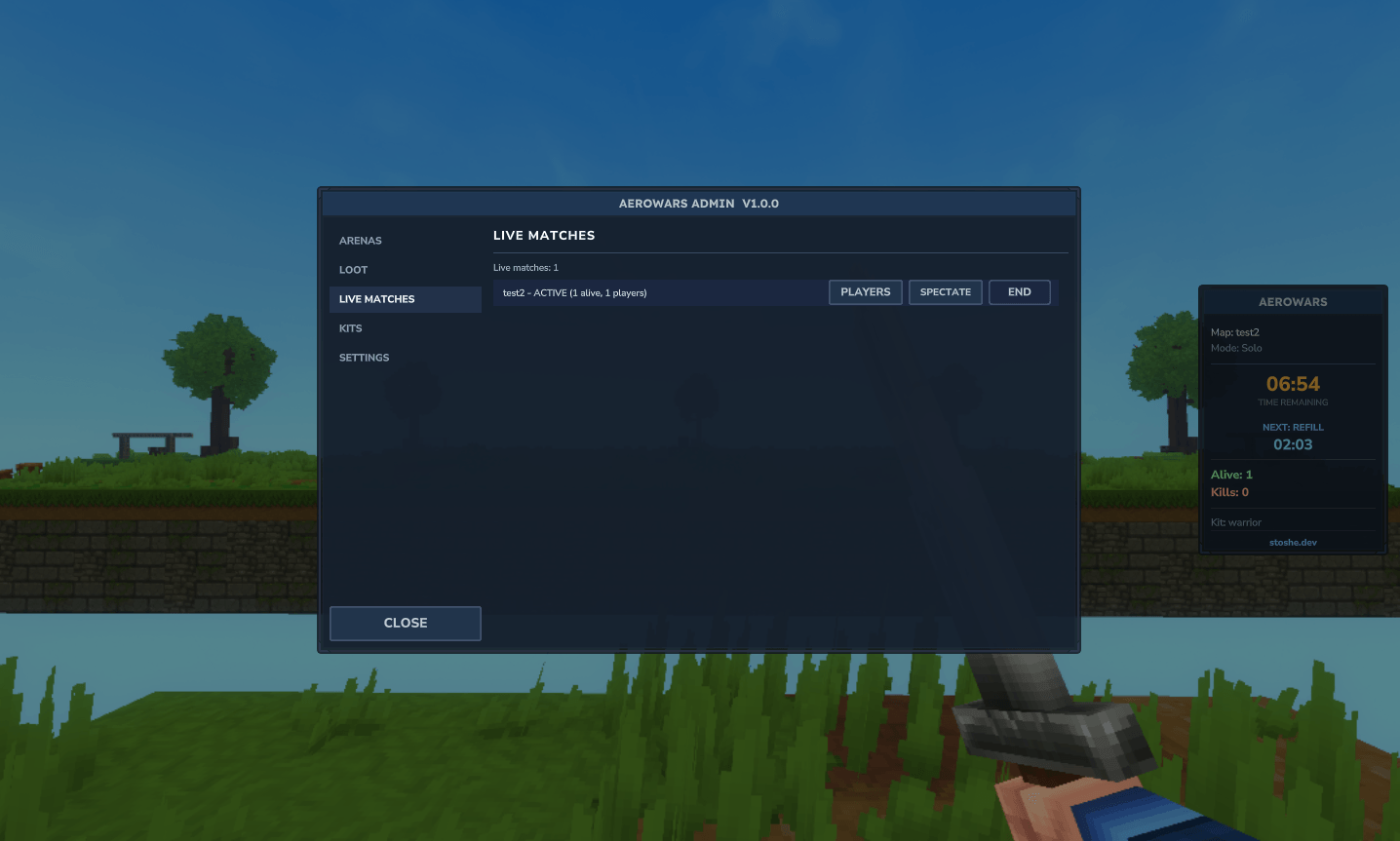
Open the full admin panel (arenas, loot, matches, kits, settings) |
/sw setup start &amp;amp;lt;arena&amp;amp;gt; &amp;amp;lt;template&amp;amp;gt; |
Start the arena creation wizard |
/sw setup edit &amp;amp;lt;arena&amp;amp;gt; |
Re-open an existing arena to adjust it |
/sw setup mode &amp;amp;lt;solo|coop&amp;amp;gt; [size] |
Set the arena mode / team size during setup |
/sw setup set |
Capture your current position for the active step |
/sw setup done | undo | skip | save | cancel |
Wizard step actions |
/sw wand |
Recover the setup wand (only inside a session) |
/sw world create &amp;amp;lt;name&amp;amp;gt; |
Create a void template world to build an arena in |
/sw world list |
List available world templates |
/sw savekit &amp;amp;lt;name&amp;amp;gt; |
Save your current inventory as a kit |
/sw setlobby |
Set the lobby return point to your position |
/sw start |
Force-start the match you are in (testing) |
/sw firework [show] |
Debug: preview firework effects at your position |
Permissions
| Node |
Default |
Grants |
aerowars.play |
allowed |
All player commands (join, queue, kit, party, stats, cosmetics, …) |
aerowars.admin |
denied |
All admin commands, the admin panel, arena/world setup, and update notices |
Only the everyday player commands are open by default; everything that changes server state (setup, world creation, admin panel, force-start, save-kit, set-lobby) is gated behind aerowars.admin.
Configuration
The config is generated at mods/Stoshe_AeroWars/config.json. Highlights:
| Section |
What it controls |
General |
Language (en_us / pt_br), lobby world & spawn, and the chat Prefix (PrefixEnabled to toggle) |
Match |
Min players, max duration, countdown, end-celebration length, friendly fire, spectators, inventory save/restore |
Cages |
Cage block & size (per-player, grows for co-op teams) |
Loot |
FillOnStart + the unified Events timeline (see below) |
Kits |
Whether kits are enabled, the default kit, selection during countdown |
Rewards |
Winner console commands and the Economy payout amounts |
Party |
Max size, invite expiry, and the default keep-together preference |
Spectator |
The on-death spectator hotbar (tracker + return-to-lobby items) |
Scoreboard / Hud / Effects |
Side scoreboard footer, HUD toggle, fireworks & podium |
Platform |
The spawn platform built into freshly created void template worlds |
Database |
Optional SQL persistence for stats (SQLite / MySQL / MariaDB / Postgres); falls back to JSON |
Loot events (unified & randomizable)
Everything that changes chests mid-game — periodic refills and gradual loot upgrades — is one configurable list. Each entry has a Type (refill or loot_upgrade) and a Time (seconds into the match). Turn on Randomize to ignore the fixed times and instead fire the enabled events at random moments, in random order, spread across the match (never closer together than MinGapSeconds).
"Loot": {
"FillOnStart": true,
"Events": {
"Enabled": true,
"Randomize": false,
"MinGapSeconds": 90,
"List": [
{ "Type": "loot_upgrade", "Time": 300, "Enabled": true },
{ "Type": "refill", "Time": 480, "Enabled": true },
{ "Type": "loot_upgrade", "Time": 660, "Enabled": true }
]
}
}
Loot tables themselves live in mods/Stoshe_AeroWars/loot.json (tiers normal and middle) and are also editable from the admin panel's Loot tab.
Economy
AeroWars can pay coins on kill and win. It resolves an economy provider reflectively (no hard dependency), so it just works when a supported plugin is installed and stays inert otherwise.
- Primary: the sibling overworld economy (
com.overworldlabs.economy)
- Fallbacks: EliteEssentials, Ecotale
"Rewards": {
"Economy": { "Enabled": false, "WinAmount": 100, "KillAmount": 10 }
}
Set Enabled: true and pick your amounts. With no provider present, rewards are simply skipped (no errors).
PlaceholderAPI
With HelpChat PlaceholderAPI installed, AeroWars registers the aerowars expansion. Test with /papi list, /papi parse <player> <text>, or /papi bcparse <player> <text>.
| Placeholder |
Returns |
%aerowars_arenas% / %aerowars_arenas_total% |
Playable / total arenas |
%aerowars_matches% / %aerowars_matches_solo% / %aerowars_matches_teams% |
Live matches (total / per mode) |
%aerowars_players% |
Players currently in matches |
%aerowars_queue% / %aerowars_queue_solo% / %aerowars_queue_teams% |
Queue sizes |
%aerowars_player_arena% / %aerowars_player_status% / %aerowars_player_mode% |
The player's current match |
%aerowars_player_kills% / %aerowars_player_alive% |
Kills / alive count in their match |
%aerowars_in_arena% in_queue% is_spectator% is_busy% in_group% is_leader% |
State booleans (true/false) |
%aerowars_group_size% / %aerowars_group_online% / %aerowars_group_leader% |
Party info |
%aerowars_kills% deaths% wins% losses% games% kdr% wlr% |
Lifetime stats |
%aerowars_top_&amp;amp;lt;metric&amp;amp;gt;_name_&amp;amp;lt;pos&amp;amp;gt;% / %aerowars_top_&amp;amp;lt;metric&amp;amp;gt;_value_&amp;amp;lt;pos&amp;amp;gt;% |
Leaderboard (metric = kills/wins/deaths/games) |
%aerowars_arena_&amp;amp;lt;name&amp;amp;gt;_players% _max% _mode% _state% |
Per-arena info |
TaleGuard protection
AeroWars enforces its own core rules through the server's ECS events — no extra plugin required. For the interaction surfaces the ECS events cannot intercept, it registers an optional protection hook with TaleGuard, the shared Mixin/transformer protection bridge.
|
Without TaleGuard (built-in) |
With TaleGuard (added coverage) |
| Block break / place |
Blocked before the cages drop and for spectators |
(same) |
| Cages / spawn / lobby |
Cage & spawn protection during countdown/setup |
+ lobby build protection for non-admins |
| PvP / combat |
Controlled (no pre-game or spectator PvP, friendly fire) |
(same) |
| Item pickup (F-key / auto) |
— |
Blocked before start & for spectators |
| Item use (non-block-target) |
— |
Blocked before start & for spectators |
| Fluids (place / flow), seating, crop harvest |
— |
Enforced |
| Hammer / builder tools, explosions, death-item drops |
— |
Enforced |
| Command filtering in match worlds |
— |
Enforced |
In short: AeroWars is fully playable on its own, and installing TaleGuard closes the remaining interaction gaps (pickup, use, fluids, seats, tools, explosions, commands) inside AeroWars worlds and the lobby. TaleGuard is a soft dependency — if it isn't installed, AeroWars logs a note and runs with its built-in protection.
Localization
Ships with English (en_us) and Portuguese (pt_br). Set General.Language, or edit / add a file under mods/Stoshe_AeroWars/lang/.