Customizable Tool Wheel
- By
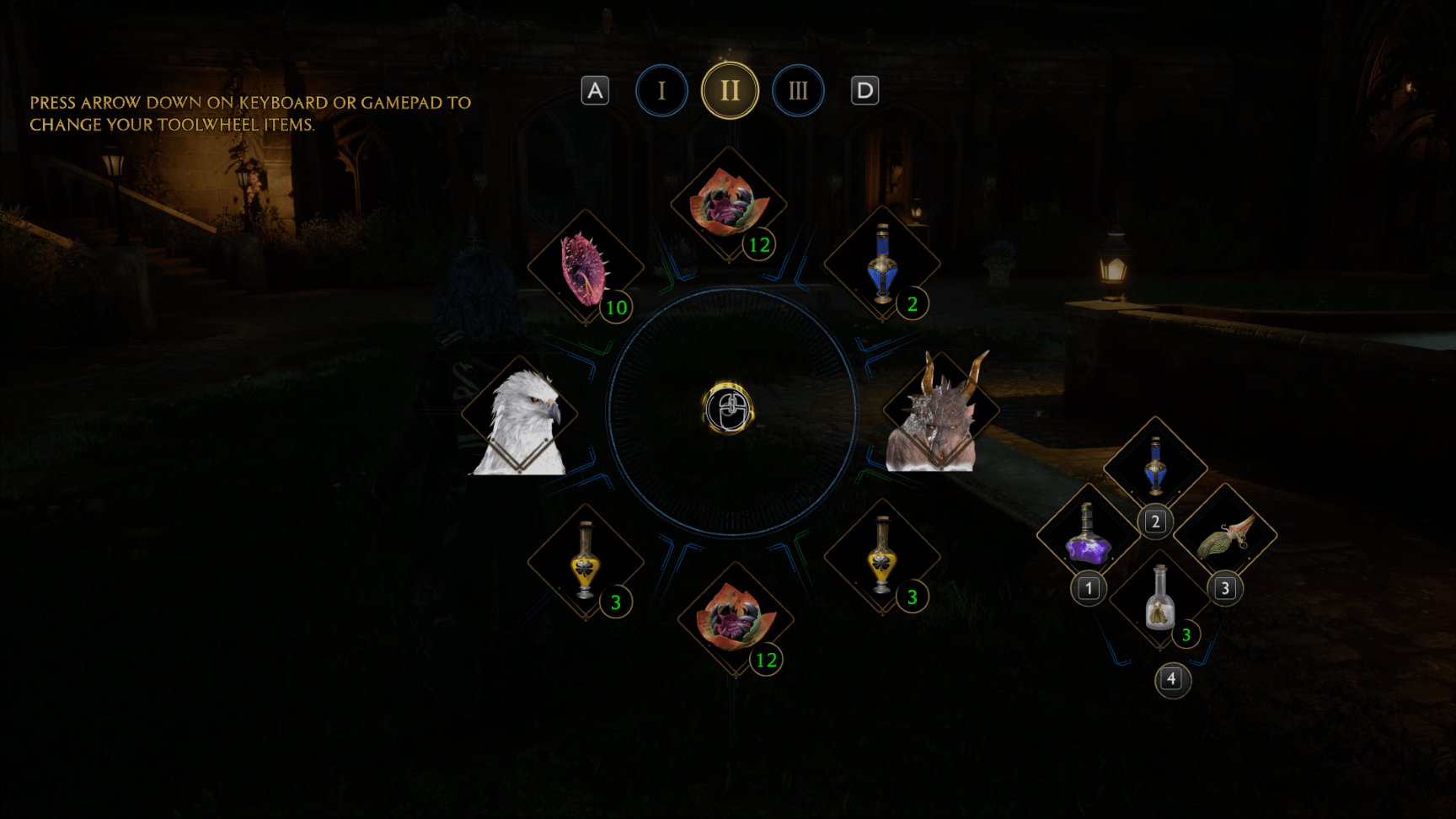
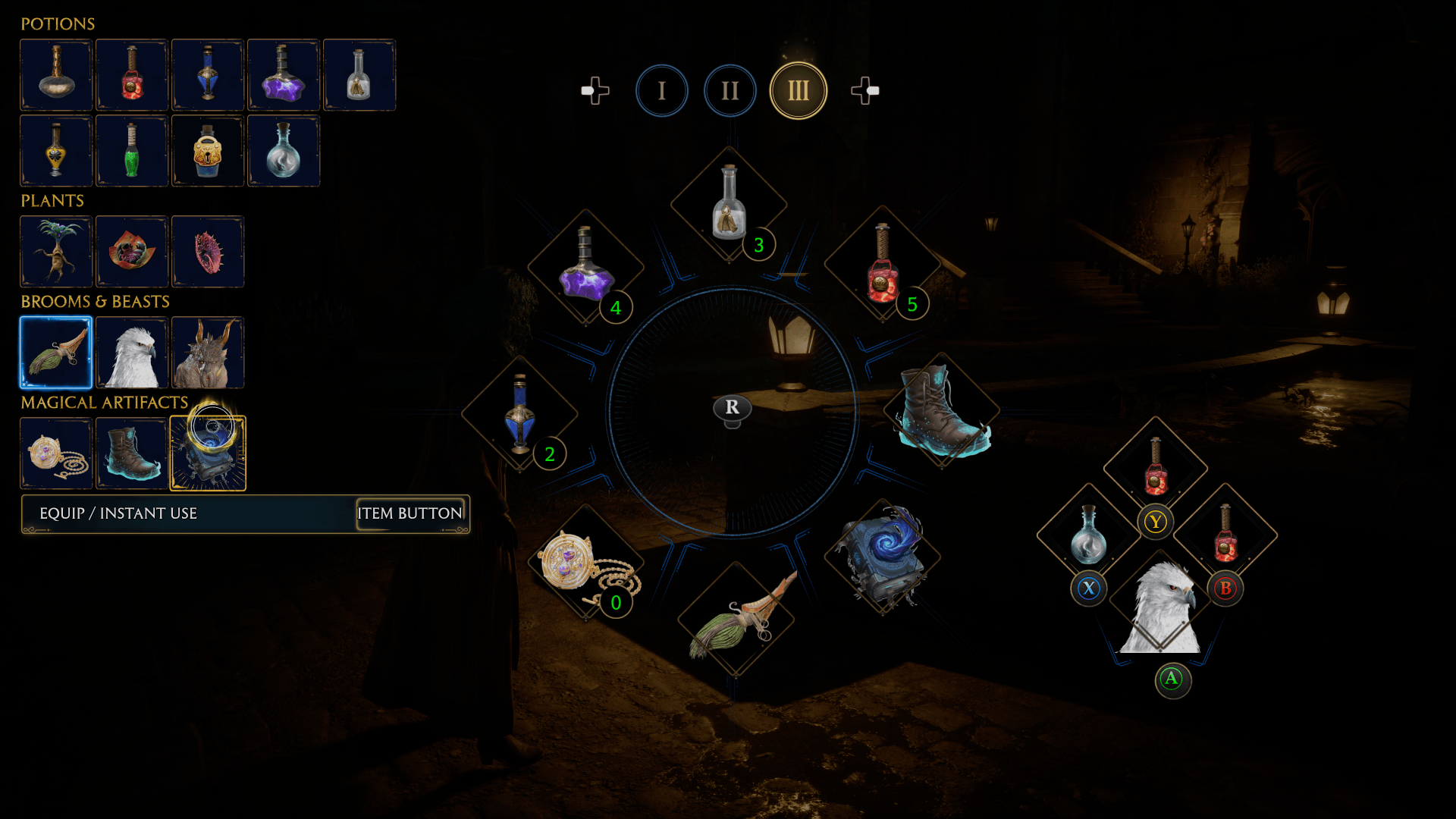
This Mod Removes the Vanilla Toolwheel and exchanges it with 3 Customizable Toolwheels
Hogwarts Legacy 16.12.2025 20_17_11.png
Hogwarts Legacy 16.12.2025 20_17_52.png
Hogwarts Legacy 16.12.2025 20_18_26.png
Hogwarts Legacy 16.12.2025 20_34_00.png
Description
Customizable Tool Wheel – Hogwarts Legacy Mod
Bring your utility game to the next level with a fully customizable Tool Wheel.
Overview
This mod adds a new Tool Wheel that mirrors the look and feel of the original Hogwarts utility wheel, but lets you decide exactly what each slot does. This one is an additional, advanced layer for players who love optimization and fast access to items.
How to open the Tool Wheel
Keyboard: hold Tab
Controller: hold LB
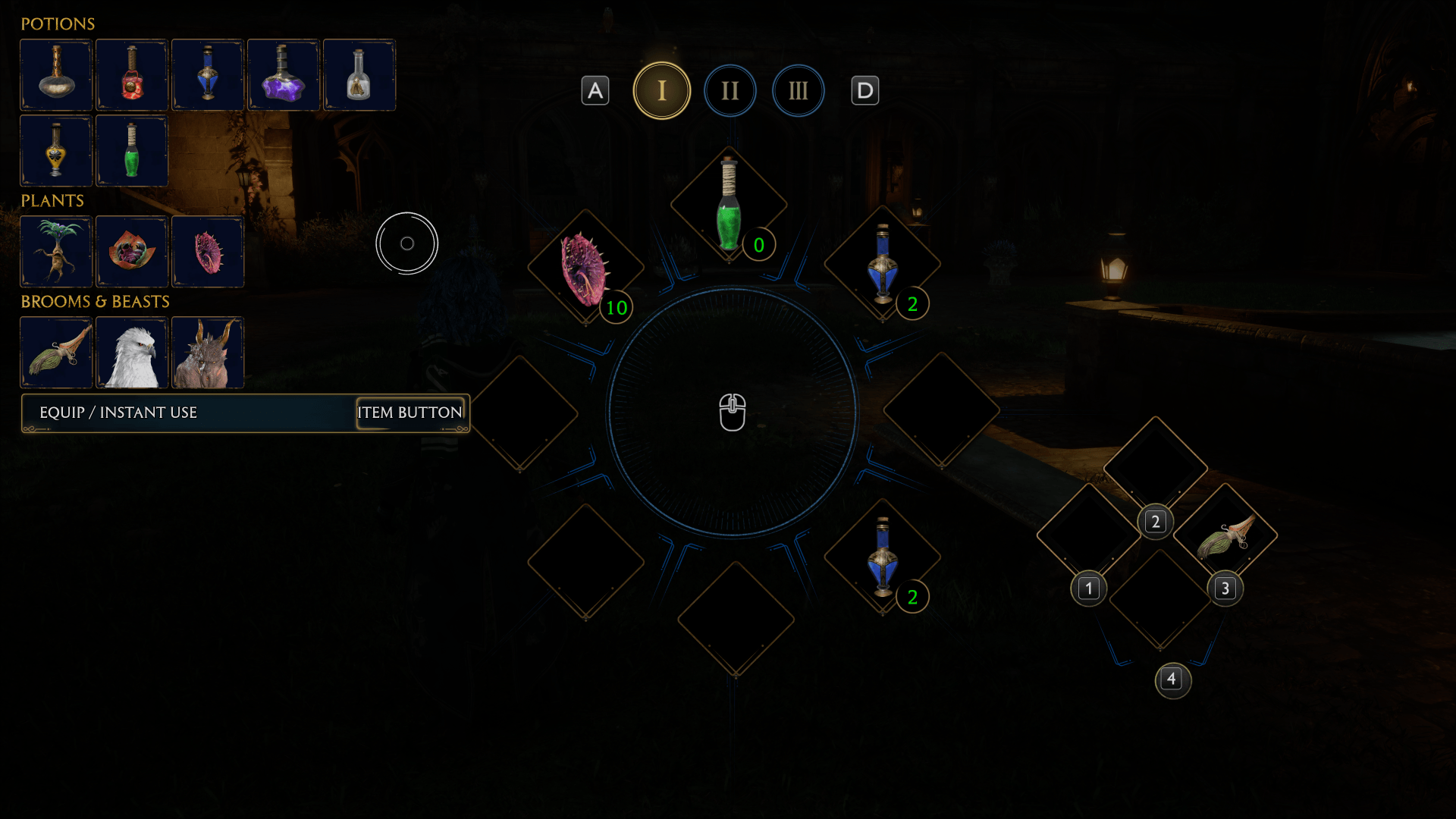
While holding the Tool Wheel button, press Arrow Down (keyboard or gamepad) to open the Rebind menu. Once the Rebind section is open, you can release the Tool Wheel button and calmly set up your layout.
Slot Types – Equip vs Instant Use
Each slot on the custom Tool Wheel can be configured in two ways:
Equip Item Works like the normal game wheel: the selected item becomes your currently equipped tool.
Instant Use Activates the item directly from the Tool Wheel without changing your equipped slot. This allows you, for example, to quickly consume different potions while always keeping an Edurus Potion equipped on your normal quick slot for safety.
In the wheel UI:
Action / Instant Use slots are shown in green
Normal Equip slots use the familiar blue highlight
Brooms & Mounts
The former Broom and Mount buttons now behave as permanent action keys and ignore the new binding settings – exactly like they already did for their original broom/mount behavior. Your movement and travel flow remain unchanged.
Default Setup
To make onboarding easy, the mod ships with a pre-built layout:
The Tool Wheel is reconstructed to resemble the original game wheel
One slot has been removed
A Maxima Potion has been pre-assigned as an Action Key to demonstrate the Instant Use behavior
Keyboard Settings – Important Note
For keyboard users, the original game Tool Wheel binding is intentionally left unbound in the settings. This is by design, because the custom wheel fully replaces its function.
If you are annoyed by the “unbound key” warning when leaving the settings menu, you can safely assign any key you never use in gameplay to the original Tool Wheel action just to silence the warning.
Of course, you are also free to rebind the key for the custom Tool Wheel itself in the controls menu, if you prefer a different key than the default Tab.
Small UI Detail
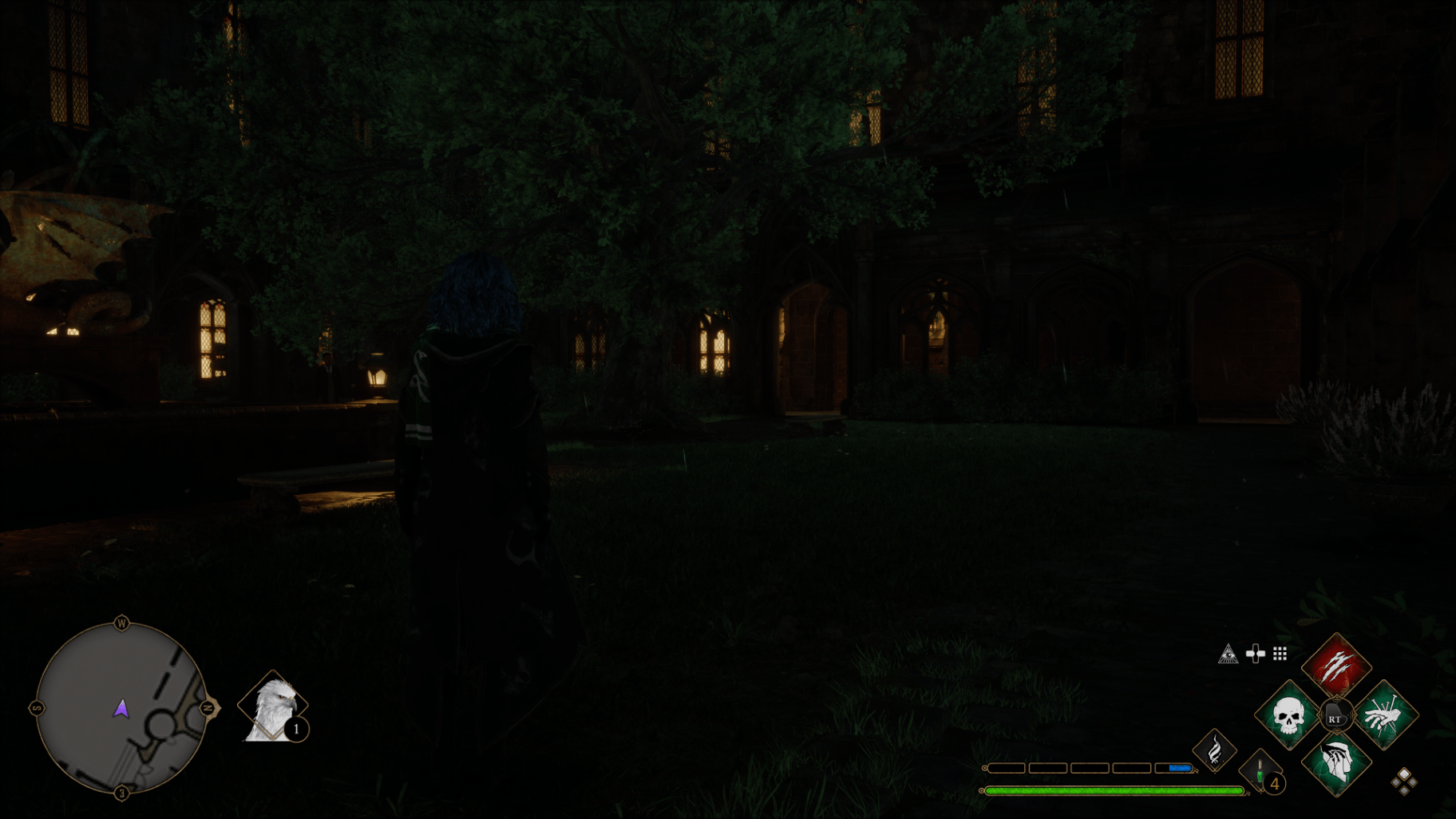
The on-screen action button that shows your equipped potion no longer displays a key prompt next to the icon. Internally, the game thinks that action is unbound – which is intentional here – and as a side effect, the HUD looks cleaner and less cluttered around the potion slot.
Customizable Tool Wheel Team


Owner