Hammerhead Pawn Shop
- By
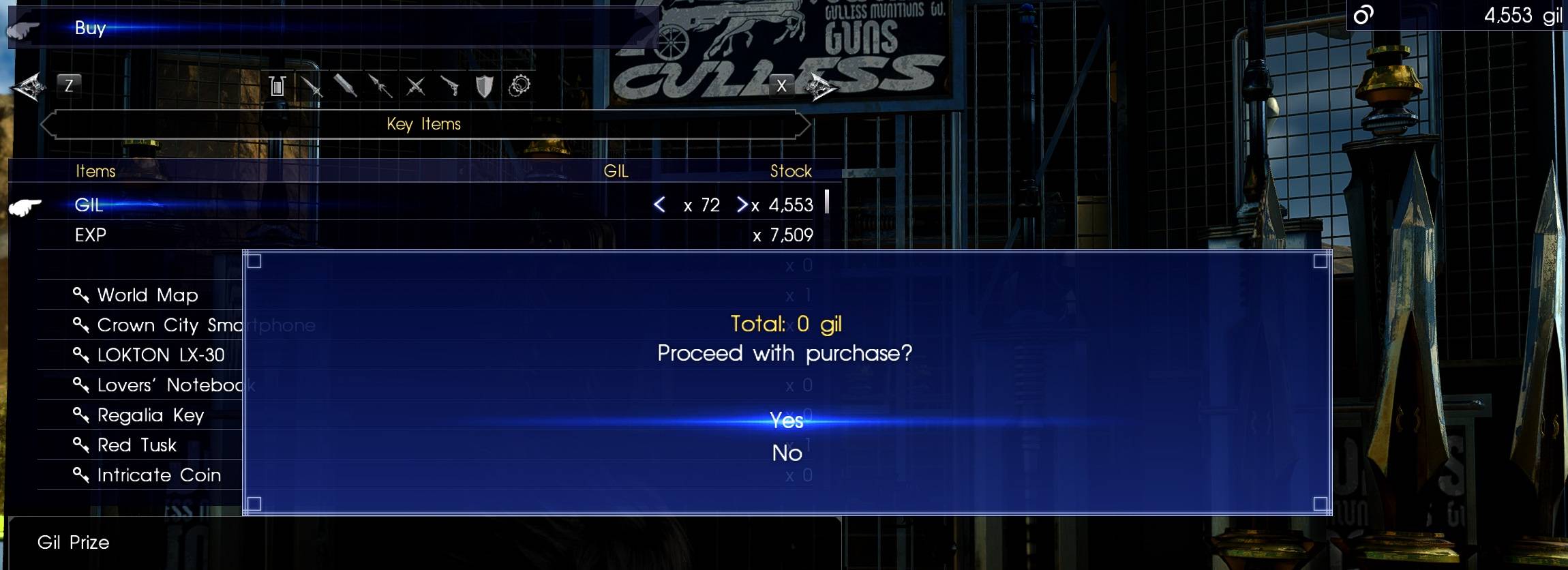
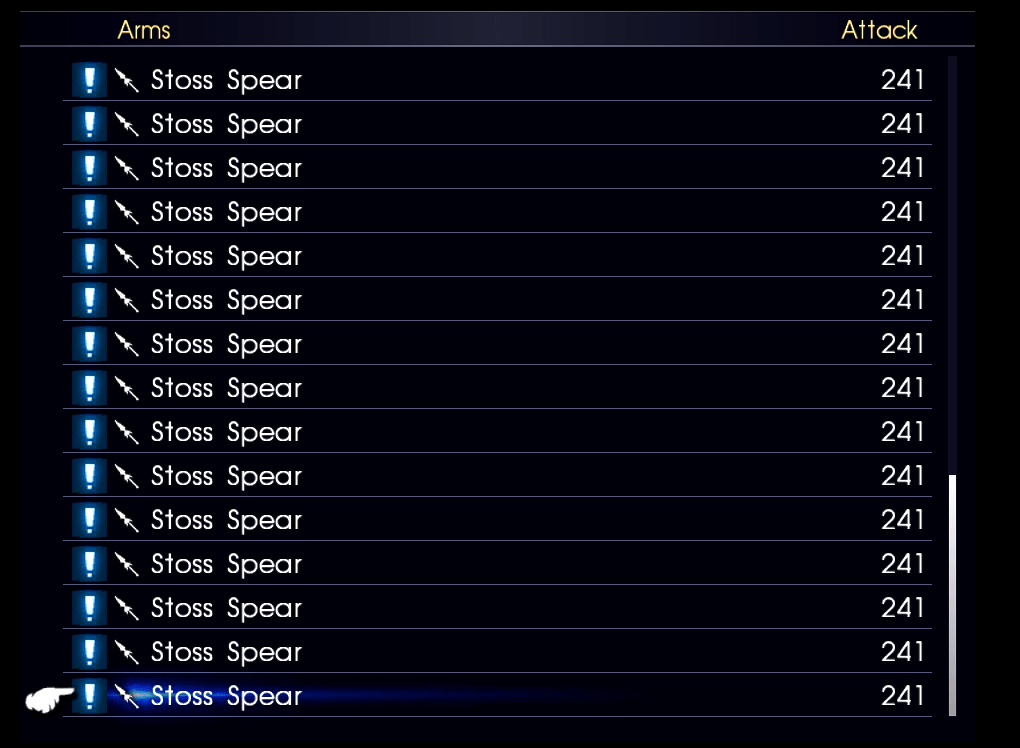
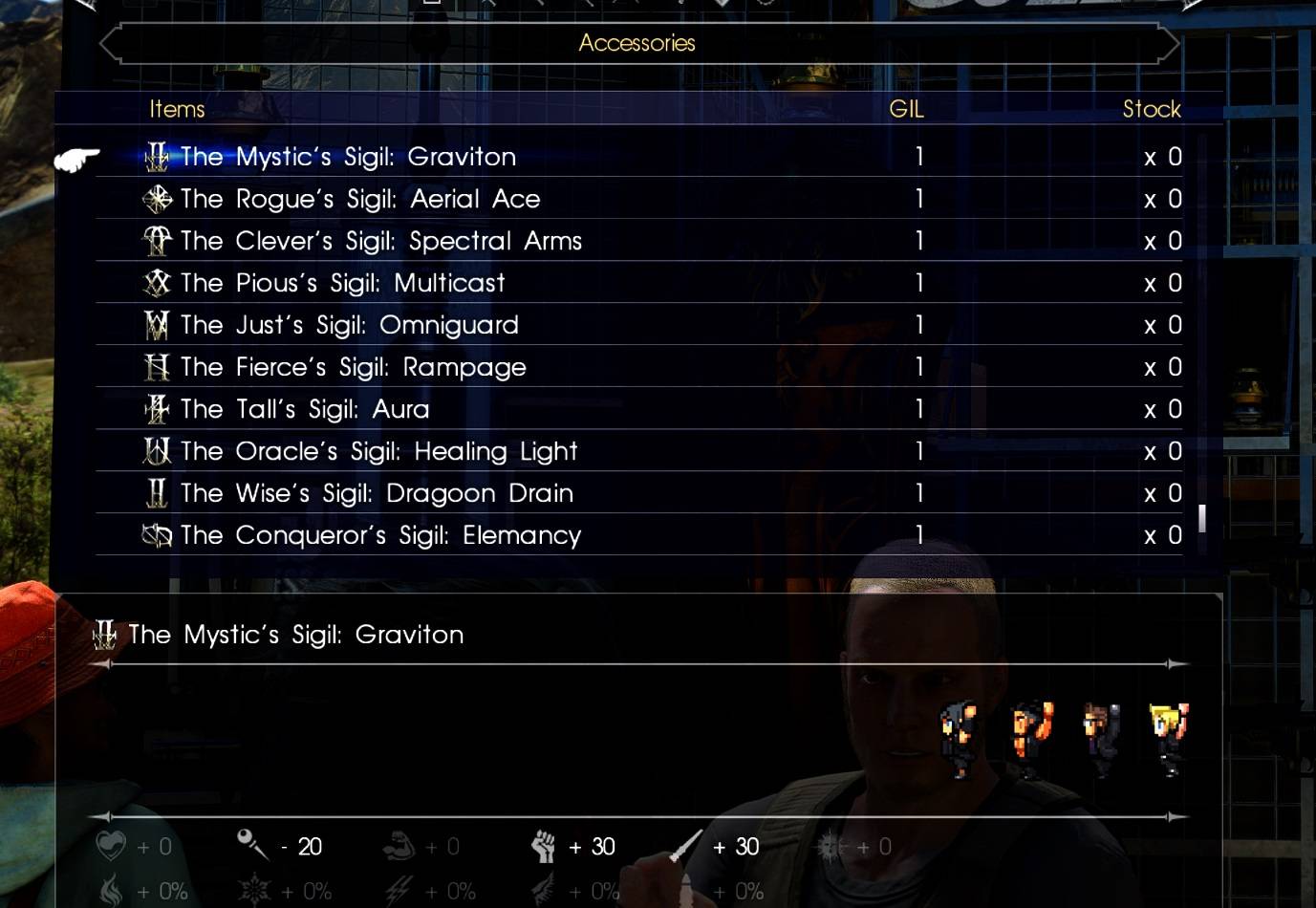
All weapons and items can be purchased at Hammerhead to max size of 99, sold and equipped. Including items like Stoss Spear, key items, DLC, Comrades, and unused items.
Description
Hammerhead Pawn Shop
This mod allows nearly all weapons and items to be purchased, sold, and equipped at the Hammerhead weapon shop. Items can be stacked up to 99. This includes:
- Key items
- DLC and Comrades items
- Unused items
- Items like Aranea’s Stoss Spear and Cor’s Kotetsu katana
What It Changes
- Removes flags that prevent items from being added to the inventory
- Increases max stack size to 99 for most items
- Removes the unique flag that limited certain items to one per inventory
- Adds all items to Hammerhead’s shop inventory
- No changes to item prices, stats, effects, or categories
Behavior and Examples
Some items, like Cor’s Kotetsu or Aranea’s Stoss Spear, normally fail to be added to the inventory even if forced in. This mod changes their flags so they can bought (or added in with a diffferent mod) and used by Noctis.
Most quest items, AP, EXP, and Gil are now amusingly purchasable as a result of these batch changes. Many unused and DLC items are also available. Selling is expanded as well, most items can now be sold unless restricted by shop category (e.g., Royal Weapons cannot be bought or sold).
Alternate Version
A unfiltered version is available in the Files tab marked as beta. It adds a broader item list to the shop itself, including blank or empty items that were removed from the main version. These may have hidden properties or models, as some contain stats or other data. This version still excludes items the game reserves for Steam Workshop items to keep the list manageable. (Download)
Additional versions for modding resources are described below.
Limitations
- “Premium Content” items (e.g., pre-order rewards) still have stack limits
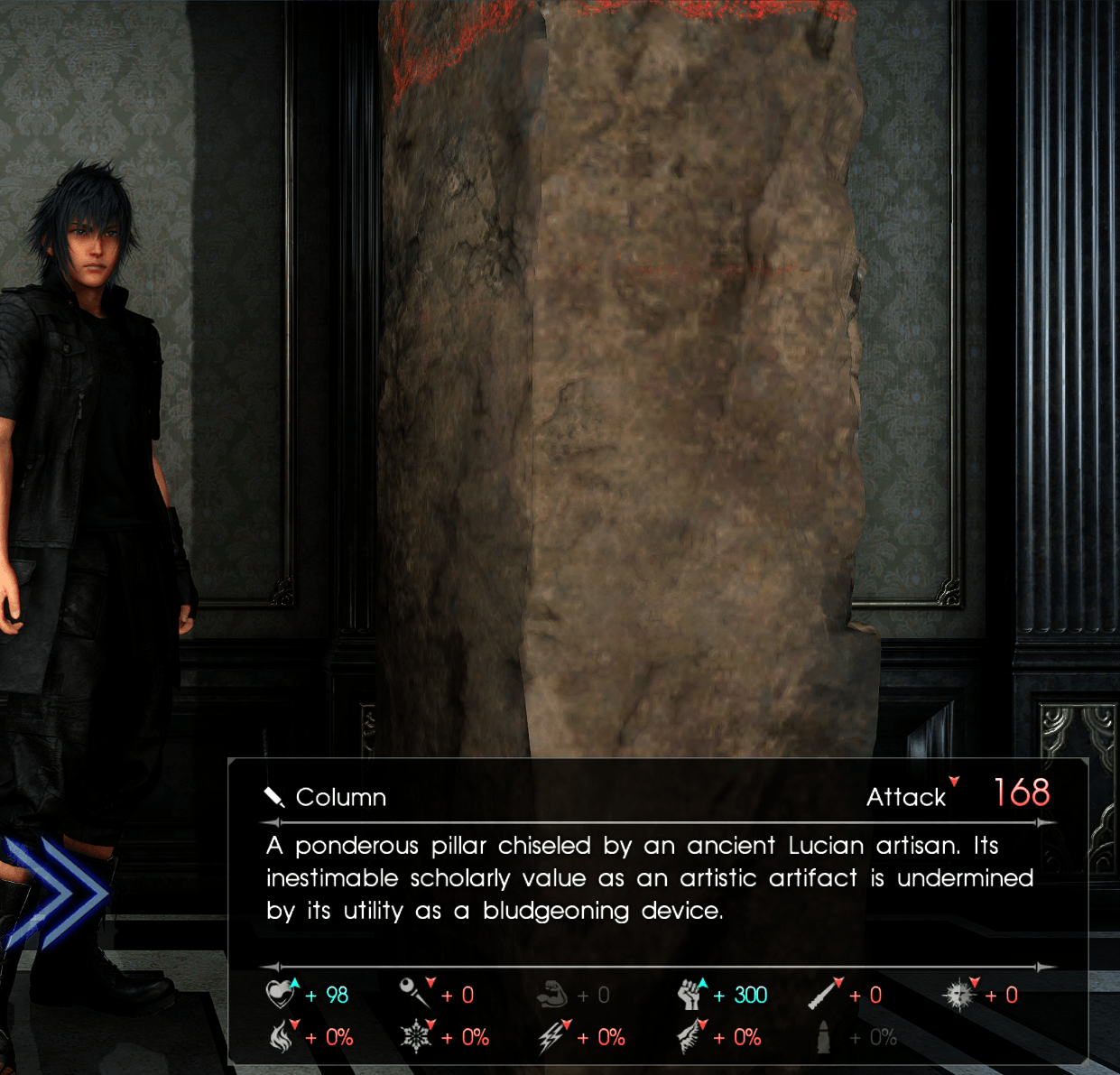
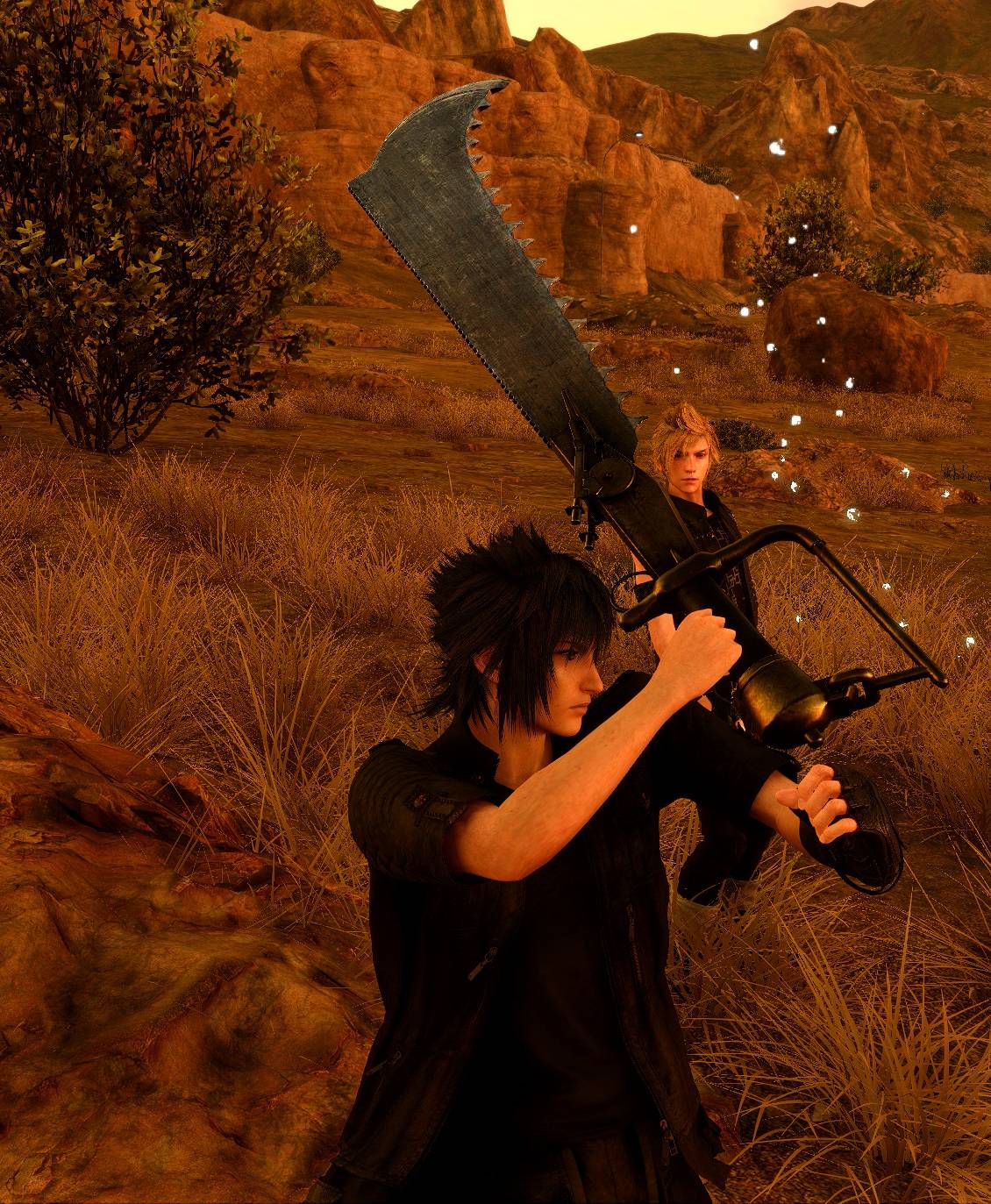
- Some weapons behave oddly when used—e.g., Ardyn’s EPA weapons appear as swords regardless of type thus appear as shooting a sword as a gun for example. Or Gladiolus’s column appears as a spear. Thats just how the items were coded, as they were made not assuming they would be in the main game where the categories matter.
This mod is not intended for standard gameplay. Many items were never meant to be used this way. This is more for item explortation and debugging and to serve as a possible modding resource (see below).
Modding Resource Overview
Hammerhead Pawn Shop primarily was intended to serve as a modding resource and debug tool for exploring and utilizing a wider range of items and weapons in Final Fantasy XV.
Purpose
This mod exposes nearly all item and weapon entries in the game files by adjusting their internal flags. It allows modders to:
- Identify which items can be added to the inventory
- Understand how inventory and visibility flags affect item behavior
- Use vanilla items in new ways without altering their stats or effects
- Build a mod utilizing any of these changes for use in their own mod. (i.e, if you have a mod that adds Stoss Spear, the weapon change only mod could be used with your mod to enable it for other users, and other modders can use the same dependency for other items unlocked with the same file)
File Breakdown
The mod is composed of three separate files, each serving a distinct purpose:
shop.win32.bin— Adds all known item IDs to the Hammerhead shop inventory. Only items with valid shop categories will appear. By itself, you will be able to see which unedited items and weapons could be available in shopsor used unedited. Shop edit only versions: (Download - Full Item List) or (Download - Refined Item List)item.win32.bin— Modifies consumables, quest items, food, autoparts, misc items, etc... to be stackable (up to 99) and inventory-compatible. By iteself, it only increases the range of items an additional mod could utilize. (Download)weapon.win32.bin— Modifies weapons and accessories to be stackable (up to 99), visible, and inventory-compatible. By iteself, it only increases the range of weapons and accessories an additional mod could utilize. (For example, a separate mod just for adding Stoss Spear could be made with just this change active). (Download)
Modders can selectively use one or two of these files depending on their needs. For example, skipping shop.win32.bin avoids modifying shop behavior while still unlocking item access for scripting or other mods.
Use Cases
- Items like the Stoss Spear or Cor’s Kotetsu were previously blocked from being added, even with correct item IDs. This mod removes those restrictions.
- Items shown in the shop (and more) can be targeted by other mods, even if they don’t appear in the shop UI (e.g., Royal Arms).
- Mods like
Summon Anytimedemonstrate how custom items be utilized in ther own mod, this mod shows they can be made visible and purchasable using this system. By using these previously inaccessible items, you can reuse them in creative ways.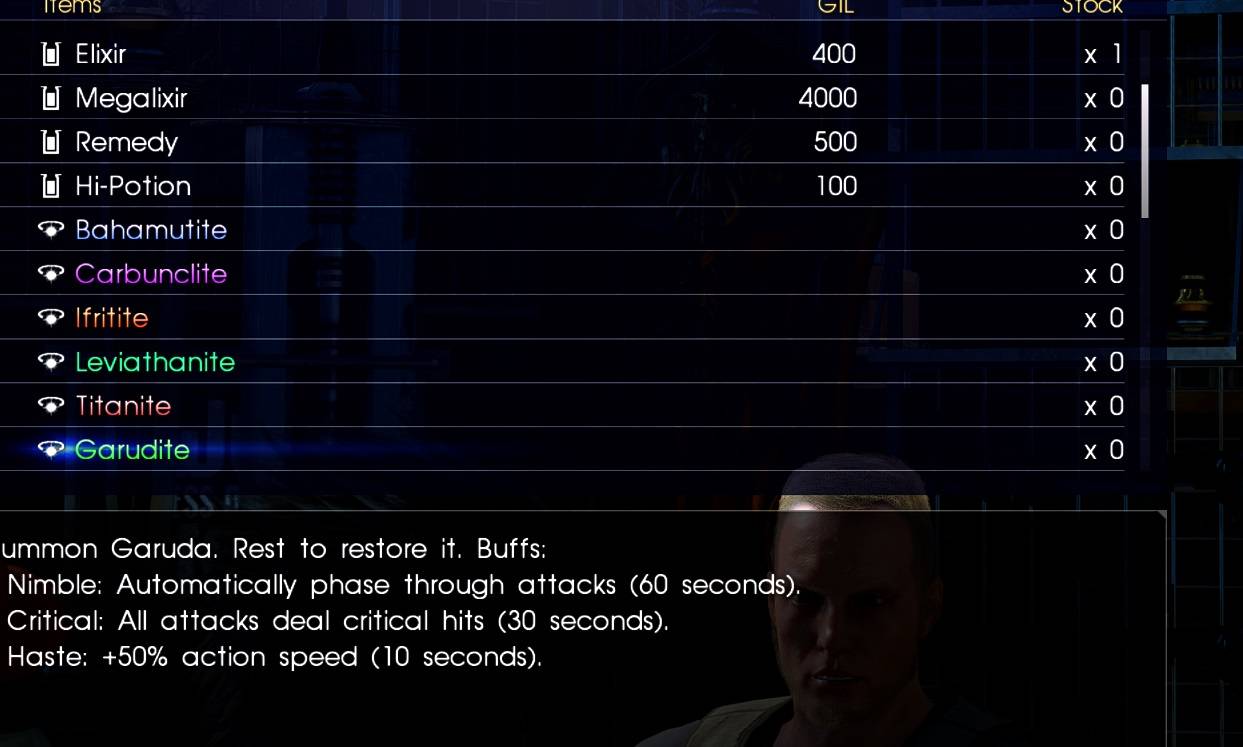
Notes
This system goes beyond what the Mod Menu can do alone. It’s designed to help modders explore unused content, test item behavior, and build new mods using existing assets.
Installation
Manually install by double-clicking the .fmod file.
Links
- Support me on Ko-fi — Commissions available via Discord
- FFXV Exineris Modding Discord
- Flagrum Releases (v1.6.5+ required)
- Flagrum Mod Manager Guide
Hammerhead Pawn Shop Team

Owner