Cleaner HUD
- By
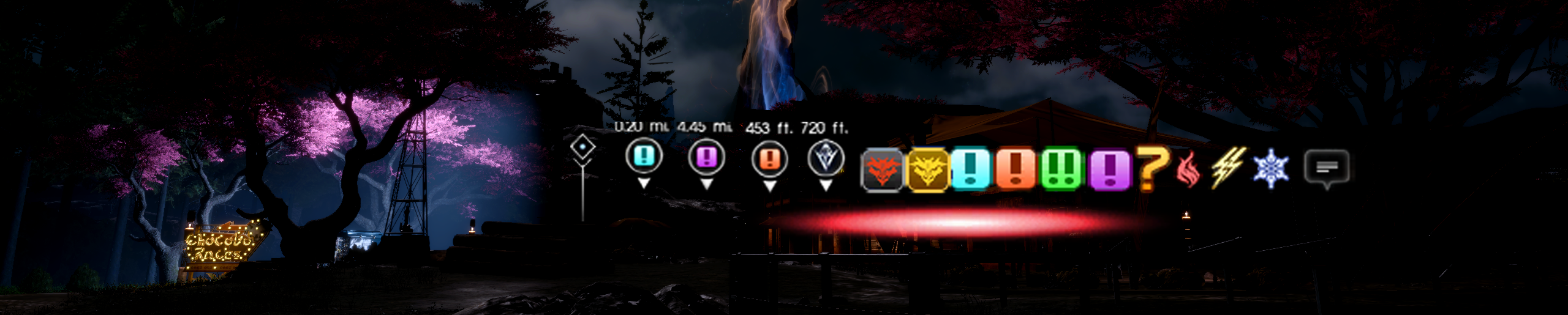
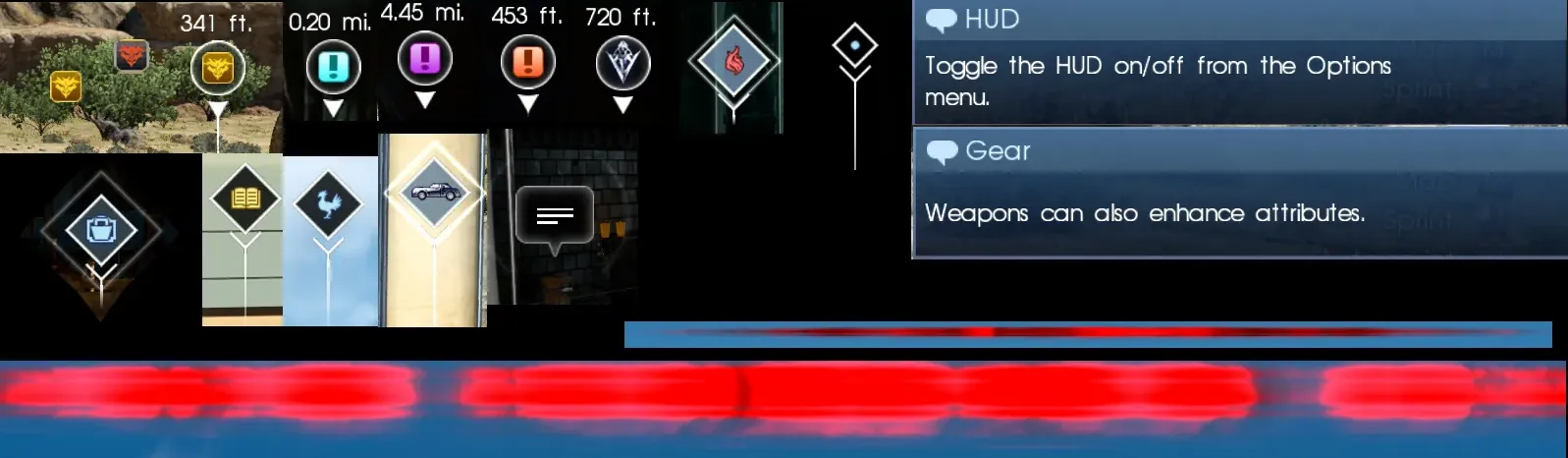
Removes lingering HUD elements such as Destination Markers, Interact Icons, Tutorials, Tips, Threat Meter, Hunt Icons etc...
Description
**For a more temporary full HUD removal, see the mod menu option
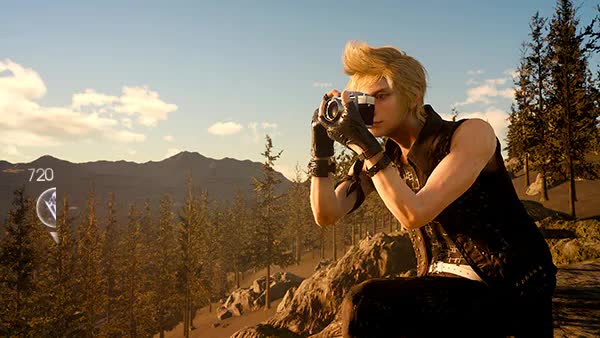
This mod removes most of the lingering HUD elements and Icons that stayed after disabling the hud using the in game command [F4].
The complete list of what is disabled are the following:
- Destination Markers (Including distance)
- Interact Icons (Items, shops, quests, elements, talk, etc…)
- Tip Popups
- Threat Meter
- Hunt Icons
- NPC Chatting Icons
- Equip Guide Slideshows
All icons on the Minimap and Map are untouched, this will only affect the HUD.
Though this mod is able to be used while playing the game casually without difficulty, it was designed for photography, video and more immersive gameplay. Button assist icons still appear once you get close enough, but the proximity is much smaller keeping the screen cleaner for shots.
This is not new player friendly: Many of the things hidden are helpful for players learning the game. But perfectly removable for anyone who has played it once.
Target and Warp markers were left in purely to be more playable.
See images tab for examples.
**8/5/24 -- The main mod has been updated to prevent the equipment slideshow guides from appearing when you hit the tab button.
This update aims to improve user experience by eliminating the frequent and unintended activation of the slideshow.
Manually install by double clicking the fmod
https://ko-fi.com/rinual -- Support me on Ko-fi or message me on Discord for commissions.
https://discord.gg/7cNNwwJKsJ --- FFXV Exineris Modding Discord
https://github.com/Kizari/Flagrum/releases *Version 1.5.14+ required
https://github.com/Kizari/Flagrum/wiki/Using-the-Mod-Manager --- Guide for new users
このモッドは、ゲーム内コマンド[F4]を使用してHUDを非表示にした後に残っているHUD要素とアイコンのほとんどを削除します。
以下に無効化されるものの完全なリストを示します:
- 目的地マーカー(距離も含む)
- 相互作用アイコン(アイテム、ショップ、クエスト、要素、会話など)
- ヒントのポップアップ
- 脅威メーター
- ハントアイコン
- NPCのチャットアイコン
ミニマップとマップ上のすべてのアイコンは変更されません。これはHUDのみに影響します。
このモッドは、ゲームを楽しみながら使用することもできますが、主に写真撮影、ビデオ撮影、より没入感のあるゲームプレイに最適化されています。ボタンアシストのアイコンは近くに接近すると表示されますが、表示範囲は狭くなり、画面がよりクリーンになります。
ただし、新規プレイヤーには向いていません。非表示にされる多くの要素は、ゲームを学ぶ上で役立ちますが、一度プレイしたことがある人にとっては完全に削除可能です。
ターゲットマーカーとワープマーカーは、よりプレイしやすくするために残されています。
使用例については画像タブをご覧ください。
fmodをダブルクリックして手動でインストールしてください。
https://github.com/Kizari/Flagrum/releases *バージョン1.4.9以上が必要です
https://github.com/Kizari/Flagrum/wiki/Using-the-Mod-Manager 新規ユーザー向けのガイド
Cleaner HUD Team

Owner