Disable vignette and/or sharpening
- By
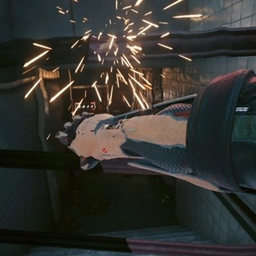
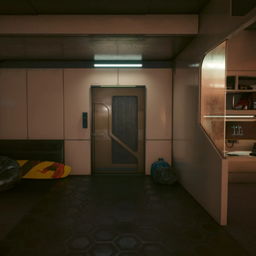
Disables the always on vignette effect that darkens the majority of the screen and/or disables the always on sharpening filter.
Disables the always on vignette effect that darkens the majority of the screen and/or disables the always on sharpening filter.
Installation
- Download the mod.
- You should get a .zip file. Extract it. You should have a folder named "archive".
- Drop that folder in your game's root folder.
- If you did everything correctly the path for the mod should look like this:
- \Cyberpunk 2077\archive\pc\mod\DisableVignette.archive

Notes
To remove the crouch vignette you can use Crouch vignette effect remover.
Disable vignette and/or sharpening Team

Owner