RivalArk: Turret Filler
- By
Fill, empty, switch on/off, retarget and PIN-lock all your tribe's turrets at once from the R-wheel. Fair ammo split, range bubble, 17 languages, server-configurable.
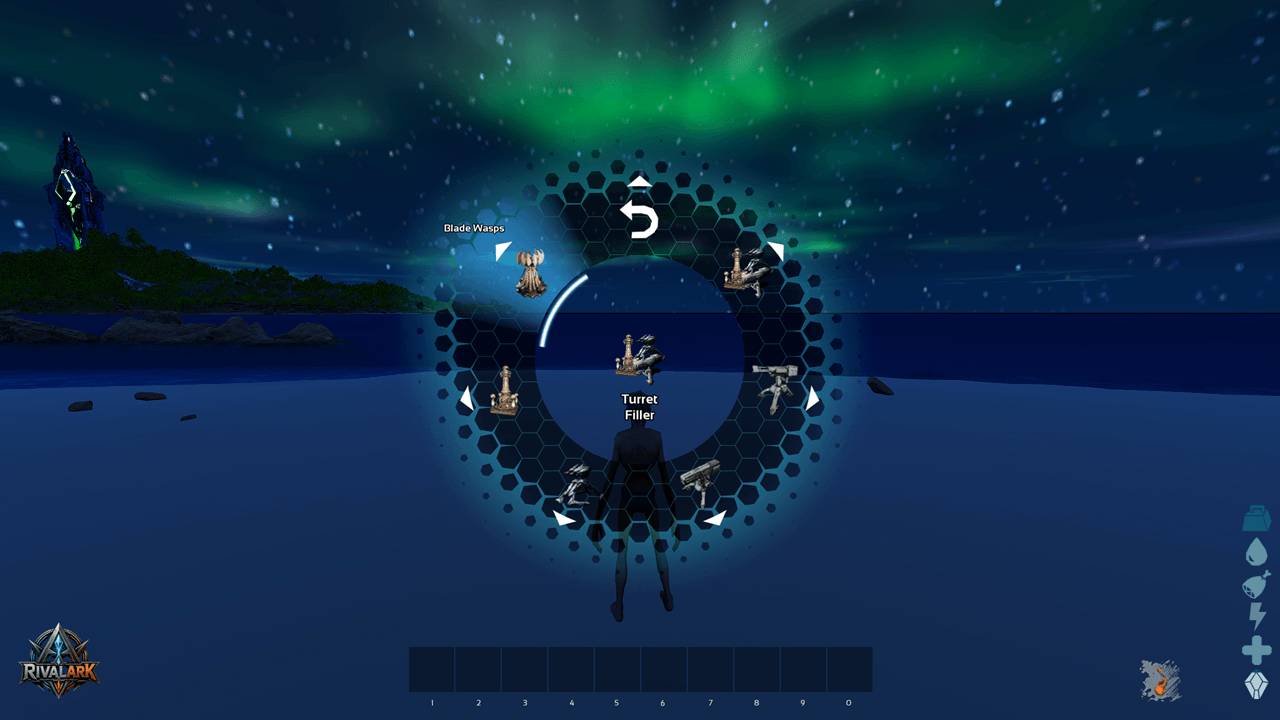
TurretFiller_Wheel.png
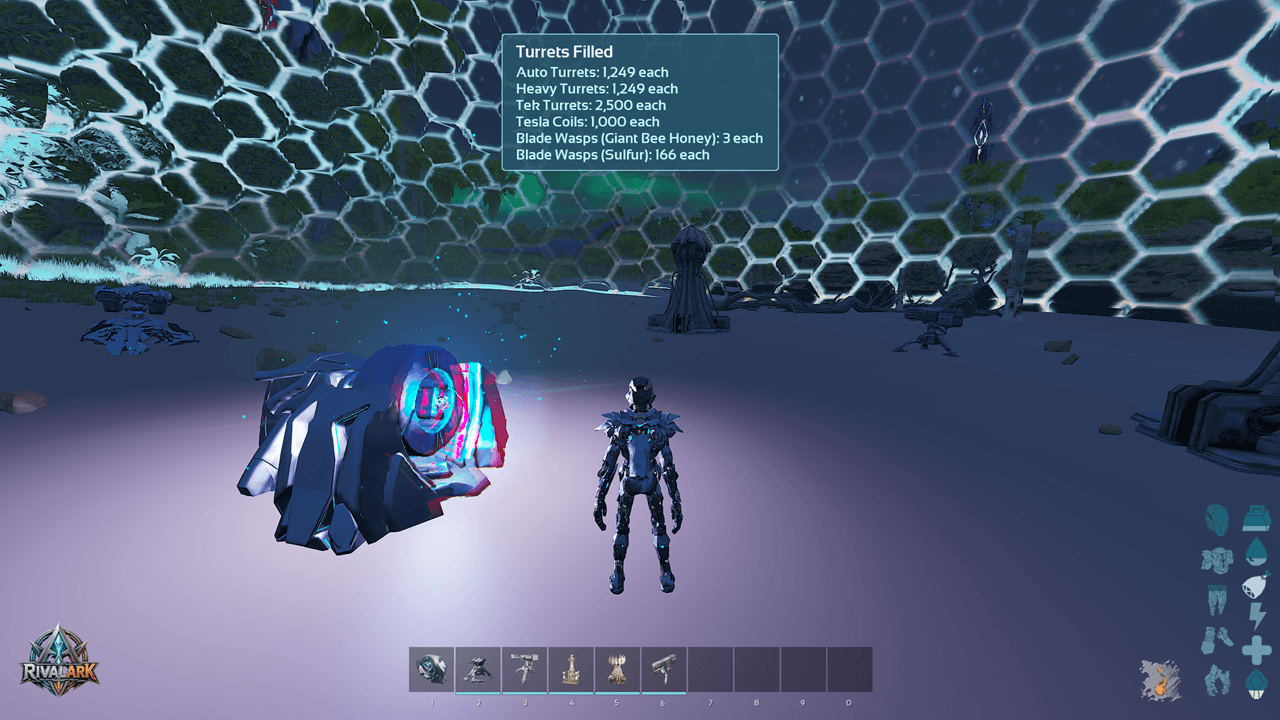
Fill_Turrets.png
Description
Turret Filler
Manage every turret of your tribe at once, straight from the R-wheel.
Fill, empty, switch on/off, set targeting, range and PIN codes for all turrets in range with one click.
How it works
- Open the R-wheel and choose Turret Filler.
- Choose the turret type.
- Choose the action. Done.
Turret types
- All Turrets, Auto, Heavy, Tek, Tesla Coils, Blade Wasps.
Actions
- Turrets On/Off
- Fill – fair ammo split across all turrets.
- Empty – ammo back to your inventory, up to your slot and weight limit.
- Targeting
- Range
- PIN Code – ARK-style keypad with hidden digits.
Also included
- Range bubble shows which turrets are affected.
- On-screen summary after every action.
- Tek Turrets need the Tek engram.
- 17 languages, automatically in your game language (English fallback).
Server config (optional)
Add to GameUserSettings.ini, then restart the server:
[TurretFiller]
DefaultRange=50
BubbleSeconds=10
MessageSeconds=8
WaspHoneySlots=25
WaspSulfurSlots=0- DefaultRange – radius in meters.
- BubbleSeconds – how long the range bubble is shown.
- MessageSeconds – how long the summary is shown.
- WaspHoneySlots – max honey slots per Bladewasp Hive.
- WaspSulfurSlots – max sulfur slots per Bladewasp Hive (0 = all remaining).
- Whole numbers only. Missing or 0 = default.
For mod authors
- TurretFiller.Blocked – actor tag on a player that blocks all actions (e.g. PvP cooldown).
- TurretFiller.Range.<meters> – e.g. TurretFiller.Range.100 gives that player a different range. Highest value wins; without a tag, DefaultRange applies.
- Tags are lost on death, so re-apply them after respawn.
RivalArk: Turret Filler Team