Knot Deposit Box
- By
A simple box to auto sort and deposit items into nearby storage depending upon what they already have stored.
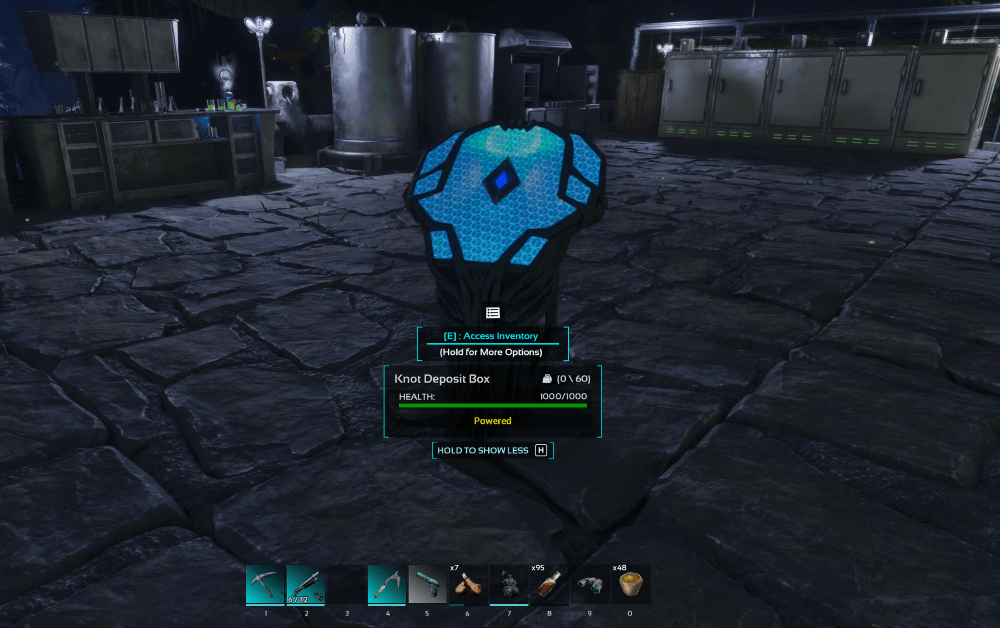
knot_deposit_box_structure.png
knot_deposit_box_engram.png
knot_deposit_box_use.png
Description
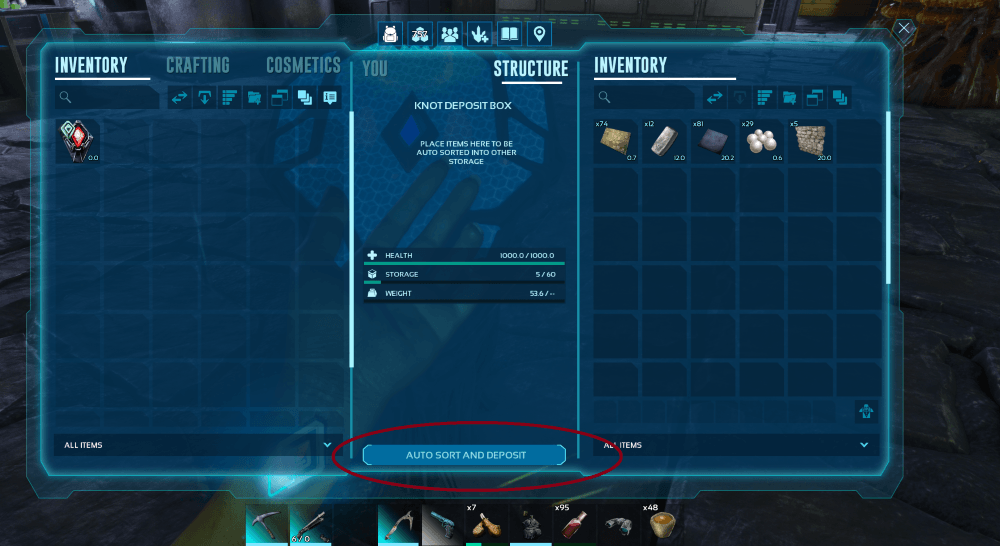
The deposit box can have items placed inside - then press the "auto sort and deposit" button on the inventory, and it will scan nearby structures for the appropriate place to store the items.
This means if you have 4-5 storage boxes nearby, the deposit box will scan each one, and place only items of the same type into that storage. Meaning it auto sorts to however YOU prefer.
By default the mod will attempt to place items in:
- Wood storage boxes (small and large)
- Vaults
- TEK Dedicated storage
- You can custom add any other storage options (see below)
When it finds a compatible storage it checks if that storage has any of the same items, and if so moves them across (until the container is full). The mod has a sensible default range for determining suitable storage. You can toggle the "display range" option on the box to visual it.
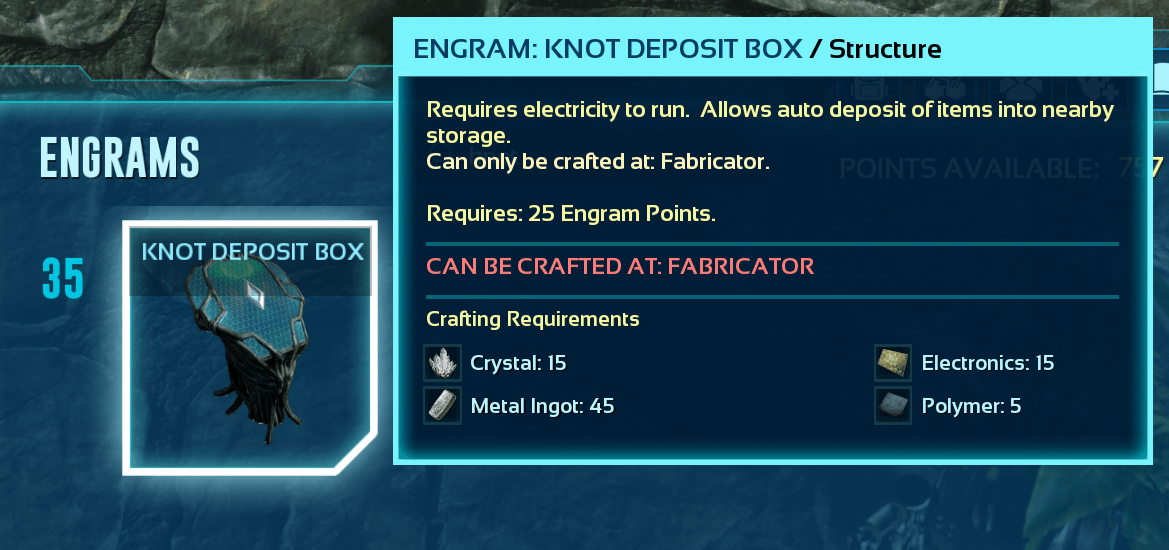
The engram can be learned at level 35, is crafted in a fabricator, and the box requires electricity to work.
Configurable options:
You can optionally add these config options to your gameusersettings.ini file. If you do not include this config, the mod will use the defaults automatically.
[KnotDepositBox]
AutoDepositRange=7500
StorageSlots=60
Auto Deposit Range:
Default is 7500. The minimum range value is 1000 and the maximum range can be 25000.
Storage Slots:
Default is 60. The minimum value allow is 20 and the maximum can be 600.
Additional Structures:
You can add additional storage options, including mod storage, fabricators, crop plots etc by adding additional storage classes to the config. For example, if we want to use the Better Storage mod, and also allow Large Crop Plots and have that part of our sorting:
[KnotDepositBox]
AutoDepositRange=7500
StorageSlots=60
AdditionalStorageClasses=PrimalInventoryBP_BetterStorage_Huge,PrimalItemStructure_CropPlot_Large
Each class just needs to be separated by a comma.
Knot Deposit Box Team

Owner