


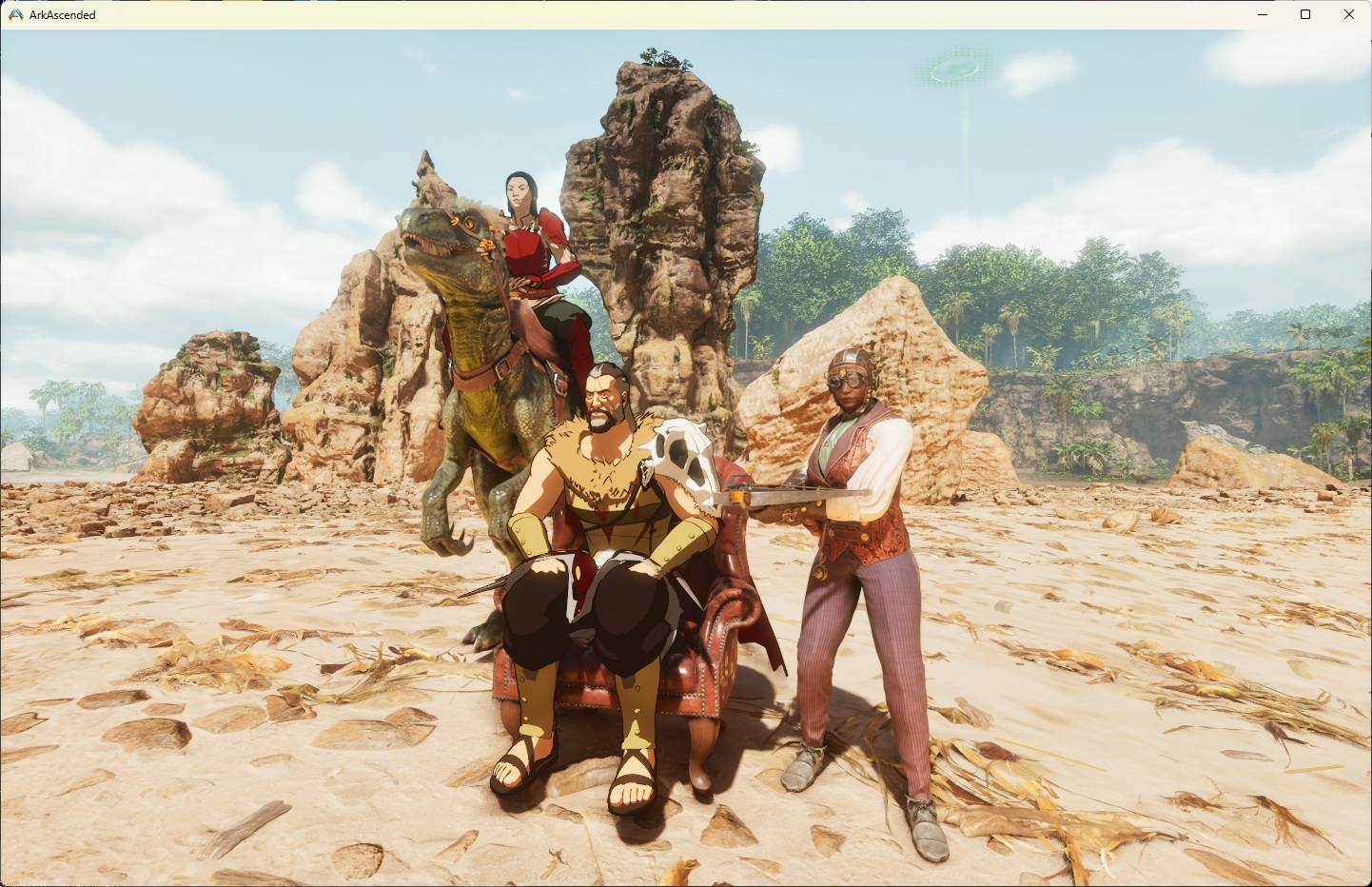
Test.jpg
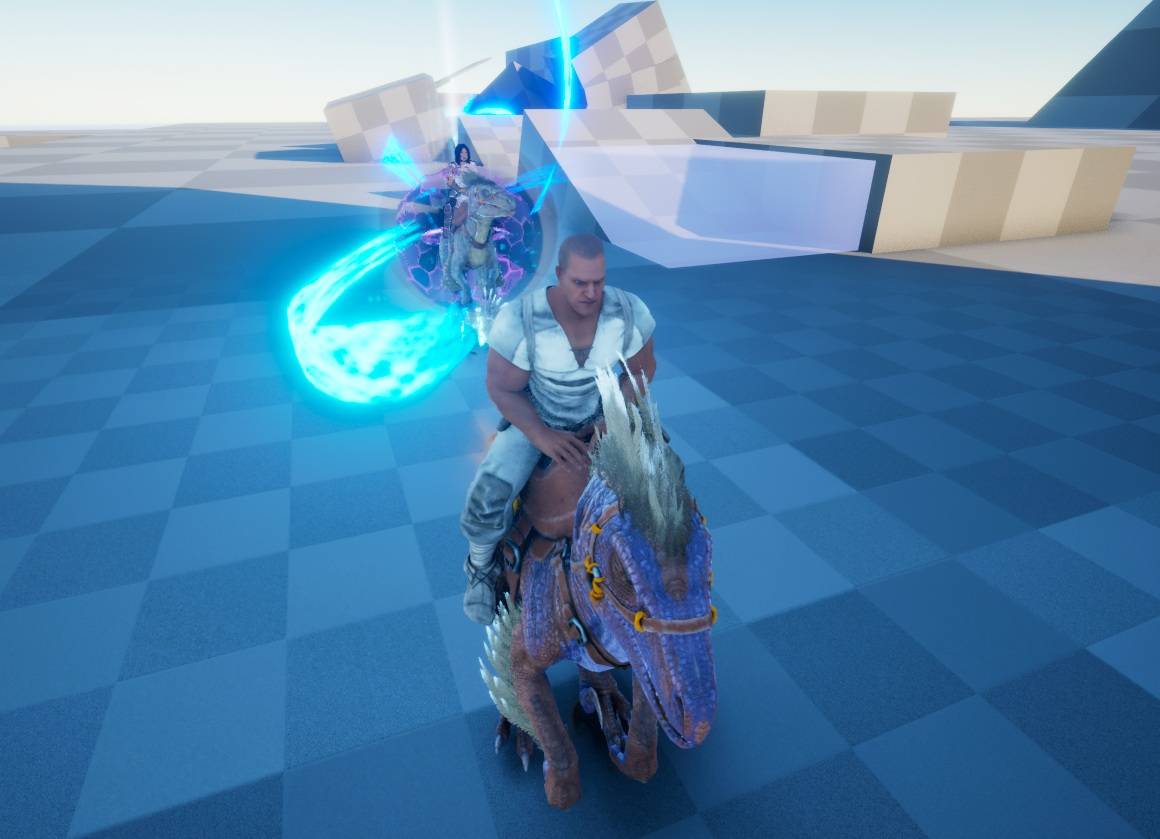
test2.jpg
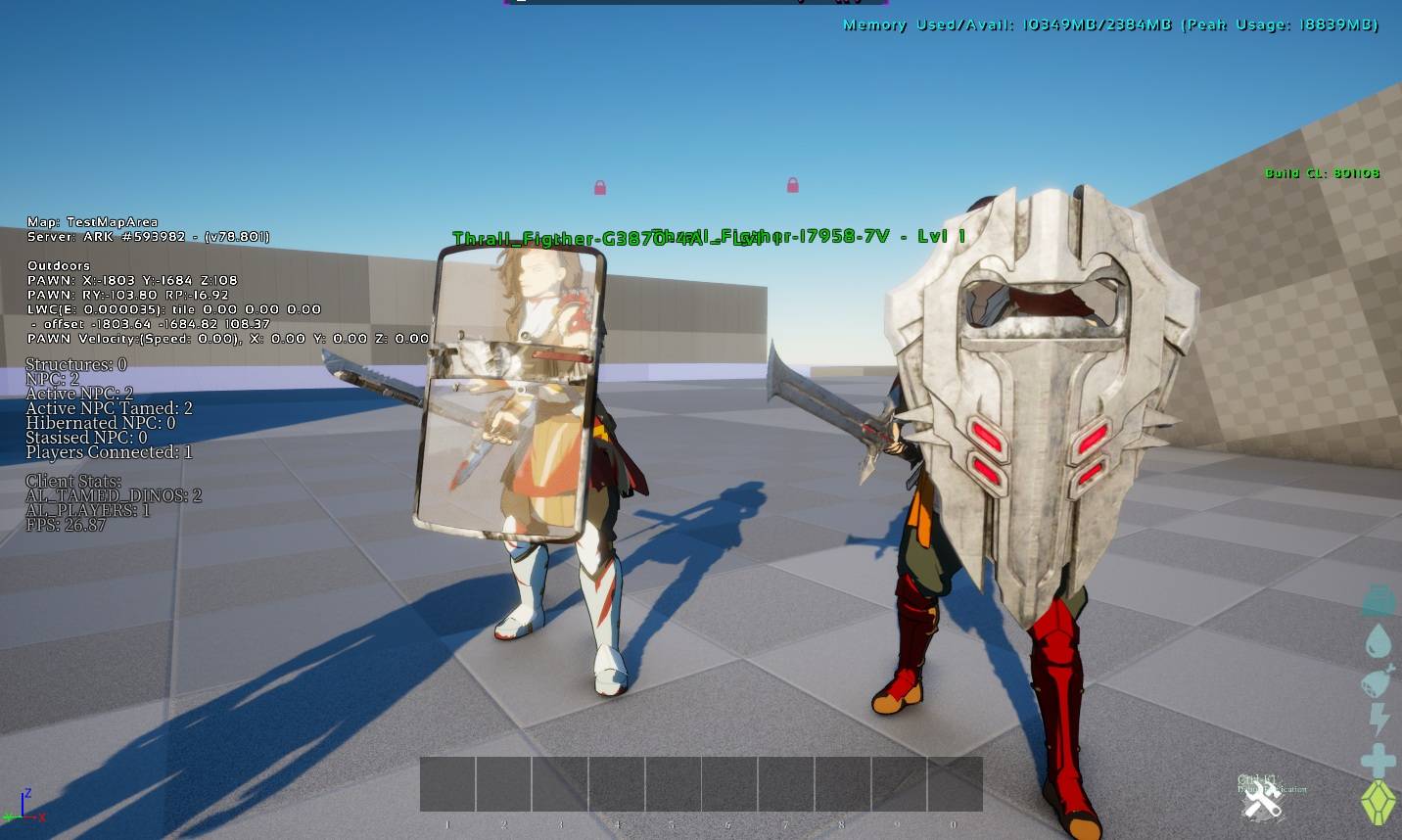
Test3.jpg
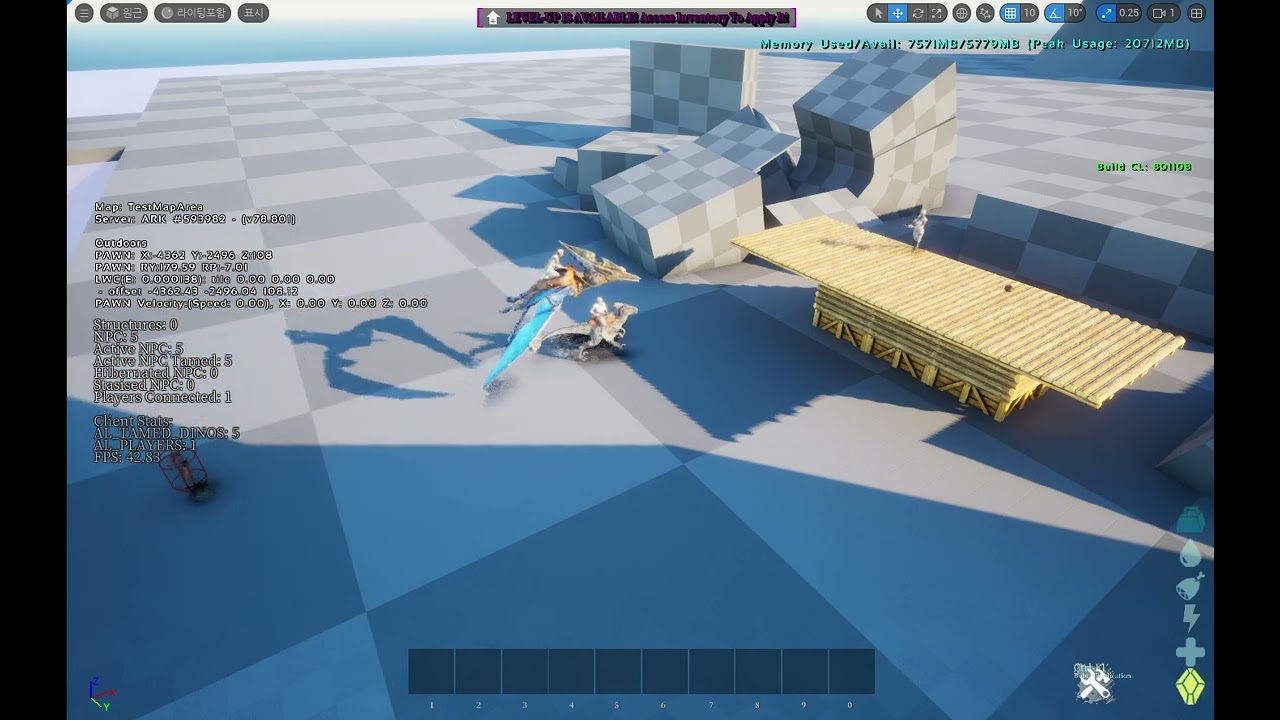
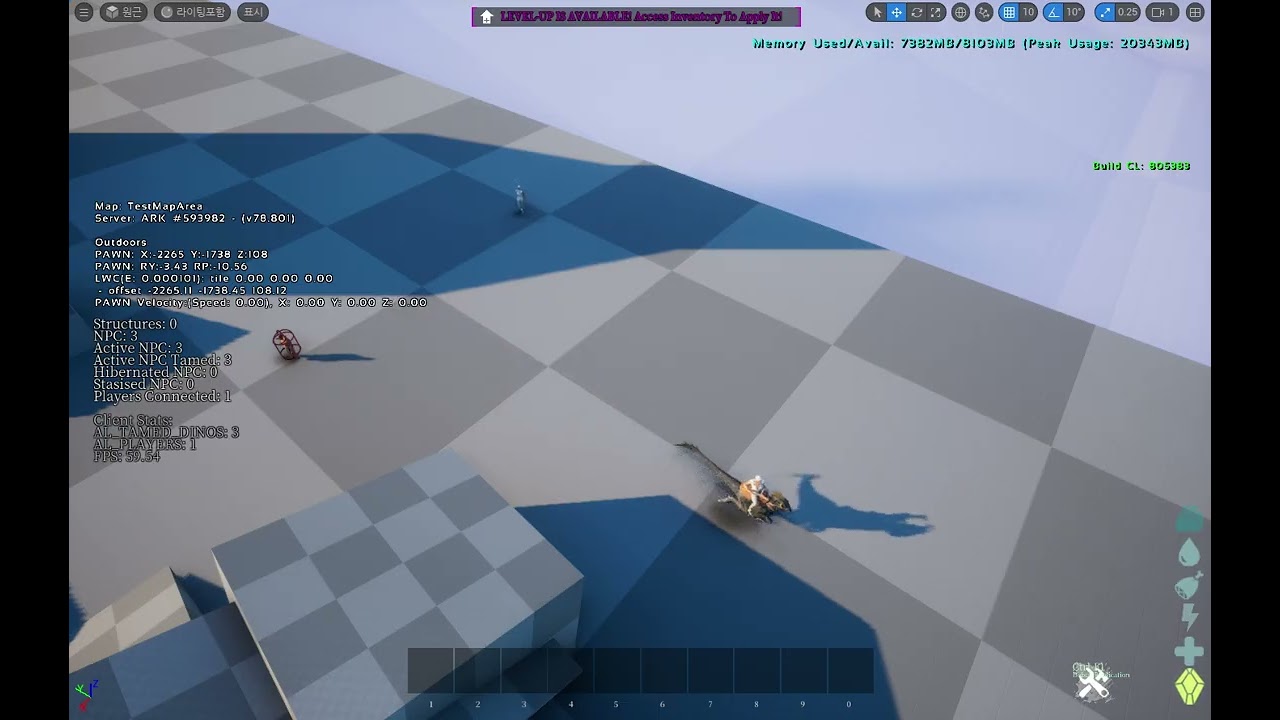
Description
COSMETICTHRALL NPC
CosmeticThrall is a customizable companion Thrall mod for ARK: Survival Ascended, based on the Thrall NPC introduced in the Lost Colony DLC.
The mod originally began as a Thrall capable of using cosmetic skins, but it has since grown into a companion-style Thrall system featuring multiple behavior modes, Patrol and Action systems, Dino interactions, appearance and voice customization, Logistics, Remote Possession, and various quality-of-life features.
This mod is still in active development.
Features may change over time, and occasional issues may occur as new systems are added.
================================================== QUICK OVERVIEW
CosmeticThrall is a customizable companion Thrall mod featuring:
- Cosmetic skins and detailed appearance customization
- Guard, Patrol, Advanced Patrol, and Action Mode
- Proximity Reaction
- Dino riding and passenger seats
- Harvest and Logistics systems
- Direct and Remote Possession
- Voice, equipment, and behavior customization
Detailed instructions for each feature are available below.
================================================== HOW TO SUMMON
Craft and use the CosmeticThrall Summon Item.
Before using the item, check its description.
The item automatically scans nearby tribe-owned Dinos and displays the base stats of the highest-level Dino found.
The summoned Thrall will mirror those base stats.
Player level has no effect on the result.
================================================== COSMETIC AND EQUIPMENT SUPPORT
Cosmetic skin items can be applied to the Thrall.
Armor and shields can be equipped directly through the Thrall's inventory.
Weapons must be changed separately while possessing the Thrall.
Cosmetic accessories such as goggles, capes, gliders, and wingsuits are also supported.
Accessory items are visual only.
Functional effects such as gliding or zipline movement are not transferred to the Thrall.
IMPORTANT EQUIPMENT NOTE
Weapons, armor, and shields equipped on Cosmetic Thralls are primarily used for:
- Appearance
- Weapon type selection
- Cosmetic skin display
Item quality does not affect the Thrall's actual stats.
Weapon damage, armor rating, quality bonuses, and other item-quality effects are not transferred to the Thrall.
Equipped items do not lose durability while being used by the Thrall.
Their original durability is preserved when the items are retrieved.
THRALL ARMOR
Cosmetic Thralls use their own fixed armor values instead of the armor value of equipped items.
- Ranged Thralls: 75 Armor
- Melee Thralls: 100 Armor
Shield-using Thralls also have a separate Shield Block capacity.
Once the shield can no longer block incoming damage, additional damage is applied directly to the Thrall's health instead of stunning the Thrall.
================================================== COSTHRALLCONFIG WHEEL MENU
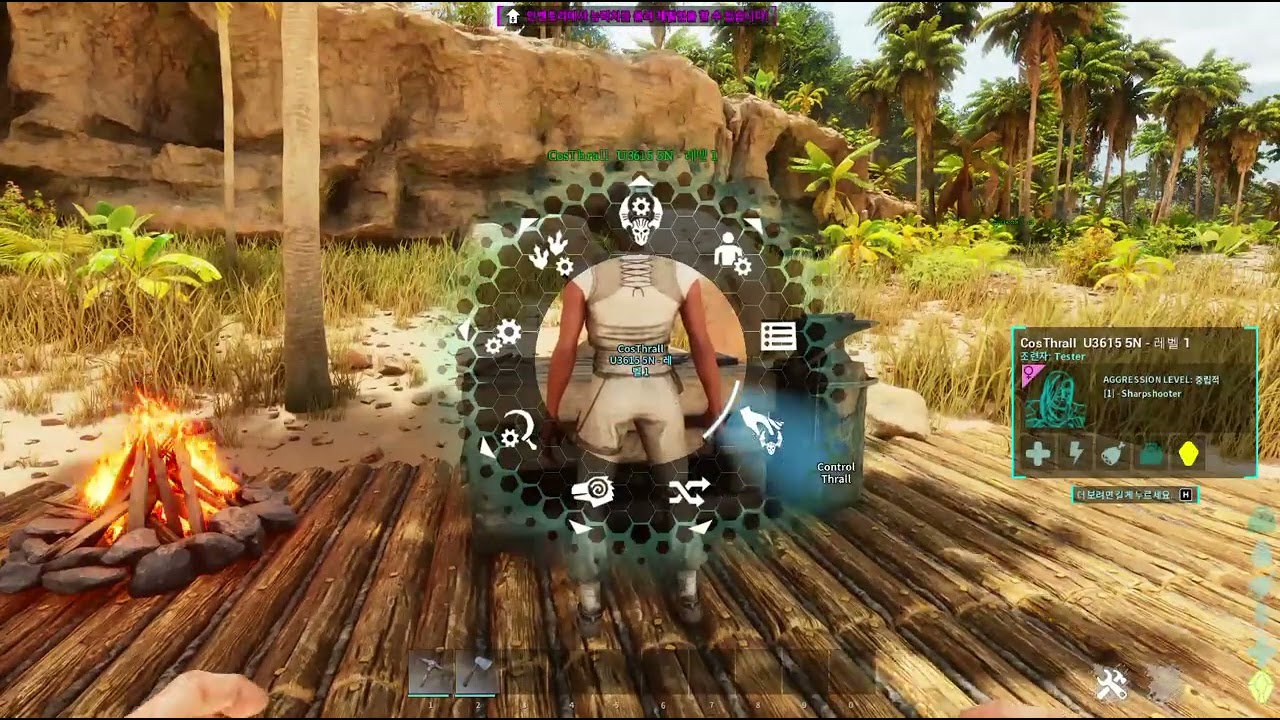
CosmeticThrall has a dedicated radial wheel menu called CosThrallConfig.
This menu provides access to CosmeticThrall-specific systems including:
- Behavior modes
- Feature toggles
- Patrol settings
- Appearance Customization
- Voice settings
- Dino-related settings
- Proximity Reaction
- Other CosmeticThrall-specific controls
================================================== APPEARANCE CUSTOMIZATION
A dedicated Appearance Customization UI allows you to customize the Thrall's appearance in detail.
HEAD HAIR
You can select a hairstyle and adjust Hair Length.
FACIAL HAIR
You can select a Facial Hair style and adjust its length.
Female Thralls can also use the Facial Hair slot.
This allows female Thralls to use bangs and other modded hairstyles that use the Facial Hair slot.
EYEBROWS
Eyebrow styles can be selected separately.
BODY CUSTOMIZATION
The Thrall's body proportions can be adjusted through a variety of sliders.
The following settings are currently available:
- Head Size
- Hand Size
- Breast Size
- Feet Size
- Arm Length
- Height
- Arm Width
- Chest Width
- Waist Width
- Butt Width
- Leg Width
- Body Muscle
- Body Fat
Body customization is also applied to equipped items where applicable.
Customization settings are saved and remain applied after reconnecting or restarting the server.
================================================== HAIR AND COLOR CUSTOMIZATION
The Appearance Customization UI includes detailed color controls for Hair, Facial Hair, Eyebrows, Skin, and Eyes.
The following color settings are available:
- Hair Color
- Hair Tip Color
- Facial Hair Color
- Facial Hair Tip Color
- Eyebrows Color
- Eyebrows Tip Color
- Skin Color
- Eye Color
Hair Color and Hair Tip Color are used as the default shared hair colors.
When the individual color option for Facial Hair or Eyebrows is disabled, that part automatically follows Hair Color and Hair Tip Color.
This allows Hair, Facial Hair, and Eyebrows to be recolored together using only the main Hair Color and Hair Tip Color settings.
When an individual color option is enabled, Facial Hair or Eyebrows can use their own independent colors.
FACIAL HAIR INDIVIDUAL COLOR OFF
- Uses Hair Color
- Uses Hair Tip Color
FACIAL HAIR INDIVIDUAL COLOR ON
- Uses Facial Hair Color
- Uses Facial Hair Tip Color
EYEBROWS INDIVIDUAL COLOR OFF
- Uses Hair Color
- Uses Hair Tip Color
EYEBROWS INDIVIDUAL COLOR ON
- Uses Eyebrows Color
- Uses Eyebrows Tip Color
This allows both simple shared coloring and detailed per-part color customization.
SKIN COLOR
Skin Color can also be adjusted.
Skin Color adjustment is currently an experimental feature.
Results may vary depending on the selected skin, materials, cosmetics, and lighting.
EYE COLOR
Eye Color can be adjusted separately.
================================================== VOICE CUSTOMIZATION
Voice selection is available through CosThrallConfig.
You can currently choose between:
- 3 Male Voices
- 3 Female Voices
================================================== COMPANION BEHAVIOR FEATURES
STANDBY MODE
Standby Mode is the standard idle mode for Cosmetic Thralls.
The Thrall can use normal companion behavior such as Follow while not using one of the specialized behavior modes.
================================================== GUARD MODE
Guard Mode keeps the Thrall assigned to its current position.
When Guard Mode is enabled, that location becomes the Thrall's fixed reference position.
Combat behavior still follows the Thrall's Aggression setting.
If the Thrall is set to Passive, it will not initiate combat simply because an enemy is nearby.
With an Aggression setting that allows combat, the Thrall can fight hostile targets and move away from its Guard position when necessary during combat.
After combat ends, the Thrall returns to the position where Guard Mode was set.
Guard Mode also works while the Thrall is mounted on a Dino.
================================================== PATROL MODE
Use Add Patrol WayPoint to register patrol points.
The Thrall moves through the saved WayPoints in order and repeats the route continuously.
Use Clear Patrol WayPoints to remove all saved Patrol WayPoints.
Patrol WayPoints can also be added or cleared while possessing the Thrall.
MOUNTED PATROL
Patrol Mode also works while the Thrall is mounted on a Dino.
Thralls riding Flying Dinos can also use Patrol Mode.
Flying Dino Patrol WayPoints remember whether the mounted Dino should be flying or landed at each recorded location.
================================================== ADVANCED PATROL WAYPOINT
The existing Add Patrol WayPoint option remains available for normal patrol routes.
Use Add Advanced Patrol WayPoint when more detailed patrol behavior is needed.
An Advanced Patrol WayPoint can include a wait time after the Thrall reaches the patrol point.
Wander While Waiting can also be enabled.
When enabled, the Thrall will wander around the area until the configured wait time ends.
Normal Patrol WayPoints can therefore be used for simple movement routes, while Advanced Patrol WayPoints can be used when the Thrall should wait or wander at specific locations.
================================================== ACTION MODE
Action Mode is an advanced behavior system that expands upon Patrol Mode.
It allows you to create a sequence in which the Thrall moves to recorded locations, faces recorded directions, performs selected Actions, and continues through the sequence.
Action Mode includes a wide variety of available Animations.
TO CREATE A SEQUENCE
- Move the Thrall to the desired location.
- Face the direction in which the Action should be performed.
- Open the Action Mode Settings UI.
- Select an Action and a Delay or Signal.
- Add the Sequence.
For each recorded Sequence, the Thrall will:
- Move to the recorded location
- Face the recorded direction
- Perform the selected Action
- Process the configured Delay or Signal
- Continue to the next Sequence
Selecting None as the Action creates a movement-only Sequence without playing an Animation.
Existing Sequences can also be removed, cleared, or inserted between other Sequences.
The selected Action can be immediately tested using Test Play and stopped using Test Stop.
MOUNTED ACTION MODE
Action Mode can also be used while the Thrall is mounted on a Dino.
================================================== ACTION MODE SIGNALS
Action Mode includes a Signal system for coordinating multiple Thralls.
SET FLAG A-D
Activates the selected Flag for approximately 5 seconds and immediately continues to the next Sequence.
WAIT FLAG A-D
Pauses the current Sequence until another Thrall activates the matching Flag.
The Flag detection range has a radius of approximately 10 meters around the Thrall.
This means the full detection area is approximately 20 meters across.
When Set Flag or Wait Flag is selected, a temporary Range Indicator is displayed to help visualize the Flag detection area.
This system can be used to create:
- Synchronized performances
- Coordinated reactions
- Staged scenes
- Group animations
- Custom behavior sequences
================================================== SHIP AND DINO PLATFORM SADDLE SUPPORT
Action Mode can also be used while a Thrall is standing on a Ship or Dino Platform Saddle.
Movement commands cannot be used on moving platforms.
In this situation, the Thrall remains at its assigned position and only the following Action Mode functions are applied:
- Action
- Delay
- Set Flag
- Wait Flag
Action Mode on Ships and Dino Platform Saddles is therefore intended for performing Actions, Delays, and Flag-based Sequences from a fixed position rather than moving between recorded locations.
While standing on a Ship or Dino Platform Saddle, only the following modes can be activated:
- Standby Mode
- Action Mode
================================================== PROXIMITY REACTION
Proximity Reaction allows the Thrall to react when a selected type of target enters the configured range.
Available target types include:
- Player
- Thrall
- Dino
The Proximity Reaction UI includes the following settings:
- Target
- Anim
- Trigger
- Range
- Cooldown
TARGET
Selects the type of target that can activate the reaction.
ANIM
Selects the Animation that the Thrall will play when the target enters the configured Range.
Select None if no Animation should be played.
TRIGGER
Selects a Trigger that will be activated together with the Proximity Reaction.
This allows Proximity Reaction to interact with Action Mode systems.
Select None if no Trigger should be activated.
RANGE
Sets the detection range of the reaction.
COOLDOWN
Sets how long the same target must wait before it can trigger another reaction.
TESTPLAY / TESTSTOP
The currently configured reaction can be immediately tested or stopped.
================================================== AUTO-TELEPORT FOLLOW
If the Thrall loses its path or falls too far behind its Follow Target, it can automatically teleport nearby to catch up.
Teleport recovery may activate when the Thrall falls approximately 70 meters behind its Follow Target.
The system is designed to activate while the Follow Target is safely grounded.
It will not normally activate while the Follow Target is flying or falling.
When multiple Thralls teleport at the same time, a random spread is applied to their destination to reduce stacking and collision problems.
Teleport sound and visual effects can be enabled or disabled through CosThrallConfig.
================================================== WEAPON EQUIP TOGGLE
This option determines whether the Thrall remains armed while using normal behavior modes.
When enabled, the Thrall remains armed in:
- Standby Mode
- Guard Mode
- Patrol Mode
Harvest Mode and Logistics Mode are excluded.
================================================== WANDERING
Cosmetic Thralls can use ARK's standard Wandering behavior.
================================================== HARVEST MODE
CosmeticThrall can use the standard Harvest Mode from the original ARK Thrall system.
Set the desired item in the Input of the Thrall's inventory, and the Thrall will search for and collect that item.
Harvest Mode itself uses the original Thrall behavior and has not been replaced with a separate CosmeticThrall harvesting system.
================================================== STOP THE THIEF!
Thralls can chase away certain annoying small Dinos.
This feature is a toned-down version of the similar cat behavior.
When one of the supported small Dinos is detected, the Thrall can chase it away.
================================================== DINO INTERACTION FEATURES
DINO RIDING
The Thrall can ride compatible Dinos while continuing to use its AI behavior.
Mounted Thralls can use:
- Follow
- Combat
- Guard Mode
- Patrol Mode
- Action Mode
PASSENGER SEATS
The Thrall can be assigned to a Dino's Passenger Seat.
Select the desired Passenger Seat through the Thrall's radial wheel menu.
DINO CONTROL
When the player is riding a Dino as either the Driver or a Passenger, a radial wheel option appears for controlling Thralls seated on the same Dino.
This system is designed to work together with the Passenger Seat system.
================================================== RIDE DINO BEHAVIOR SHARING
When a Thrall is mounted on a Dino, supported behavior settings are automatically synchronized between the Thrall and the mounted Dino.
Synchronized settings include:
- Follow Target
- Follow Distance
- Aggression Level
- AI Targeting Range
- Ignore Whistles
- Ignore Ally Look
- Guard Mode settings
When the Thrall mounts a Dino, the required Dino settings are temporarily synchronized.
When the Thrall dismounts, the Dino's original settings from before the Thrall mounted it are restored.
================================================== LOGISTICS MODE
Logistics Mode has been extensively reworked.
When a Thrall is set to Logistics Mode, a CosThrall JobBoard is automatically created in front of that Thrall.
The CosThrall JobBoard is not a structure that needs to be crafted or manually placed.
The JobBoard scans Storage and Dino inventories within its configured ranges and creates Logistics Jobs for transporting required items.
Thralls participating in Logistics Jobs can be added or removed through the JobBoard.
Storage and Dino inventory detection ranges can also be configured directly through the JobBoard.
================================================== STORAGE DETECTION RANGE
Use Set Storage Detection Range to configure the range in which the JobBoard searches for Storage inventories.
Selecting this option opens the Storage Range UI.
SHOW / HIDE STORAGE RANGE
The currently configured Storage Detection Range can be displayed or hidden.
================================================== DINO SUPPLY RANGE
Use Set Dino Inventory Detection Range to configure the range in which Dino inventories are detected as supply sources.
Selecting this option opens the Dino Supply Range UI.
SHOW / HIDE DINO RANGE
The currently configured Dino Supply Range can be displayed or hidden.
================================================== ADD COS THRALL
Use Add Cos Thrall to add another CosmeticThrall to the current JobBoard.
Only Thralls that meet all of the following conditions will appear in the Add Cos Thrall selection list:
- The Thrall is not Cryosick
- The Thrall is currently in Standby Mode
- The Thrall is not riding a Dino
Thralls that do not meet these conditions will not appear in the selection list.
Added Thralls can receive and perform Logistics Jobs generated by that JobBoard.
================================================== REMOVE COS THRALL
Use Remove Cos Thrall to remove a CosmeticThrall currently assigned to the JobBoard.
Select the Thrall you want to remove from the Remove Cos Thrall UI.
================================================== LOGISTICS STORAGE PRIORITY
Storage priority is determined by the number of stacks configured in that inventory's Input settings.
Storage with a lower configured stack count has a higher priority.
The JobBoard attempts to transport items so that each Storage maintains its configured number of stacks.
For example, if a Campfire has Wood configured as 1 Stack in its Input, Logistics Mode will attempt to keep approximately 1 Stack of Wood in that Campfire.
Items inside Dino inventories are prioritized for removal and transportation to Storage.
================================================== POSSESSION
Players can directly possess and control a CosmeticThrall.
Possession is also used when changing the Thrall's weapon type.
Additional CosmeticThrall controls are available through the player's radial wheel while possessing a Thrall.
UNPOSSESS ITEM
A dedicated Unpossess consumable item is automatically added to the inventory while possessing a CosmeticThrall.
Using this item immediately ends possession.
This provides an alternative way to return to the player's original character if the radial wheel Unpossess option is unavailable or fails to function.
POSSESSION LIMITATION
ARK's possession system may temporarily apply the player's face shape and body proportions to the possessed Thrall.
This behavior comes from ARK's own character possession system.
Cosmetic settings such as skins, hairstyles, and colors are reapplied after unpossessing.
================================================== REMOTE POSSESSION
The Remote Possession Item allows you to possess a CosmeticThrall without having to move directly next to it.
Using the item opens a list of available Cosmetic Thralls.
Select the desired Thrall from the list to possess it remotely.
================================================== ADMIN SETTINGS
Additional Admin Settings are available when a player in GCM / Creative Mode opens the Thrall's radial wheel menu.
IGNORE WHEEL MENU
When enabled, regular players cannot access that Thrall's radial wheel options.
Players in Creative Mode can still access and configure the Thrall.
IGNORE WHISTLES
When enabled, the Thrall ignores whistle commands from all players.
This includes individual commands such as Follow.
The setting also remains active while the Thrall is riding a Dino.
================================================== ADDITIONAL FEATURES
- Hauling Mode works correctly when crafting inventories overflow, including Campfires and similar structures.
- Cosmetic Thralls can use standard Wandering behavior.
- When the player performs an Emote near a CosmeticThrall, nearby Thralls will attempt to mimic that Emote.
- Both Static Mesh and Skeletal Mesh cosmetic items are supported.
- Multi-part cosmetic outfits are supported.
- Cosmetic accessory items are supported.
================================================== HOW TO CHANGE WEAPONS
- Possess the Thrall.
- Place a supported weapon item in Quickslot 9.
- Unpossess the Thrall.
The Thrall will change to the matching Weapon Type while keeping its:
- Name
- Stats
- Inventory
- Cosmetic settings
================================================== SUPPORTED WEAPONS
- Crossbow - Base Type
- Compound Bow
- Bow
- Machined Pistol
- Simple Pistol
- Assault Rifle
- Shotgun
- Pump-Action Shotgun
- Sniper Rifle
- Longneck Rifle
- Rocket Launcher
- Flamethrower
- Stone Hatchet
- Stone Pick
- Iron Hatchet
- Iron Pick
- Sword
- Spear
- Pike
- Torch - Unarmed Type
UNARMED THRALL
To change the Thrall to the Unarmed Type, place a Torch in Quickslot 9 while possessing the Thrall and then unpossess it.
The Torch is used only as a trigger item for changing the Thrall's type.
The Thrall will not actually hold the Torch, and Torch light functionality is not supported.
================================================== COMMANDS AND PATHS
SUMMON ITEM COMMAND
cheat gfi PrimalItem_Spawner_SummonCosmeticThrallCrossBow 1 0 0
REMOTE POSSESSION ITEM COMMAND
cheat gfi PrimalItem_RemoteCosmeticThrall 1 0 0
DIRECT SPAWN COMMAND
cheat GMSummon "Thrall_Character_BP_CosWithCrossbow_C" 1
SUMMON ITEM ENGRAM ENTRY PATH
/CosmeticThrall/CosmeticThrall/EngramEntry_SummonCosmeticThrall.EngramEntry_SummonCosmeticThrall
REMOTE POSSESSION ITEM ENGRAM ENTRY PATH
/CosmeticThrall/CosmeticThrall/EngramEntry_RemoteCosmeticThrall.EngramEntry_RemoteCosmeticThrall
SUMMON ITEM PATH
/CosmeticThrall/CosmeticThrall/PrimalItem_Spawner_SummonCosmeticThrallCrossBow.PrimalItem_Spawner_SummonCosmeticThrallCrossBow
REMOTE POSSESSION ITEM PATH
/CosmeticThrall/CosmeticThrall/PrimalItem_RemoteCosmeticThrall.PrimalItem_RemoteCosmeticThrall
The Cosmetic Thrall NPC Team
