Ascended Armory
- By
Give weapons and armor their own RPG-style progression. Level individual items, improve their stats, upgrade them from Primitive to Ascendant, and transfer experience when you find better gear.
Description
◆ ASCENDED ARMORY ◆
Ever feel like your gear deserves more credit?
◆
In vanilla ARK, the rifle that has been with you since your first Rex tame is functionally no different from one you crafted five minutes ago. Ascended Armory changes that. Your weapons and armor earn experience, level up, and grow alongside your survivor.
◆
Build the Armory Workbench, spend experience on permanent stat upgrades, improve gear from Primitive to Ascendant, or transfer progress into better equipment when you find it.
◆
Ascended Armory is a Freemium Mod. The Armory Workbench features, Energy Scattergun, and future Ascended Armory weapons require premium ownership. Admins can still access the Workbench to configure the server, and free users can still have their gear gain experience.
◆ GEAR EXPERIENCE AND UPGRADES ◆
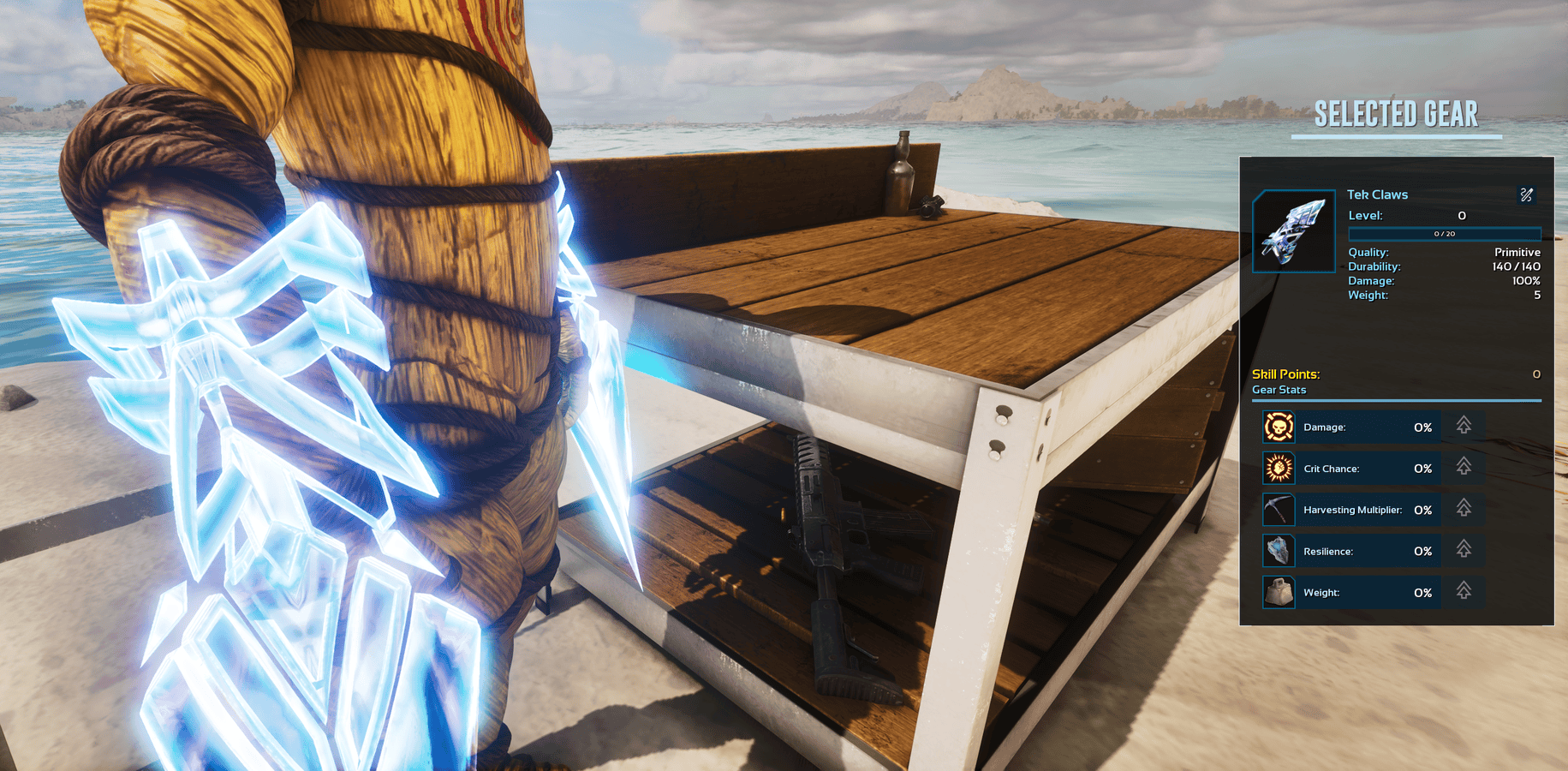
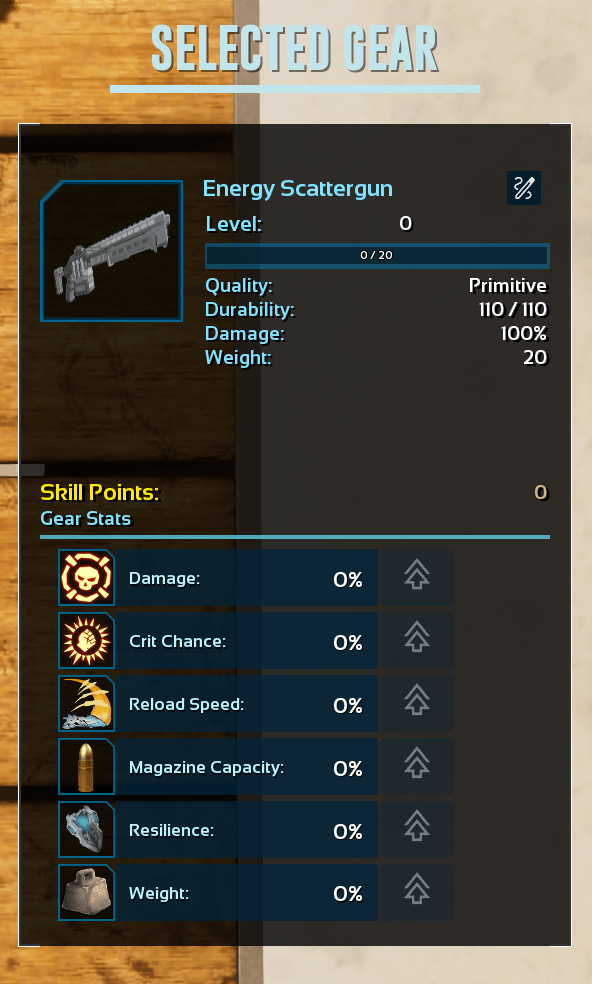
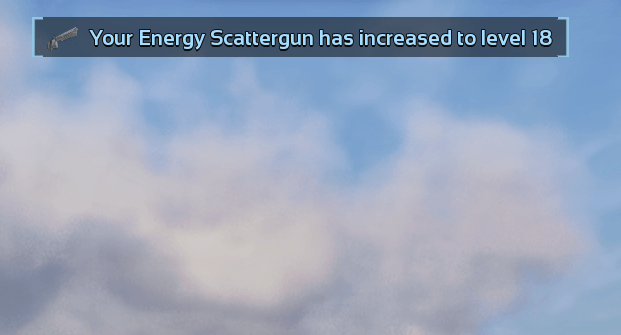
Compatible weapons and armor earn experience through normal play. That experience can be spent at the Armory Workbench to improve individual stats.
Weapon upgrades:
• Damage
• Magazine capacity
• Reload speed
• Durability
• Weight
• Harvesting, where supported
• Critical-hit chance, where supported
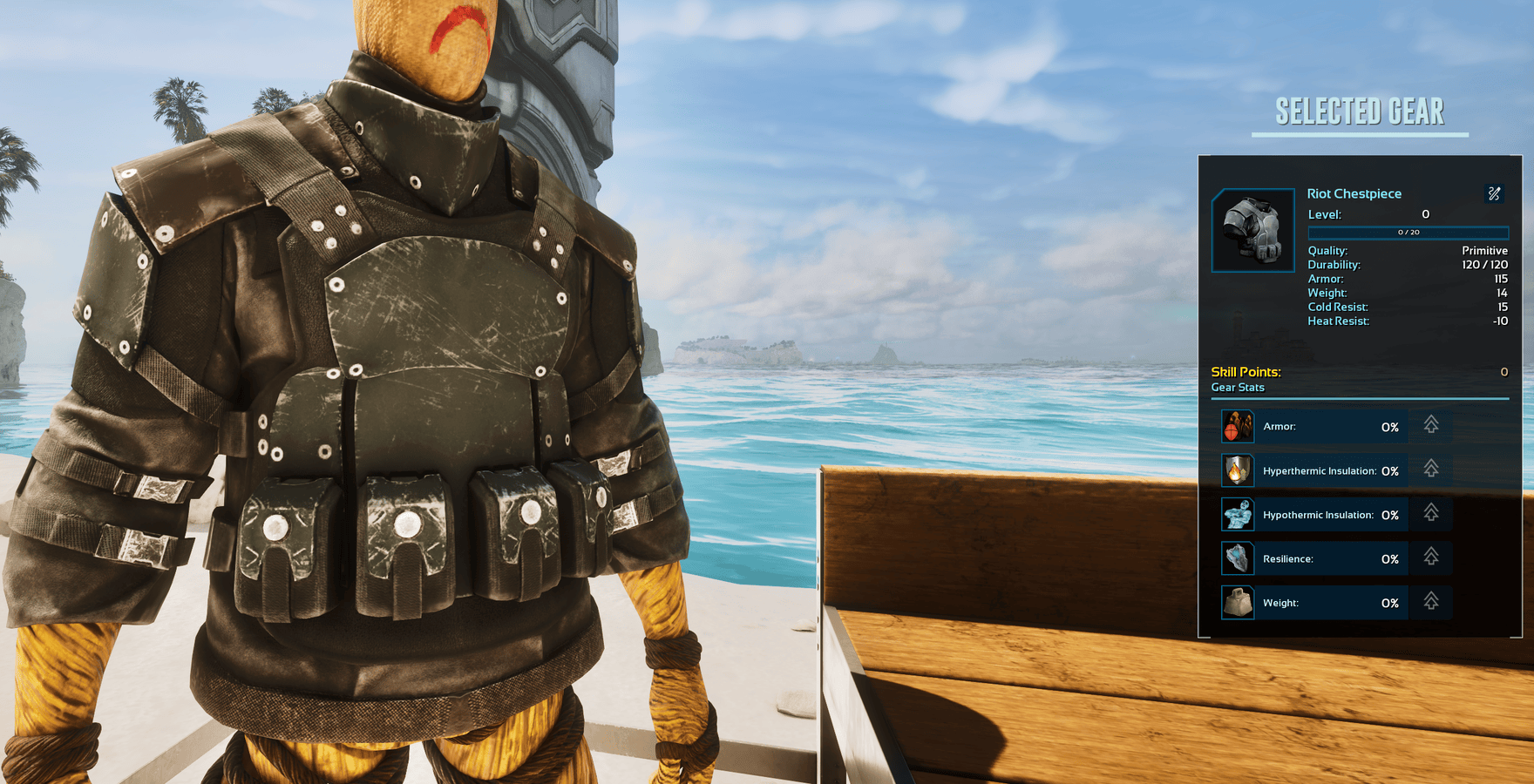
Armor upgrades:
• Armor
• Durability
• Weight
• Hyperthermic insulation
• Hypothermic insulation
◆ QUALITY UPGRADES ◆
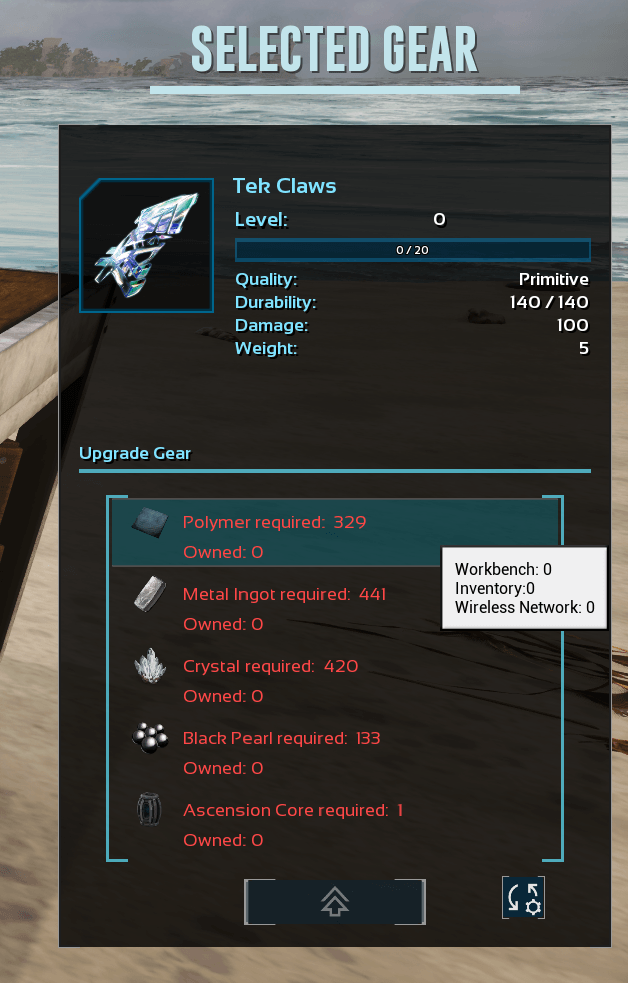
Gear can also be upgraded through ARK's existing quality tiers, from Primitive all the way to Ascendant.
Quality upgrades use Ascension Cores and other configurable resources. Ascension Cores are obtained by killing alpha creatures. Their drop amount, upgrade costs, stat rolls, and other requirements can all be changed through the admin menu.
◆ EXPERIENCE TRANSFERS ◆
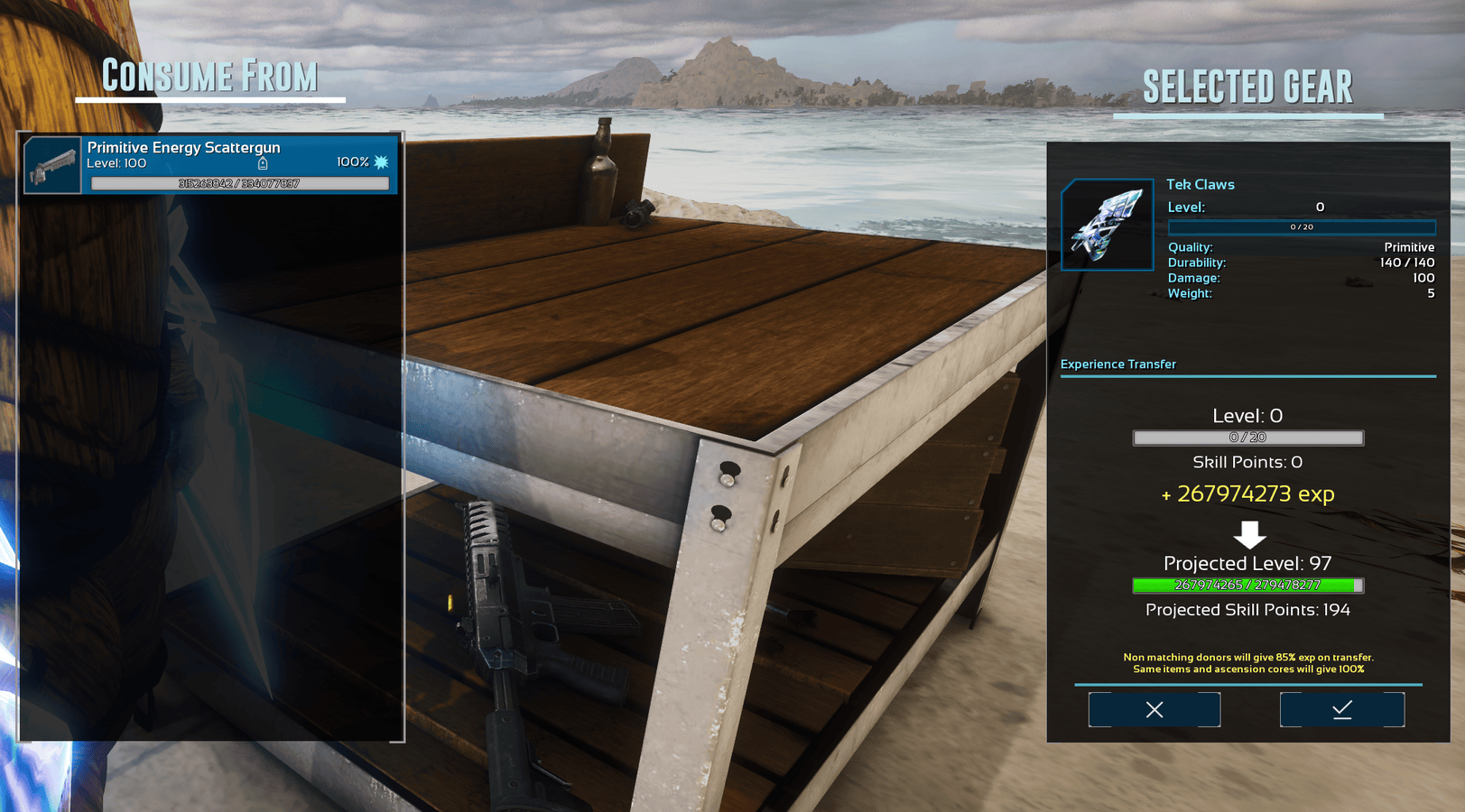
Finding a better item does not mean throwing away all the progress from your old one. Experience can be transferred between items through the Armory Workbench.
Transfer rates: • Standard transfers retain 85% • Matching item classes retain 100% • Ascension Engine transfers retain 100%
◆ ARMORY WORKBENCH ◆
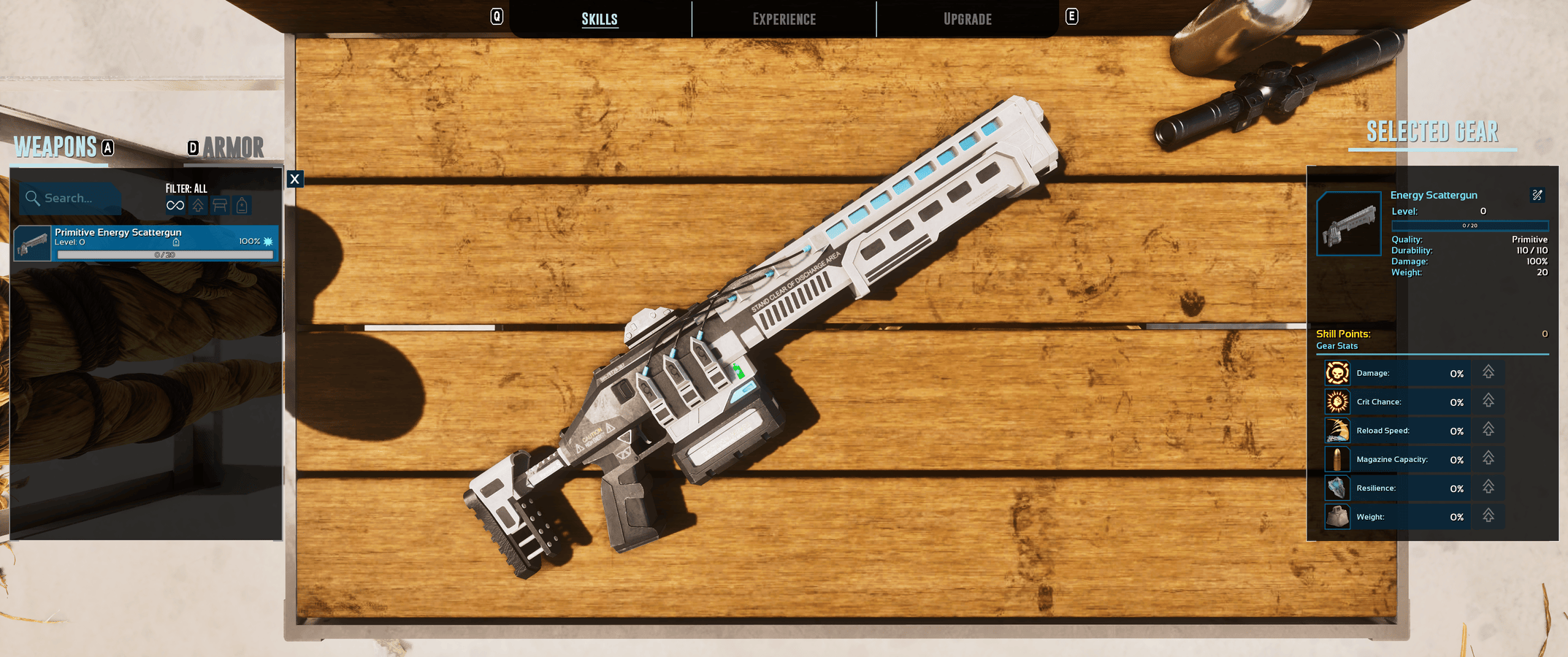
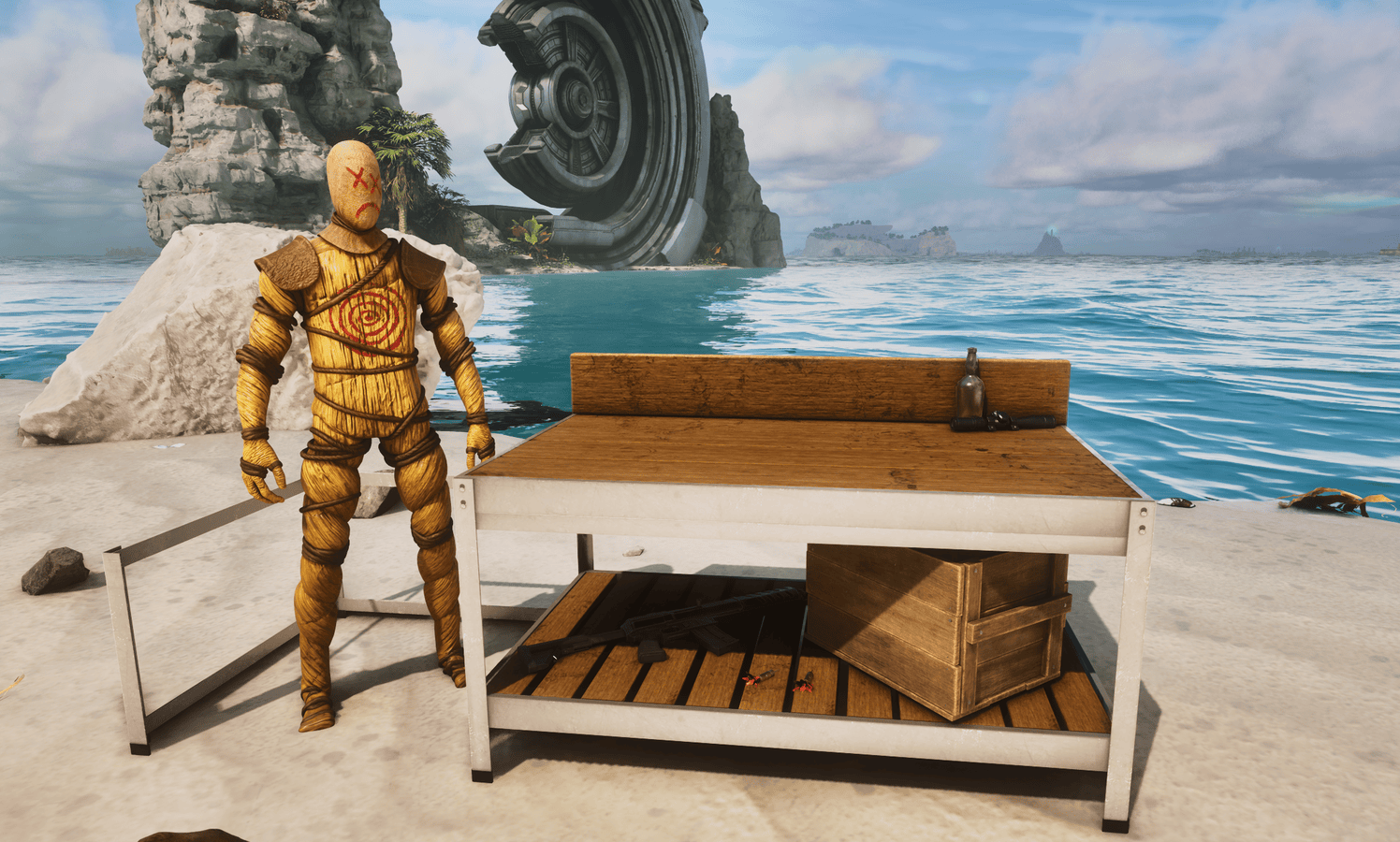
The Armory Workbench is crafted in the Smithy and is used for all gear progression. Its custom interfaces let you inspect equipment, spend upgrade points, improve item quality, transfer experience, rename gear, and search through compatible items.
Selected vanilla equipment is displayed on the weapon bench or armor stand in real time. The Workbench also has smooth inspection-camera movement, custom item tooltips, and press-and-hold interactions designed with controllers in mind.
Modded gear can be added through the in-game admin menu, so server owners can choose which items are supported without waiting for a separate compatibility update.

◆ NEW ITEMS ◆
ASCENSION CORE: Obtained by killing alpha creatures. Use a Core with the required materials at the Armory Workbench to upgrade an item's quality. Activating a Core converts it into an Ascension Engine.
ASCENSION ENGINE: Equip the Engine in your offhand slot and it will passively collect experience. That experience can later be transferred to weapons or armor at 100% efficiency. The Engine can also be converted back into an Ascension Core.
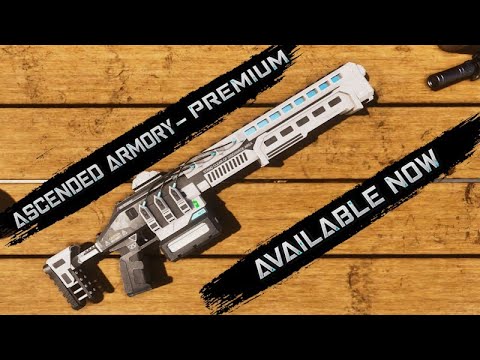
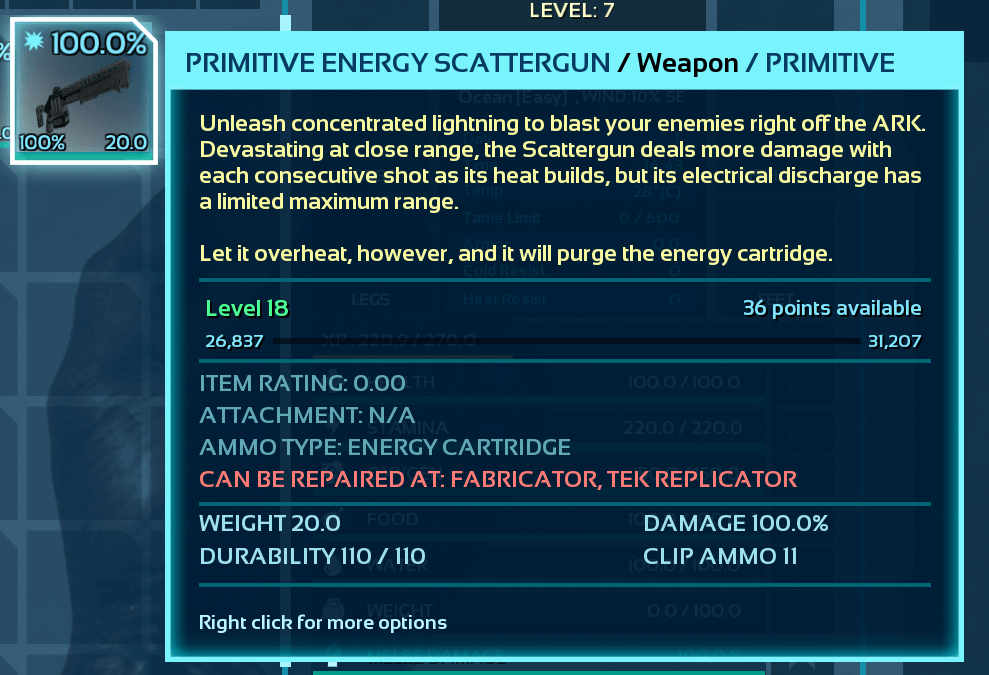
ENERGY SCATTERGUN:
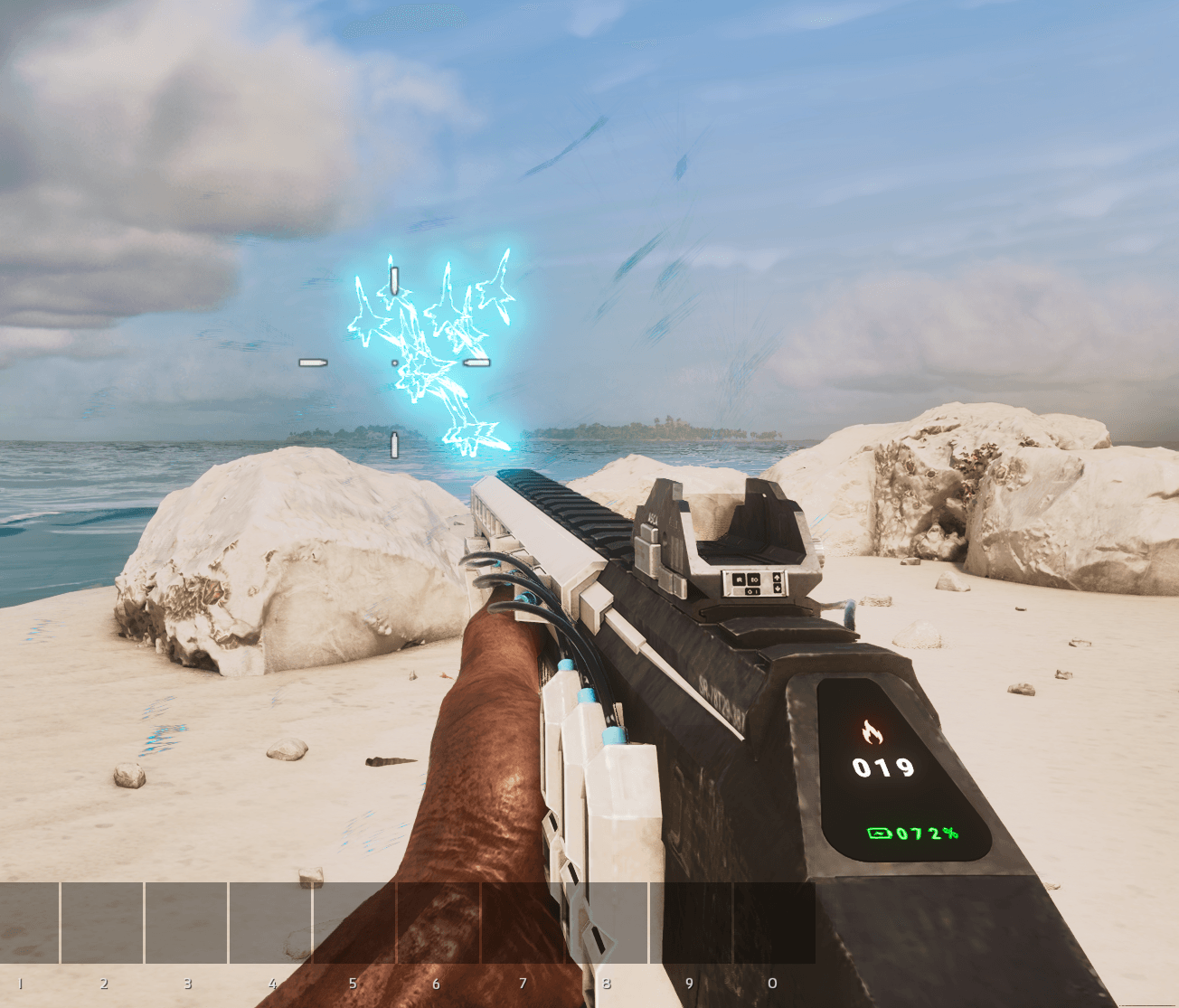
A close-range lightning weapon with a fixed maximum range. Its damage increases as heat builds, but overheating purges the remaining Energy Cartridge. It has its own model, effects, sounds, heat gauge, charge display, ammo counter, and overheat warnings. Damage, beams, heat generation, and cooldown can all be configured through the admin menu.

ENERGY CARTRIDGE: Concentrated energy ammunition used by the Energy Scattergun and other compatible energy weapon systems.
◆ ADMIN SETTINGS ◆
The admin menu is available from the Armory Workbench radial wheel while in admin mode. Settings are managed in game rather than through a separate INI file, which also keeps them accessible to console-hosted communities.
Available controls: • Enable or disable experience and quality upgrades • Adjust gear experience and transfer rates • Configure Ascension Core drops, stat rolls, and quality-upgrade costs • Change stat caps and upgrade values • Add modded weapons and armor • Configure Energy Scattergun damage, beams, heat, and cooldown • Allow or restrict maximizing Ascendant items • Restore default settings
Progression and configuration data are stored with the map. .sav export and import can be manually selected within the admin menu.
◆ PC AND CONSOLE SUPPORT ◆
The progression system, admin tools, custom interfaces, and controller support are available on both PC and console.
◆ FUTURE WEAPONS ◆
Every weapon added by Ascended Armory uses an original model made from scratch, with its own mechanics, visuals, sounds, and HUD elements. They are built as part of the progression system rather than being simple high-damage additions.
Future updates are planned to add weapons across primitive, modern, energy, and TEK tiers. The current target is roughly three months between major weapon updates, but that is a flexible goal rather than a guaranteed schedule.
Ascended Armory is made by one developer. Each weapon takes time to model, implement, balance, test, and make controller friendly before it is ready to release.
◆ F.A.Q ◆
◆ Where do I craft the Armory Workbench? ◆
• In the Smithy.
◆ How do I get Ascension Cores? ◆
• Kill alpha creatures. Admins can change their drop settings.
◆ Can modded gear use the progression system? ◆
• Yes, where compatible. Admins can add weapons and armor through the Workbench admin menu.
◆ Do I need to edit an INI file? ◆
• No. Everything is configured in game through the Armory Workbench.
◆ Can I copy settings between clustered maps? ◆
• Yes. Click Export to .sav in the admin menu, move that file to the other map, then import your settings.
◆ DISCORD ◆
Questions, bug reports, feedback, and suggestions are welcome.

Ascended Armory Team

Owner