
ZPownage
- By
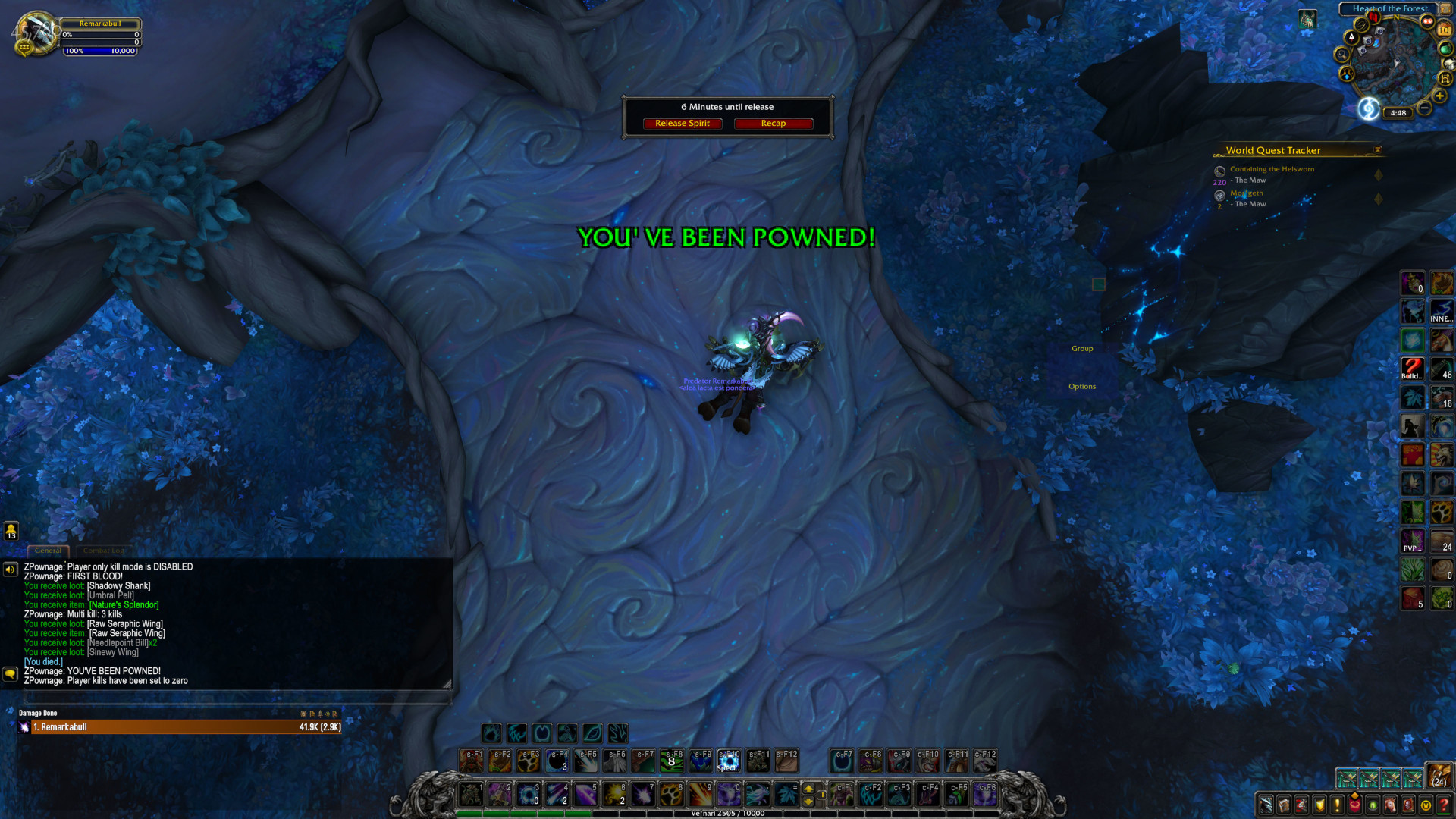
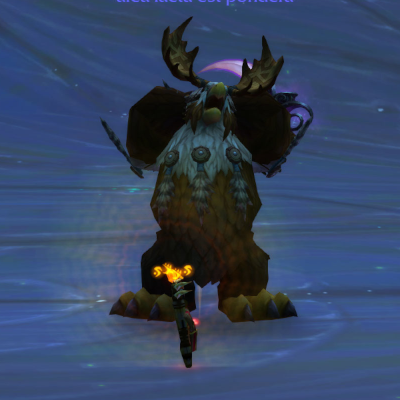
An example of the text displayed when you're killed.
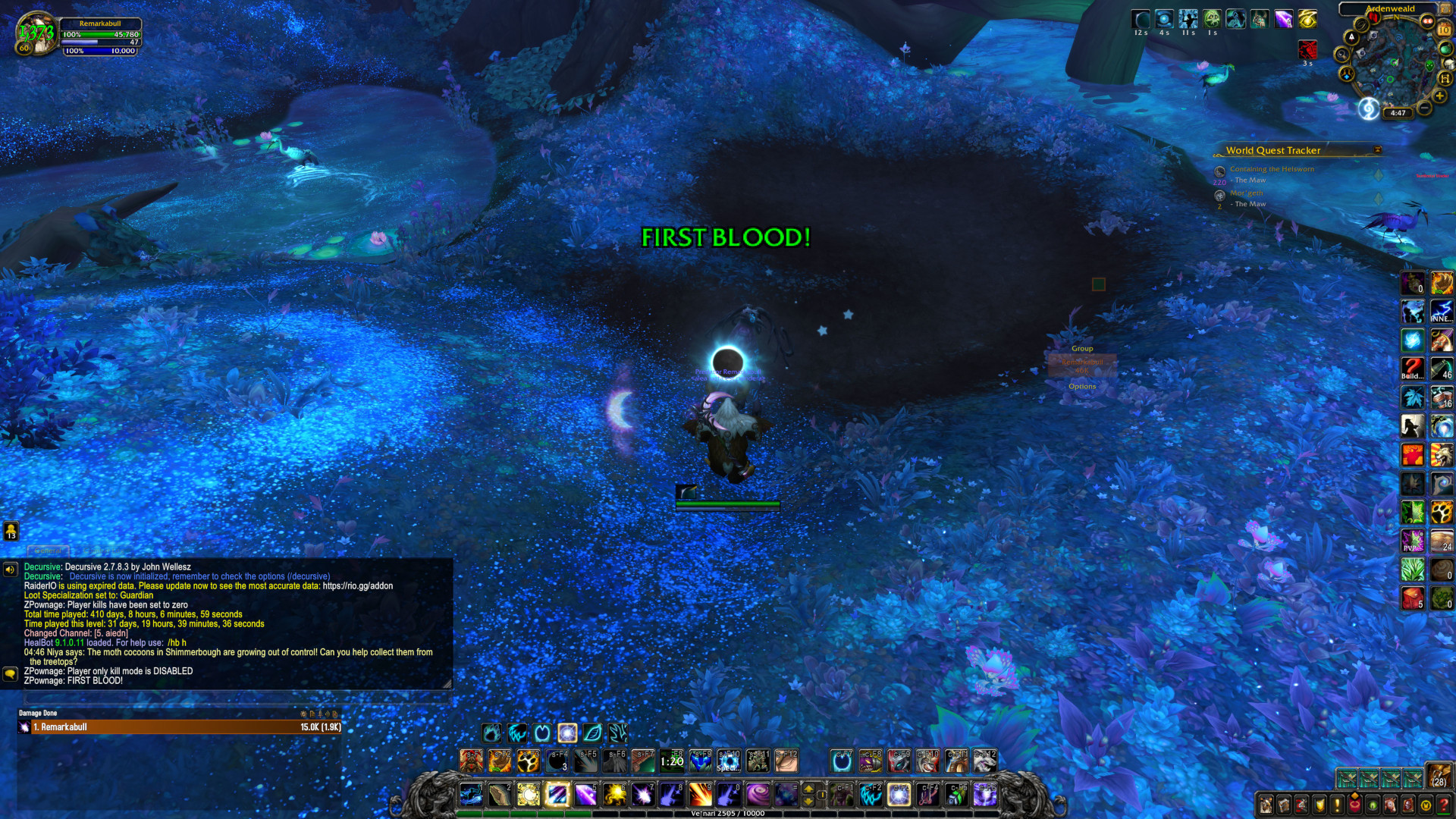
An example of the text displayed when you get the First Blood achievement.
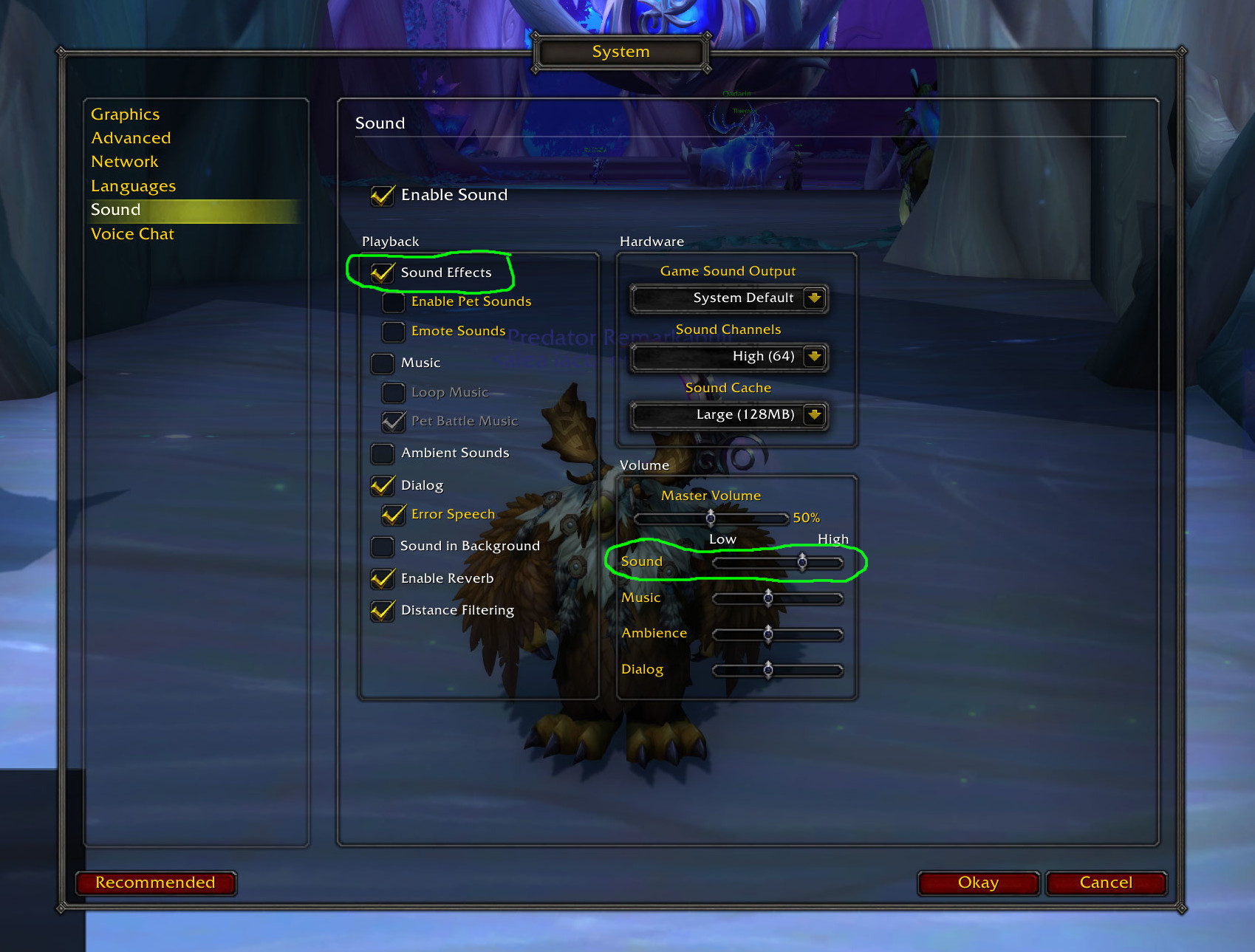
A screenshot of WOW audio setting necessary for successful audio playback of the kill achievements.
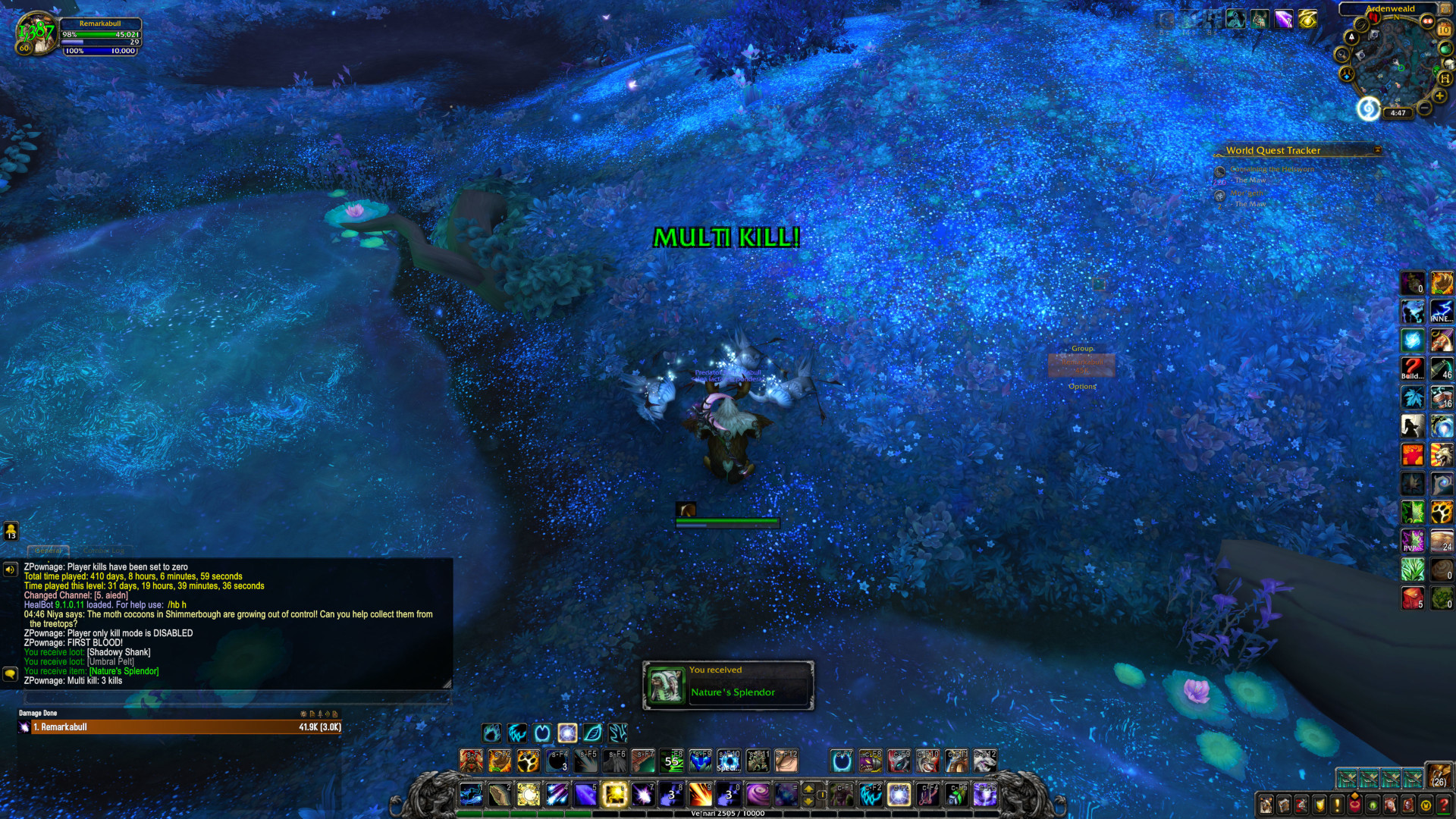
An example of the text displayed when you get a multi kill achievement.
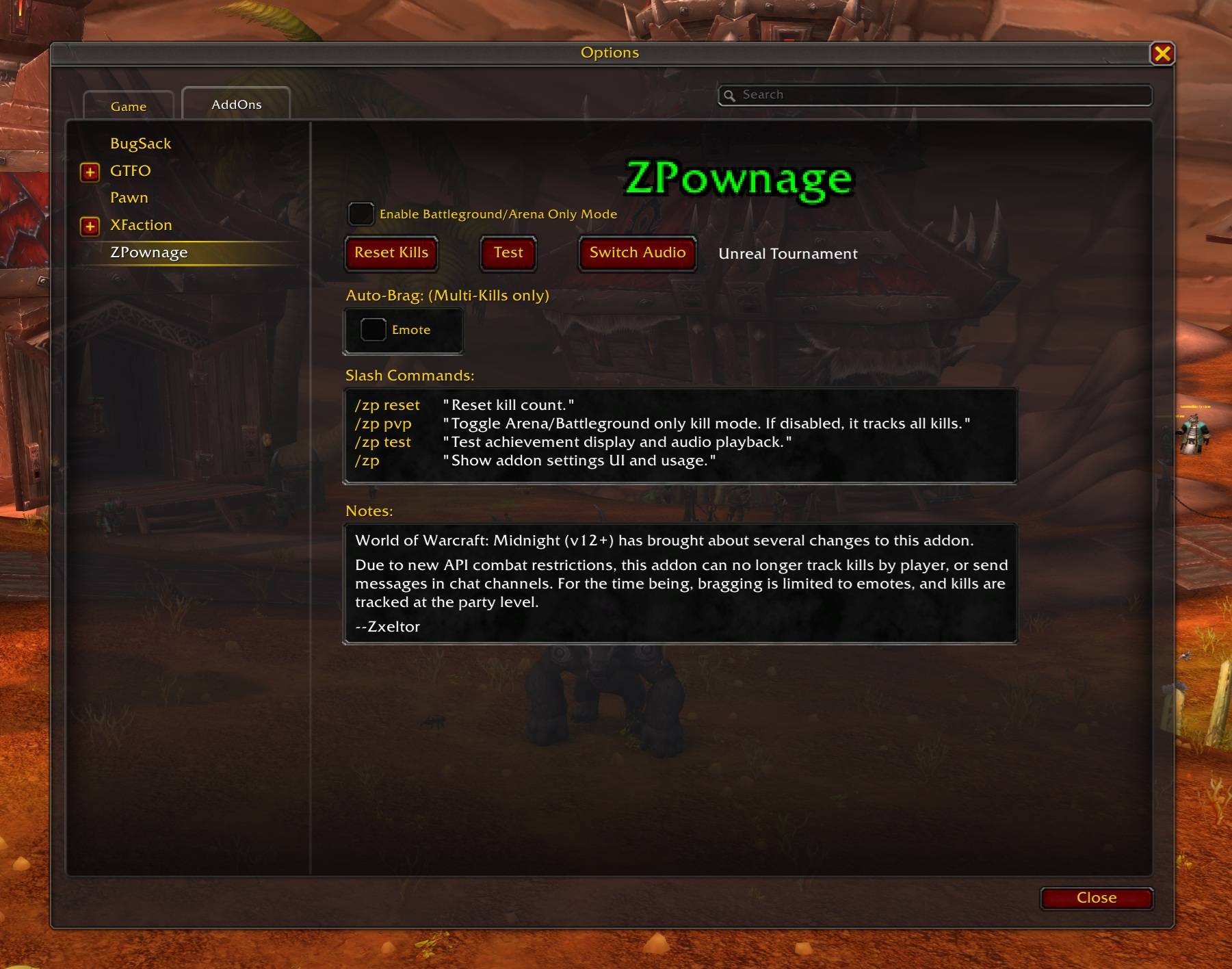
A screenshot of ZPownage settings in the WOW Interface/AddOn UI
Description
ZPownage

A World of Warcraft addon which tracks party kills, and awards the player with Unreal Tournament style achievements.
To report issues or make feature requests.
Overview
This addon tracks party kills, and awards the player with Unreal Tournament style achievements. Achievements for multi-kills and killing sprees are displayed to the user as a flash of text in the middle of the screen, along with audio playback of the Unreal Tournament Announcer.
Note: This addon is for fun only. This has no affect on your official in game statistics tracked by Blizzard.
Versions
- v2.0.0: Initial commit for WOW Midnight (v12.+). Midnight has brought about several changes to this addon. Due to new API combat restrictions, this addon can no longer track kills by player, or send messages in chat channels. For the time being, bragging is limited to emotes, and kills are tracked at the party level.
Details
The addon maintains a list of units attacked by the player while in combat. Each unit killed by the player while in combat is counted as a kill. When the player reaches certain consecutive kill achievements, a message is displayed to the screen, along with an audio file playback from the Unreal Tournament Announcer.
Your consecutive kill count is reset when you enter a new zone, or player death occurs. This puts you back at the bottom of the achievement list.
Note(s):
- If you attack a unit, then leave combat with the unit before they die, you won't get credit for the kill.
Kill Scoring
Killing Sprees
Awards for every 5th kill without dying
- Killing Spree - 5 kills
- Rampage - 10 kills
- Dominating - 15 kills
- Unstoppable - 20 kills
- Godlike - 25 kills
- Wicked Sick - 30+ kills
Multiple Kills
Awards for building up chains of kills in quick succession (4 seconds apart or less)
- Double Kill - 2 kills
- Multi Kill - 3 kills
- Mega Kill - 4 kills
- Ultra Kill - 5 kills
- Monster Kill - 6 kills
- Ludicrous Kill - 7 kills
- HOLY S**T - 8+ kills
Settings
The WOW Interface AddOn UI has a section for ZPownage settings.
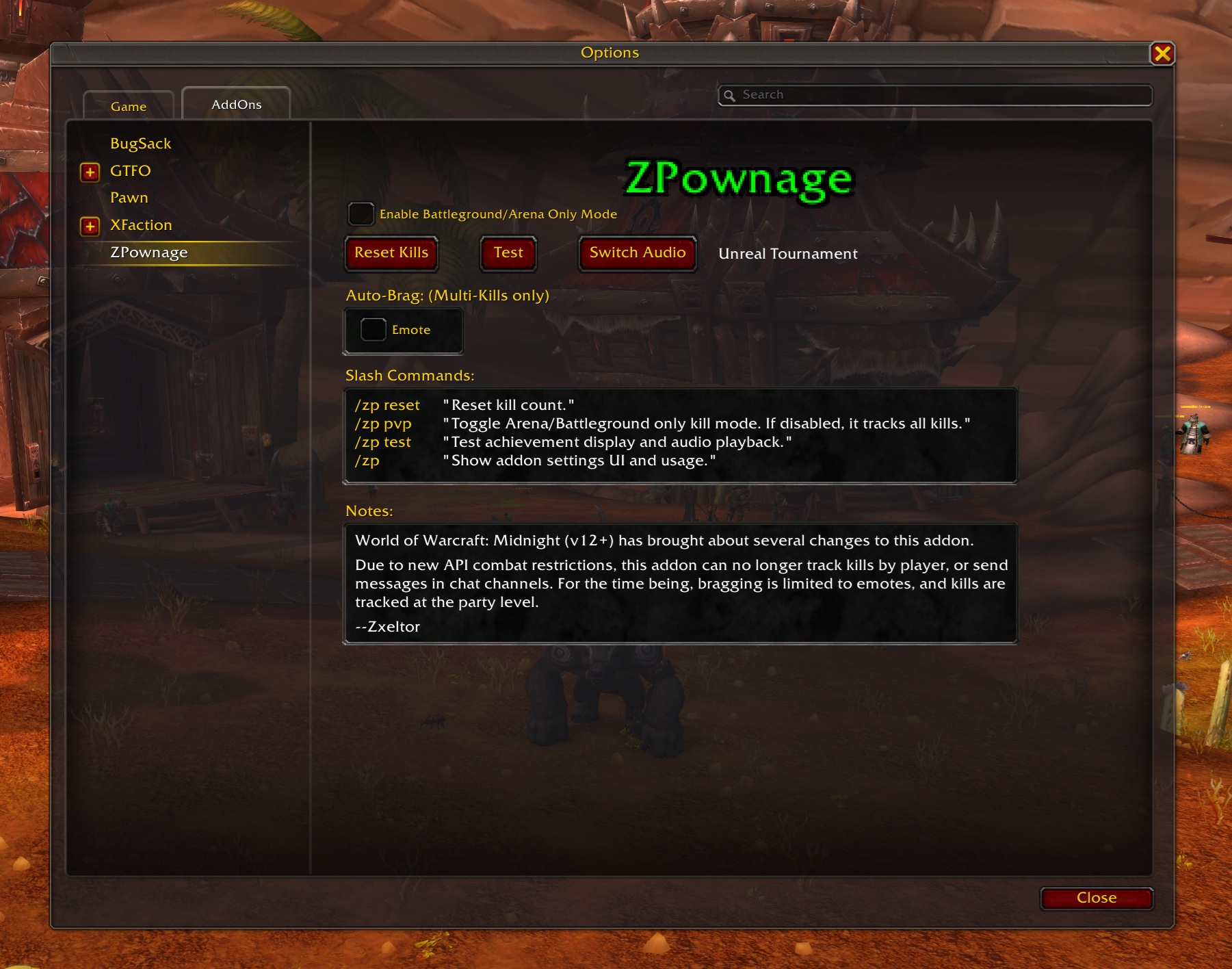
- Enable Arena/Battleground Only Kill Mode - You can set the addon to only track kills in arena or battlegrounds.
- Reset Kills - This resets consecutive kills and achievements.
- Test - Test the display and audio playback of a kill achievement.
- Switch Audio - This let's you switch between Unreal Tournament Announcer achievements and Duke Nukem one-liners.
- Brag Channels - You have the option of sending achievements using emotes.
- Slash Commands - Just displaying command options from the console.
Audio Playback
Audio playback occurs with each achievement notification. To hear the audio playback you need to have Sound Effects enabled in WOW Sound settings.
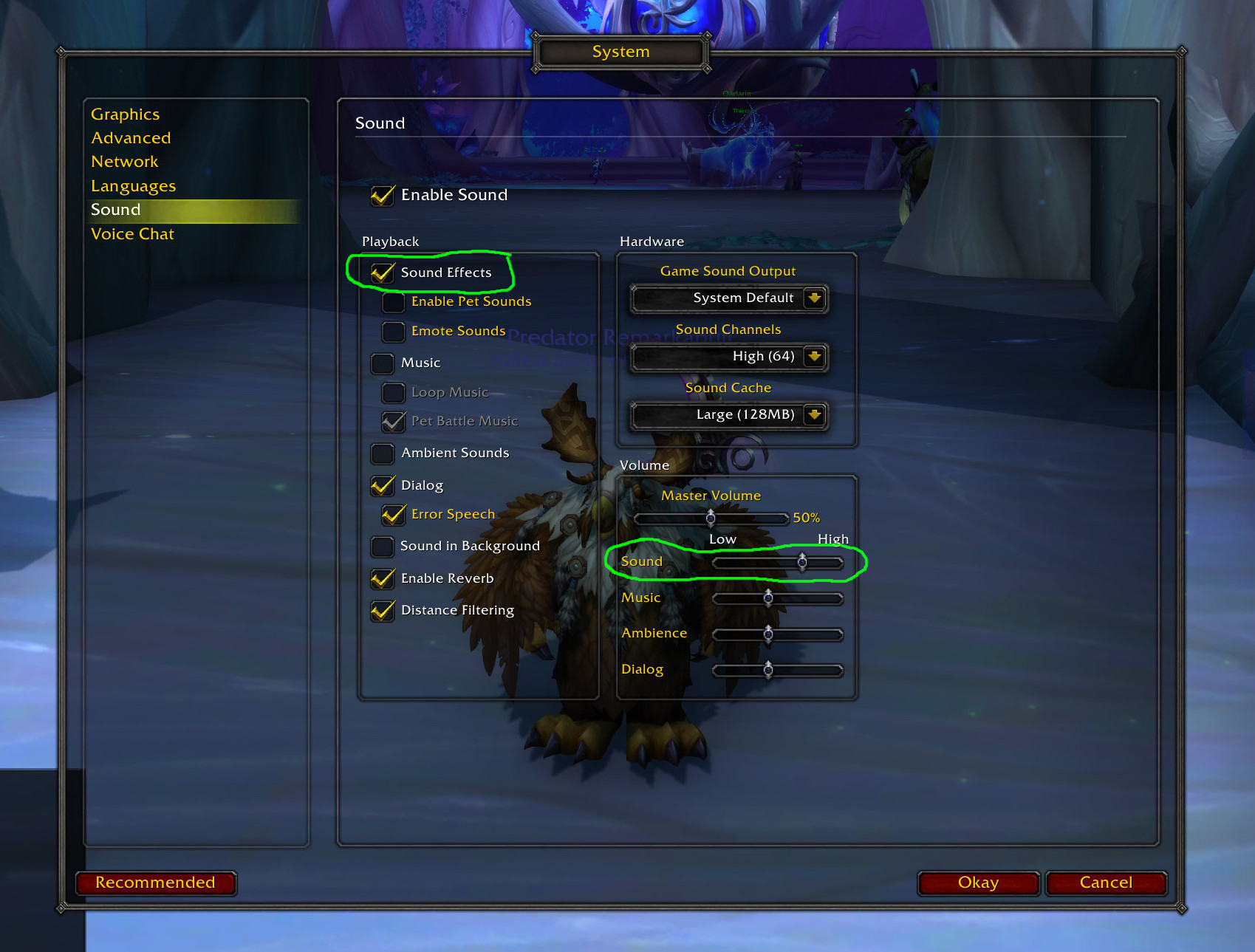
You can test audio playback by clicking the Test button in the ZPownage settings UI above, or by using the Slash Command: "/zp test"
Slash Commands
- /zp reset "Reset kill count."
- /zp pvp "Toggle Arena/Battleground ONLY kill mode."
- /zp test "Test achievement display and audio playback."
- /zp "Show addon settings UI and usage."
Installation
Manual Install
Place the folder "ZPownage" and it's contents inside your World of Warcraft addons folder. You'll need to restart World of Warcraft to see the the addon.
Curseforge via Overwolf
ZPownage Team
