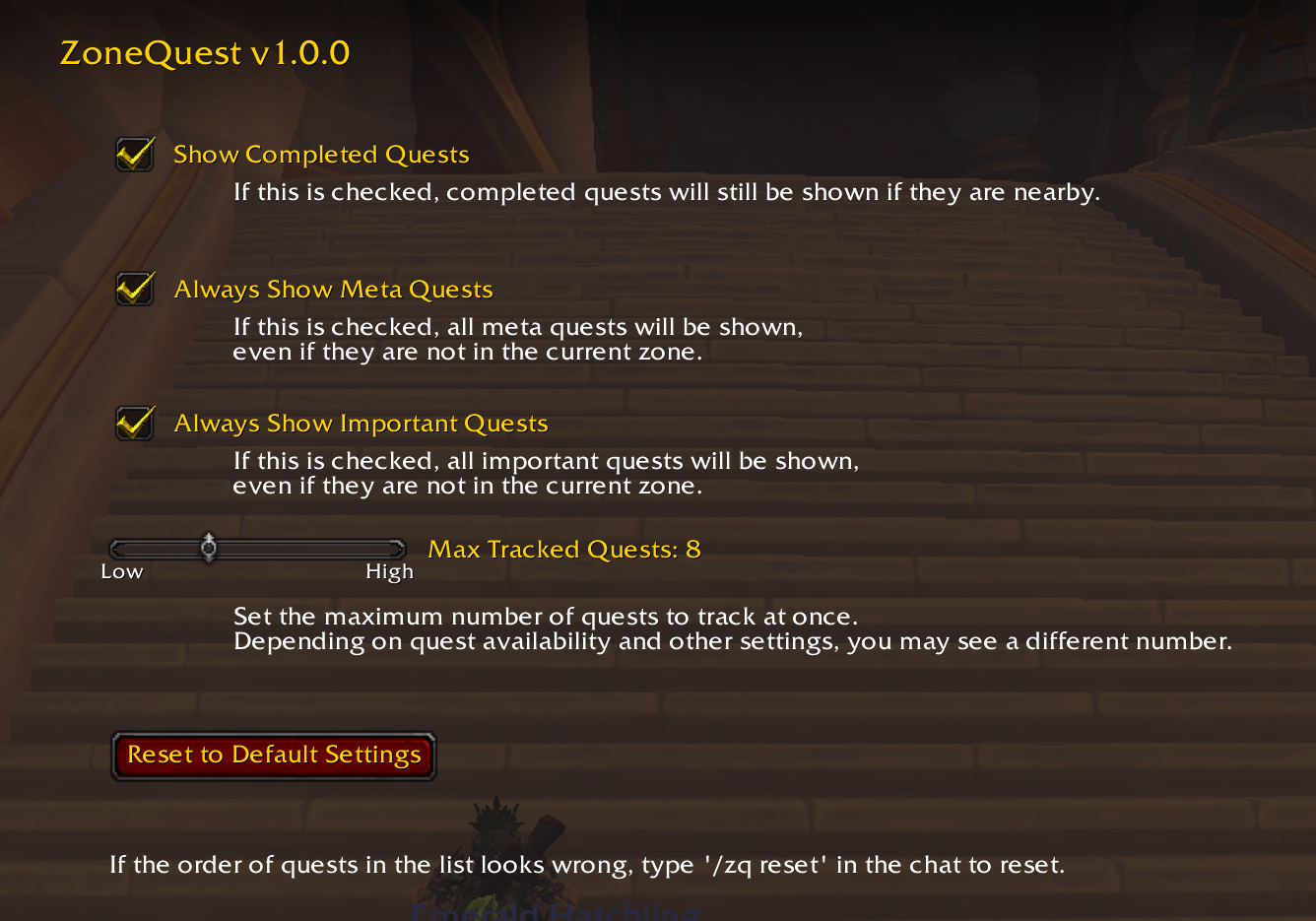
Get here via Game Menu > > Options > AddOns > ZoneQuest.
Description
Zone Quest
Add-on for World of Warcraft
Available from CurseForge.
Zone Quest
Add-on for World of Warcraft
Zone Quest provides a way to track and manage your quests more efficiently.
Primarily, it adjusts the lists of tracked quests, so your tracking log is not cluttered with quests from all over the world. It also selects the most recently acquired quest, or the closest quest or the quest that you just did something for.
Meta, important and completed quests are shown all the time by default. Other quests are shown in order of closeness to your current location, but only if they are in the same map as you.
Usage
Use Game Menu > Options > AddOns > ZoneQuest to configure the options.
- Show Completed Quests - if this is on, all completed quests will be shown in the quest log, even if they are not in the current zone or close to you.
- Always Show Meta Quests - this will keep all meta quests in the track list, even if they are on a different map.
- Always Show Important Quests - this will keep all important quests in the track list, even if they are on a different map.
- Max Tracked Quests - this limits the number of quests that will be tracked at once. If there are more quests available than the limit, the closest ones will be tracked.
Manually tracked and untracked quests will stay tracked or untracked for the current session, unless you complete or do any part of them.
Slash Commands
- /zq - shows information and usage tips for the add-on.
- /zq reset - resets the order of quests in the quest log. This can be used if the order of quests looks wrong after a patch or if you have been using other add-ons that change the order of quests.
- /zq info - reports your total number of quests and the number of each type.
My Other WoW Add-ons
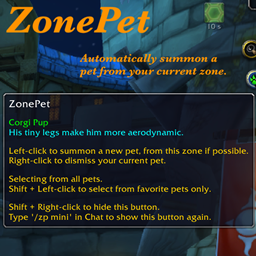
- ZonePet summons a companion pet from your current zone. Available from CurseForge.
- ZoneMount summons a mount from your current zone. Available from CurseForge.
Version History
- v 1.0.4: Updated for 12.1.0.
- v 1.0.3: If you manually track a quest, it will stay tracked in this session, unless you complete it.
- v 1.0.2: If you manually untrack a quest, it will stay untracked in this session, unless you do any part of it.
- v 1.0.1: Better management of new and selected quests. Use '/zq info' for a quest report.
- v 1.0.0: Initial release.
ZoneQuest Team

Owner