


ZoneMe
- By

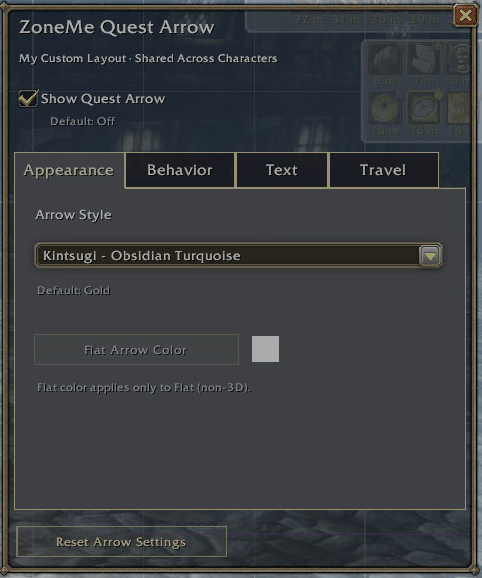
The optional Quest Arrow has Appearance, Behavior, Text and Travel tabs. Choose new Kintsugi materials, scale with the corner handle and save with the native HUD layout.
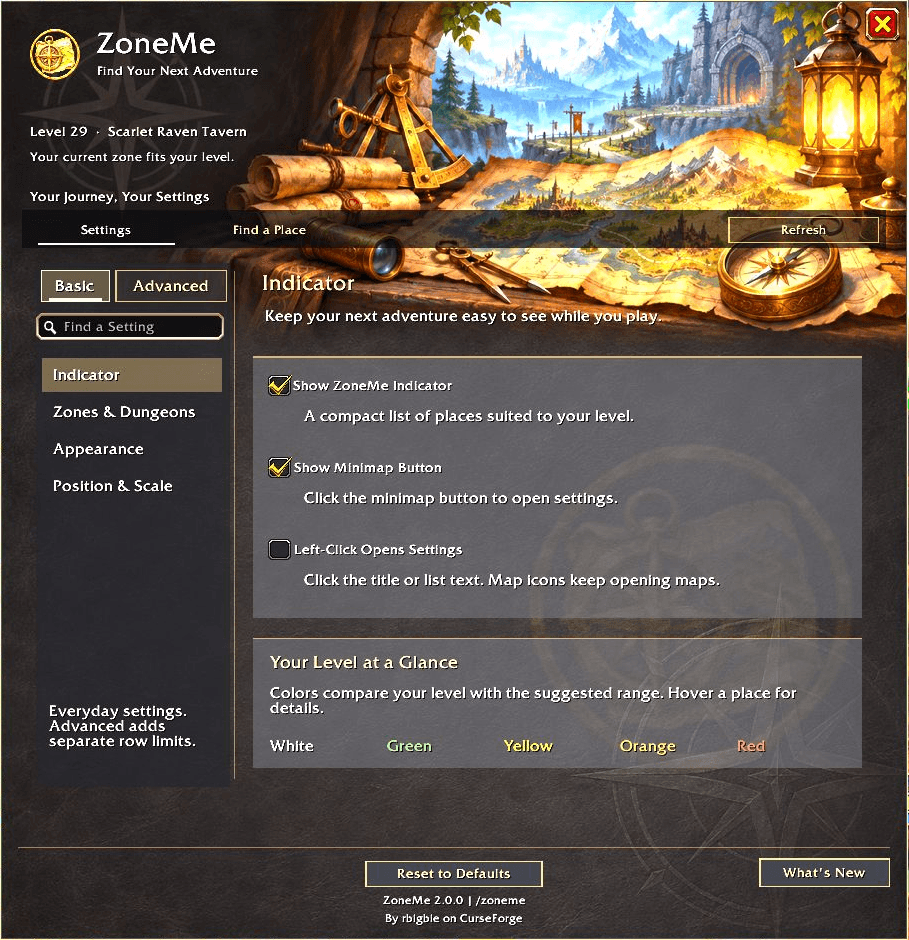
The redesigned Basic settings keep everyday controls together. Left-click settings access starts off.
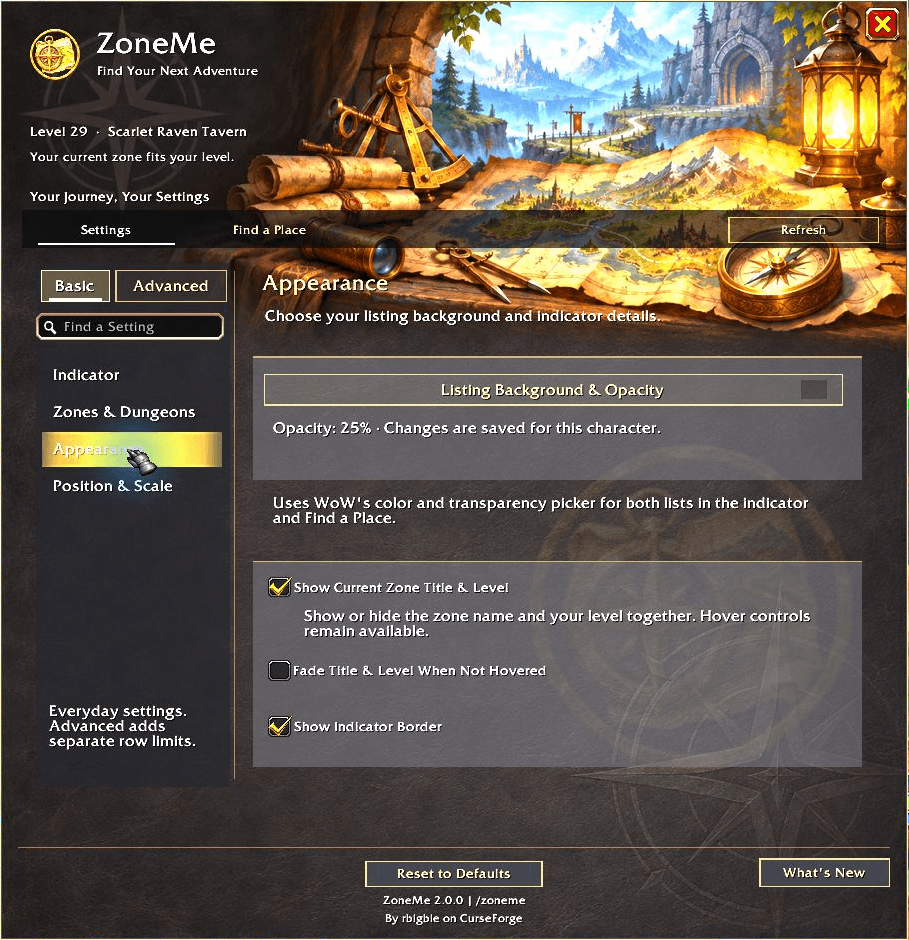
Save background color and opacity, show or hide the current zone title and level together, and choose a border or optional heading fading.
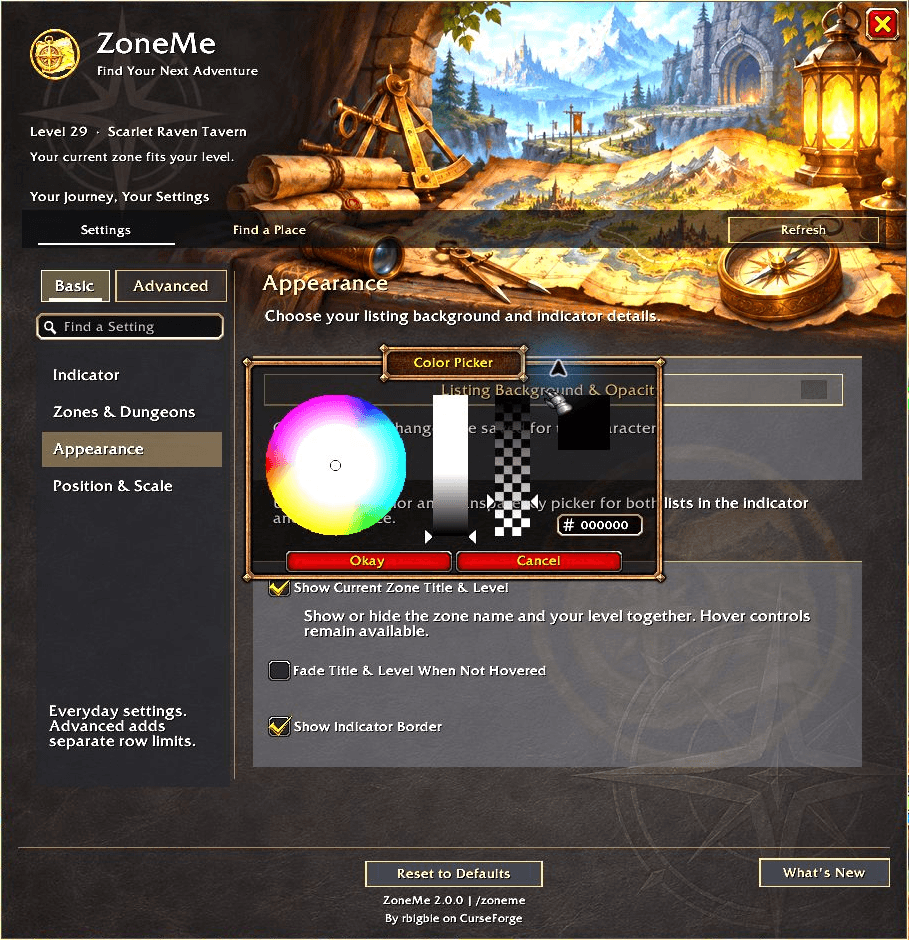
Use WoW's native color and opacity picker. Cancel restores your previous colors.
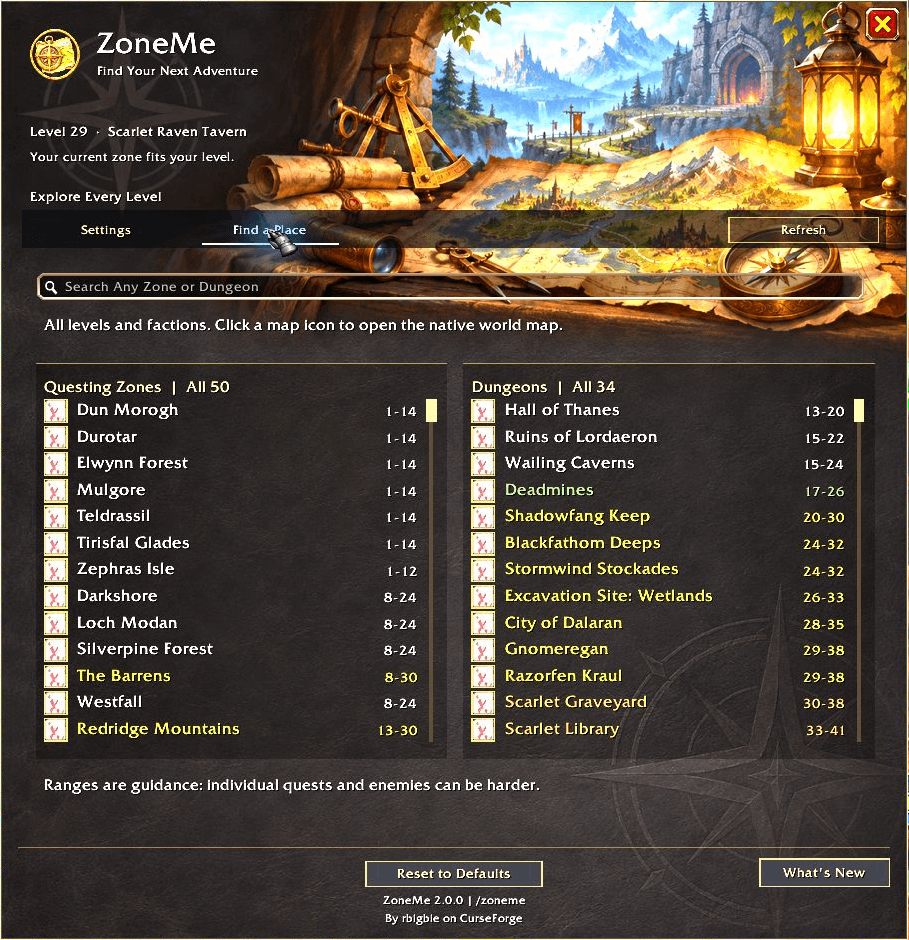
Browse separate scrolling zone and dungeon columns with level ranges, difficulty colors, search and native map buttons.
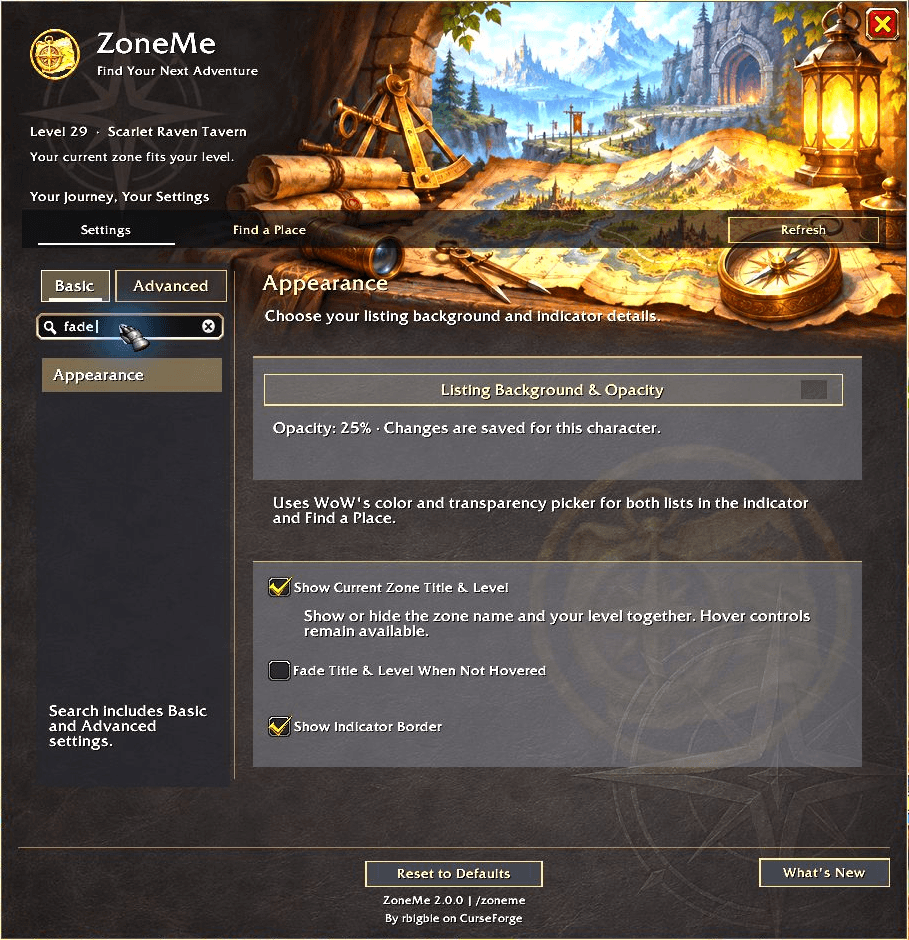
Search finds matching settings across Basic and Advanced without changing your saved view.
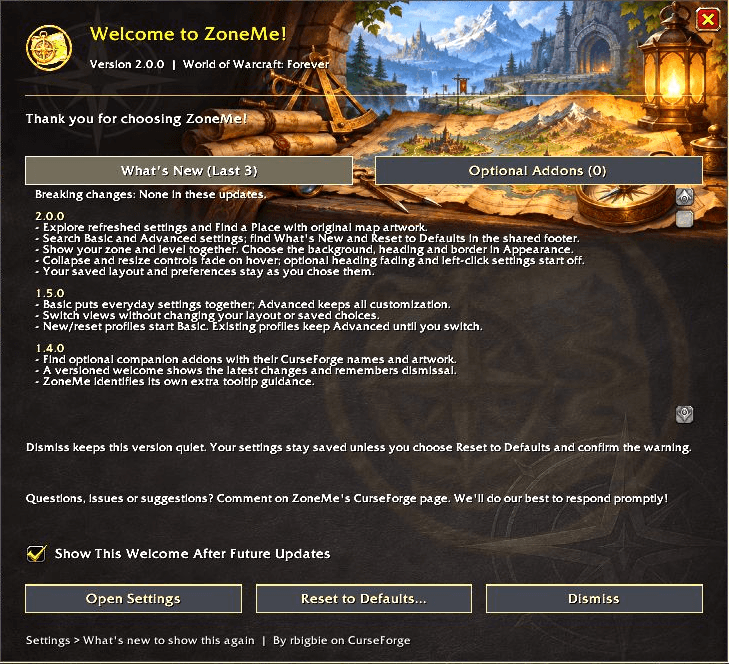
Original cartographer artwork, the last three update summaries, feedback information and optional companion addons.
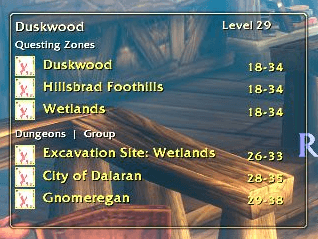
A small gameplay indicator shows your current zone and level with separate zone and dungeon recommendations. Hover to reveal its collapse and resize controls.