


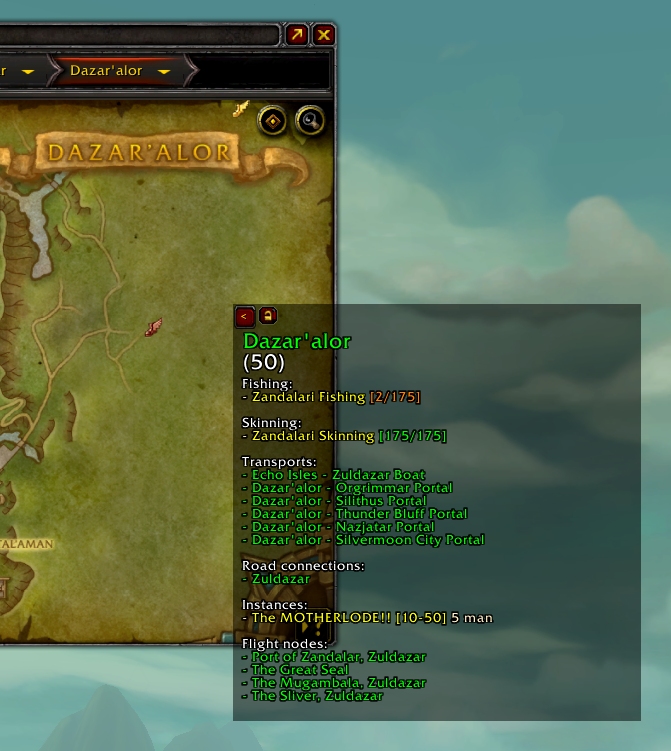
At the settings dialog in the Interface menu, the Zoneinfo panel can be attached from the World Map and moved around freely and locked in place anywhere.

Zoneinfo 2 can be configured through the game's Interface menu. Settings and position are saved per character and can be copied to other characters using the template buttons.
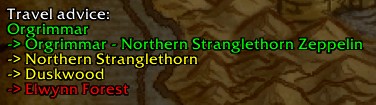
A travel advice tells you how to get to the displayed zone using road connections and transports.
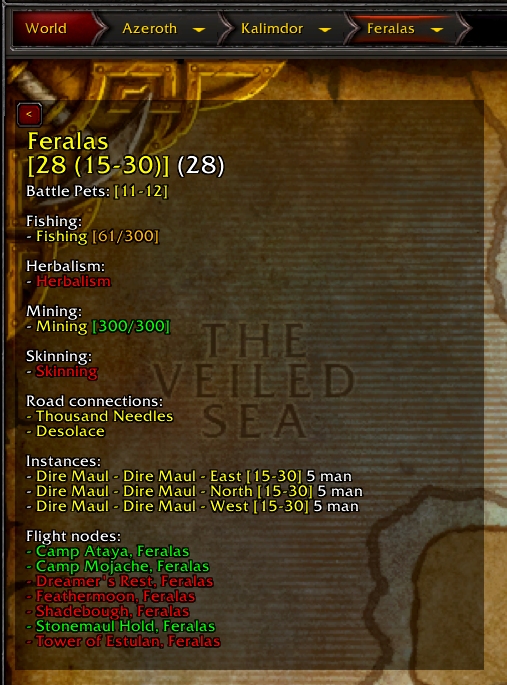
Sample for a level 28 Horde character, for a contested zone scaled to the characters level

Sample for a level 50 Alliance character, showing a friendly zone. The zone is scaled to the max level of its range (30).

The panel is click-through when it's not movable, but you can also minimize it to just this button

