


ZoneBars
- By
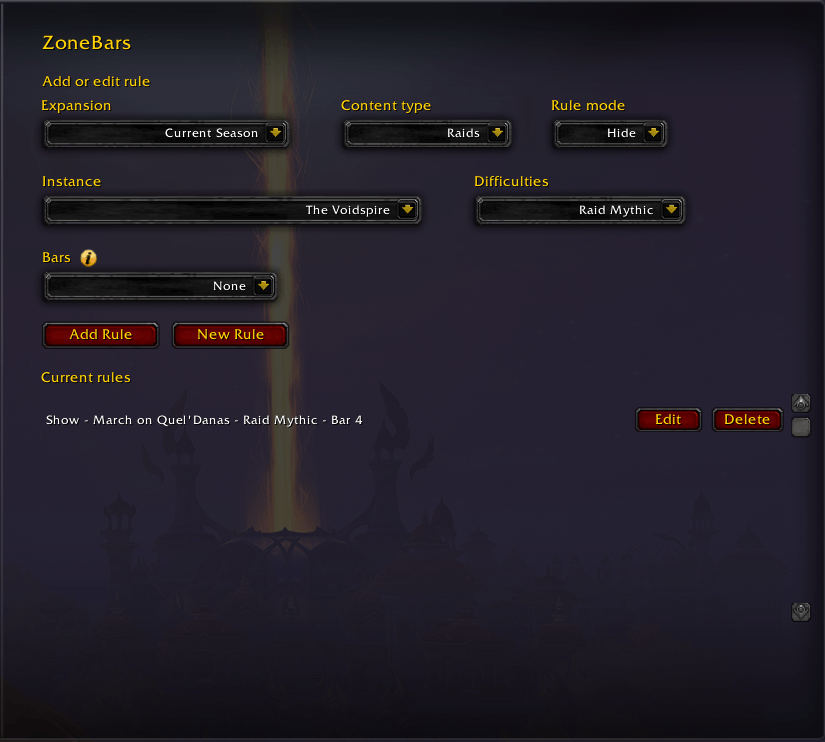
Main.png
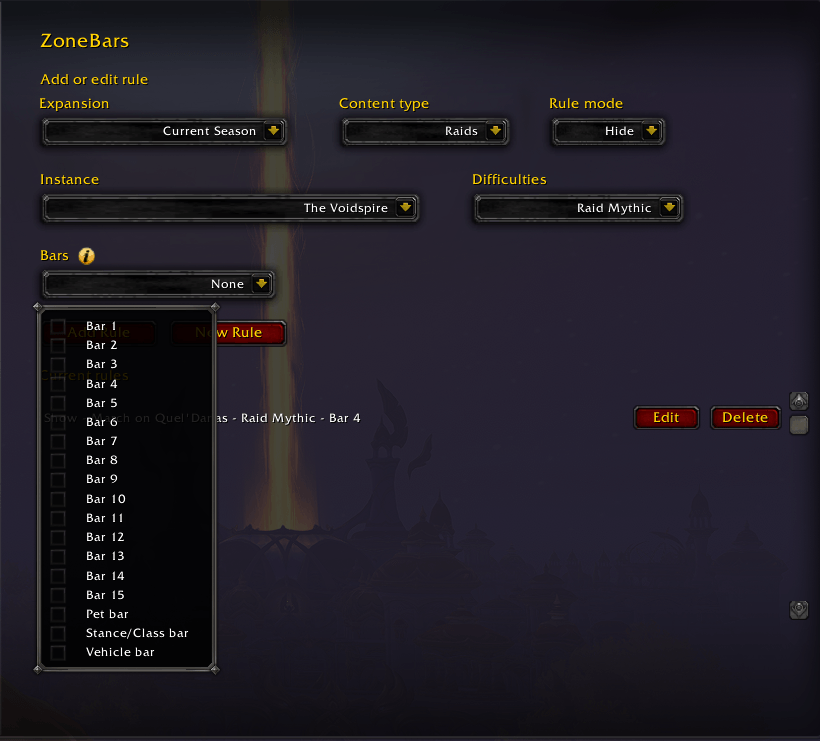
Bars.png
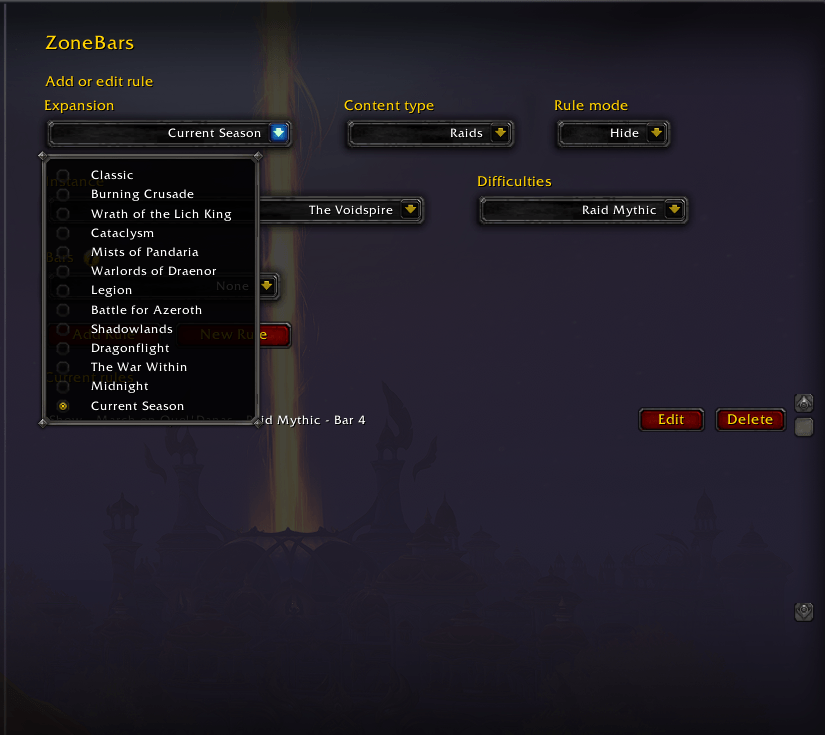
Expansion.png
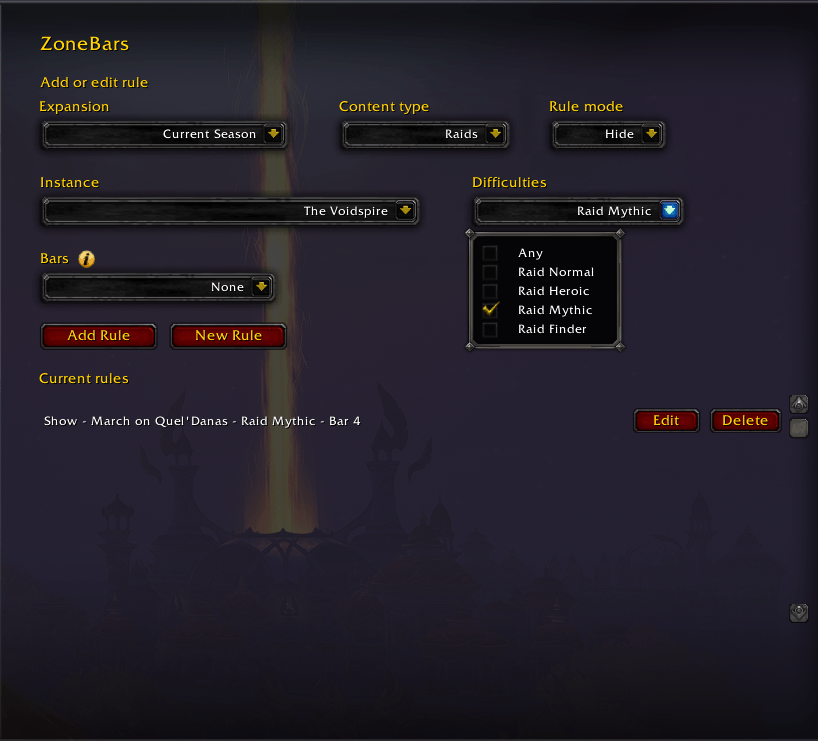
Difficulty.png
Edit.png
Description
ZoneBars is a World of Warcraft Retail addon that hides or shows selected action bars based on the dungeon or raid you are currently in. I created the addon to show my marking bar only on Mythic L'ura, but it can be used for any dungeon or raid in any difficulty.
It is designed for Retail WoW and targets the current client interface listed in ZoneBars/ZoneBars.toc.
The entire addon is fully vibe coded, and i made it entirely for myself, so don't count on it being perfect and use it at your own risk. Feel free to comment bugs, or fork it entirely to make it properly if you want.
Features
- Add multiple dungeon or raid rules.
- Choose
HideorShowbehavior per rule. - Select one or more difficulties from a compact multi-select dropdown.
- Select one or more bars from 1-15, Pet, Vehicle, Stance/Class.
- Edit or delete existing rules.
- Automatically loads dungeons and raids from the in-game Encounter Journal.
- Detects unknown dungeons/raids you enter and saves them under
Unknown. - Filters pseudo Encounter Journal entries that are not real zones.
- Supports Blizzard default action bars, Bartender4, Dominos, and ElvUI bar frame names. Write a comment if you want further support for other addon bars.
Install
Copy the ZoneBars folder into:
World of Warcraft/_retail_/Interface/AddOns/ZoneBars
Then restart WoW or run:
/reload
Usage
Open the options UI in game:
/zonebars
To add a rule:
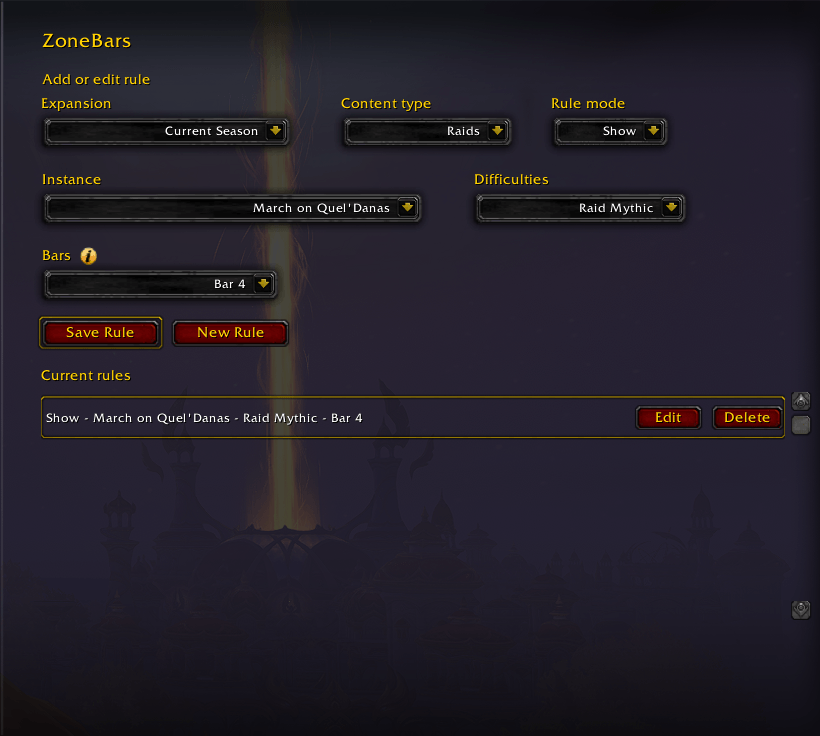
- Choose expansion, content type, rule mode, instance, difficulties, and bars.
- Click
Add Rule. - Use
EditorDeletein the current rules list to manage saved rules.
Rule modes:
Hide: hide selected bars only when the rule matches.Show: show selected bars only when the rule matches, hiding them elsewhere.
Notes
ZoneBars builds its dungeon and raid list dynamically from Blizzard's Encounter Journal APIs. Future instances should appear automatically when Blizzard exposes them through the client.
When an unknown dungeon or raid is detected, ZoneBars stores it in saved variables under the Unknown expansion so it can still be used in rules.
The ZoneBars Team
